Image to CAD Converter: Photo or Sketch to CAD Drawing
CAD Converter is an image to CAD converter: upload a photo or sketch of a part and AI draws a technical drawing with views, dimension lines and a title block. Trace any drawing to DXF or SVG for free in your browser. AI drawings use credits; tracing needs no sign-up.
- AI drawing from a photo
- Free DXF and SVG tracing
- Multi-view with dimensions
Drawing style
Sign in for AI drawings. Tracing to DXF is free.
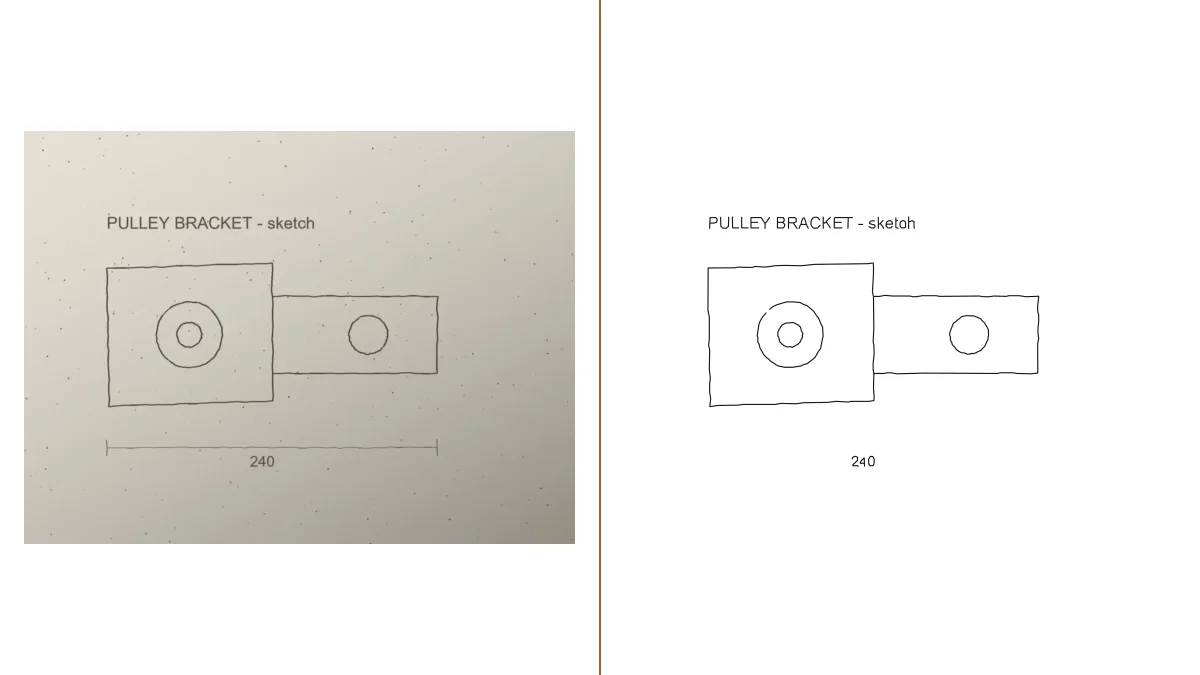
Photo or sketch to drawing
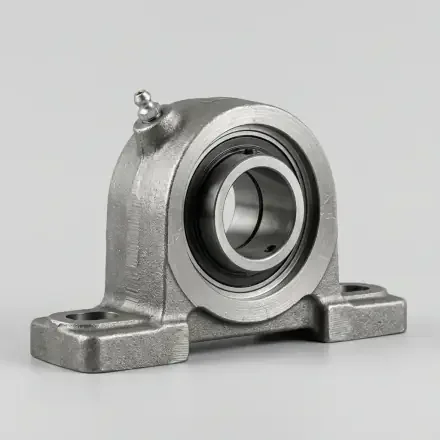
Your photo
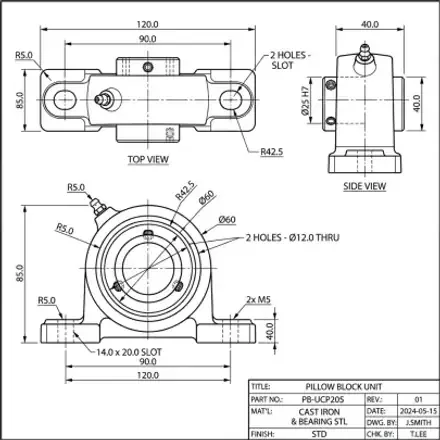
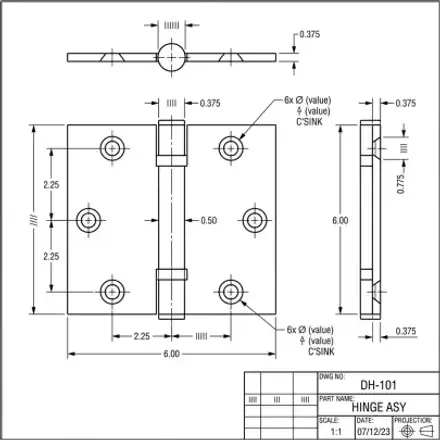
AI-generated example
Opens in the tools you already use
- AutoCAD
- Fusion 360
- SolidWorks
- LibreCAD
- FreeCAD
- LightBurn
- Inkscape
- Illustrator
Examples
Image to CAD for every kind of picture
From a phone photo of a part, or a drawing image, to a clean CAD sheet or an editable DXF.
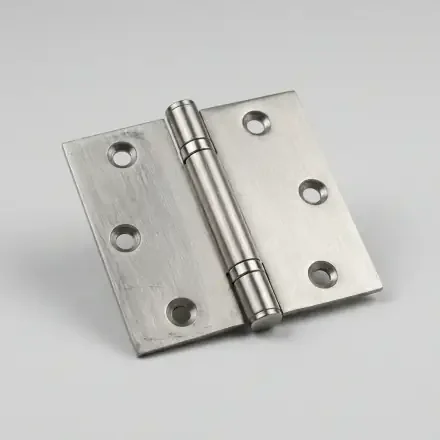
Your photo
Part photos
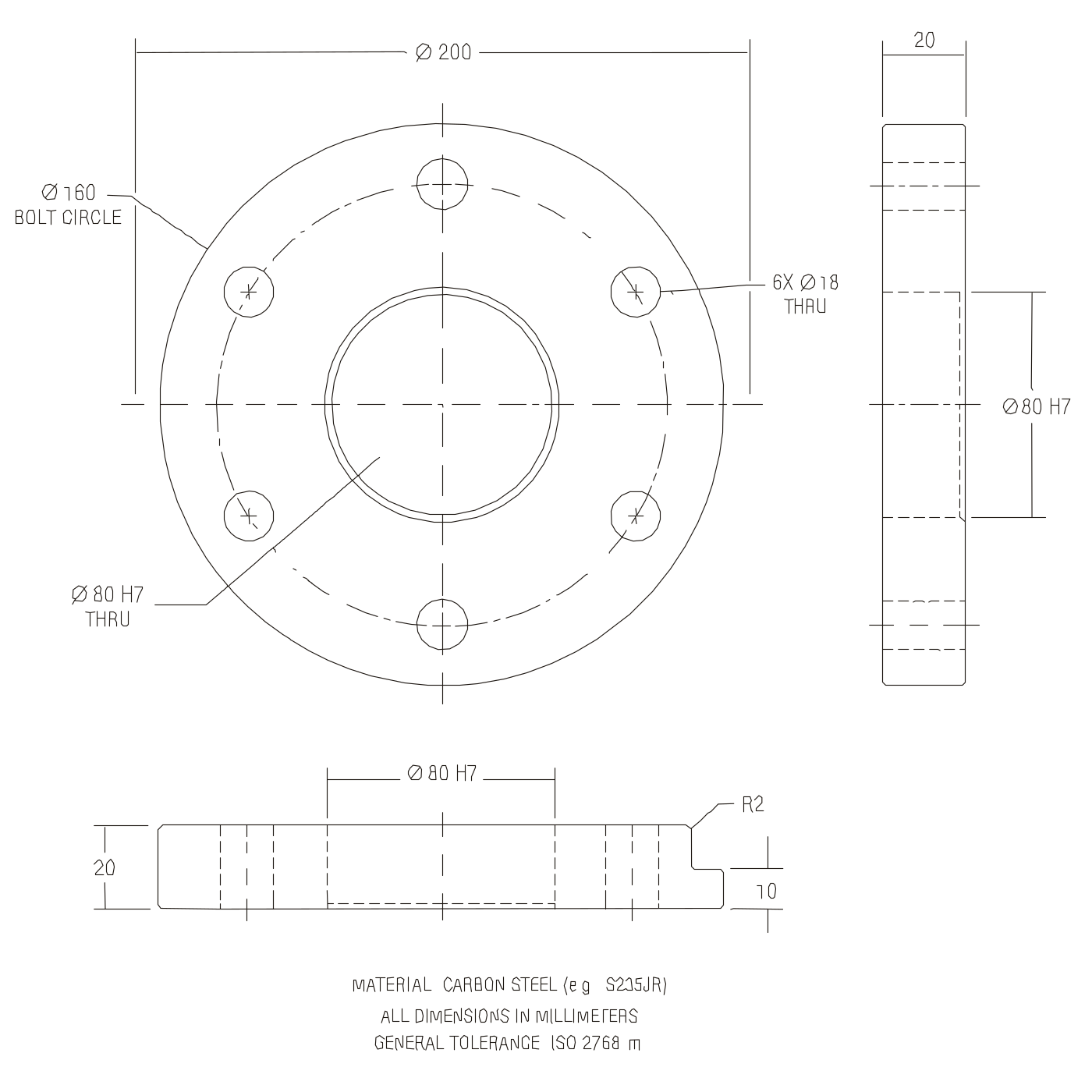
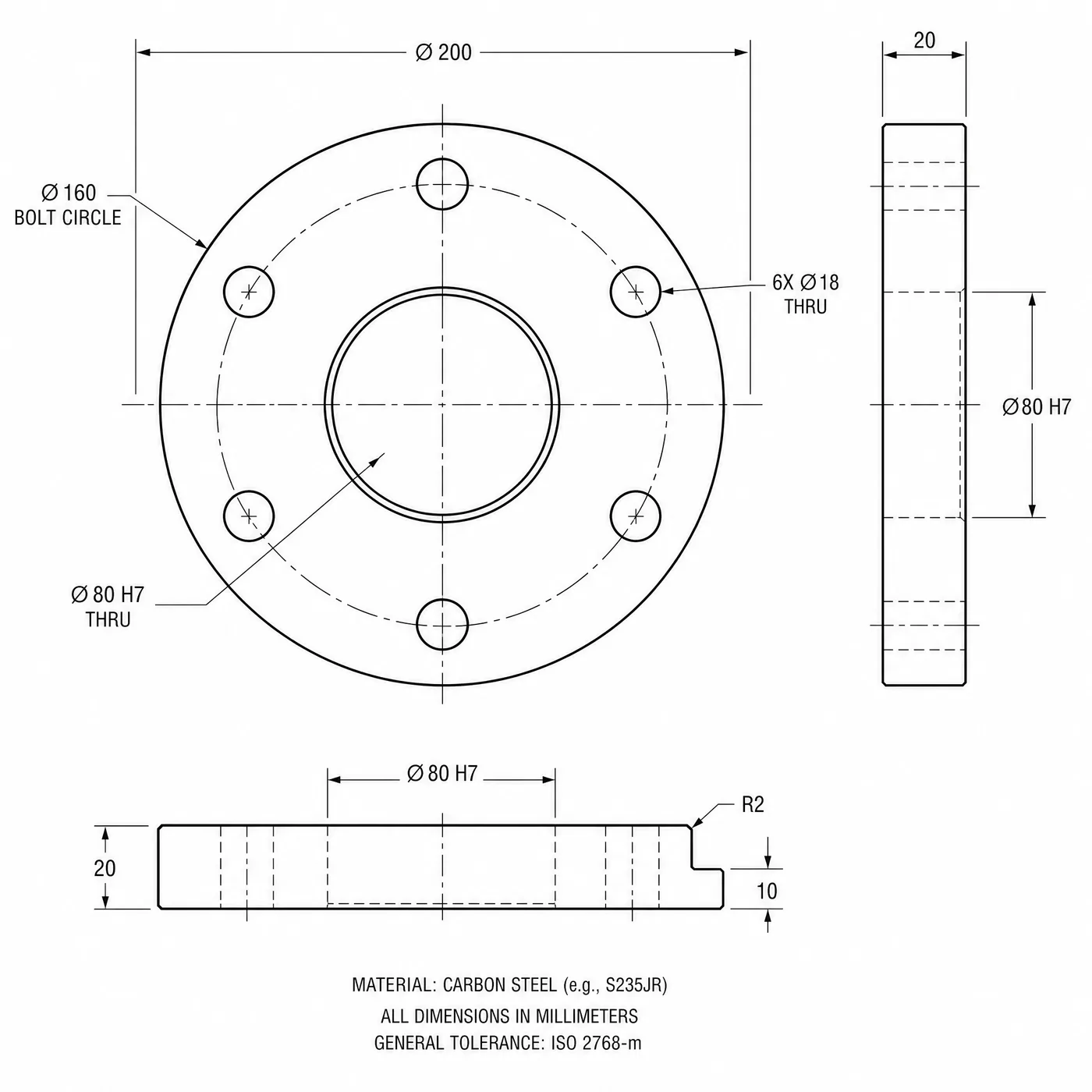
A part photo becomes a dimensioned drawing
Upload a clear photo of a part and AI drawing mode lays out the views with dimension lines and a title block. Dimensions are estimates read from the picture, so measure the real part before you make anything.
AI drawing mode · AI-generated example
Drawings to DXF
Any drawing image becomes an editable DXF
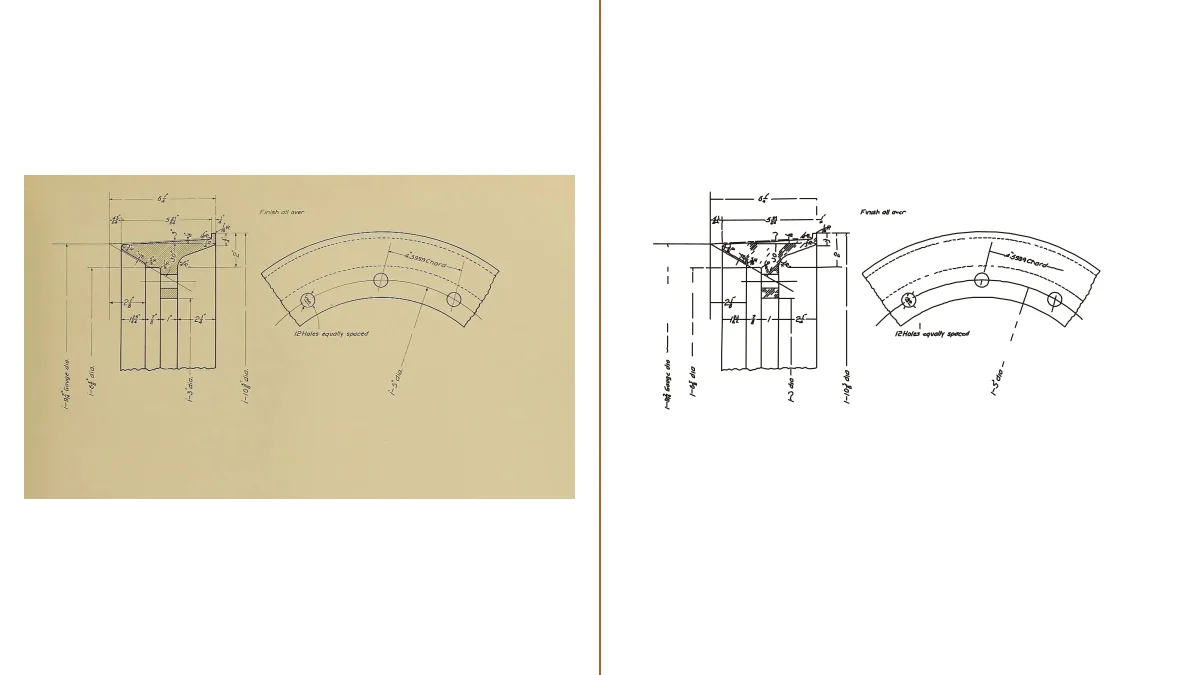
Have a PNG or JPG of a drawing, or an AI drawing from above? Trace it to an AutoCAD R12 DXF in your browser, free, with units and a layer name. For logos and icons, use PNG to DXF.
Centerline mode448 paths1,771 nodestraced in 170 ms
Watch it draft
From a rough sketch to a dimensioned drawing
AI-generated image to CAD examples, replayed. Pick a part and watch a pencil sketch turn into a clean CAD sheet.
Drafting01/05
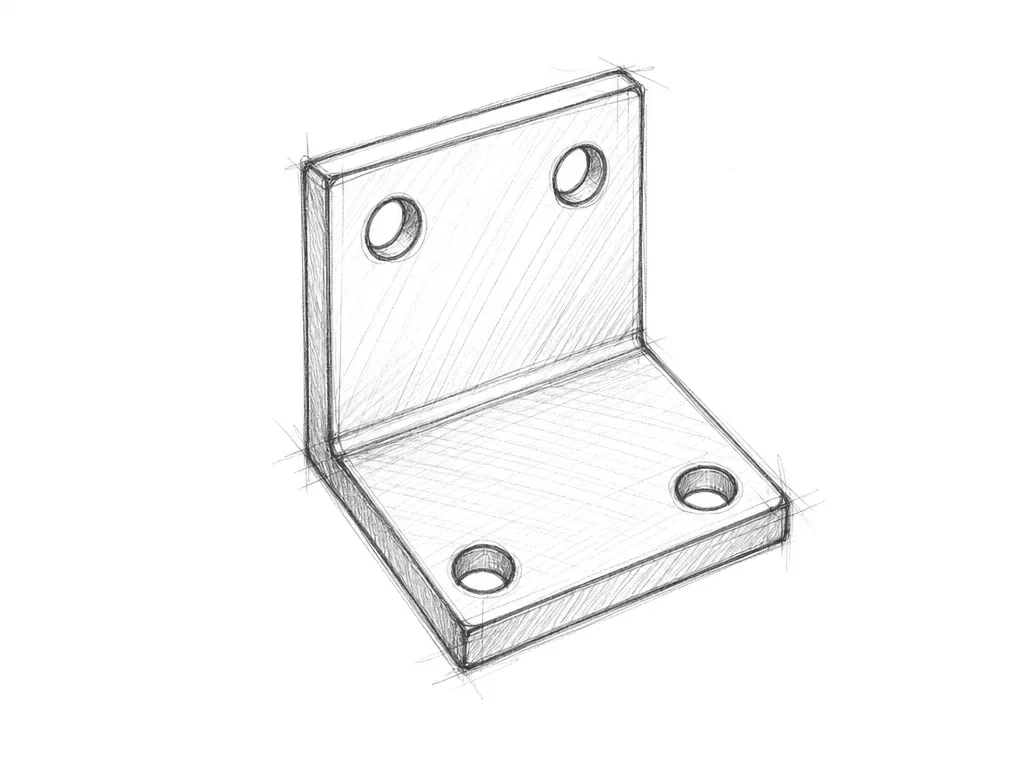
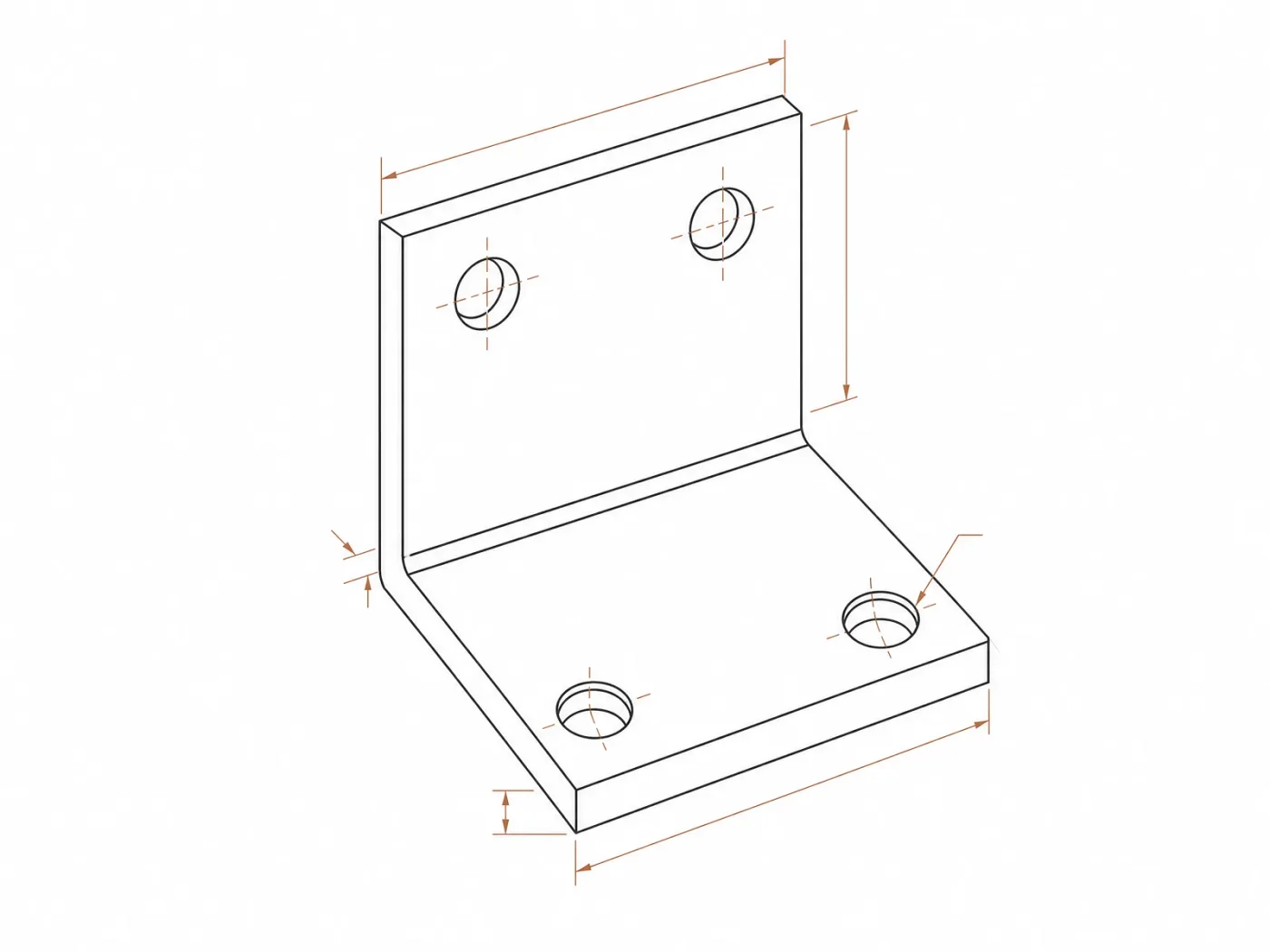
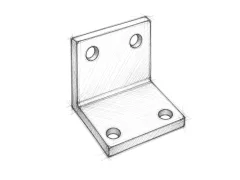
Part 01
Angle bracket
Features in this drawing
Drawing gallery
AI image to CAD drawings for every part
Real outputs of the drawing model, part by part. Open one to zoom into the linework, then use its style for your own image to CAD drawing.
Mounting bracket
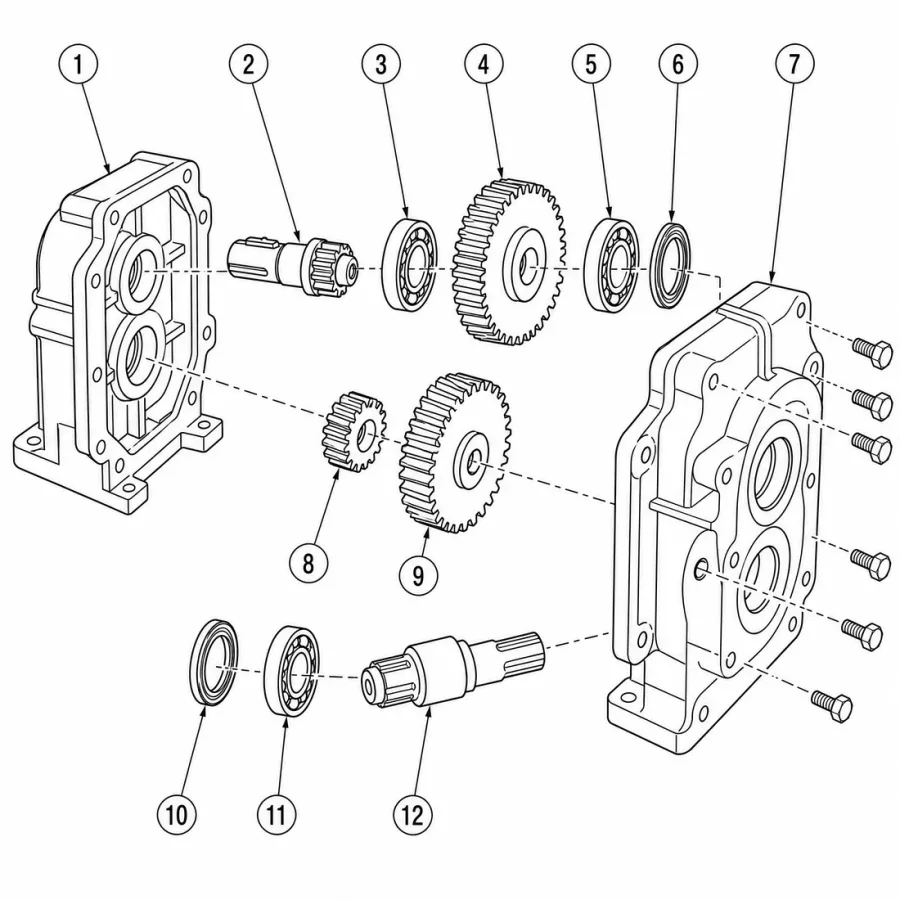
Gear reducer, exploded
Electronics enclosure
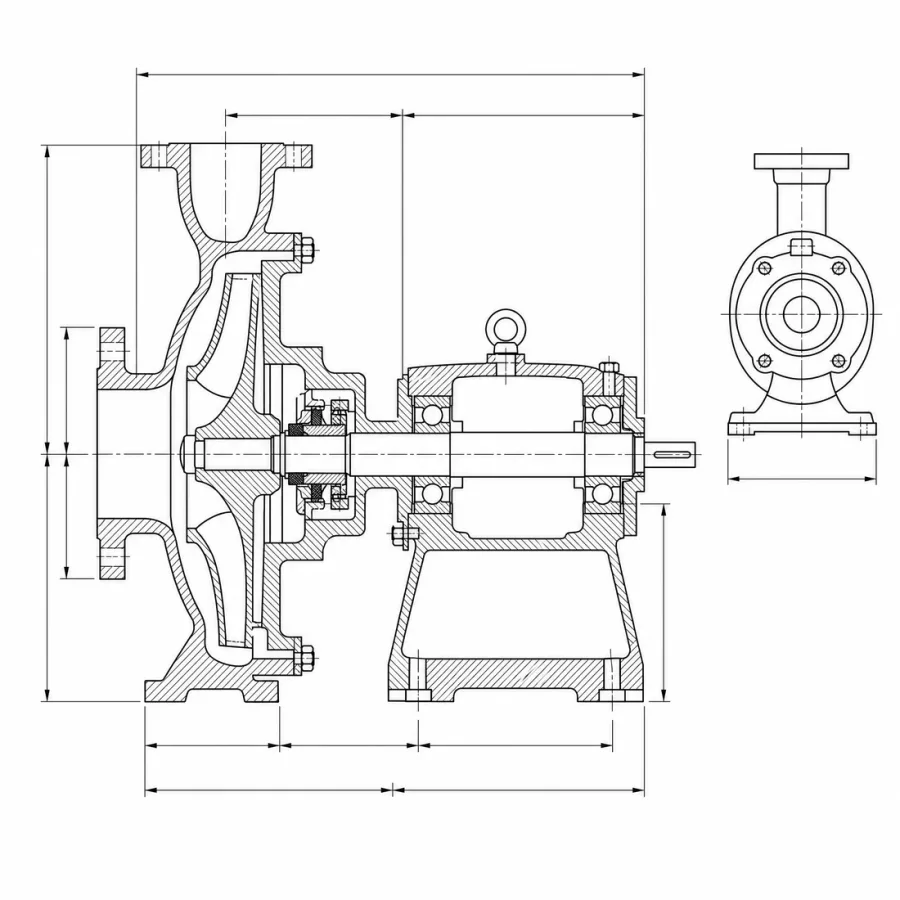
Centrifugal pump, section
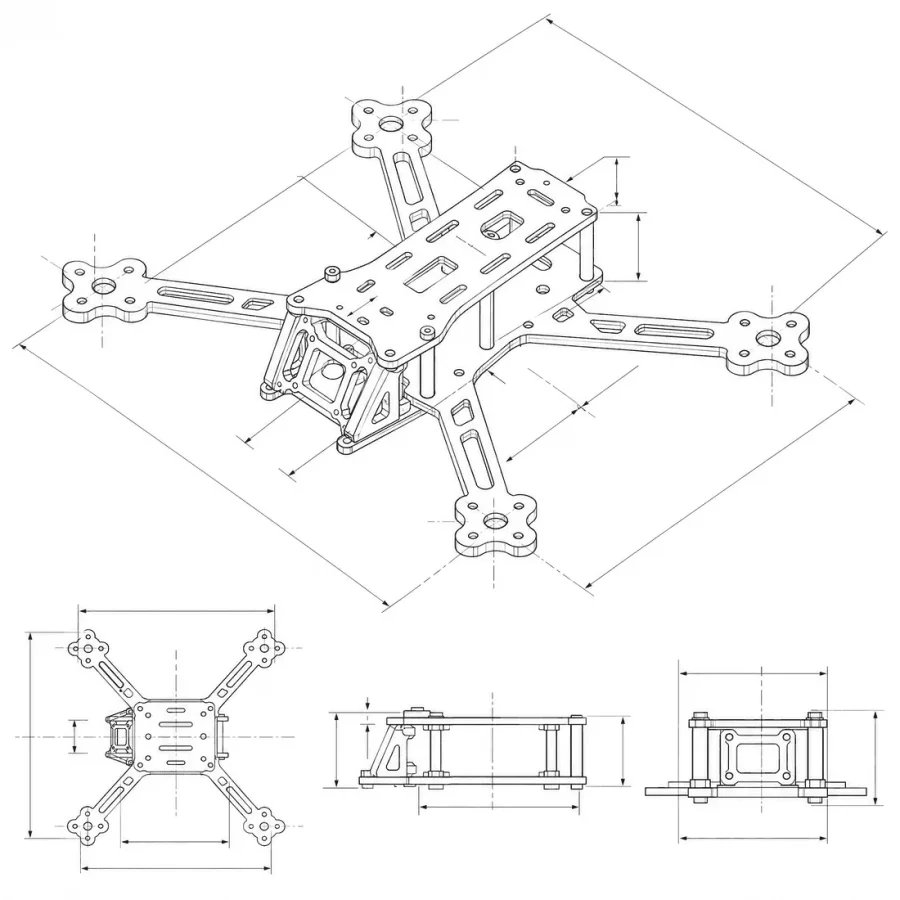
Drone frame
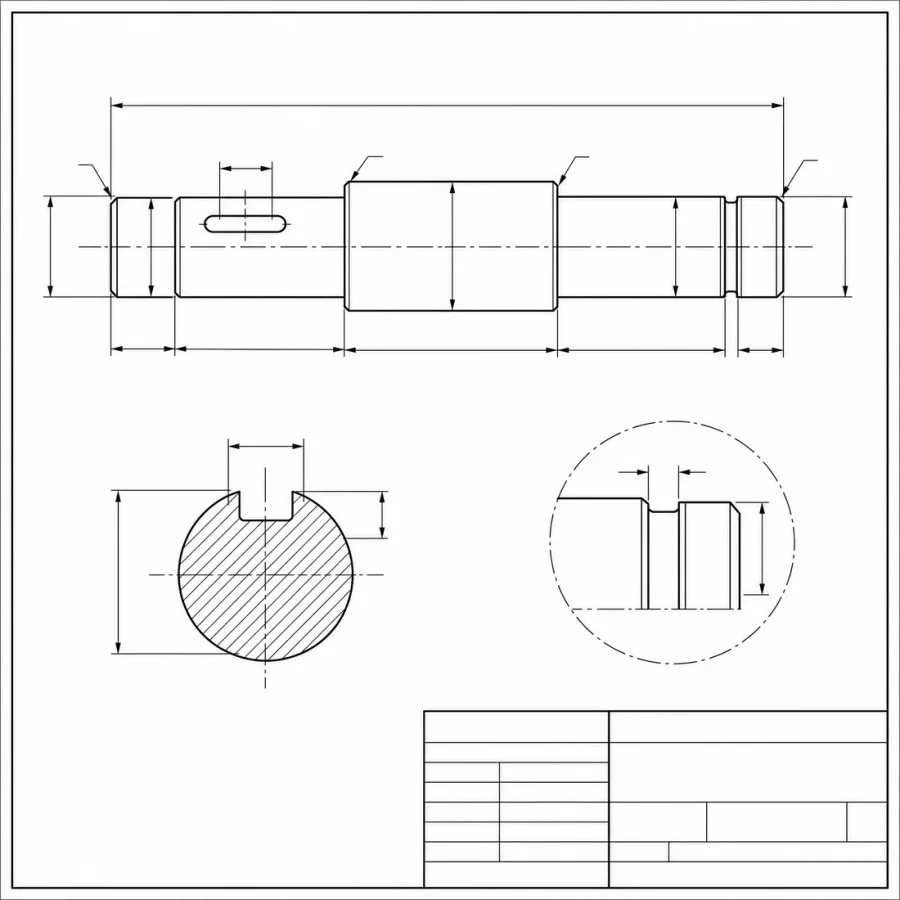
Drive shaft, full sheet
Spur gear with hub
Ball valve, section
Look closer
Zoom into a real image to CAD result
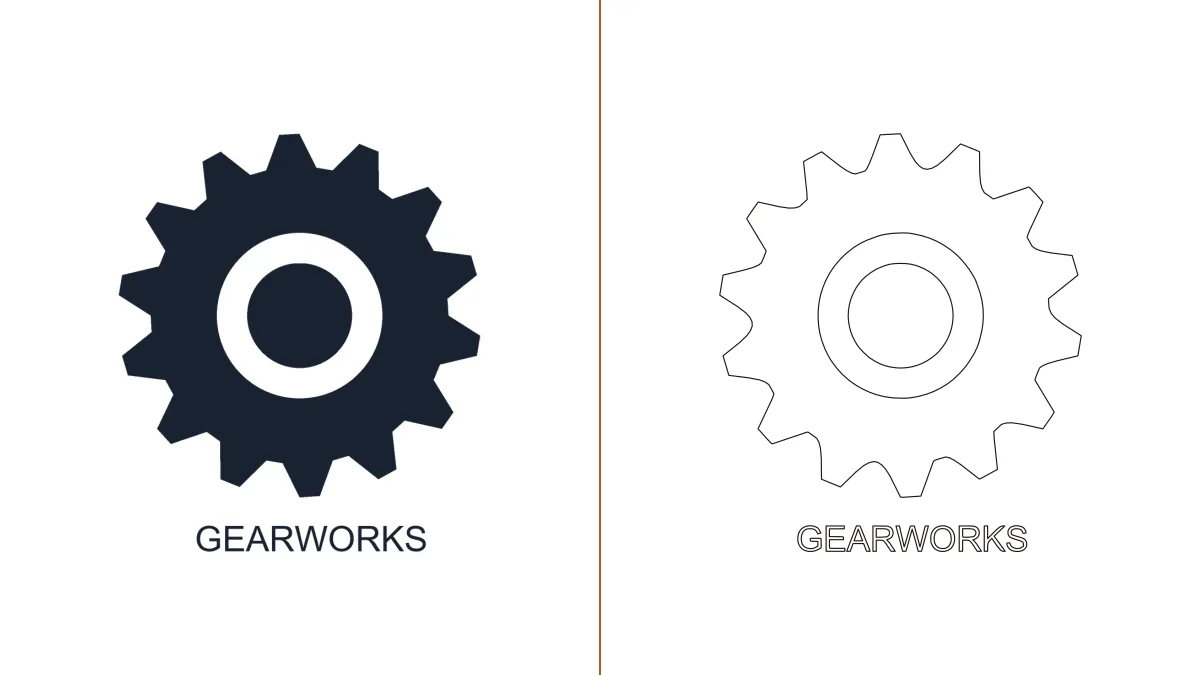
A gear drawing traced from raster to CAD two ways. Hover to compare pixels with vector lines.
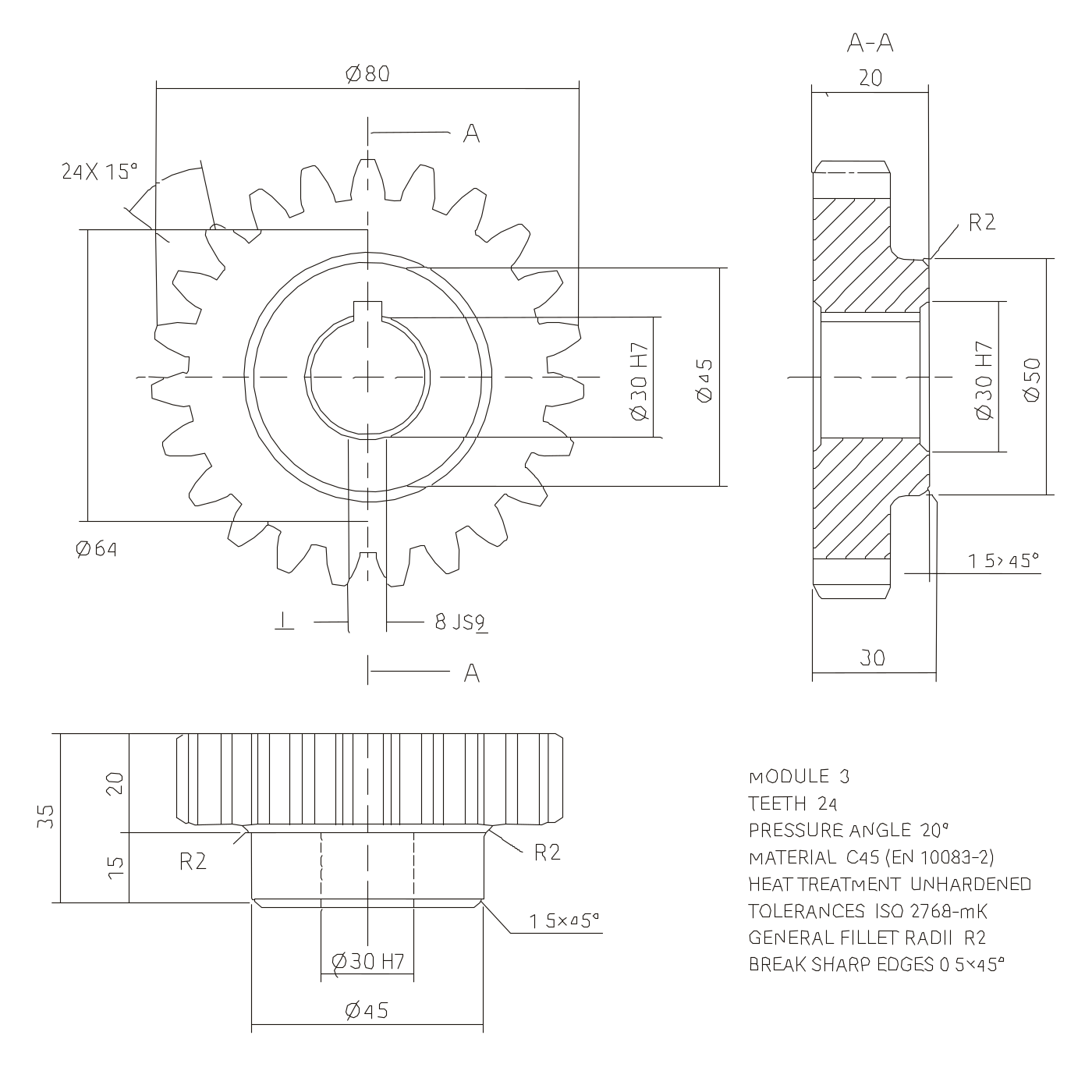 Hover to magnify
- Closed loops stay closed
- Holes kept as inner loops
- mm or inch units in the DXF
- Curves saved as fine polylines
Look closer
What to look for in a CAD drawing
Hover a letter or a line in the list. A good image to CAD drawing reads at a glance: views, dimensions, sections and a title block.
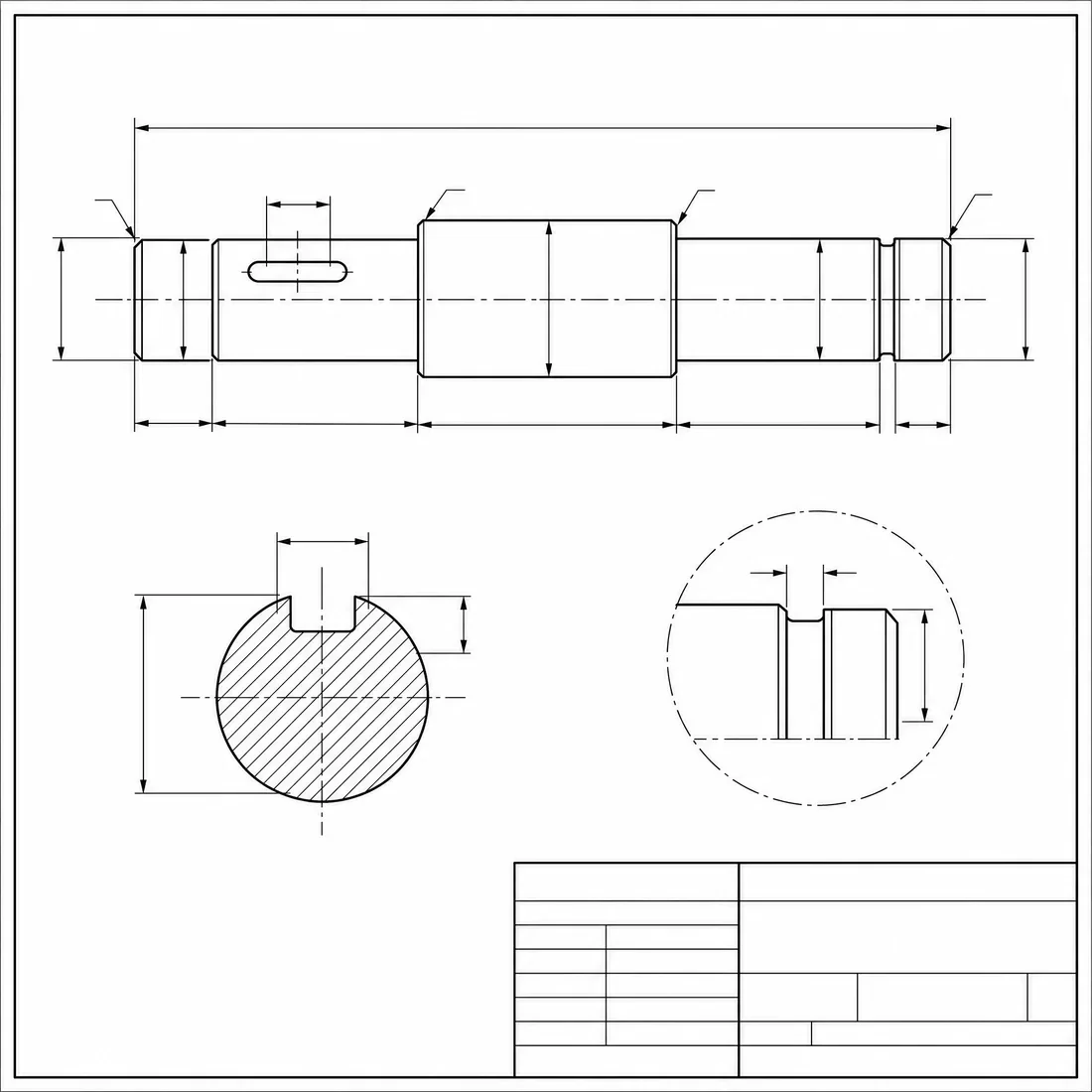
Stepped drive shaft
What to look for
AI drawings lay out dimension lines; any numbers on them are illustrative. Check real sizes before you make the part.
Use cases
Image to CAD for every workflow
From a quick concept to a figure in your docs: one photo or sketch, one image to CAD drawing you can share.
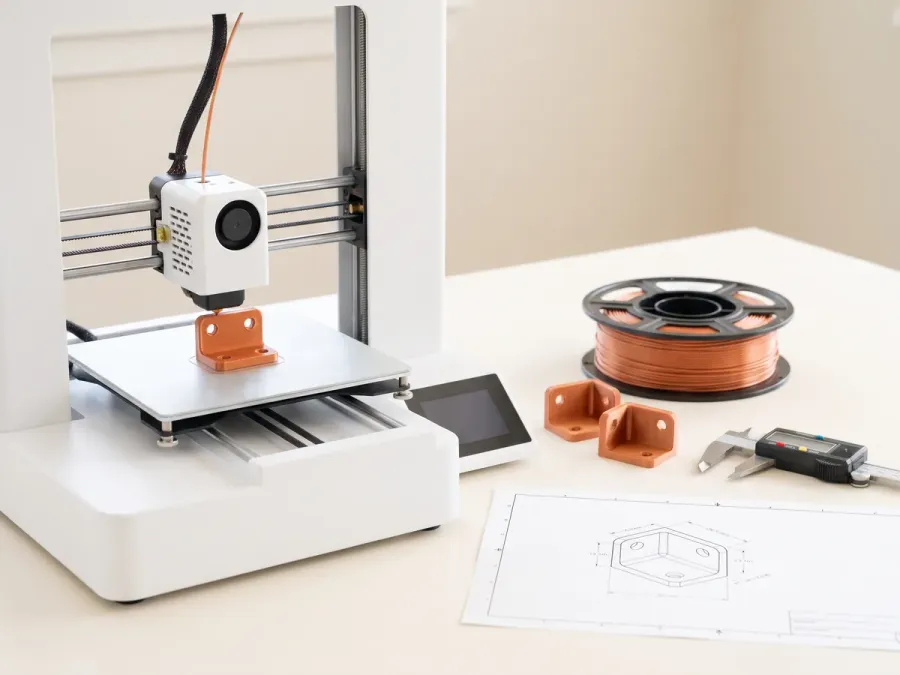 Makers
3D printing
Draw the part before you model it, so sizes and holes are agreed before the first print.
Start drawing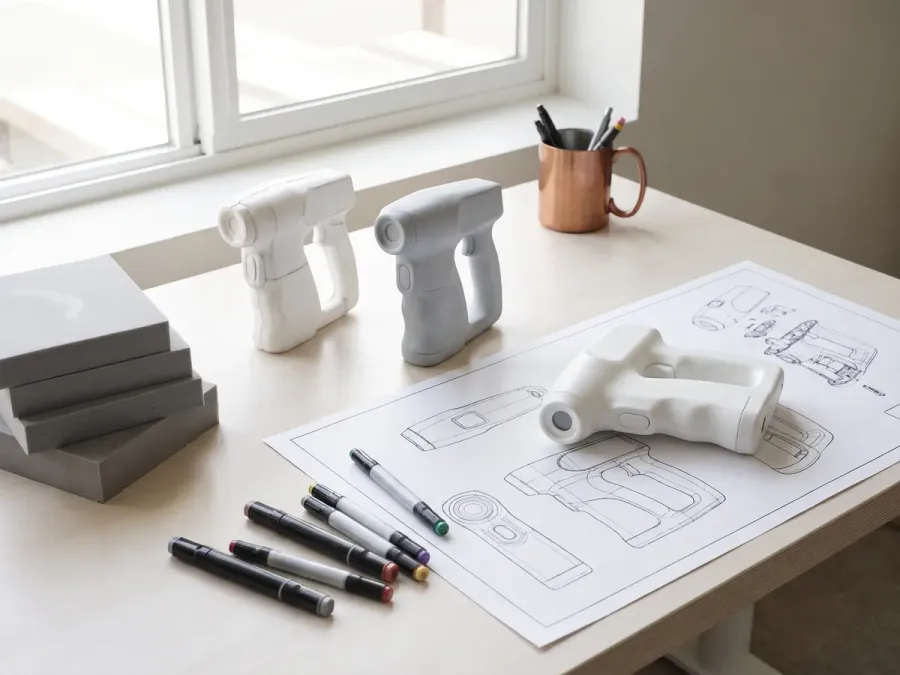 Product designers
Product design
Turn a rough mock-up into a clean drawing for pitches, reviews and quotes.
Start drawing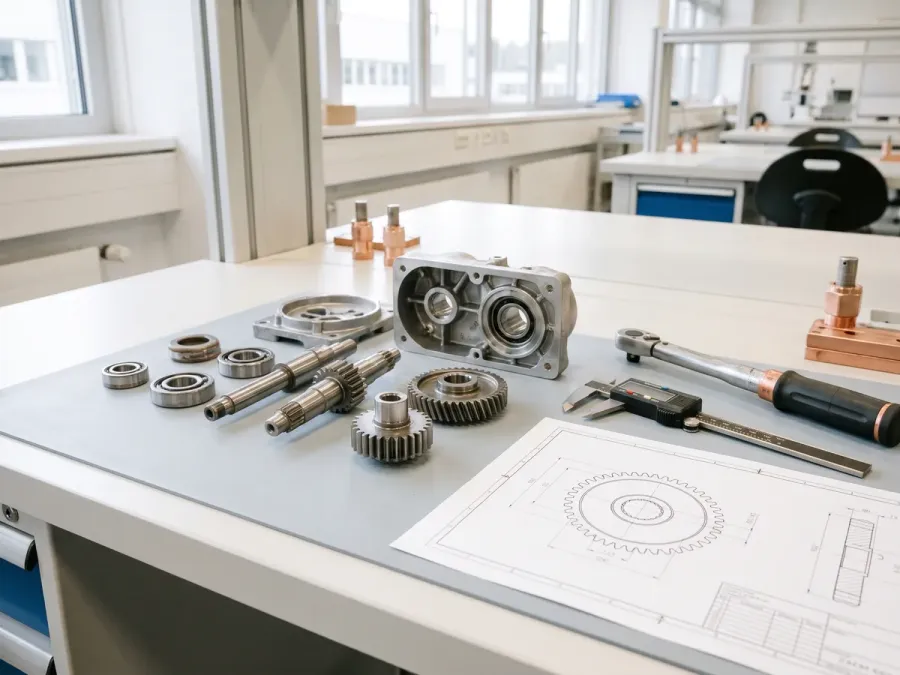 Engineers
Mechanical engineering
Sketch a bracket or flange on paper and get a sheet you can mark up with the team.
Start drawing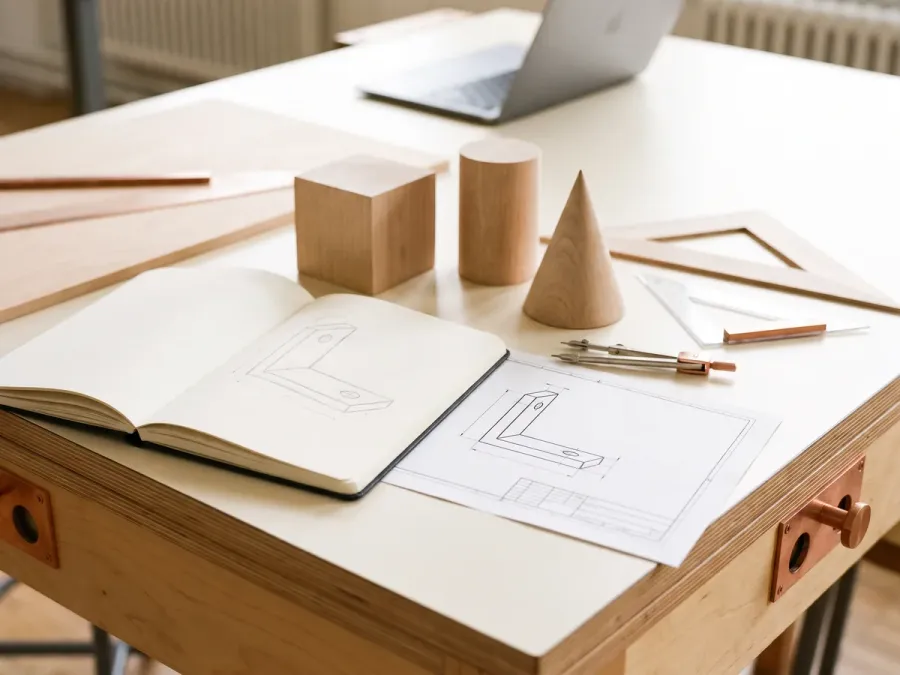 Teachers & students
Teaching
Show what a finished drawing looks like next to the student sketch it came from.
Start drawing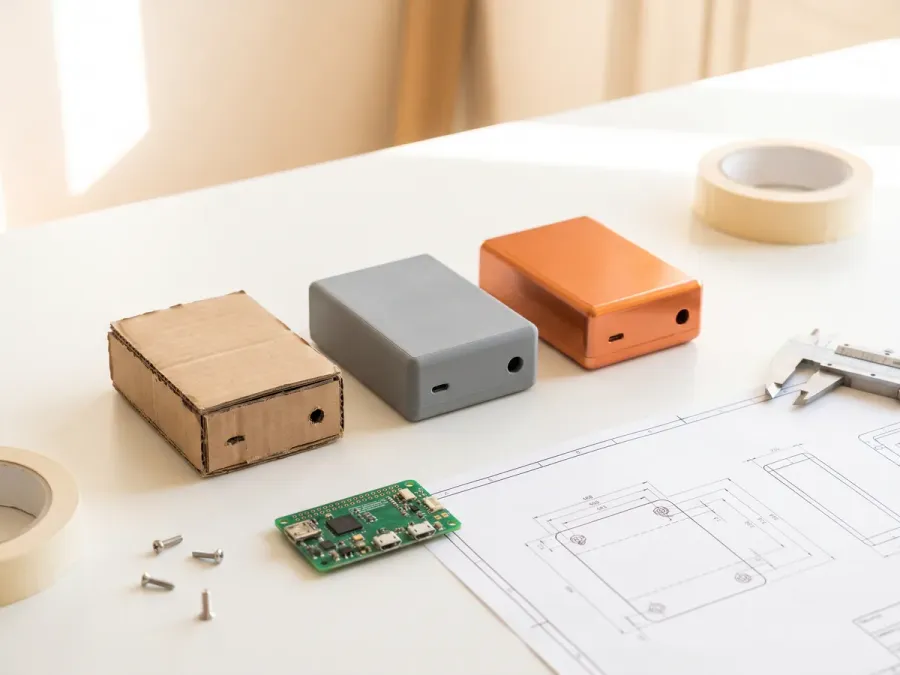 Hardware startups
Prototyping
Iterate on a part with a photo per version, and keep every drawing for the record.
Start drawing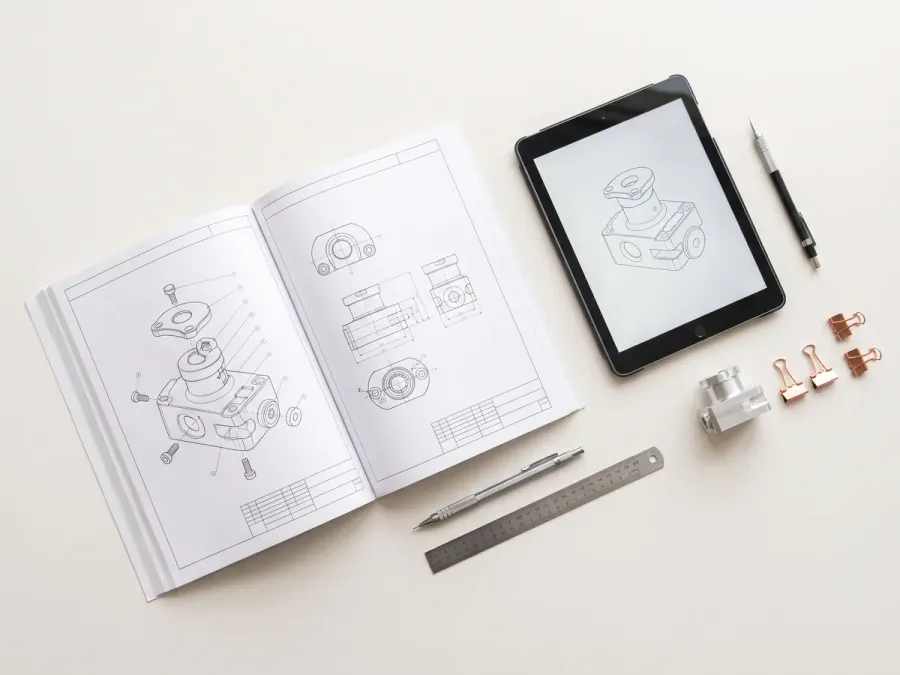 Technical writers
Documentation
Make consistent figures for manuals, datasheets and spec sheets from photos of the real part.
Start drawing
How it works
How the image to CAD converter works
Three steps in one browser tab. No CAD software to install.
01
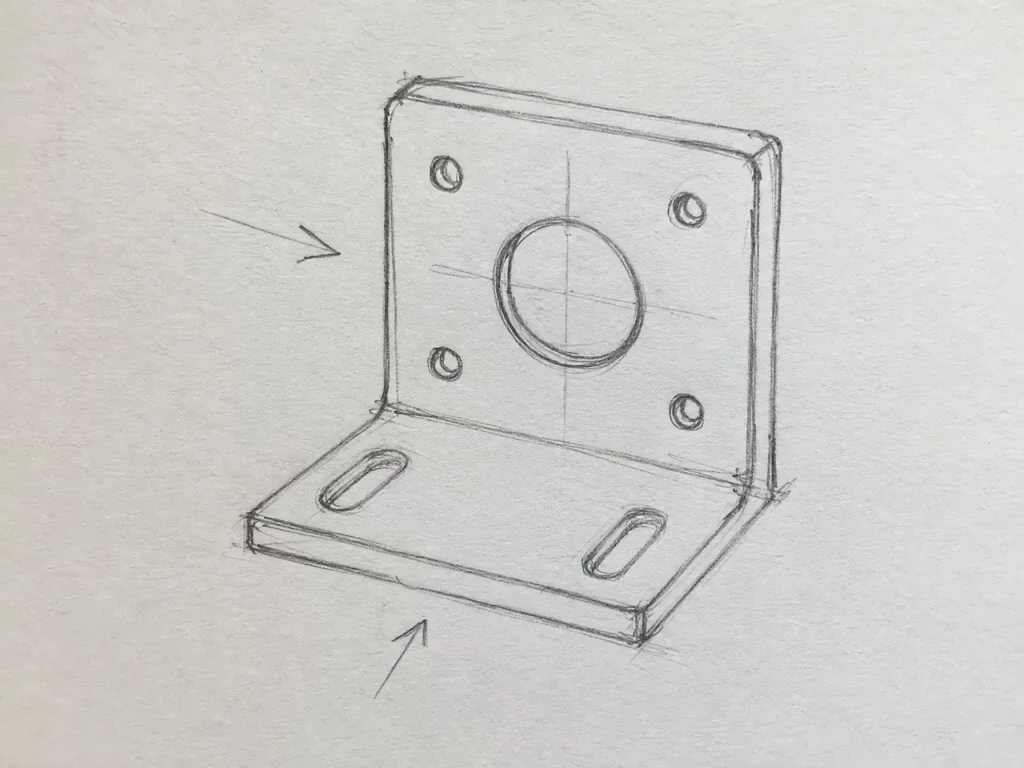
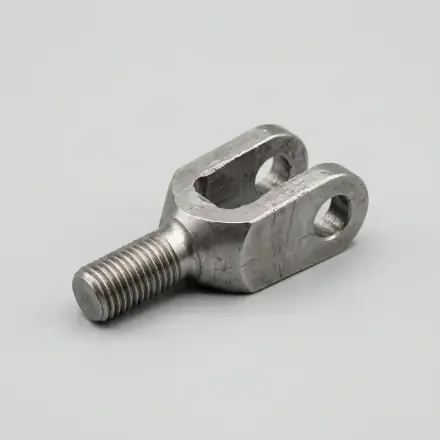
Upload a photo or sketch
A clear photo of a part, a sketch on paper or a drawing image. Tracing stays in your browser; AI drawings send the photo to our drawing service.
- AI drawingTraceOrthographicIsometricExplodedSection
02
Pick a style or a trace mode
Orthographic, isometric, exploded or section for AI drawings. Outline or centerline for tracing, with the real width in mm or inches.
- .png.dxf
03
Download PNG or DXF
Save the AI drawing as a PNG, or trace it to an AutoCAD R12 DXF with your units and layer.
All tools
More CAD tools, one click away
Converters, viewers and generators for CAD files. Each one opens straight away in your browser.
Trace photos, scans, sketches and logos into CAD lines.
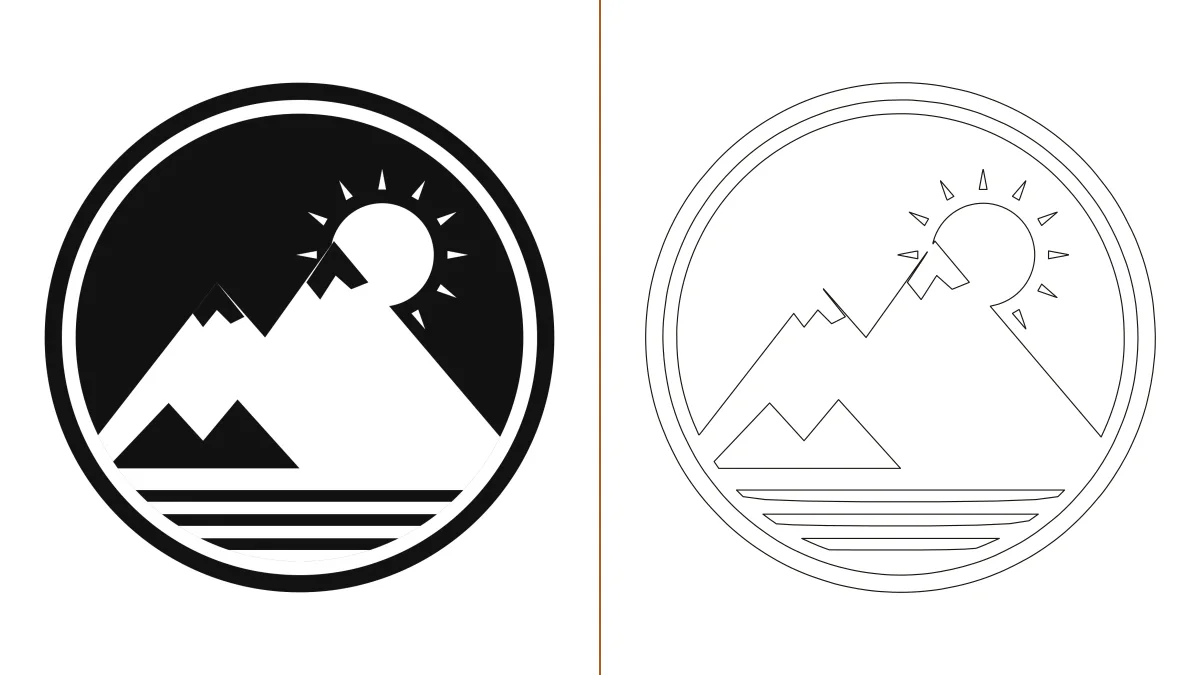 PNG to DXFTrace a PNG logo, icon or line drawing into a DXF for laser and CNC.Open tool
 JPG to DXFTurn phone photos and JPG scans into clean DXF lines.Open tool
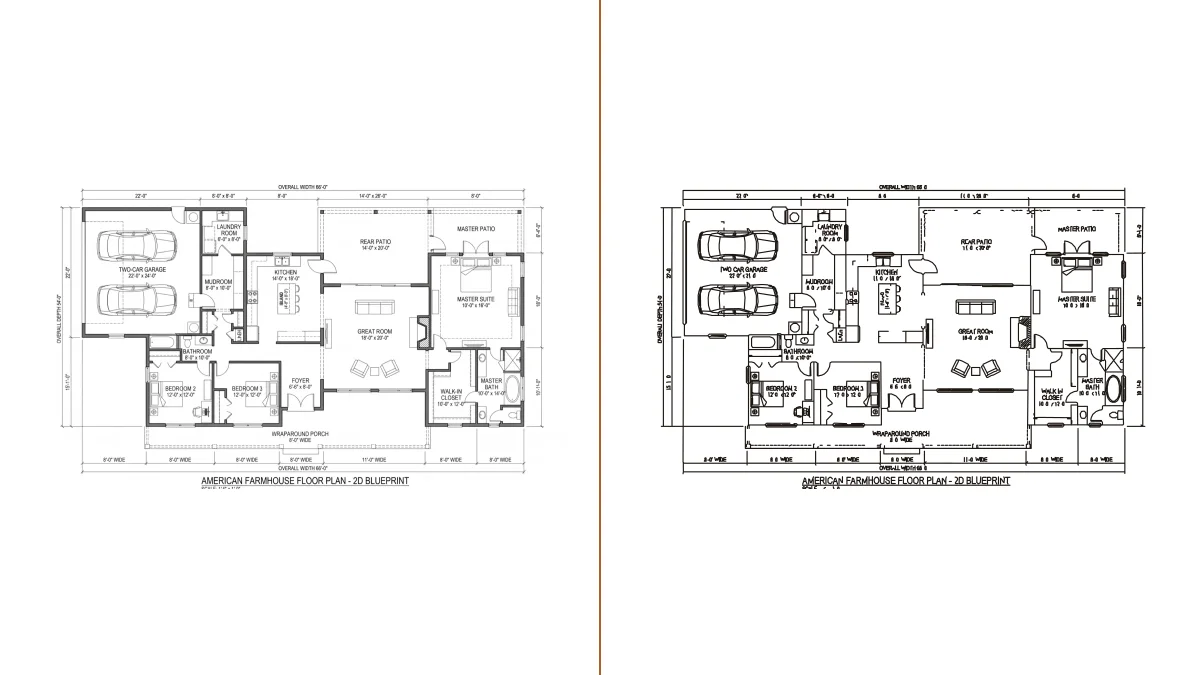 Image to DXFConvert any raster image into a scaled DXF drawing.Open tool
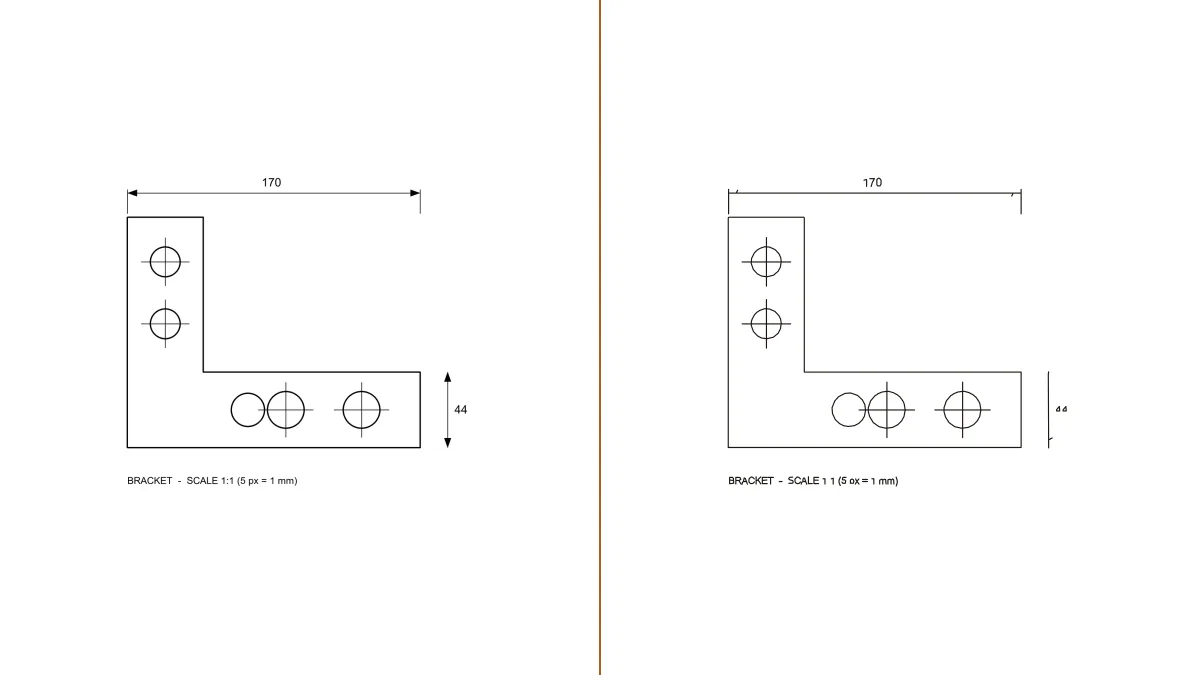 Photo to DXFTrace the outline of a part or template from a photo.Open tool
 PNG to DWGLine art and logos as an AutoCAD DWG file.Open tool
 JPG to DWGOld drawings photographed or scanned, back into DWG.Open tool
Image to CAD FAQ
Is this image to CAD converter free?
Tracing a drawing to DXF or SVG is free, with no sign-up. AI drawings from a photo or sketch use credits, and the cost is shown before you generate.
Can it turn a photo of a part into a CAD drawing?
Yes. AI drawing mode reads the photo and draws the part as a technical drawing with views, dimension lines and a title block, in the style you choose.
How accurate are the dimensions?
They are estimates from the picture. Add known sizes in the notes field for a closer result, and always check every dimension before you manufacture.
Do I need an account?
Only for AI drawings, because they use credits. Tracing to DXF works without an account and adds no watermark.
Are my images uploaded?
For tracing, no: the conversion runs on your device inside this tab. For AI drawings, the photo is uploaded so the drawing can be made.
Which image formats can I use?
Tracing takes PNG, JPG, WebP, BMP or GIF files up to 25 MB, scaled to 4,000 px on the long edge. AI drawings take PNG, JPG or WebP photos up to 10 MB.
What files do I get?
AI drawings download as PNG. Tracing gives an AutoCAD R12 DXF with your units and layer, and a true-size SVG. DWG is not offered yet; open the DXF in AutoCAD and save it as DWG.
Can I use it as an image to AutoCAD converter?
Yes. Download the DXF and open or insert it in AutoCAD. Many people use it as a free picture to AutoCAD converter for old prints and scans.
Is this an image to CAD AI tool?
Both. AI drawing mode is an image to CAD drawing AI that redraws your part. Trace mode is not AI: it follows the lines that are really in your picture.
Are text and dimensions editable in the DXF?
No. Traced text and numbers become line shapes, not editable text. Add or edit dimensions in your CAD program after you import the lines.
Can it make a 3D model?
No. Both modes make flat 2D drawings. For a 3D model, use the drawing as a reference in your CAD program.
Start your next image to CAD drawing
Upload a photo, sketch or drawing and get a CAD drawing or a DXF in minutes.