DXF Viewer Online: Layers, Blocks and Snap Measuring
Free DXF viewer online for ASCII drawings from R12 to 2018. Open a file up to 50 MB, switch layers on and off, measure between snapped ends and centers, flip between a dark and a paper background and save a PNG. The file is read inside this browser tab and never uploaded.
- Free, nothing uploaded
- Layers on and off
- Measure with snaps
- Dark or paper view
Open DXF
FreeNo file? Try a sample
Runs in your browser. Nothing is uploaded.
Examples
DXF viewer examples you can open and measure
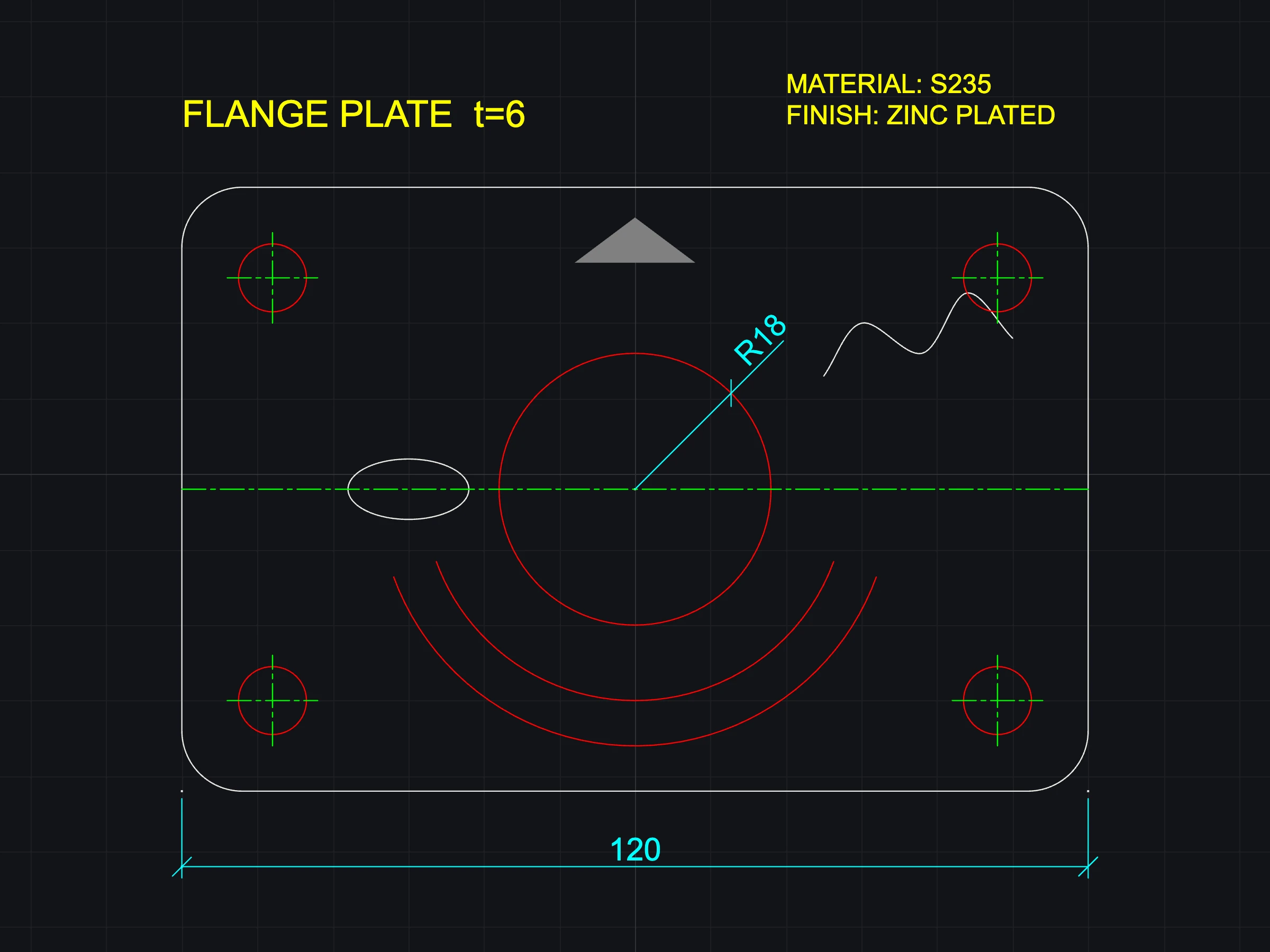
Three more sample drawings, each shown the way this online DXF viewer draws it; the flange plate waits in the tool above. Open one in the viewer, or download the DXF and compare it with your own CAD program.
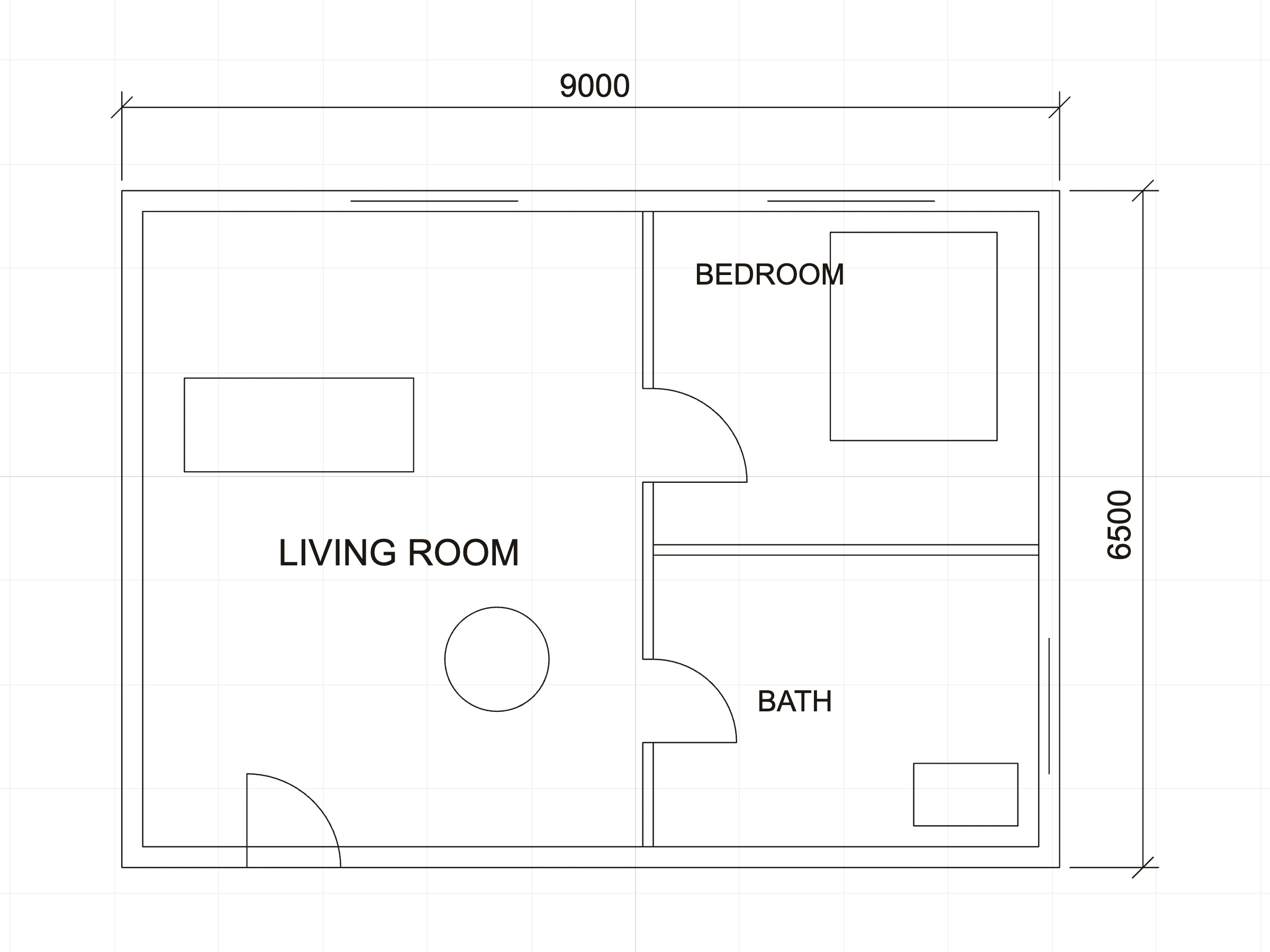
Floor plan
Apartment plan saved as R12
Walls, doors, windows, furniture, room names and dimensions on 6 layers. The status bar reads 10,050 by 7,720 mm.
Rendered here · DXF R12 · 6 layers · 50 objects · 10,050 × 7,720 mm
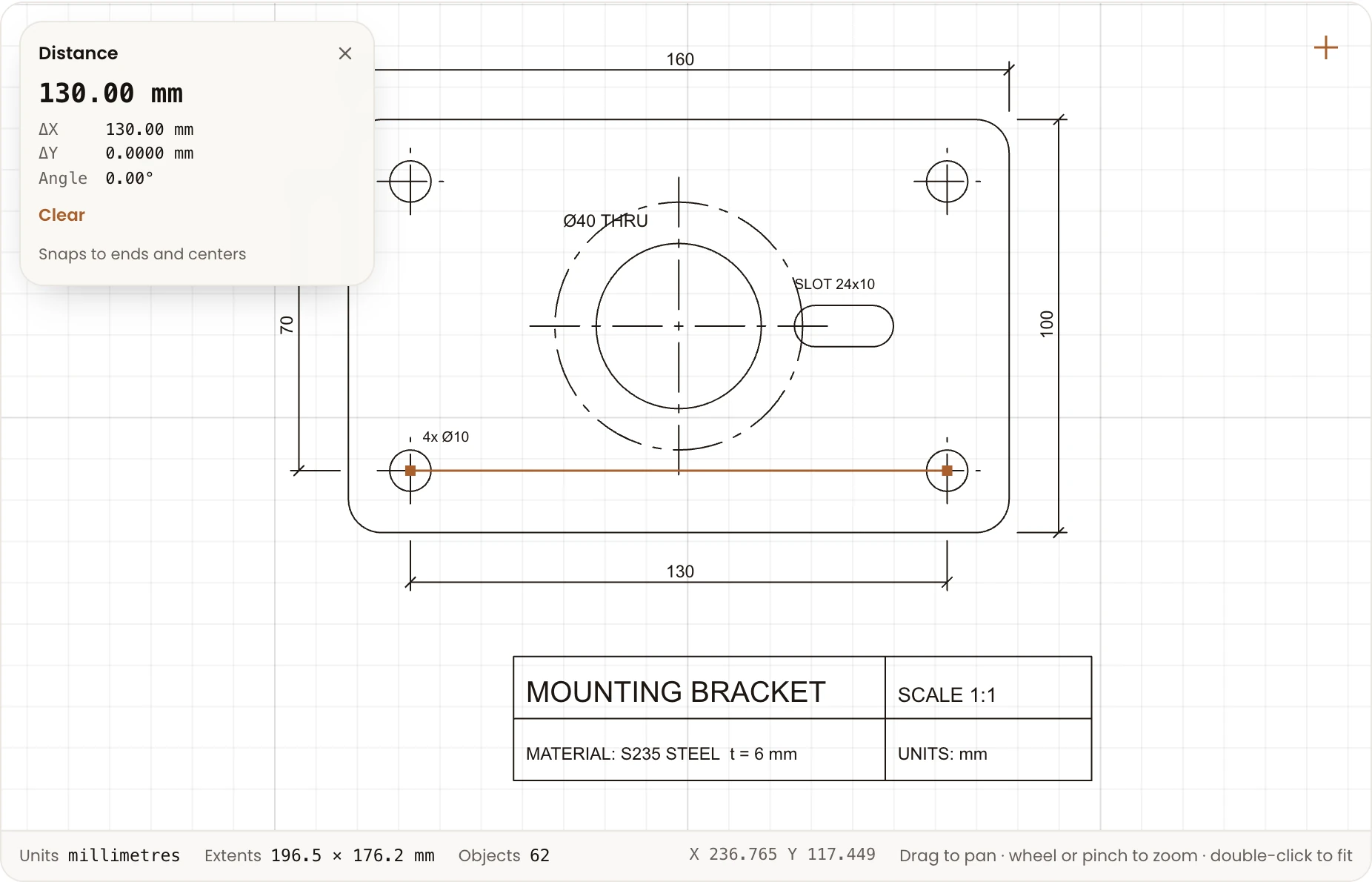
Measuring
Mounting bracket, measured
Two clicks snapped to the centers of the lower holes give 130.00 mm, the same value as the dimension drawn in the file.
Rendered here · DXF R12 · measured 130.00 mm between hole centers
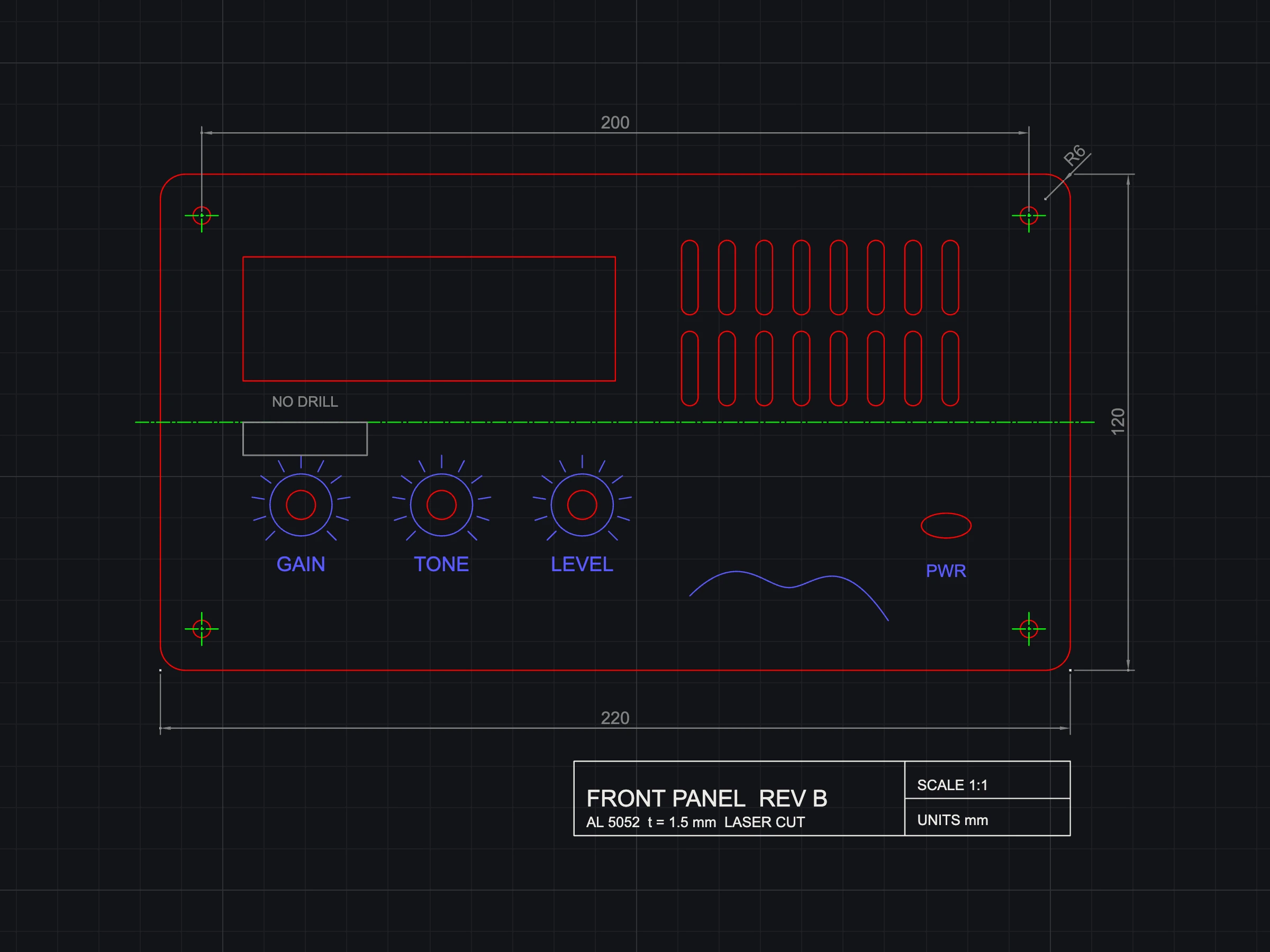
Blocks
Front panel with nested blocks
Our own test drawing: 9 block inserts, a knob block that holds rotated tick blocks, 4 dimensions, a spline, an ellipse and a title block with attributes.
Rendered here · DXF 2000 · 8 layers · 9 block inserts · 4 dimensions
What it shows
What this online DXF viewer shows
Each figure below is a screenshot or a render of this DXF viewer online working on the sample files, with nothing retouched.
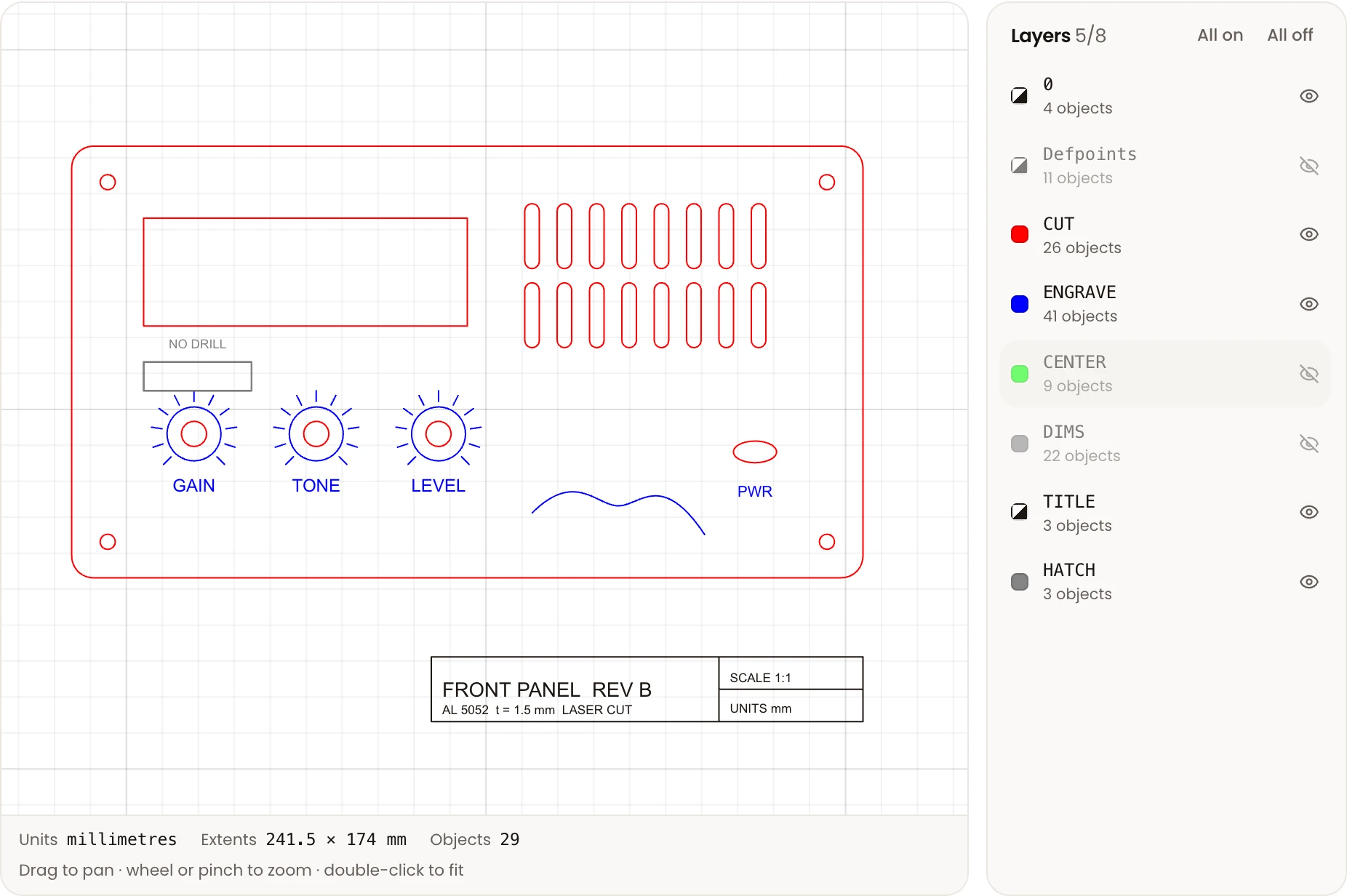
Control panel: DIMS, Defpoints and CENTER off, 5 of 8 layers on
How to
How to open a DXF file online in 3 steps
No install, no account and no upload: this online DXF viewer opens the drawing right here in this tab.
STEP 1
Drop the DXF
Drag a DXF up to 50 MB onto the box, or click it to browse, then open it. No file at hand? Pick one of the four samples.
STEP 2
Look around
Drag to pan, scroll or pinch to zoom and double-click to fit. Units, extents and the object count sit in the status bar under the drawing.
STEP 3
Measure and save
Switch layers, press Measure for distances, turn Dark off for a paper look, and press PNG to save the view you see.
Got a DWG?
This online DXF viewer reads DXF files only. In AutoCAD, BricsCAD or DraftSight use Save As and pick an ASCII DXF type.
Binary DXF
It is refused with a message. Save the drawing again as ASCII DXF: the geometry is the same.
Blank screen?
Double-click to fit. If the file only holds 3D solids or proxy objects, the viewer tells you so.
File too big?
Over 50 MB, purge unused blocks and layers in your CAD program or split the drawing.
Specs
DXF viewer specs: what it draws and what it skips
What goes into this DXF file viewer online, what you see on screen, and what is left out on purpose.
- Input
- ASCII DXF, R12 to 2018, up to 50 MB
- Text encoding
- UTF-8, or the code page named in the file (GBK, Shift-JIS, Big5, EUC-KR, Windows code pages)
- Drawn entities
- LINE, LWPOLYLINE, POLYLINE, CIRCLE, ARC, ELLIPSE, SPLINE, POINT, TEXT, MTEXT, ATTRIB, INSERT, DIMENSION, SOLID, TRACE, 3DFACE, HATCH, LEADER
- Blocks
- Scale, rotation, arrays and nesting up to 16 levels; BYLAYER and BYBLOCK colors and linetypes
- Lines and fills
- Layer colors, dash patterns from the file, polyline bulges as arcs, solid hatches filled
- Units
- Read from $INSUNITS; extents and distances in mm, inches, feet, meters and more
- View
- Model space, or paper space when model space is empty; dark or paper background
- Export
- PNG of the current view at twice the screen resolution
- Where it runs
- In your browser tab, parsed by a Web Worker; nothing is uploaded
It does
- Show every layer with its color and object count
- Measure distances with snaps to ends, centers and points
- Expand nested blocks, attributes and dimension blocks
- Fill solid hatches and draw the boundary of patterned ones
- List the entity types it found but does not draw
It does not
- Open DWG files; save them as DXF first
- Read binary DXF; save it again as ASCII DXF
- Draw hatch patterns, line weights, images, xrefs, multileaders or 3D solids
- Load SHX fonts; text is set in a plain sans serif
- Edit or save the drawing, or switch between layout tabs
Who it is for
Who uses a DXF file viewer online
Anyone who receives a drawing and wants to view DXF files before acting on them. The pictures are example drawing types from a partner demo, not output of this page.
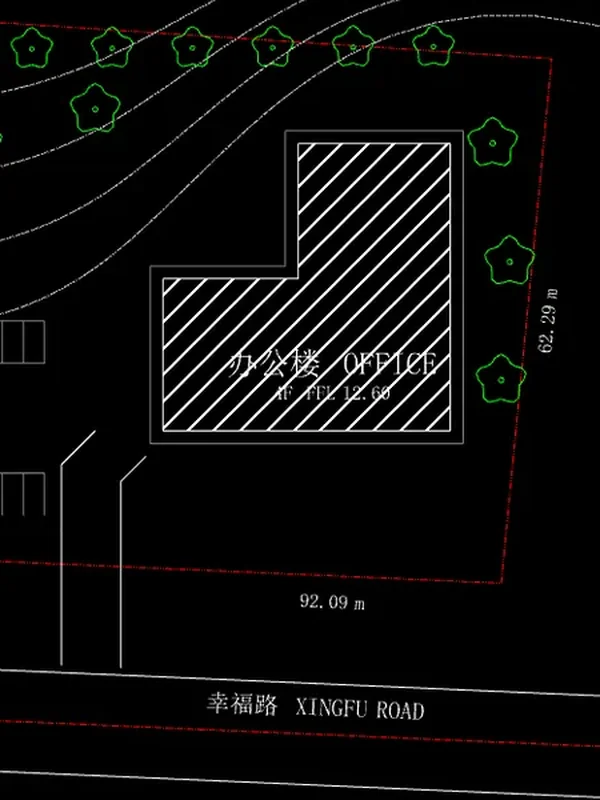
Site and civil plans
Check a site plan drawn in meters: measure a setback or a road width without a full CAD seat.
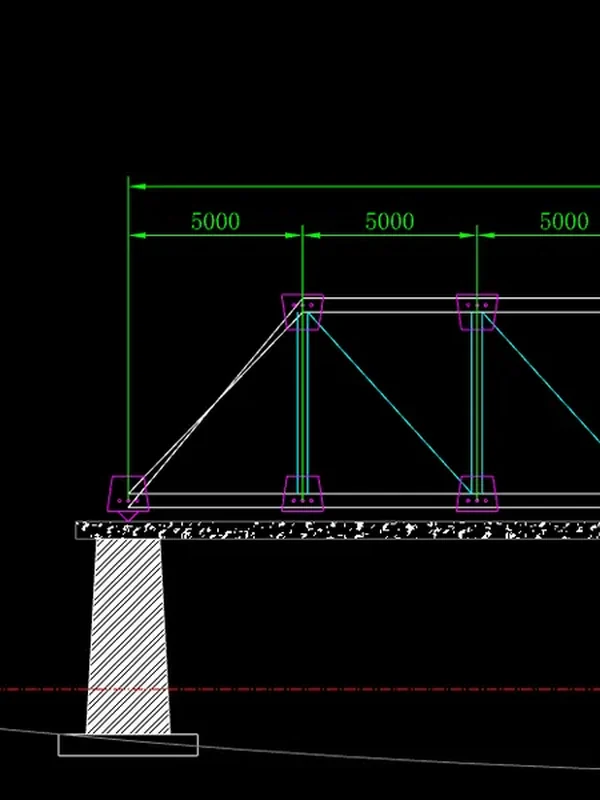
Structural drawings
Hide the dimension layers to read the members of a truss, then bring them back to check a span.
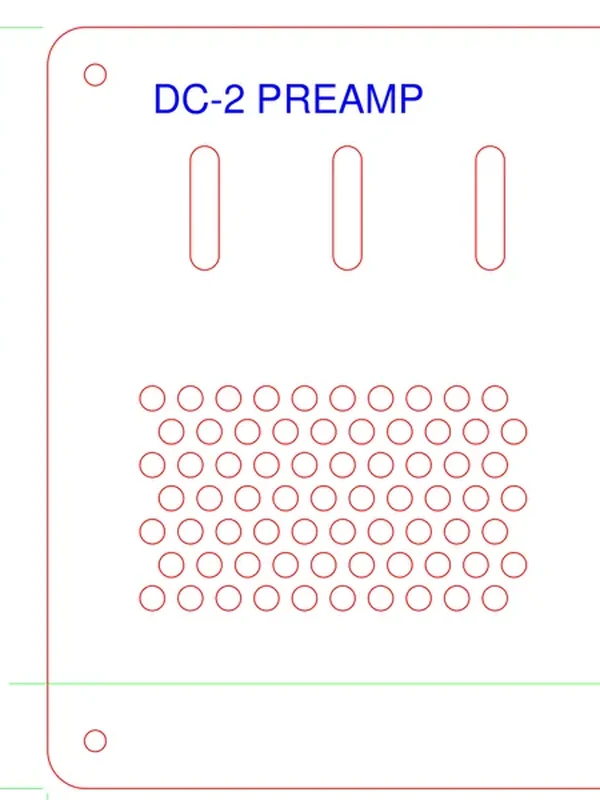
Laser and CNC parts
Before a part goes to the cutter, confirm hole spacing and outline size and see which layers hold cut and engrave lines.
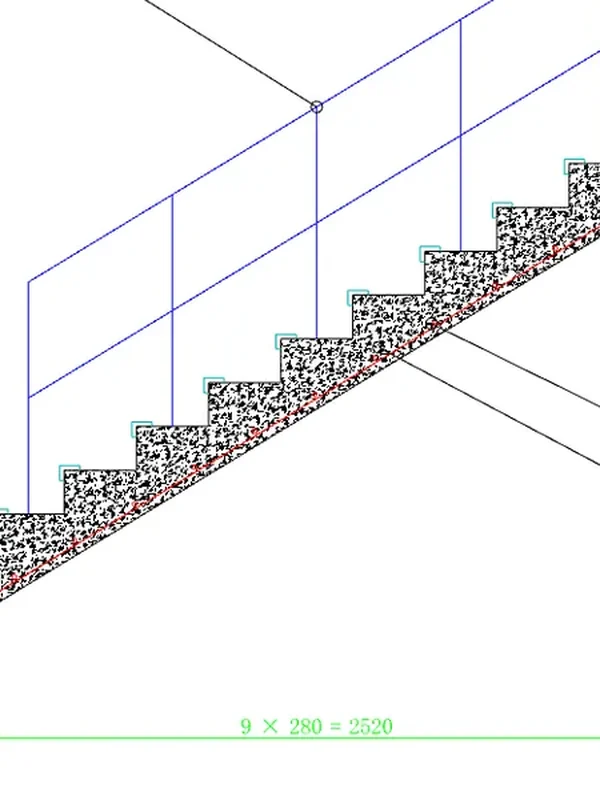
Sections and details
Read a stair or wall section and its notes on a laptop or a phone, with nothing to install.
DXF viewer online FAQ
Files, privacy, measuring and what does not show.
How do I open a DXF file online?
Drop the file on the box at the top of this page, or click the box to browse, then open it. The online DXF viewer draws it in a moment; drag to pan and scroll to zoom.
Is this DXF file viewer free?
Yes. There is no sign-up, no watermark and no limit on the number of files, because the work happens on your own computer.
Is my DXF uploaded?
No. This DXF viewer online reads the file inside your browser tab with a Web Worker. The drawing never leaves your device, which matters for client and supplier drawings.
Which DXF versions does it open?
ASCII DXF from R12 to 2018, the files that AutoCAD, BricsCAD, LibreCAD, QCAD, Fusion, SolidWorks and most laser software write. Older files saved in GBK, Shift-JIS or another code page are decoded with the code page they name.
Can it open DWG files?
Not in this viewer: DWG is a different, closed format, and this page recognizes a DWG and tells you so. Open it in the DWG viewer instead, or turn it into a DXF with DWG to DXF; both run in your browser.
Why is binary DXF refused?
Binary DXF is a rare variant that this DXF viewer does not parse. Open the file in your CAD program and save it again as ASCII DXF; the geometry stays the same.
How accurate is measuring?
Distances come from the coordinates in the file, not from screen pixels, and are shown to two decimals in the drawing units. With a snap on both ends the result matches the drawing, like the 130.00 mm between the bracket holes. Without a snap the point is where you click, so zoom in first.
Why is part of my drawing missing?
Open the Not drawn list in the status bar: it names the entity types in the file that this viewer skips, such as images, multileaders or 3D solids. Also check the layer list, since layers that are off or frozen in the file start hidden.
Why does the text look different from AutoCAD?
SHX and TrueType fonts named in the file are not loaded. Text is drawn in a plain sans serif at the height, rotation and alignment from the file; fonts and colors set inside MTEXT are dropped, the words stay.
What is the largest file it opens?
50 MB. A bigger file is refused before parsing; purge unused blocks and layers or split the drawing to get under the limit.
Can I print or export the drawing?
PNG saves the current view at twice the screen resolution, with your background and the visible layers. For a sheet at a real scale, open the same file in DXF to PDF.
Can I edit the drawing?
No. It is a DXF reader online: you can view, measure and export a PNG, but not change or save the file. Use a CAD program such as LibreCAD or QCAD for edits.
What about paper space layouts?
The viewer shows model space. When model space is empty and the drawing lives only on a layout, it shows the paper space objects and says so in the status bar. Layout tabs cannot be switched.
Does it work on a phone or a Mac?
Yes. It runs in any current browser on Windows, macOS, Linux, ChromeOS, iPhone and Android; pinch to zoom on a touch screen.
Open a drawing in the DXF viewer online
Drop a DXF, switch layers, measure. The online DXF viewer keeps it all in this tab.
Open a DXF