Line Drawing Generator: Photo to Clean Line Art
Describe an object and the AI line drawing generator draws black line art on white, from 60 credits. Have a photo instead? The free line art generator below finds its edges and traces them into clean strokes in your browser, with the line weight you choose.
- AI or photo input
- Adjustable line weight
- SVG, PNG and DXF
- Photo lab is free
Drawing style
Line
Clean line art for manuals and slides.
You get a CAD-style PNG made by AI, not an editable CAD file. Trace it to DXF for free afterwards.
Robot wrist
AI-generated example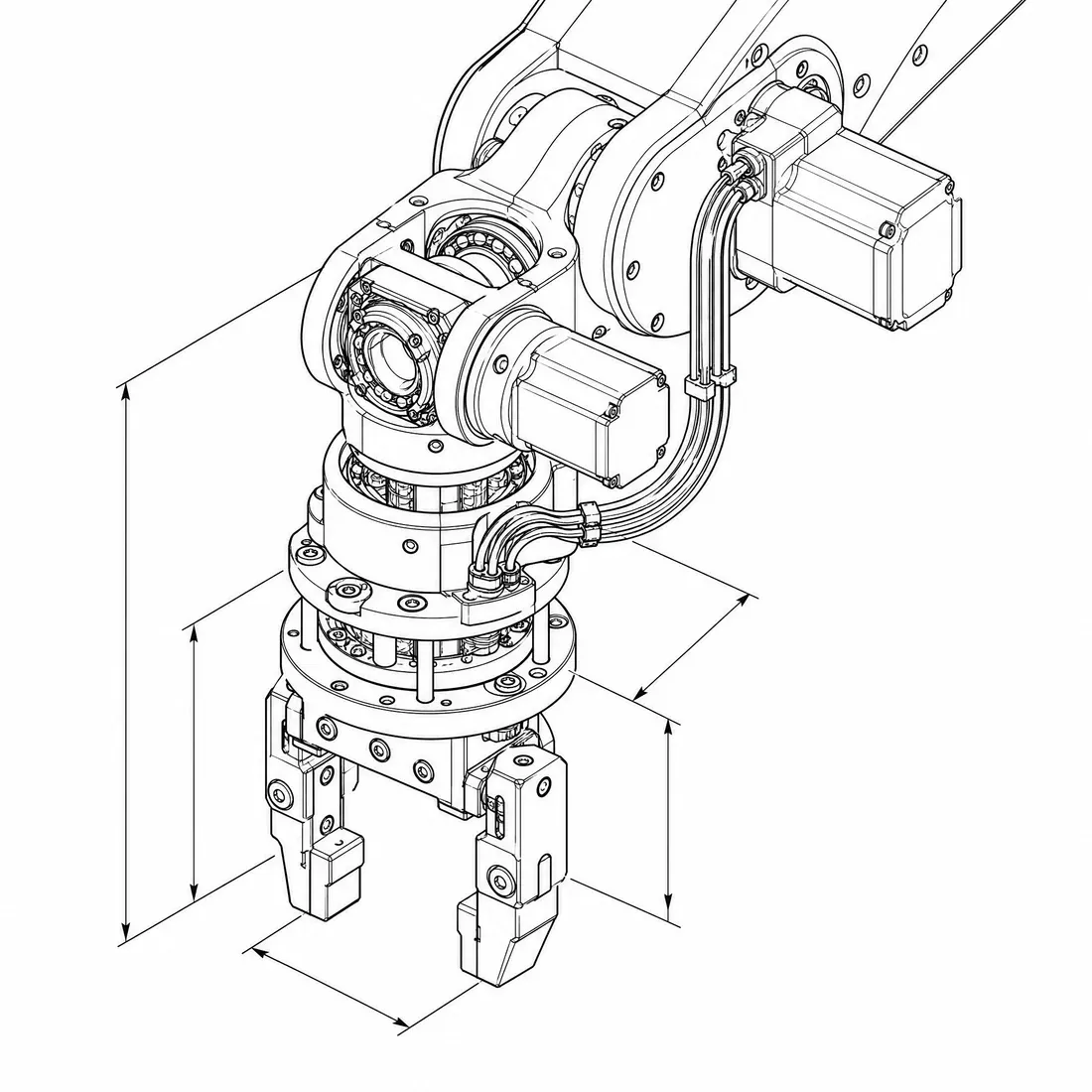
Prompt idea: Three-axis robot wrist with a tool flange and a two-finger parallel gripper. Your result will differ.
Free photo lab
Free photo line art generator in your browser
Pick a sample or open your own photo. The lab finds the edges, traces them into strokes and lets you set detail, smoothing, clean-up and line weight. It is an image filter with our tracer, not AI, so it draws only the edges the photo really has, and nothing leaves your computer.
Loading photo…
Ink
Examples
Line art generator examples: photos and AI
Four photos traced by the free line art generator above (hover or tap to see the photo) and two drawings made by AI. The lab keeps what the camera saw; the AI redraws the object cleanly but in its own way.
Traced by the lab
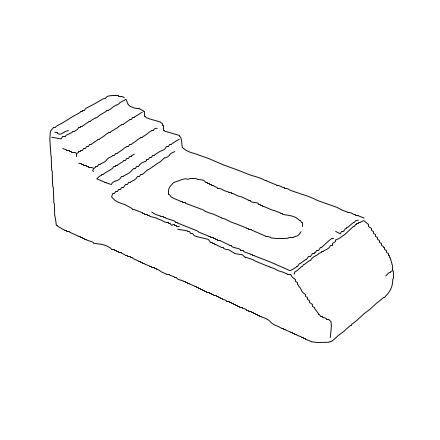
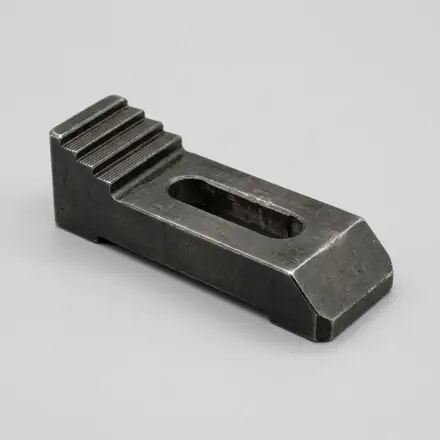
Toe clamp
A machined clamp on grey: outline, slot and steps come through, the shadow side stays clean.
16 strokes · 915 points · 440 px
Traced by the lab
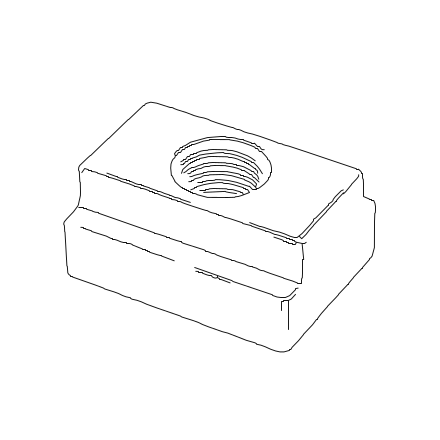
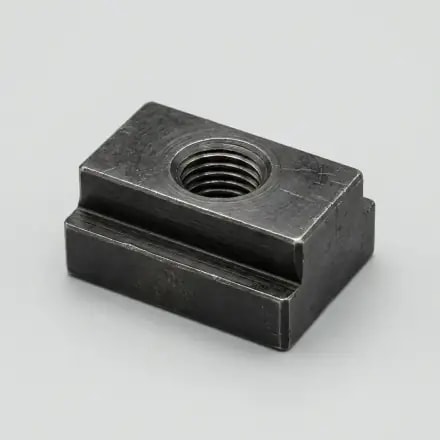
T-nut
The thread rings in the bore show as fine lines; the flat faces stay empty.
26 strokes · 831 points · 440 px
Traced by the lab
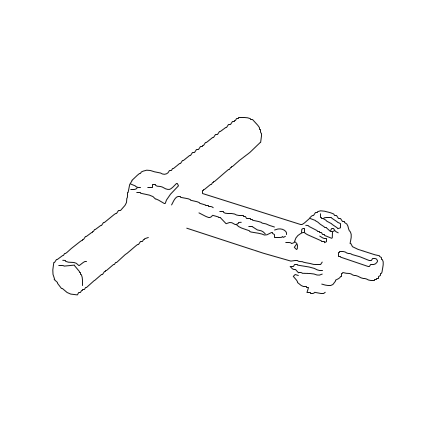
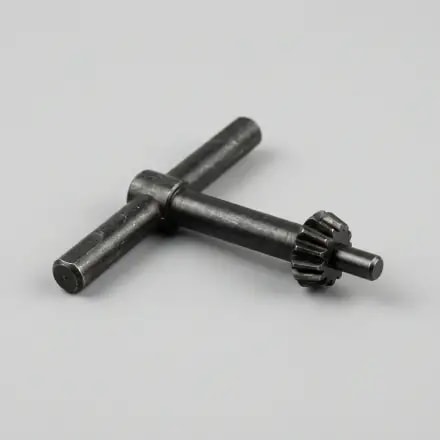
Chuck key
A dark part on a light ground. Raise Detail to pick up the far edge of the shaft.
25 strokes · 583 points · detail 6
Traced by the lab
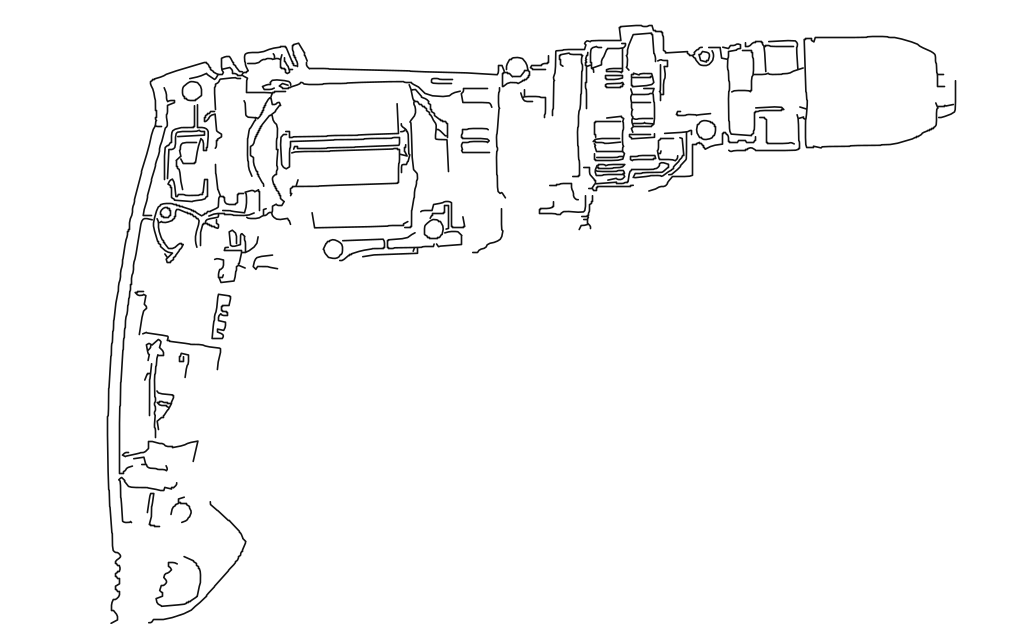
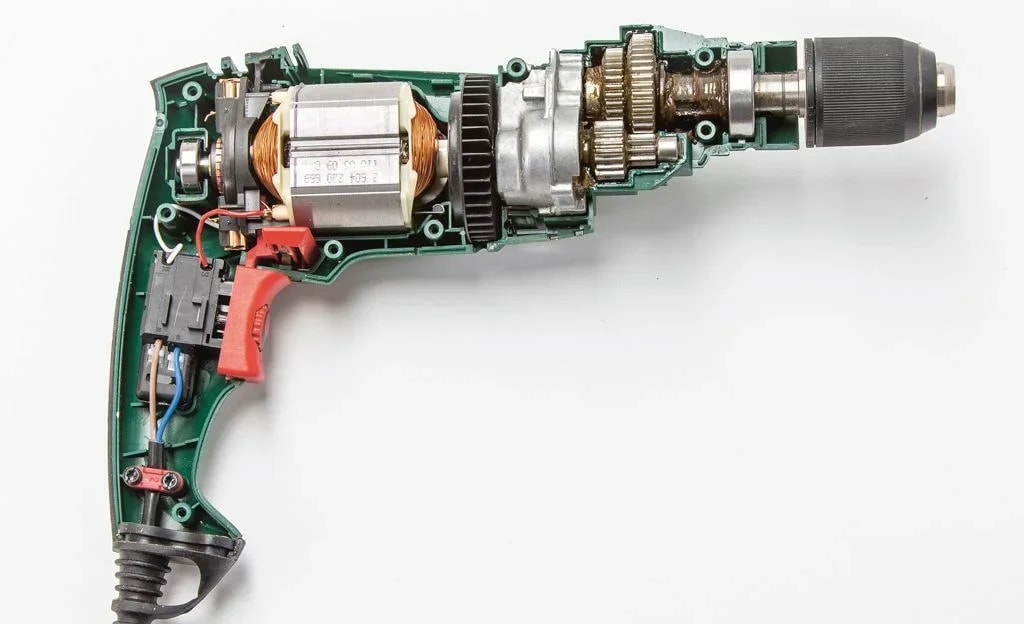
Drill cutaway
A busy photo with motor, gears and wires. Clean-up 6 drops the speckle and keeps the parts.
163 strokes · 2,939 points · clean-up 6
AI-generated example
Robot wrist, AI line style
A three-axis wrist with a gripper, drawn by AI in the Line style from a written prompt.
AI-generated example
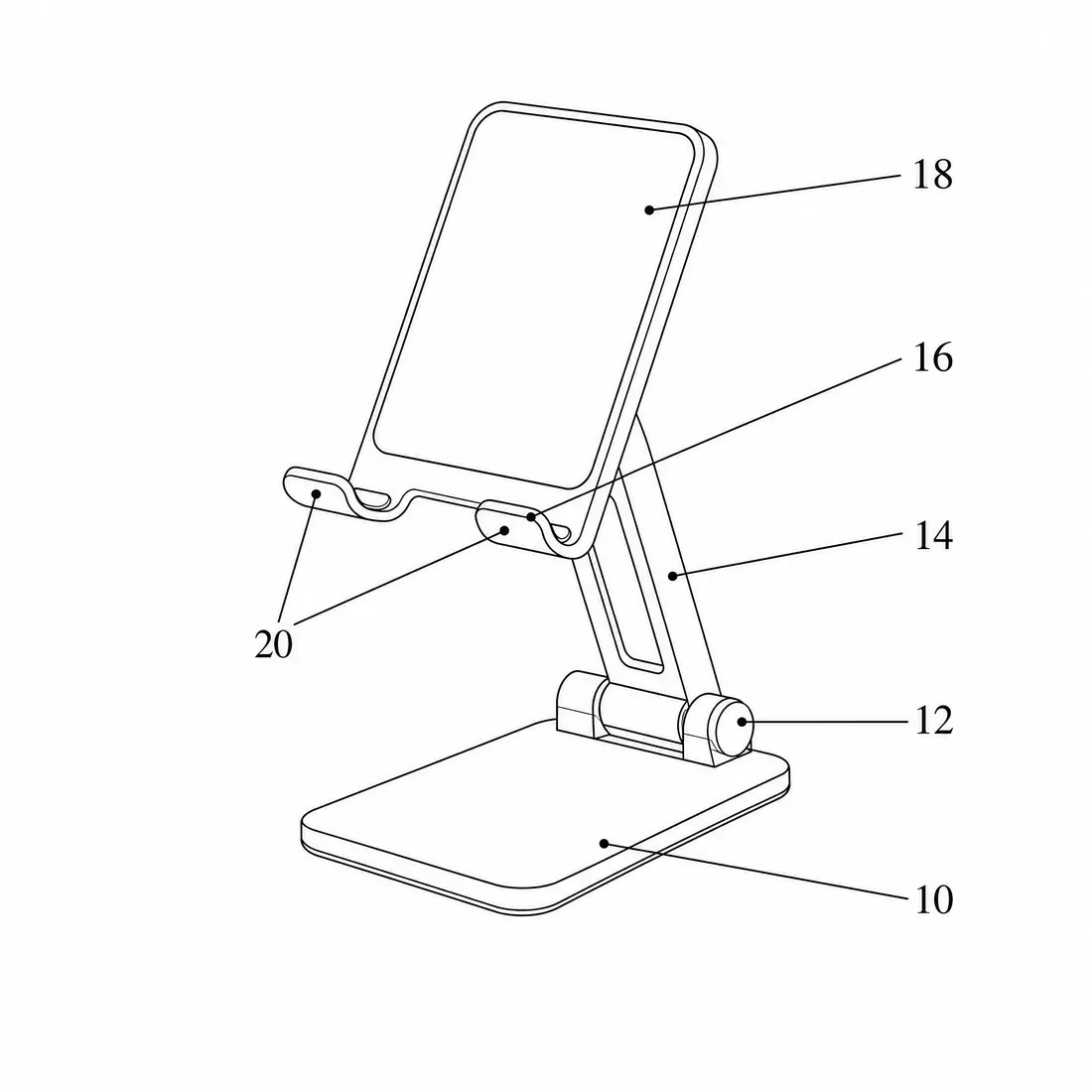
Phone stand, AI line style
A folding stand in three-quarter view with reference numerals, made by AI in a patent-like line style.
Prompt builder
Describe an AI line drawing
Name the object, then pick the line weight, the level of detail and the view. Apply writes the prompt into the generator at the top of the page.
Generated prompt
LineStart from a template
Line art basics
What makes a good product line drawing
A line drawing explains a shape with lines alone. Whichever line drawing generator you use, these choices decide whether it reads well in a manual, a catalogue or a cutting file.
- PhotoLine art
Toe clamp: photo and line art from the lab
How to
How to use the line drawing generator on a photo
With the free lab; the AI generator at the top starts from words or a sketch instead.
STEP 1
Open a photo
Press Open photo or drop a JPG, PNG or WebP on the preview. It is read in your browser at up to 1200 px on the long side.
STEP 2
Tune the lines
Set Detail for how many edges to keep, Smoothing for calmer lines, Clean-up to drop specks, then pick a line weight and ink.
STEP 3
Download
Save SVG for Illustrator or Inkscape, PNG for documents, or DXF for CAD, laser and plotter software.
Crop first
Fill the frame with the object; empty background adds nothing.
Use Overlay
Overlay shows the strokes on the photo, so missing edges are easy to spot.
Dark parts
Dark parts on grey need a little more Detail than light parts.
Need clean CAD?
For logos and drawings, PNG to DXF traces filled shapes instead.
Two tools
Free line art filter or AI line drawing generator
One traces what is in the photo, the other draws something new.
- Lab input
- A JPG, PNG, WebP, GIF or BMP photo up to 25 MB
- Lab method
- Canny edge detection, then our centerline tracer; no AI
- Lab output
- SVG strokes, PNG up to 2400 px, or DXF R12 polylines
- Lab cost
- Free, no account; the photo never leaves your browser
- AI input
- A description, or a sketch or photo (PNG, JPG or WebP up to 10 MB)
- AI output
- A CAD-style line drawing PNG at 1K or 2K
- AI cost
- 60 credits at 1K, 80 at 2K; refunded if a run fails
- Line weight
- Any weight from 0.5 to 6 px in the lab; ask for it in words with AI
It does
- Turn a product photo into line art in seconds
- Keep the strokes as vectors, so line weight stays adjustable
- Export SVG, PNG and DXF from the same strokes
- Draw a new line drawing from words with AI
- Run the photo lab without uploading anything
It does not
- Redraw hidden or blurry parts in the photo lab
- Remove the background of a cluttered photo for you
- Make one continuous single-line drawing
- Promise that AI proportions match the real object
- Give an editable CAD model of the object
Line drawing generator FAQ
Photos, line weight, files and the AI.
What does this line drawing generator make?
Black line art on white: outlines plus the inner edges that explain the shape, with no shading or colour. From a photo the free lab traces the edges; from words the AI draws a new drawing.
Is the photo lab AI?
No. It is an edge detector (Canny) followed by our centerline tracer. That makes it fast, free and private, but it can only draw edges the photo shows. The AI generator is the separate, paid path.
Can I change the line weight?
Yes. The strokes stay vectors, so the Line weight slider restyles them instantly from 0.5 to 6 px, and the SVG keeps that weight as a stroke you can still edit.
Which photos work best?
One object, a plain background and soft, even light. Shiny parts, hard shadows and busy backgrounds add stray lines; use Clean-up and Smoothing, or crop tighter.
Is my photo uploaded?
Not in the lab: the photo is decoded and traced in your browser, and the files are made there too. The AI generator does send your prompt or image to the image model.
Can I get the line art as SVG or DXF?
Yes. Download SVG for Illustrator, Inkscape or Figma, PNG for documents, or DXF with polylines for CAD, laser cutters and plotters. AI drawings can be traced to DXF for free with Convert to DXF.
What is an AI line drawing?
An AI line drawing is drawn by an image model from your words or a sketch, in a clean line style. It is tidy and quick, but it may change proportions or details, so check it against the real object.
What is a product line drawing used for?
Manuals, catalogues, packaging, spec sheets and patents, because clean outlines print well at any size and translate across languages. For callouts and part numbers, see the technical illustration generator.
Is it a one-line drawing generator?
No. One-line art draws the whole subject with a single unbroken stroke. Both tools here draw separate strokes for outlines and edges.
How big can the photo be?
Up to 25 MB. The lab works at up to 1200 px on the long side to stay quick on a phone, and the PNG download renders up to 2400 px.
How much does the AI line drawing cost?
60 credits at 1K or 80 at 2K, shown before you press Generate drawing. Failed runs are refunded automatically; the photo lab is always free.
Line drawing or patent style?
Line gives clean outlines and nothing else. Patent adds reference numerals and patent-sheet habits. Both are in the style picker of the generator.
Try the line drawing generator now
Trace a photo for free, or describe the object and let AI draw it from your words.
Describe an object