Photo to Line Art Converter: SVG, PNG and DXF
Drop a photo and get clean line art in seconds. Pick fine sketch, clean ink, coloring page or blueprint, set the line weight, then save the strokes as SVG, PNG or DXF. This photo to line art converter runs in your browser: free, no sign-up, nothing uploaded.
- Free, no sign-up
- Four line styles
- SVG, PNG and DXF
- Nothing is uploaded
Upload a photo
FreeOr try a sample
Line style
Runs in your browser. Nothing is uploaded.
Example result
Barn owl · Fine sketch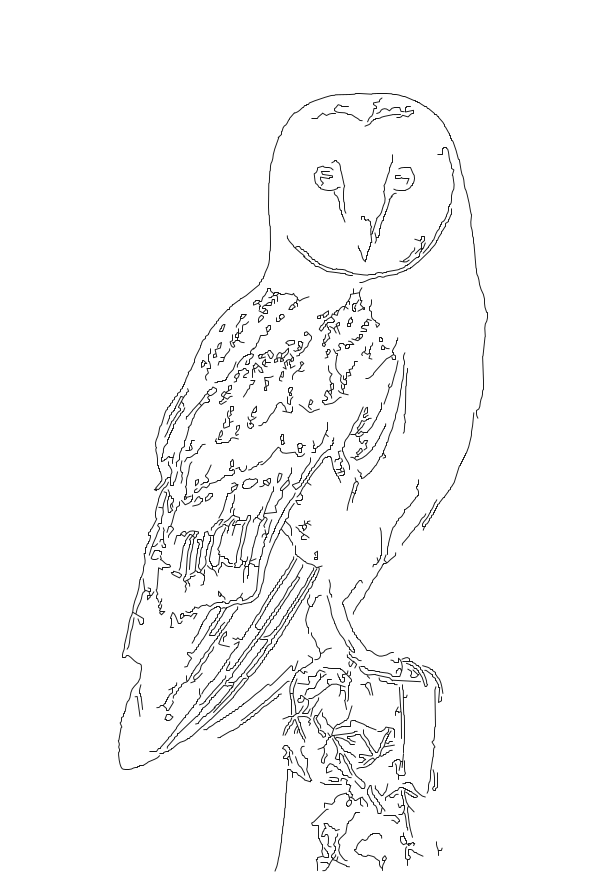
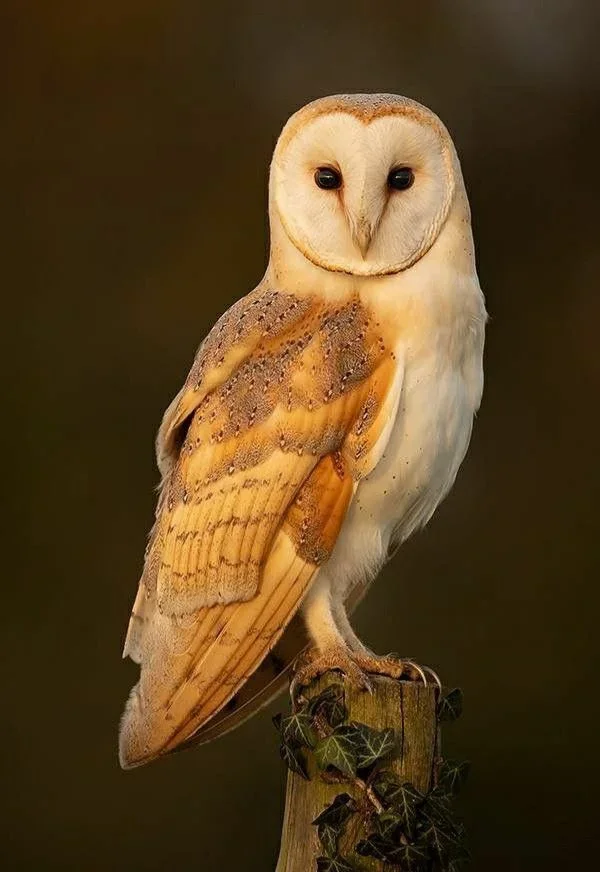
Fine sketch · 458 strokes · 6,039 points · 600 × 872 px
Examples
Photo to line art examples, made here
Six photos run through the converter above with the style shown. Drag a card to compare, open it in the converter, or download the SVG.
Fine sketch
Barn owl
A soft photo on a dark ground: the face disc, wing feathers and post come through as fine pencil strokes.
Fine sketch · 458 strokes · 6,039 points · 600 × 872 px
Clean ink
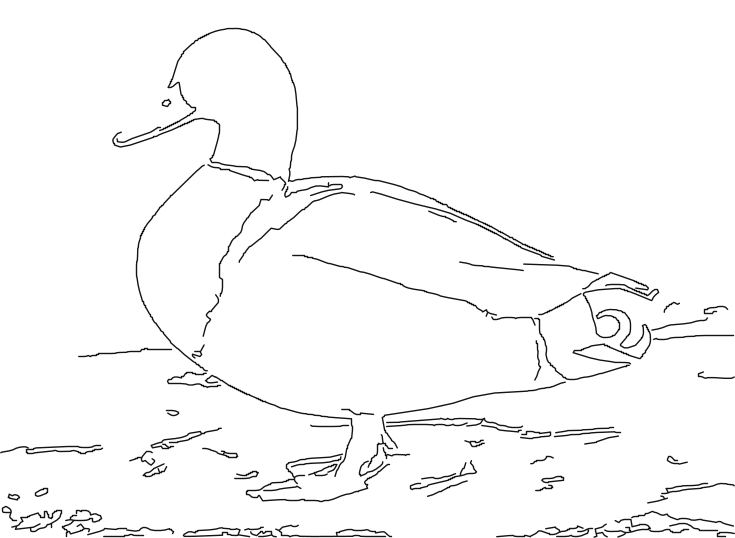
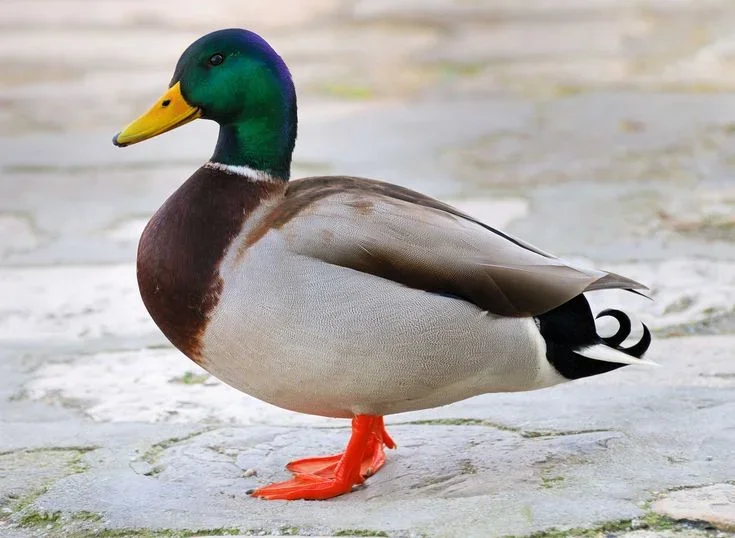
Mallard duck
A clear subject on a plain background is the easy case. Clean ink keeps the outline, wing and eye and drops the pebbles.
Clean ink · 119 strokes · 2,509 points · 735 × 538 px
Fine sketch
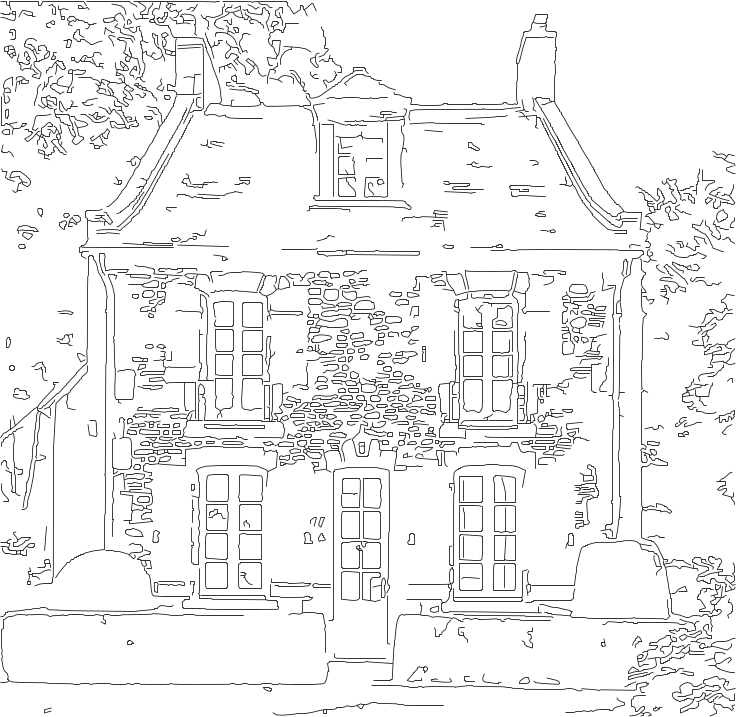
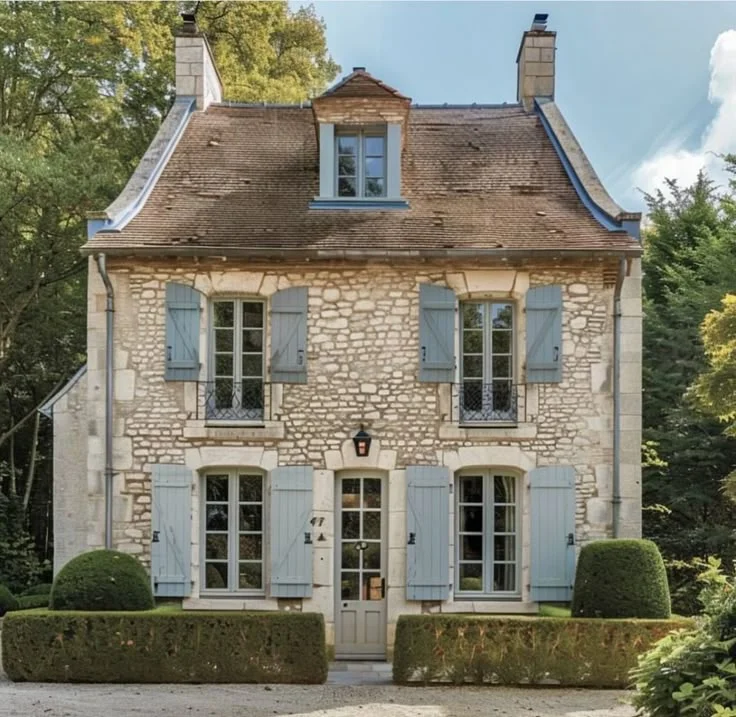
Stone farmhouse
Architecture is full of edges, so windows, shutters and roof lines all survive. The busy hedge turns into texture.
Fine sketch · 1,171 strokes · 11,986 points · 736 × 717 px
Coloring page
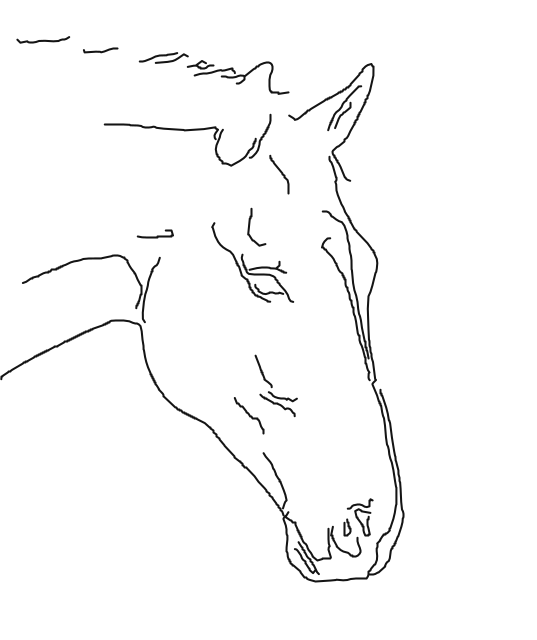
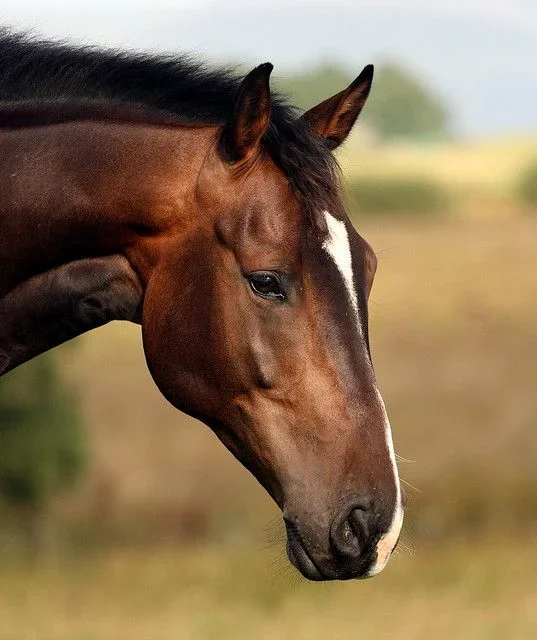
Horse portrait
Coloring page keeps only the long, strong lines and draws them thick, ready to print and fill in.
Coloring page · 44 strokes · 1,251 points · 537 × 640 px
Clean ink
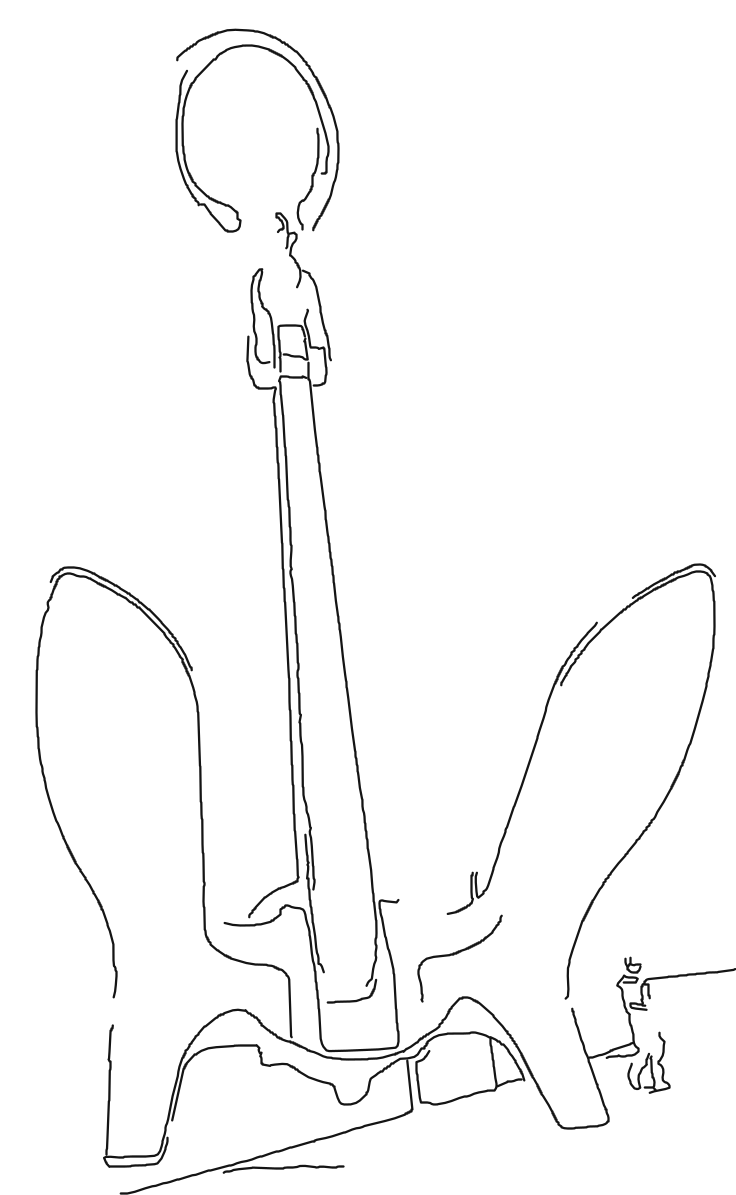
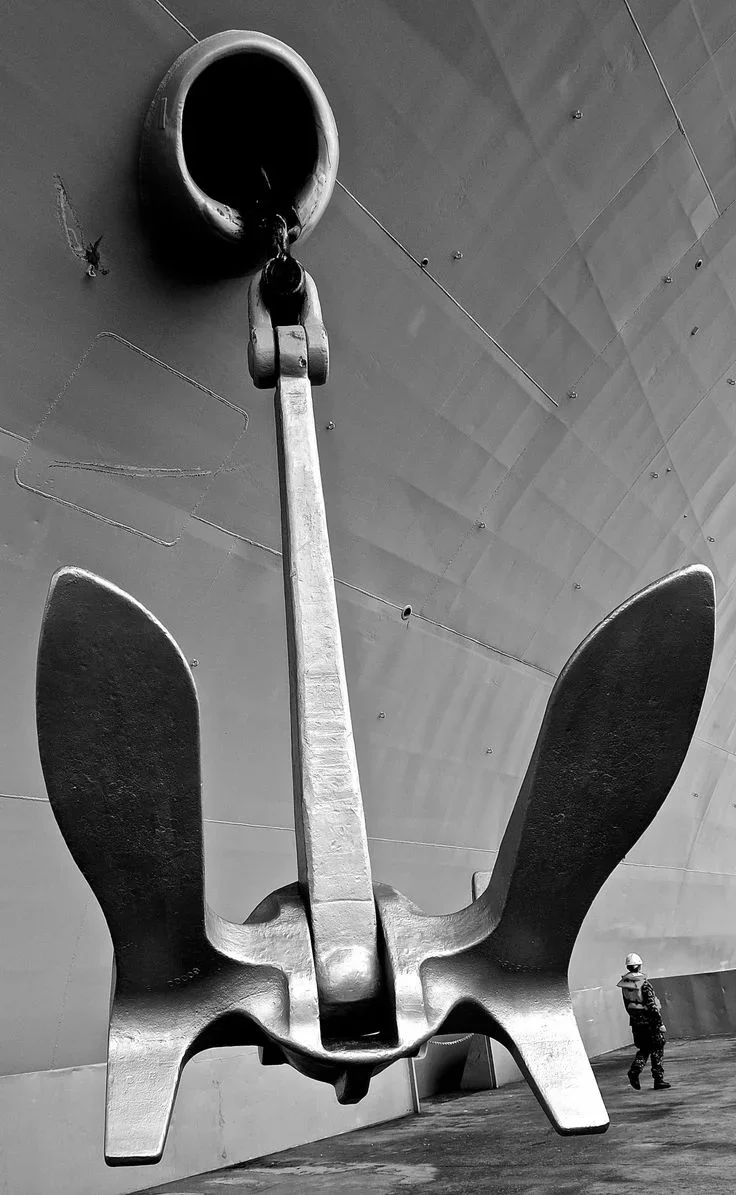
Ship anchor
A dark object against a light wall gives a crisp silhouette with the shackle and flukes as single strokes.
Clean ink · 48 strokes · 2,516 points · 736 × 1195 px
Blueprint
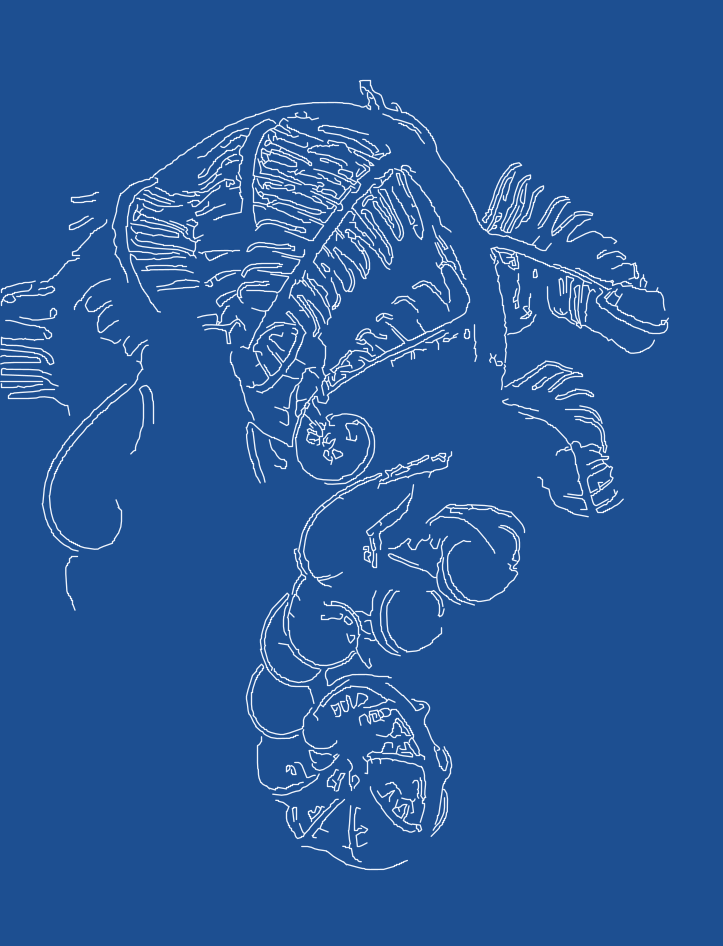
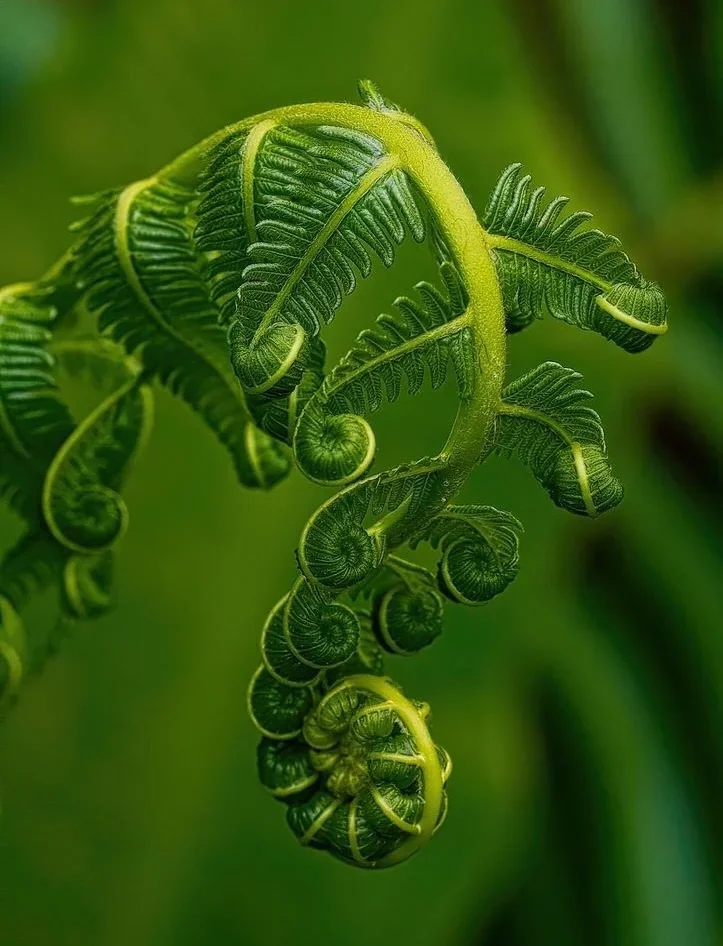
Unfurling fern
Blueprint draws pale lines on blue. The curls of the frond read like a botanical plate.
Blueprint · 509 strokes · 8,092 points · 723 × 946 px
How it works
What makes a good picture to line art result
The converter finds the edges in your photo and traces each one into a stroke. These are the choices that decide how the line art looks.
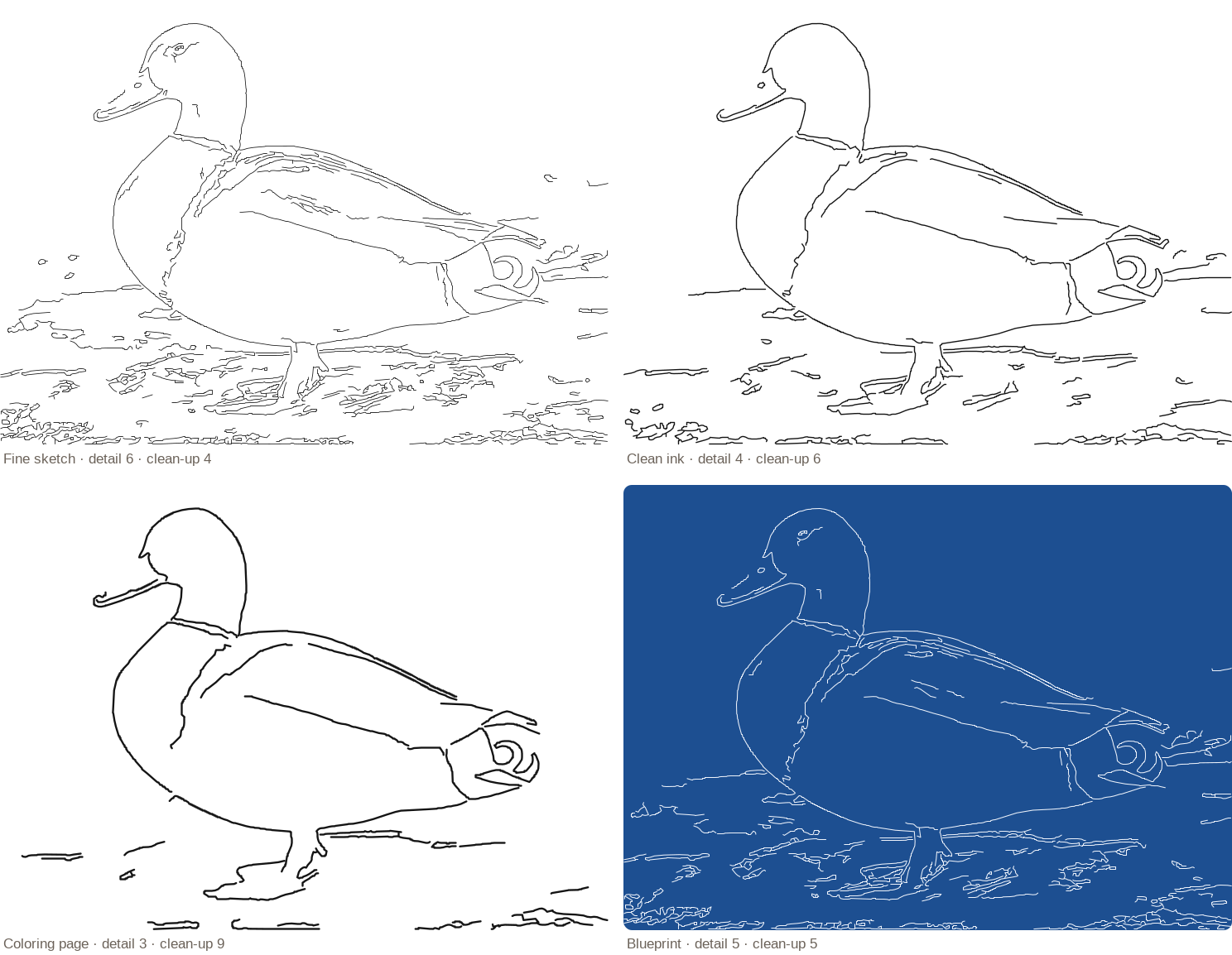
The duck in fine sketch, clean ink, coloring page and blueprint
How to
Convert photo to line drawing in 3 steps
Everything happens in this tab, so the photo never leaves your computer.
STEP 1
Open a photo
Drop a JPG, PNG or WebP up to 25 MB on the upload box, paste it, or try a sample. It is read at up to 1,200 px on the long side.
STEP 2
Pick a style and tune it
Choose one of the four live previews, then adjust Detail, Smoothing and Clean-up. Compare and Overlay show what the photo had and what the lines kept.
STEP 3
Save SVG, PNG or DXF
Set the line weight and ink, switch on a transparent background if you need it, and download. PNG renders up to 2,400 px.
Crop tight
Fill the frame with the subject; empty background only adds noise.
Soft light
Overcast daylight gives fewer shadow edges than a flash.
Dark subjects
Raise Detail a step for dark objects on grey.
Need a new drawing?
No photo at all? The line drawing generator draws one with AI.
Specs
Image to line art converter specs and limits
What goes in, what comes out, and what this converter does not try to do.
- Input
- JPG, PNG, WebP, GIF or BMP photo up to 25 MB
- Processing size
- Up to 1,200 px on the long side
- Method
- Canny edge detection, then our centre-line tracer; no AI
- Styles
- Fine sketch, clean ink, coloring page, blueprint, or your own settings
- SVG
- Stroked paths at the photo size; line weight and colour stay editable
- PNG
- Up to 2,400 px, white, paper colour or transparent background
- DXF
- AutoCAD R12 polylines, 200 mm wide by default (set your own width)
- Where it runs
- In a Web Worker in your browser; nothing is uploaded
It does
- Trace the edges of any photo into clean strokes
- Preview four styles on your own photo at once
- Change line weight and ink without tracing again
- Export SVG, PNG and DXF from the same strokes
- Work offline once the page has loaded
It does not
- Invent lines the photo does not show; it is not AI
- Remove a cluttered background for you
- Draw shading, hatching or colour fills
- Make one continuous single line drawing
- Turn people into a stylised cartoon
Uses
What people make with photo to line art
Line art prints cleanly, cuts cleanly and scales without blur. A few of the jobs it fits, from a gift for a pet owner to a sign for a workshop.
Coloring pages
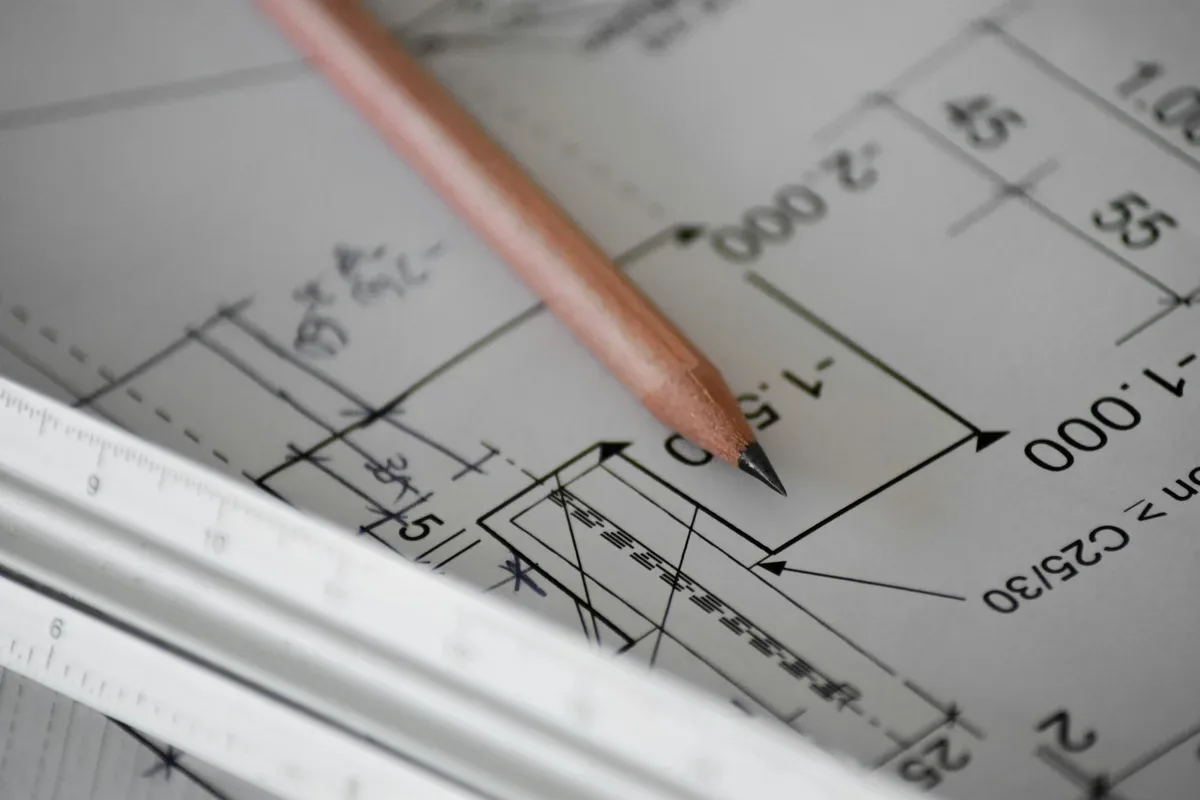
Coloring page style gives thick, closed lines from a pet or holiday photo, ready to print on A4 or Letter.
Laser engraving
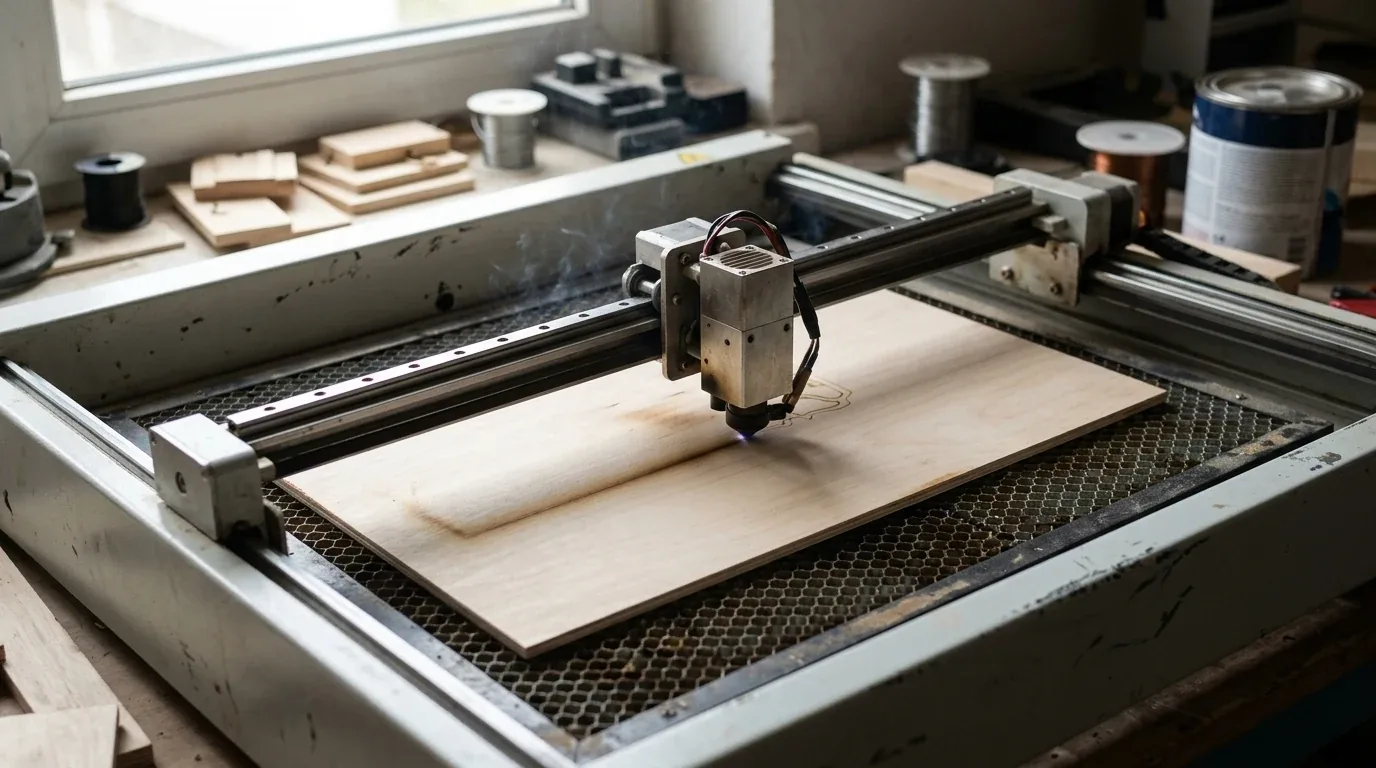
Open the SVG or DXF in LightBurn or xTool Creative Space and engrave the strokes on wood, leather or slate.
Signs and decals
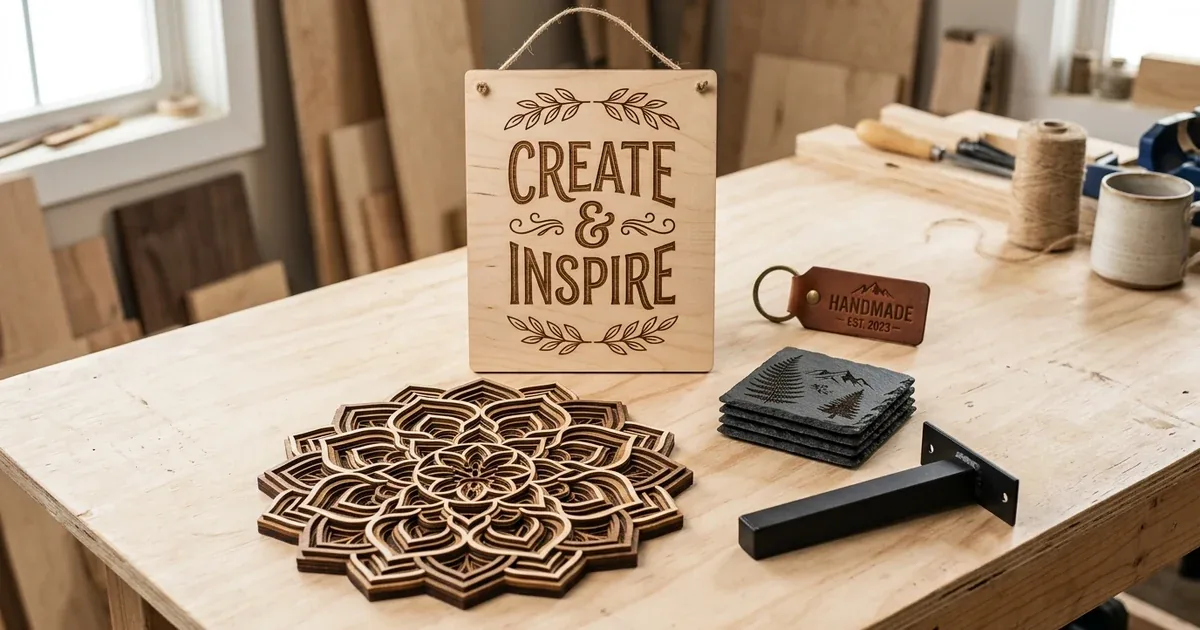
Clean ink strokes make good outlines for vinyl, screen print stencils and shop signs.
Plotters and CNC
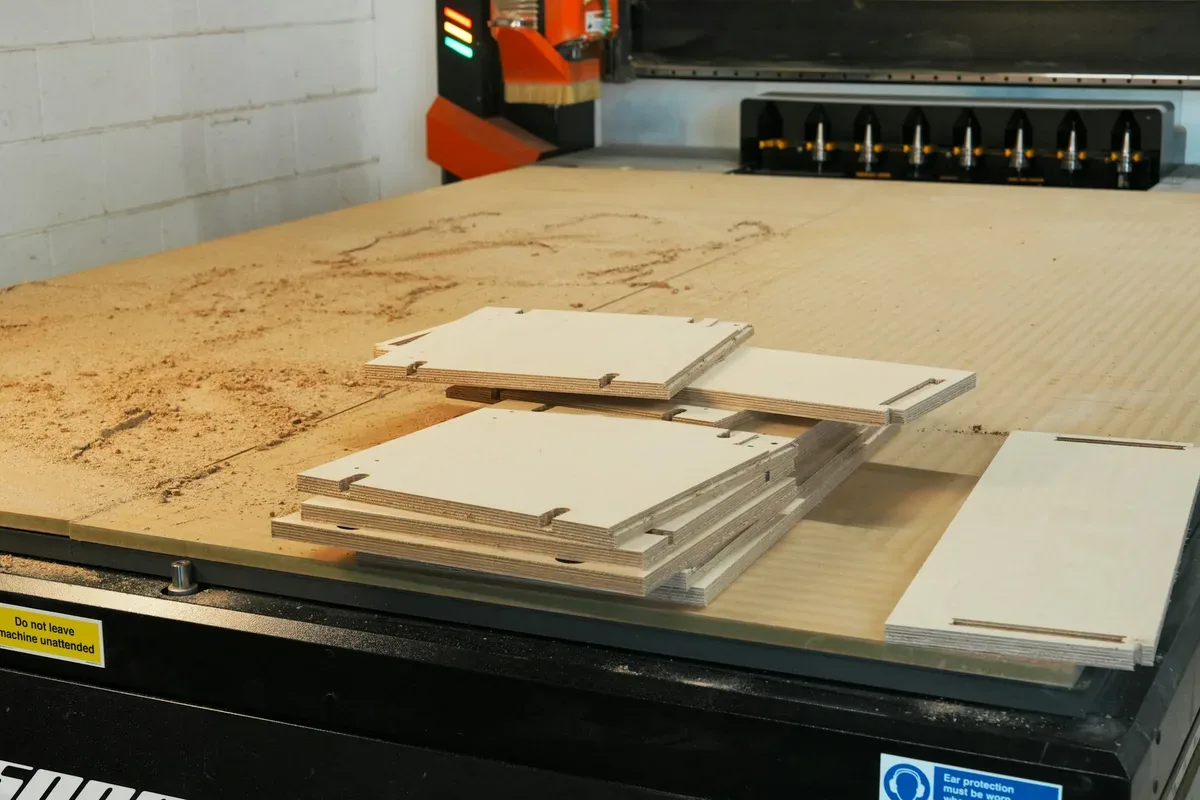
The DXF brings single strokes to pen plotters and V-carve toolpaths, one pass per line.
Photo to line art FAQ
Photos, styles, files and privacy.
Is this photo to line art converter free?
Yes. There is no account, watermark or daily limit, because the work happens on your own computer.
How do I convert a photo to line drawing?
Open the photo, pick one of the four styles, adjust Detail and Clean-up until the subject reads, then download SVG, PNG or DXF.
Is it AI?
No. It is an edge detector followed by our tracer. That makes it fast, private and free, but it only draws edges the photo really has. For an AI drawing from words, use the line drawing generator.
Which photos work best?
One subject, a plain background and soft, even light. Pets, products, flowers and buildings convert well; crowds and busy street scenes come out cluttered.
Can I turn a picture into a coloring page?
Yes. The Coloring page style keeps only strong lines and draws them thick. Print the PNG at full size, or use the SVG to scale it to any paper.
Can I change the line thickness?
Yes, from 0.5 to 6 px, instantly, because the lines are vector strokes. The SVG keeps the weight as a stroke you can still edit.
Can I get a transparent background?
Yes. Switch on Transparent background and both the SVG and the PNG are saved without the paper colour.
What is the difference between image to line art and a sketch filter?
A sketch filter changes pixels, so it blurs when enlarged. Image to line art here makes vector strokes, which stay sharp, change weight and export to SVG and DXF.
Can I use the line art for laser engraving or a plotter?
Yes. Download the DXF or SVG; each stroke is one open path, so a laser scores it or a plotter draws it in one pass. Set the DXF width before you download.
Can I edit the line art in Illustrator, Inkscape or Figma?
Yes. The SVG is one stroked path at the size of the photo, so you can recolour it, change the stroke, erase stray lines or add your own fills in any vector editor.
Is my photo uploaded?
No. The photo is decoded and traced inside this browser tab, and the files are written on your device.
Does it work with portraits?
It traces faces like any other edges, so a well lit portrait gives a recognisable drawing, but it will not flatter or stylise. Shadows on the face become lines.
How big can the photo be?
Up to 25 MB. It is processed at up to 1,200 px on the long side to stay quick, even on a phone, and the PNG renders up to 2,400 px.
Turn your photo to line art now
Pick a style, set the weight and save SVG, PNG or DXF. Free, in this tab.
Convert a photo