AI Sketch to 3D: Turn a Drawing into a 3D Model
Sketch to 3D from a photo or scan: upload a sketch of one object and AI builds a 3D mesh from it. Shaded, three-quarter sketches work best; flat line art gives rougher shapes. Check the model for printing, then download STL, OBJ, GLB, 3MF or a faceted STEP.
- Hand sketch in
- 3D mesh out
- STL · OBJ · GLB · 3MF
- Free print check
Upload your sketch
- Shaded, three-quarter sketches work best
- Crop away notes, arrows and dimensions
- One object per sketch
AI 3D gives a triangle mesh, not an editable CAD solid. The size is a guess: set the real size before you download.
AI-generated example
Examples
Drawing to 3D model examples
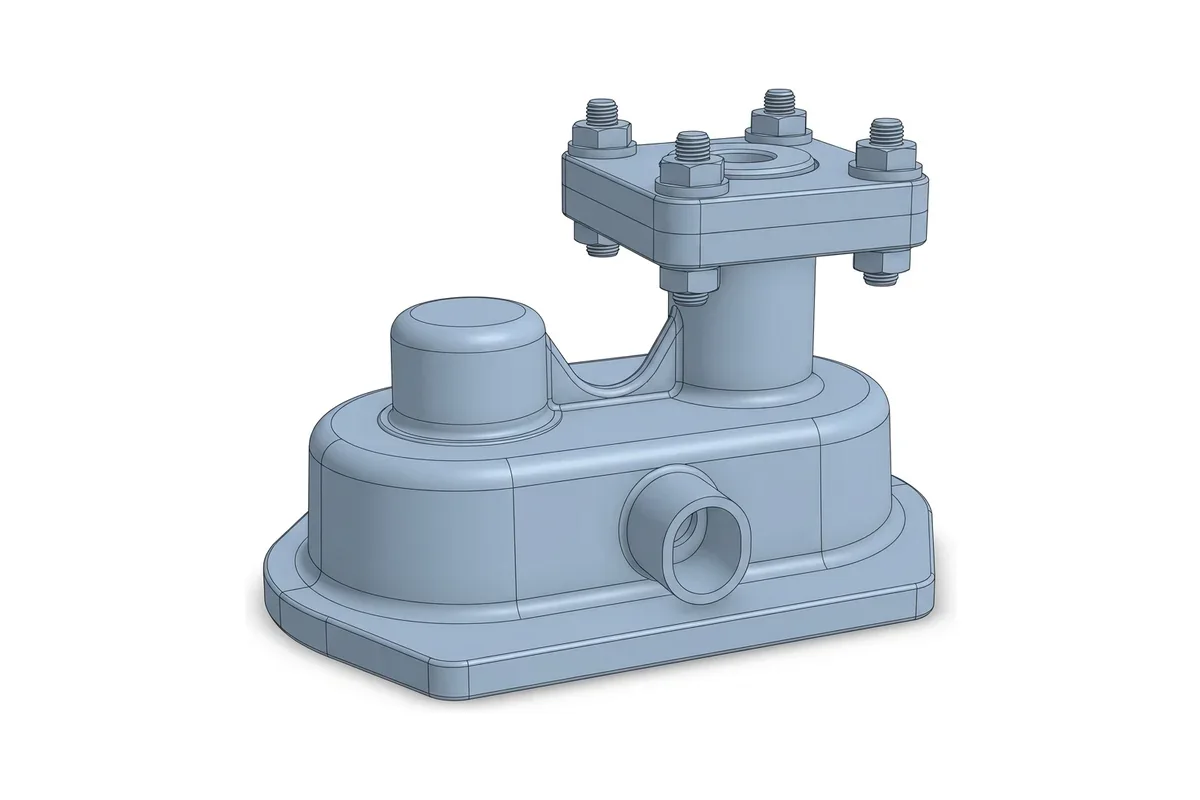
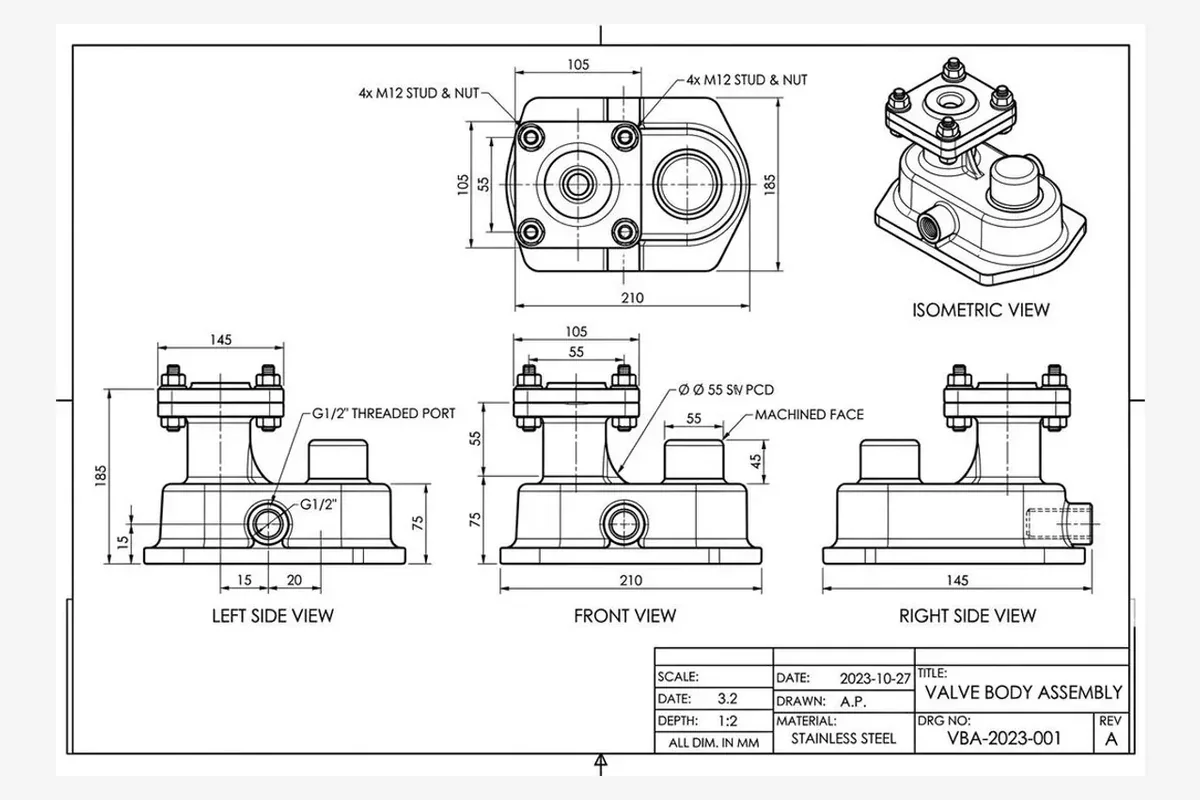
AI-generated examples from a partner drawing to 3D tool, made from clean dimensioned drawings. Our sketch to 3D reads a single view, so a pencil sketch comes out rougher than these; they show the kind of mesh to aim for.
AI-generated example
Valve body from its drawing
A dimensioned sheet with an isometric view, turned into a casting-like mesh.
AI-generated example
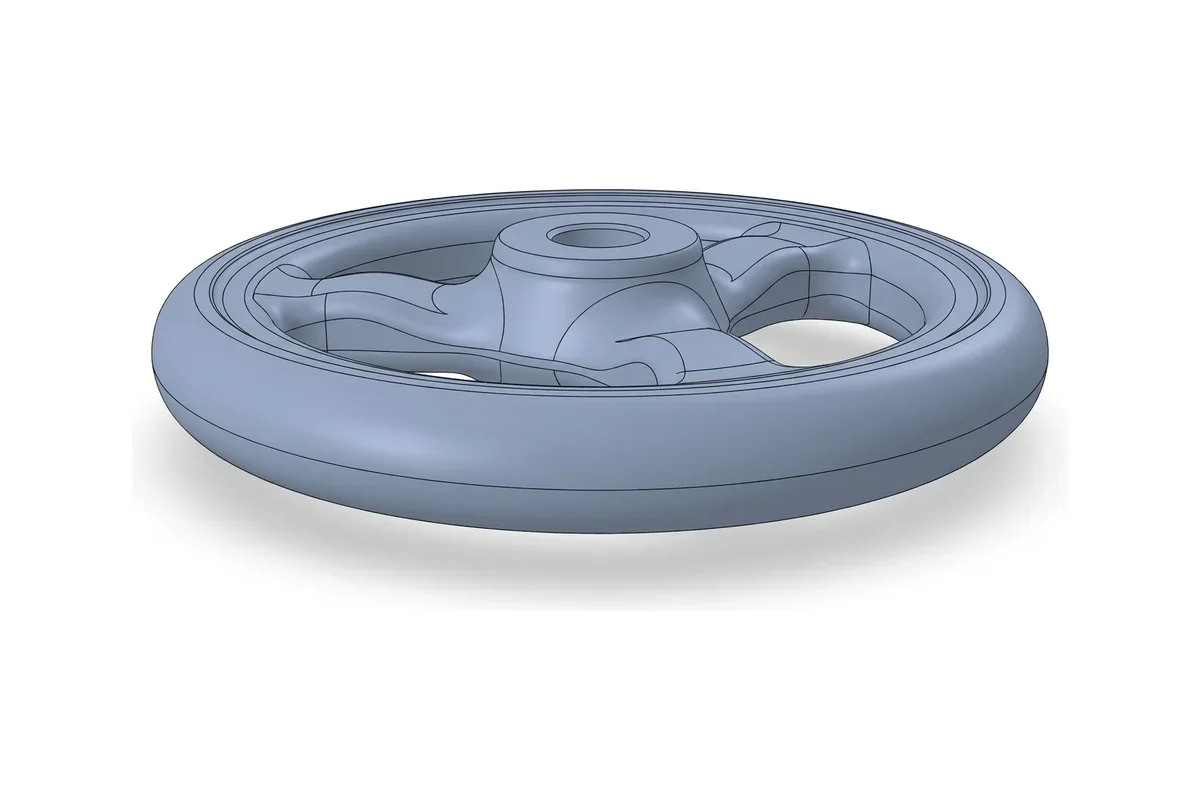
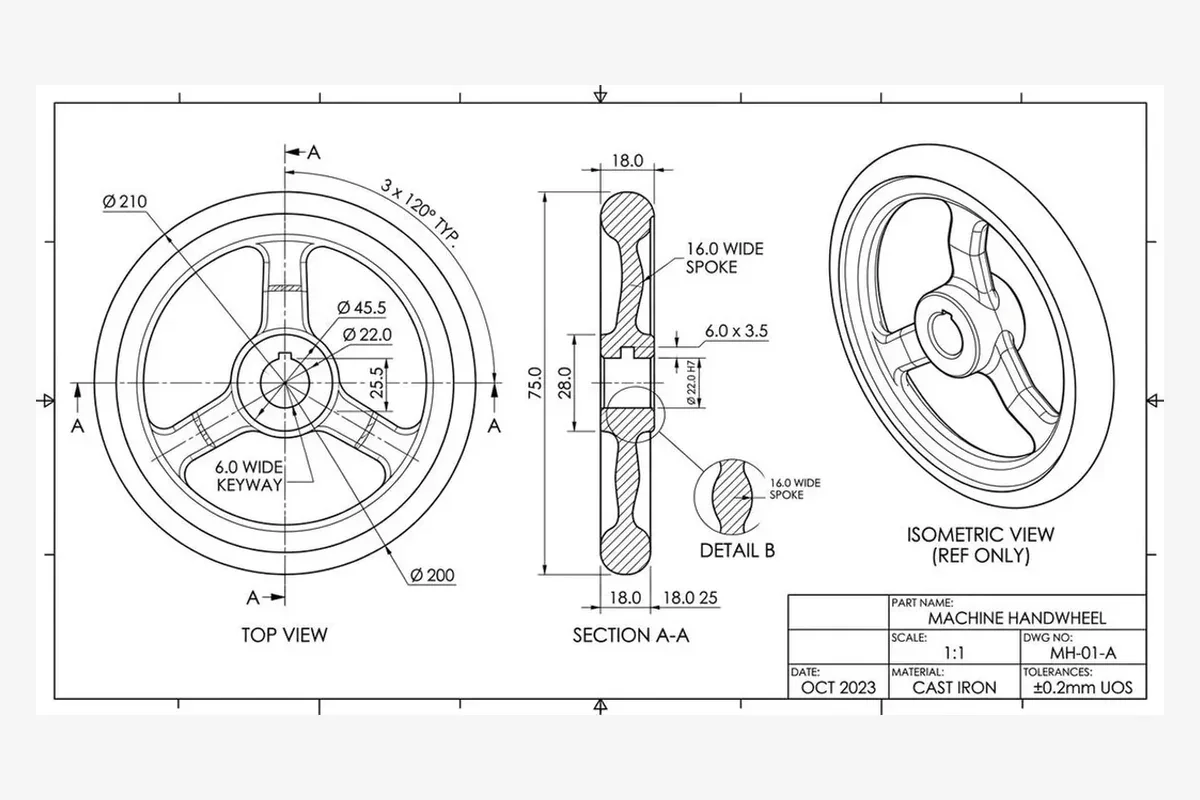
Handwheel
Spokes, rim and hub from a sheet with a section view and an isometric.
AI-generated example
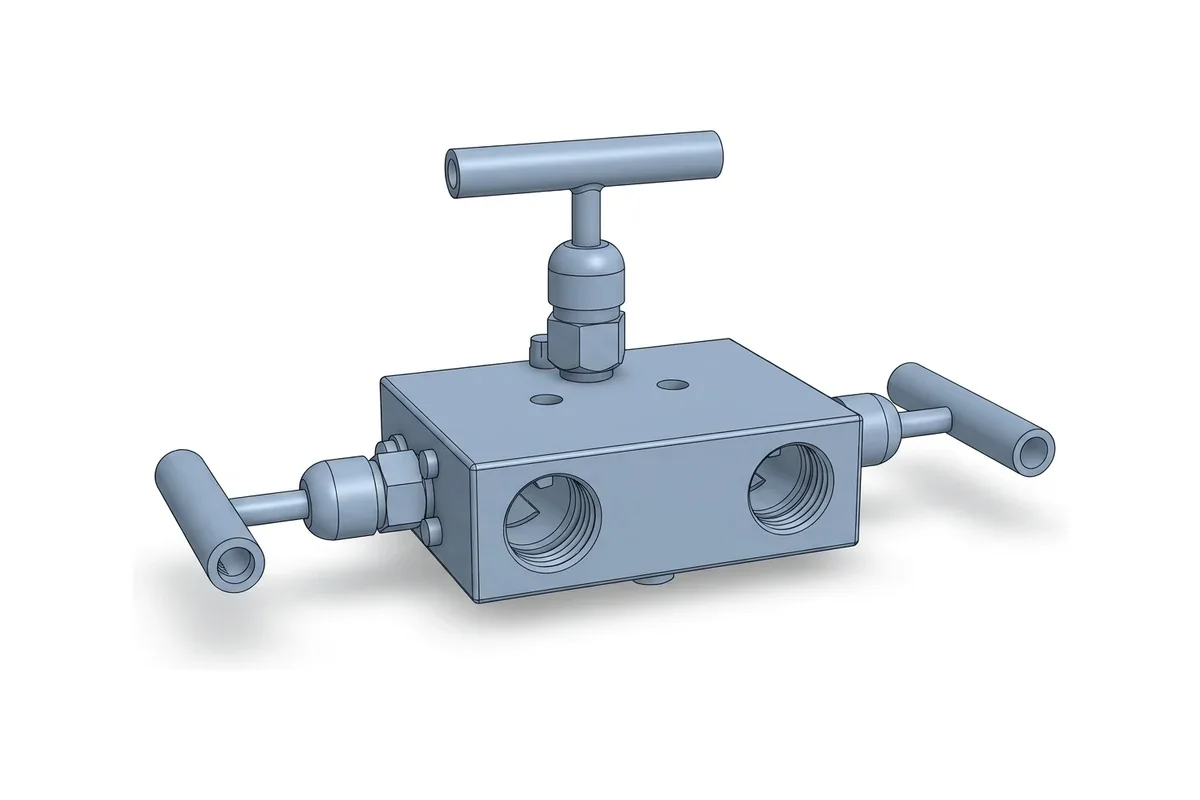
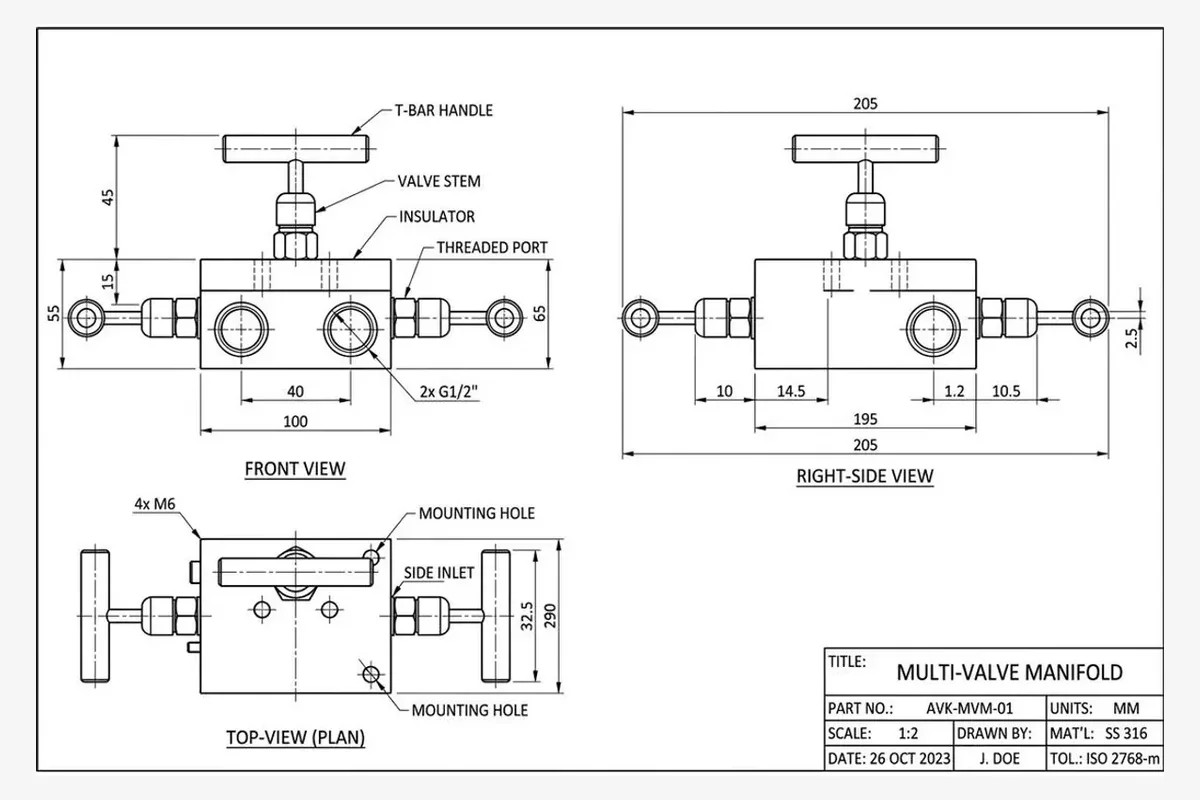
Multi-valve manifold
Three views and a pictorial: the T-handles and ports come through cleanly.
AI-generated example
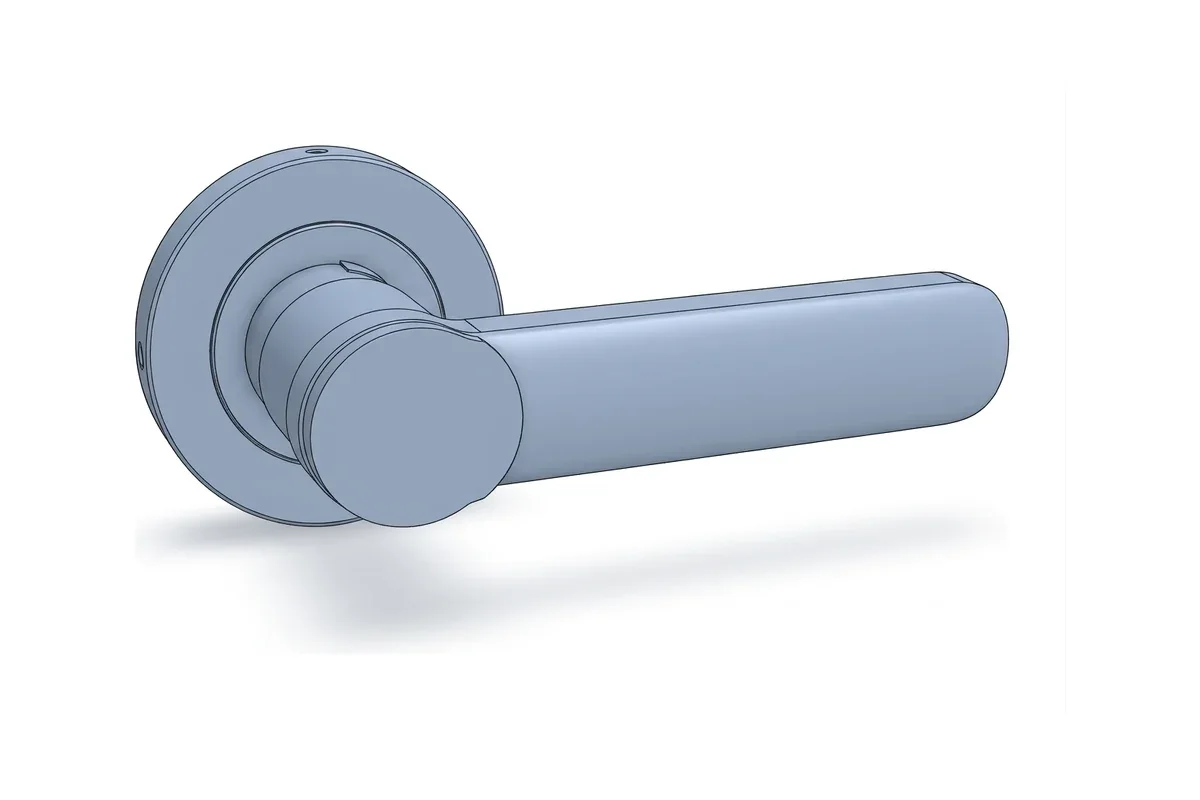
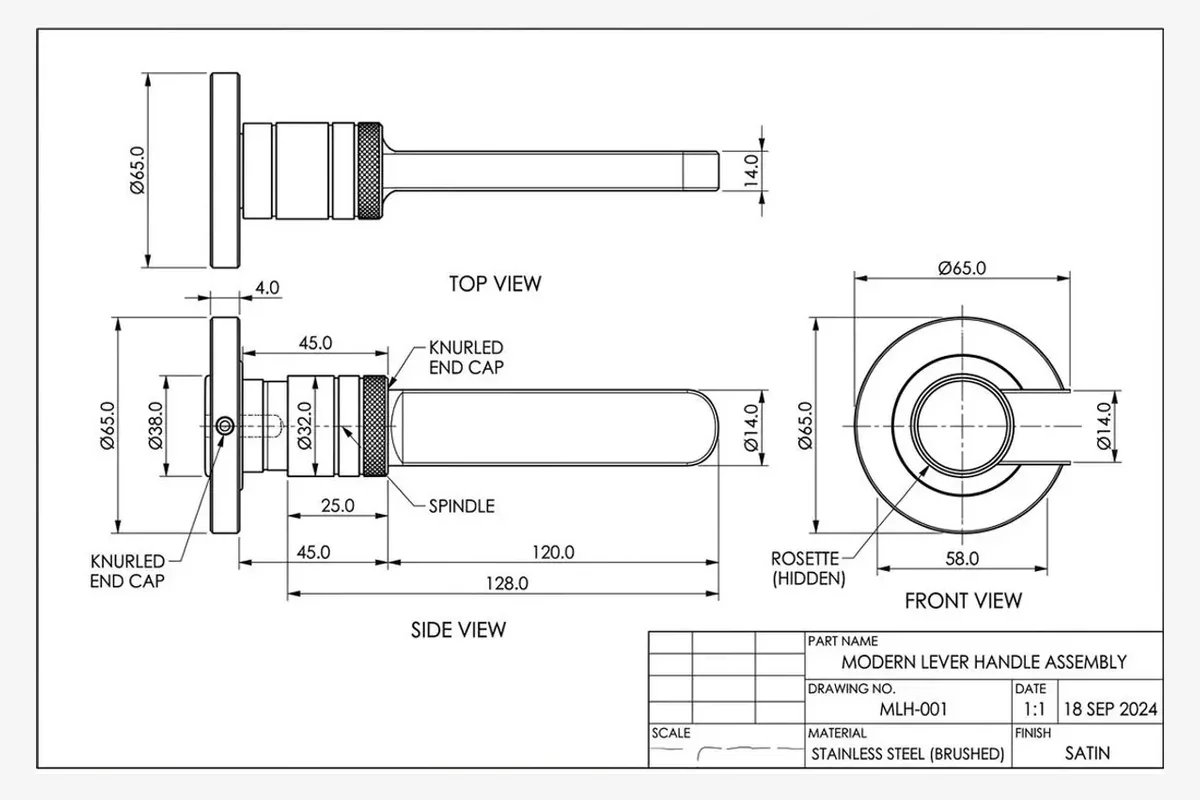
Lever handle assembly
A side view with the rose and knurled end cap, built out as one smooth part.
AI-generated example
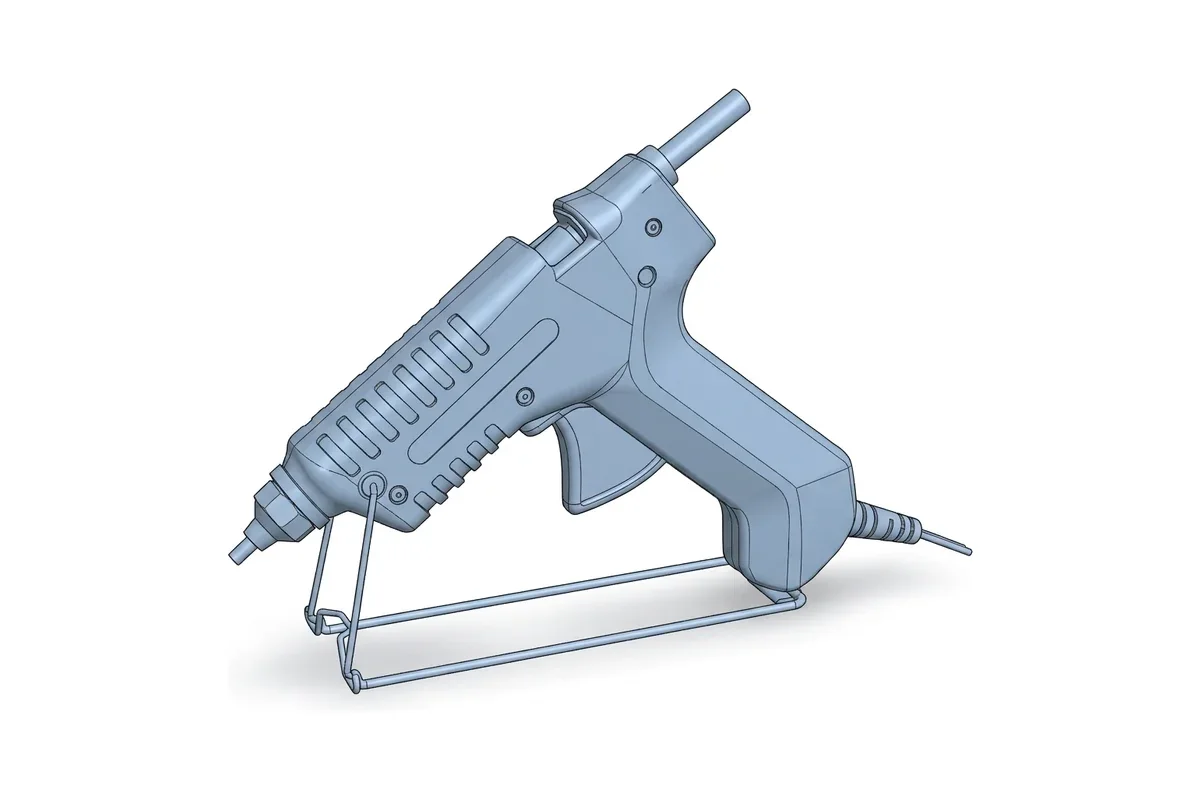
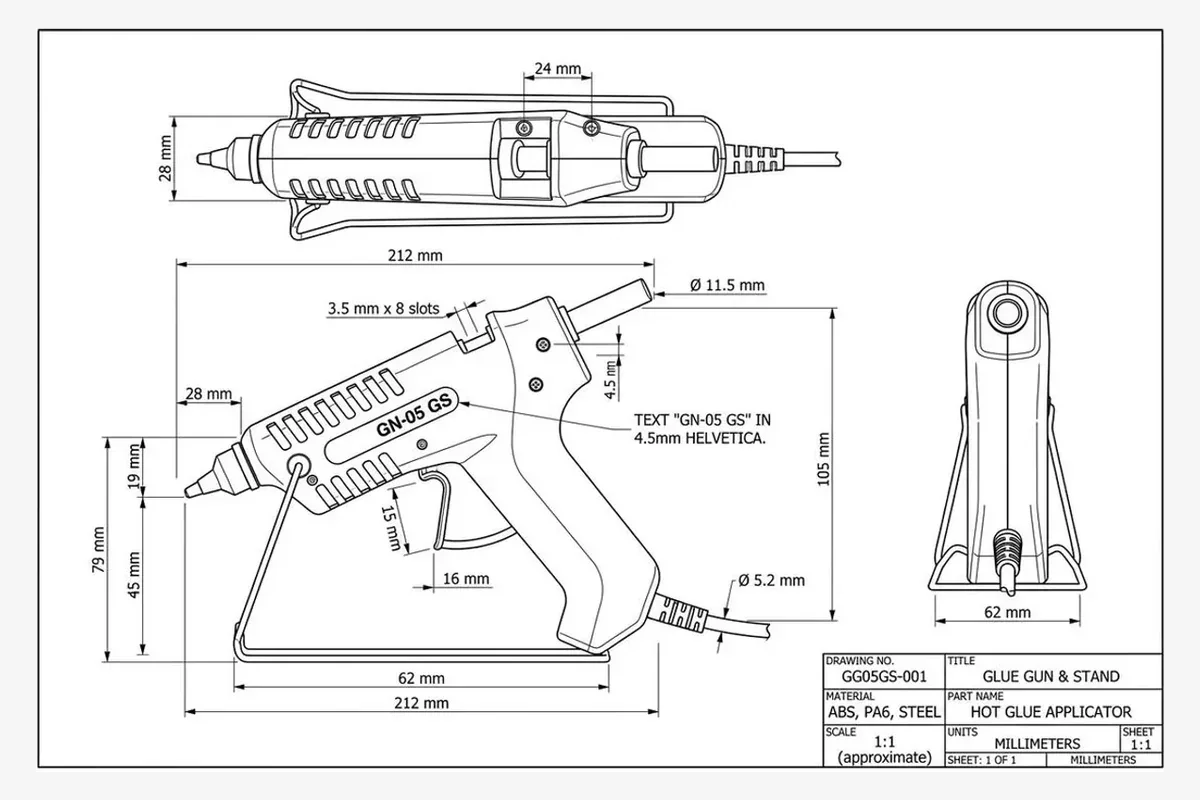
Glue gun with stand
A product drawing with its wire stand: thin parts like this need checking before printing.
AI-generated example
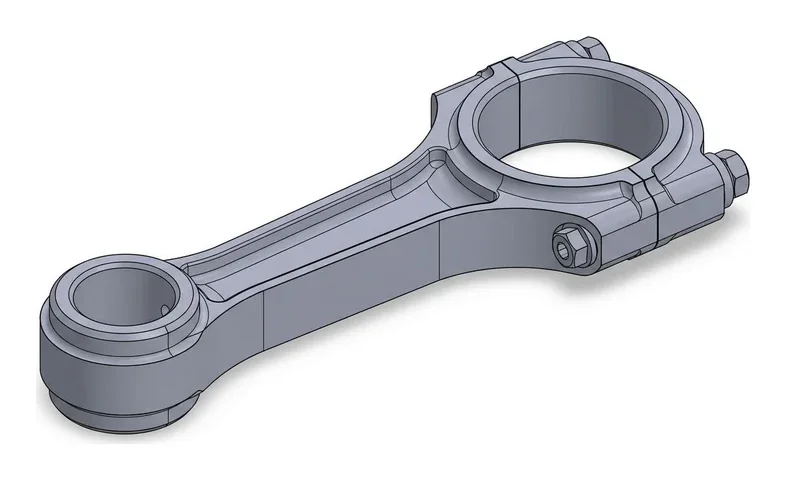
Connecting rod
The finished mesh only: big end, small end and the I-beam between them.
Free print check
Check a sketch to 3D model before you print it
Open the STL, OBJ or GLB from any sketch to 3D tool, or a sample, and see what will go wrong on the printer. It runs in your browser up to 150 MB, uploads nothing and needs no account.
- Size in millimetres from the longest side you set
- Watertight test with open edges in red
- Walls under 0.8 mm and overhangs over 45° flagged
- Holes up to 200 edges filled, flipped faces fixed
- Loose pieces from stray pencil marks removed on request
- Bed fit for 4 common printers
Or try a sample
How it works
How sketch to 3D reads your drawing
What the AI can take from a sketch, and how to give it more.
- Drawing3D model
AI-generated example: valve drawing and its mesh
How to
How to turn a sketch into a 3D model
From paper to a model you can turn, print or import.
STEP 1
Photograph or scan it
PNG, JPG or WebP up to 8 MB and 128 to 5,000 px per side. Crop to the object, light it evenly.
STEP 2
Pick a model and generate
Pro is selected first (600 credits); Rapid and TRELLIS cost less. The price is on the button.
STEP 3
Check and download
Turn the model in the preview, read the print check and save STL, OBJ, GLB, 3MF or STEP.
Three-quarter view
Draw the object at an angle that shows the front, a side and the top.
Add shading
Darker faces away from the light tell the AI which way each surface turns.
One object only
Crop away notes, arrows and dimension lines; they can turn into geometry.
Clean line art first
For bare outlines, make a clean render with sketch to CAD, then upload that.
At a glance
Sketch to 3D model: what you get and what you don’t
Plain facts about inputs, price and limits.
- Input
- One sketch photo or scan: PNG, JPG or WebP, up to 8 MB, 128 to 5,000 px per side
- Models
- Hunyuan3D 3.1 Pro (600 credits), Rapid (400), TRELLIS (40)
- Reads
- One pictorial view: outline and shading. Not orthographic views or dimensions
- Output
- A triangle mesh, shape-only by default here
- Downloads
- STL and 3MF in mm, OBJ, GLB, faceted STEP
- Size
- You set the longest side, 1 to 2,000 mm
- Print check
- Free for any GLB, OBJ or STL, in the browser
- Refunds
- Automatic when a run fails or times out
It does
- Build a 3D mesh from one sketch of one object
- Keep the overall shape and the main features you drew
- Size the download in millimetres for printing
- Check and repair the mesh for free
- Refund credits when a run fails
It does not
- Read front, top and side views as one part
- Follow the dimensions written on a drawing
- Make an editable CAD model with features
- Keep tiny details or the exact proportions
- Draw the hidden side; it is invented
Use cases
What sketch to 3D is good for
The step between a napkin idea and real CAD work.
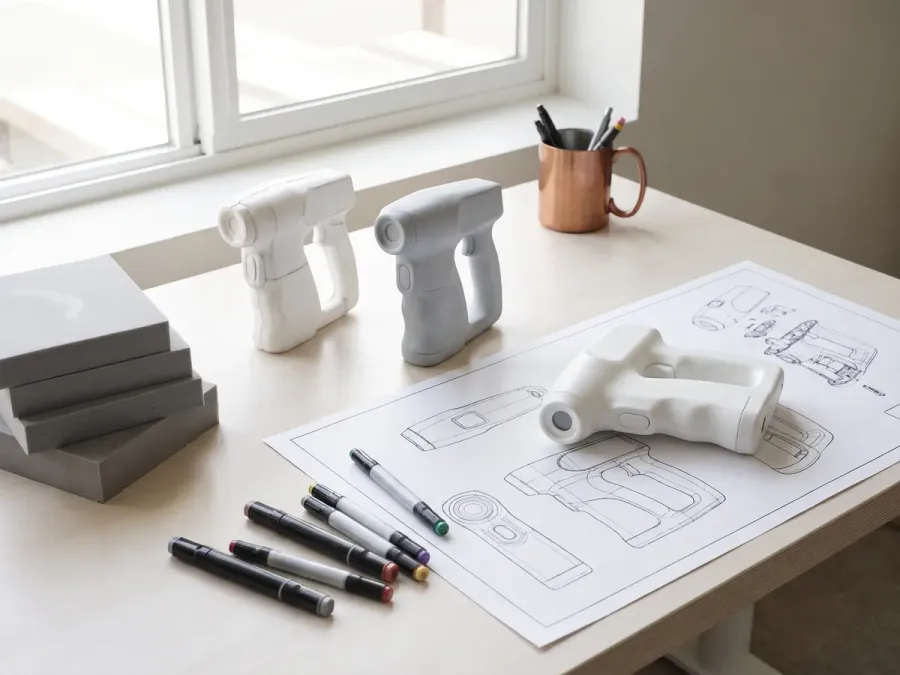
Industrial design concepts
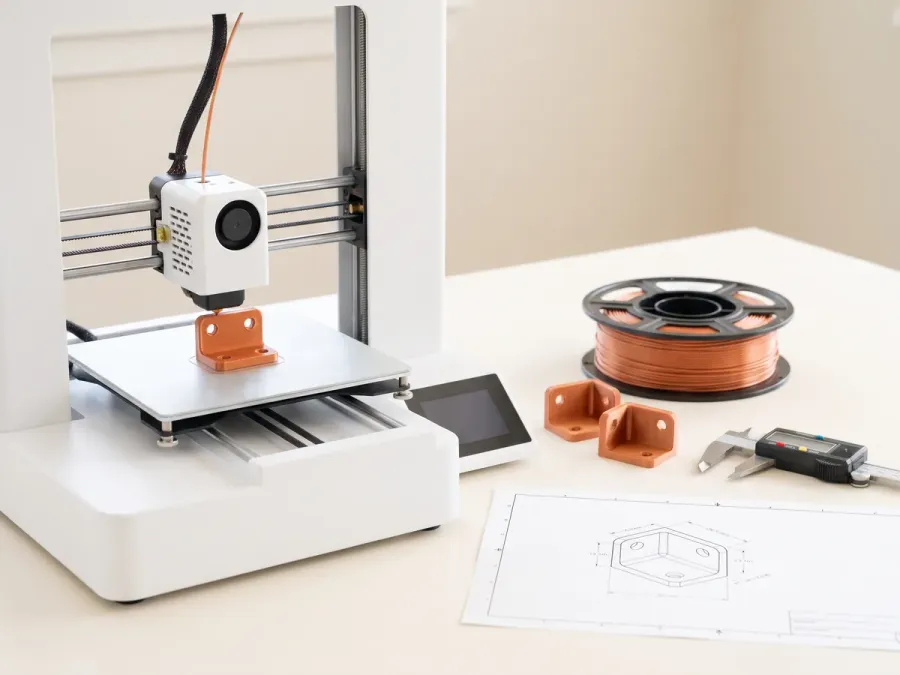
See a product sketch in 3D, turn it around and show it in a review.
First printed prototype
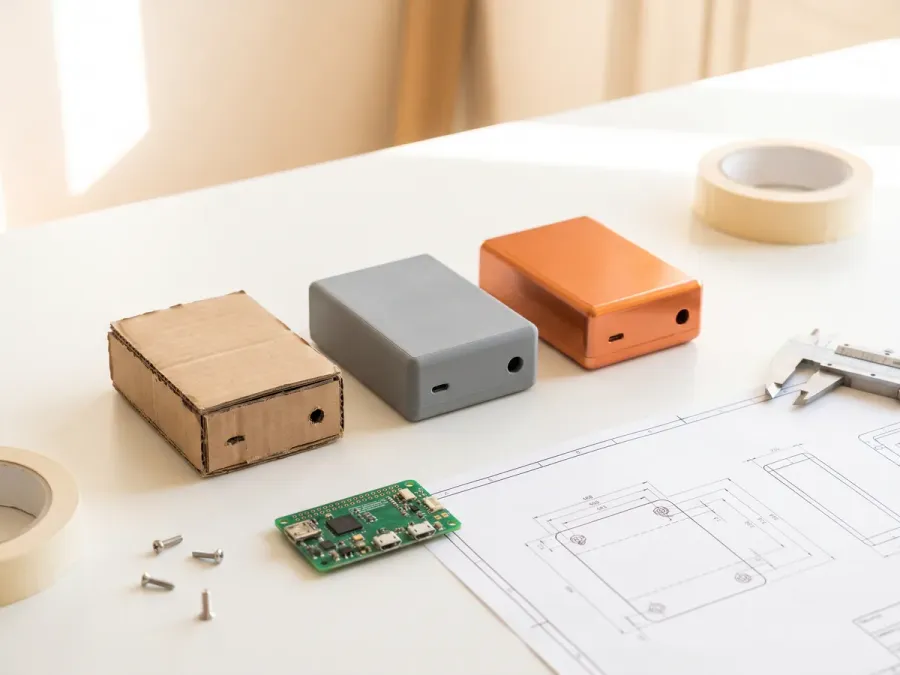
Print a rough model of the idea to check its size and feel in your hand.
Game and film props
Turn concept art into a base mesh to refine in Blender.
Classroom projects
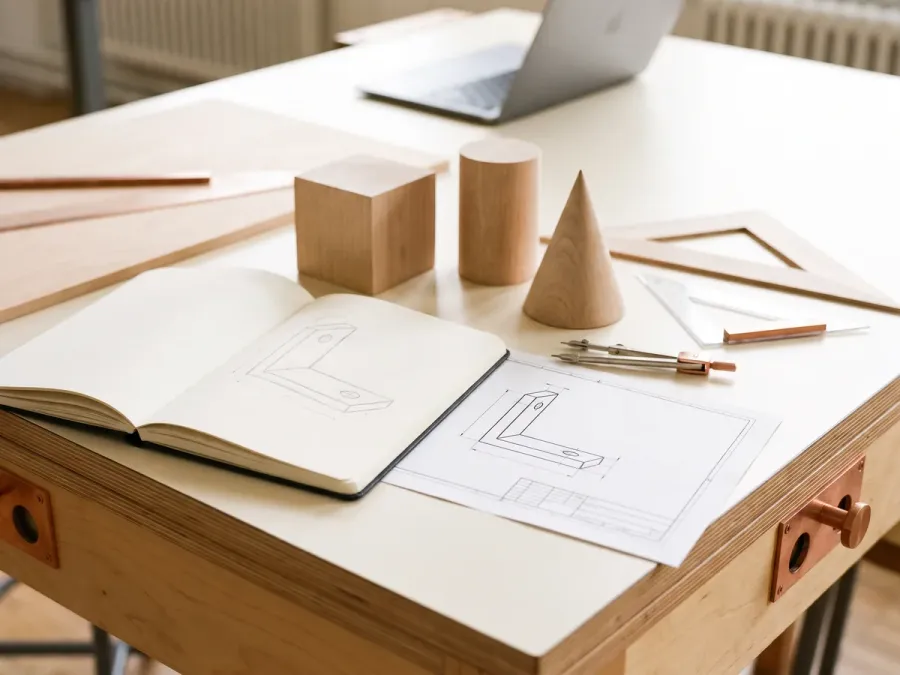
Let students see how their drawings work in three dimensions.
Sketch to 3D FAQ
Sketches, accuracy, models and credits.
What is sketch to 3D?
Sketch to 3D turns a hand drawing into a 3D model. Here an AI model reads your sketch as one view of an object and builds a triangle mesh you can turn, print or import.
Does sketch to 3D work with a simple line drawing?
Sometimes, but line art has few depth cues, so the result can be flat or wrong. Shading helps a lot. A reliable route is to clean the sketch into a render with sketch to CAD, then run that render here.
Can it read orthographic views (front, top, side)?
No. It builds from one picture and treats it as a single view. For a part defined by views and dimensions, model it in CAD; this tool is for concept shapes.
Is the sketch to 3D model editable CAD?
No. It is a mesh, not a parametric solid. The faceted STEP download opens in CAD as a solid made of flat facets, useful as a reference to model over.
How accurate is a drawing to 3D model?
It follows the overall shape; small details, exact proportions and anything hidden are estimates. Pro keeps more detail than Rapid. Set the real size before you download.
Should I scan the sketch or photograph it?
Either. A scan gives even light; with a phone, hold it square to the paper, avoid your own shadow and crop to the object. PNG, JPG or WebP up to 8 MB.
Which model is best for sketch to 3D?
Hunyuan3D 3.1 Pro (600 credits), the default here, keeps more of a sketch’s detail. Rapid (400) is quicker; TRELLIS (40) is a cheap test of whether a sketch reads as 3D.
Why is the mesh shape-only by default?
A pencil sketch has no real colours to keep, and a shape-only mesh is cleaner to print. Switch Untextured mesh off if you want a coloured GLB.
Sketch to 3D or sketch to CAD: what is the difference?
Sketch to CAD redraws your sketch as a flat, CAD-style drawing for documents. Sketch to 3D builds a mesh you can turn, print or bring into Blender and CAD. They work well together.
What does one sketch to 3D model cost?
Credits per run, shown on the Generate button. Failed runs are refunded automatically; the print check and every download are free.
Where are my models saved?
Your recent models are listed in the generator while you are signed in, so you can leave the page during a run and open the result later.
Is my sketch kept private?
The sketch goes to the AI service that builds the mesh and is kept with your task. Checking, repairing and writing files happen in your browser.
Bring your sketch into 3D
One shaded sketch is enough to start sketch to 3D. Credits come back if a run fails.
Upload a sketch