Nano Banana Pro CAD Generator: 4K Technical Drawings
Nano Banana Pro is Google's top image model, Gemini 3 Pro Image. Here it turns a brief or a pencil sketch into a CAD-style sheet up to 4K for 450 credits at any size. It is a PNG, not an editable CAD file; trace it to DXF for free.
- Google Gemini 3 Pro Image
- Text or sketch
- 1K to 4K, one price
- 450 credits
Drawing style
Technical
Full sheet: views, a section, notes and a title block.
You get a CAD-style PNG made by AI, not an editable CAD file. Trace it to DXF for free afterwards.
Heatsink sheet from a sketch
AI-generated example · Nano Banana Pro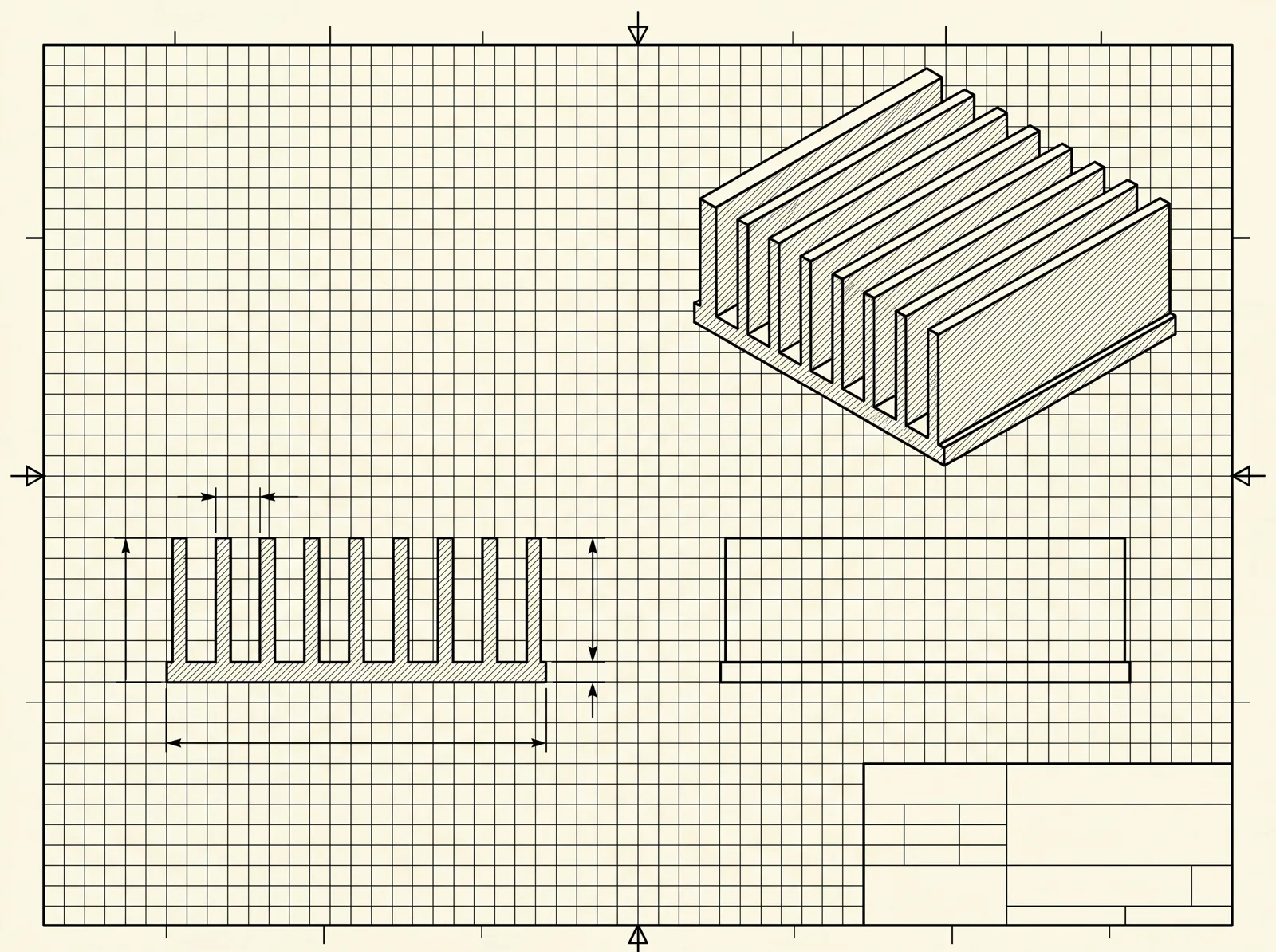
Prompt idea: Extruded aluminium heatsink, 60 x 50 x 30 mm, nine fins 1.5 mm thick on a 5 mm base plate: isometric view, front view with fin pitch, side view. Your result will differ.
Model card
Nano Banana Pro for CAD drawings at a glance
What the model is, what we send it and what one drawing costs. Facts from Google and Kie.ai, our model provider.
- Maker
- Google; announced 20 November 2025 as Gemini 3 Pro Image
- Runs here as
- Kie.ai, one endpoint for text briefs and sketches
- Input
- A brief of up to 1,000 characters, or one sketch or photo (PNG, JPG or WebP up to 10 MB) with short notes
- Sizes
- 1K, 2K or 4K, all at one price
- Sheet shapes
- 4:3, 3:2, 16:9, 1:1, 3:4
- Credits
- 450 per drawing at any size; a failed run is refunded
- Output
- A PNG of a CAD-style drawing; trace it to DXF or SVG for free
- Watermark
- Google embeds an invisible SynthID watermark; we add none
Where it earns its price
- Final presentation sheets, once a cheaper model has settled the wording
- Sketch clean ups that must keep counts: fins, bolt holes, parts
- Sheets with labels; Google calls it its best model for legible text in images
- 4K at the same price as 1K
Where to hold back
- Early drafts: at 450 credits it is the dearest model here
- Readable dimension values are still not guaranteed; see the scribbled lamp labels below
- Exact geometry: the drawing is an image, never a CAD model
Sources · Checked 2026-11-27 · Released 20 Nov 2025
Examples
Drawings made with Nano Banana Pro
Five drawings the partner site drawcad.org made with Nano Banana Pro and labels as such. Look at the details: counts and layouts hold well, small text does not always.
AI-generated example
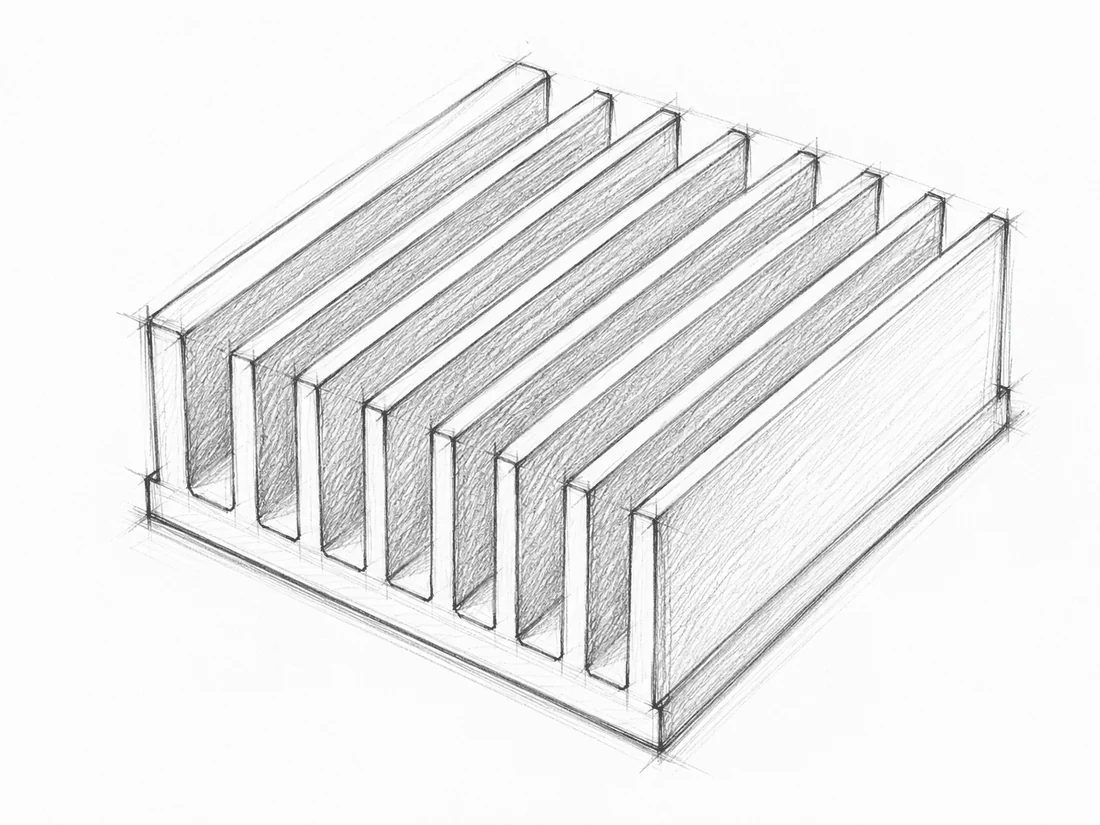
Heatsink sketch to drawing sheet
A pencil sketch went in; the sheet came back with the same nine fins and base plate, an isometric view, front and side views and a title block on grid paper.
AI-generated example
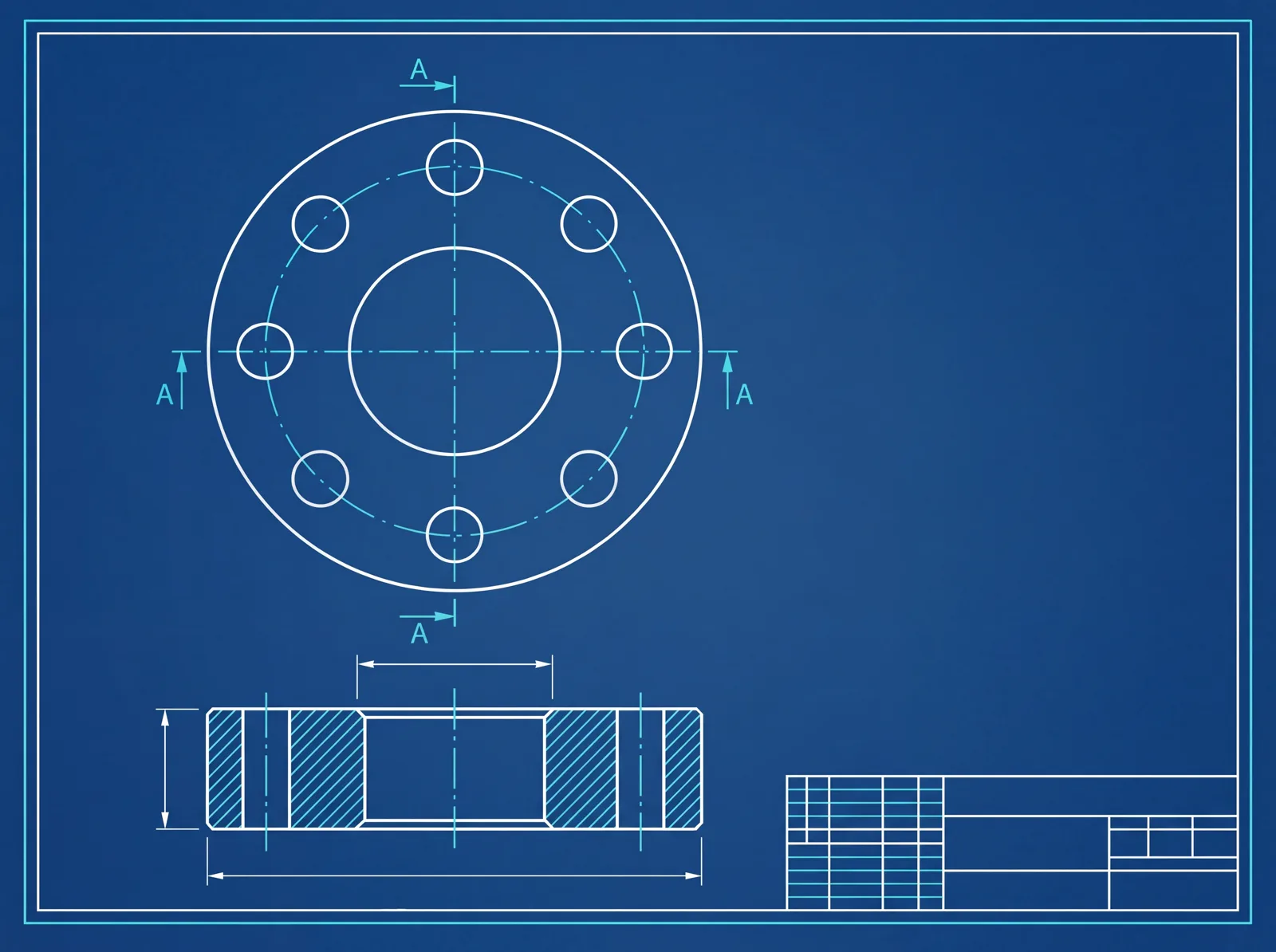
Flange blueprint with section A-A
An eight-hole flange redrawn as a blueprint: the bolt circle and centre lines on the front view, a hatched section below.
AI-generated example
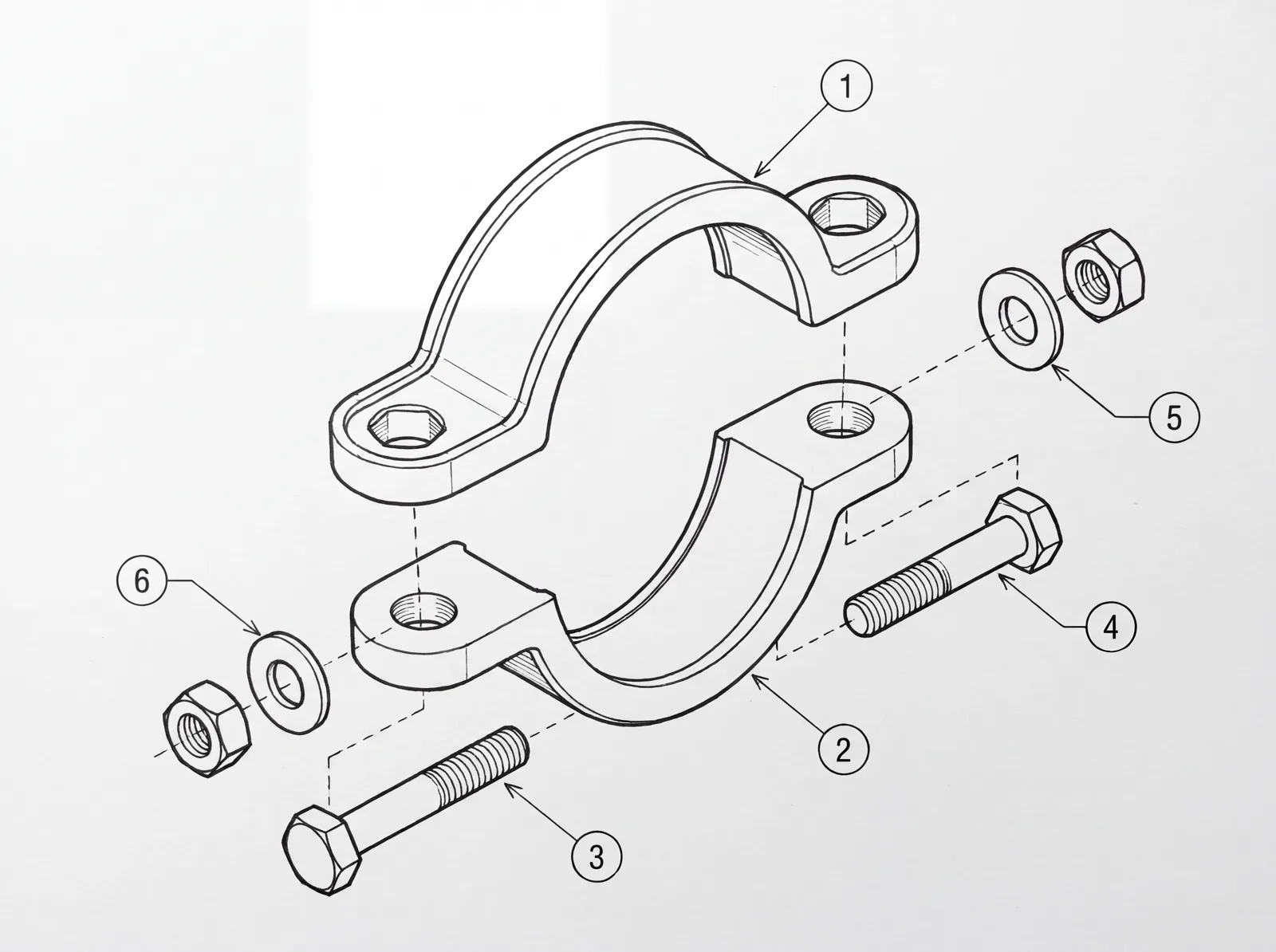
Pipe clamp, exploded
Two clamp halves, two hex bolts, nuts and washers pulled apart along dashed lines, with balloons 1 to 6.
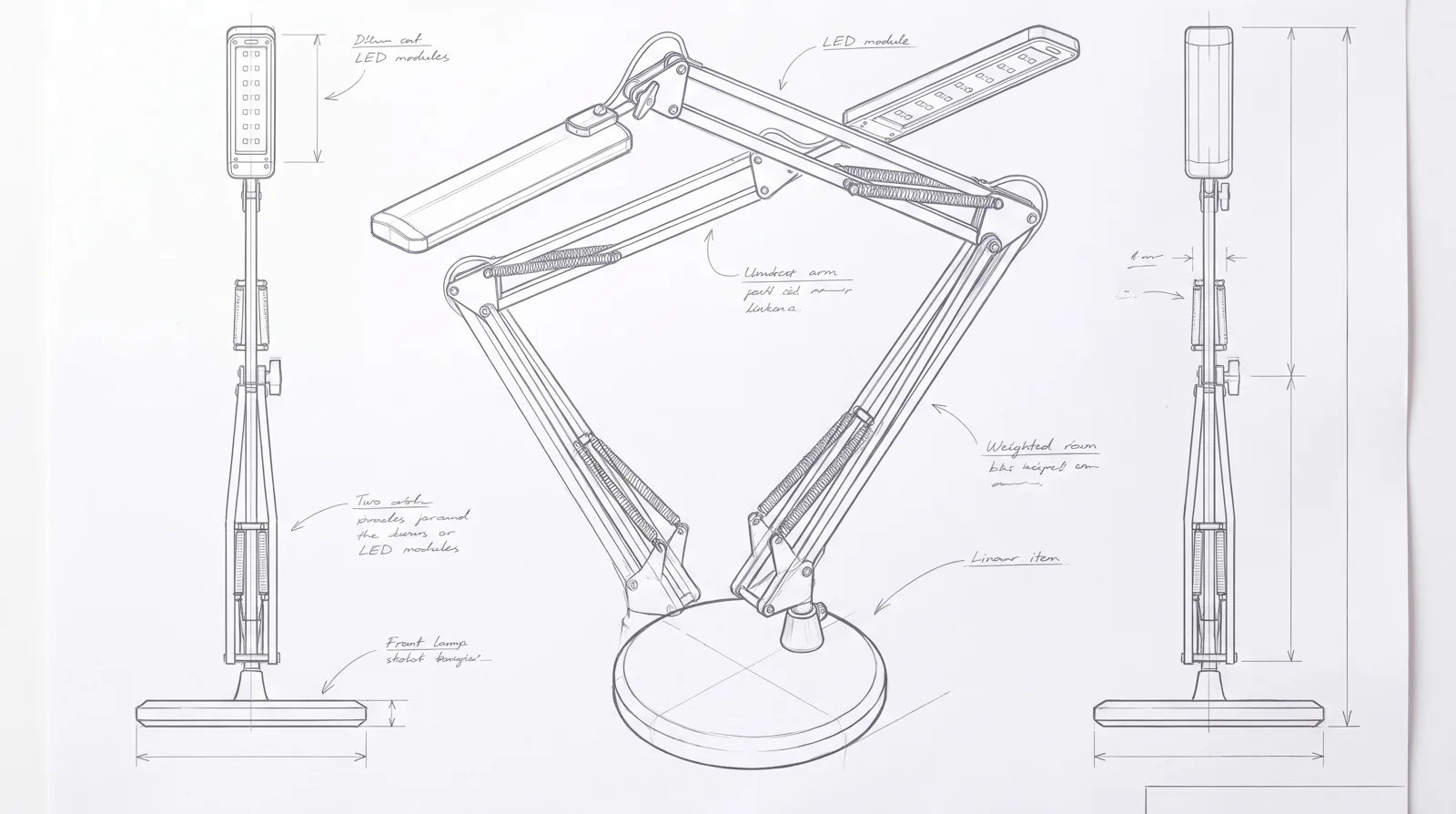
AI-generated example
Desk lamp concept sheet
An isometric view between front and side views. The handwritten labels are not readable, a reminder to keep text short.
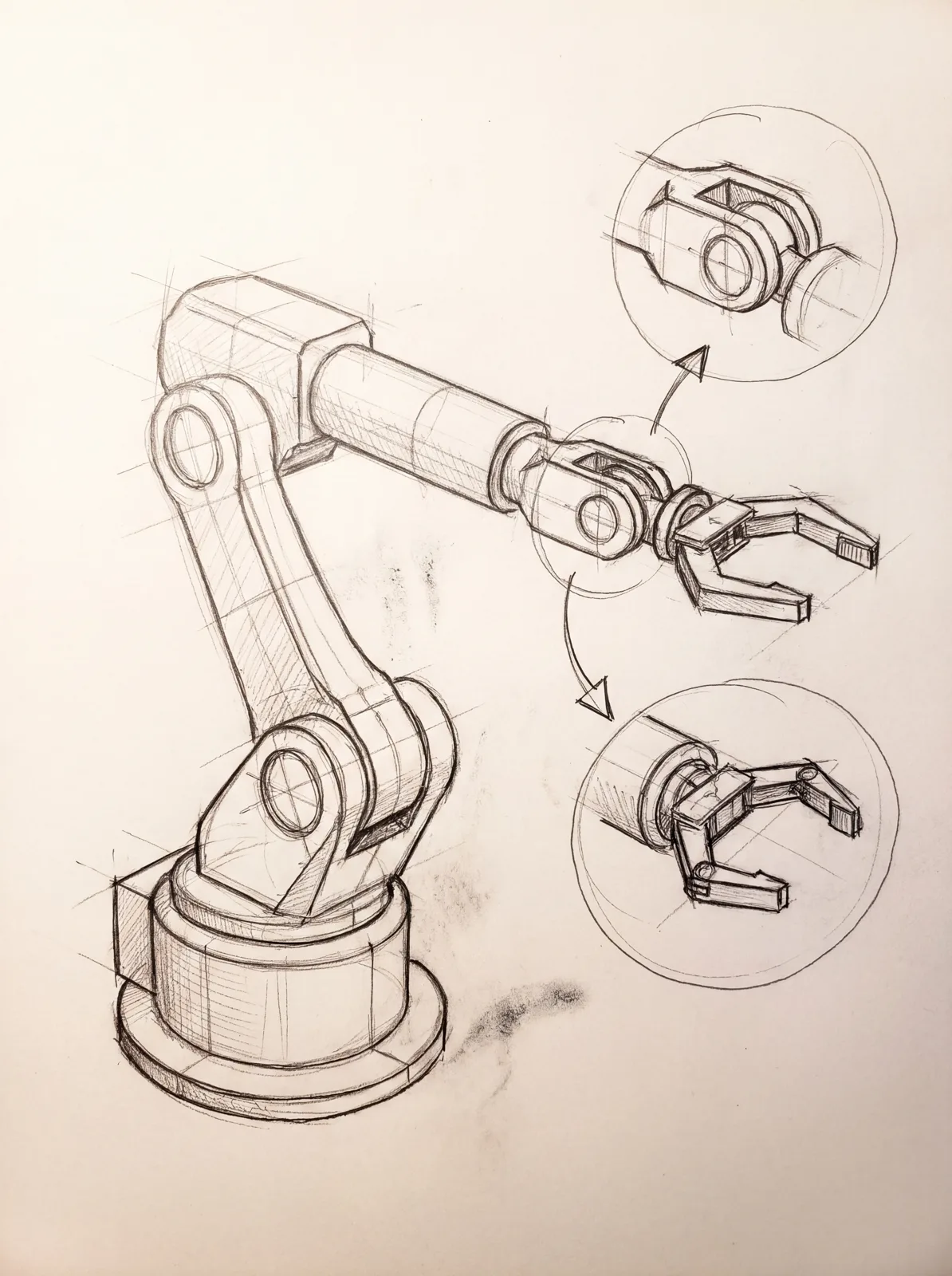
AI-generated example
Robot arm pencil concept
A graphite concept sketch of a desktop robot arm. The model also does looser styles than a CAD sheet when you ask for them.
Prompt builder
Write a Nano Banana Pro final drawing brief
Set up the run you will keep: the subject, the geometry that must not change, the layout and the size. Apply sends it to the generator with the matching style.
Generated prompt
Technical253 / 1,000 characters for Nano Banana Pro450 credits
Start from a template
How to
How to make a Nano Banana Pro technical drawing
Three steps in the generator at the top of the page, with the model already selected. The trick is to spend the expensive run only once, on wording you have already tested.
STEP 1
Draft the wording cheaply
Try the brief on a cheaper model first (Z-Image costs 40 credits) until the drawing shows the features you need.
STEP 2
Switch to the Pro model
Use the model menu or the compare table, add a sketch if you have one (PNG, JPG or WebP up to 10 MB) and pick 4K: it costs the same as 1K.
STEP 3
Generate and check
Press Generate drawing (450 credits). Check counts and proportions, then download the PNG or press Convert to DXF.
Name what must stay
Write "keep the eight-hole bolt circle" so the redraw holds it.
Always pick 4K
The price is the same, and the extra pixels help when you print.
Short labels
Ask for part labels, not sentences, to avoid scribbled text.
One sketch is enough
We send one reference image; crop it to the part first.
Compare
Nano Banana Pro and the other models side by side
Prices, sizes and inputs come straight from our model settings. Use in generator switches the generator above, so you can test the same brief on a cheaper model first.
Swipe sideways for every column
| 10 drawings | Input | Brief | Speed (maker’s claim) | Use in generator | |||
|---|---|---|---|---|---|---|---|
| Z-ImageAlibaba | 40 | 400 | One size | Text only | 350 chars | Tongyi-MAI: Turbo runs sub-second on H800 GPUs (Kie does not name its variant) | |
| Flux 2 ProBlack Forest Labs | 60 | 600 | 2K | Text + sketch | 1,000 chars | BFL: under 10 seconds (FLUX.2 family) | |
| GPT Image 2OpenAI | 60 | 600 | 4K | Text + sketch | 1,000 chars | OpenAI: complex prompts can take up to 2 minutes | |
| GPT Image 2.6 FlareOpenAI | 60 | 600 | 4K | Text + sketch | 1,000 chars | OpenAI: built for fast iteration | |
| GPT Image 2.6 SunburstOpenAI | 60 | 600 | 4K | Text + sketch | 1,000 chars | None published | |
| Wan 2.7 ImageAlibaba | 60 | 600 | 2K | Text + sketch | 1,000 chars | None published | |
| Seedream 5.0 ProByteDance | 80 | 800 | 2K | Text + sketch | 1,000 chars | None published | |
| Nano BananaGoogle | 90 | 900 | One size | Text + sketch | 1,000 chars | None published | |
| Nano Banana 2Google | 150 | 1,500 | 4K | Text + sketch | 1,000 chars | Google: Flash speed (no figure) | |
| Nano Banana ProThis pageGoogle | 450 | 4,500 | 4K | Text + sketch | 1,000 chars | None published |
Credits are what this site charges per drawing, set in our model config (placeholders until launch). Speed is the maker’s own claim, not our test. Checked 2026-11-27.
Where it fits
When Nano Banana Pro is worth the credits
Use it for the drawing you will show to someone, not for exploring ideas: the price is the same at every size, so these are 4K jobs.
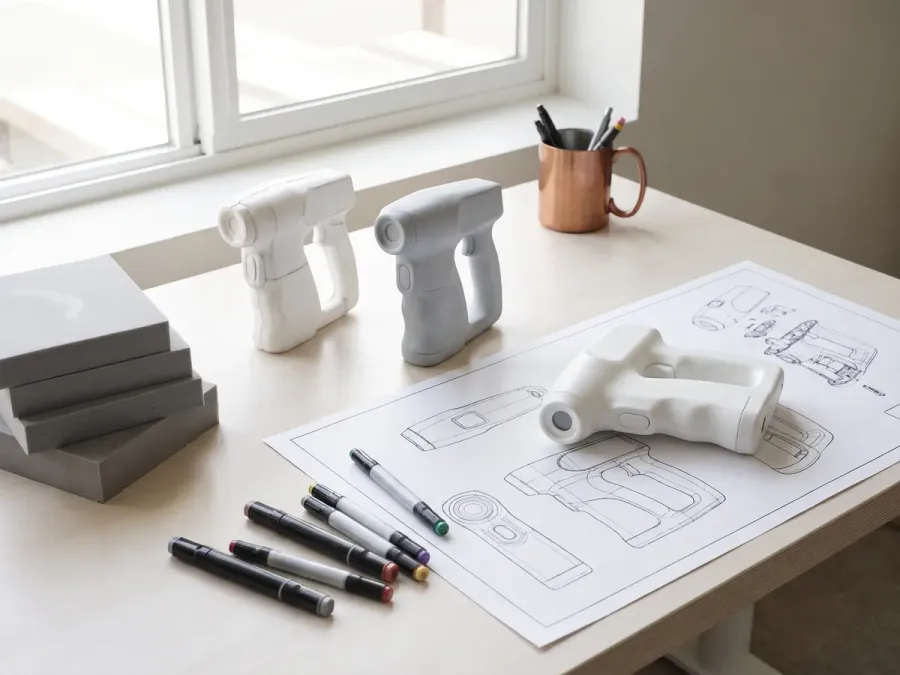
Client and design reviews
A clean 4K concept sheet for a review deck or a pitch, once the design has settled and the wording is tested.
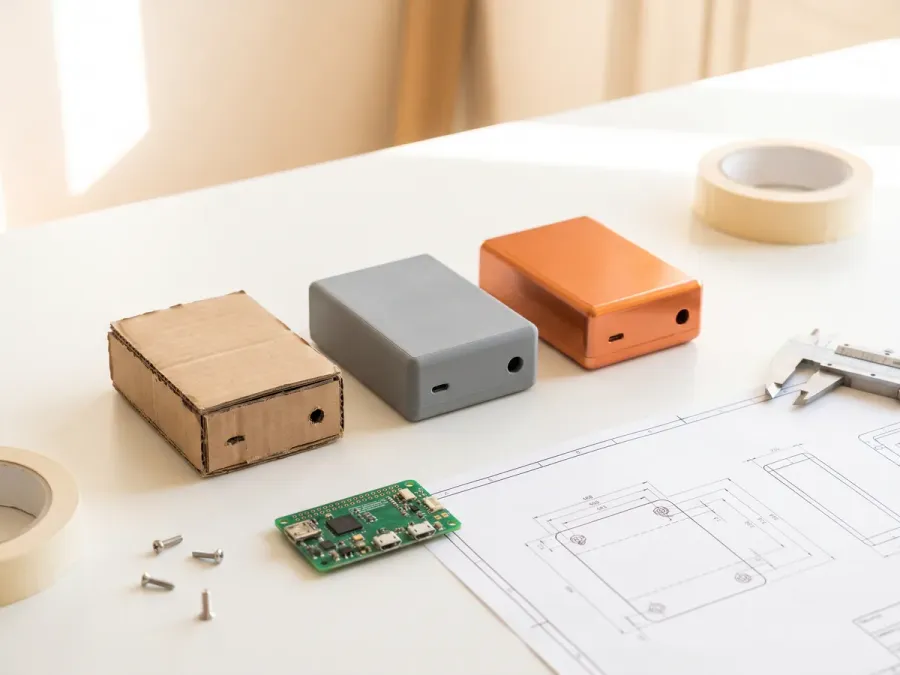
Prototype hand-offs
A sketch of an enclosure or bracket redrawn as a tidy sheet to send with a print or machining order.
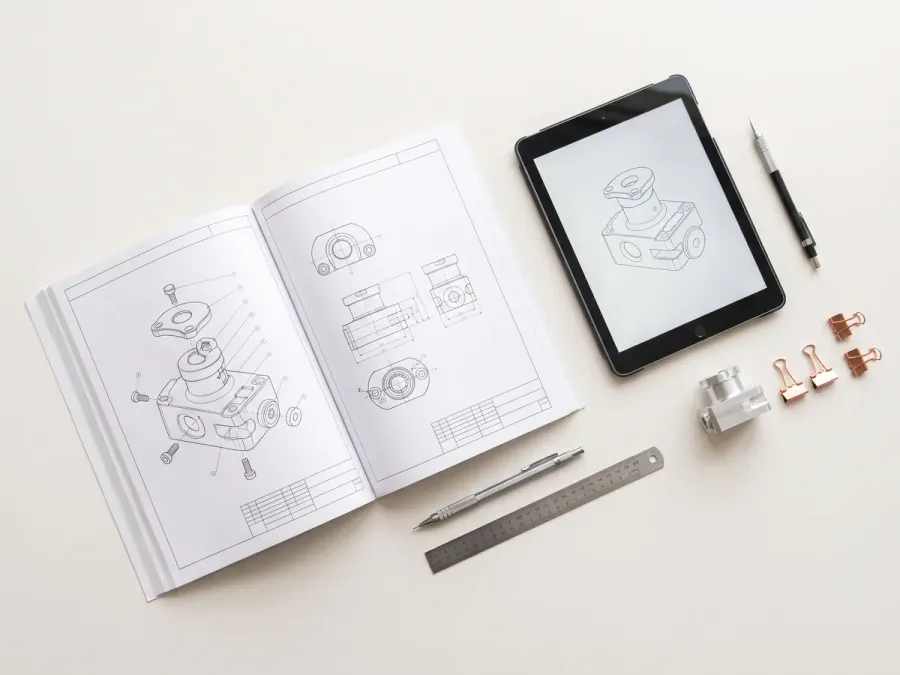
Manuals and catalogs
Exploded views with balloons for an assembly page or a spare parts list, printed large.
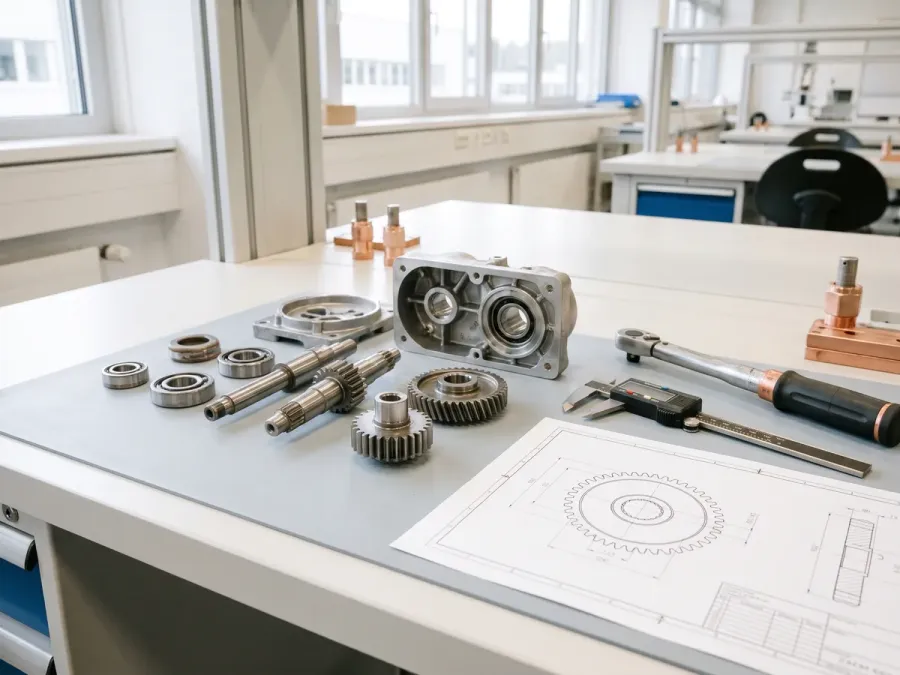
Second opinions
Another attempt when a cheaper model keeps misreading a complex brief with many parts.
FAQ
Nano Banana Pro CAD questions
What is Nano Banana Pro?
It is Google's name for Gemini 3 Pro Image, an image generation and editing model announced on 20 November 2025. We send your brief or sketch to it through Kie.ai, our model provider, together with drafting rules for the style you pick.
Is this site made by Google?
No. CAD Converter is an independent product and is not affiliated with or endorsed by Google. Model names belong to their owners.
How many credits does Nano Banana Pro use?
450 credits per drawing at 1K, 2K or 4K alike, the highest price here. Nano Banana 2 costs 150 and Z-Image 40. A failed run gives its credits back automatically.
Can it turn a sketch into a CAD drawing?
Yes. Open the Sketch tab and drop a photo or scan of the sketch, cropped to the part, and add a line of notes with the part name and two or three key sizes. The heatsink example above shows the kind of result: the same fins and base plate, new views and a title block. Expect the proportions of your sketch, not exact measurements.
How many reference images can I attach?
One. Google says the model can blend up to 14 images, and Kie.ai accepts up to 8, but the generator sends one sketch or photo per drawing, which is what a CAD redraw needs.
Is the text on its drawings readable?
Often, and Google calls it its best model for legible text. It is still not guaranteed: the lamp example has unreadable labels. Keep labels short and check every number.
Does it output an editable CAD file?
No. You get a PNG image of a CAD-style drawing, not a DWG, STEP or parametric model. Convert to DXF traces the lines into vectors in your browser, without layers or real dimensions.
Will the drawing carry a watermark?
We add no visible mark. Google says images from its models carry an invisible SynthID watermark that identifies them as AI-generated.
Nano Banana Pro or Nano Banana 2?
Nano Banana 2 (Gemini 3.1 Flash Image) is Google's faster tier at 150 credits, also up to 4K. Pick Pro for the final sheet and when a cheaper model keeps misreading the brief.
Why choose 4K if the price is the same?
More pixels make line work and small labels sharper when you print or zoom, and tracing to DXF picks up finer detail. A 1K run is only worth it if you want a smaller file.
How long does one drawing take?
Google publishes no speed figure for this model, and the time depends on the queue at Kie.ai. The generator checks the task every few seconds and shows the drawing when it is ready; a run that fails or is still unfinished after 10 minutes is refunded in full.
What does a good final brief look like?
One sentence for the part and its main sizes, one for the geometry that must not change (counts, hole patterns, wall thickness), one for the layout of the sheet, and short labels only. The prompt builder above writes exactly that shape of brief.
Are the dimensions accurate?
Treat them as illustrative. Nothing measures the part; the model draws numbers that fit the sizes you gave. Use our calculators when you need exact geometry.
Make your Nano Banana Pro CAD drawing
Write the final brief or drop the sketch; the model is already selected above.
Open the generator