DWG to DXF Converter: Ready for Laser, CNC and Free CAD
Free DWG to DXF converter for AutoCAD drawings from R13 to 2025. Keep the same DXF version, or pick DXF 2000 or an exploded R12 for older laser and CNC software. Each DXF is read back and previewed before you download, and the DWG never leaves your browser.
- Free, nothing uploaded
- Same version, 2000 or R12
- Layers and blocks kept
- Preview, then download
Convert DWG to DXF
FreeNo file? Try a sample
Runs in your browser. Nothing is uploaded.
Examples
DWG to DXF examples converted on this page
Each picture is this DWG to DXF converter at work on a sample: the preview, the version it wrote and what it read back. Open one in the converter, or download the DWG to try it yourself.
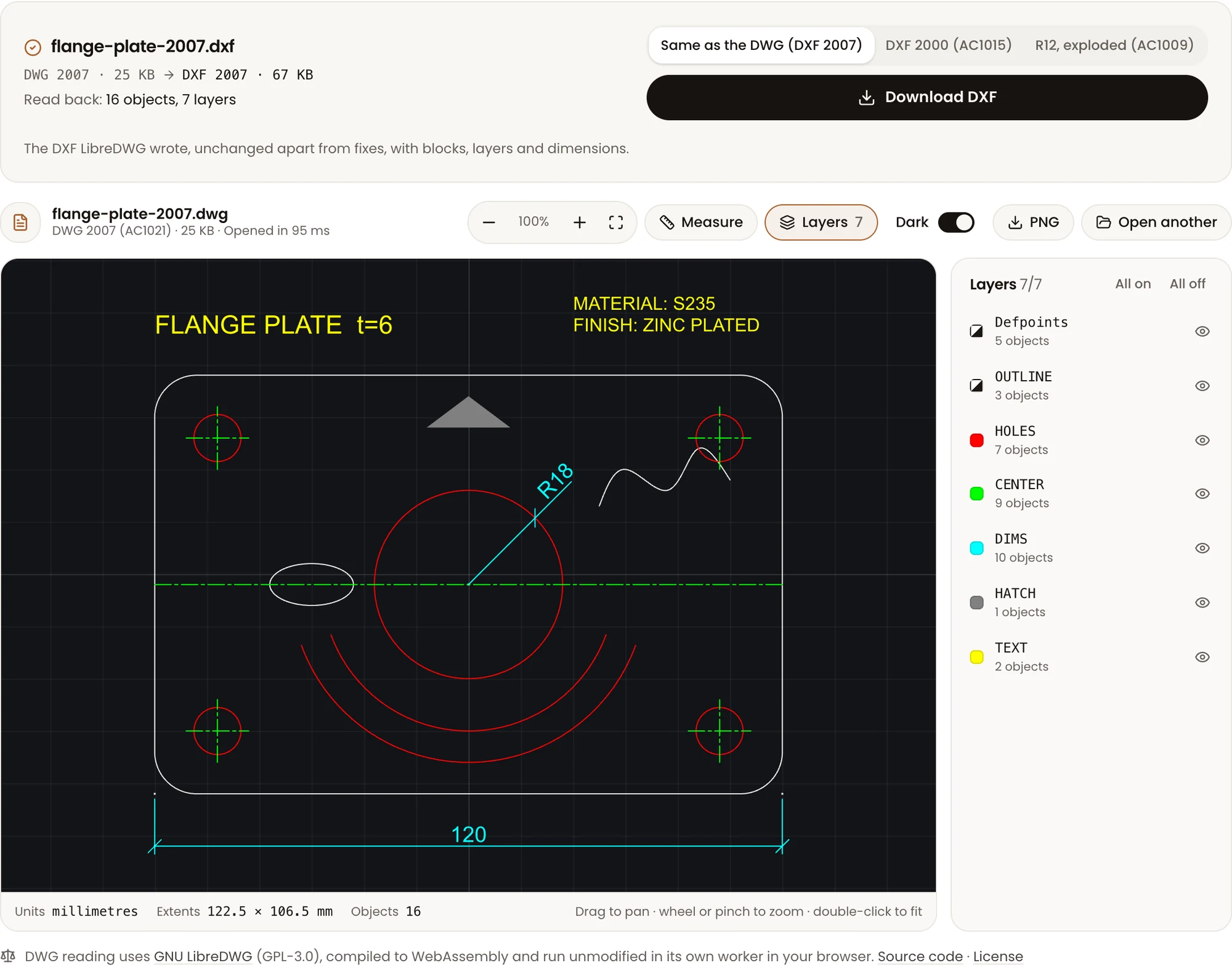
Same version
DWG 2007 in, DXF 2007 out
The flange plate keeps its blocks, solid hatch, spline and dimensions. Read back: 16 objects on 7 layers, the same count the viewer shows for the DWG.
Converted here · DWG 2007 → DXF 2007 · read back 16 objects, 7 layers
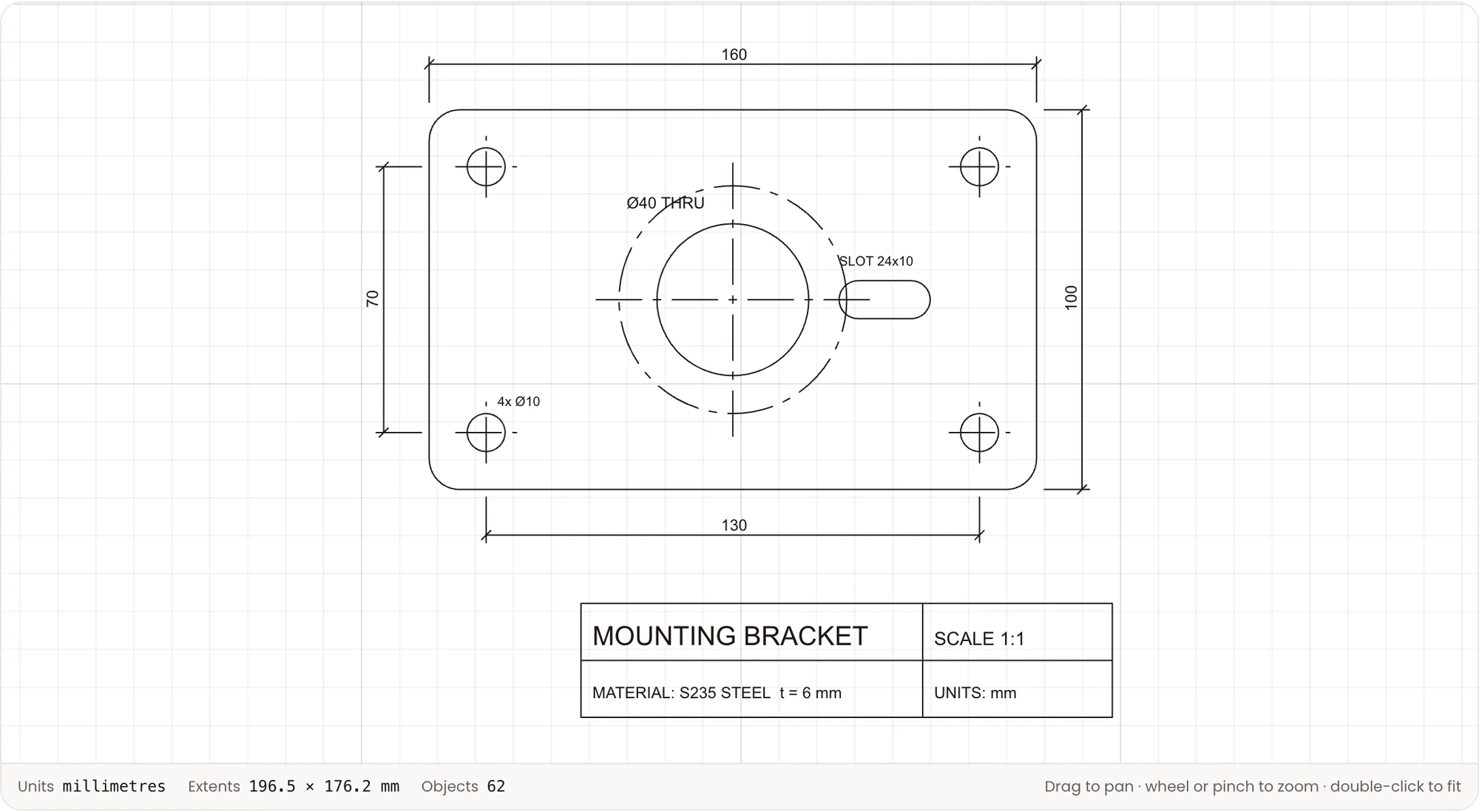
R12 for laser
Bracket as an exploded R12
Lines, polylines, arcs, circles and text only, on the original 6 layers, for cutter software that predates DXF 2000. The holes stay true circles.
Converted here · DWG 2000 → DXF R12 exploded · 62 objects, 6 layers · opened in our DXF viewer
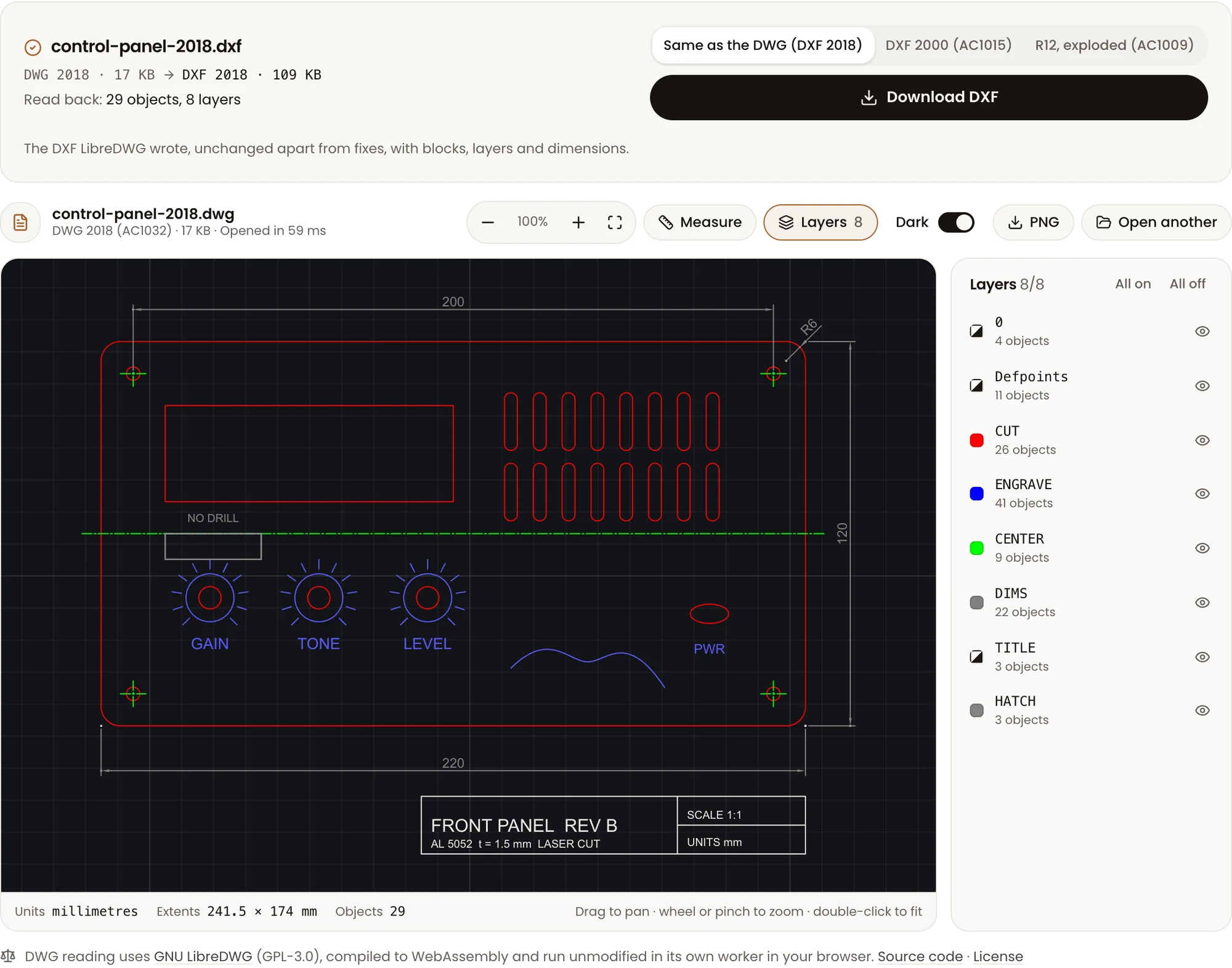
DWG 2018
Front panel from the current format
A DWG in the 2018 format becomes a DXF 2018 with its 9 block inserts, nested knob blocks and title block attributes.
Converted here · DWG 2018 → DXF 2018 · read back 29 objects, 8 layers
What you get
What the DWG to DXF converter keeps and checks
Screenshots of this converter with the sample files, nothing retouched.
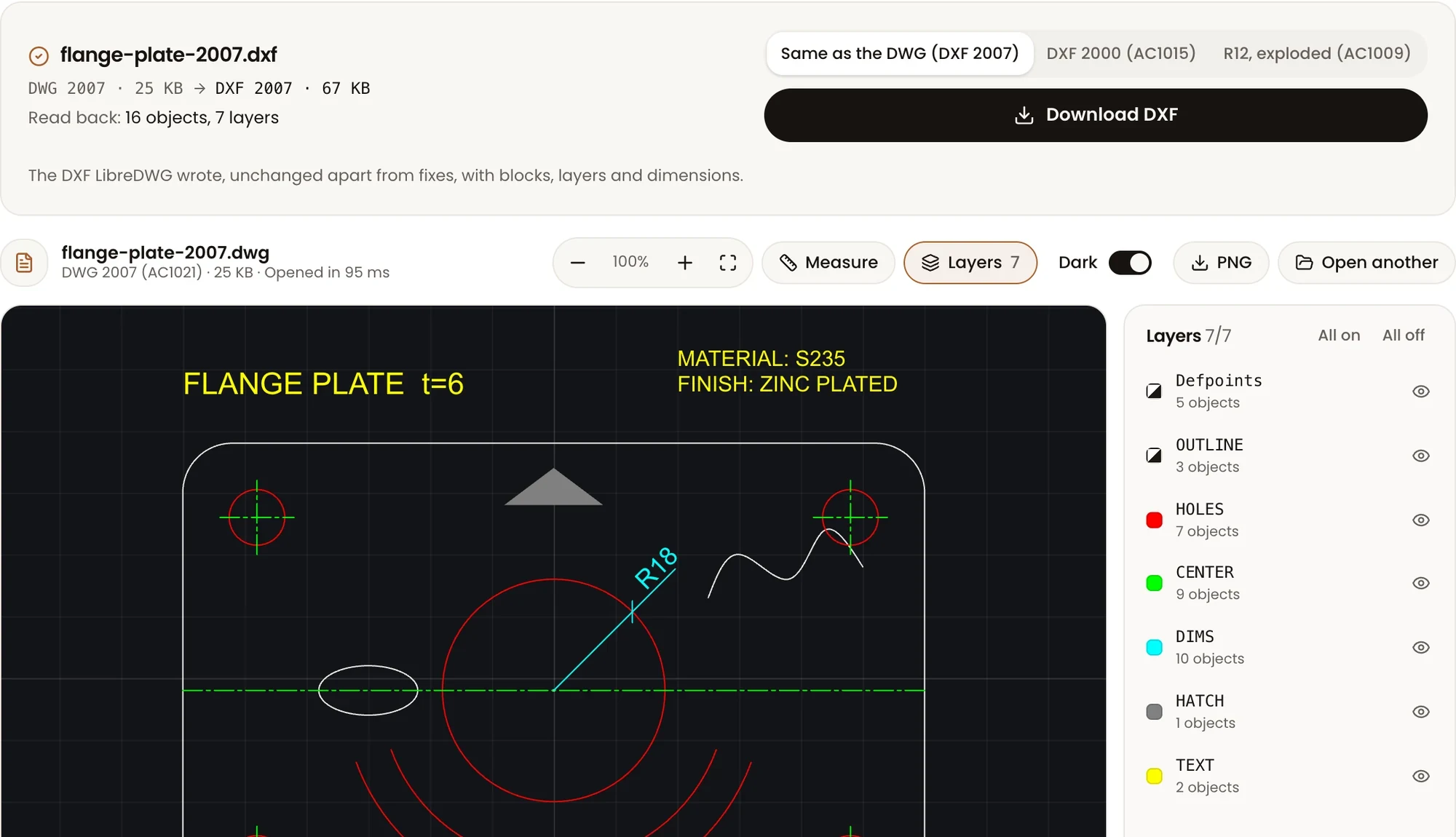
Flange plate: DWG 2007 to DXF 2007
How to
How to convert DWG to DXF in 3 steps
No install and no account. The first file also downloads the 7.5 MB reader once.
STEP 1
Drop the DWG
Drag a DWG up to 50 MB onto the box, or click to browse. Pick the DXF version now or later.
STEP 2
Convert in your browser
LibreDWG turns the DWG into DXF in a worker on your device, then the preview opens with layers and measuring.
STEP 3
Check and download
Read the version and object count on the card, switch the version if you need to, and press Download DXF.
Check the units
Measure a known dimension in the preview before cutting. Drawings without units come out unitless.
Explode for old CAM
If your cutter ignores blocks or splines, choose R12 exploded rather than exploding by hand.
Only the cut layers
Switch off layers in the preview to see what each holds, then delete the rest in CAD or CAM.
Big drawings
The DXF has to stay under 50 MB. Purge unused blocks and layers in CAD first.
Versions
Which DXF version each DWG gives
The DXF keeps the release of the DWG unless you choose otherwise. Type your AutoCAD version, or check a file, to see the format it saved and the DXF you get.
| Format | Saved by | DXF out |
|---|---|---|
| DWG 2018 AC1032 | 2018 and later | DXF 2018 |
| DWG 2013 AC1027 | 2013 to 2017 | DXF 2013 |
| DWG 2010 AC1024 | 2010 to 2012 | DXF 2010 |
| DWG 2007 AC1021 | 2007 to 2009 | DXF 2007 |
| DWG 2004 AC1018 | 2004 to 2006 | DXF 2004 |
| DWG 2000 AC1015 | 2000, 2000i and 2002 | DXF 2000 |
| DWG R14 AC1014 | Release 14 | DXF 2000 (or R14) |
| DWG R13 AC1012 | Release 13 | DXF 2000 (or R13) |
| DWG R12 AC1009 | Release 11 and 12 | DXF R12 |
| DWG R10 AC1006 | Release 10 | Refused |
| DWG R9 AC1004 | Release 9 | Refused |
| DWG 2.6 AC1003 | 2.6 | Refused |
| DWG 2.5 AC1002 | 2.5 | Refused |
- R13 and R14 drawings come out as DXF 2000 by default, because few programs read R13 or R14 DXF; you can still keep the original release.
- DXF 2000 and R12 exploded are offered for every DWG.
- Checking a file reads only its first 16 bytes, on your device.
Specs
DWG to DXF converter specs and limits
What goes in, what comes out, and what the conversion cannot carry over.
- Input
- DWG from AutoCAD R13 to 2025 (AC1012 to AC1032), up to 50 MB; R11/R12 experimental
- Output
- ASCII DXF: same release as the DWG, DXF 2000 (AC1015) or R12 exploded (AC1009)
- Reader
- GNU LibreDWG (GPL-3.0) compiled to WebAssembly, run in a Web Worker
- DXF 2000 writer
- acad-ts (MIT); text outside ASCII written as \U+ codes
- R12 exploded
- Lines, polylines, arcs, circles, points and text; layer colors and dash patterns kept; solid fills become outlines
- Check
- Every DXF is read back by the preview engine: version, objects and layers shown before download
- Where it runs
- In your browser tab; the DWG and the DXF stay on your device
Kept
- Coordinates and drawing units, unchanged
- Layers with color, on/off and frozen state
- Blocks, attributes and dimensions (same release and DXF 2000)
- Text in any language from DWG 2007 and later
Can change or drop
- Objects from AutoCAD add-ons (proxy objects) and OLE content
- Images and xrefs, which live in separate files
- Hatch patterns and blocks in R12 exploded (lines and outlines instead)
- Password-protected and damaged DWG files are refused
Who it is for
Who needs to convert DWG to DXF
Most CAD files arrive as DWG, while laser cutters, CNC software and free CAD read DXF. The pictures are example drawing types from a partner demo, not output of this page.
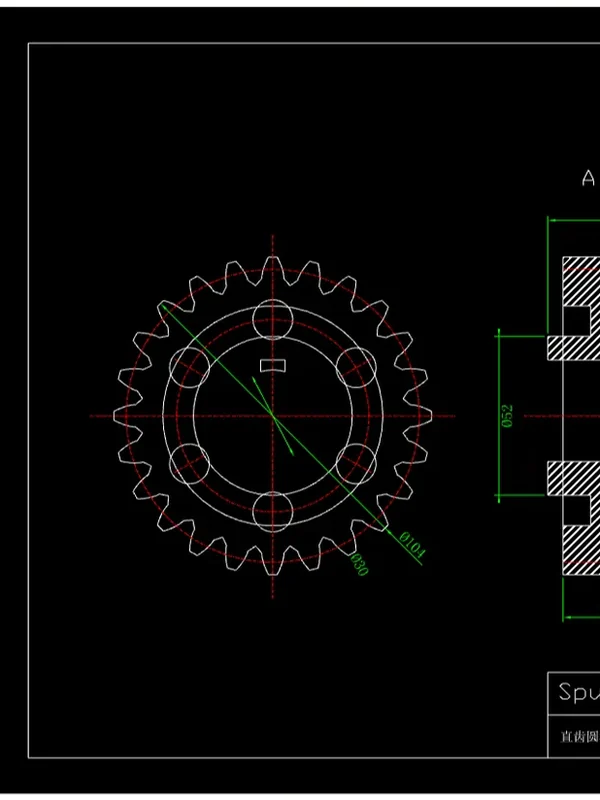
Laser, plasma and waterjet
Turn a supplier part drawing into a DXF the cutter accepts, as R12 when the software is old.
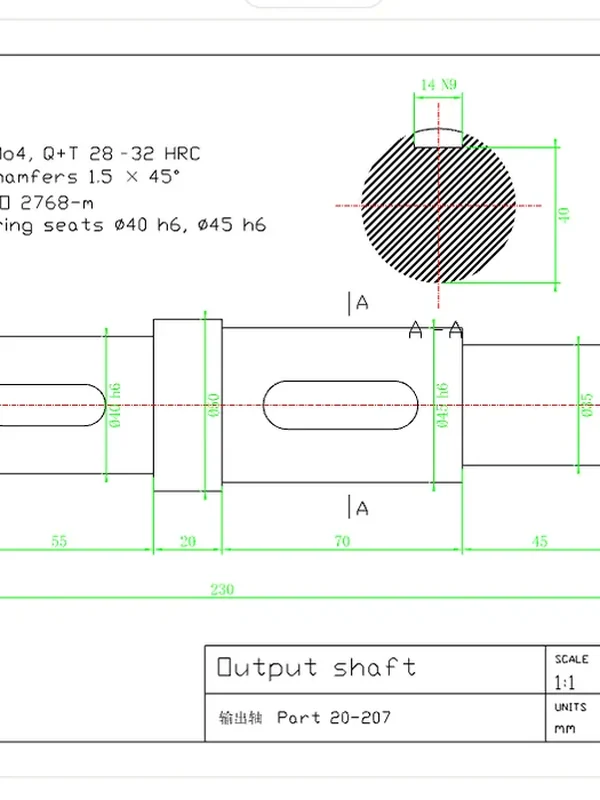
CNC routing and milling
Bring outlines into CAM with the original layers, so cut and engrave paths stay apart.
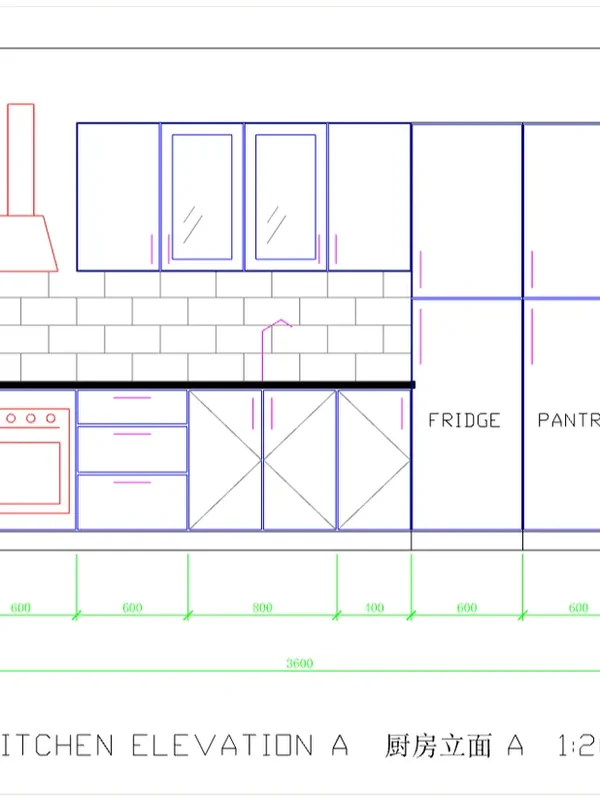
Free CAD programs
Open an architect’s drawing in LibreCAD, QCAD or Inkscape, which read DXF but not DWG.
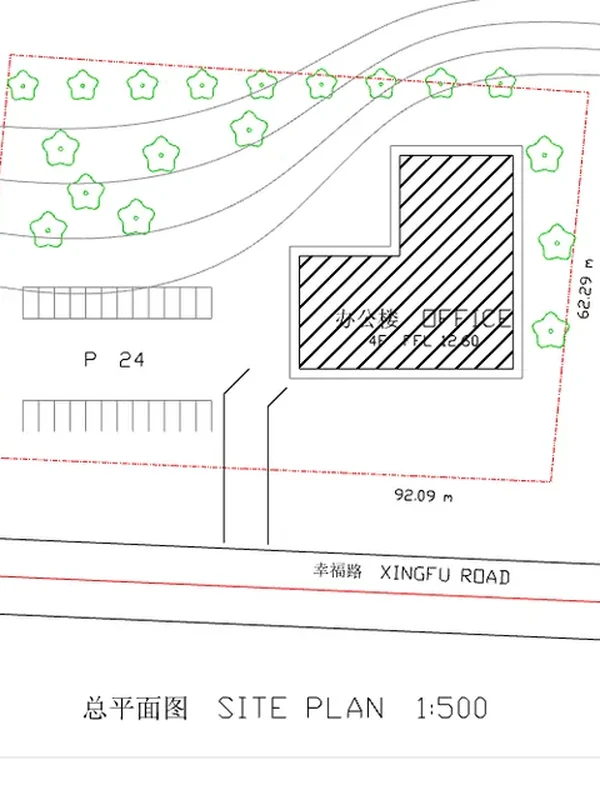
Your own scripts
Feed drawings to Python or JavaScript tools that parse DXF, without an AutoCAD license.
DWG to DXF FAQ
Versions, quality, privacy and limits.
Is this DWG to DXF converter free?
Yes. Converting and previewing are free, with no sign-up and no daily quota, because the work runs on your own computer. Each DWG can be up to 50 MB.
Which DXF version will I get?
The same release as the DWG by default: DXF 2018 from a 2018 DWG, DXF 2013 from a 2013 DWG and so on. R13 and R14 drawings default to DXF 2000. You can switch to DXF 2000 or R12 exploded before you download.
Is anything lost when I convert DWG to DXF?
Ordinary drawing objects come through. Objects from add-ons such as Civil 3D are proxy objects and may lose their geometry, embedded OLE objects are not converted, and images and xrefs stay in their own files.
Does the conversion keep the scale?
Yes. Coordinates are copied unchanged and the drawing units carry over, so a 100 mm part is still 100 mm. If the DWG never had units set, measure a known dimension in the preview first.
Can I use the DXF for laser cutting or CNC?
Yes, that is the most common reason to convert. Keep cut lines on their own layer, check the units, and pick R12 exploded if your software ignores blocks, splines or hatches.
What does R12 exploded change?
Blocks, dimensions and hatches are broken into lines, arcs and polylines, splines and ellipses become short segments, solid fills become their outline and text becomes single-line TEXT. Layer names are adjusted to R12 rules when needed, and the card says how many.
Is my DWG uploaded?
No. LibreDWG runs as WebAssembly in a worker in your tab, so the DWG to DXF conversion happens on your device and neither file leaves it.
Which DWG files cannot be converted?
Files older than AutoCAD R11, password-protected files and badly damaged ones. R11 and R12 files are tried as experimental. A drawing whose DXF would pass 50 MB is refused with a message.
Is a DWG to DXF online tool as good as AutoCAD?
For ordinary drawings the geometry, layers and blocks match. AutoCAD knows every object of its own format, so files full of add-on objects convert best there or with the ODA File Converter.
Can I convert a whole folder?
Not here: one drawing at a time, and the next file opens in the same tab. For batch work the free ODA File Converter (Windows, macOS, Linux) converts folders.
Can I convert DXF back to DWG?
That is the job of DXF to DWG. Many programs, AutoCAD included, also open DXF directly.
Why does the page mention LibreDWG and the GPL?
LibreDWG is free software under the GNU GPL 3.0. It runs unmodified as a separate WebAssembly program in its own worker, and the line under the preview links to its source code and license text.
Convert DWG to DXF now
Drop a DWG, check the preview, download the DXF. The DWG to DXF converter keeps it all in this tab.
Convert a DWG