SVG to DXF Converter: True Scale Geometry, No Tracing
Free SVG to DXF converter that reads the drawing itself: paths, arcs, circles, rounded rectangles and use clones become R12 geometry at the size the SVG states in mm, in or px. Groups turn into DXF layers, curves stay within 0.05 mm, and the file never leaves your browser.
- Free, nothing uploaded
- Real geometry, no tracing
- Size read from the file
- Groups become layers
Upload SVG
FreeSamples
Runs in your browser. Nothing is uploaded.
Example result
Laser panel · SVG → DXF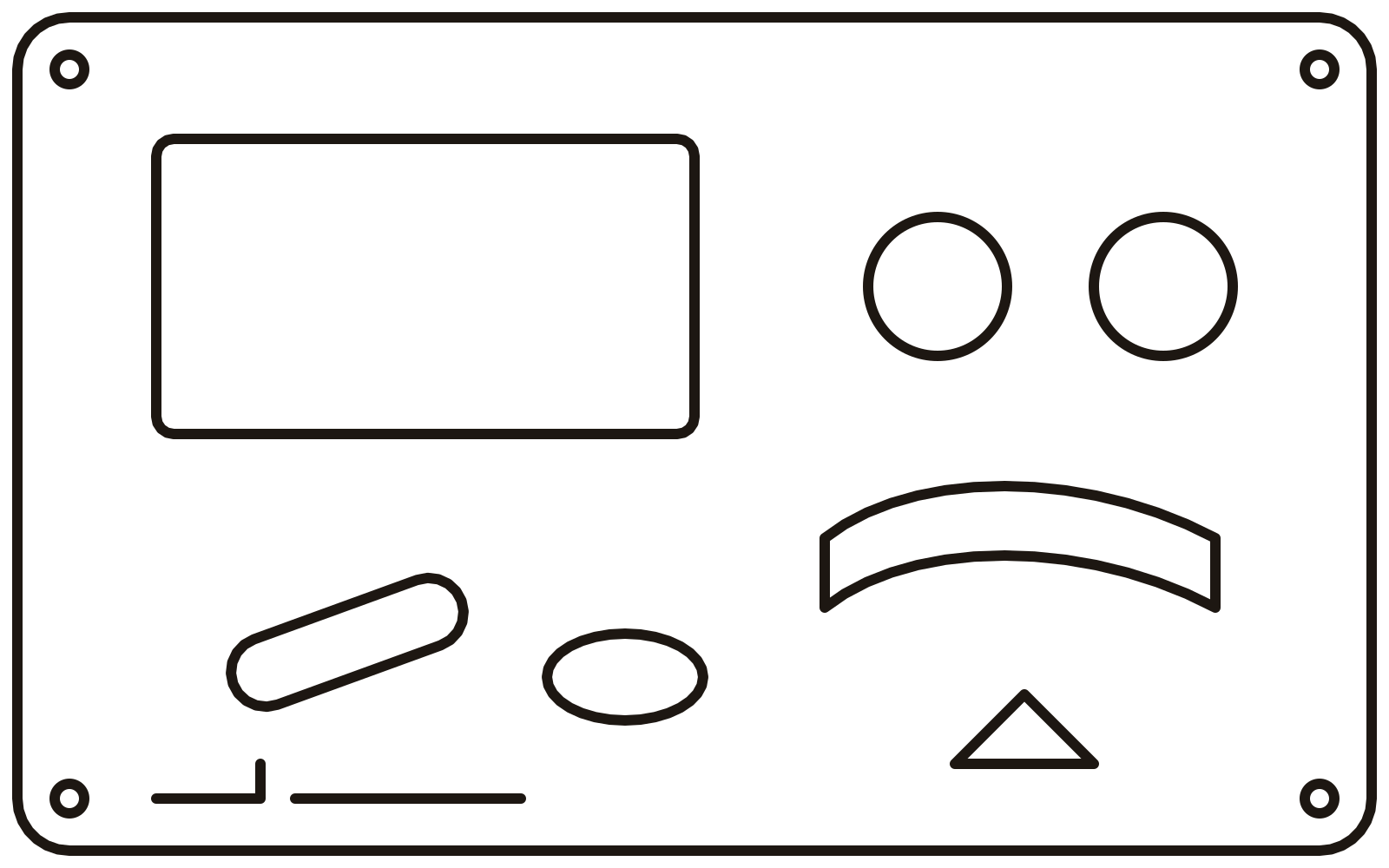
8 polylines, 6 circles · 3 layers · 156 × 96 mm · 8 ms
Examples
SVG to DXF examples you can open and measure
Six SVG files run through this SVG to DXF converter with the settings shown. Drag between the SVG and its DXF, open any file in the converter, or download the DXF and check it in your own CAD program.
Laser panel
Control panel with Inkscape layers
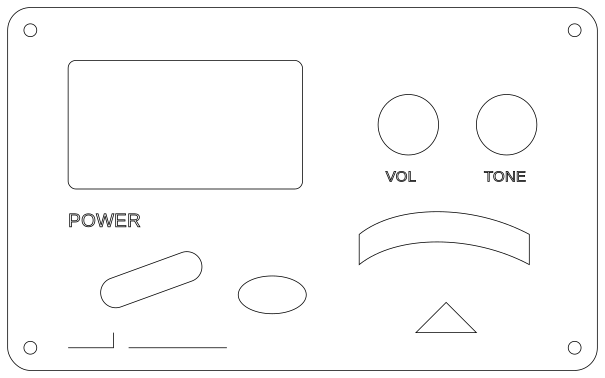
Three Inkscape layers arrive as three DXF layers: 8 polylines and 6 true circles at 160 by 100 mm. Its 3 text labels are skipped.
8 polylines, 6 circles · 3 layers · 156 × 96 mm · 8 ms
Transforms
Emblem built from clones
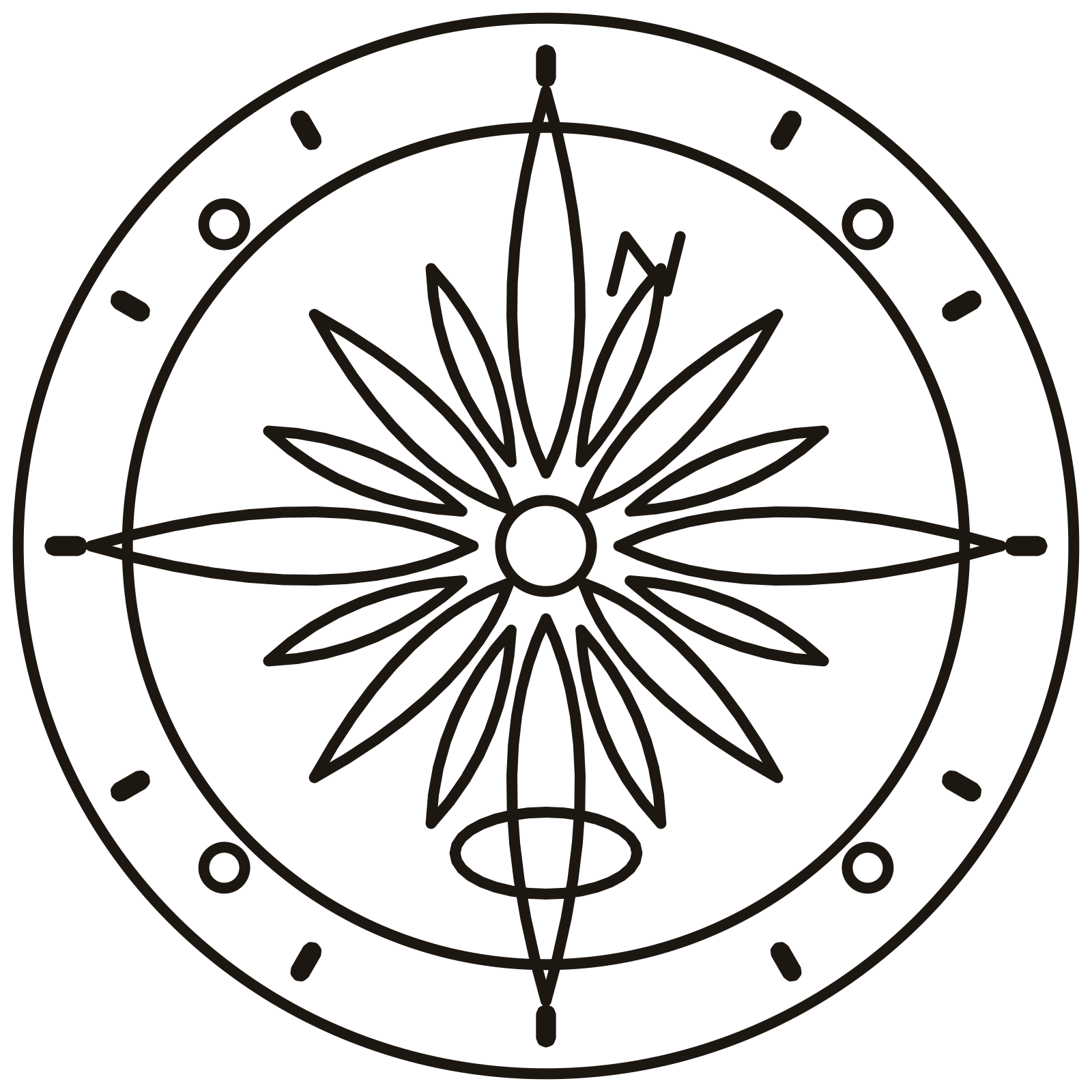
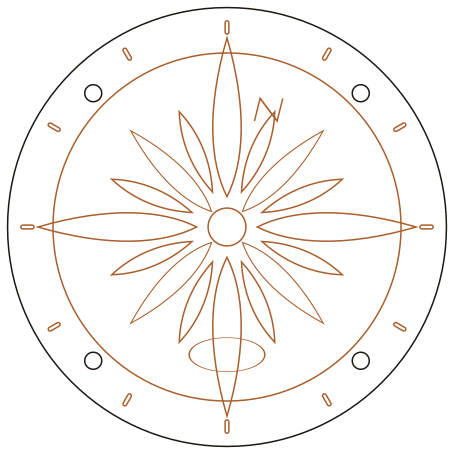
Every point and tick is one clone placed by rotate, scale, matrix and skew. The DXF has each copy where the SVG draws it.
30 polylines, 7 circles · 2 layers · 116 × 116 mm · 3 ms
CAD drawing
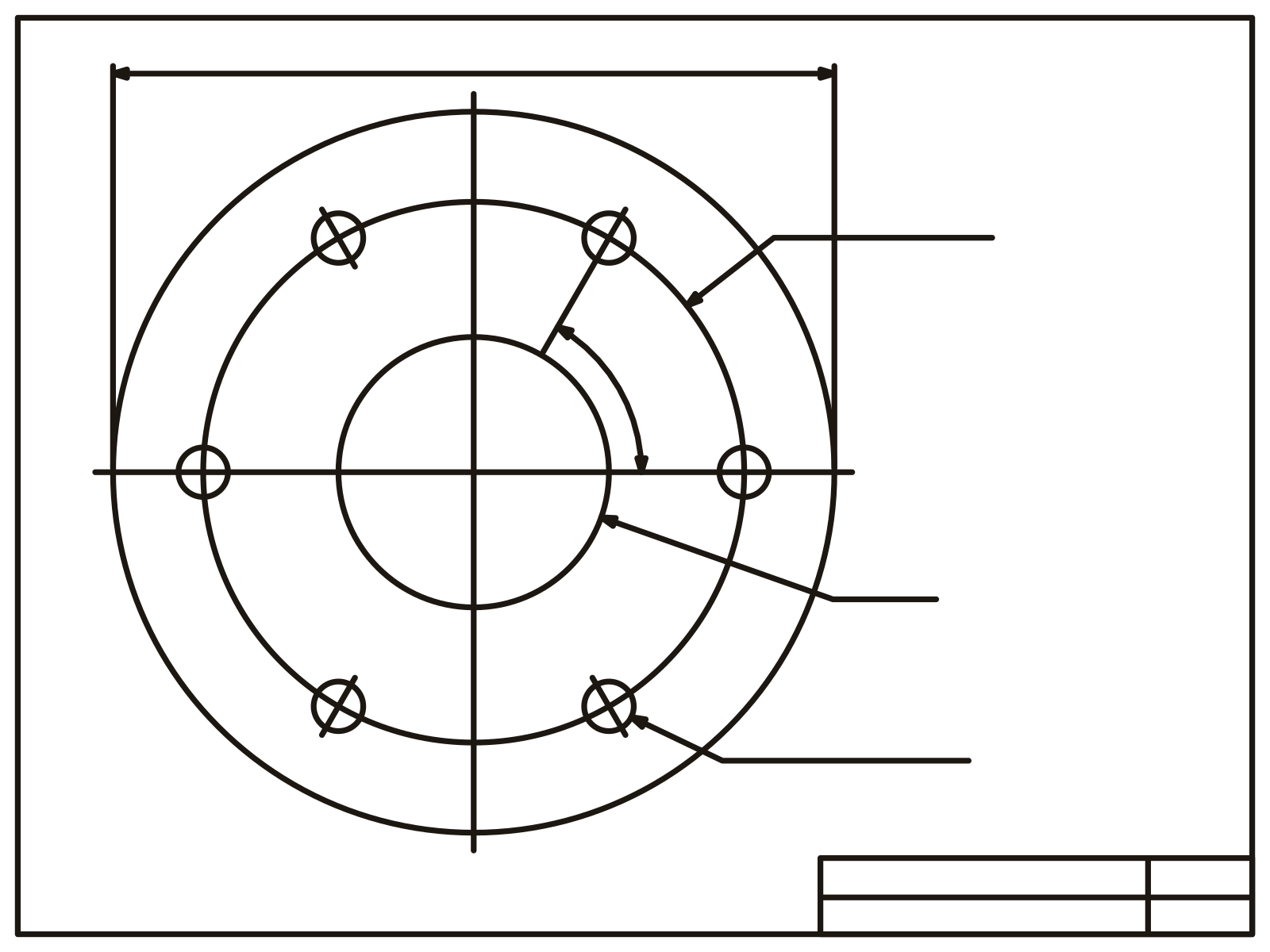
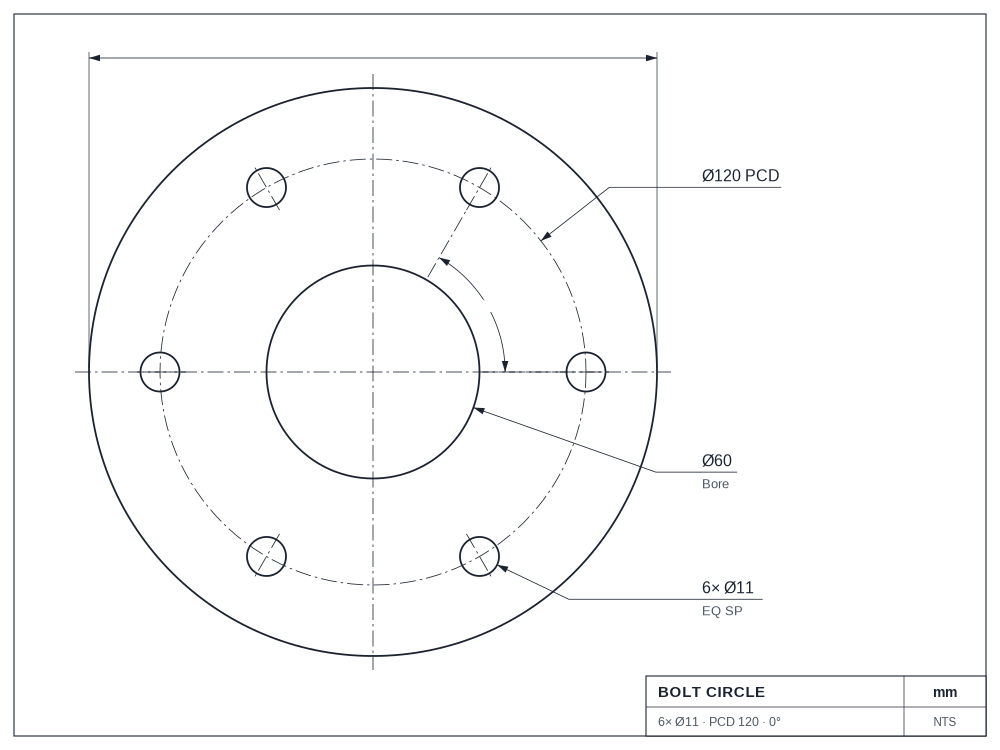
Bolt circle flange sheet
The 6 holes, the bolt circle and the outline become 9 CIRCLE entities. The white page background is left out.
28 polylines, 9 circles · 10 layers · 257.2 × 191 mm · 2 ms
Gear
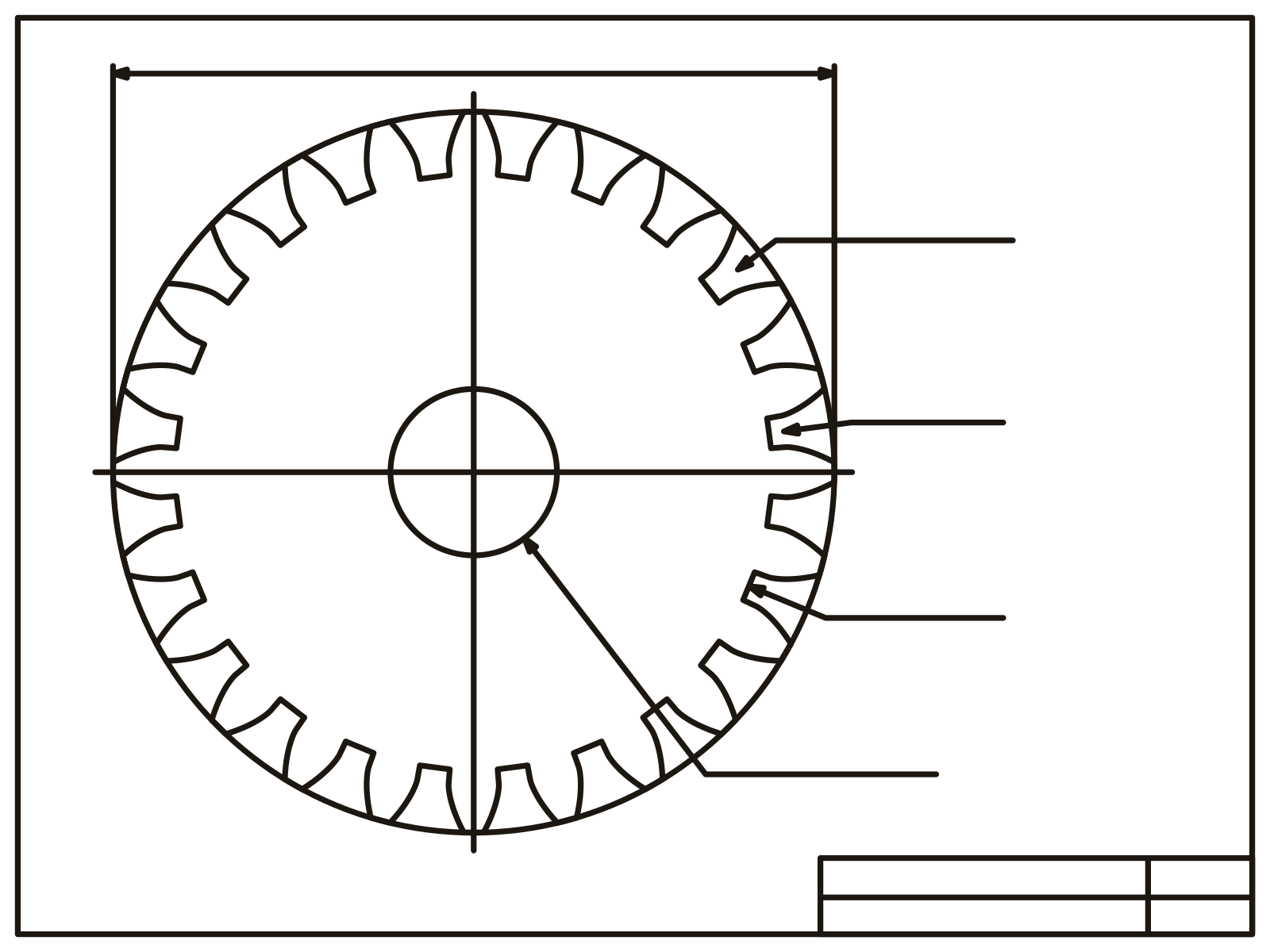
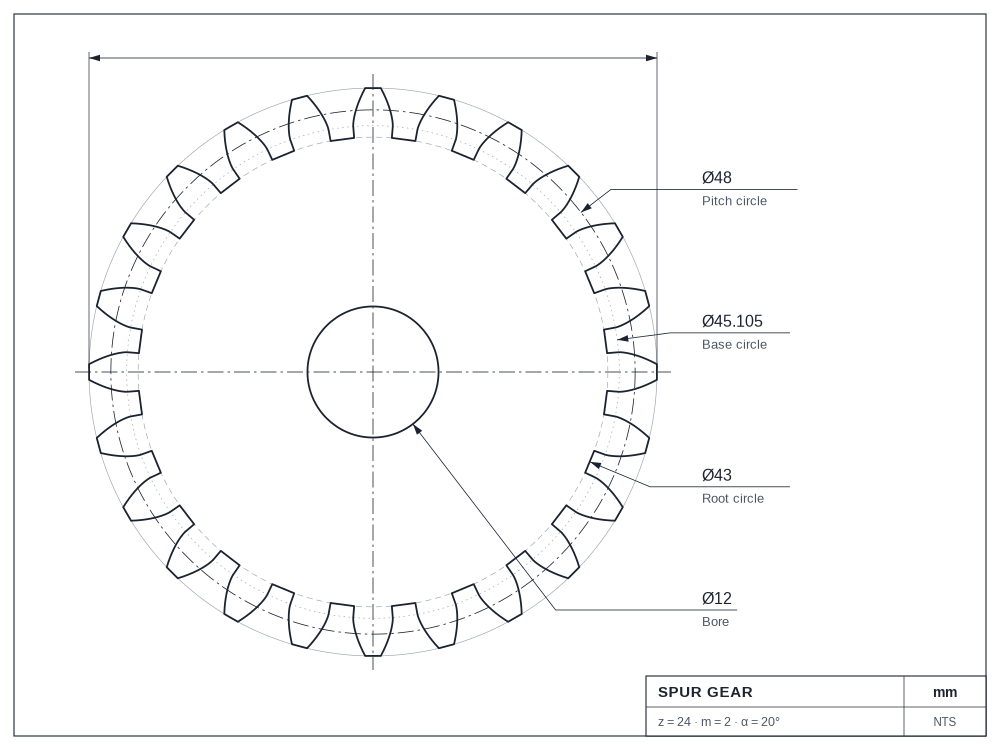
24 tooth spur gear
Converted with Skip dashed lines on, so the dashed center lines and construction circles stay out of the cut file.
20 polylines, 2 circles · 3 layers · 257.2 × 191 mm · 4 ms

Filled shape
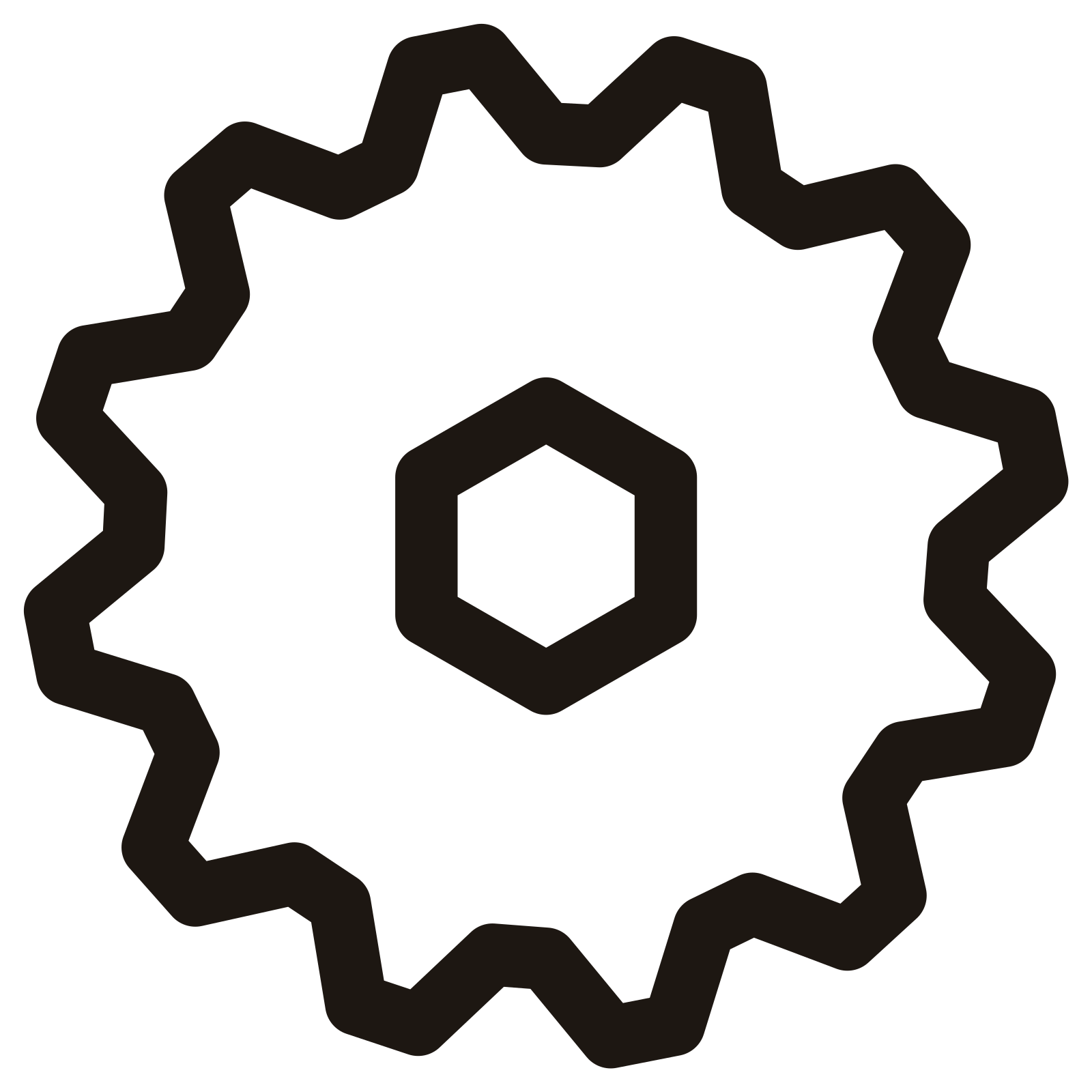
Index plate from a filled path
A solid black shape with a hexagon hole: the fill becomes 2 closed outlines, ready to cut.
2 polylines · 1 layer · 18.9 × 18.9 mm · 4 ms


Rounded slot
Keyring tag
Round ends and a slot, written as 3 closed polylines that follow the curves within the tolerance.
3 polylines · 1 layer · 17.5 × 7.9 mm · 1 ms
What it reads
What this SVG to DXF converter keeps
An SVG is already vector, so SVG to DXF here means reading the shapes, not tracing them. Each figure below is output from this converter.
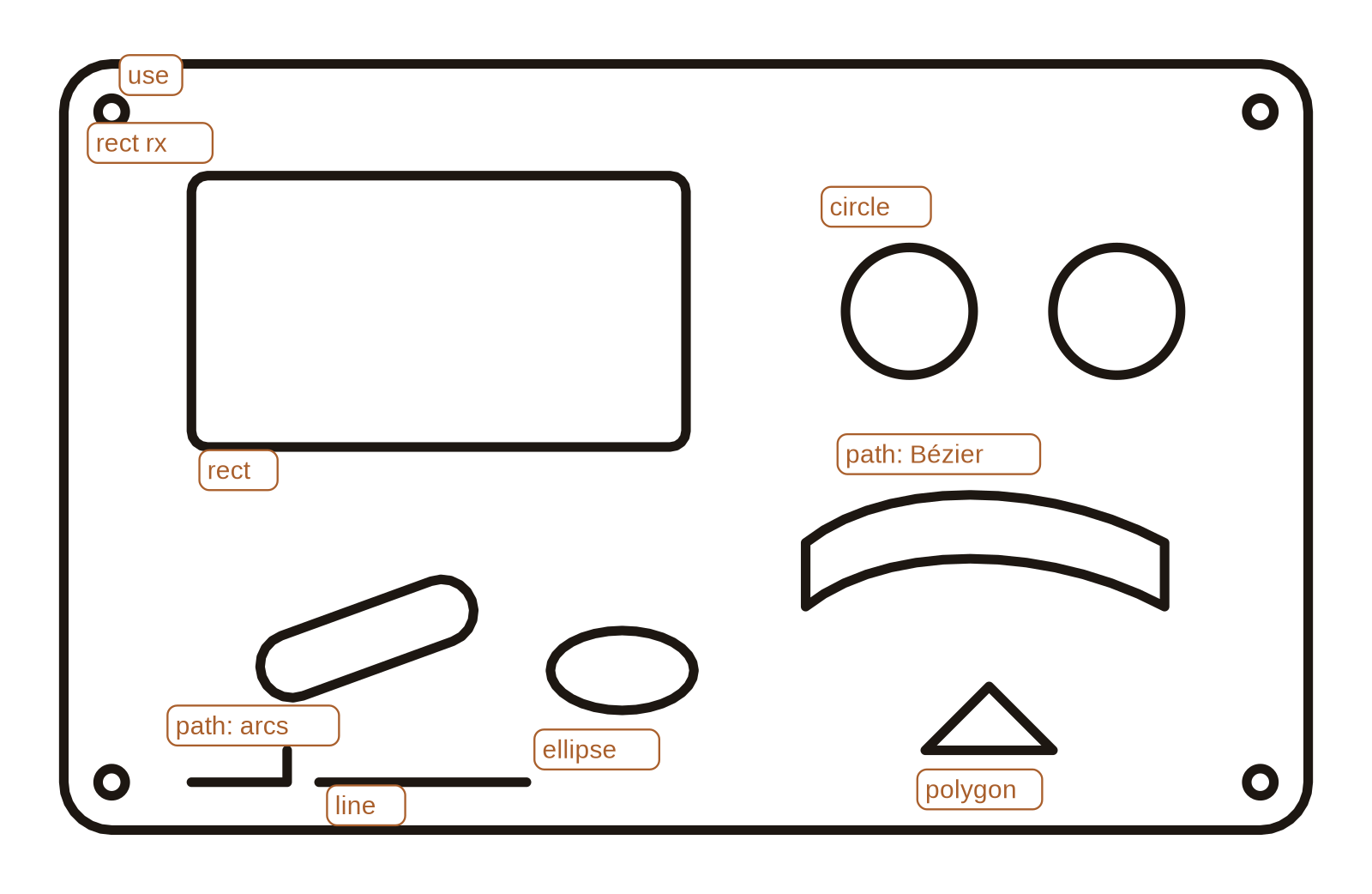
Laser panel: each element type, as converted
How to
How to convert SVG to DXF in 3 steps
Your SVG to DXF file in seconds: no install, no account, no upload.
STEP 1
Drop the SVG
Drag an SVG up to 25 MB onto the upload box, from Inkscape, Illustrator, Figma, Affinity or any generator, then press Convert to DXF. Or open a sample.
STEP 2
Check size and layers
Flip between SVG, DXF and Overlay. The page size shows where it came from; switch px per inch or set a width if it is off, and pick how layers are split.
STEP 3
Download DXF
Press Download DXF and import the file into your CAD, CAM or laser software. Units are stored in the file header.
Text to paths first
Text is skipped. In Inkscape use Path, Object to Path; in Illustrator, Type, Create Outlines.
Off by 4/3?
That is the px rule. Switch px per inch between 96 and 72, or set the width directly.
Give the page a size
A width and height in mm or inches is the most reliable way to keep true scale.
Expand strokes to cut both sides
A stroke converts as one center line. Use Stroke to Path to get both edges.
Units
Get the SVG to DXF size right
Type the width an SVG file states and see the SVG to DXF width it gives under each px rule.
96 px per inch
158.8 mm
Inkscape, browsers, Figma
72 px per inch
211.7 mm
Older Illustrator files
The two rules differ by 4/3: pick the one that matches the program that made the file, or set the width directly.
- mm, cm, in, pt and pc are physical units: the DXF gets that size whatever the px setting.
- px and plain numbers depend on the px rule: 96 per inch for CSS, Inkscape and Figma, 72 for older Illustrator files.
- With only a viewBox, each viewBox unit counts as one px.
Specs
SVG to DXF converter specs and limits
What goes into the SVG to DXF converter, what comes out, and what is left out on purpose.
- Input
- SVG files up to 25 MB
- Shapes
- path, rect, circle, ellipse, line, polyline, polygon, use, symbol, nested svg
- Transforms
- matrix, translate, scale, rotate, skewX, skewY, nested to any depth
- Units
- mm, cm, in, pt, pc, px at 96 or 72 per inch, viewBox
- Curves
- Polylines within 0.01 to 1 mm (0.05 mm default); unskewed circles as CIRCLE
- Layers
- One per top-level group or Inkscape layer, per stroke color, or one named layer
- Output
- AutoCAD R12 ASCII DXF, POLYLINE and CIRCLE entities, mm or inches in the header
- Where it runs
- In your browser tab; nothing is uploaded
It does
- Read the geometry of the SVG with no tracing
- Keep closed shapes closed and holes as their own loops
- Write filled shapes as their closed outline
- Keep true size, or scale the drawing to a width you type
- Skip a white page background and, if you ask, dashed lines
It does not
- Convert text; turn it into paths in your editor first
- Convert embedded images, fill colors, gradients, clip paths, masks or filters
- Turn a stroke width into two cut lines
- Keep dash patterns; dashed strokes arrive as solid lines
- Write splines, arcs or DWG files
Next steps
Where an SVG to DXF file goes next
DXF opens in nearly every 2D CAD and CAM program. For a PNG logo or a scan, use PNG to DXF or the image to CAD converter instead.

Laser cutters
Open the DXF in LightBurn or your laser software; each DXF layer can get its own cut or engrave setting.
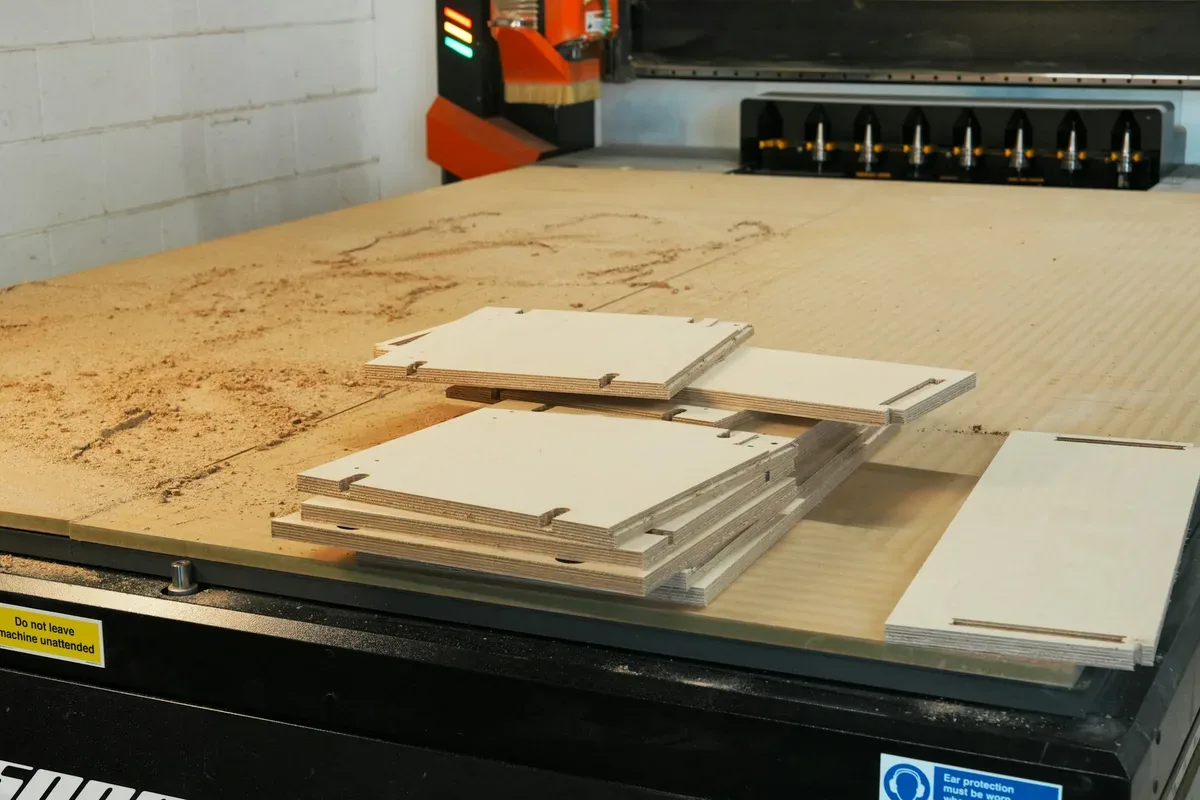
CNC routers
Bring the closed outlines into Fusion, VCarve or your CAM tool for profile and pocket toolpaths.
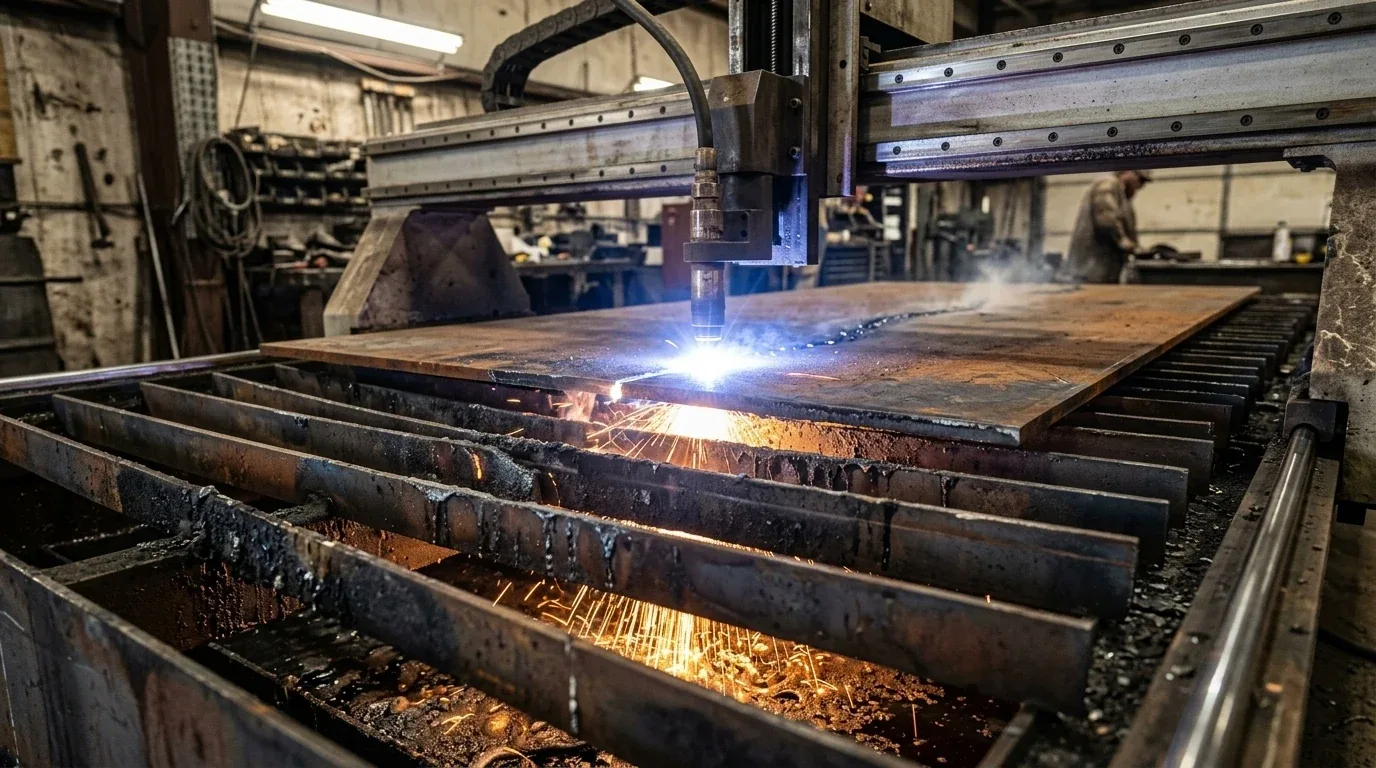
Plasma and waterjet
True circles and closed loops make clean holes and parts in sheet metal.

CAD programs
Open it in AutoCAD, LibreCAD or FreeCAD to dimension it, or check it first in a DXF viewer.
SVG to DXF FAQ
Size, curves, layers and what gets left out.
How do I convert SVG to DXF?
Drop the SVG on the upload box and press Convert to DXF. Check the size and layers in the preview, then press Download DXF. Nothing is traced: the geometry is converted as it is.
Is this SVG to DXF converter free?
Yes. There is no sign-up, no watermark and no daily limit, because the conversion runs on your own computer.
Is my SVG uploaded?
No. The file is read and converted inside this browser tab, and the DXF is written on your device.
Why does my SVG to DXF come out the wrong size?
The SVG probably states its size in px. Switch px per inch between 96 and 72, or choose Width and type the size you want. A width and height in mm or inches in the file avoids the guess.
How accurate is the conversion?
Straight lines and circles are exact. Curves are split into polylines that stay within the curve tolerance, 0.05 mm by default, and you can go down to 0.01 mm.
What happens to text in an SVG to DXF conversion?
Text elements are skipped and the converter tells you how many. Convert text to paths in your editor first and the letter shapes come through as outlines.
Do fills and gradients survive?
A filled shape gives its closed outline, which is what a cutter needs. The fill color, gradients, patterns and embedded images are not carried into the DXF.
Does a stroke keep its width?
No. A stroke becomes one line along its path. Use Stroke to Path in Inkscape or Outline Stroke in Illustrator if you want both edges cut.
Are SVG layers kept as DXF layers?
Yes. Each top-level group or Inkscape layer becomes a DXF layer named after its label or id. You can also split by stroke color or use one layer with a name you type.
Will the DXF open in LightBurn, Fusion 360 or AutoCAD?
It is an AutoCAD R12 DXF made of polylines and circles, the version almost every CAD, CAM and laser program reads.
Why convert SVG to DXF when my laser software reads SVG?
DXF carries real units and layers that CAD and CAM programs agree on, while SVG size depends on how each program reads px. If your tool imports the SVG at the right size, you may not need a DXF.
Can I turn a DXF back into an SVG?
That is the opposite job: use the DXF to SVG converter on this site.
Convert an SVG to DXF now
Drop the file, check the size, download the DXF. It all happens in this tab.
Convert an SVG