Wan Image CAD Generator: Labeled Drawings with Wan 2.7
Alibaba pitches Wan 2.7 Image, its newest Wan image model, at text in 12 languages, formulas and tables. Here it draws labeled CAD-style sheets at 1K or 2K for 60 credits: a PNG, not a CAD file, that traces to DXF free.
- Made by Alibaba
- Text or sketch
- Labels and tables
- 60 credits at 1K or 2K
Drawing style
Technical
Full sheet: views, a section, notes and a title block.
You get a CAD-style PNG made by AI, not an editable CAD file. Trace it to DXF for free afterwards.
Stepped drive shaft
AI-generated example · model not stated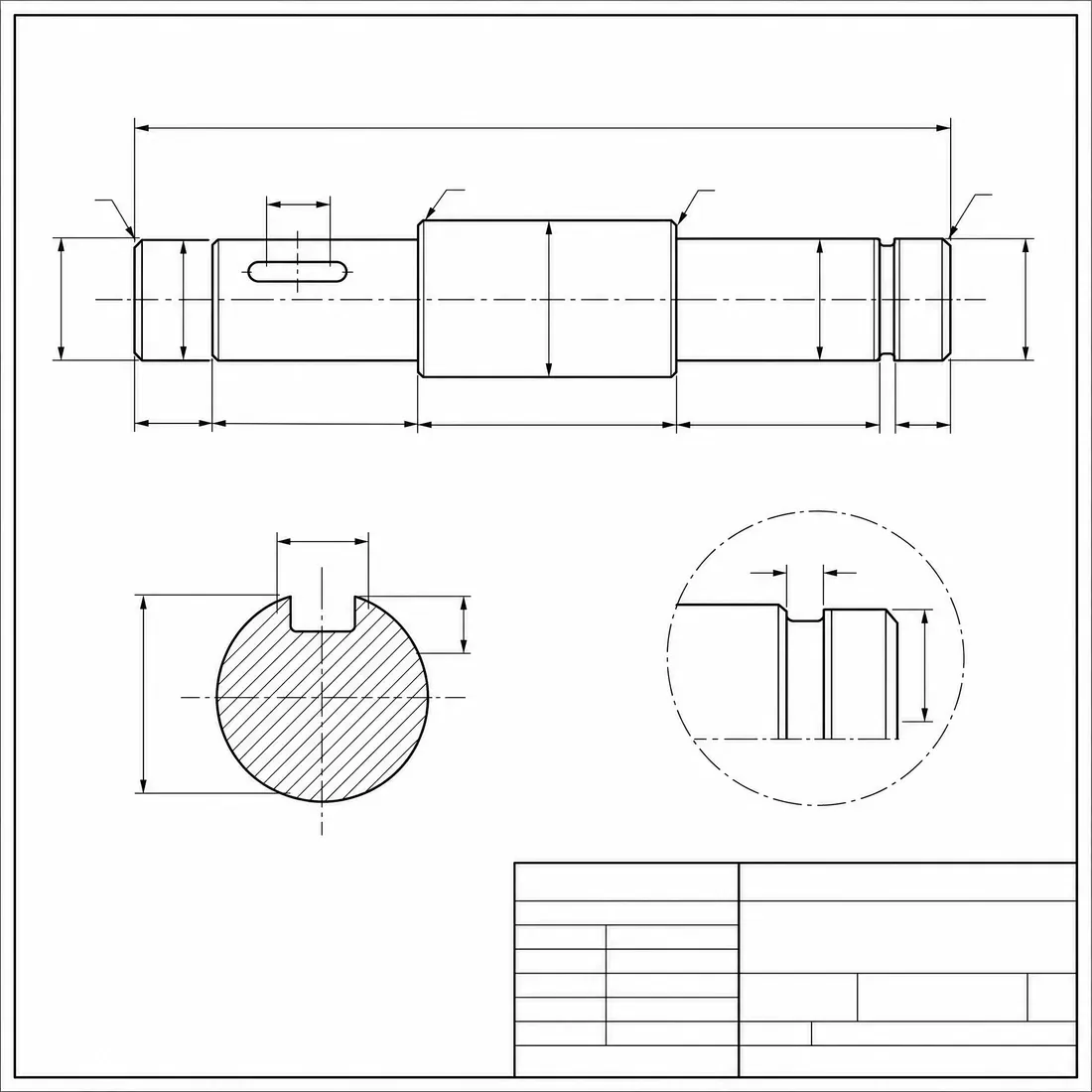
Prompt idea: Stepped drive shaft, Ø40 mm, 220 mm long, one keyway, a retaining-ring groove and chamfered ends; section through the keyway. Your result will differ.
Model card
Wan 2.7 Image for CAD drawings at a glance
What the model is, what we send it and what one drawing costs here. Facts from Alibaba and from Kie.ai, our model provider.
- Maker
- Alibaba; Wan 2.7 was announced on 1 April 2026
- Model
- Wan 2.7 Image, the standard tier; the 4K Pro version is a separate model we do not run
- Runs here as
- Kie.ai, our model provider: one endpoint for text and sketches, one image per run, no watermark
- Input
- A brief of up to 1,000 characters, or one sketch or photo (PNG, JPG or WebP up to 10 MB) with short notes
- Sizes
- 1K or 2K
- Sheet shapes
- 4:3, 16:9, 1:1, 3:4; with a sketch, the sketch sets the shape
- Credits
- 60 credits at 1K or 2K per drawing; a failed run is refunded
- Output
- A PNG of a CAD-style drawing; trace it to DXF or SVG for free
Where it does well
- Labels in another language: Alibaba says it renders text in 12
- Tables and formulas on a sheet, which Alibaba names as strengths
- Redrawing a hand sketch or a photo of a part as a clean sheet
- A 2K sheet for the same credits as 1K
Where to expect trouble
- Sheet shape: no 3:2, and with a sketch you cannot choose one
- Large prints: 2K is the top size here; the 4K Pro version is not offered
- Exact dimensions: the numbers are drawn, not measured, so check each one
- Colour: our drafting rules keep lines black on white, so its palette control goes unused
Sources · Checked 2026-11-27 · Released 1 Apr 2026
Prompt ideas
Wan image prompts for labeled CAD sheets
Each idea asks for the text this model is pitched at: tables, notes, a formula or a second language. It sets its drawing style in the generator above; change the sizes to match your part.
- Section view
Pillow block with a size table
Two-bolt pillow block bearing for a 25 mm shaft: front view and a section through the bearing insert, plus a small table under the views listing shaft diameter, bolt centres and height to centre.
- Orthographic
Pipe flange, English and Chinese
Three views of a DN50 PN16 weld neck flange, four M16 bolt holes on a Ø125 mm circle, key dimensions only, with every label written in English and Simplified Chinese.
- Exploded view
Scooter wheel with a parts table
Exploded view of a kick scooter wheel: polyurethane tyre on a 100 mm hub, two 608 bearings, a spacer, the axle bolt and nut, balloons 1 to 6 and a parts table with ITEM, NAME, QTY and MATERIAL.
- Technical sheet
Compression spring and its formula
Drawing sheet of a helical compression spring: wire Ø2 mm, mean coil diameter 16 mm, 8 active coils, free length 50 mm, ground ends. Add a notes box with the rate formula k = G·d⁴ / (8·D³·n).
- Blueprint
Motor plate with a revision table
Blueprint of a motor mounting plate, 120 x 80 x 6 mm, a Ø22 mm centre hole, four M3 holes on a 31 mm square and four corner slots, with a revision table (REV, DATE, CHANGE) above the title block.
- Isometric
Enclosure, English and Japanese
Isometric view of an aluminium project enclosure, 120 x 80 x 40 mm, a lid held by four M3 screws, a USB-C cut-out and side vent slots, each feature labeled in English and Japanese.
Prompt builder
Build a Wan image brief with labels and a table
Pick the views, the label language and the table you want on the sheet. The meter shows the length against the 1,000 character brief and the price of one run.
Generated prompt
Exploded330 / 1,000 characters for Wan 2.7 Image60 credits
Start from a template
How to
How to make a Wan 2.7 technical drawing
Three steps in the generator at the top of this page, with the model already selected.
STEP 1
Write the brief or drop a sketch
Name the part, its sizes and features, and say what text belongs on the sheet. Or open the Sketch tab and drop a photo or sketch (PNG, JPG or WebP up to 10 MB).
STEP 2
Pick a style, sheet and size
Technical, orthographic and exploded leave room for tables and labels. A sketch sets its own sheet shape; 2K costs the same as 1K.
STEP 3
Generate, check and download
Press Generate drawing (60 credits at 1K or 2K). Read every label and table cell, then download the PNG or press Convert to DXF.
Name the columns
ITEM, NAME, QTY gives a table its shape.
Say the language
"Labels in English and Simplified Chinese", word for word.
Few words per label
Short labels read cleanly in any language.
Crop the sketch
With a sketch the sheet takes its shape, so crop it to 4:3.
Compare
Wan 2.7 and the other models side by side
Prices, sizes and inputs come straight from our model settings. Use in generator moves your brief to another model in the generator above.
Swipe sideways for every column
| 10 drawings | Input | Brief | Speed (maker’s claim) | Use in generator | |||
|---|---|---|---|---|---|---|---|
| Z-ImageAlibaba | 40 | 400 | One size | Text only | 350 chars | Tongyi-MAI: Turbo runs sub-second on H800 GPUs (Kie does not name its variant) | |
| Flux 2 ProBlack Forest Labs | 60 | 600 | 2K | Text + sketch | 1,000 chars | BFL: under 10 seconds (FLUX.2 family) | |
| GPT Image 2OpenAI | 60 | 600 | 4K | Text + sketch | 1,000 chars | OpenAI: complex prompts can take up to 2 minutes | |
| GPT Image 2.6 FlareOpenAI | 60 | 600 | 4K | Text + sketch | 1,000 chars | OpenAI: built for fast iteration | |
| GPT Image 2.6 SunburstOpenAI | 60 | 600 | 4K | Text + sketch | 1,000 chars | None published | |
| Wan 2.7 ImageThis pageAlibaba | 60 | 600 | 2K | Text + sketch | 1,000 chars | None published | |
| Seedream 5.0 ProByteDance | 80 | 800 | 2K | Text + sketch | 1,000 chars | None published | |
| Nano BananaGoogle | 90 | 900 | One size | Text + sketch | 1,000 chars | None published | |
| Nano Banana 2Google | 150 | 1,500 | 4K | Text + sketch | 1,000 chars | Google: Flash speed (no figure) | |
| Nano Banana ProGoogle | 450 | 4,500 | 4K | Text + sketch | 1,000 chars | None published |
Credits are what this site charges per drawing, set in our model config (placeholders until launch). Speed is the maker’s own claim, not our test. Checked 2026-11-27.
Where it fits
When to pick the Wan image model for CAD work
Text is the point: sheets that must carry tables, notes or a second language.
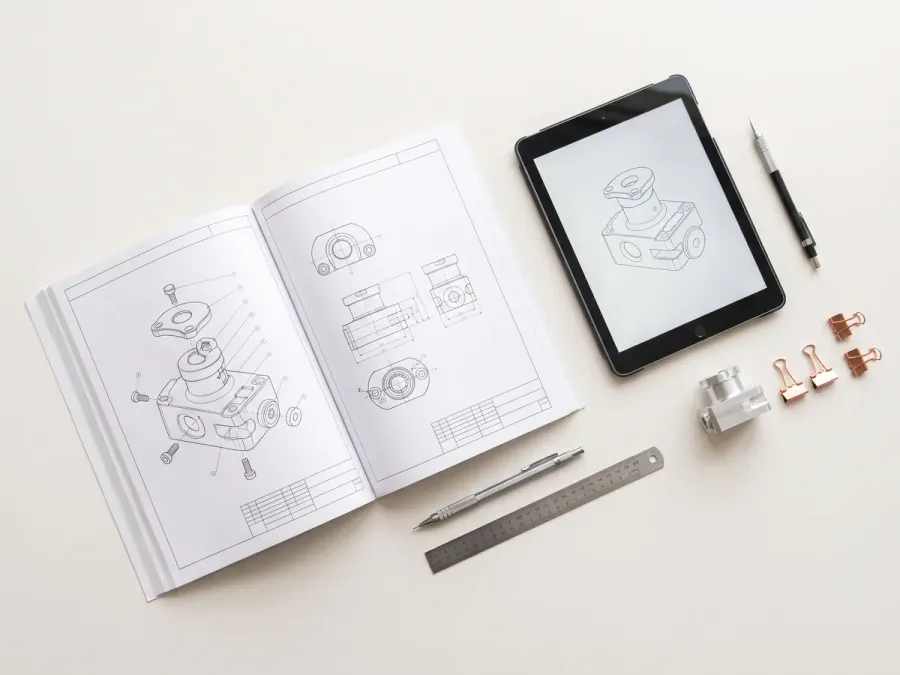
Bilingual manuals
Exploded views and part labels in two languages for products sold or built in more than one country.
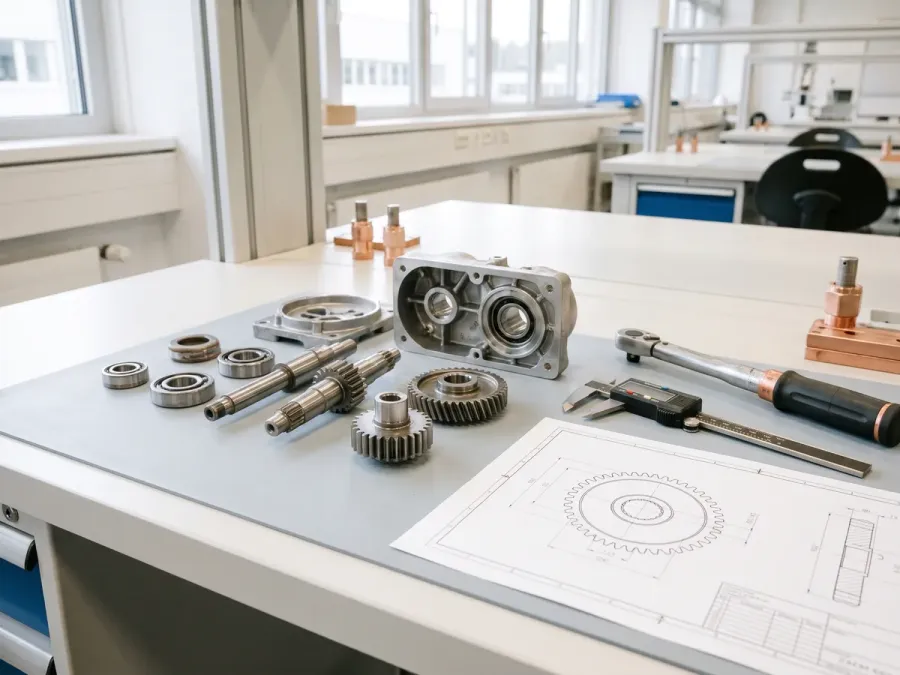
Shop floor sheets
A part drawing with a size table or a revision table that a workshop can read at a glance.
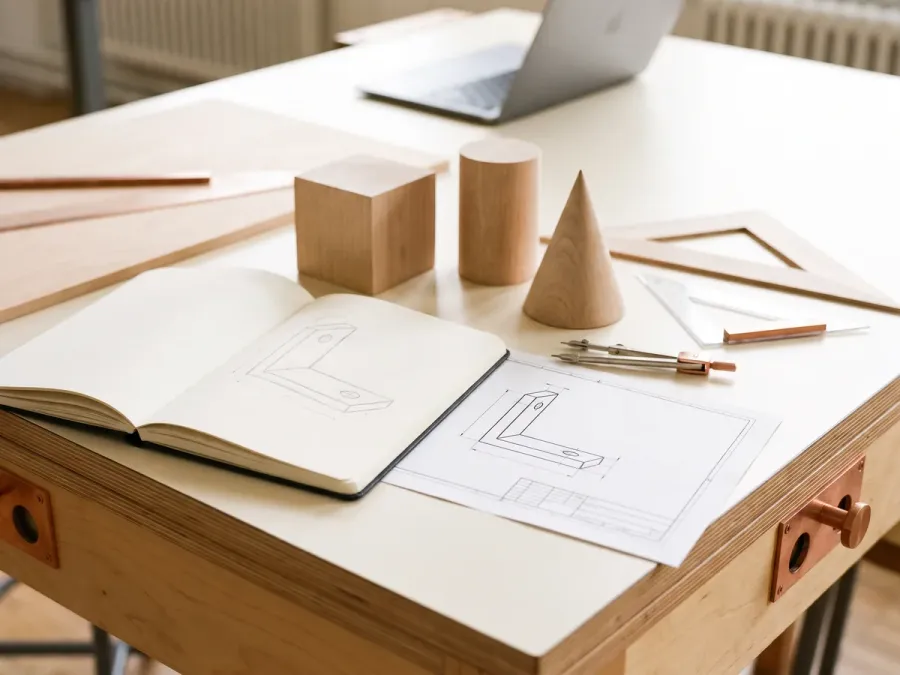
Course material
A spring or a gear beside the formula that sizes it, for a class handout or a slide.
Prototype briefs
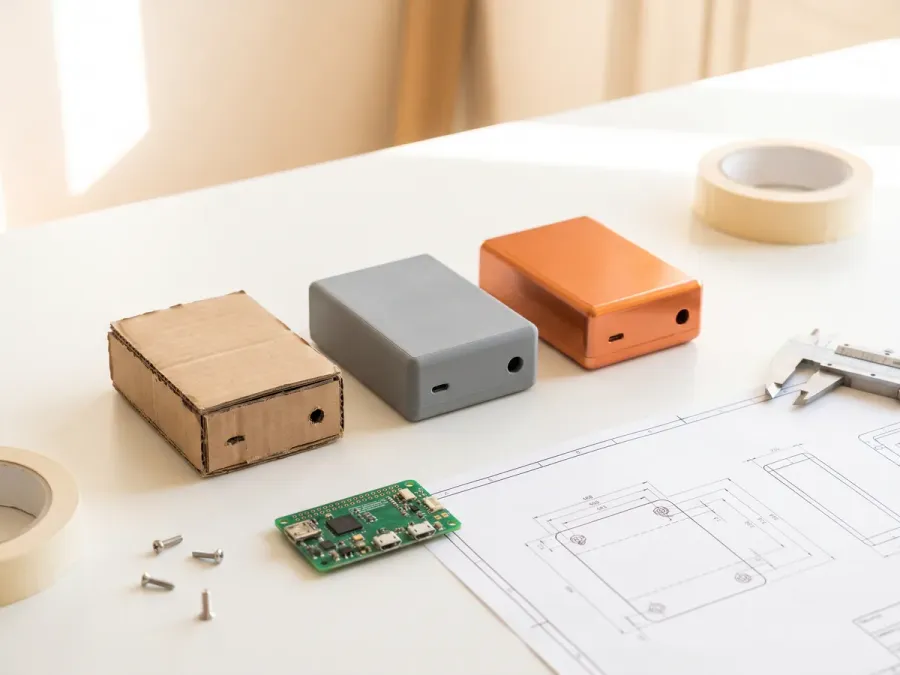
An enclosure drawn with its features labeled, to send to a maker together with your notes.
FAQ
Wan image CAD questions
What is Wan 2.7 Image?
It is the image generation and editing model in Alibaba's Wan 2.7 release, announced on 1 April 2026 together with a Pro version. Alibaba says it handles text in 12 languages, prompts of up to 3,000 tokens and up to nine reference images, and renders print-quality text, complex formulas and tables.
Is this site made by Alibaba?
CAD Converter is an independent product. We pay for access to the model through Kie.ai and are not affiliated with or endorsed by Alibaba. Model names belong to their owners.
How many credits does the Wan image model use?
60 credits at 1K or 2K per drawing. The Generate drawing button shows the exact cost before you run, and a failed run gives the credits back automatically.
Why does the Wan image model stop at 2K?
Alibaba offers 4K output in Wan 2.7 Image Pro, which is a separate model at Kie.ai. We run the standard Wan 2.7 Image, which takes 1K or 2K. For a 4K sheet, pick GPT Image 2, GPT Image 2.6 or a Nano Banana model in the model menu.
Why is there no 3:2 sheet?
Kie.ai accepts 1:1, 4:3, 3:4, 16:9 and a few very wide or tall shapes for this model, but not 3:2. With a sketch, Kie uses the shape of the sketch and ignores the setting, so crop the sketch before you upload it.
Can Wan turn my sketch into a CAD drawing?
Yes. Open the Sketch tab and drop a photo or scan. The model redraws it in the style you pick, keeping the features it can see. Alibaba allows up to nine reference images; we send exactly one, your sketch.
Can it label a drawing in Chinese or another language?
Alibaba says the model renders text in 12 languages. Say so in your brief, for example "label every part in English and Simplified Chinese". We have not tested every language, so have a native reader check the labels before you publish the sheet.
Does Wan output an editable CAD file?
No. It makes images. You get a PNG of a CAD-style drawing, not a STEP, DWG or parametric model. Convert to DXF traces its lines into vectors in your browser, without layers or real dimensions.
Are the dimensions and table values accurate?
Treat them as illustrative. The model draws numbers that look right for the sizes you gave, but nothing measures the part, and a table can repeat or skip a row. Check every value before you rely on it.
How long can a brief be?
Up to 1,000 characters here. Kie.ai accepts 5,000 characters for the whole prompt, so your brief and our drafting rules always reach the model in full.
Can I use its colour palette control?
Not here. Alibaba lets you set colours by code, but our drafting rules keep a CAD-style drawing black on white, white on blue for a blueprint or cyan on black for a wireframe, and they win over colour words in a brief.
Wan 2.7 or Flux 2 Pro: which should I use?
Both cost 60 credits at 1K or 2K here. Flux 2 Pro also offers a 3:2 sheet and is pitched at structured briefs; this model is pitched at text, tables and other languages. Run one brief on both with Use in generator in the compare table and keep the better sheet.
Which drawing styles work best?
Technical sheets with a table, orthographic views with labels and exploded views with a parts table, where the text matters as much as the lines. For one quick unlabeled view, a cheaper model such as Z-Image will do.
Make a Wan image CAD drawing now
Write a brief or drop a sketch; Wan 2.7 is already selected above, at 60 credits at 1K or 2K.
Open the generator