STL to OBJ Converter: One Connected Mesh, Upright in Blender
Free STL to OBJ converter for up to 20 files at once. Drop binary or ASCII STL: duplicate corners are welded into shared vertices, Z-up turns to Y-up for Blender, Unity and three.js, and smooth normals are one click. Coordinates stay exact and nothing is uploaded.
- Free, no sign-up
- Welded, shared vertices
- Z-up to Y-up
- Exact coordinates
Upload STL
FreeOr open a sample
Runs in your browser. Nothing is uploaded.
Example result
Mounting bracket · STL → OBJ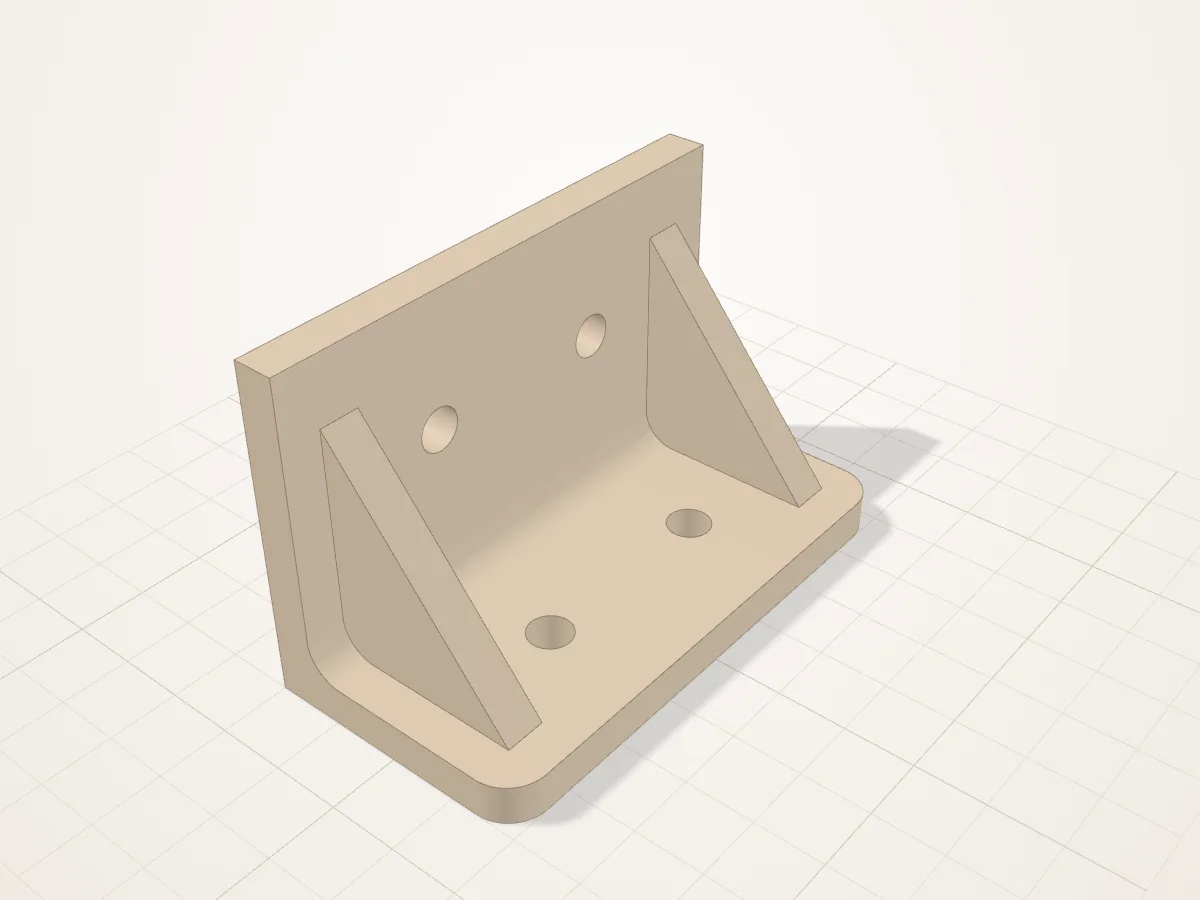
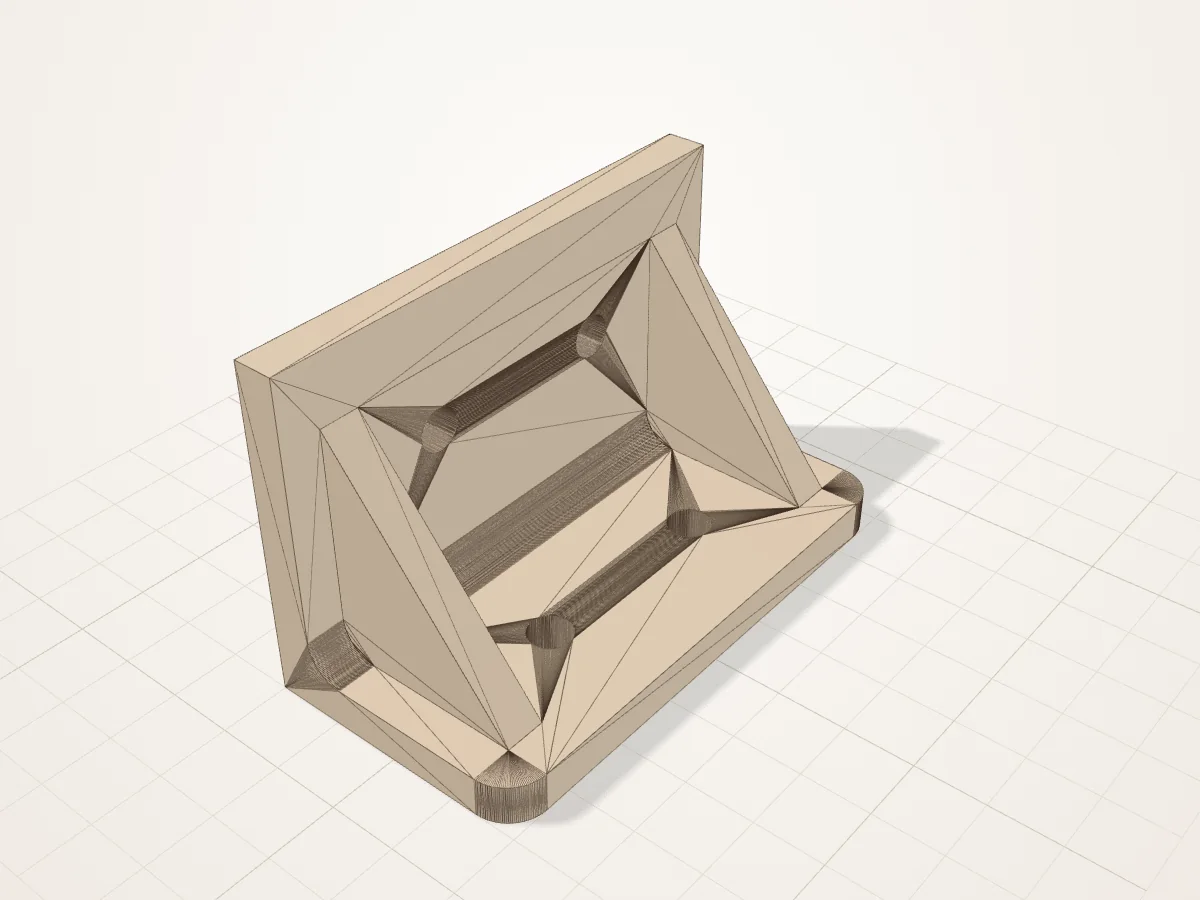
- STL
- Binary · 166 KB
- OBJ
- 90 KB
- Vertices
- 10,164 → 1,688
- Triangles
- 3,388
- Up
- Z → Y
- Watertight
- Yes
Examples
STL to OBJ examples you can open
Five sample STL files and one batch, each run through this converter. Drag the divider to compare the triangles with the shaded mesh, or download the OBJ.
Binary STL
Mounting bracket
10,164 corners welded into 1,688 vertices: 166 KB of STL becomes a 90 KB OBJ with the same 3,388 triangles.
10,164 corners → 1,688 vertices · 166 KB STL → 90 KB OBJ
ASCII STL
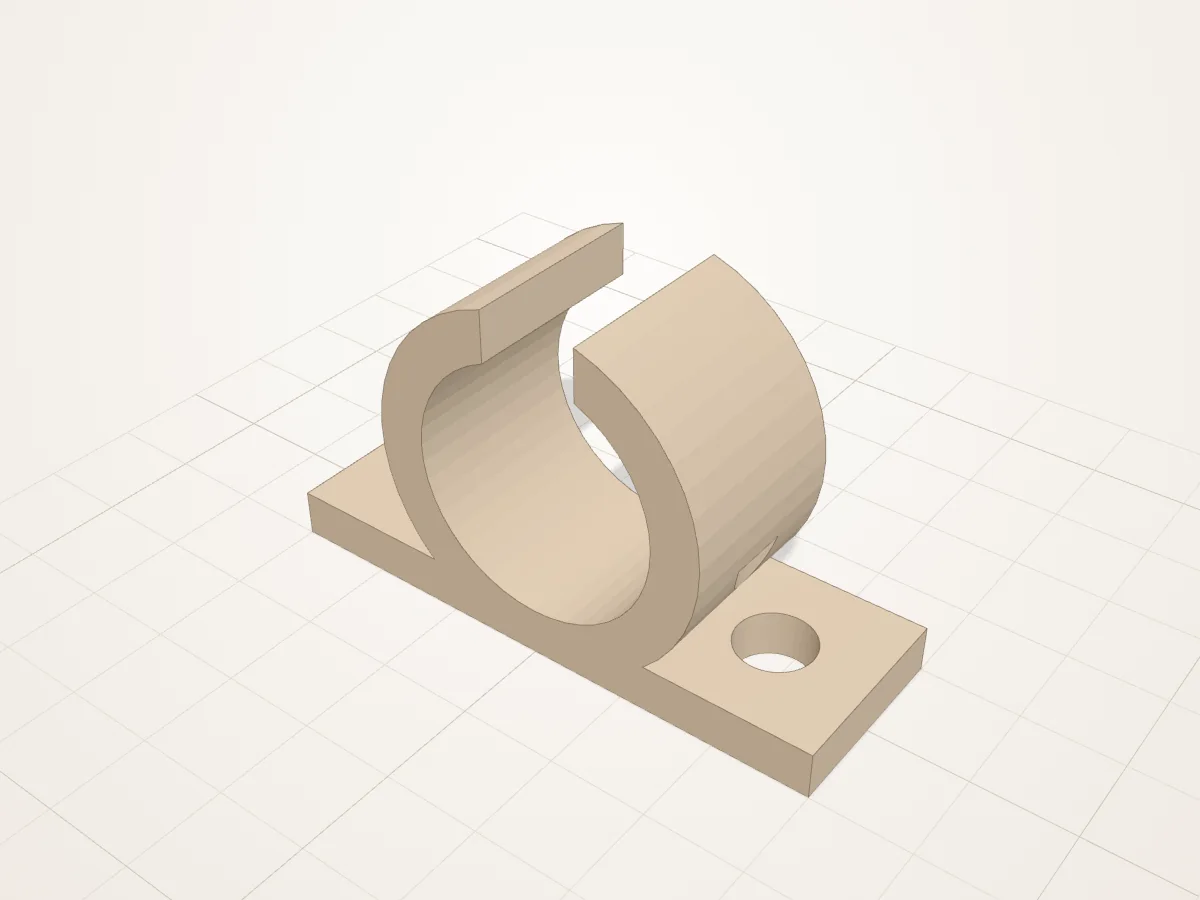
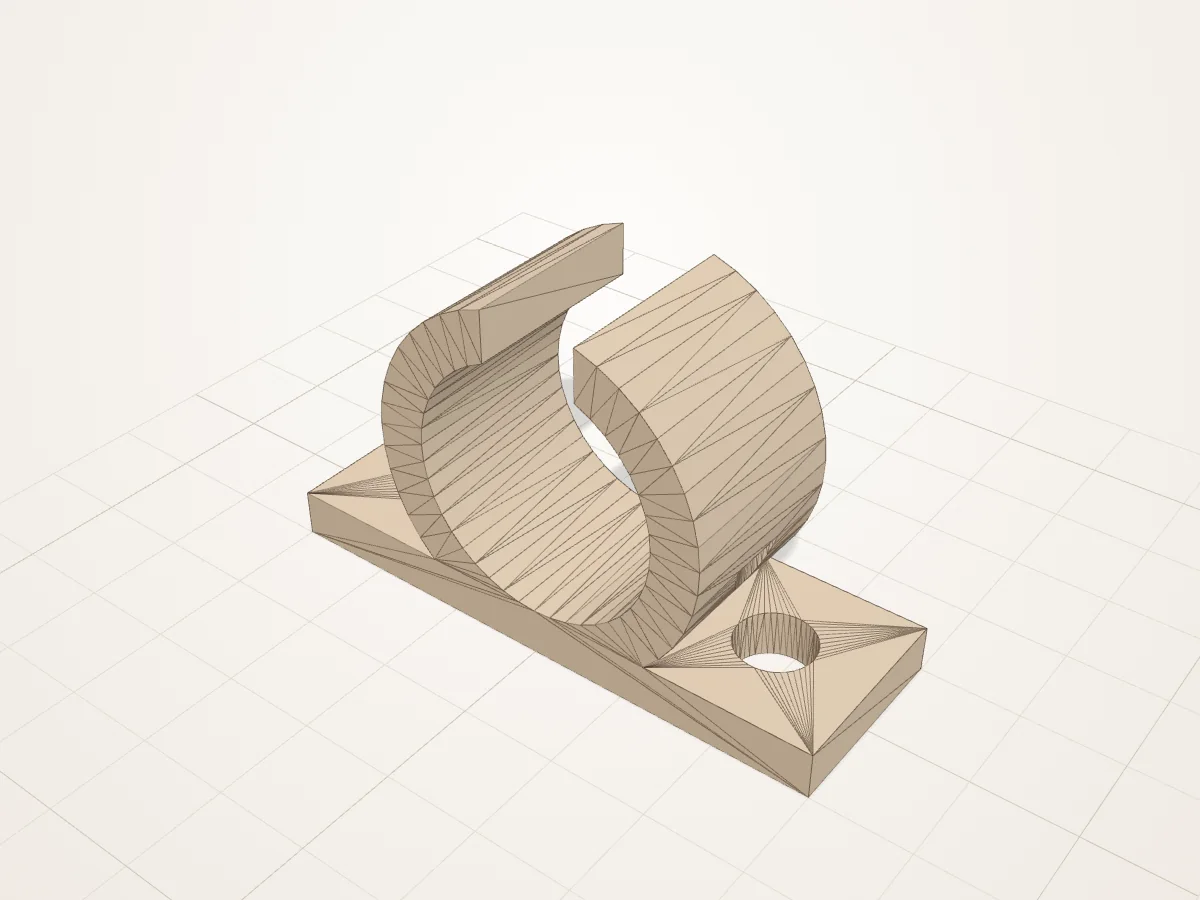
Cable clip
The text flavour shrinks the most: 161 KB of ASCII STL to a 20 KB OBJ, 398 vertices.
2,400 corners → 398 vertices · 161 KB STL → 20 KB OBJ
Generated part
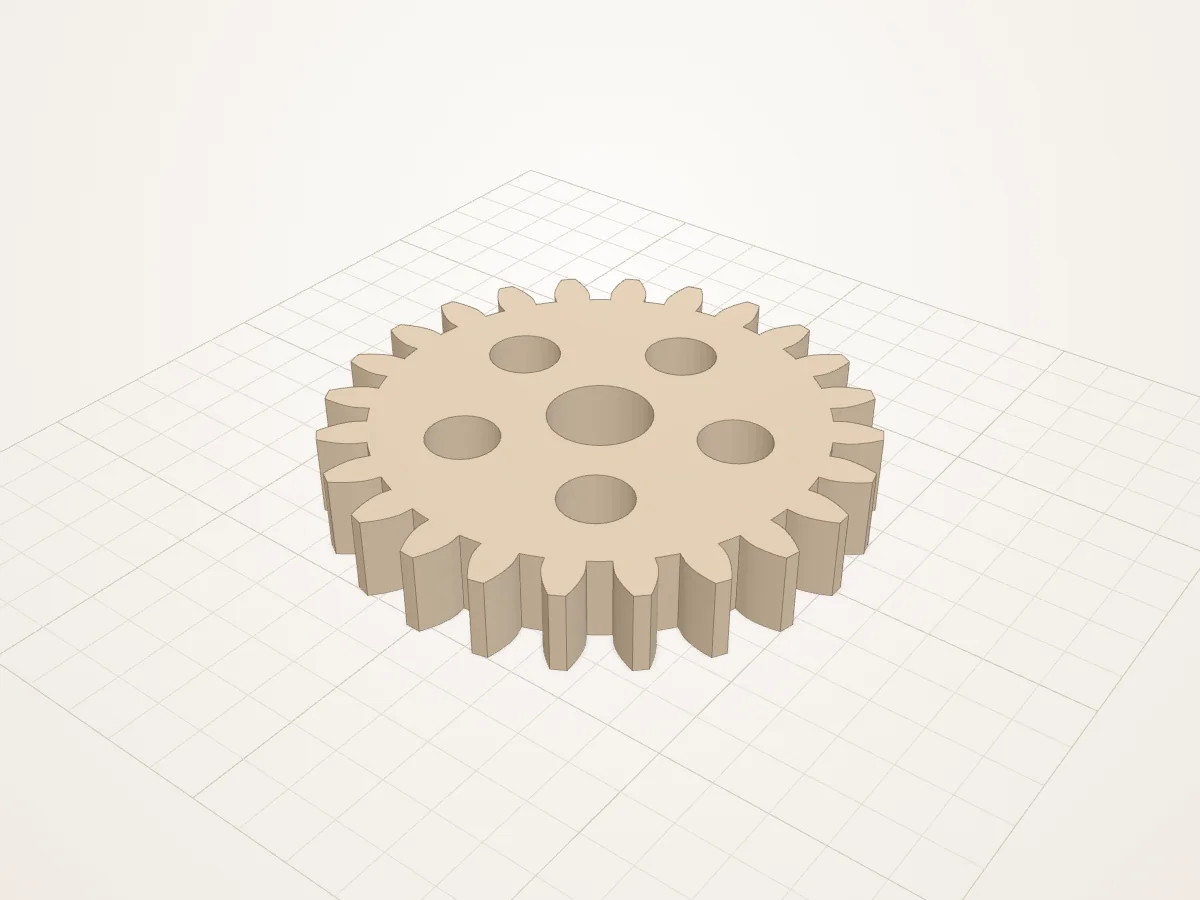
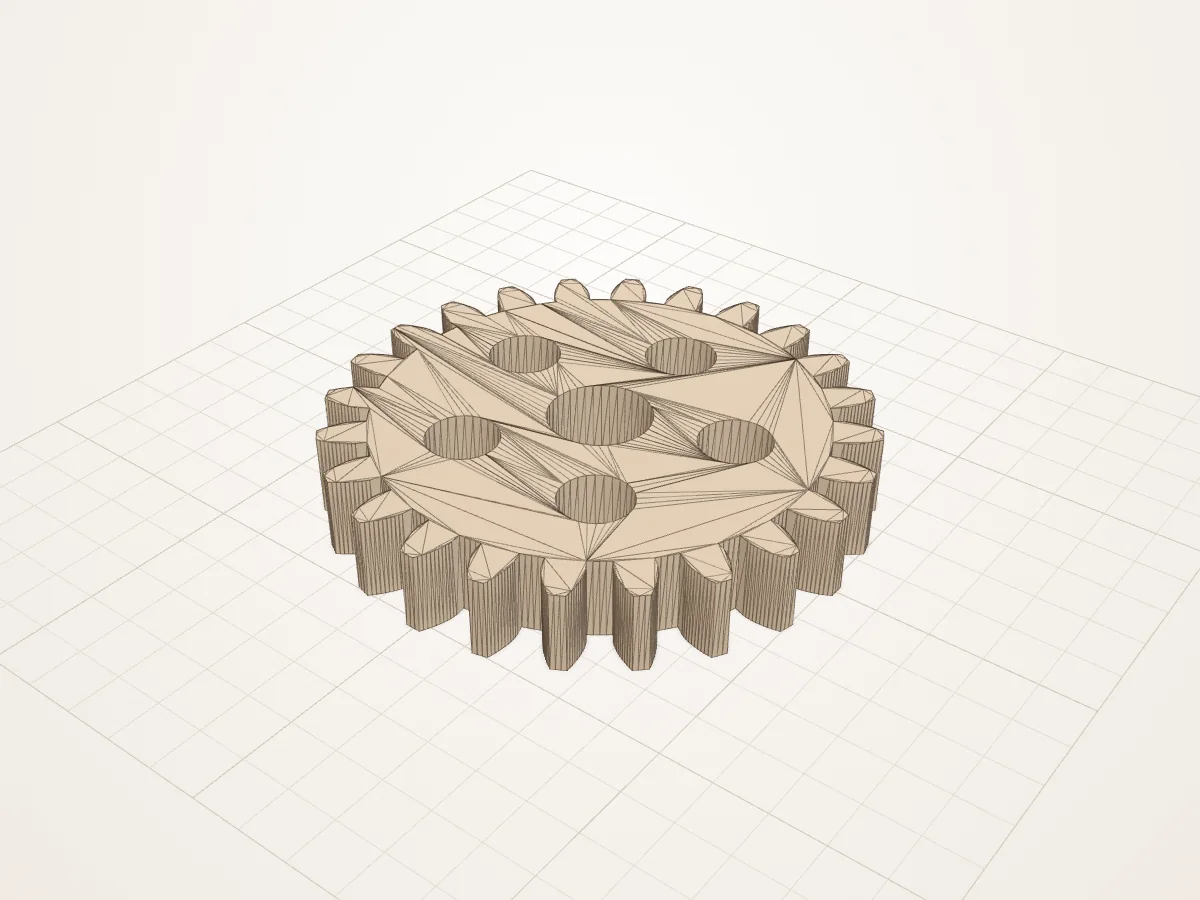
Spur gear
52 × 52 × 8 mm, one closed shell, 3,524 triangles and 1,752 shared vertices in the OBJ.
10,572 corners → 1,752 vertices · 172 KB STL → 94 KB OBJ
Hollow part
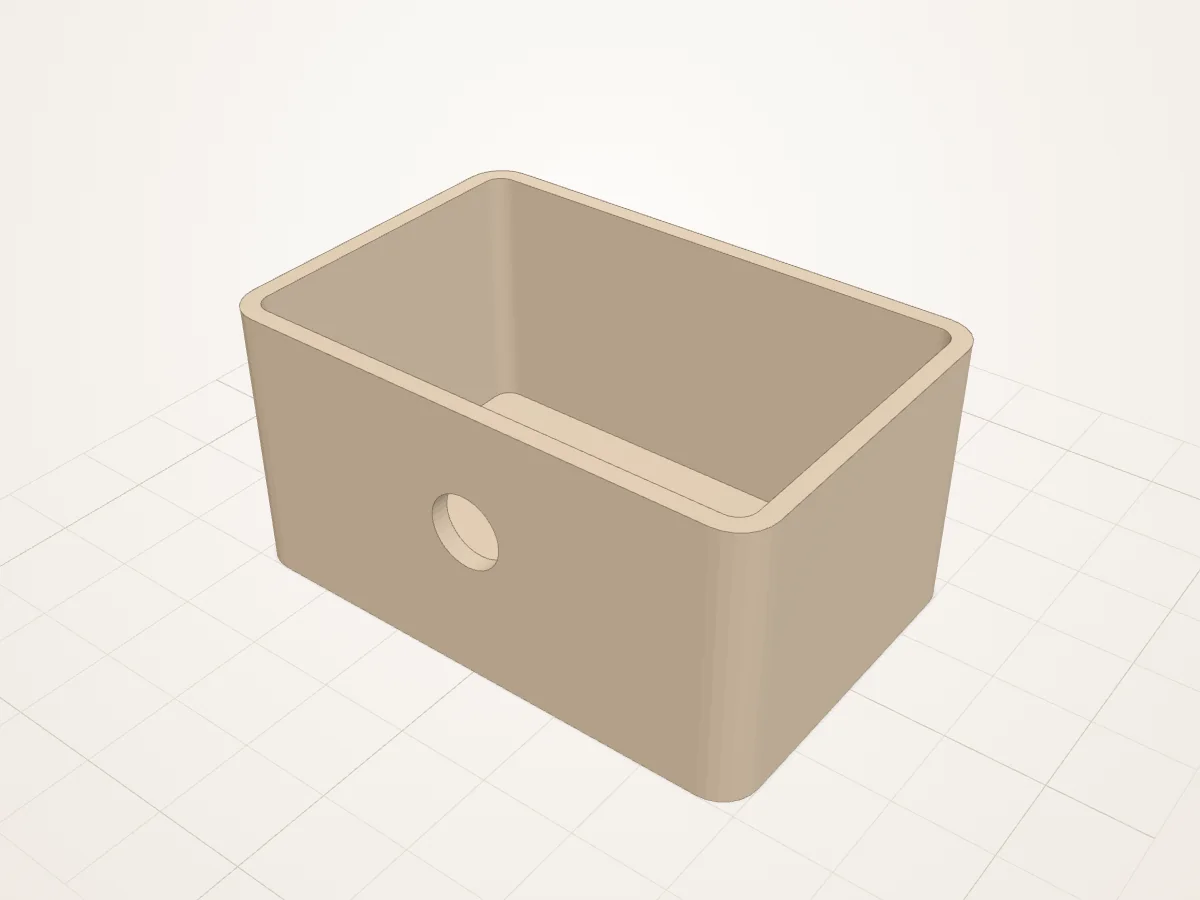
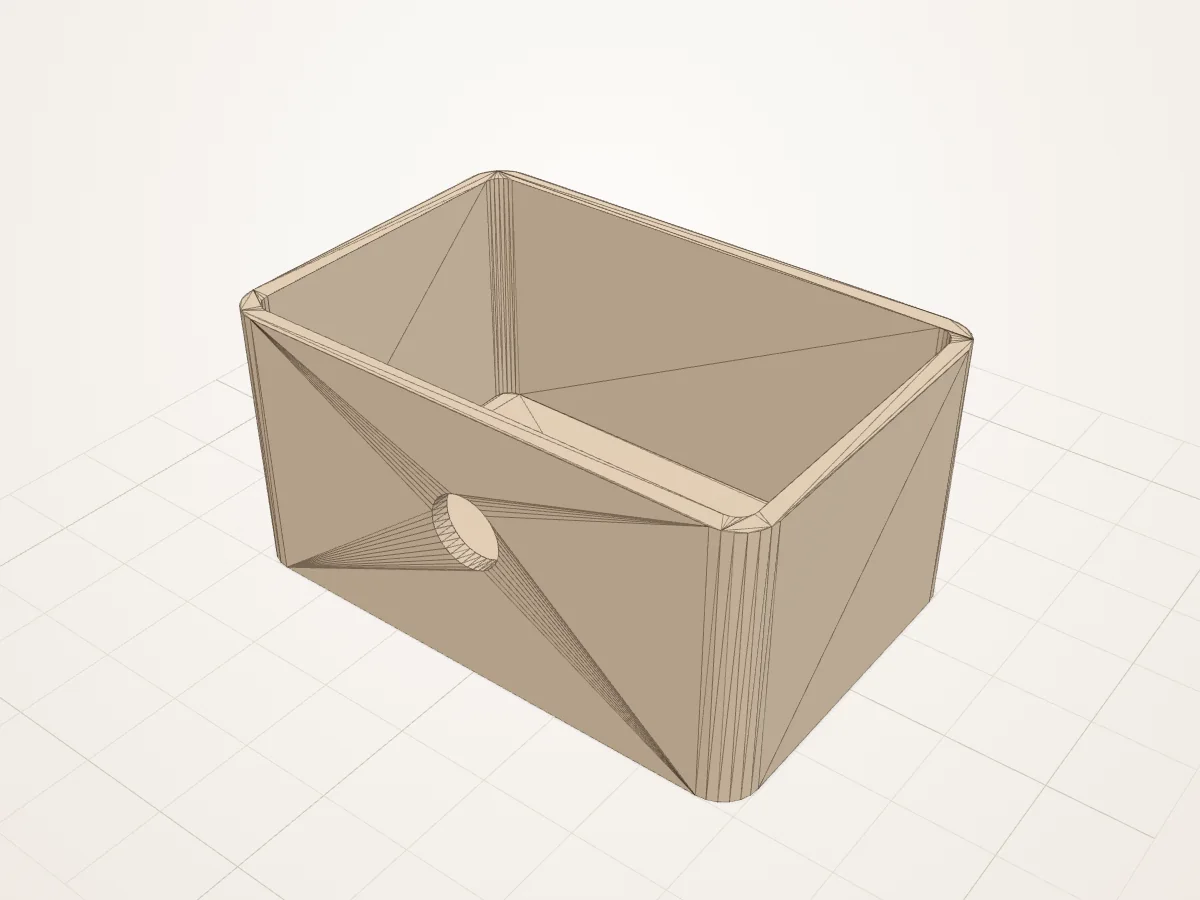
Storage box
368 triangles in 74 KB of ASCII STL; the OBJ is 8 KB.
1,104 corners → 184 vertices · 74 KB STL → 8 KB OBJ
Curved surfaces
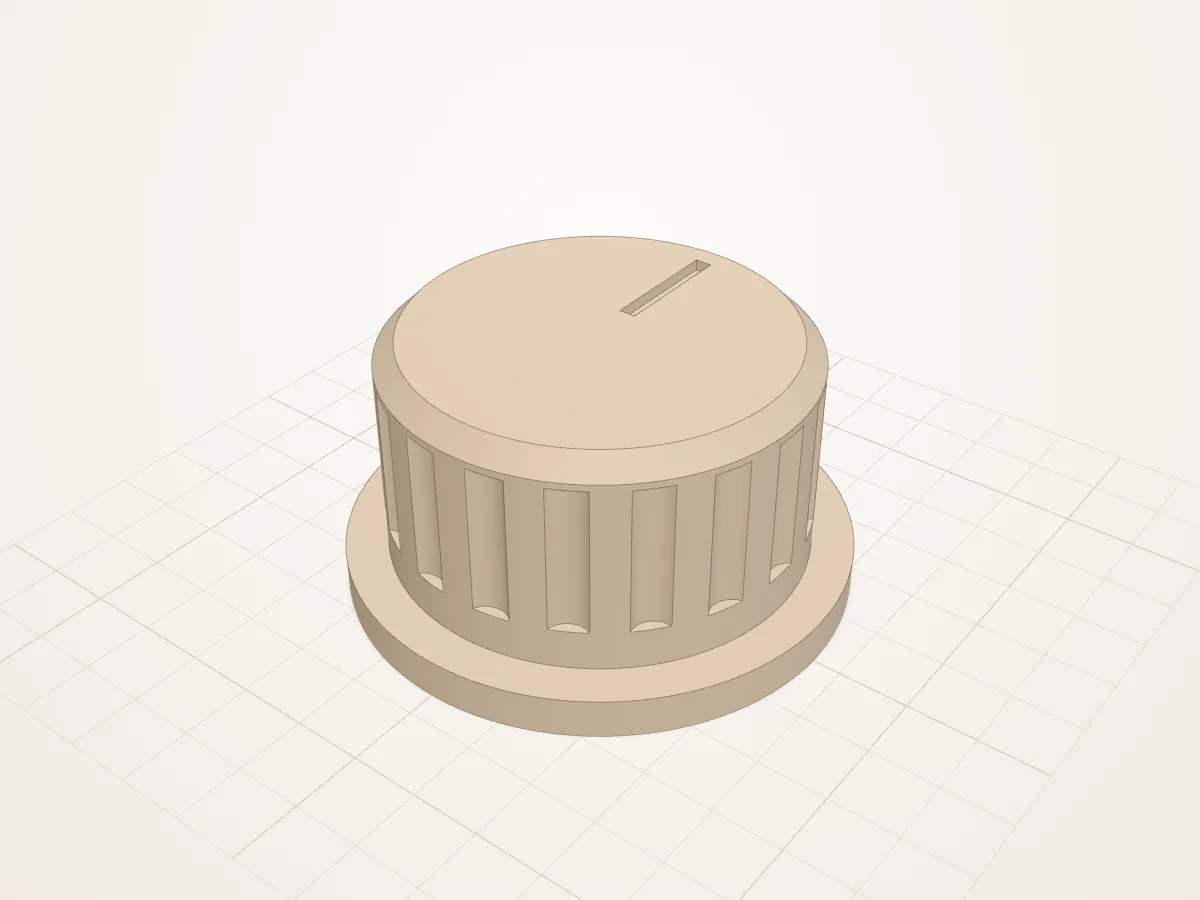
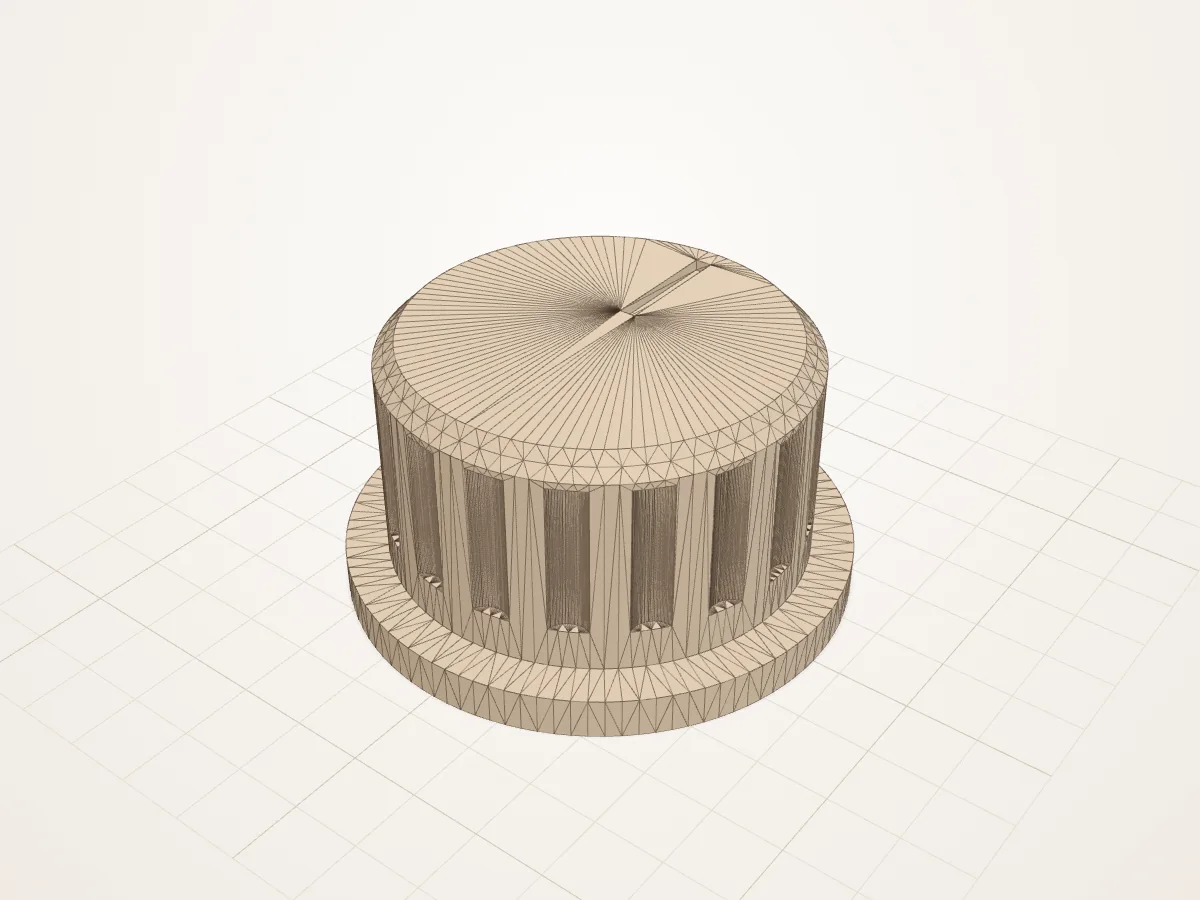
Knurled control knob
Smooth 30° writes 1,885 vertex normals: shared across the round grip, split along every knurl ridge.
12,708 corners → 2,120 vertices · 207 KB STL → 113 KB OBJ
Batch
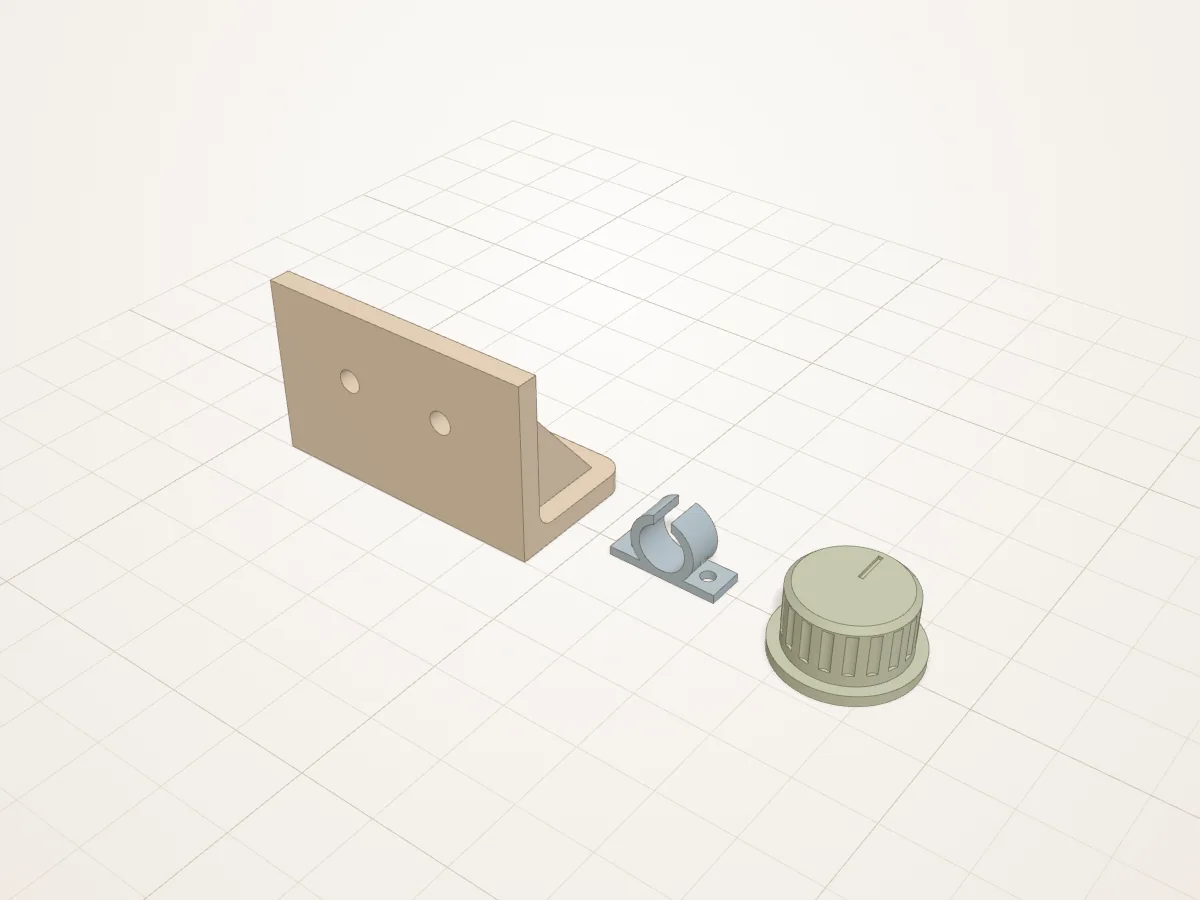
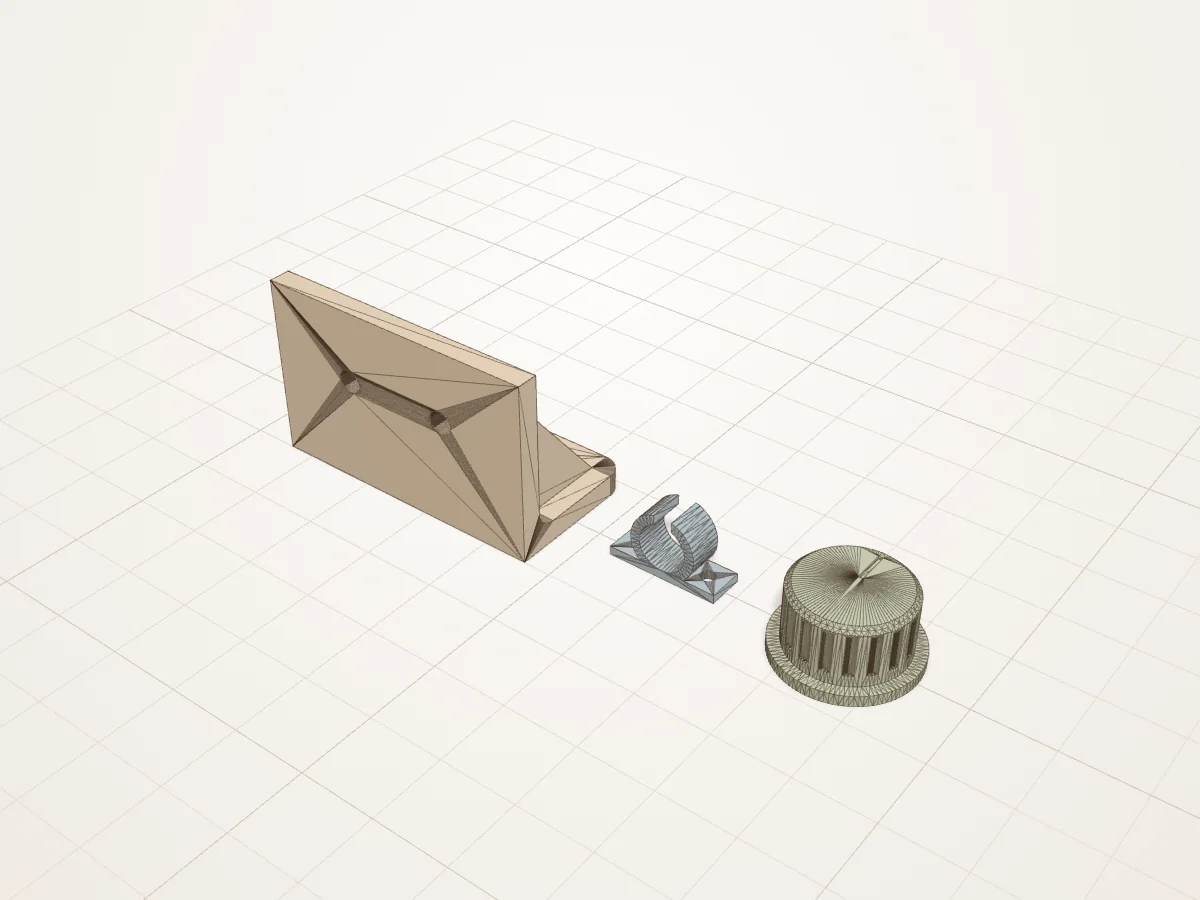
Three STL files, one OBJ
Bracket, clip and knob written as three named objects in one OBJ, ready to import together.
3 STL → 1 OBJ · 4,206 vertices · 233 KB
What changes
What happens when you convert STL to OBJ
An STL is loose triangles for a printer. A 3D app wants a connected mesh it can smooth, unwrap and sculpt. This STL to OBJ step bridges the two.
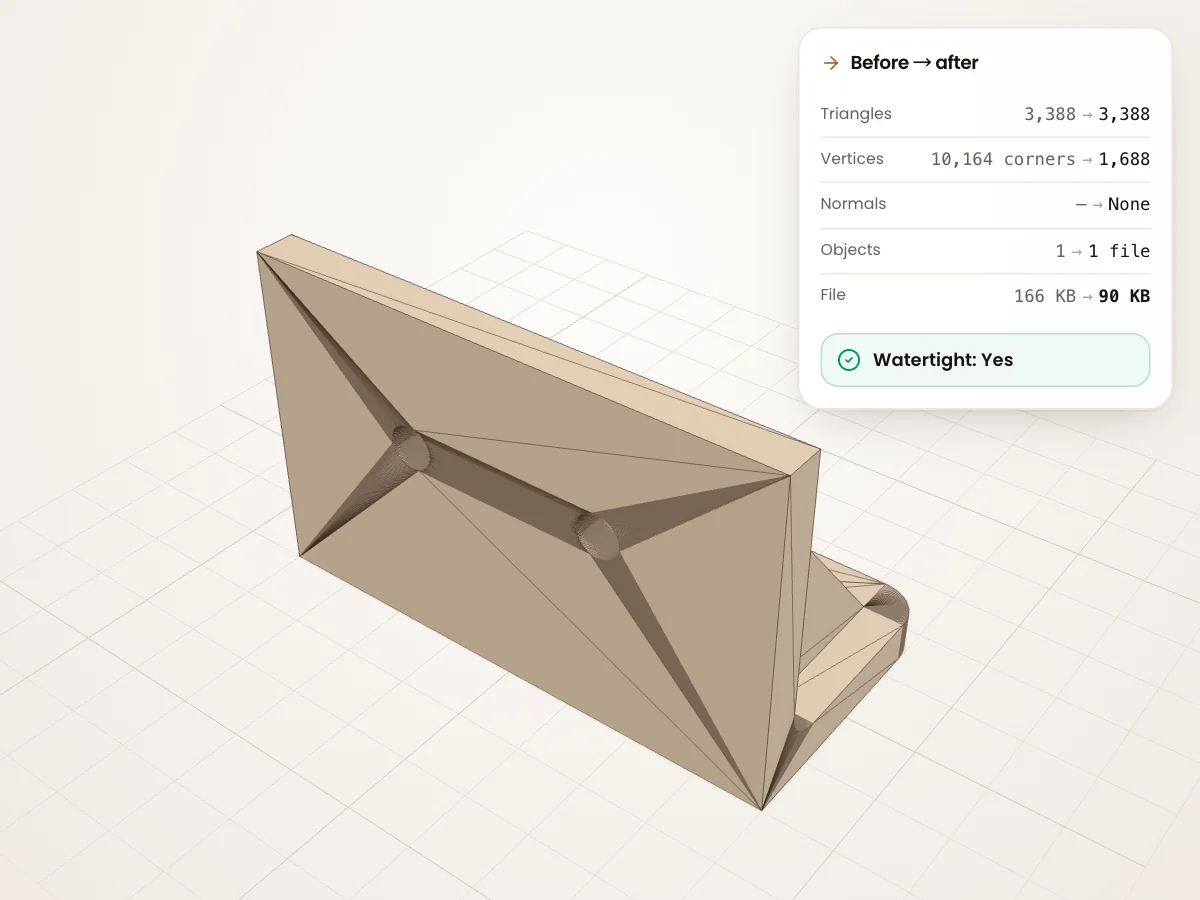
Bracket: 10,164 corners to 1,688 vertices, 166 KB to 90 KB
Destinations
STL to OBJ settings by destination
Where the OBJ goes decides the two settings that matter: up axis and scale.
| Destination | What it expects | Settings here |
|---|---|---|
| Blender | Imports OBJ as Y-up and counts 1 unit as 1 m. | Z-up → Y-up, and metres for true size. |
| Unity | Y-up, 1 unit = 1 m. | Z-up → Y-up, metres. |
| Maya | Y-up, working unit centimetres by default. | Z-up → Y-up; set the import unit to mm. |
| three.js and web viewers | Y-up, any scale. | Z-up → Y-up, mm as is. |
| FreeCAD and CAD programs | Coordinates as stored, Z-up. | Keep Z-up, mm as is. |
| Back to a slicer | Z-up, millimetres. | Keep Z-up, or simply keep the STL. |
Comes in rotated anyway? Flip the up-axis option, or the importer's own Up setting.
How to
How to convert STL to OBJ in 3 steps
No install and no account: the OBJ is written in this tab.
STEP 1
Drop the STL
Drag up to 20 binary or ASCII STL files onto the upload box, or open a sample.
STEP 2
Pick the destination settings
Choose Z-up → Y-up or Keep Z-up, mm or metres, and whether to write smooth normals. The panel shows corners before and vertices after.
STEP 3
Download OBJ
Press Download OBJ. Several files come as a zip, or as one OBJ with an object each when Output is set to One file.
Blender shows it 80 m tall?
The numbers are millimetres. Write OBJ in metres, or scale by 0.001 on import.
Faceted look
Turn on Smooth normals, or use Shade Auto Smooth in Blender.
Holes stay holes
Open edges are reported, not filled. Repair before sculpting if needed.
Big scans
Up to 5,000,000 triangles and 200 MB per batch.
Specs
STL to OBJ converter specs and limits
What goes in, what comes out, and what this STL to OBJ converter leaves alone.
- Input
- Binary and ASCII STL, told apart by the file contents
- Batch
- Up to 20 files, 200 MB and 5,000,000 triangles
- Welding
- Corners closer than a millionth of the part size become one vertex
- Output
- OBJ with an o and g line per object, v and f lines; no .mtl needed
- Normals
- None, or smooth with a 30° crease (vn lines)
- Up axis
- Z-up → Y-up (−90° about X) or kept
- Scale
- Kept as in the STL, or millimetres to metres
- Numbers
- The shortest text that reads back as the exact STL value
- Where it runs
- In your browser tab; nothing is uploaded
It does
- Weld duplicate corners into shared vertices
- Keep every coordinate exact, with no six-decimal rounding
- Turn Z-up into Y-up for 3D apps
- Write smooth normals that keep sharp edges
- Put several STL files in one OBJ as named objects
It does not
- Add UVs, materials or textures; STL has none to carry over
- Smooth, subdivide or remesh the faceted surface
- Repair holes or flipped triangles
- Turn triangles back into quads
- Read OBJ, 3MF or STEP files
Next steps
Where the OBJ goes after STL to OBJ
Need the other direction? OBJ to STL turns an OBJ back into a printable mesh.
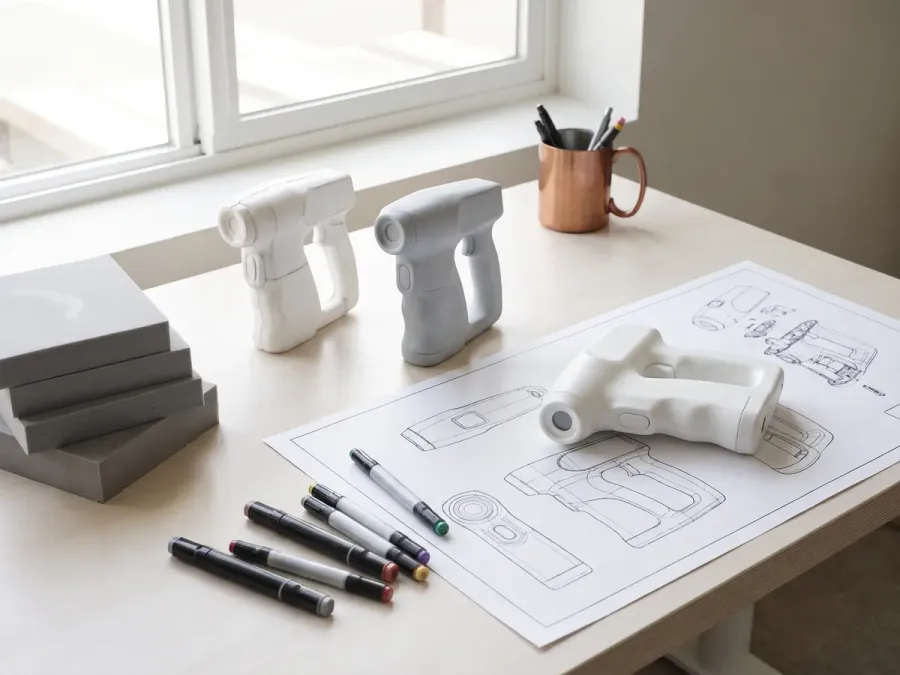
Blender renders and sculpts
A welded mesh smooths, subdivides and unwraps cleanly.
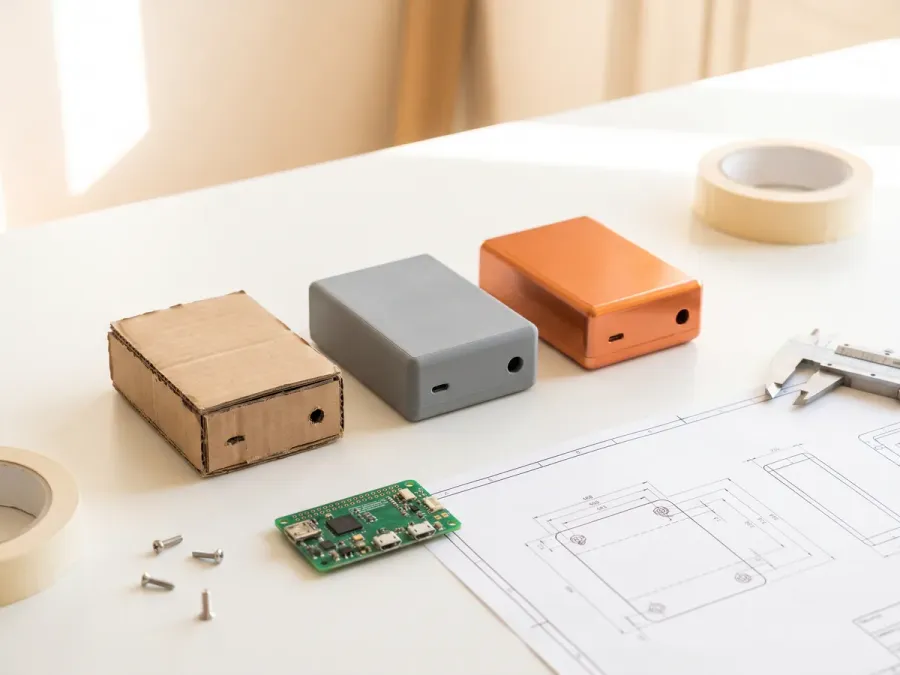
Game engines
Unity and Godot import the OBJ upright, at true size when written in metres.
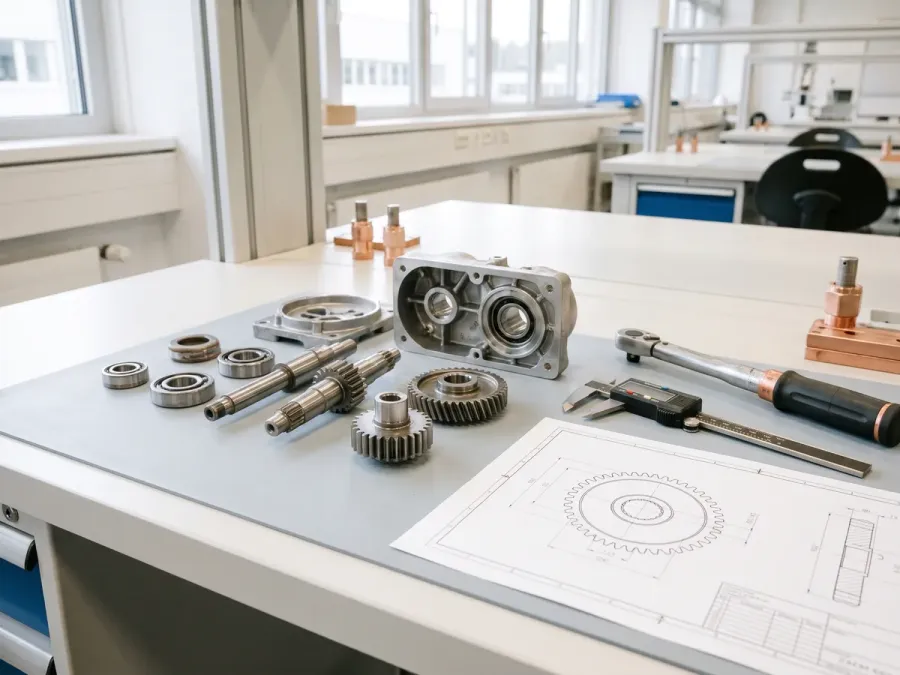
Web and AR previews
three.js OBJLoader reads it directly; Y-up matches its scene.
Teaching 3D modelling
Printed parts become editable models students can take apart.
STL to OBJ FAQ
Welding, axes, scale and normals.
How do I convert STL to OBJ?
Drop the STL on the upload box, pick the up axis, scale and normals, and press Download OBJ. The STL to OBJ conversion runs in your browser.
Is this STL to OBJ converter free?
Yes. No account, no watermark and no file count, because the work happens on your own computer.
Are my files uploaded?
No. The STL is read and the OBJ is written inside this tab; nothing is sent to a server.
Why weld vertices?
In an STL, neighbouring triangles each keep a copy of a shared corner, so the mesh is a cloud of loose faces. Welding turns the copies into one vertex and 3D apps see a connected surface.
How close must corners be to weld?
Within a millionth of the bounding box diagonal: 0.0001 mm on a 100 mm part. That merges true copies without pulling separate parts together. A triangle whose corners weld into one point has no area and is left out.
Should I turn Z-up into Y-up?
Yes for Blender, Unity, Maya, three.js and most game engines. No for CAD programs that read OBJ coordinates as they are.
Why is my model 1,000 times too big in Blender?
STL numbers are usually millimetres and Blender reads 1 unit as 1 m. Choose metres under Write OBJ in, or scale by 0.001 after import.
Will the OBJ shade smoothly?
With Smooth 30° the OBJ carries vertex normals and curved faces shade round in apps that read them. Without, apps shade it flat until you apply smooth shading.
Does STL to OBJ change the size or shape?
No. Coordinates are written exactly; only the options you choose apply: the Y-up turn and the metre scale.
Does the OBJ have UVs or a material?
No. An STL has neither, so the OBJ has positions, faces and optional normals. Unwrap and assign materials in your 3D app.
Can I convert several STL files at once?
Yes, up to 20. Per file gives one OBJ each in a zip; One file writes a single OBJ with a named object per STL.
Why is the OBJ smaller than my STL?
Each vertex is written once instead of about six times, so it is far smaller than ASCII STL and usually smaller than binary STL too.
Can I check the STL first?
Yes: open it in the STL viewer to measure it, cut a section and read the watertight check.
Convert STL to OBJ now
Drop your STL files, pick where they are going, and download a connected OBJ mesh. Free, right in this tab.
Convert STL files