Photo to DXF Converter: Part Outlines From a Photo
Free photo to DXF converter for photos up to 25 MB. Shoot a flat part or template on plain paper and the photo preset blurs, despeckles and traces its outline as closed polylines. Type the part's real width and download an R12 DXF in mm or inches. Nothing is uploaded.
- Free, no sign-up
- Closed outlines for cutting
- Scaled to a width you measure
- Runs in your browser
Upload photo
FreeSubject
Runs in your browser. Nothing is uploaded.
Example result
Flat part · Photo → DXF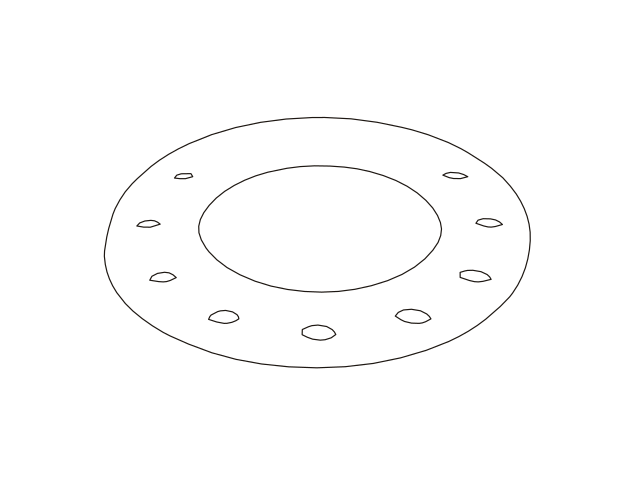
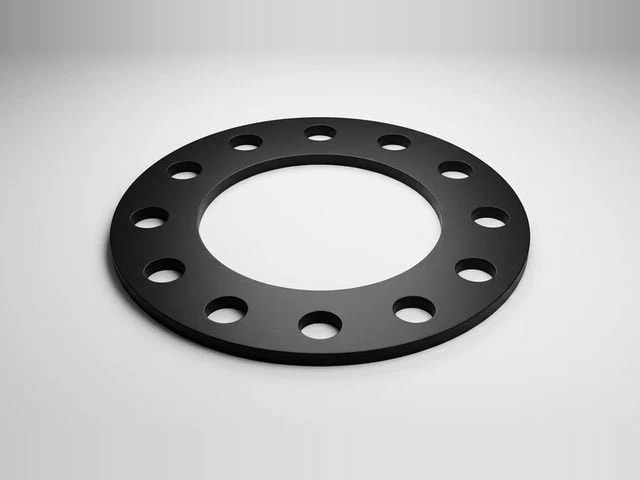
Traced here: Outline · 11 paths, 11 closed · 150.0 × 88.2 mm · 27 ms
Examples
Photo to DXF examples: parts, gaskets, silhouettes
Six photos traced by this photo to DXF converter with the photo preset and the settings shown. Flip a card to compare, open it in the converter, or download the DXF.
Flat part
Rubber gasket shot at an angle
11 closed outlines: rim, bore and 9 bolt holes. The angle squashes circles into ovals and thins the far holes away; shoot straight down for a true copy.
Outline · 11 paths · 150.0 × 88.2 mm · 27 ms
Steel part
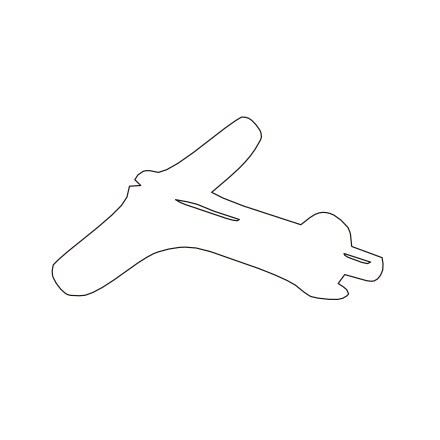
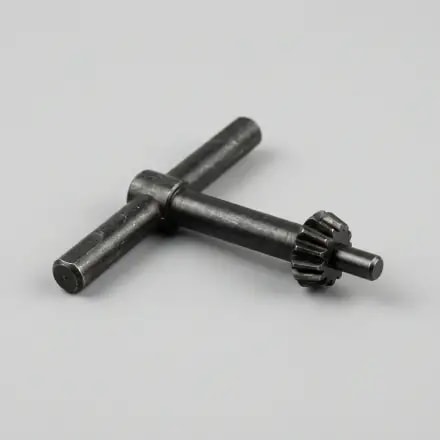
Chuck key on a grey backdrop
Dark steel on light grey traces to 3 closed outlines. The soft shadow is lighter than the threshold, so it stays out.
Outline · 3 paths · 150.0 × 82.7 mm · 14 ms
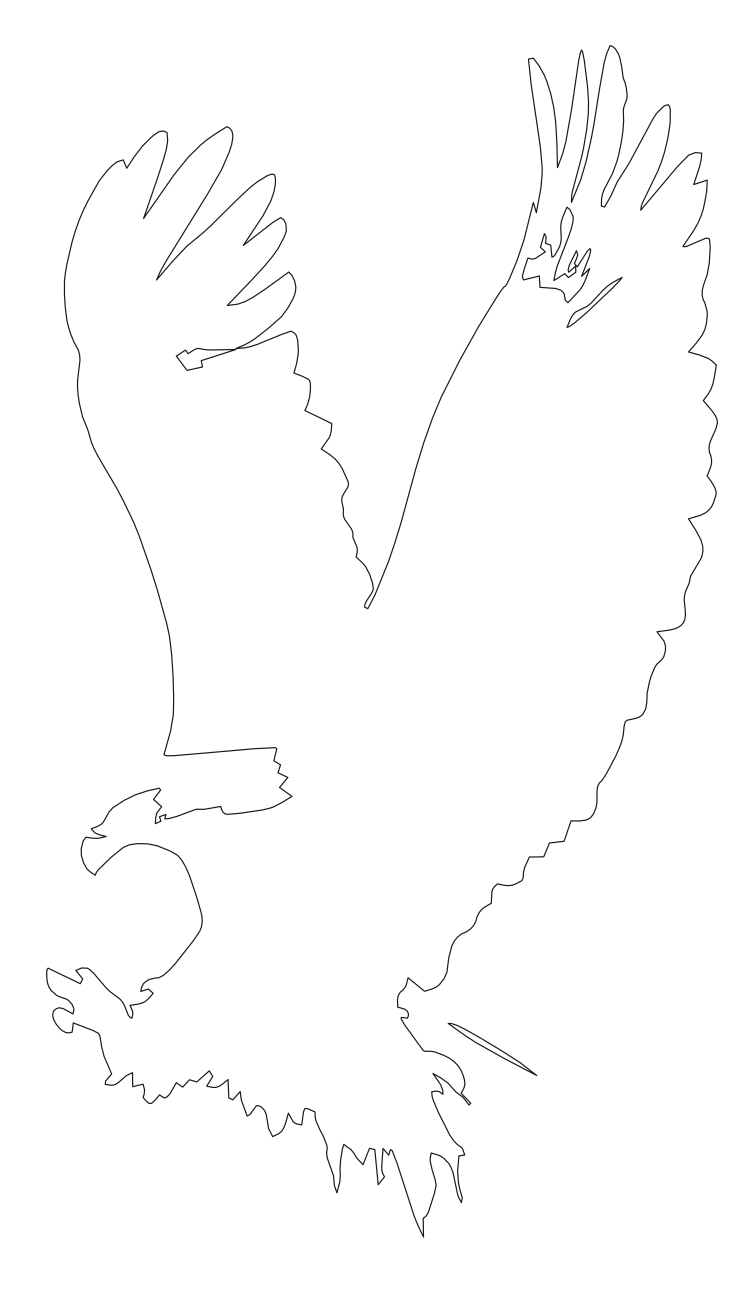
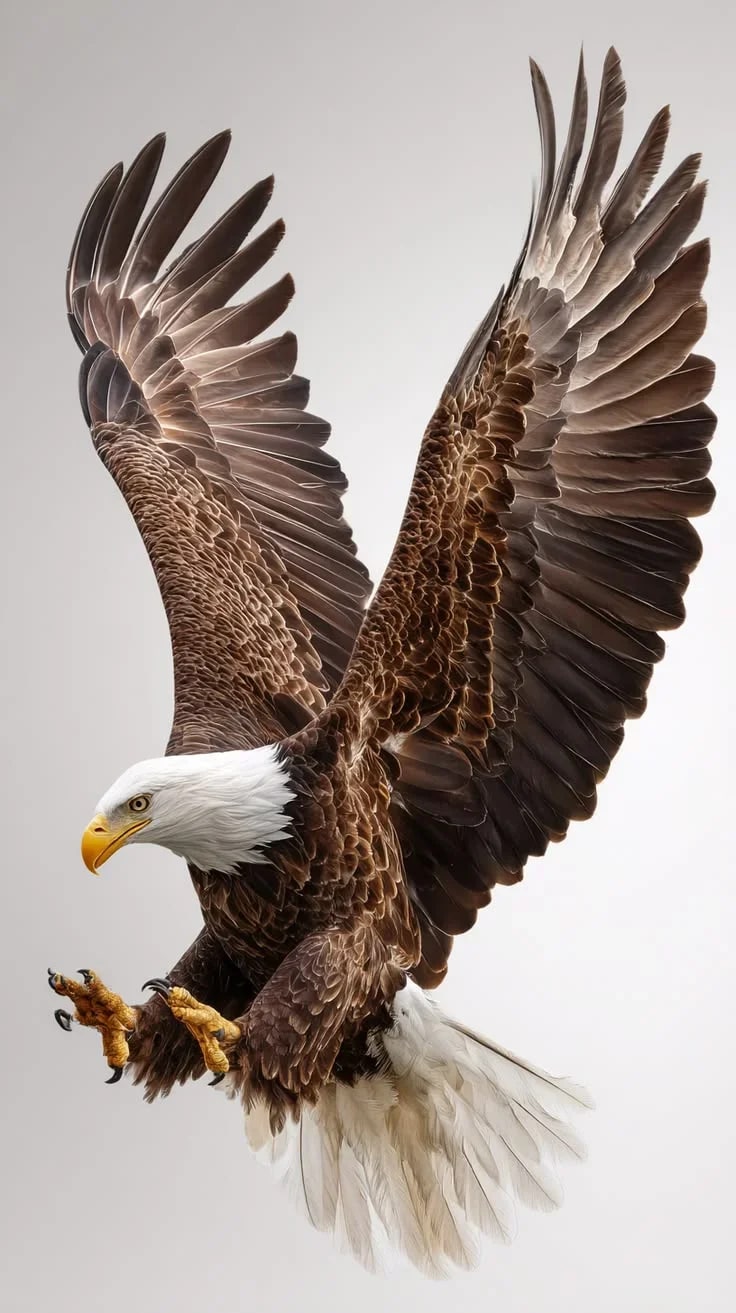
Silhouette
Eagle in flight
Threshold 170 keeps the dark wings and body. The white head and tail match the pale sky, so they drop out of the outline.
Outline · 5 paths · 150.0 × 266.4 mm · 42 ms
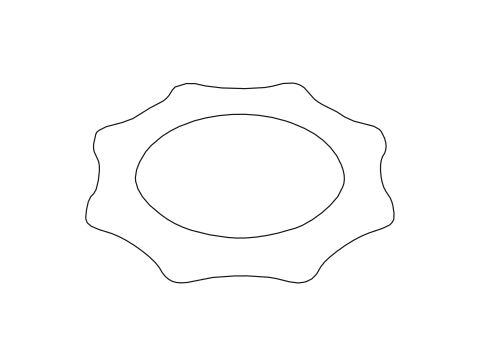
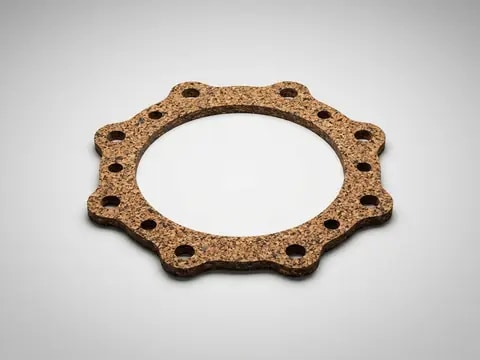
Gasket
Cork gasket in a small photo
At 480 px wide the bolt holes are a few pixels across and fill in. The rim and bore trace clean; shoot closer to keep the holes.
Outline · 2 paths · 150.0 × 97.3 mm · 5 ms
Clamp
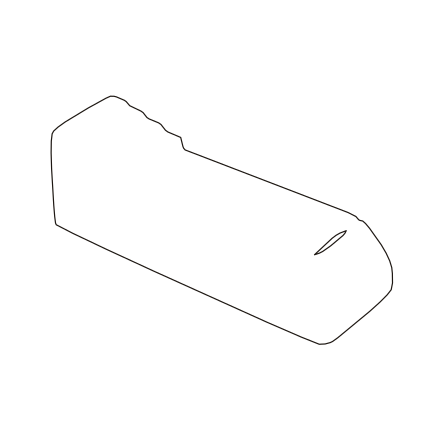
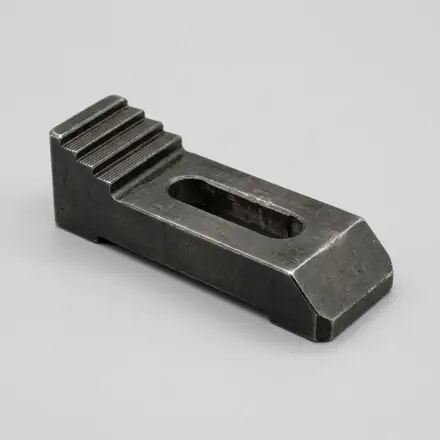
Toe clamp, three quarter view
One closed outline of the side the camera sees. A photo gives you one view, not a 3D shape.
Outline · 2 paths · 150.0 × 109.0 mm · 6 ms
T-nut
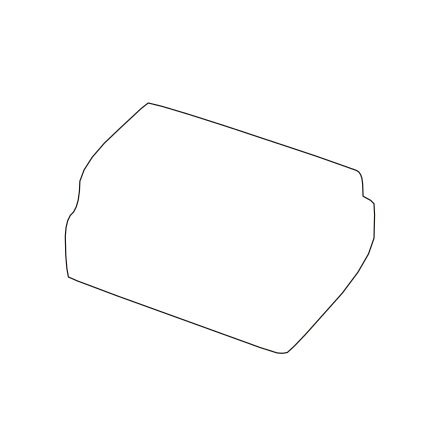
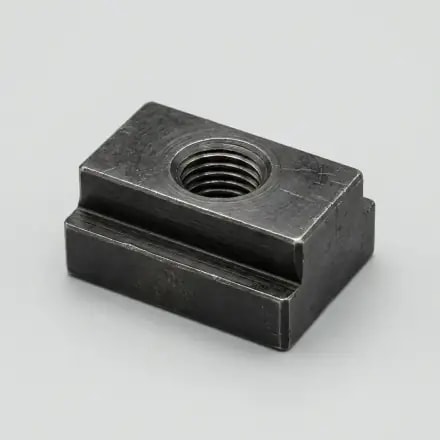
T-slot nut
A clean single outline. The tapped hole is lit from inside and faces away, so it merges with the body in this view.
Outline · 1 paths · 150.0 × 121.4 mm · 6 ms
Shooting guide
Photo to DXF tips that decide the result
The tracer reads tone, not objects. Five things in the photo decide what ends up in your photo to DXF outline, each shown with our own trace.
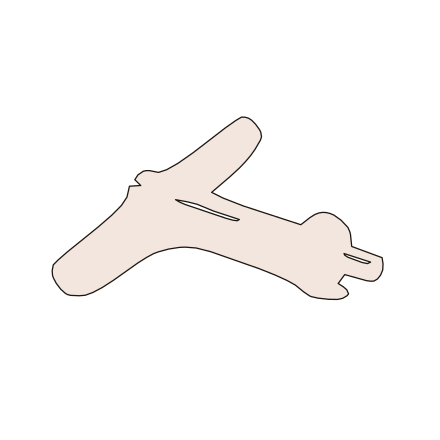
Chuck key: 3 closed outlines, fill shown in copper
How to
How to convert a photo to DXF in 3 steps
A phone, a sheet of paper and a ruler are all a photo to DXF trace needs.
STEP 1
Shoot the part flat
Lay the part on plain paper, hold the phone straight above it and fill the frame. Soft daylight, no flash.
STEP 2
Drop the photo, check the outline
Drop a photo up to 25 MB or open an example. Move Threshold until the outline hugs the part in the Overlay view, and raise Despeckle to clear specks.
STEP 3
Type the real width, download
Measure the part with a ruler or calipers, type that width under Size & export and press Download DXF.
Step back, then zoom
Shooting from further away with a little zoom keeps lens distortion low at the edges of the frame.
Only the part in view
Width spans everything that gets traced. Keep rulers, coins and paper edges out of the frame.
Holes need pixels
Despeckle fills holes smaller than its area (64 px² in this preset). Keep bolt holes about 20 px across or more.
Check one length in CAD
After import, measure a known distance before you cut anything.
Scale
Scale a photo to DXF with one known width
A photo has no size until you give it one. To get measurements from a photo into the DXF, measure the real part once and type that width; everything else scales with it.
Image size in pixels
Size by
Units
- Width sizes the traced outline from its left edge to its right edge, background left out.
- Measure the same edge on the part with calipers or a ruler.
- DPI is for flatbed scans; a phone photo has no meaningful DPI.
- The unit goes into the DXF header, so CAD opens the file at that size.
DXF size
88.0 × 88.0 mm
- 1 pixel
- 0.200 mm
- In the converter
- Scan DPI 127
Sample: DPI means little for a photo. Switch Size by to Width and type the measured length, for example 110 mm for this chuck key; the height follows.
Specs
Photo to DXF converter specs and limits
What the tracer does on a photo to DXF job, and what it leaves to you.
- Input
- PNG, JPG, WebP, BMP or GIF photos
- File size
- Up to 25 MB
- Tracing size
- Up to 4,000 px on the long edge; larger photos are scaled down first
- Photo preset
- Outline mode, Blur 2 px, Despeckle 64 px²; every setting can be changed
- Output
- DXF and SVG, plus a PNG preview
- DXF version
- AutoCAD R12 ASCII with closed POLYLINE entities
- Units
- Millimetres or inches, written to the DXF header
- Where it runs
- In your browser tab; nothing is uploaded
It does
- Trace the outline of a part that stands out from its background
- Keep holes as inner loops when they show clearly
- Scale the outline to a width you measured
- Export the same paths as an SVG
It does not
- Correct perspective or lens distortion
- Remove shadows or busy backgrounds
- Measure the part for you; you supply one length
- Build a 3D model or a drawing with views and dimensions
- Recognize edges by meaning; it splits light from dark, with no AI step
Next steps
What to make from a photo to DXF outline
A closed outline is ready to cut. For drawings on paper, use JPG to DXF; for an AI technical drawing from a photo, try the image to CAD converter.
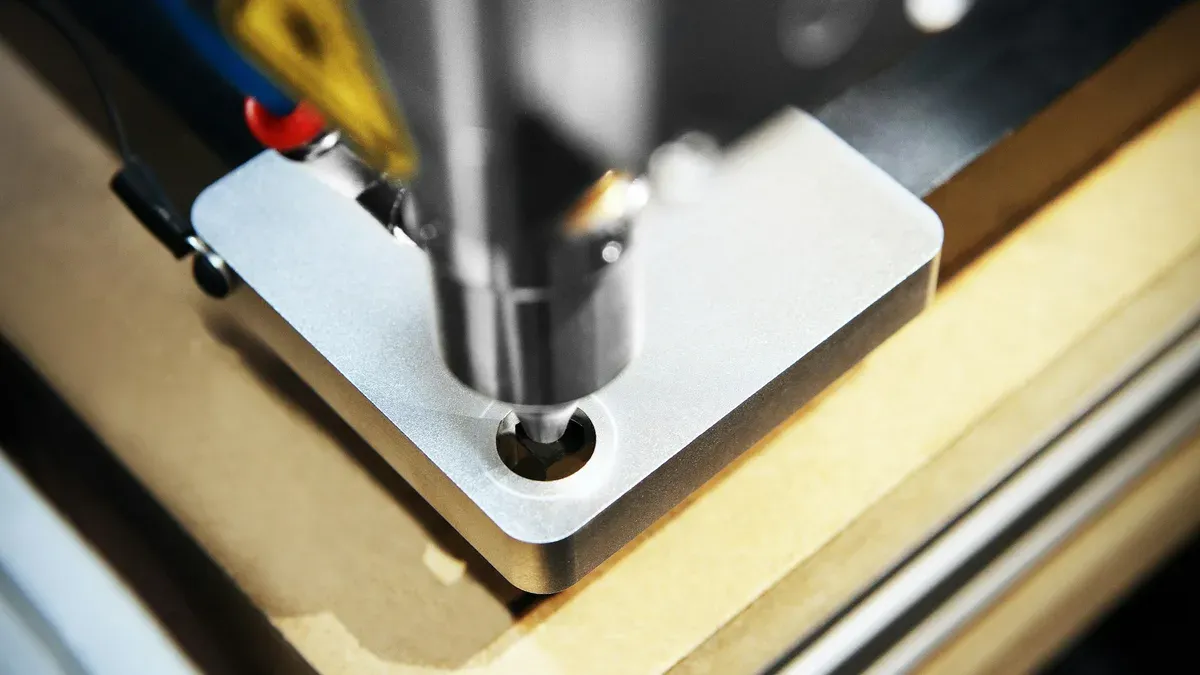
Replacement gaskets
Trace the old gasket and cut a new one from sheet on a knife cutter, laser or waterjet.
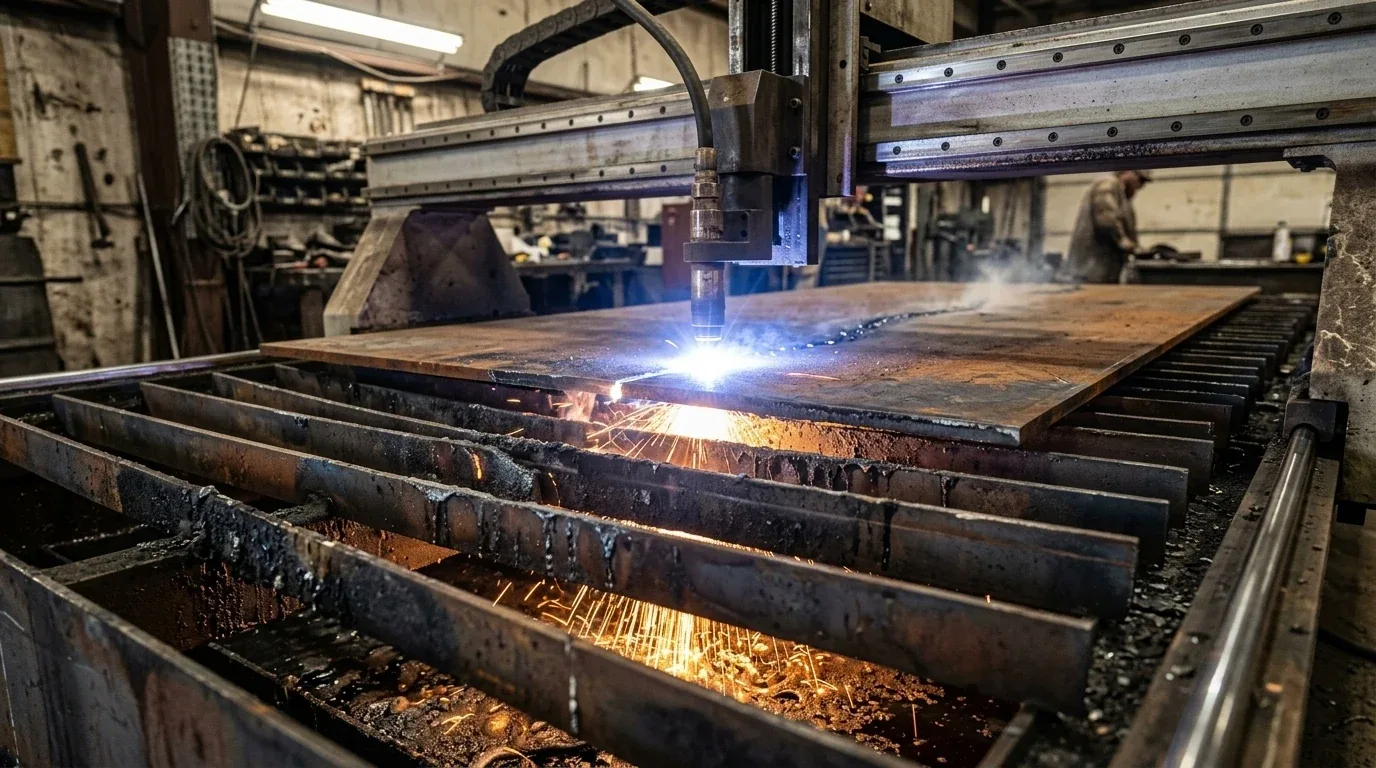
Plasma signs and art
A silhouette photo becomes a steel sign, a gate panel or a wall piece.
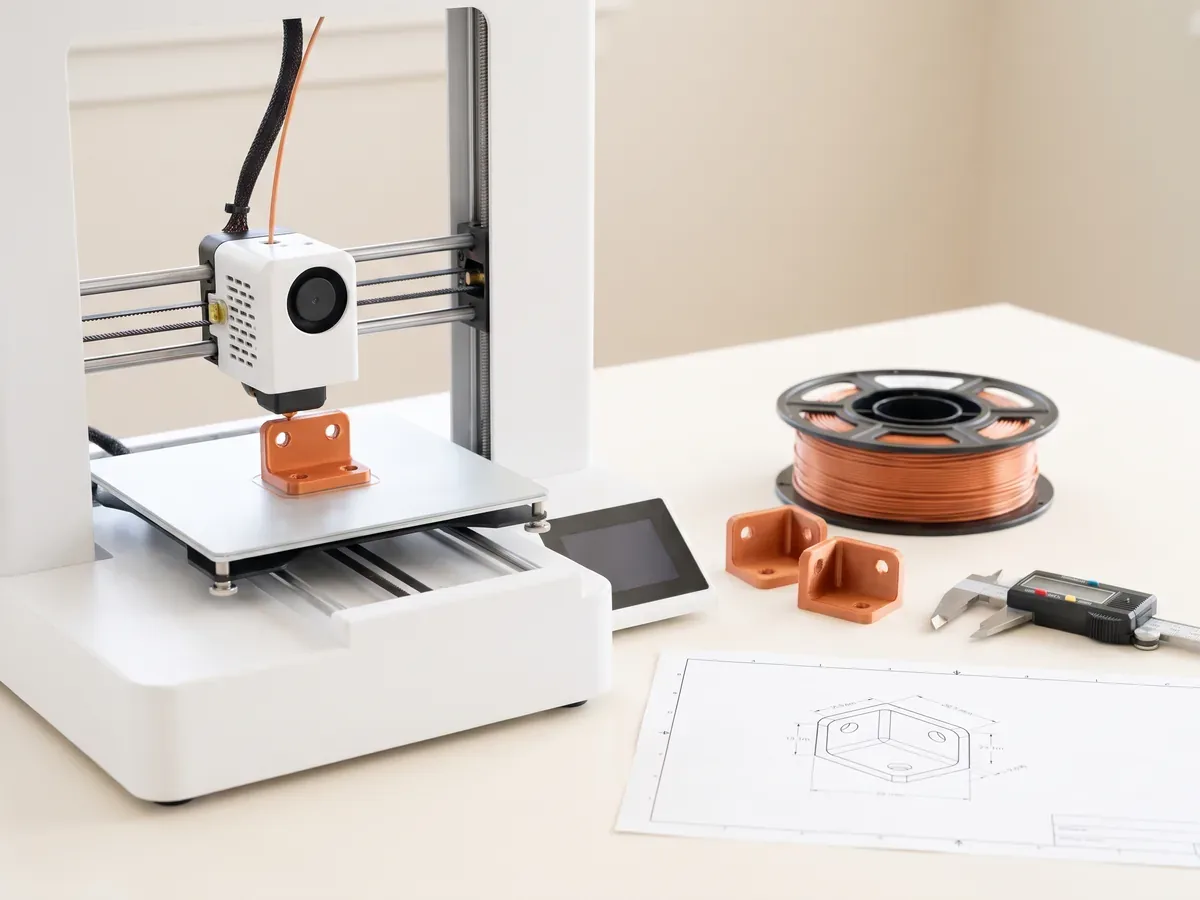
Fit-check prints
Extrude the outline in CAD and print a thin template to test the fit before machining.
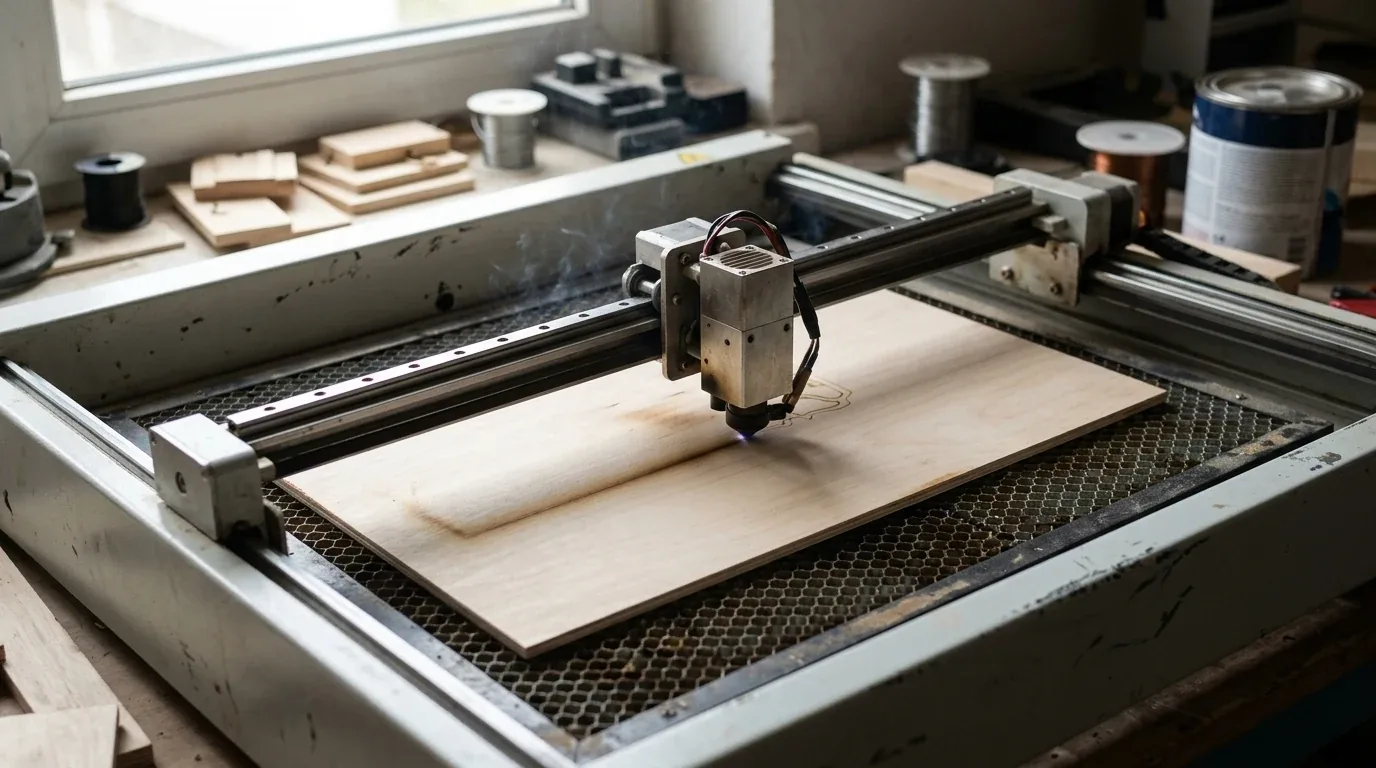
Foam inserts and templates
Cut tool drawer foam or a router template around the outline of the part.
Photo to DXF converter FAQ
Lighting, angle, size and cutting.
How do I convert a photo to DXF?
Photograph the part flat on plain paper, drop the photo here and check the outline in the Overlay view. Type the real width under Size & export and press Download DXF.
Is this photo to DXF converter free?
Yes. There is no sign-up, no watermark and no daily cap, and the photo is traced in your browser without being uploaded.
Can photo to DXF trace a 3D object?
Only its silhouette from where the camera stood, and only if it stands out from the background. Shading and reflections inside the outline are dropped or traced as noise.
How do I get the size right?
Measure the width of the part and type it under Width before you download. Width spans everything traced, so keep rulers and coins out of the photo.
Why are circles ovals in my photo to DXF file?
The photo was taken at an angle, and the converter traces what the camera saw. Hold the phone parallel to the part and shoot from straight above.
A shadow got traced with my part. What now?
Lower Threshold until the shadow drops out, or retake the photo in soft, even light. A shadow as dark as the part cannot be separated by tone.
Why are the holes missing from the outline?
They are too small in the photo, or the background behind them is close to the part in tone. Shoot closer, lower Despeckle, and use paper that contrasts with the part.
Will the DXF work for laser, plasma or waterjet?
Yes. Outline mode writes closed polylines, holes included, in an AutoCAD R12 DXF that LightBurn, SheetCAM and most CAM programs import. Check the size before cutting.
Does it remove the background?
A plain light background drops out by itself, because only tones darker than the threshold are kept. For a light part on a dark backdrop, turn on Invert.
Which photo to DXF converter settings matter most?
Threshold first, then Despeckle. Blur and Smoothing are already set by the photo preset; switch Mode to Centerline only for thin lines.
Can I turn a photo into a technical drawing?
Not by tracing: you get an outline, not views and dimensions. For that job, use the AI technical drawing generator.
My photo shows a drawing, not a part. Which tool fits?
Lines on paper trace better in Centerline mode. Pick Drawing on the image to DXF page, or use the JPG converter linked above.
Convert a photo to DXF now
Shoot the part flat, drop the photo and trace your photo to DXF right in this tab.
Trace a photo