PNG to DWG Converter: Logos and Line Art for AutoCAD
Free PNG to DWG converter for files up to 25 MB. Trace a logo or line drawing at the size you type and save a real DWG 2007 or DWG 2000 that AutoCAD opens as is. Before you download, the page reads the DWG back and shows its layer, units and extents.
- Free, no sign-up
- DWG 2007 or DWG 2000
- Read back before download
- Runs in your browser
Upload PNG
FreeArtwork type
DWG version
AutoCAD and AutoCAD LT 2007 or later, current BricsCAD and DWG TrueView.
Traced and written in your browser. Nothing is uploaded.
Example result
Logo · PNG → DWG

Traced here: Outline · 16 polylines · DWG 2007 · 40.0 × 46.2 mm · 28.6 KB
Examples
PNG to DWG examples you can open in AutoCAD
Three PNG files traced and written to DWG on this page with the settings shown. Flip a card between the PNG and its DWG lines, open it in the converter, or download the DWG and measure it in your CAD program.
Logo · transparent PNG
Gear logo for a title block
Traced at 40 mm wide in Outline mode: 16 closed polylines on layer TRACE, the ring hole and every letter counter kept as inner loops. DWG 2007, 28.6 KB.
Traced here: Outline · 16 polylines · DWG 2007 · 40.0 × 46.2 mm · 28.6 KB
Line art · inches
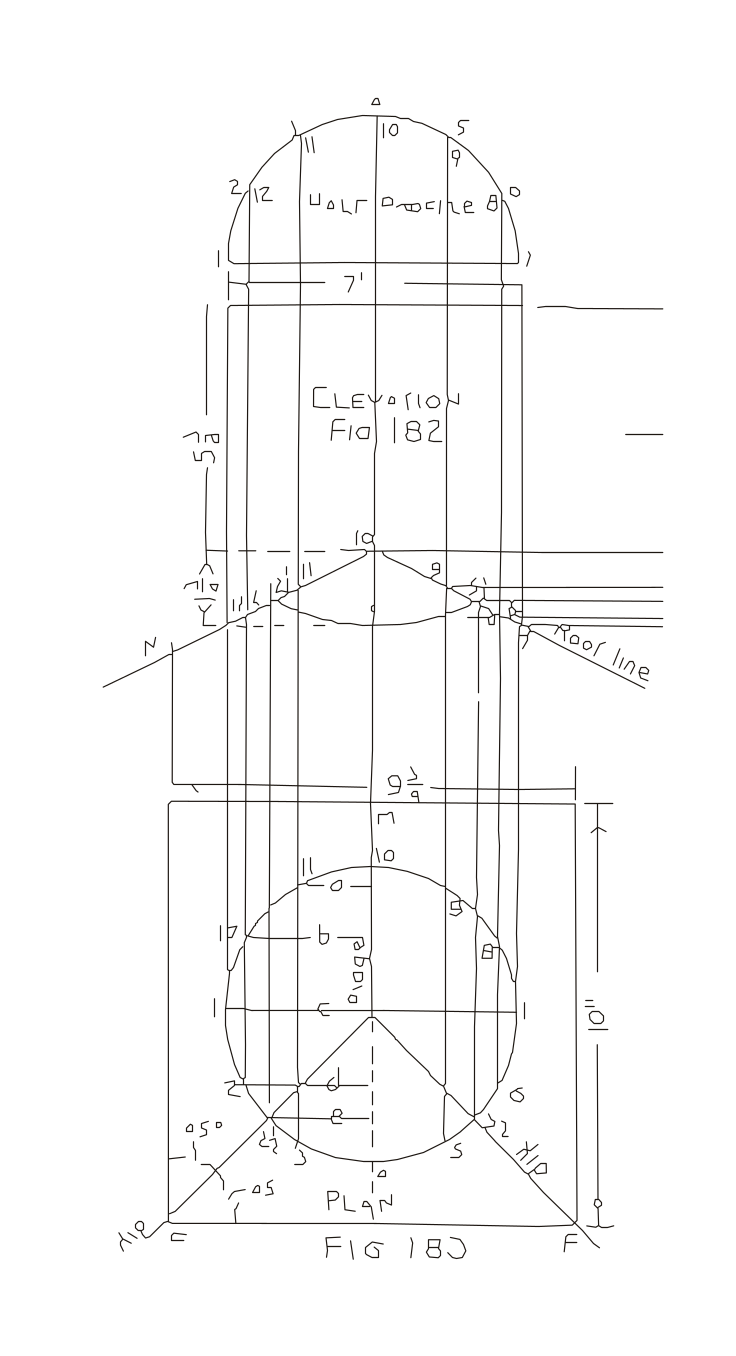
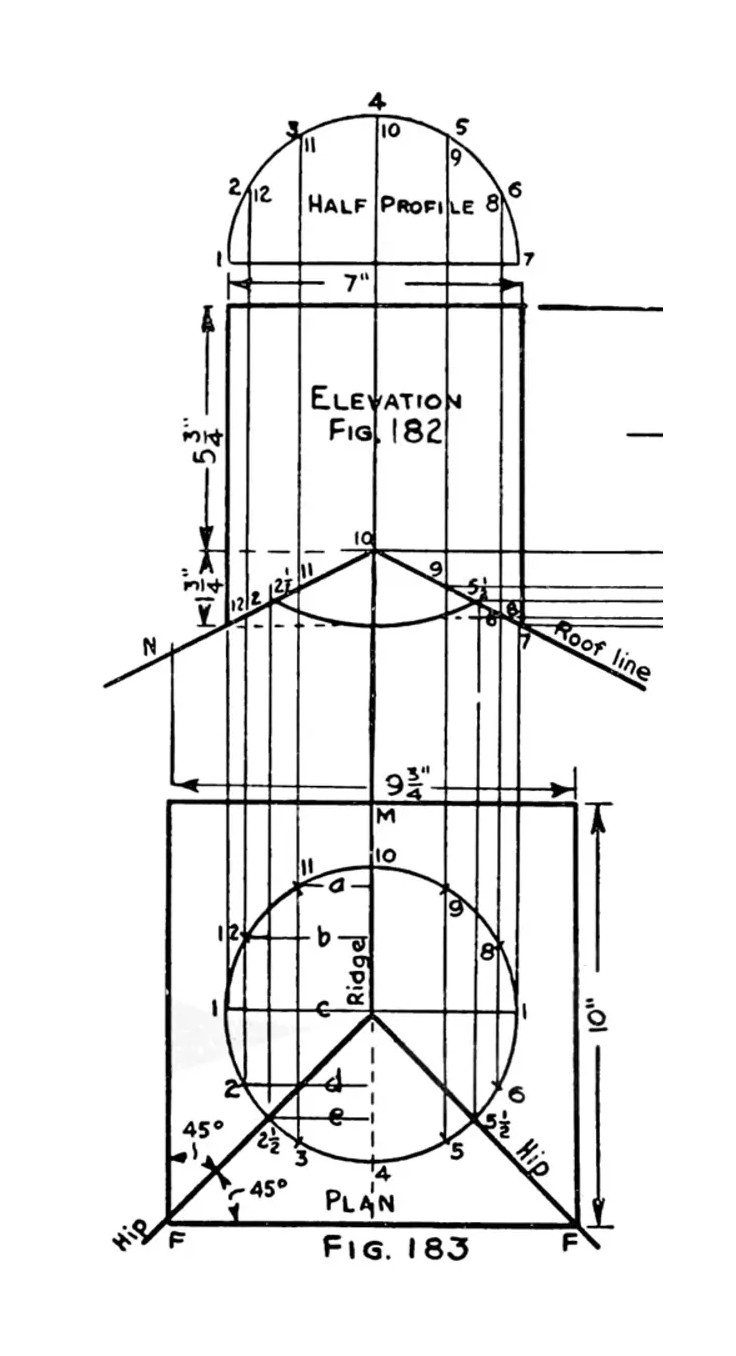
Roof flange pattern, Fig. 182 and 183
A sheet metal figure traced in Centerline mode at 42 px per inch, so the plan reads 9 3/4 by 10 inches as printed. 269 polylines, $INSUNITS 1.
Traced here: Centerline · 269 polylines · DWG 2007 · 13.32 × 27.64 in · 36.6 KB
Drawing · AI-generated example
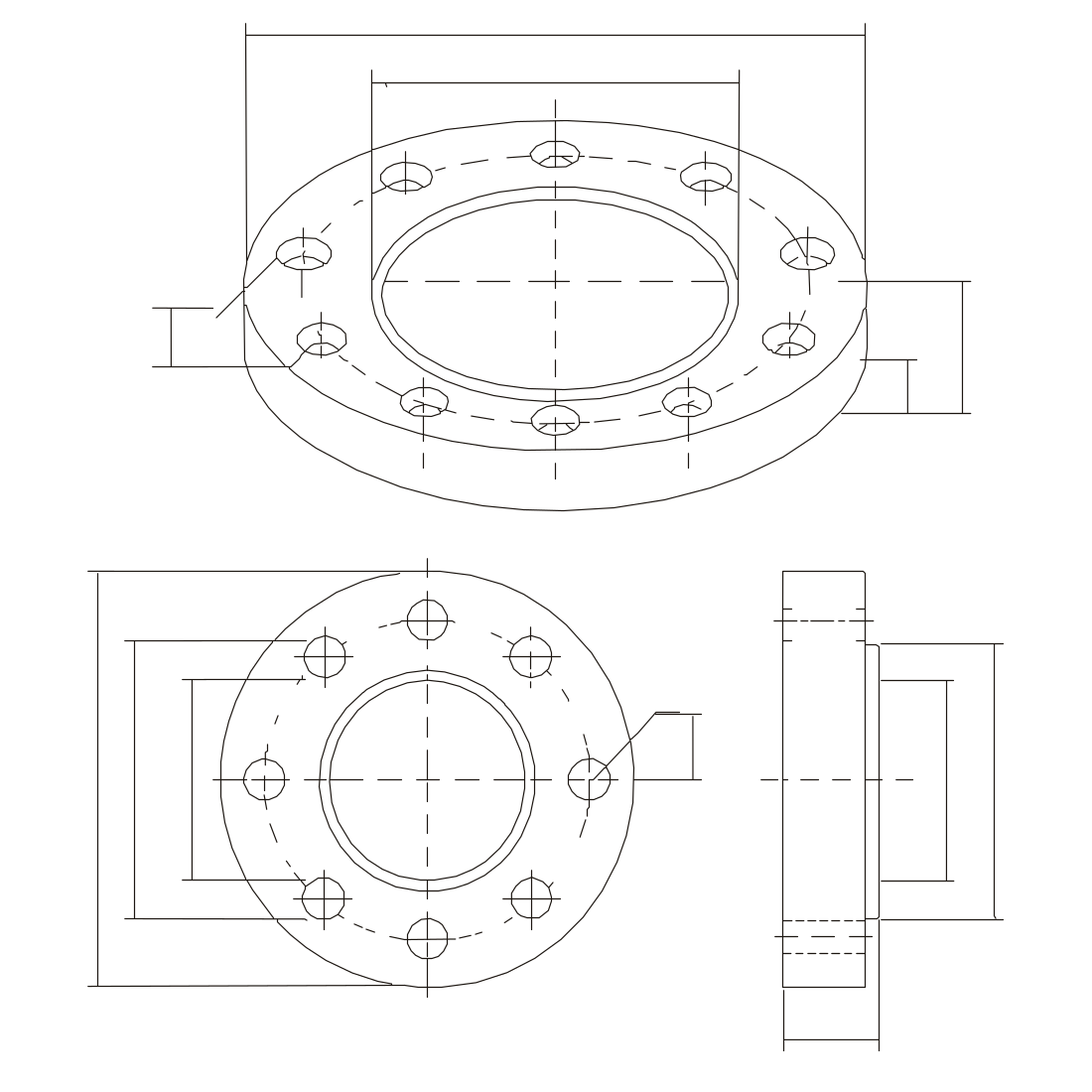
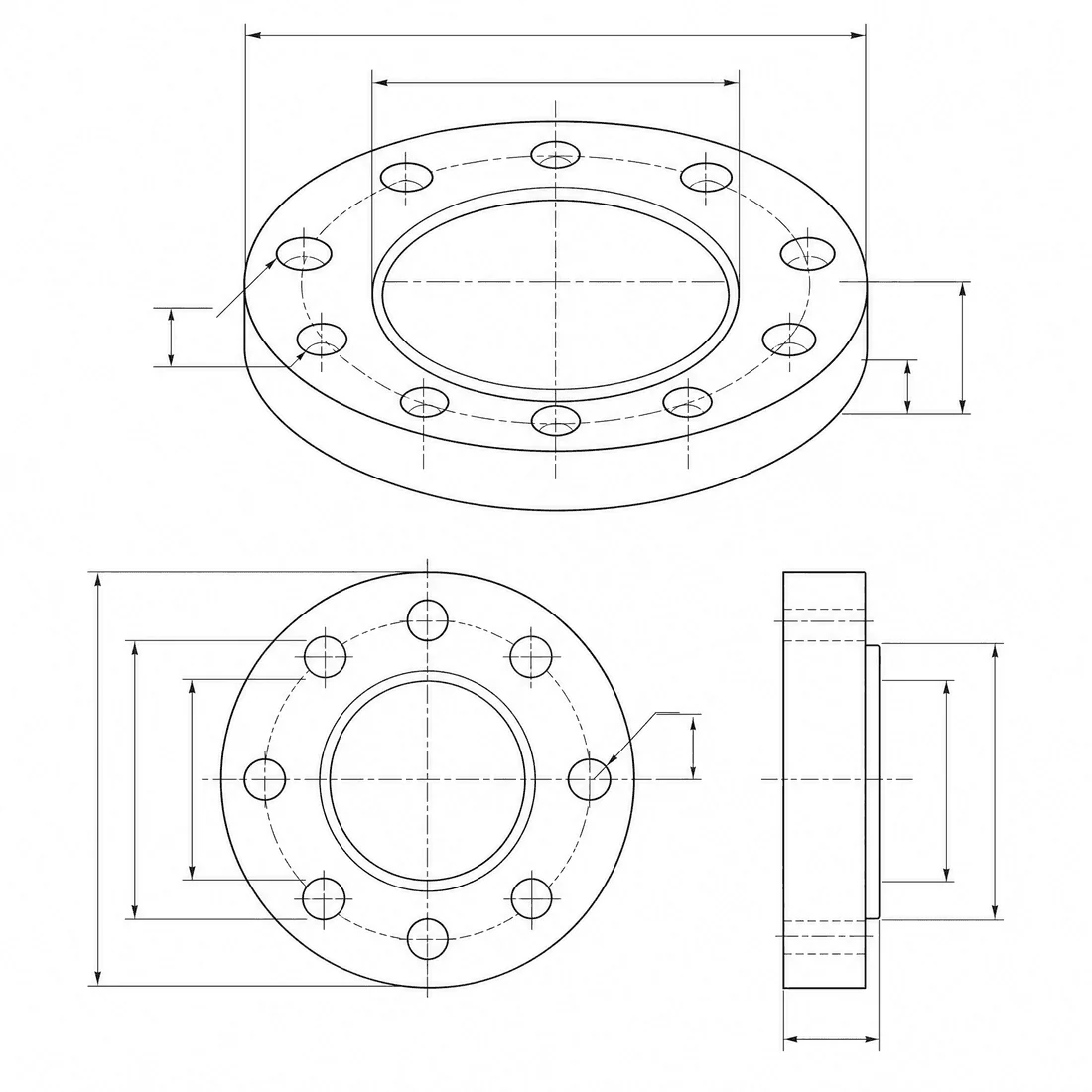
Pipe flange in three views
An AI-made drawing PNG from our partner DrawCAD, traced to 252 single lines at 180 mm wide. Bolt holes and center marks arrive as polylines you can snap to.
Traced here: Centerline · 252 polylines · DWG 2007 · 180.0 × 202.1 mm · 34.1 KB
Why DWG
What this PNG to DWG converter gets right
A DWG is only useful if AutoCAD finds what you expect in it. Four things decide that, shown with this converter’s own output.
- Transparent PNGDWG outlines
Gear logo: transparent PNG beside its 16 DWG outlines
How to
How to convert PNG to DWG in 3 steps
From PNG to DWG in under a minute, in this tab, with nothing to install.
STEP 1
Drop the PNG
Drag a PNG up to 25 MB onto the upload card, paste it with Ctrl+V, or open an example. PNG, JPG, WebP, BMP or GIF work too. The file is opened here and never uploaded.
STEP 2
Pick a type and the DWG version
Logo starts in Outline mode, Line art and Drawing in Centerline. Choose DWG 2007 for AutoCAD 2007 and later, or DWG 2000 if someone still works in AutoCAD 2000 to 2006.
STEP 3
Size it, check it, download
Under Size & export, type the finished width in mm or inches. The read-back card shows layer, polyline count and extents from the DWG itself; then press Download DWG.
Export the PNG large
2,000 px across or more keeps thin strokes. Images over 4,000 px on the long edge are scaled down before tracing.
Make the logo a block
Open the DWG, type BLOCK, pick the traced polylines and insert the block into every title block at 1:1.
Check closed shapes
Select a polyline and run LIST: Outline mode traces report Closed, ready for HATCH or a laser profile.
Rename the layer
The trace lands on layer TRACE by default. Type your own name in the Layer field to match your CAD standard.
Read back
What AutoCAD will see in a PNG to DWG file
Pick an example and a DWG version, or type the AutoCAD release you work in. The card shows what that exact DWG holds, read back by LibreDWG when the file was built; the download is the same file.
AutoCAD and AutoCAD LT 2007 or later, current BricsCAD and DWG TrueView.
What AutoCAD will see
Read back from this example DWG by LibreDWG.
- Format
- DWG 2007
- AC1021
- Units
- Millimetres
- $INSUNITS 4
- Layer
- TRACE
- 2 in the table
- Polylines
- 16
- 16 closed
- Vertices
- 802
- Extents
- 40.0 × 46.2 mm
- File
- 28.6 KB
- DWG
- DWG 2007 (AC1021) opens in AutoCAD 2007 and every release since; DWG 2000 (AC1015) also opens in AutoCAD 2000 to 2006.
- Units travel in the DWG header ($INSUNITS 4 for millimetres, 1 for inches), so INSERT and DIST read the size you typed.
- A traced PNG holds only polylines, so DWG 2000 loses nothing here; the two files differ only in format and size.
Specs
PNG to DWG converter specs and limits
What goes into this PNG to DWG converter, what comes out, and what it does not try to do.
- Input
- PNG, JPG, WebP, BMP or GIF, transparent PNGs included, up to 25 MB
- Tracing size
- Up to 4,000 px on the long edge; larger images are scaled down first
- DWG output
- DWG 2007 (AC1021) or DWG 2000 (AC1015), written by acad-ts (MIT) in a Web Worker
- Entities
- LWPOLYLINE, closed where the shape is closed; curves as fine polylines
- Layers
- One layer, TRACE by default, or the name you type
- Units
- Millimetres or inches, written to $INSUNITS
- Read-back check
- acad-ts, then GNU LibreDWG (GPL-3.0, 7.5 MB WebAssembly, its own worker)
- Also downloads
- R12 DXF and SVG of the same trace
- Where it runs
- In your browser tab; the PNG and the DWG stay on your device
It does
- Trace logos, icons, line art and screenshots into 2D polylines
- Treat transparency as paper and keep holes as inner loops
- Write the PNG to DWG result at the width you set, in mm or inches
- Refuse a DWG that does not read back like the trace
It does not
- Fit true arcs, circles or splines; curves stay polylines
- Keep text editable; letters arrive as outlines
- Split colors onto separate layers
- Write DWG 2010 or newer formats; AutoCAD saves those itself with SAVEAS
- Redraw missing detail; there is no AI step
PNG to DWG FAQ
Versions, sizes, layers and the read-back check.
Is this a real DWG or a renamed DXF?
A real binary DWG. The PNG to DWG file starts with the AC1021 or AC1015 header AutoCAD expects, and the page reads it back with two independent DWG readers before you download it.
Which DWG version should I choose?
DWG 2007 for AutoCAD or AutoCAD LT 2007 and later, current BricsCAD and DWG TrueView. DWG 2000 if the drawing goes to AutoCAD 2000 to 2006. Type your release into the read-back section and it picks for you.
Does PNG to DWG work with a transparent background?
Yes. Transparent pixels are treated as white paper, so only the artwork is traced. If every visible pixel is light, the tracer follows the shape of the opaque area instead.
How do I get the logo at the right size in AutoCAD?
Type the finished width under Size & export before you download, for example 40 mm for a title block logo. The DWG stores the unit, and the read-back card shows the extents AutoCAD will report.
What layer is the trace on?
Layer TRACE by default, with the AutoCAD layer 0 also in the table. Type another name in the Layer field; letters, digits, dollar signs, hyphens and underscores are kept, up to 31 characters.
Can I use the DWG for laser cutting or CNC?
Yes, in Outline mode every shape is a closed polyline. Many laser and CAM programs import DXF more readily than DWG, so the DXF button gives the same trace as an R12 DXF.
Why does the page load LibreDWG?
To check the DWG with a reader that did not write it. GNU LibreDWG is free software under the GPL 3.0; its 7.5 MB WebAssembly build runs unmodified in its own worker, and the line under the converter links to its source code and license.
Will the curves be arcs in AutoCAD?
No. Curves come out as polylines with many short segments. For a cleaner edit, run PEDIT and Fit or Spline on a polyline, or redraw key arcs over the trace.
Is the text in my PNG editable after conversion?
No. Letters in a PNG are pixels, so they are traced as outlines. That suits a logo; for title block text, type it in AutoCAD with TEXT or MTEXT.
Is there a difference between this and the PNG to DXF page?
Same tracer, different file. Use PNG to DXF for laser software that wants DXF; use this page when the drawing goes into AutoCAD as a DWG and you want to check it before you send it.
Is the PNG to DWG converter free, and is my file uploaded?
Free, with no sign-up and no watermark. The PNG is traced and the DWG written in this browser tab, so neither file is sent to a server.
Convert PNG to DWG now
Drop a logo or a line drawing, choose the DWG version and download a file AutoCAD opens. Nothing to install.
Convert a PNG