Text to 3D: AI Text to STL and STEP Generator
Text to 3D in one sentence: describe one object, such as a wall hook shaped like a cat tail, and AI builds a 3D mesh, usually in about a minute. Download a printable STL in millimetres, 3MF, OBJ, GLB or a faceted STEP for CAD. Failed runs are refunded.
- One sentence in
- Printable STL
- Faceted STEP
- Free print check
Describe one object
- Name the object first, then its shape
- One object per prompt
- Sizes are set when you download
AI 3D gives a triangle mesh, not an editable CAD solid. The size is a guess: set the real size before you download.
AI-generated example
Examples
Text to 3D model examples and prompts to try
AI-generated meshes from a partner tool, made from photos rather than prompts. They show the surface and detail an AI mesh has; each card suggests a text to 3D prompt for a similar object.
AI-generated example
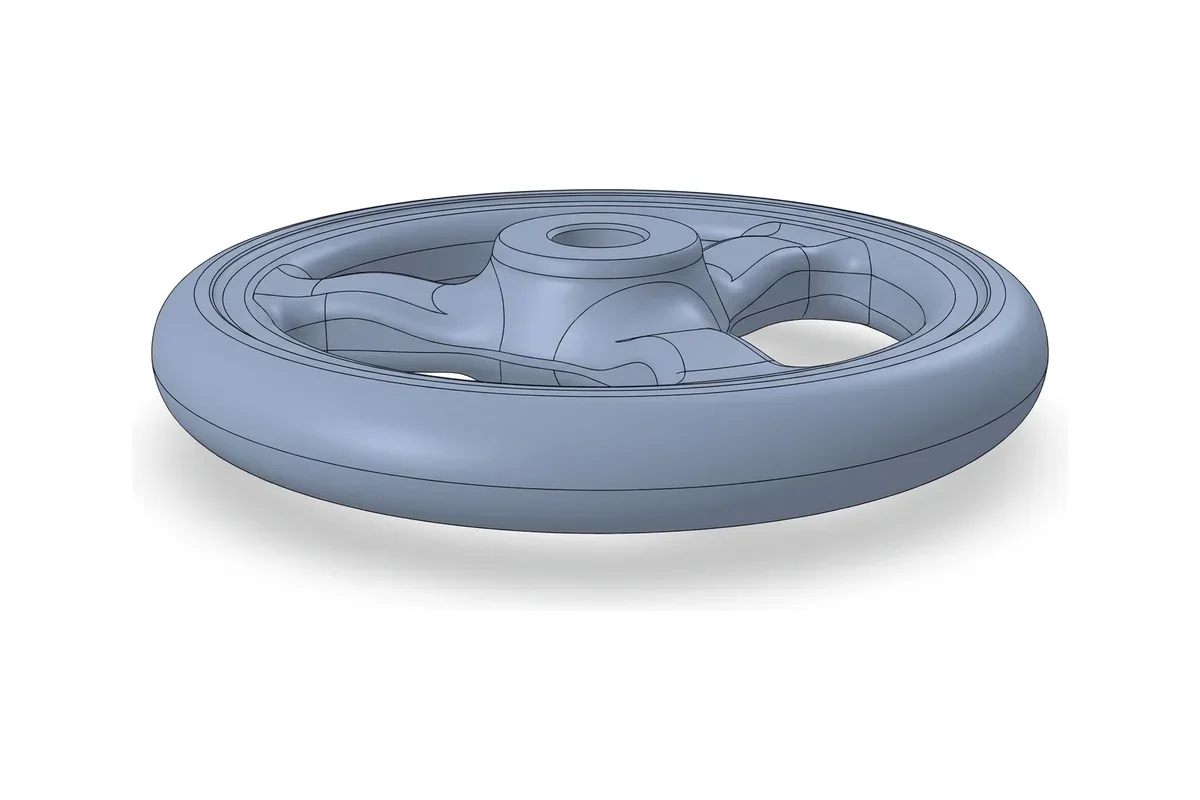
Spoked handwheel
Try: “a cast iron handwheel with five curved spokes and a round hub”.
AI-generated example
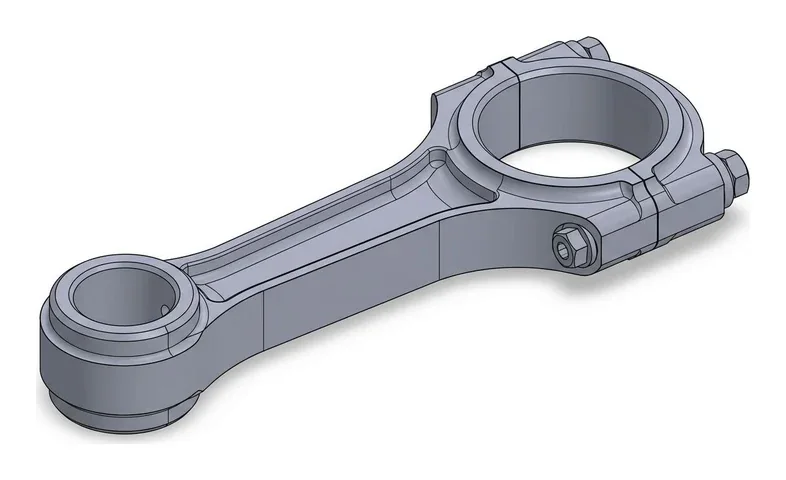
Connecting rod
Try: “an engine connecting rod with a big end, a small end and an I-beam shank”.
AI-generated example
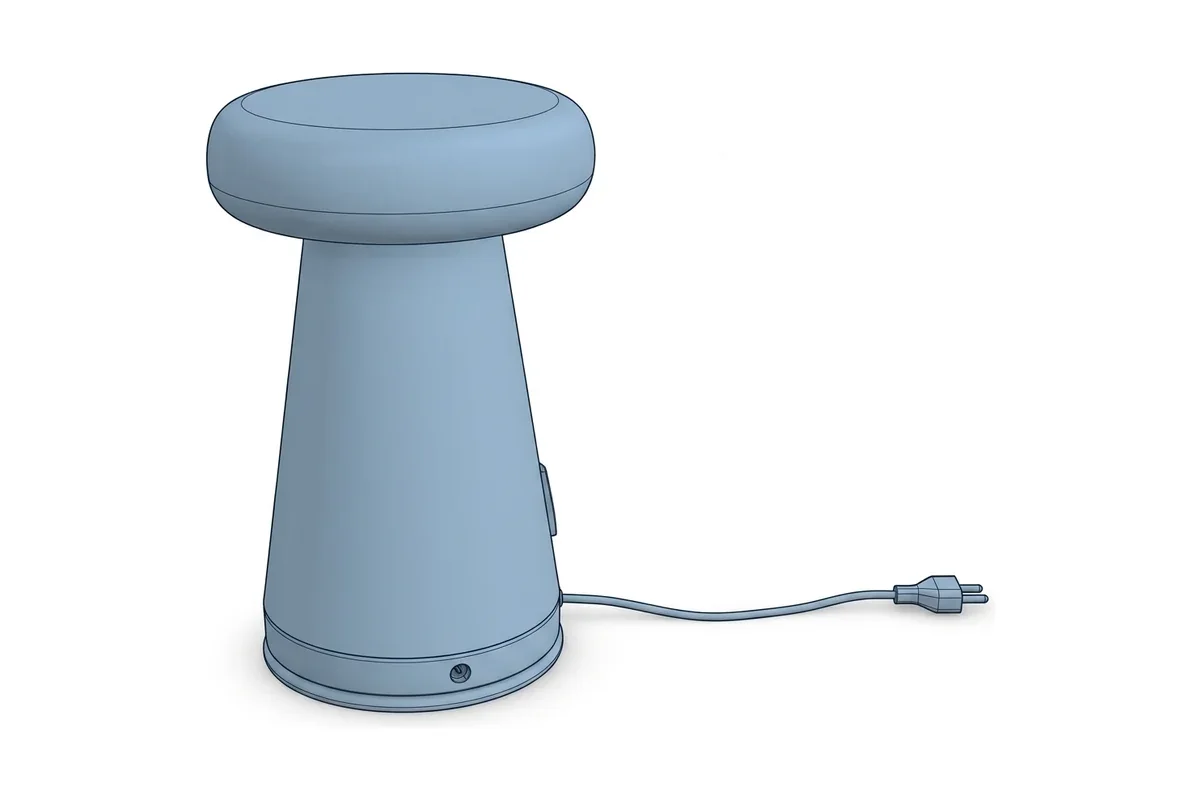
Mushroom table lamp
Try: “a table lamp with a round cap shade on a tapered cork base”.
AI-generated example
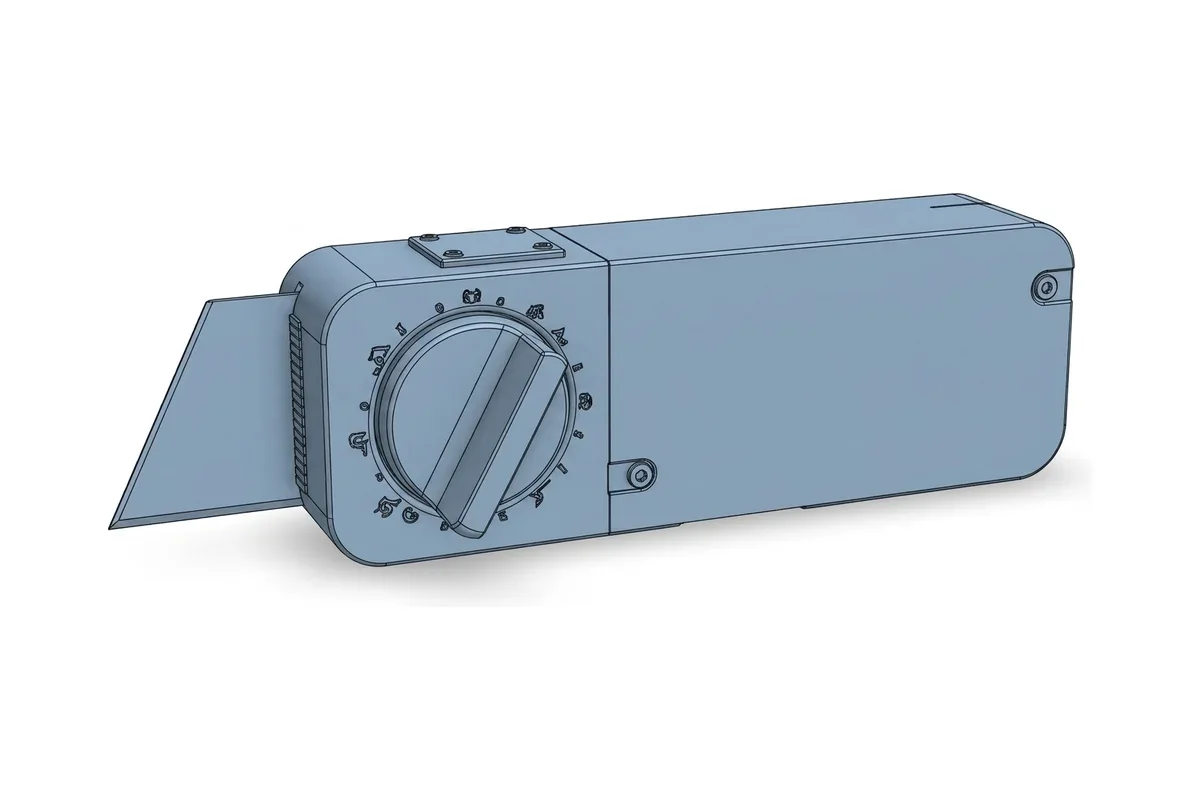
Utility knife body
Try: “a slim utility knife with a dial lock and a blade slot”.
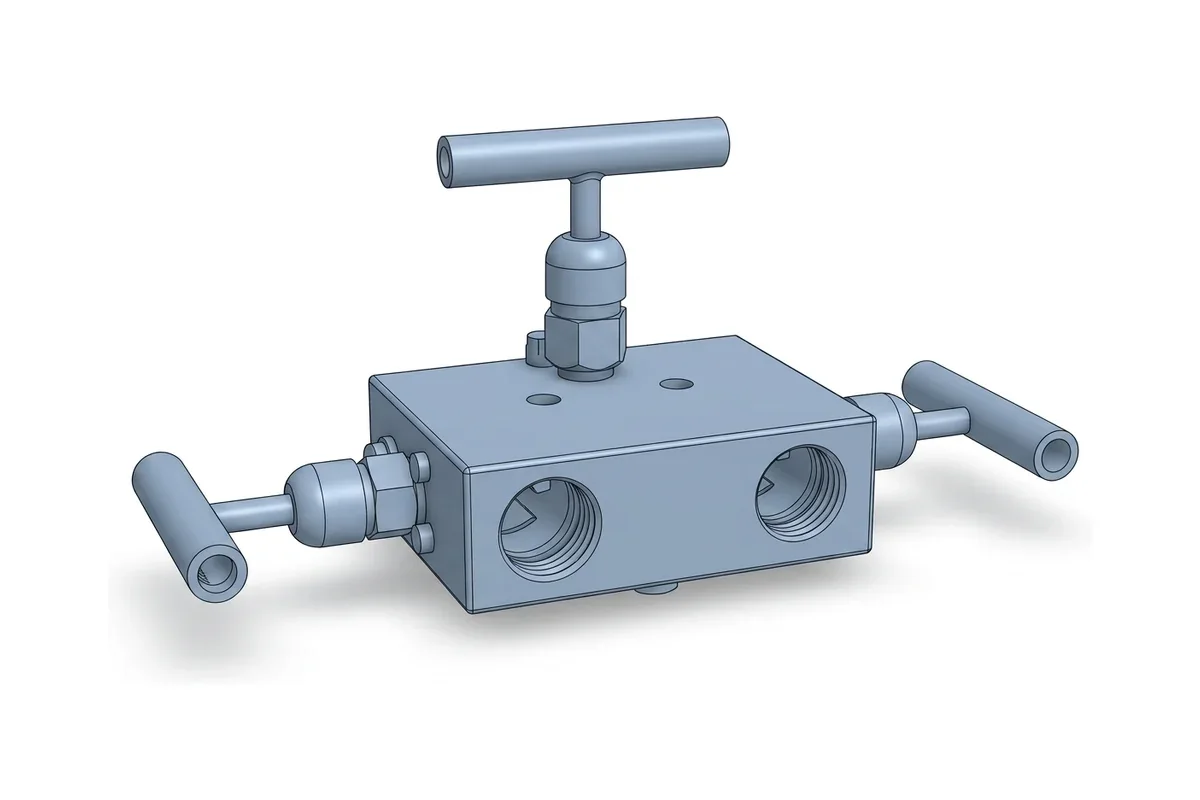
AI-generated example
Valve manifold
Try: “a rectangular valve block with three T-handle valves”.
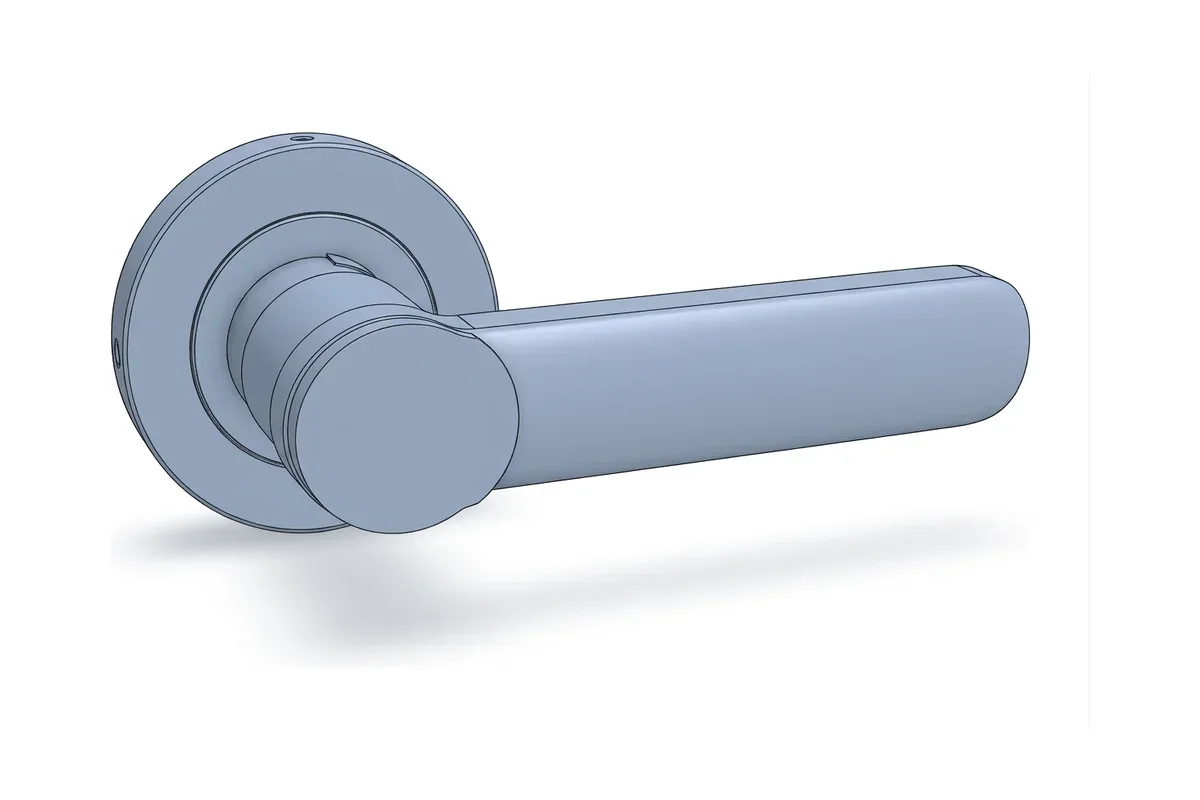
AI-generated example
Door lever
Try: “a modern straight door lever on a round rose plate”.
Free print check
Check a text to STL file before you slice it
Open any STL, OBJ or GLB, from this text to STL generator or another one, and see what your printer will face. It runs in your browser up to 150 MB, with no upload and no credits.
- Longest side in millimetres; the model scales with it
- Watertight test, open edges drawn in red
- Walls thinner than 0.8 mm and overhangs over 45° flagged
- Repairs: flipped faces, holes up to 200 edges, loose bits
- Bed fit for 4 common printers
- STL, 3MF, OBJ, GLB and faceted STEP downloads
Or try a sample
How it works
How text to STL works, from prompt to file
The AI shapes the object from your words; sizing, checking and every file format happen on this page.
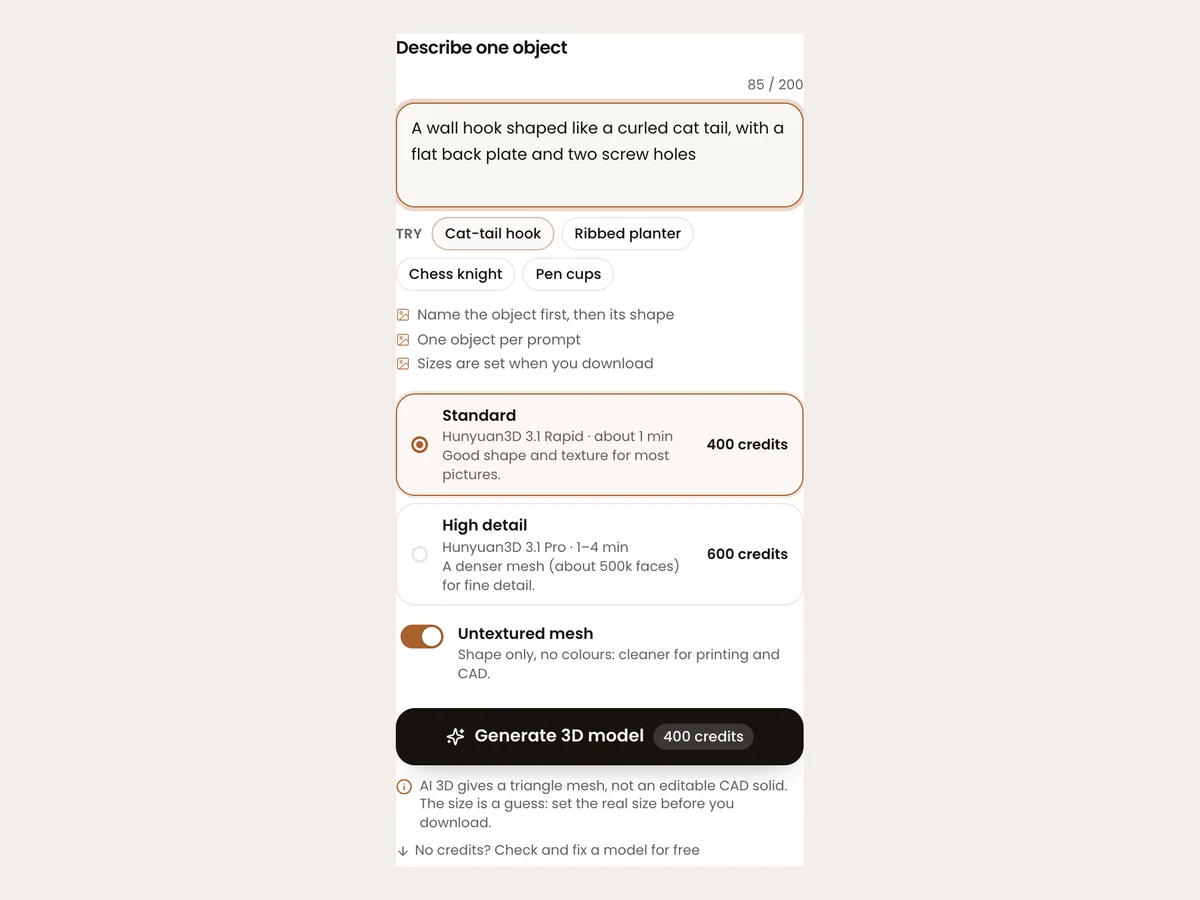
Our text panel with prompt ideas
How to
How to use text to 3D in 3 steps
From a sentence to a file you can print or open in CAD.
STEP 1
Describe one object
Write what it is and its shape, or tap a prompt idea. Keep it to one object.
STEP 2
Pick Rapid or Pro
The button shows the price: 400 or 600 credits. Leave Untextured mesh on for printing.
STEP 3
Size it and download
Check the model, set the longest side in millimetres and save STL, 3MF, OBJ, GLB or STEP.
Object first
Start with the noun: “a planter…”, then the shape: “round, with vertical ribs”.
Shape, not colour
Colours are dropped in an STL. Spend your words on form and features.
Skip the numbers
Typed dimensions are not followed. Set the real size in the download box.
Short and clear
One object with two or three features beats a long paragraph.
At a glance
Text to 3D model: what you get and what you don’t
Plain facts about the prompt, the price and the files.
- Input
- A description of one object: up to 200 characters (Rapid) or 1,024 (Pro)
- Models
- Hunyuan3D 3.1 Rapid (400 credits), Hunyuan3D 3.1 Pro (600 credits)
- Output
- A triangle mesh, shape-only or textured
- STL
- Binary, millimetres, Z up, resting on the bed
- STEP
- Faceted AP214 solid, up to 150,000 triangles (denser meshes simplified first)
- Also
- 3MF in millimetres, OBJ (Y up), the GLB as delivered
- Size
- You set the longest side, 1 to 2,000 mm
- Refunds
- Automatic when a run fails or times out
It does
- Build a 3D model of one object from a sentence
- Write a printable STL sized in millimetres
- Write a faceted STEP that opens in any CAD program
- Check and repair the mesh before you download
- Refund credits when a run fails
It does not
- Follow dimensions or tolerances typed in the prompt
- Make a parametric STEP with editable holes and fillets
- Model accurate gears, threads or mating parts
- Make several objects or a scene in one run
- Read a drawing; for that, use sketch to 3D or image to 3D
Use cases
What text to STL is good for
Ideas you can describe faster than you can model.
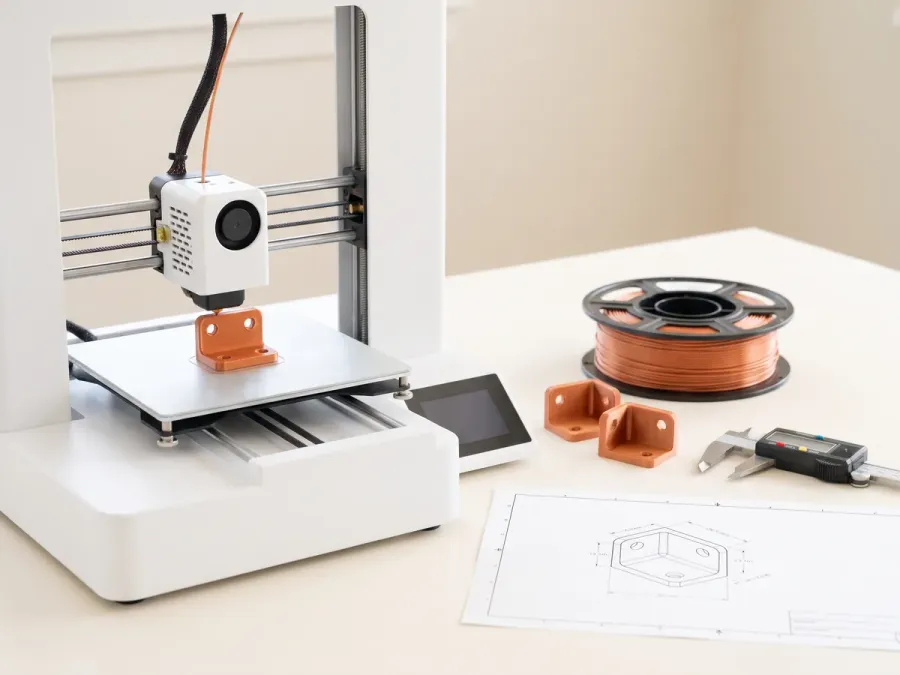
Gifts and desk toys
Print an ornament, a figurine or a planter you can describe in a sentence.
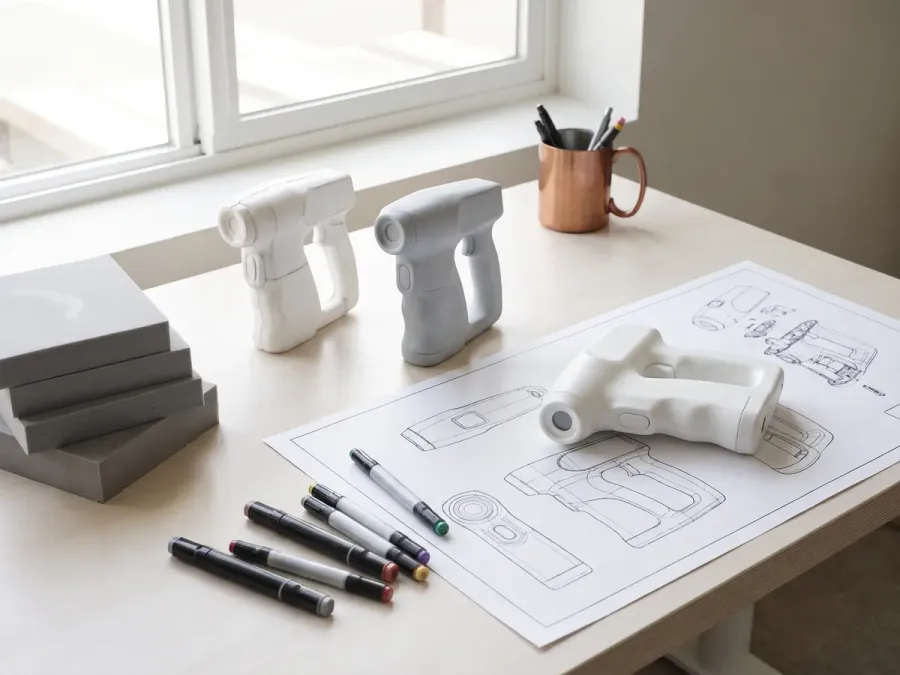
Placeholders and props
Drop quick props into a game level, a render or an AR scene.
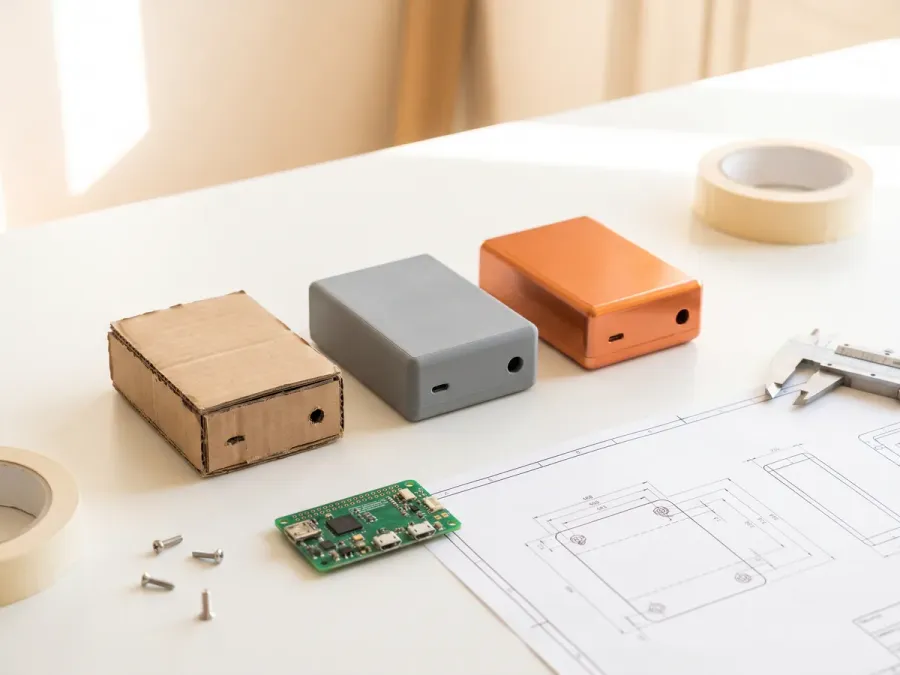
First-look prototypes
See a rough version of an idea before paying for proper CAD work.
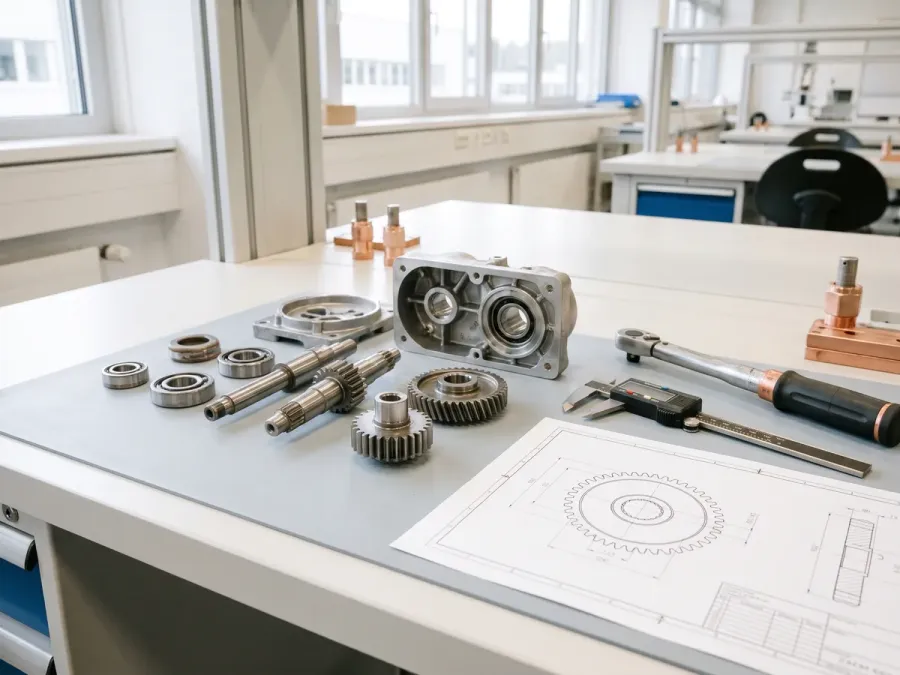
CAD reference bodies
Import the faceted STEP as a size and shape reference while you model the real part.
Text to 3D FAQ
Prompts, files, STEP and credits.
What is text to 3D?
Text to 3D turns a written description into a 3D model. Here, Hunyuan3D 3.1 reads your sentence and builds a triangle mesh you can print, render or bring into CAD.
Does text to STL give me a STEP file?
Yes, a faceted one: written on this page from the mesh, with flat faces and coplanar triangles merged. It opens in SolidWorks, Fusion and FreeCAD as a solid, not as editable features. Meshes over 150,000 triangles are simplified for the STEP; the STL keeps every triangle.
Will text to 3D follow the dimensions I type?
No. The AI shapes the object from your words but does not work in real units. Set the longest side in millimetres in the download box.
How long can a prompt be?
Up to 200 characters for Rapid and 1,024 for Pro. One clear object with its key features works better than a long paragraph.
How long does text to 3D take?
Usually about a minute for Rapid and one to four minutes for Pro, plus any queue at the AI service. You can leave the page; your recent models stay listed in the generator.
Which model should I choose for a text to 3D model?
Rapid (400 credits) for most ideas. Pro (600 credits) when you need a longer prompt or finer detail, at the cost of larger files.
Can it make mechanical parts like brackets or gears?
It can make something that looks like one, but holes, threads and teeth will not be accurate. For a real gear use the gear generator; for a box, the enclosure generator.
Is the STL ready to print?
Usually. The print check shows whether it is watertight and how thin the walls are, and it can fill holes up to 200 edges and re-wind flipped faces before you save.
Do I need a 3D model or a 2D drawing?
This page gives you a 3D mesh. If you need a flat technical drawing for a document, the text to CAD page draws one from the same kind of prompt.
Which languages can I write in?
English gives the most predictable results. Hunyuan3D, a Tencent model, also accepts Chinese prompts. Keep the description short and concrete either way.
What does one run cost?
Credits per run, shown on the Generate button; failed runs are refunded automatically. The print check, repairs and all downloads are free.
Is my prompt private?
Your prompt goes to the AI service and is kept with your task so you can reopen the result. Checks, repairs and file writing run in your browser.
Describe it, then print it
One sentence is enough to start text to 3D. Credits come back if a run fails.
Write a prompt