Blog
Plain-English guides to CAD drawings, file formats and AI drawing tools: what they are, how to use them, and where they stop.
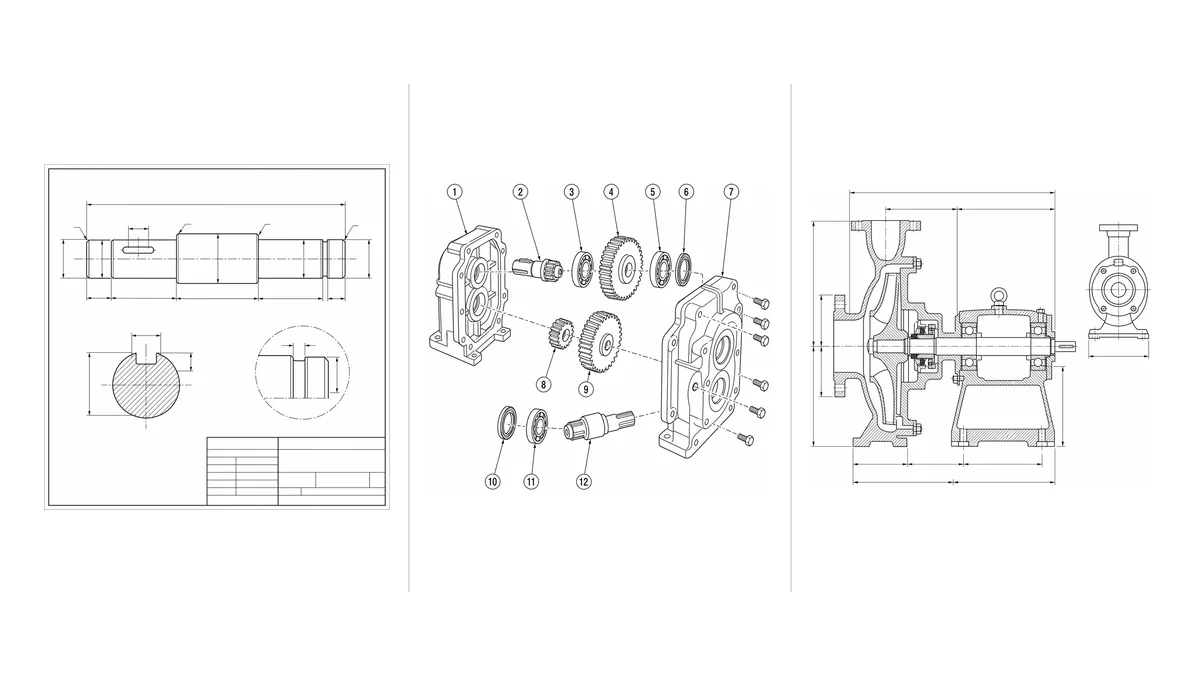
What Is an AI CAD Drawing Generator?
An AI CAD drawing generator turns a text prompt or a sketch into a technical drawing. How it works, what you get, and where it stops being reliable.
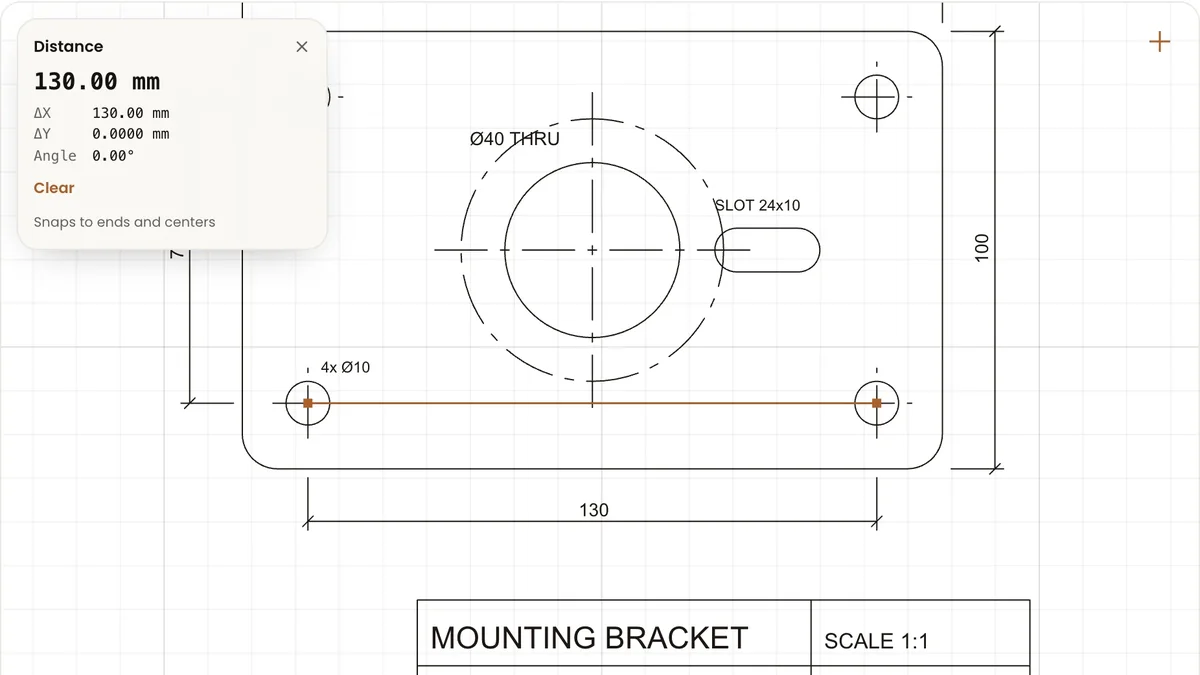
What Is a DXF File? Format, Uses, How to Open
A DXF file is a CAD drawing saved in Autodesk’s documented exchange format. What is inside one, DXF vs DWG, versions and units, and how to open or make one.
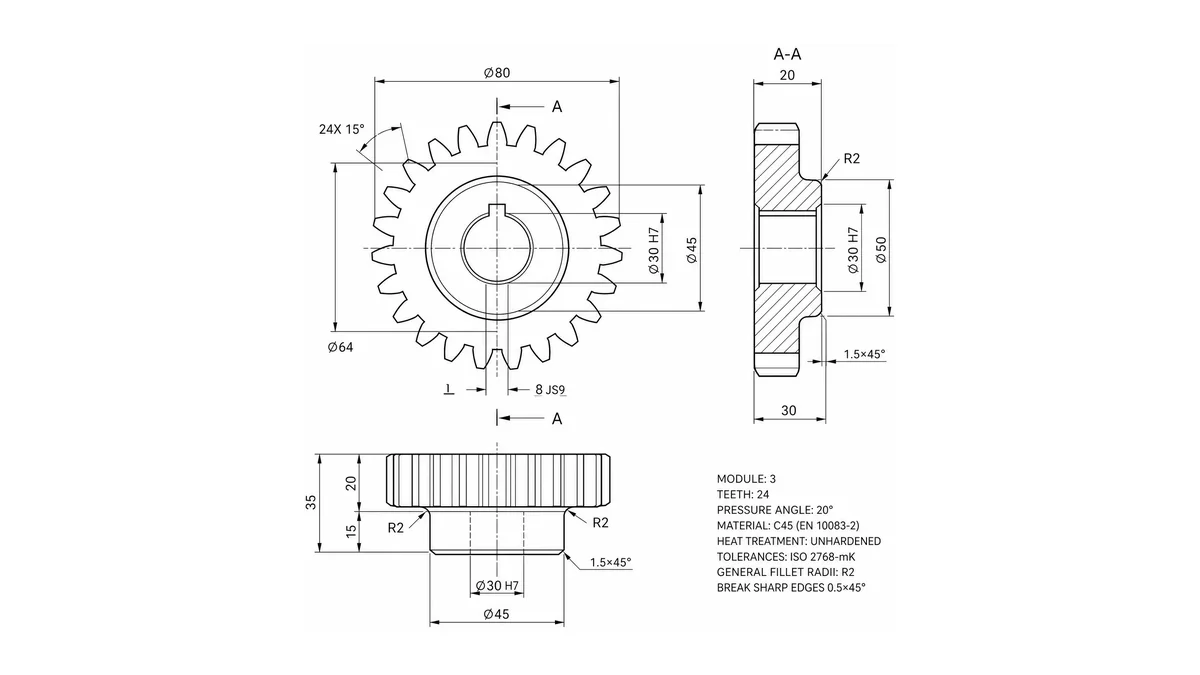
How to Read an Engineering Drawing in 8 Steps
How to read an engineering drawing: title block, projection symbol, views, line types, dimensions, tolerances and notes, in the order a machinist reads them.
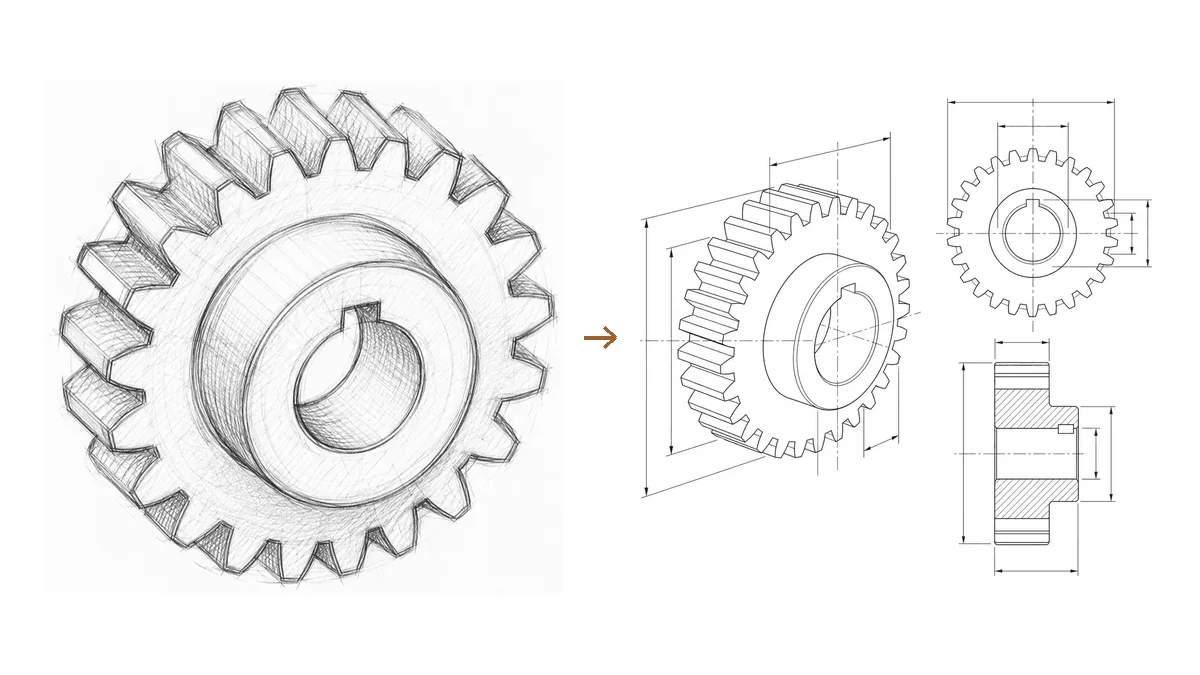
Text to CAD vs Sketch to CAD: Which Input to Use
Text to CAD starts from words, sketch to CAD from a drawing. When each gives the better AI drawing, how to prep a sketch, and mistakes that waste a run.
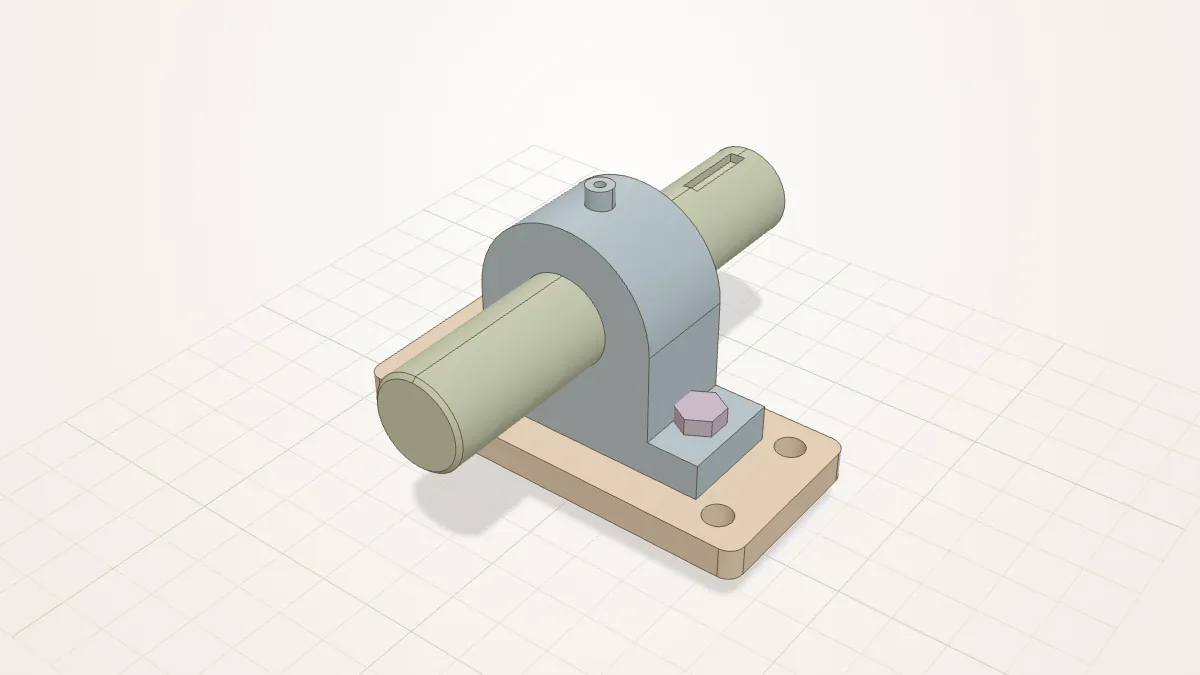
What Is a STEP File? STP Format Explained
A STEP file (.step or .stp) stores an exact 3D CAD model in the ISO 10303 format. What is inside, AP203 vs AP214 vs AP242, STEP vs STL, and how to open one.
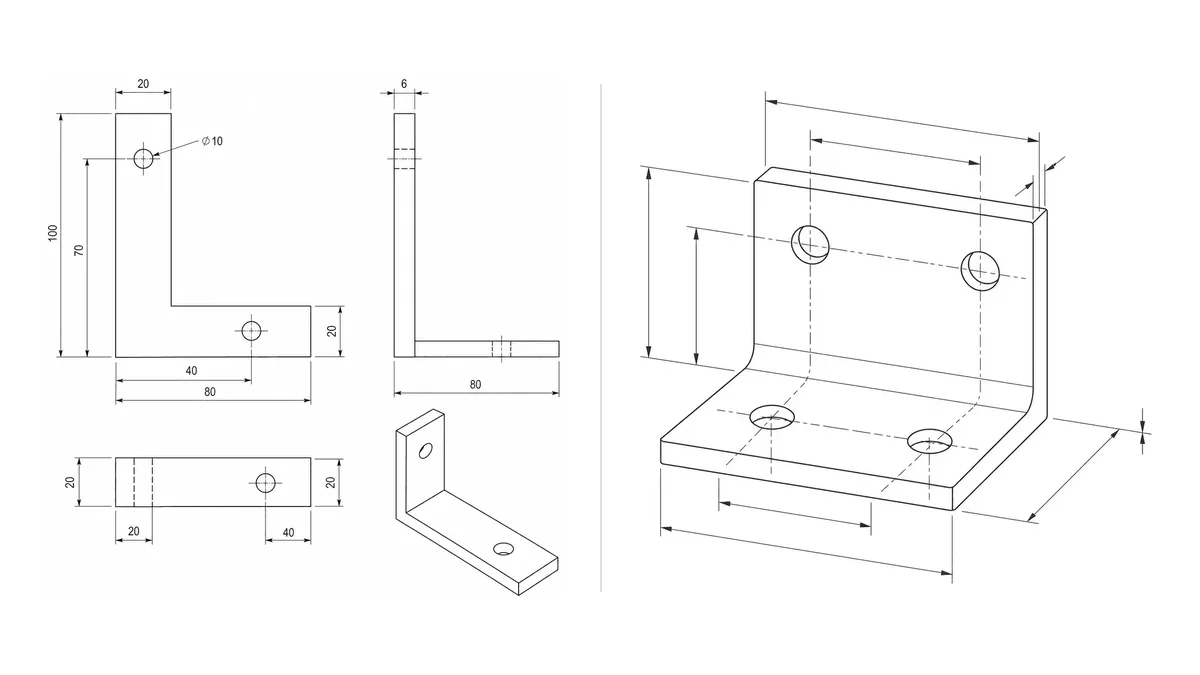
Orthographic vs Isometric Drawing: What Each Shows
Orthographic views show each face flat and true to size; an isometric drawing shows the part in one 3D-looking view. How they differ and when to use each.
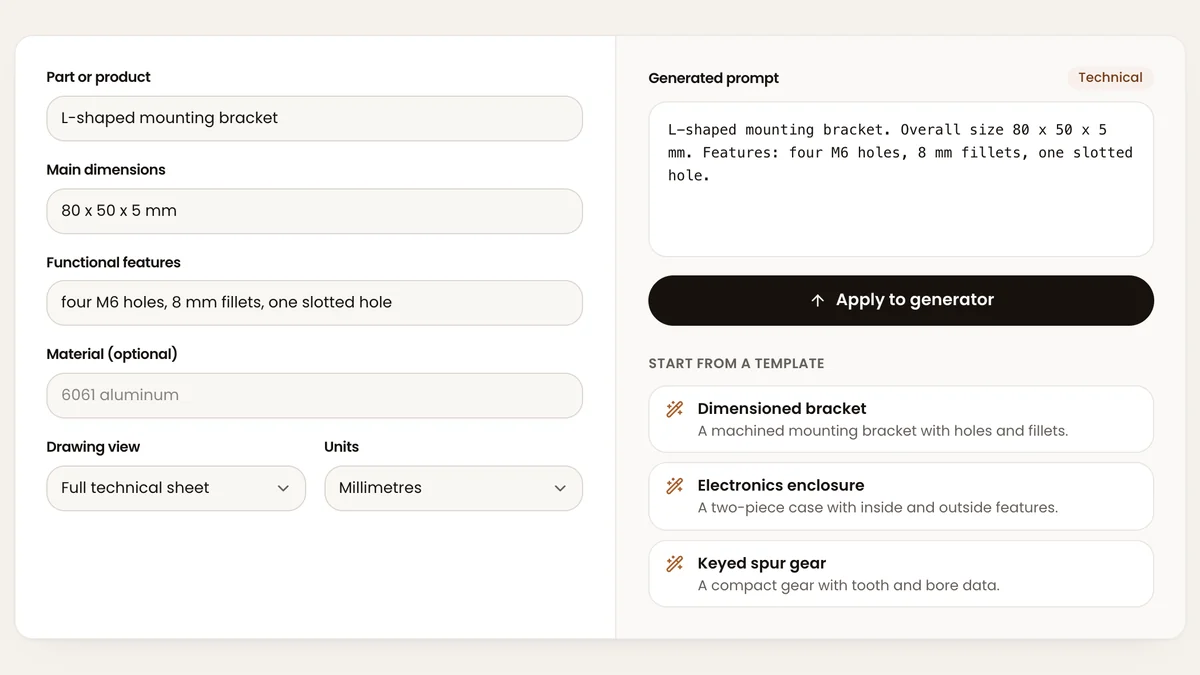
How to Write Text-to-CAD Prompts That Work
Write text-to-CAD prompts that work: name the part, give one size in one unit, count and place every feature, and let the style settings handle the drafting.
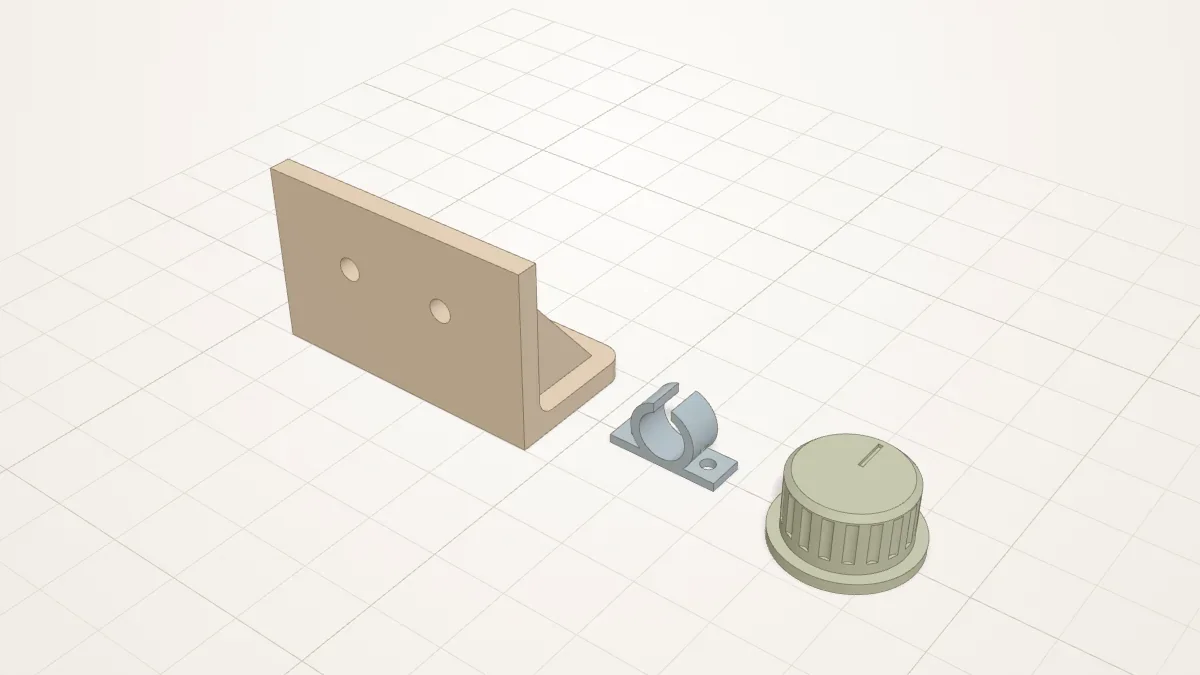
What Is a 3MF File? 3D Printing Format Explained
A 3MF file is a zipped 3D printing package with real units, colours, several objects and slicer settings. What is inside, 3MF vs STL, and how to make one.
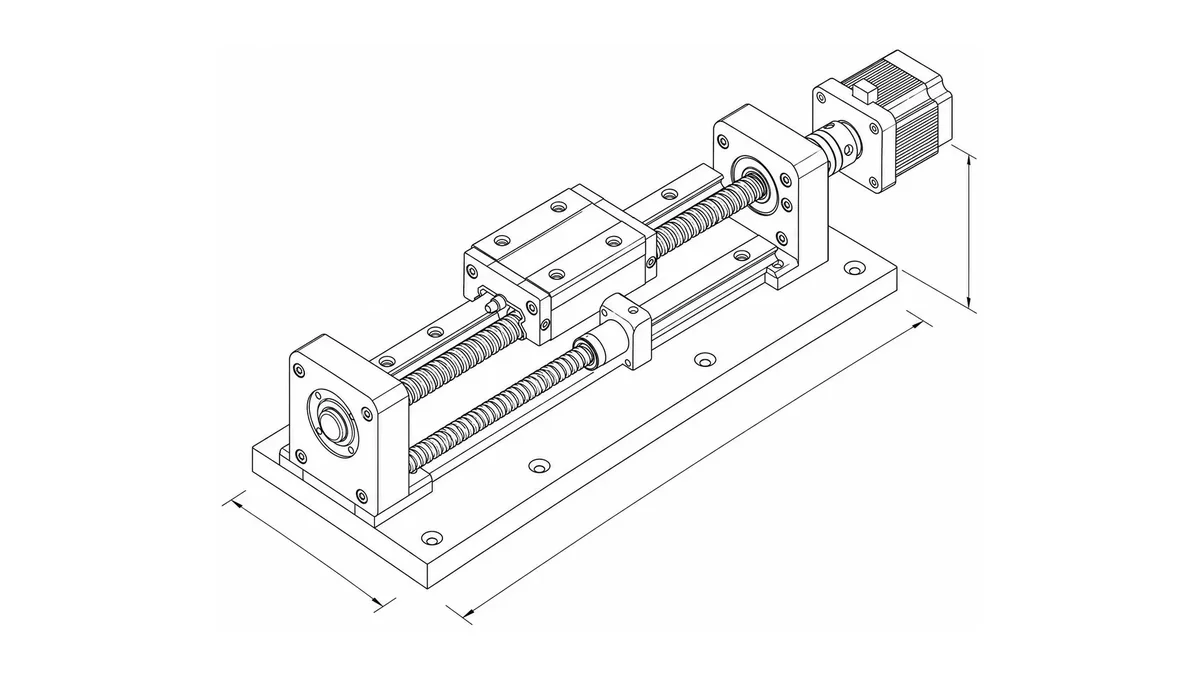
What Is Isometric Drawing? Definition and Steps
Isometric drawing shows an object in one view with three axes 120° apart. The 30° rule, true lengths, isometric circles, how to draw one, and common mistakes.
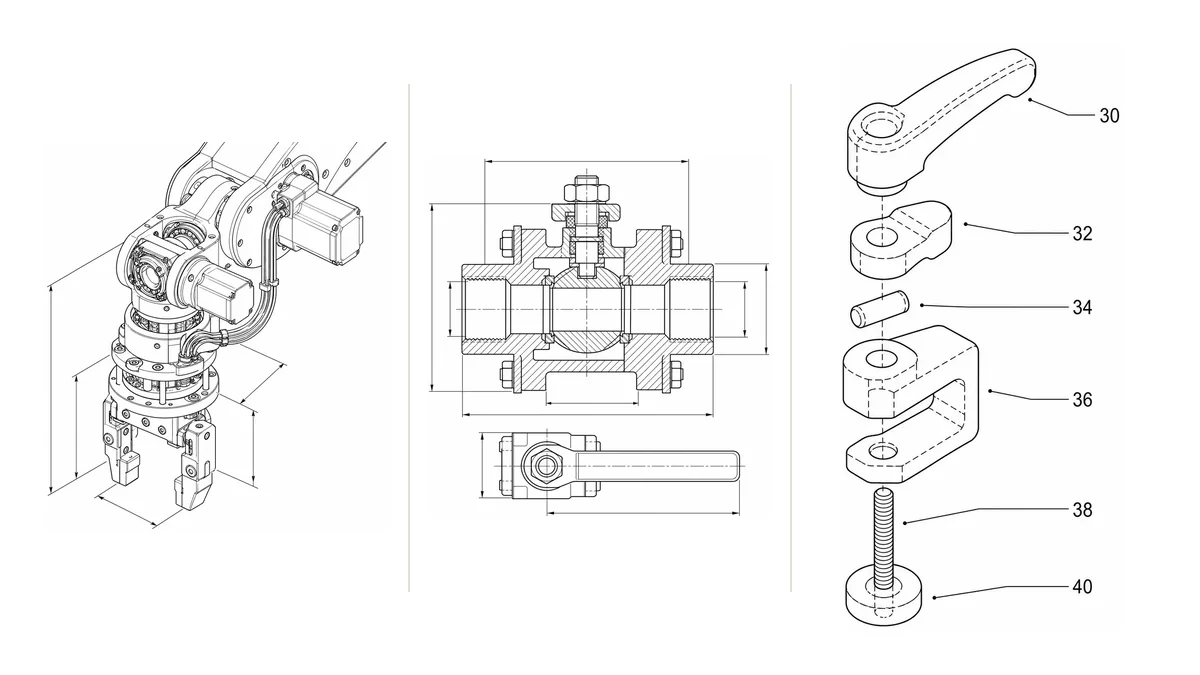
Best AI Model for Technical Drawings (Nov 2026)
Which AI model is best for technical drawings? What matters for CAD-style output, what our generator runs today, and a five-minute test that beats any ranking.
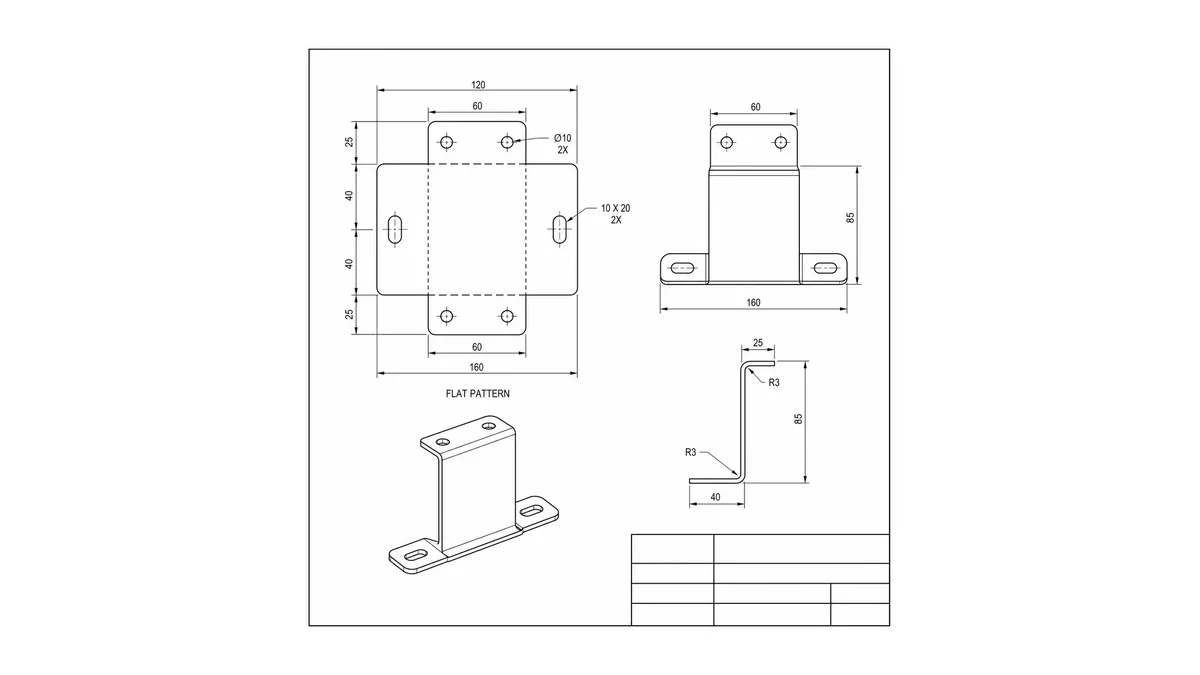
Nano Banana Pro vs GPT Image 2 for CAD Drawings
Nano Banana Pro vs GPT Image 2 for CAD-style drawings: vendor claims, inputs, resolutions and status as of November 2026, and how to compare them yourself.
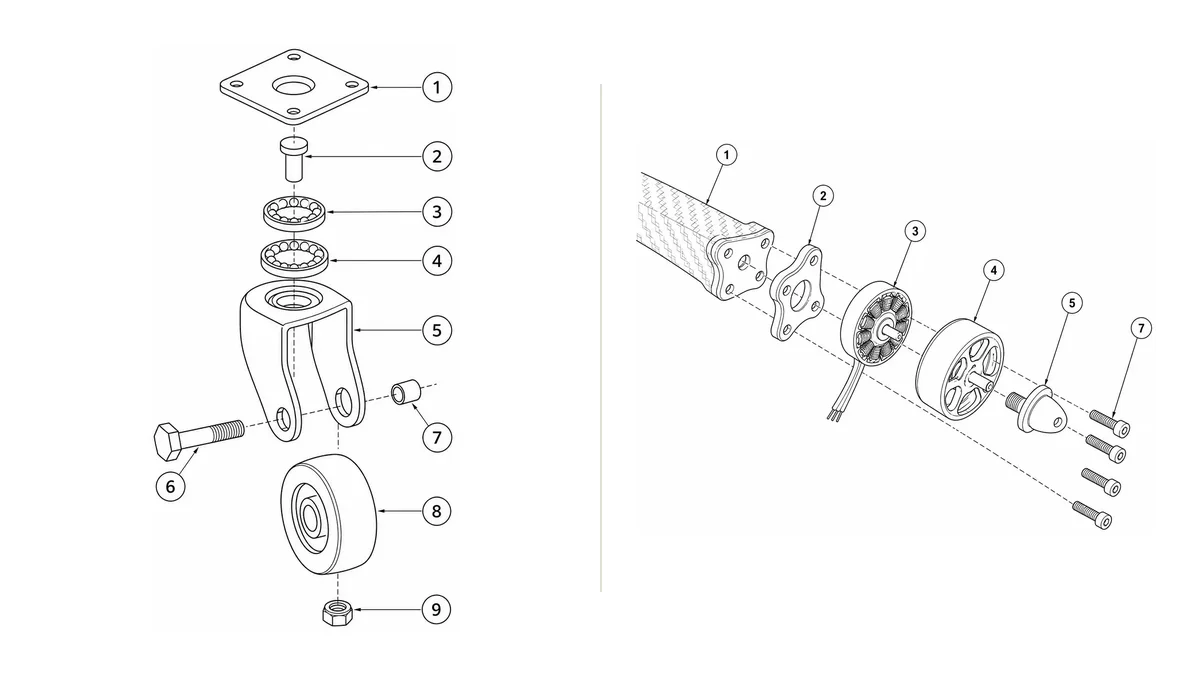
How to Make an Exploded View (SolidWorks, Fusion)
Step by step: make an exploded view in SolidWorks and Autodesk Fusion, add explode lines, put it on a drawing, plus quick notes for Inventor and Onshape.