Nano Banana Pro vs GPT Image 2 for CAD Drawings
Nano Banana Pro vs GPT Image 2 for CAD-style drawings: vendor claims, inputs, resolutions and status as of November 2026, and how to compare them yourself.
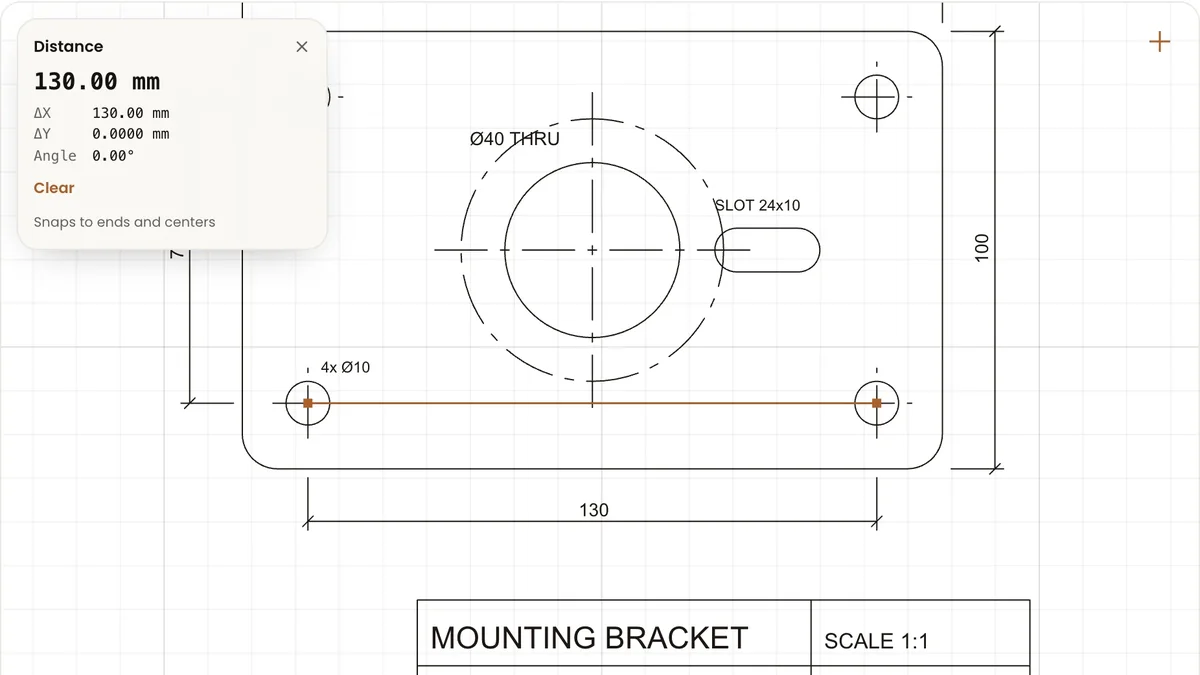
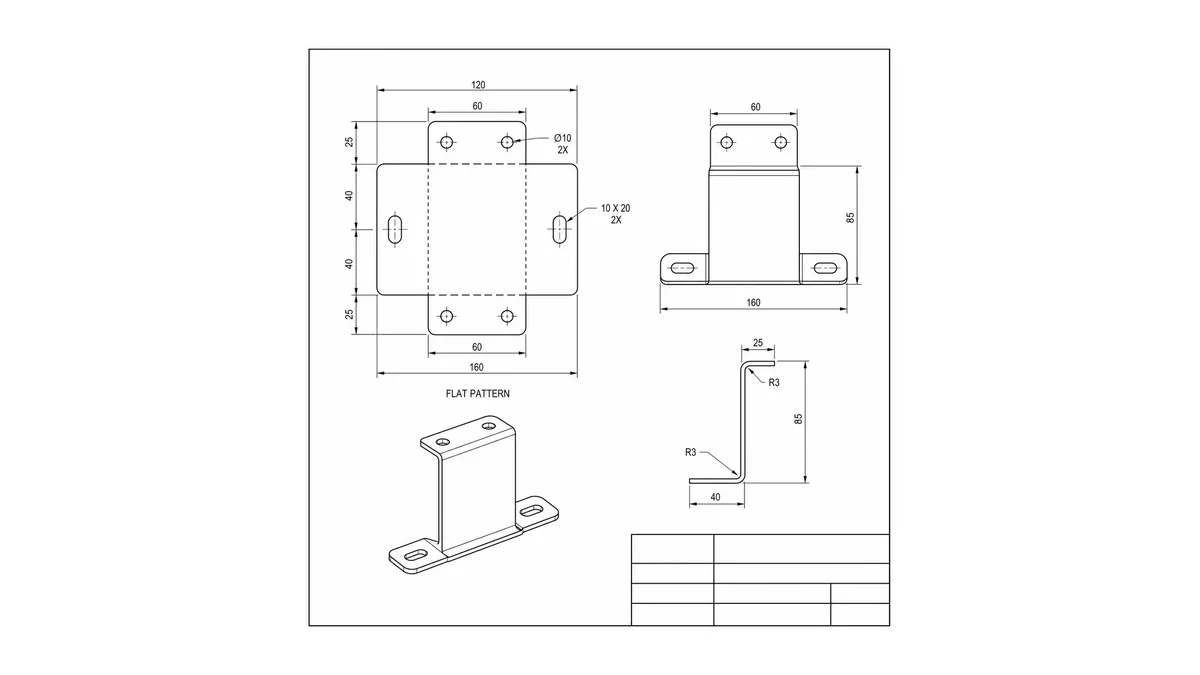 AI-generated example
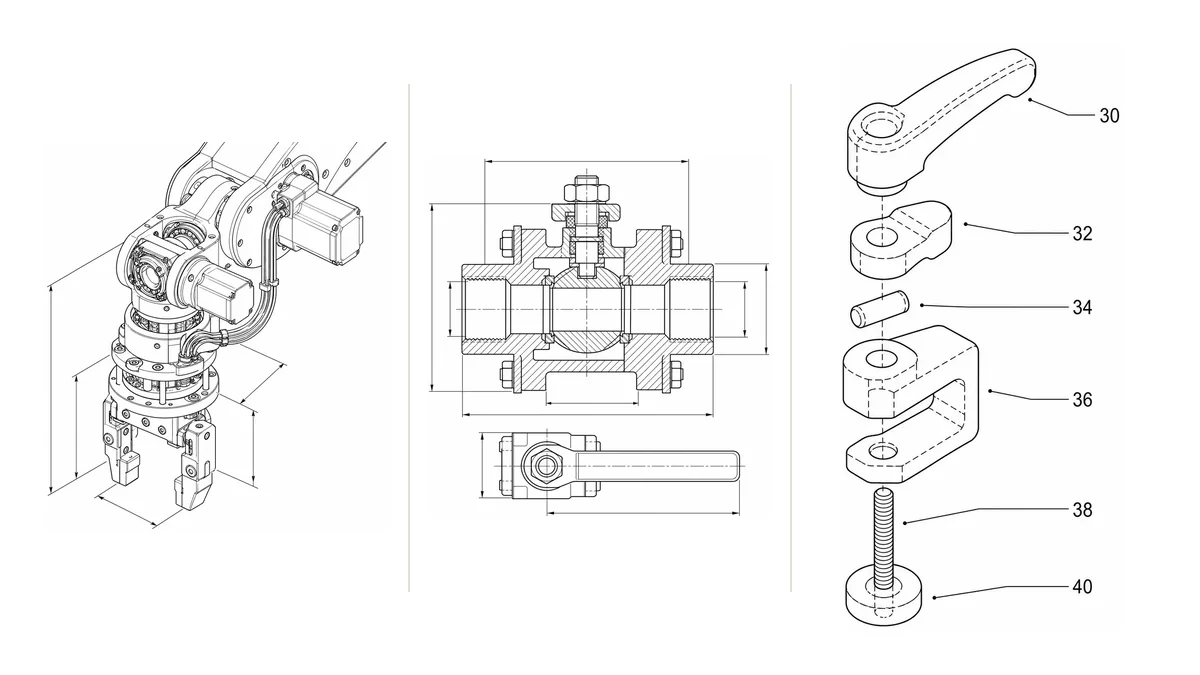
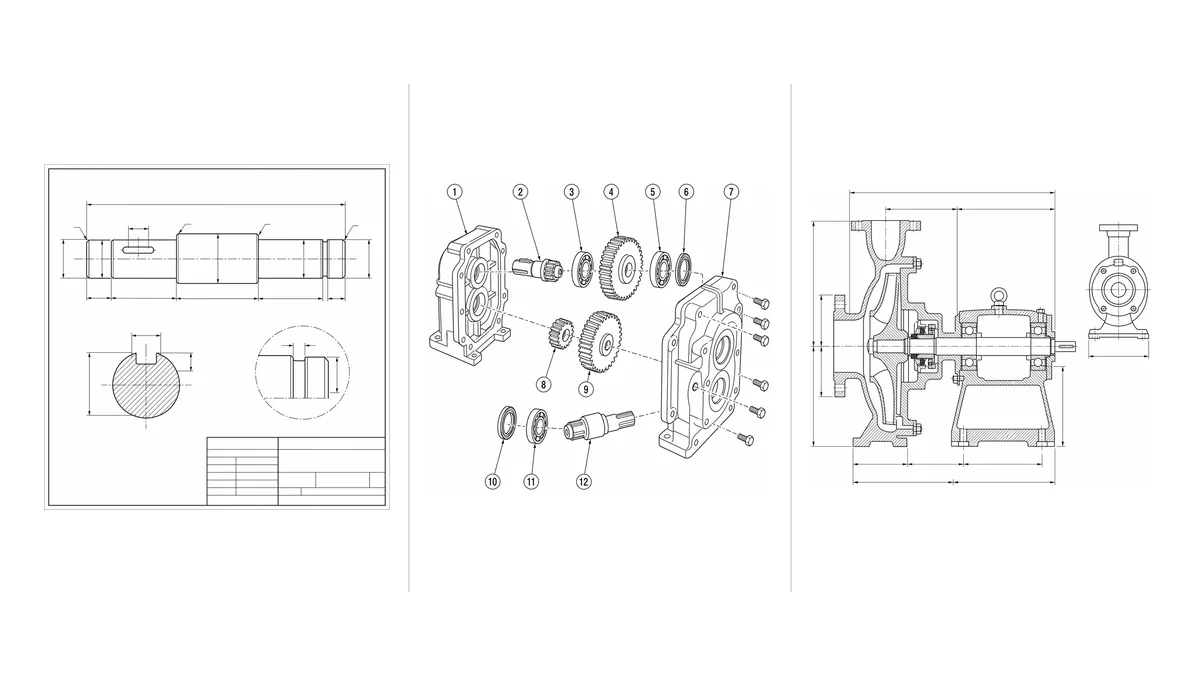
Nano Banana Pro and GPT Image 2 are two of the image models people most often compare for CAD-style drawings. Both can turn a prompt or a sketch into a sheet that looks like a technical drawing, and both vendors highlight the abilities drawings depend on: following detailed instructions and rendering legible text. This comparison sticks to what can be checked: what each vendor says, what the APIs accept, and where each model stands today.
All facts below were checked on 27 November 2026 against the sources linked. Image models change fast, so re-check anything you plan to rely on.
The two models at a glance
| GPT Image 2 | Nano Banana Pro | |
|---|---|---|
| Developer | OpenAI | |
| Official name | gpt-image-2 (API snapshot gpt-image-2-2026-04-21) | Gemini 3 Pro Image |
| First released | April 2026 (snapshot date) | November 2025 |
| Inputs | Text and images | Text and images |
| Output sizes via Kie | 1K, 2K, 4K (some aspect ratios excluded at higher sizes) | 1K, 2K, 4K |
| Reference images via Kie | Up to 16 (image-to-image) | Up to 8 |
| Reasoning step | Not described on the model page | Thinking on by default; may draw interim images |
| Status at the vendor | Deprecated; API shutdown 10 Feb 2027 | Available; newer Nano Banana 2 and 2.1 models also offered |
| On our site | Default on the main generator at 1K and 2K; up to 4K on its model page | Live on its model page at 1K, 2K and 4K |
What each vendor says the model is for
These are the vendors' own descriptions, not our test results.
GPT Image 2. OpenAI's model page calls it a "state-of-the-art image generation model" that "supports flexible image sizes and high-fidelity image inputs", with both generation and editing (including inpainting). In November 2026 OpenAI added it to its deprecations list, with GPT-Image-2.6 models as the recommended replacement.
Gemini 3 Pro Image. Google's image generation docs describe Gemini 3 Pro Image as "the premium choice for complex visual tasks", "optimized for professional asset production" and built to "render high-fidelity text". It is a thinking model: a reasoning step runs before the final image and cannot be switched off in the API. Google states that all images from its Gemini image models carry a SynthID watermark. Google announced it under the Nano Banana Pro name in November 2025.
Read side by side, both descriptions point at the same needs as a technical drawing: follow a long, specific instruction and draw text you can read. That is exactly why a test on your own part tells you more than any general ranking.
What those claims mean for a drawing
Translate the marketing into drafting terms and you get a checklist rather than a verdict.
- Text rendering shows up in dimension values, view labels, notes and the title block. A sheet where "Ø12" reads as "012" or a title block full of near-letters is not usable, however clean the lines.
- Instruction following shows up in counts and positions: four holes stay four, the slot stays centred, the keyway is on the right diameter.
- Reference images matter for sketch to CAD. More reference slots only help if you combine several photos or views of one part; with a single clean sketch, the quality of the sketch matters far more.
- Resolution matters for dense sheets. 2K has about twice the pixels per side of 1K, which leaves more room for small dimension text; 4K goes further where it is offered.
Neither model computes geometry, so neither guarantees that the views agree or that numbers are consistent. Both produce a picture of a drawing.
How to compare them on your own part
Keep everything fixed except the model:
- One real part with countable features, described in one specific prompt (process, overall size, every feature with count, size and position).
- The same style, detail level, aspect ratio and resolution on both.
- Three runs per model, because a single image is luck.
- Score each sheet: feature counts, view agreement, legible numbers, clean lines. Pass or fail per item is enough.
- Repeat with a second part before you decide.
Our guide to writing text-to-CAD prompts gives a prompt structure that makes the scoring easy, because every feature you name is something you can check.
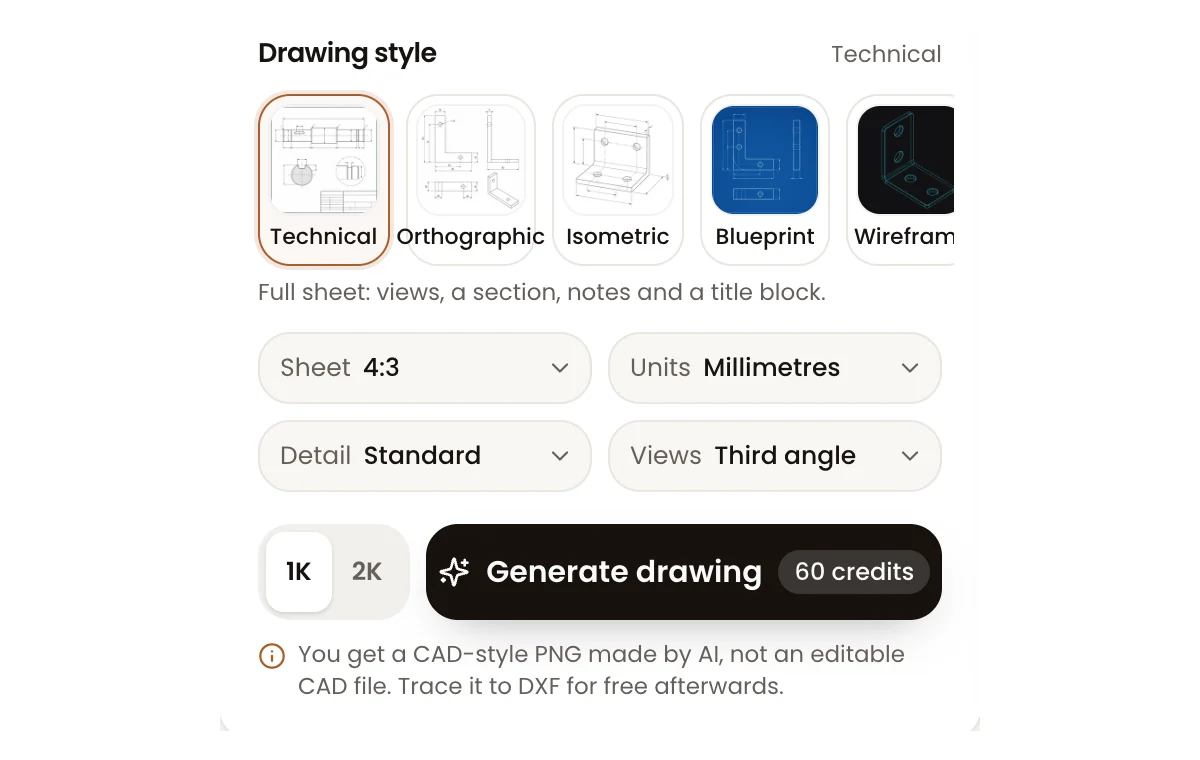 Our generator
Price and speed: why there are no numbers here
Price per image and generation time depend on who serves the model (the vendor's own API, Kie or another reseller), on the resolution, and on the month. Any figure we printed would be out of date soon, and comparing a reseller's price for one model with a vendor's list price for the other would mislead. Generation time varies the same way, with provider, resolution and load. One thing is stable: on our generator the button shows the credit cost of a run before you start it, so you always know what a test will use.
If you compare the two yourself on another service, write down the price and time of each run next to your scores. A model that is slightly better but several times slower or more expensive may still be the wrong choice for quick concept work, and the right one for a final sheet.
Sketch to CAD with each model
Both models accept reference images, so both can redraw a sketch. On Kie, GPT Image 2's image-to-image endpoint takes up to 16 reference URLs and Google's model up to 8. Our generator sends one image per drawing, so the limit does not affect it. What does affect results is the sketch: dark single lines, one view per image, sizes written clearly, photographed flat. See text to CAD vs sketch to CAD for preparation tips.
What this means if you use our generator
Every drawing on our AI CAD generator is made by GPT Image 2, its default model. Because OpenAI has announced its API shutdown, the default may change before February 2027; when it does, the generator will show the new model and this post will be updated with the date. Nano Banana Pro is live through Kie on our Nano Banana Pro page, and its model picker also offers GPT Image 2, so you can run the comparison above on one page. The example drawings there are partner examples labelled as AI-generated with Nano Banana Pro, not runs from our site.
Whichever model draws the sheet, the next steps are the same: download the PNG, or press Convert to DXF to trace its lines in your browser, then check sizes in the DXF viewer. For a broader look at choosing a model, read the best AI model for technical drawings.
Frequently asked questions
Is Nano Banana Pro better than GPT Image 2 for technical drawings?
We have not benchmarked them and do not publish a winner. Both vendors emphasise instruction following and legible text, which are what drawings need. Run the same prompt, style and resolution on both and compare counts, view agreement and readable numbers.
Which one does your generator use?
The main generator runs GPT Image 2, through the Kie.ai API, at 1K or 2K. Nano Banana Pro runs through the same API on our Nano Banana Pro page at 1K, 2K or 4K, and its model picker offers GPT Image 2 as well.
Is GPT Image 2 being shut down?
OpenAI's deprecations page, checked on 27 November 2026, lists gpt-image-2 with an API shutdown date of 10 February 2027 and recommends GPT-Image-2.6 models instead. We access it through Kie and will update our generator and this post if the model changes.
Can either model export DWG or DXF?
No. Both return images (Kie lists PNG or JPG for Nano Banana Pro, PNG for GPT Image 2 on our site). To get CAD lines, trace the image to DXF or redraw the part in CAD.
Do the images carry a watermark?
Google states that all images generated by its Gemini image models include an invisible SynthID watermark. Check each vendor's current policy for details.