Title Block Generator: ISO and ANSI Sheets
Free title block generator for ISO A4 to A0 and ANSI A to E sheets. Type the company, title, drawing number, revision, scale and names, pick first or third angle, and download a vector PDF, a DXF in mm or inches, or an SVG at true size. It all runs in your browser.
- Free, nothing uploaded
- ISO 5457 frame and zones
- PDF, DXF and SVG
- 7 clean DXF layers
Drawing sheet
420 × 297 mmLive preview A3 landscape
420 × 297 mm · frame 390 × 277 mm · title block 180 × 40 mm · zones 8 × 6
Print the PDF at 100% with fit to page off. A starting template: check it against your company drawing standard.
Examples
Title block examples made with this generator
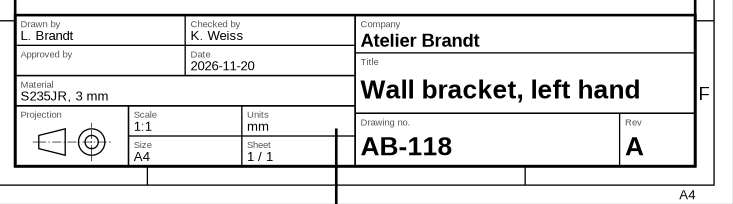
Six sheets drawn by this title block generator. Hover a card to zoom into its title block, or open it in the builder to change a field.
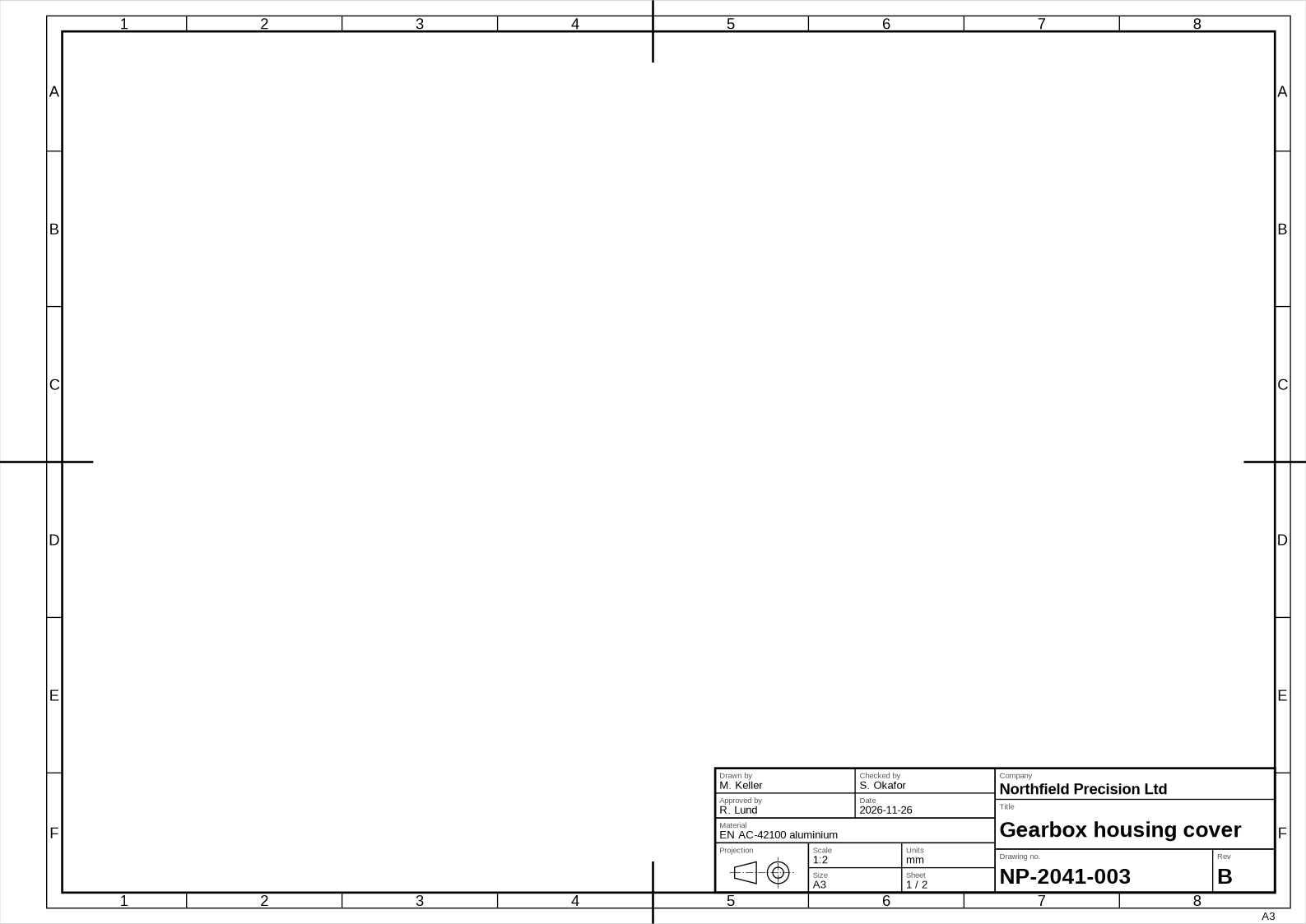
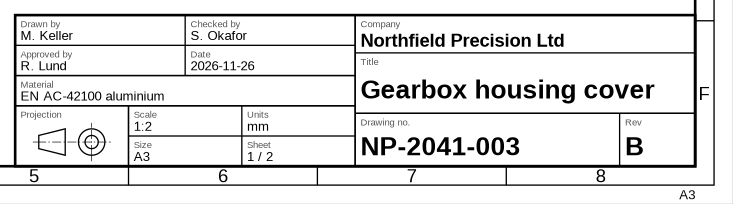
A3 · first angle · zones 8 × 6
A3 sheet for a machined cover
The classic workshop format: A3 landscape, a 390 by 277 mm frame, letters A to F down the sides and numbers 1 to 8 across.
Made here · 420 × 297 mm · frame 390 × 277 · zones 8 × 6
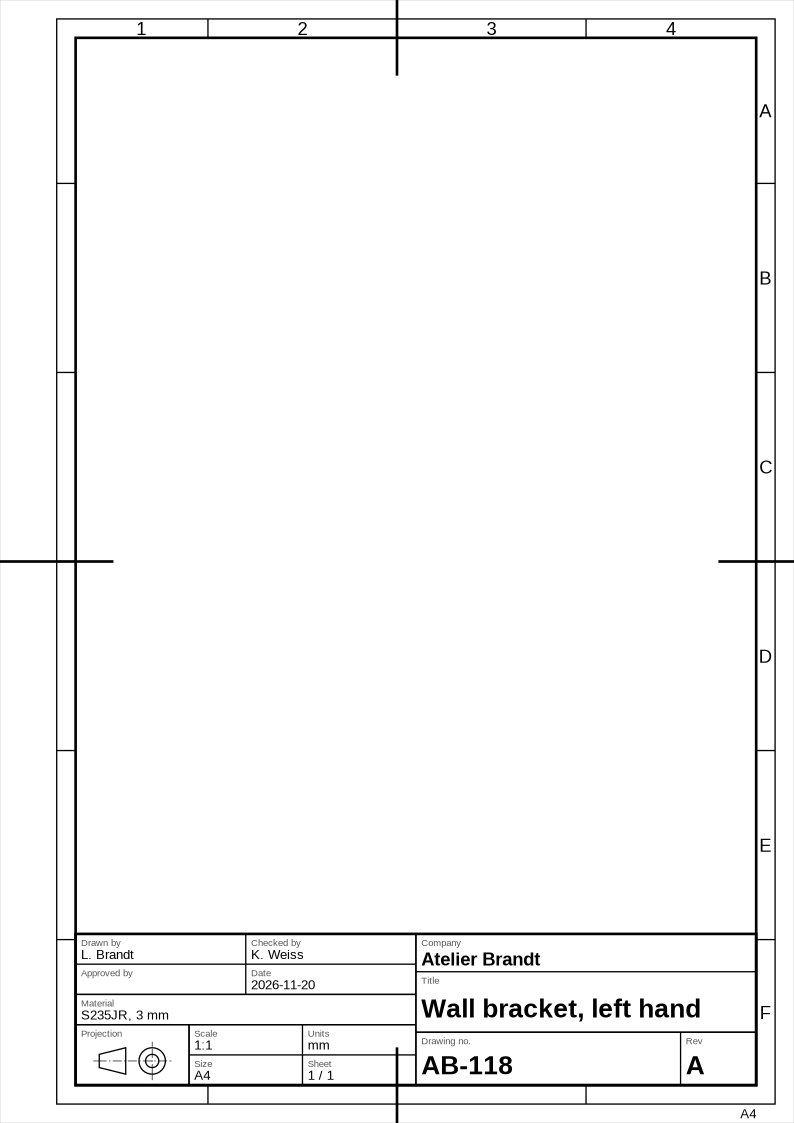
A4 · portrait
A4 portrait part drawing
On A4 the 180 × 40 mm title block spans the whole 180 mm frame. Zones run along the top and right edge only, as ISO 5457 asks for this size.
Made here · 210 × 297 mm · frame 180 × 277 · zones 4 × 6
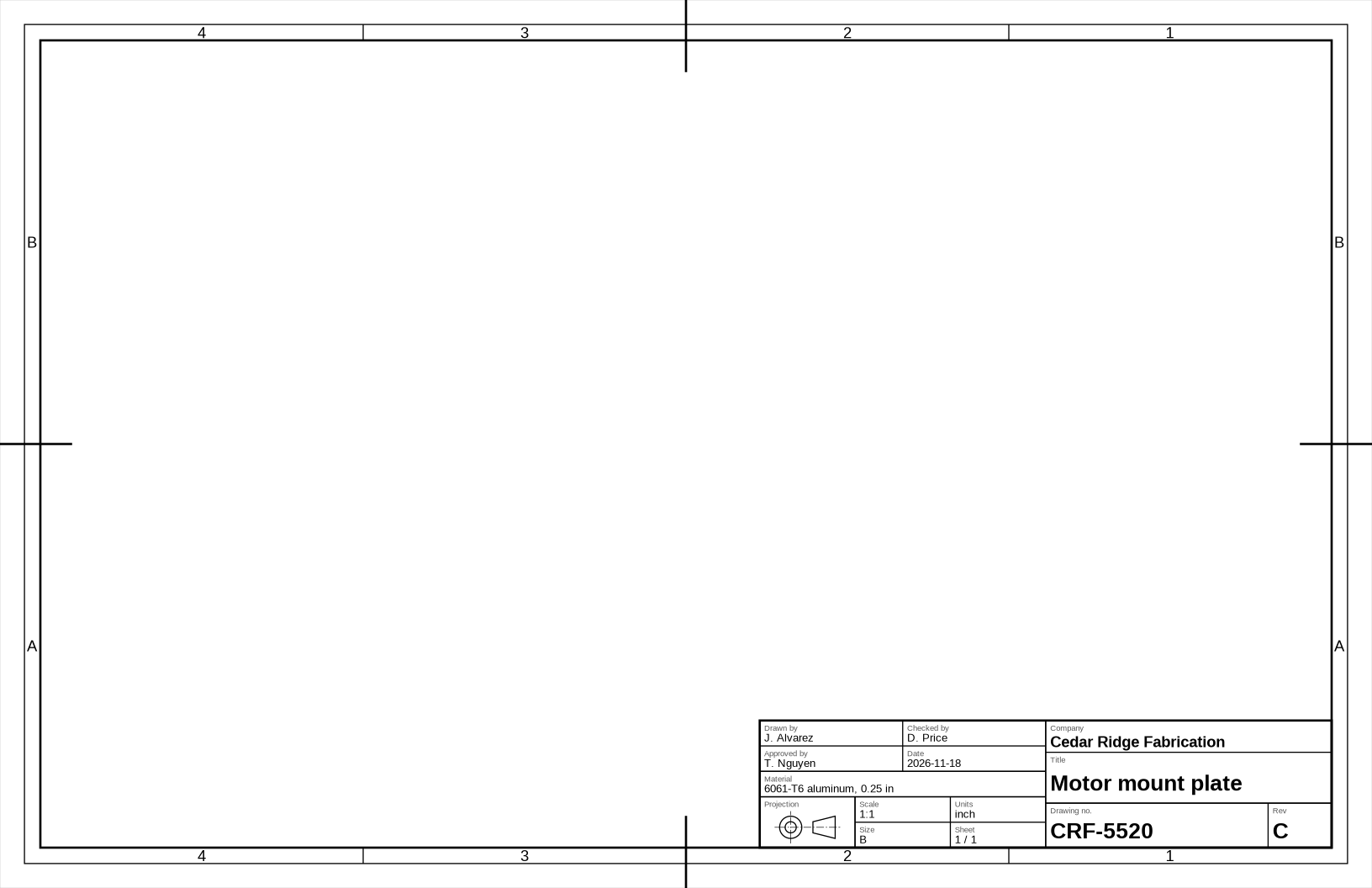
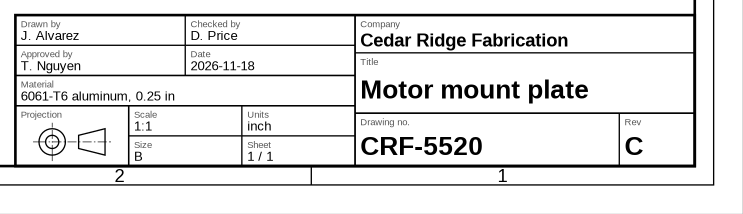
ANSI B · third angle · inch
Tabloid sheet for a US shop
17 by 11 inches with 0.5 inch margins, third angle symbol and inch units, numbers counted from the right and letters from the bottom.
Made here · 17 × 11 in · third angle · zones 4 × 2
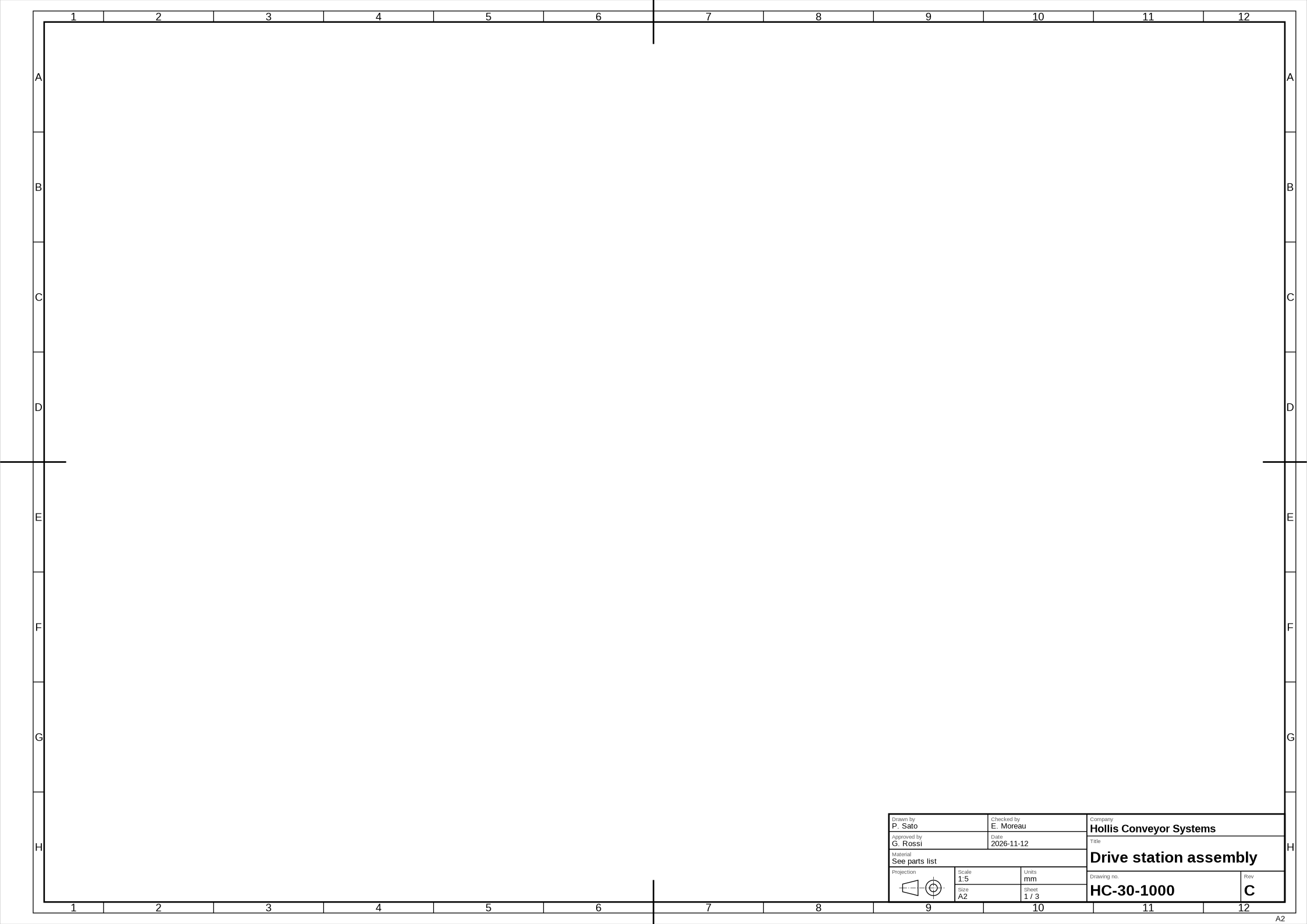
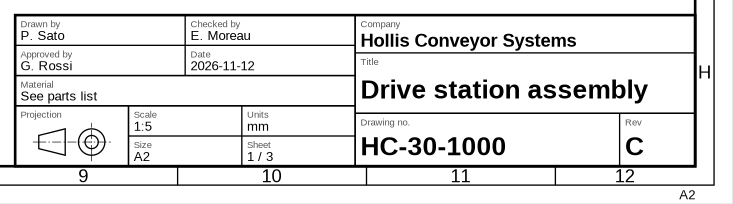
A2 · sheet 1 of 3
First sheet of an A2 assembly set
A 12 by 8 zone grid helps people say "see D7" in a review. The sheet field reads 1 / 3, the revision field C.
Made here · 594 × 420 mm · zones 12 × 8 · sheet 1 / 3
ANSI D · zones 8 × 4
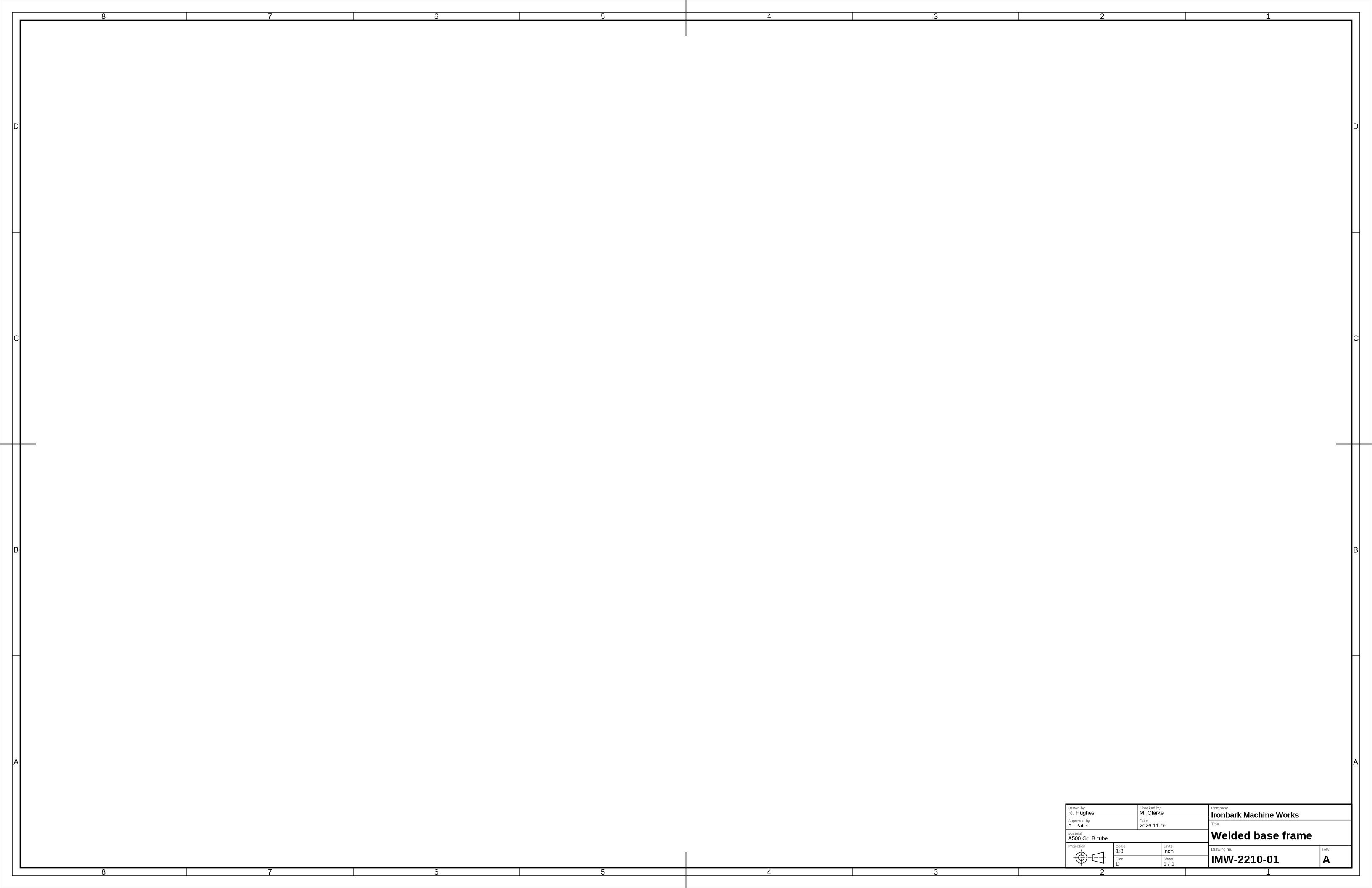
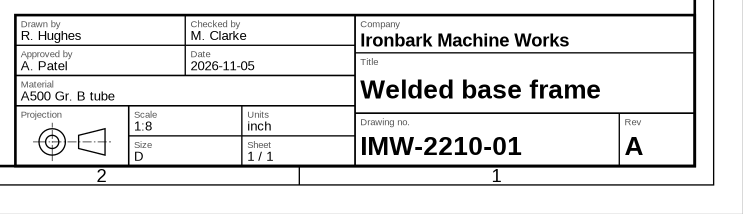
ANSI D layout for a welded frame
34 by 22 inches, eight zones of 4.1 inches across and four of 5.3 inches down. The DXF in inches drops into an inch CAD file at 1:1.
Made here · 34 × 22 in · third angle · zones 8 × 4
A4 · no zones
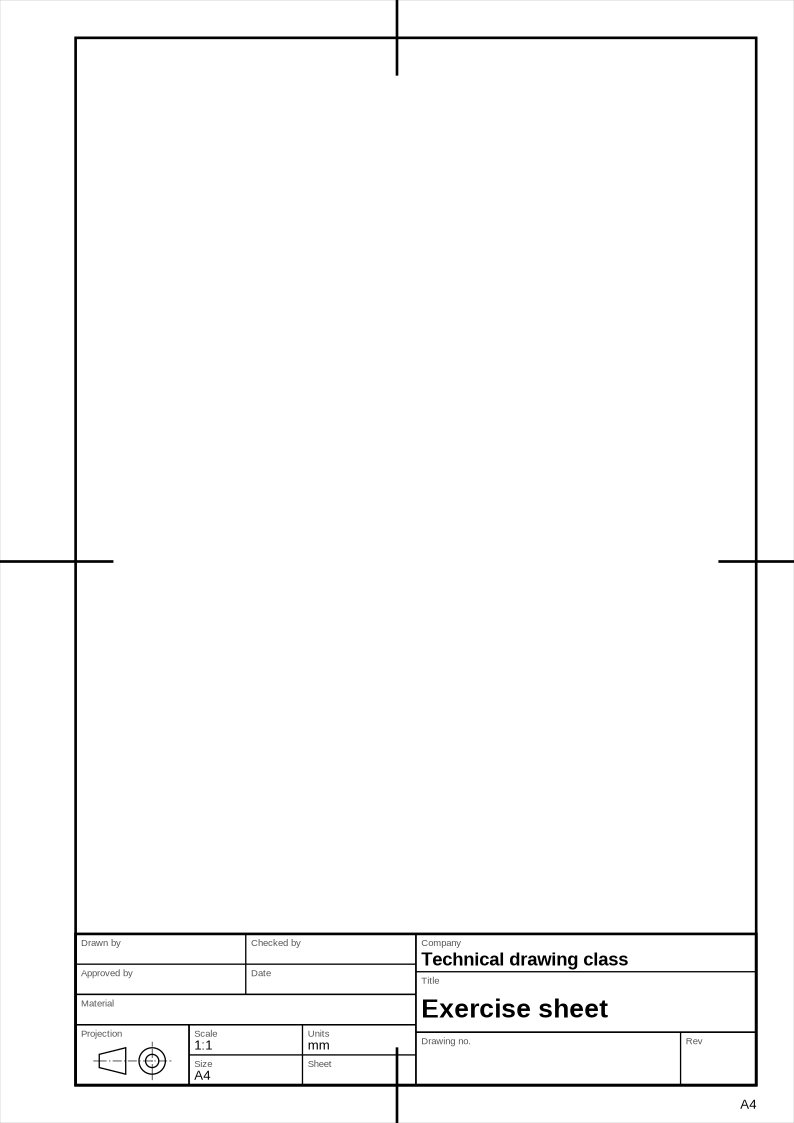
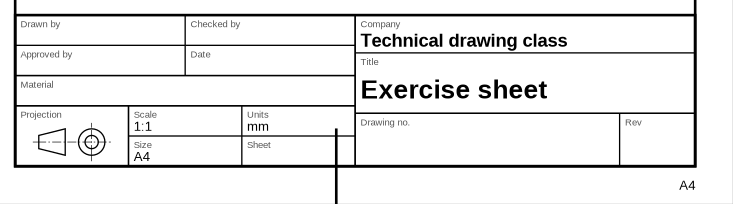
Plain A4 sheet for hand drafting
Zones off and only a few fields filled in: a quiet title block template to print in bulk for a drawing class.
Made here · 210 × 297 mm · no zones
How it works
How the title block generator builds a sheet
The preview, the PDF, the DXF and the SVG all come from one geometry in millimetres, so the sheet you check is the sheet you download.
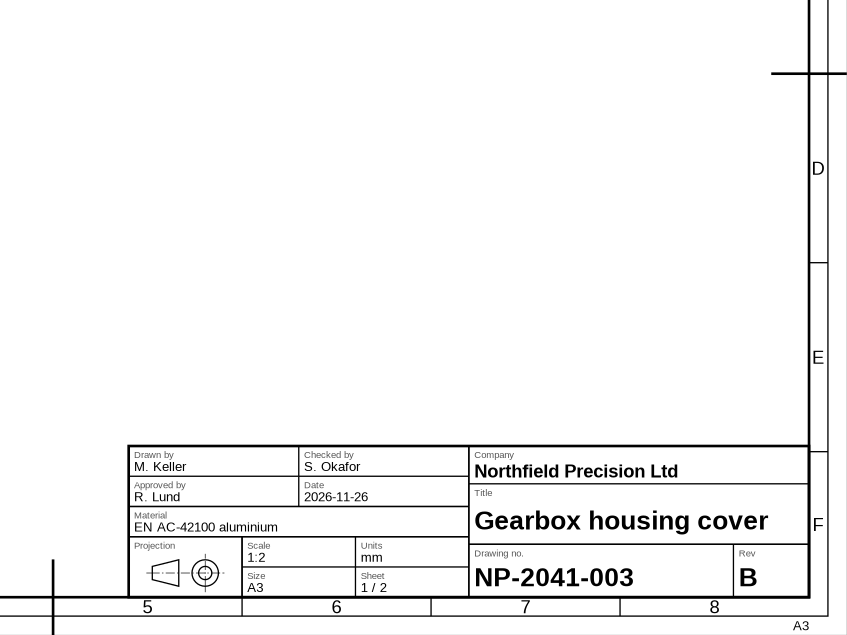
A3 corner: zone band, field ticks, centring mark and the A3 designation
Sheet sizes
Drawing sheet sizes for every title block template
Trimmed size, drawing area inside the frame and zone count for each sheet, computed by the same code as the builder. The 180 × 40 mm block fits all of them.
| Sheet | Trimmed size | Zones | ||
|---|---|---|---|---|
| A4 | 210 × 297 mm | 180 × 277 mm | 4 × 6 | |
| A3 | 420 × 297 mm | 390 × 277 mm | 8 × 6 | |
| A2 | 594 × 420 mm | 564 × 400 mm | 12 × 8 | |
| A1 | 841 × 594 mm | 811 × 574 mm | 16 × 12 | |
| A0 | 1189 × 841 mm | 1159 × 821 mm | 24 × 16 | |
| ANSI A | 8.5 × 11 in | 7.5 × 10 in | 2 × 2 | |
| ANSI B | 17 × 11 in | 16 × 10 in | 4 × 2 | |
| ANSI C | 22 × 17 in | 21 × 16 in | 4 × 4 | |
| ANSI D | 34 × 22 in | 33 × 21 in | 8 × 4 | |
| ANSI E | 44 × 34 in | 43 × 33 in | 10 × 8 |
- ISO 5457 lays A3 to A0 out in landscape and A4 in portrait; the other orientation is there for house formats.
- ANSI margins and zones follow common ASME layouts, not a line by line reading of Y14.1. Check them against your format.
- Click a row to load that sheet into the title block generator above.
How to
How to make a drawing title block in 3 steps
No account and no install: a finished sheet takes about a minute.
STEP 1
Pick the sheet
Choose A4 to A0 or ANSI A to E, the orientation, first or third angle, and whether the border gets grid zones and centring marks.
STEP 2
Fill in the title block
Type the company, title, drawing number, revision, scale, sheet number, material, names and date. The preview redraws on every key.
STEP 3
Download
Get a vector PDF at the sheet size, a DXF in mm or inches for CAD, or an SVG for Inkscape and Illustrator.
Print at 100%
Turn off "fit to page" so the frame keeps its 20 and 10 mm margins.
Use it as a block
Insert the DXF at 0,0 in CAD and draw your views inside the frame.
Large sheets
A1 and A0 PDFs go to a plotter or a print shop, not an office printer.
Revisions
Bump the Rev field and download again: the file name follows the drawing number.
Specs
Title block generator specs and limits
What the title block generator draws and writes, and what it leaves to CAD.
- ISO sheets
- A4, A3, A2, A1 and A0, portrait or landscape, ISO 5457 frame 20 mm left and 10 mm elsewhere
- ANSI sheets
- A (Letter), B (Tabloid), C, D and E with 0.5 in margins
- Border
- Optional grid zones in a 5 mm band, centring marks, sheet designation (ISO)
- Title block
- 180 × 40 mm, bottom right, 14 cells with 1.8 mm labels and values up to 5 mm
- Projection
- First or third angle symbol after ISO 5456-2, 3.5 mm lettering
- One vector page, the exact sheet size, Helvetica text
- DXF
- ASCII R12 in mm or inches, sheet corner at 0,0, 7 layers
- SVG
- Width and height in mm, 1 unit = 1 mm
It does
- Draw the frame, zones and centring marks at true size
- Fit long names and titles into their cells
- Write the drawing number into every file name
- Keep every line on a named DXF layer
- Work offline once the page has loaded
It does not
- Add a logo or extra fields; edit the DXF or SVG for that
- Print Chinese, Cyrillic or other non Latin text in the PDF
- Draw your part or its dimensions
- Make revision tables or parts lists
- Promise compliance with your company format
Use cases
Where a drawing title block gets used
A title block is the label that travels with every print: who drew it, what it is, which version, at what scale. Need tolerances on the sheet? See the GD&T symbols chart.
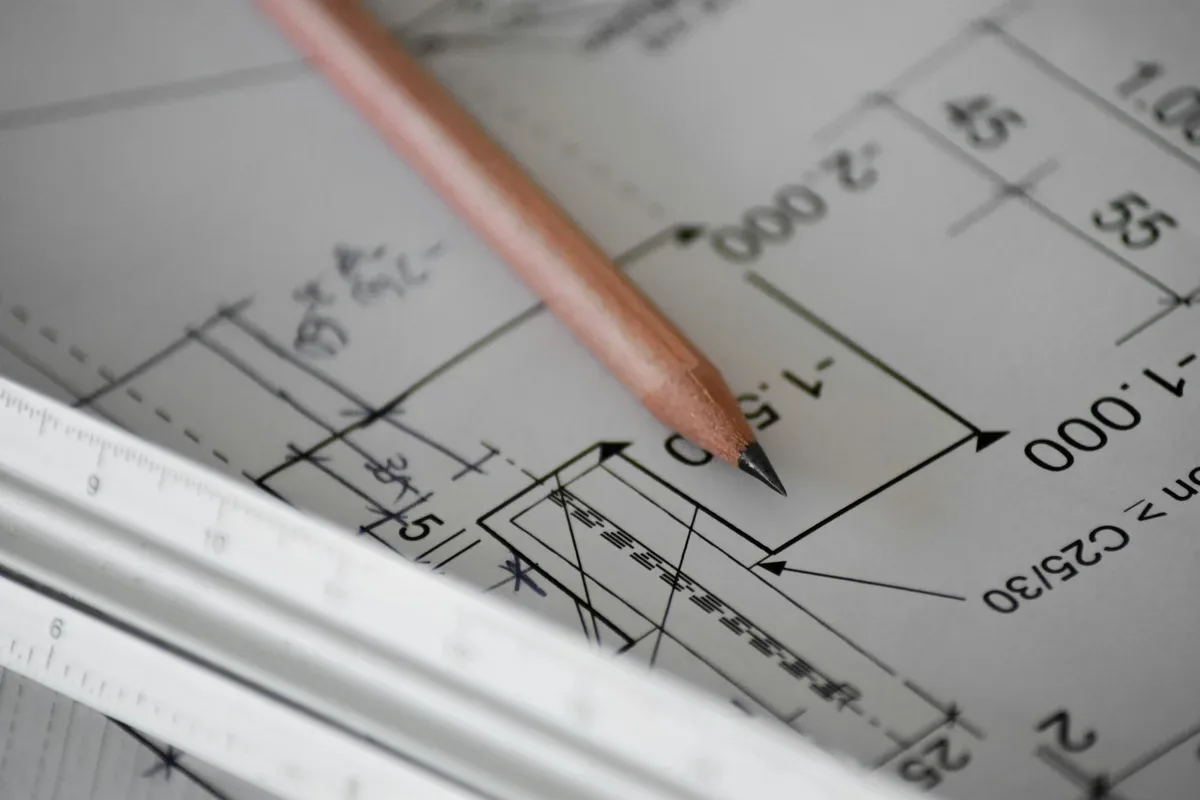
Hand drafting and classes
Print a stack of A3 or A4 sheets with the school name filled in and leave the rest blank for students.

Shop drawings
A printed sheet with part number and revision stays with the job at the plasma table, so the cut matches the drawing.
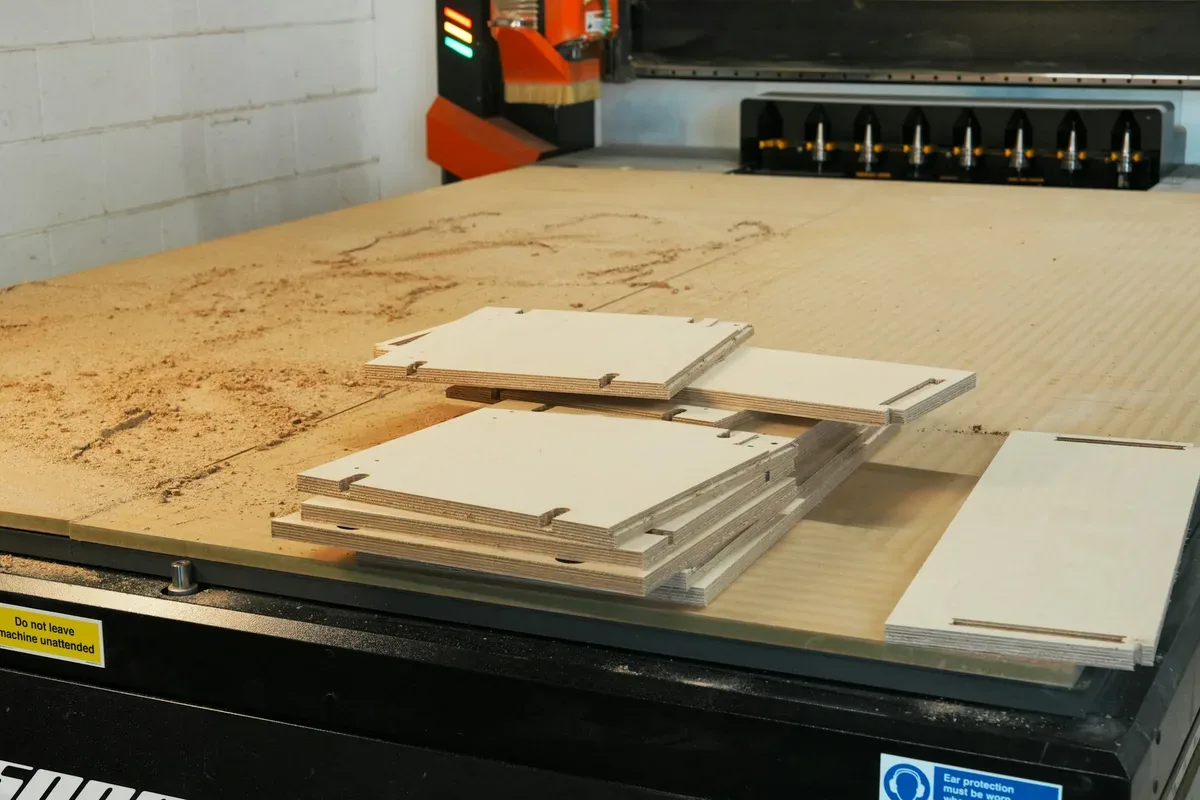
CNC routing jobs
Send the router a PDF with material and revision next to the DXF, so nobody cuts last week's version.

Laser cutting sets
Number the sheets of a job 1 of 3, 2 of 3 and so on, and point to details by zone in review notes.
Title block FAQ
Standards, margins, projection, file formats and what the generator leaves out.
What is a title block on a drawing?
A title block is the boxed table in the bottom right corner of a technical drawing. It names the part and the owner, gives the drawing number, revision, scale, units, projection method, material and the people who drew, checked and approved it.
Is this title block generator free, and is anything uploaded?
It is free, with no sign up or watermark. The sheet is drawn in your browser and the PDF, DXF and SVG are written on your device, so nothing you type is sent to a server.
Which standard does the drawing title block follow?
The layout follows ISO 7200: one block 180 × 40 mm in the bottom right corner of the frame, with the drawing number and revision at its bottom right. ISO 7200 fixes the fields, not one layout, so treat it as a starting template and check it against your company standard.
What margins and zones does the ISO frame use?
ISO 5457: 20 mm on the left for filing and 10 mm on the other edges, a 0.7 mm frame line, centring marks from the sheet edge to 10 mm inside the frame, and grid fields of 50 mm counted from the centring marks, from 6 by 4 on A4 to 24 by 16 on A0.
How are the ANSI sheets laid out?
ANSI A to E get 0.5 inch margins, an even number of equal zones about 4.25 inches long, numbers counted from the right and letters from the bottom, like common ASME formats. It is not a full ASME Y14.1 format, so check it against yours.
First angle or third angle: which do I pick?
First angle is the ISO default in Europe, China and India; third angle is used in the USA and Canada under ASME. The symbol tells the reader where the side views are: in first angle the view from the left sits on the right of the front view.
Will the DXF open at the right size?
Yes. It is plain R12 with the sheet corner at 0,0. In mm an A3 landscape sheet spans 420 by 297 units; in inches an ANSI B sheet spans 17 by 11. AutoCAD, LibreCAD, FreeCAD and most CAM programs read it.
Is the PDF vector, and will it print to scale?
Yes. The page is exactly the sheet size and every line is a vector path. Print at 100% with fit to page off. Office printers cannot print to the paper edge, so the outer few millimetres of the border may be cut on paper.
Can I add a logo or my own fields?
Not in the generator. Download the DXF or SVG and add a logo, a revision table or extra cells in CAD or a vector editor; the title block layer keeps the lines apart from the text.
Can I type Chinese or other non Latin text?
The SVG keeps any text. The DXF writes it as Unicode escapes most CAD programs read. The PDF uses the built in Helvetica font, which only covers Latin letters, so other scripts print as question marks there.
Can I make a title block template in Word or Excel with this?
Not directly. Insert the SVG into Word as a picture. For a reusable title block template in CAD, insert the DXF as a block and add attributes.
Does it draw the part as well?
No, it makes the sheet: frame, zones and a filled in title block. Draw the views in your CAD program, or start from a sketch with the sketch to CAD tracer.
Make your title block now
Pick a sheet, type the fields, download the PDF or DXF. Nothing leaves this tab.
Open the title block generator