Z-Image CAD Generator: Quick Technical Drawings from Text
Z-Image, an open model from Alibaba's Tongyi Lab, is the cheapest run here: 40 credits for a CAD-style drawing from a short text brief, ideal for testing wording. It is a PNG, not an editable CAD file; trace it to DXF for free.
- 40 credits a run
- Text brief only
- Open weights, Apache 2.0
- One standard size
Drawing style
Isometric
One 30-degree view that shows three faces at once.
You get a CAD-style PNG made by AI, not an editable CAD file. Trace it to DXF for free afterwards.
Clamping shaft collar
AI-generated example · Z-Image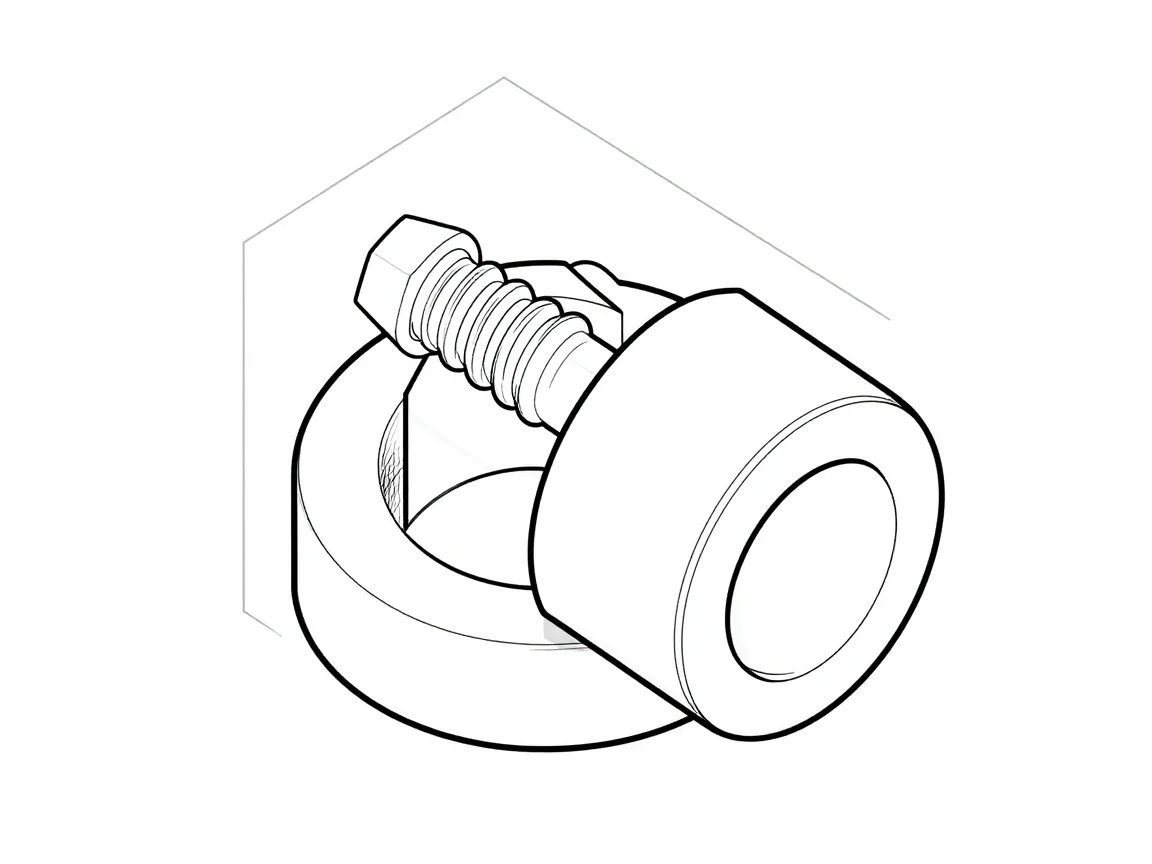
Prompt idea: One-piece clamping shaft collar, Ø20 mm bore, one split, one M5 cap screw across the split. Your result will differ.
Model card
Z-Image for CAD drawings at a glance
What the model is, what we send it and what one drawing costs. Facts from its developers and from Kie.ai, our model provider.
- Maker
- Tongyi-MAI, Alibaba's Tongyi Lab; Turbo released 26 November 2025
- Model
- 6 billion parameters, open weights under the Apache 2.0 licence
- Runs here as
- Kie.ai's single text-to-image endpoint; Kie does not name the variant
- Input
- Text only: a brief of up to 350 characters, because Kie caps the whole prompt at 1,000
- Size
- One standard size, no size setting
- Sheet shapes
- 4:3, 16:9, 1:1, 3:4
- Credits
- 40 per drawing; a failed run is refunded
- Output
- A PNG of a CAD-style drawing; trace it to DXF or SVG for free
Where it does well
- Testing the wording of a brief before a bigger model runs it
- One part in one clear view: collars, brackets, standoffs, pulleys
- Isometric, line art and blueprint looks from a few words
- Many quick variations at the lowest price here
Where it falls short
- Sketches and photos: the endpoint takes text only
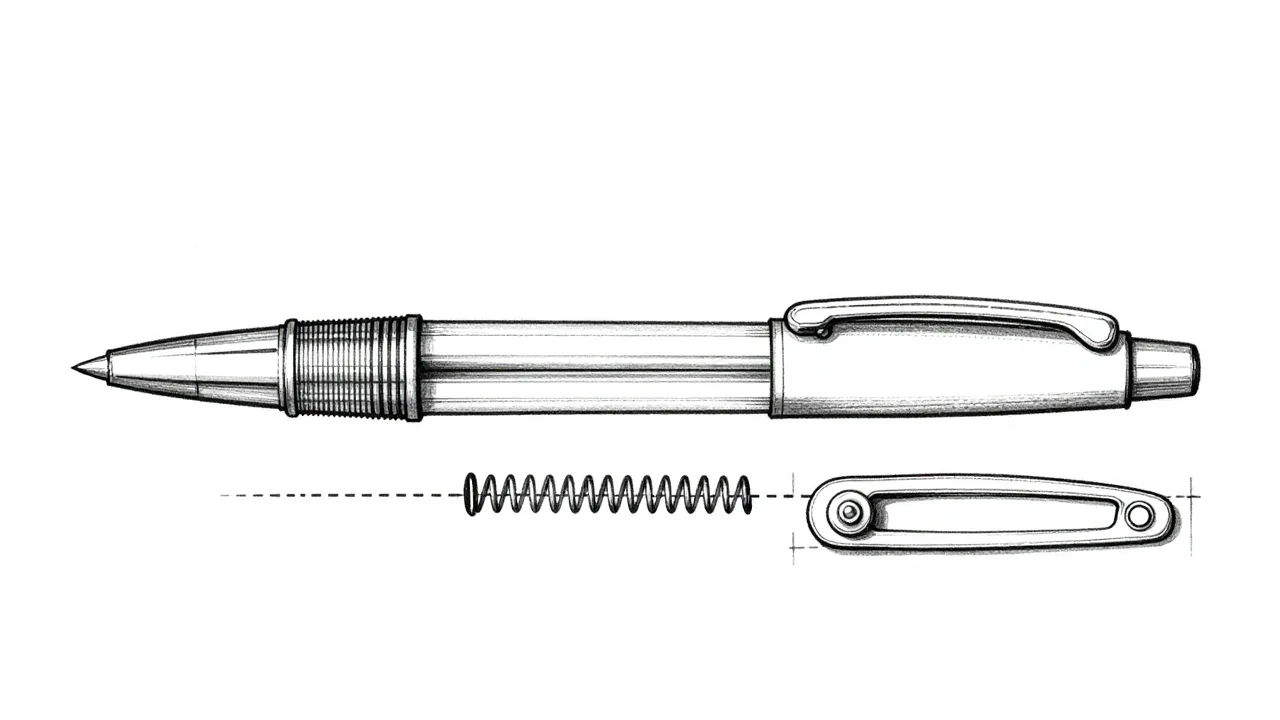
- Multi-part layouts: the exploded pen below came out mostly assembled
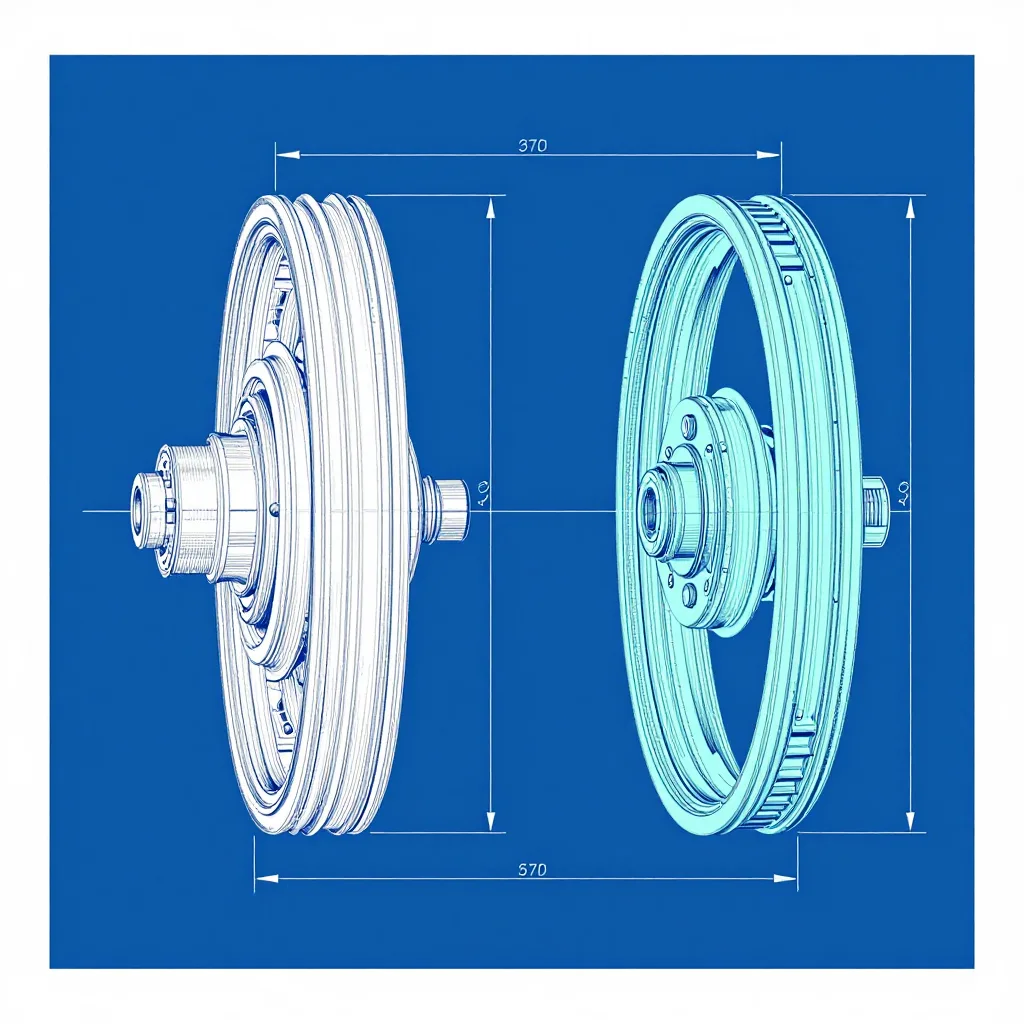
- Dimension numbers: the pulley below carries values that do not match
- Large prints: one standard size, no 2K or 4K
Sources · Checked 2026-11-27 · Released 26 Nov 2025
Examples
Drawings made with Z-Image
Four drawings the partner site drawcad.org generated with Z-Image and labels as such, flaws and all, so you know what a short brief buys.
AI-generated example
Clamping shaft collar
One part, one isometric view, crisp outlines and a believable cap screw: the kind of short brief this model handles best.
AI-generated example
Ballpoint pen, asked as exploded
The brief asked for six parts pulled apart on one centerline. Only the spring and clip came loose; the rest stayed assembled.
AI-generated example
V-belt pulley blueprint
Two views on blue with dimension lines. The numbers do not agree with each other, so treat them as decoration.
AI-generated example
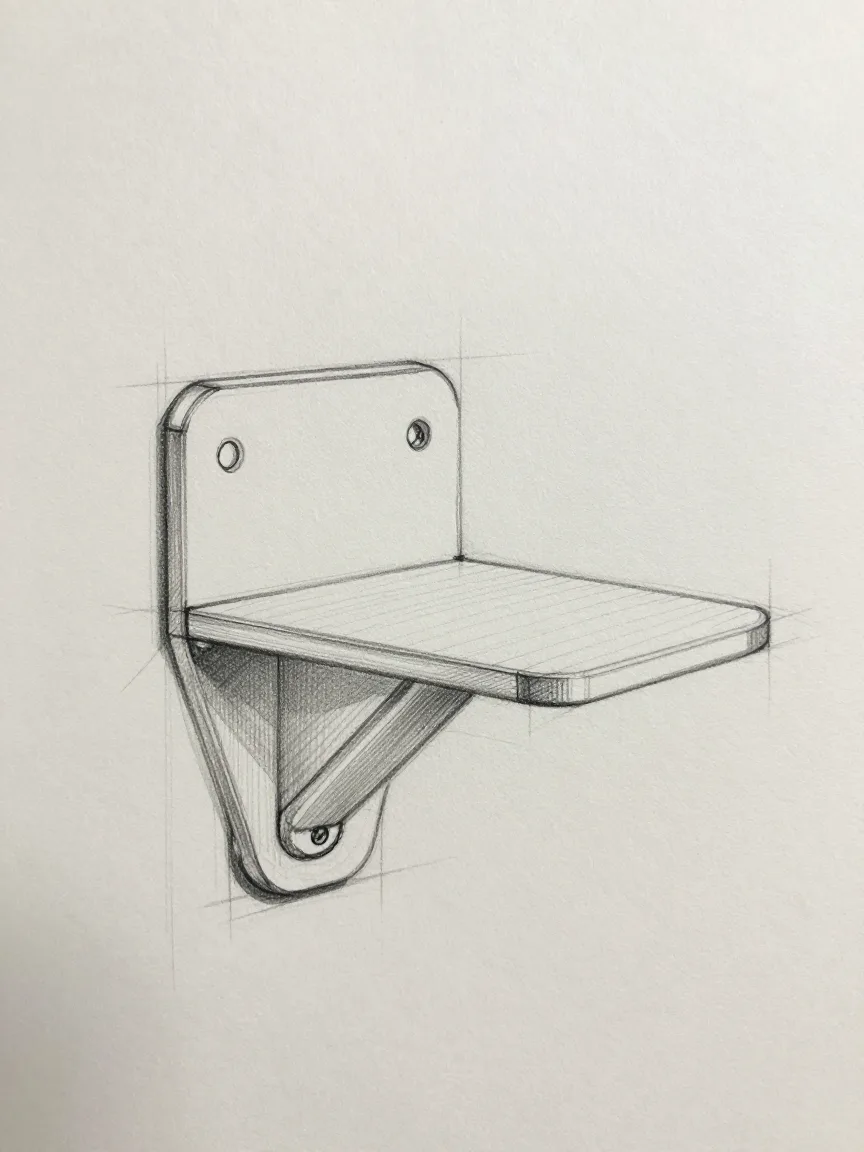
Shelf bracket pencil sketch
A loose pencil concept of a wall bracket, useful as a first idea before you draw it properly.
Prompt builder
Fit a Z-Image brief into 350 characters
A subject, two or three features and one view type: the meter shows how much of the brief you have used, and Apply sends it to the generator.
Generated prompt
Isometric111 / 350 characters for Z-Image40 credits
Start from a template
How to
How to make a Z-Image technical drawing
Three steps in the generator at the top of the page, with the model already selected. Treat each run as a cheap test of your wording.
STEP 1
Write a short brief
Name one part, its main size and two or three features, in under 350 characters. Skip views and notes you do not need.
STEP 2
Pick a simple style
Isometric, line or blueprint suit it best, and the sheet shape is the only setting. Detail stays low on purpose.
STEP 3
Generate, then scale up
Press Generate drawing (40 credits). Happy with the wording? Switch the same brief to GPT Image 2 (60 credits at 1K) or another model for a full sheet.
One part per run
Assemblies and exploded views are where it slips.
Numbers are decoration
Never read sizes off the drawing; they are not measured.
Name the view
"one isometric view" beats a list of five views.
Sketch? Switch model
Pick a model that takes a sketch in the model menu.
Compare
Z-Image and the other models side by side
Prices, sizes and inputs come straight from our model settings. Use in generator moves your brief to another model in the generator above.
Swipe sideways for every column
| 10 drawings | Input | Brief | Speed (maker’s claim) | Use in generator | |||
|---|---|---|---|---|---|---|---|
| Z-ImageThis pageAlibaba | 40 | 400 | One size | Text only | 350 chars | Tongyi-MAI: Turbo runs sub-second on H800 GPUs (Kie does not name its variant) | |
| Flux 2 ProBlack Forest Labs | 60 | 600 | 2K | Text + sketch | 1,000 chars | BFL: under 10 seconds (FLUX.2 family) | |
| GPT Image 2OpenAI | 60 | 600 | 4K | Text + sketch | 1,000 chars | OpenAI: complex prompts can take up to 2 minutes | |
| GPT Image 2.6 FlareOpenAI | 60 | 600 | 4K | Text + sketch | 1,000 chars | OpenAI: built for fast iteration | |
| GPT Image 2.6 SunburstOpenAI | 60 | 600 | 4K | Text + sketch | 1,000 chars | None published | |
| Wan 2.7 ImageAlibaba | 60 | 600 | 2K | Text + sketch | 1,000 chars | None published | |
| Seedream 5.0 ProByteDance | 80 | 800 | 2K | Text + sketch | 1,000 chars | None published | |
| Nano BananaGoogle | 90 | 900 | One size | Text + sketch | 1,000 chars | None published | |
| Nano Banana 2Google | 150 | 1,500 | 4K | Text + sketch | 1,000 chars | Google: Flash speed (no figure) | |
| Nano Banana ProGoogle | 450 | 4,500 | 4K | Text + sketch | 1,000 chars | None published |
Credits are what this site charges per drawing, set in our model config (placeholders until launch). Speed is the maker’s own claim, not our test. Checked 2026-11-27.
Where it fits
When to pick Z-Image for CAD drawings
Cheap and quick, with clear limits. These jobs fit inside them.
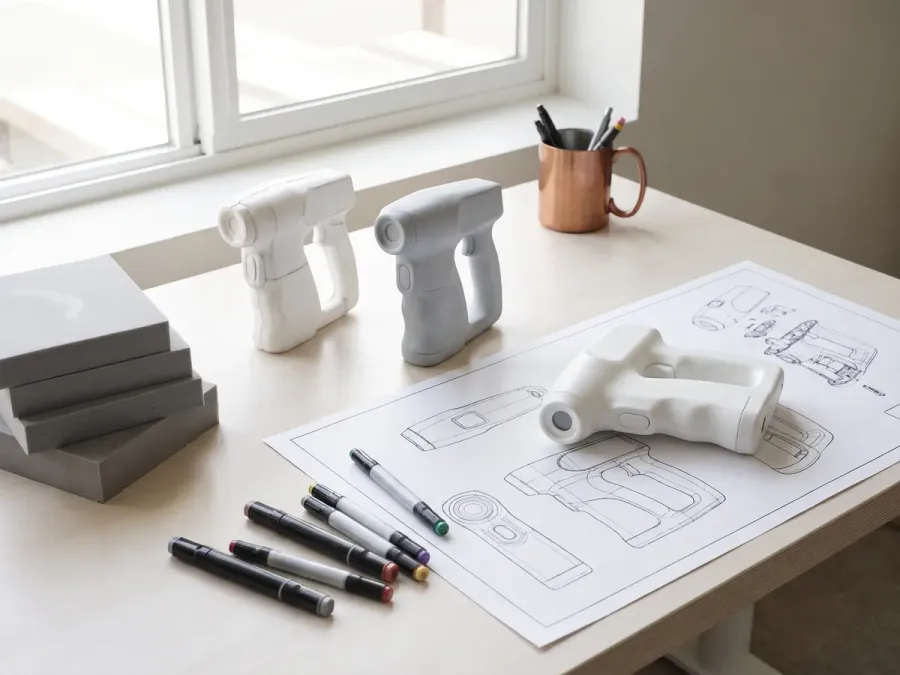
Prompt testing
Try several wordings for less than one run on a bigger model, compare them side by side and keep the one that shows the right features.
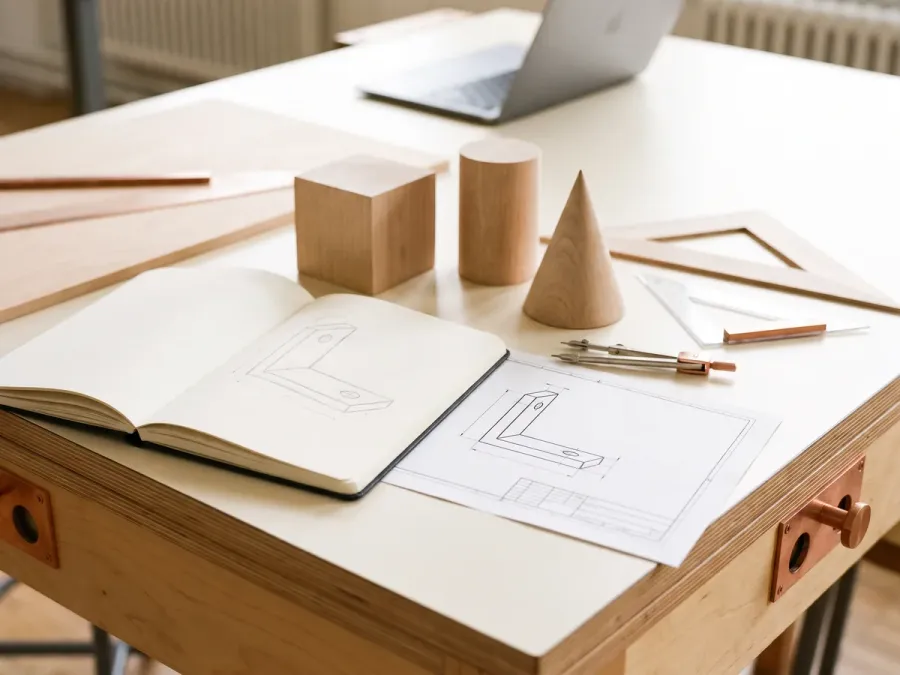
Class handouts
A clean isometric of a simple solid to explain a view, a projection or a drafting rule in class.
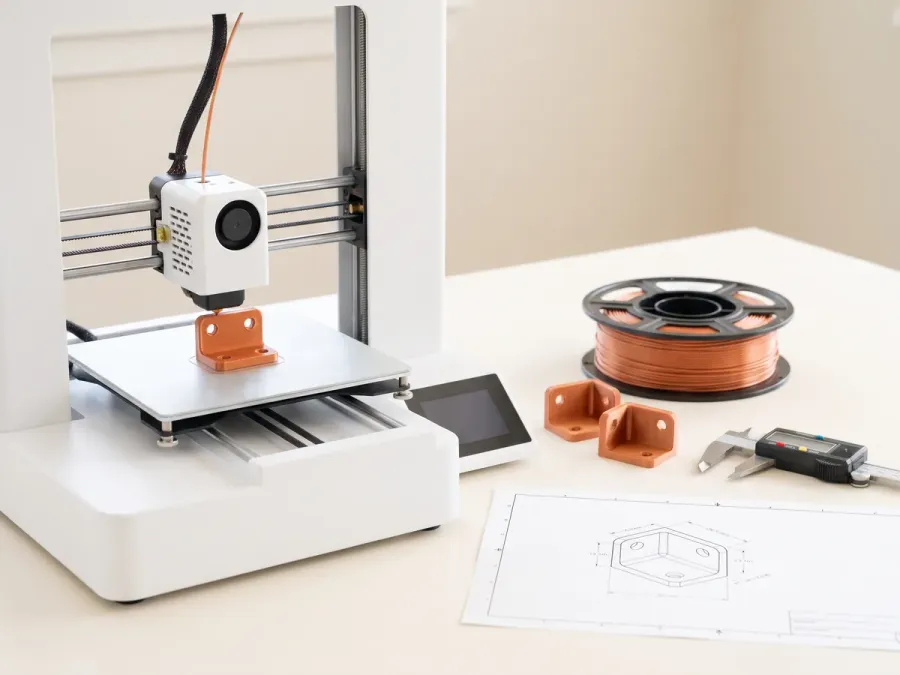
3D print ideas
A quick picture of a bracket, knob or clip to settle the shape before you model it for printing.
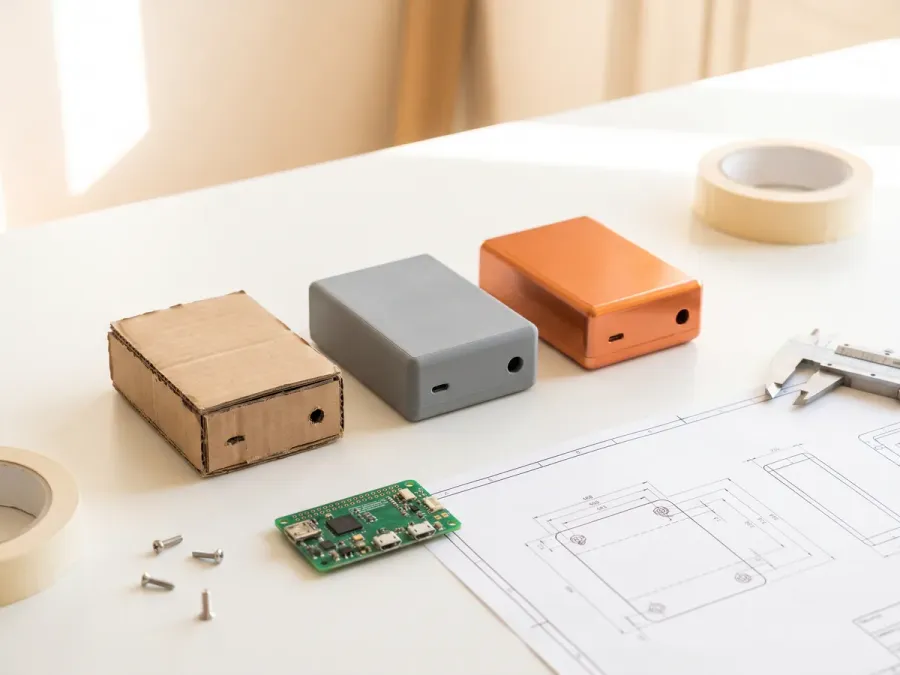
Early prototypes
A first look at an enclosure or holder to talk through with a maker or a colleague.
FAQ
Z-Image CAD questions
What is Z-Image?
Z-Image is a family of 6 billion parameter image models from Tongyi-MAI, Alibaba's Tongyi Lab, released with open weights under the Apache 2.0 licence. Its developers list four variants: Turbo, a fast distilled version released on 26 November 2025; the base model, released on 27 January 2026; and Edit and Omni-Base, which were not yet released when we checked.
Which Z-Image variant runs here?
Kie.ai, our model provider, offers one text-to-image endpoint called z-image and does not say which checkpoint it serves, so we do not claim one. What it accepts is fixed: a text prompt of up to 1,000 characters, five aspect ratios and PNG output.
Is Z-Image Turbo fast?
Its developers say Z-Image-Turbo needs only 8 steps and runs in under a second on H800 data centre GPUs, and fits on a 16 GB consumer card. Here the time also depends on the queue at Kie.ai, so we publish no figure.
How many credits does a run cost?
40 credits per drawing, the lowest price on this site. A failed run is refunded automatically.
Why is the brief limited to so few characters?
Kie.ai accepts at most 1,000 characters for the whole prompt. We need part of that for the drafting rules (style, line weights, title block), which leaves 350 characters for your brief.
Can I upload a sketch?
No. The endpoint we use is text only, so the Sketch tab is off while this model is selected. Pick a model that takes a sketch in the model menu, such as GPT Image 2 or Nano Banana.
Is this site affiliated with Alibaba?
No. CAD Converter is independent and is not affiliated with or endorsed by Alibaba or its Tongyi Lab. The model's weights are public; we add the drafting rules, hosting through Kie.ai and pay-per-run credits.
Do I get an editable CAD file?
No. You get a PNG of a CAD-style drawing, not a DWG or STEP file. Convert to DXF traces its lines into vectors in your browser, without layers or real dimensions.
Why are the dimensions on my drawing wrong?
Image models draw numbers that look plausible; nothing measures the part. The pulley example shows values that contradict each other. Use the drawing for its look, and our calculators for exact sizes.
Can I run the model on my own computer?
The weights are published under Apache 2.0, so yes, if you have a suitable GPU and set it up yourself. Our generator saves you that work and adds the CAD drafting rules.
What makes a good short brief?
Lead with the part and its main size, then add the two or three features that make it recognisable, such as a split and a cap screw, a keyed hub or a slotted hole. Name one view. Leave out materials, tolerances and title block fields: they cost characters and the model rarely draws them well at this length.
Which drawing styles work best?
Isometric, clean line art and blueprint, the styles that show one part in one or two views. Full technical sheets, sections and exploded views ask for more structure than a short brief can carry, so they are better on a larger model.
When should I move to a bigger model?
When the drawing needs several parts, a full sheet with a title block, a sketch as input or a print larger than about A4. Use in generator in the compare table moves your brief across.
Try a Z-Image CAD drawing now
Write a short brief; the model is already selected above, at 40 credits a run.
Open the generator