PDF to DXF Converter: Trace Any Page at True Scale
Free PDF to DXF converter for drawing sheets up to 50 MB. Pick a page, crop to the drawing, and it renders the page at 300 DPI and traces every line into an R12 DXF at the real paper size in mm or inches. Scans and vector PDFs both work, and nothing leaves your browser.
- Free, nothing uploaded
- True paper scale
- Any page of a set
- Scans and vector PDFs
Upload PDF
FreeSamples
Runs in your browser. Nothing is uploaded.
Example result
Flange · PDF → DXF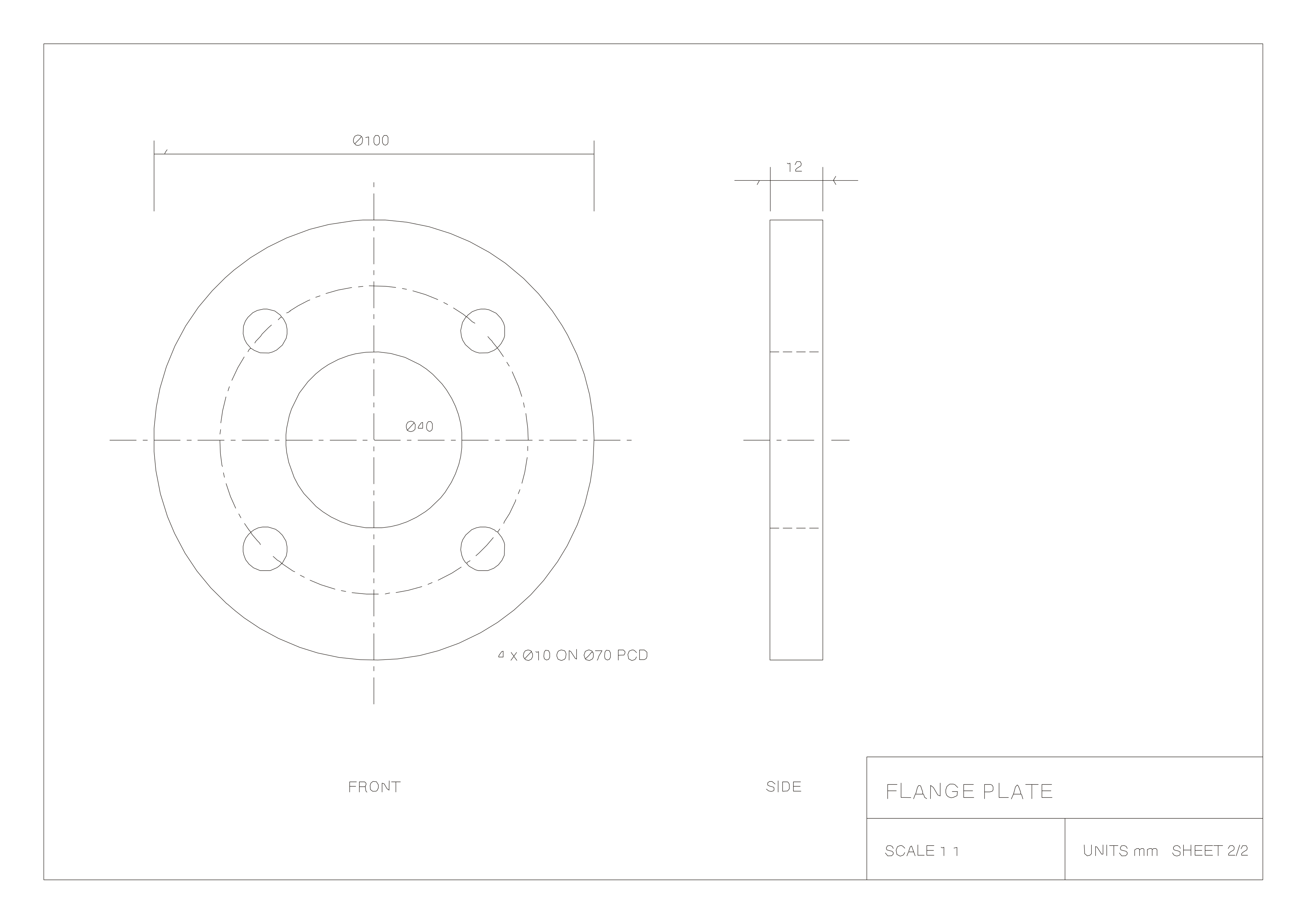
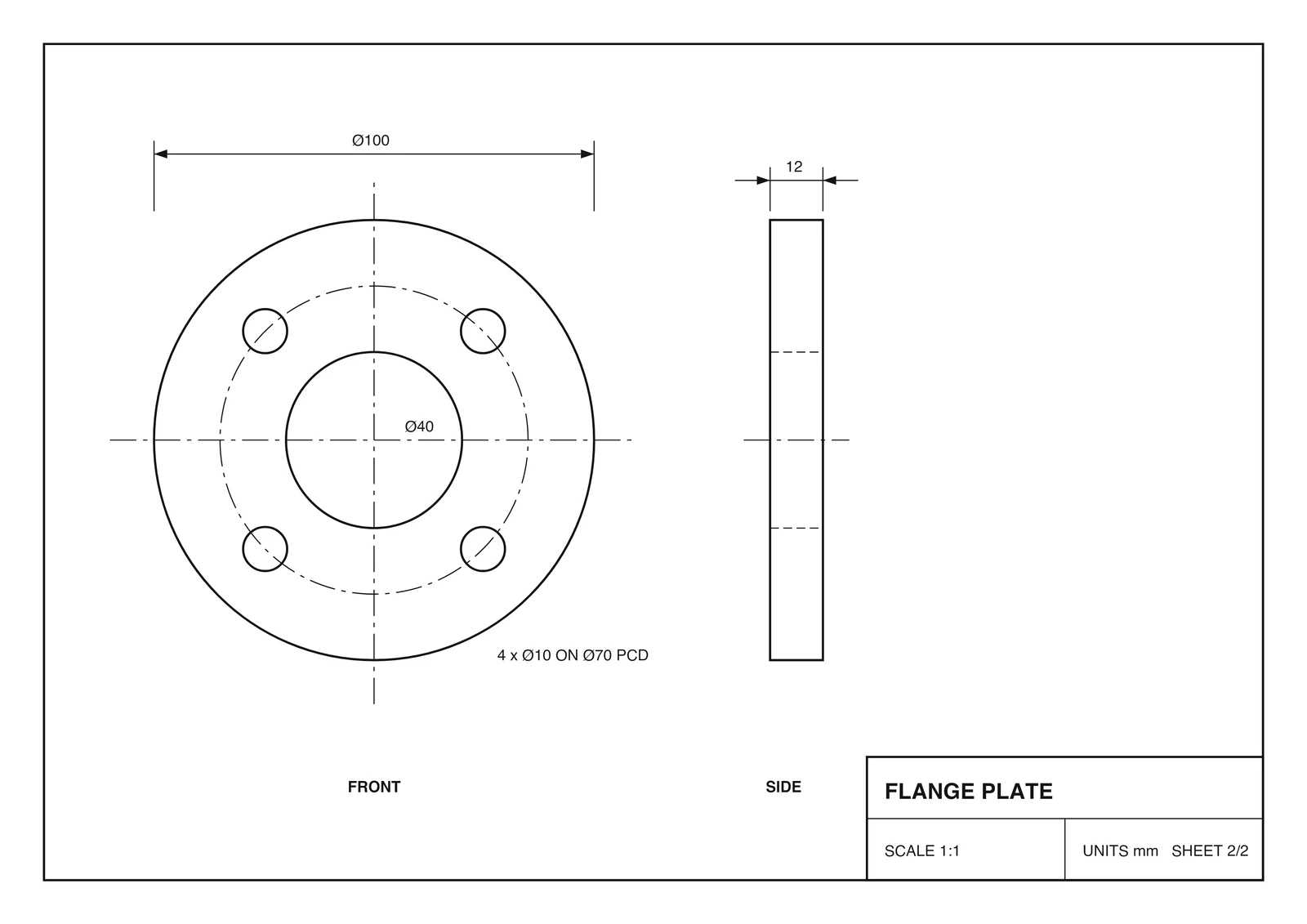
page 2 of 2, 300 DPI · 218 paths · 297 × 210 mm · 243 ms
Examples
PDF to DXF examples traced in this tool
Six pages run through this PDF to DXF converter. Drag between the page and its DXF lines, open one in the converter, or download the DXF and measure it.
Vector sheet
Flange plate, page 2 of a set
An A4 sheet drawn at 1:1. The DXF is 297 by 210 mm, and the 100 mm flange measures 99.99 mm across.
page 2 of 2, 300 DPI · 218 paths · 297 × 210 mm · 243 ms
Cropped
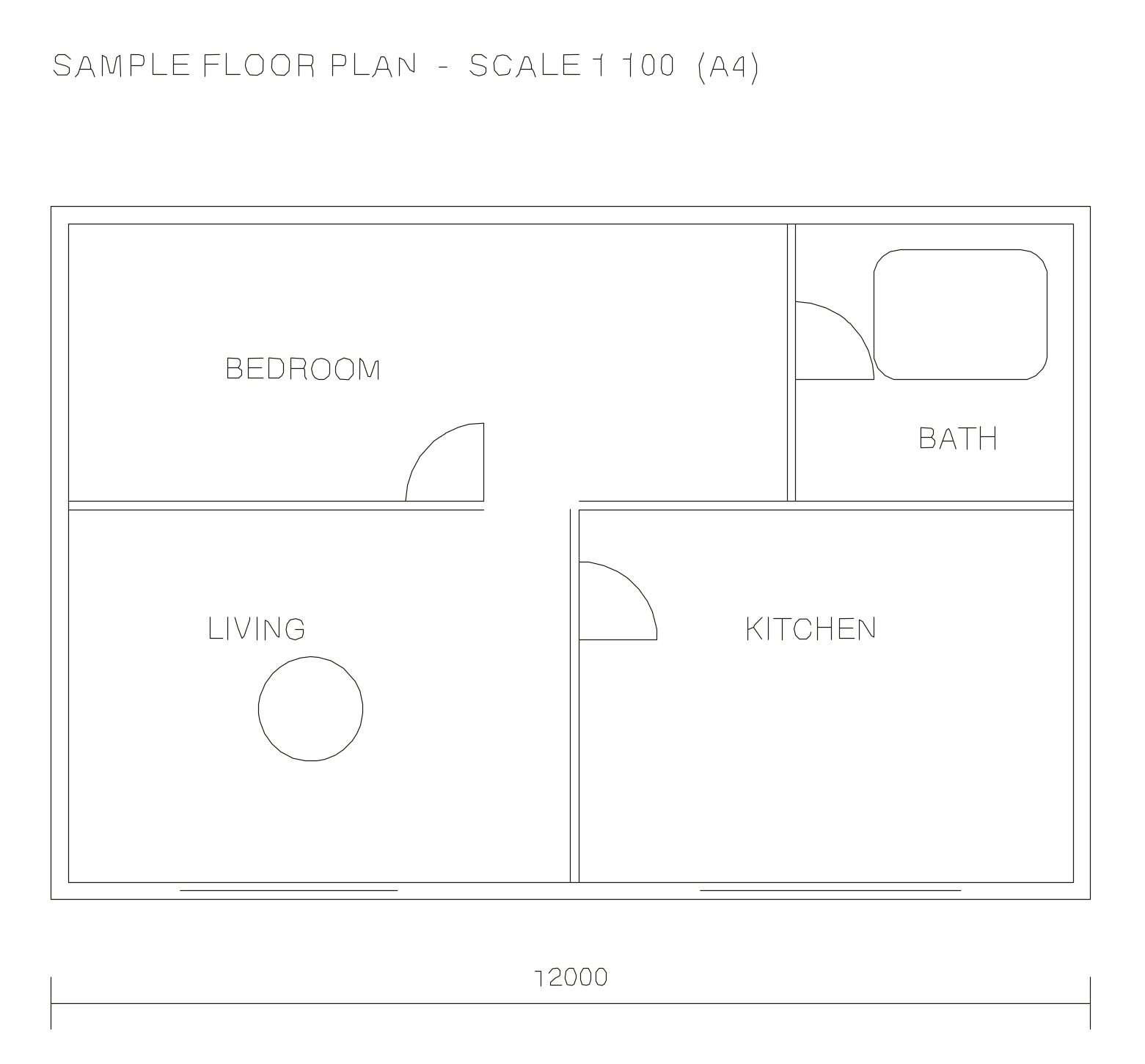
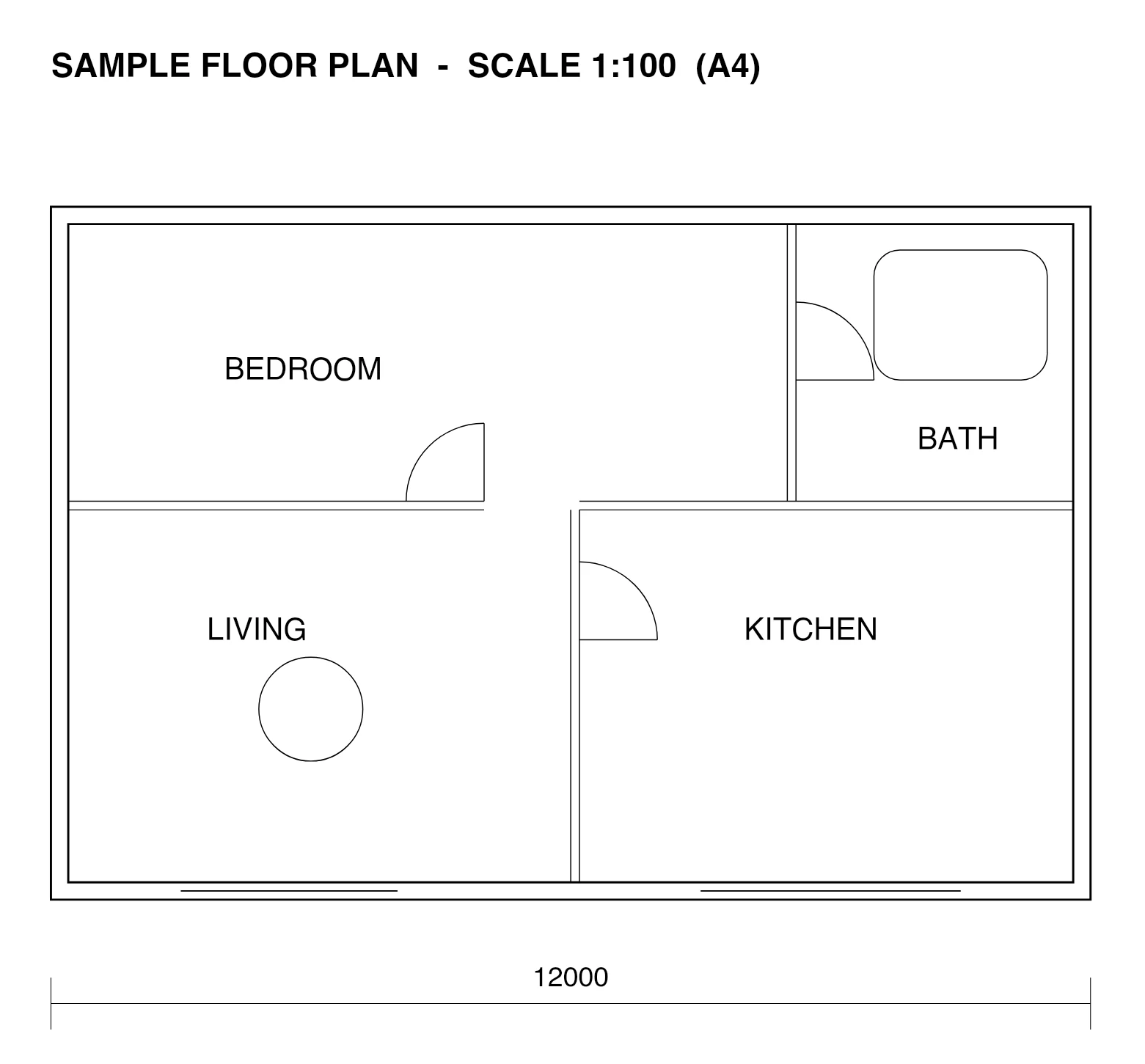
1:100 floor plan, plan only
A crop keeps the title block out: 106 paths on a 132 by 123 mm area of the A4 page, ready to scale by 100.
page 1, 300 DPI, cropped · 106 paths · 132.2 × 122.9 mm · 77 ms
Scanned PDF
Scanned A3 survey sheet
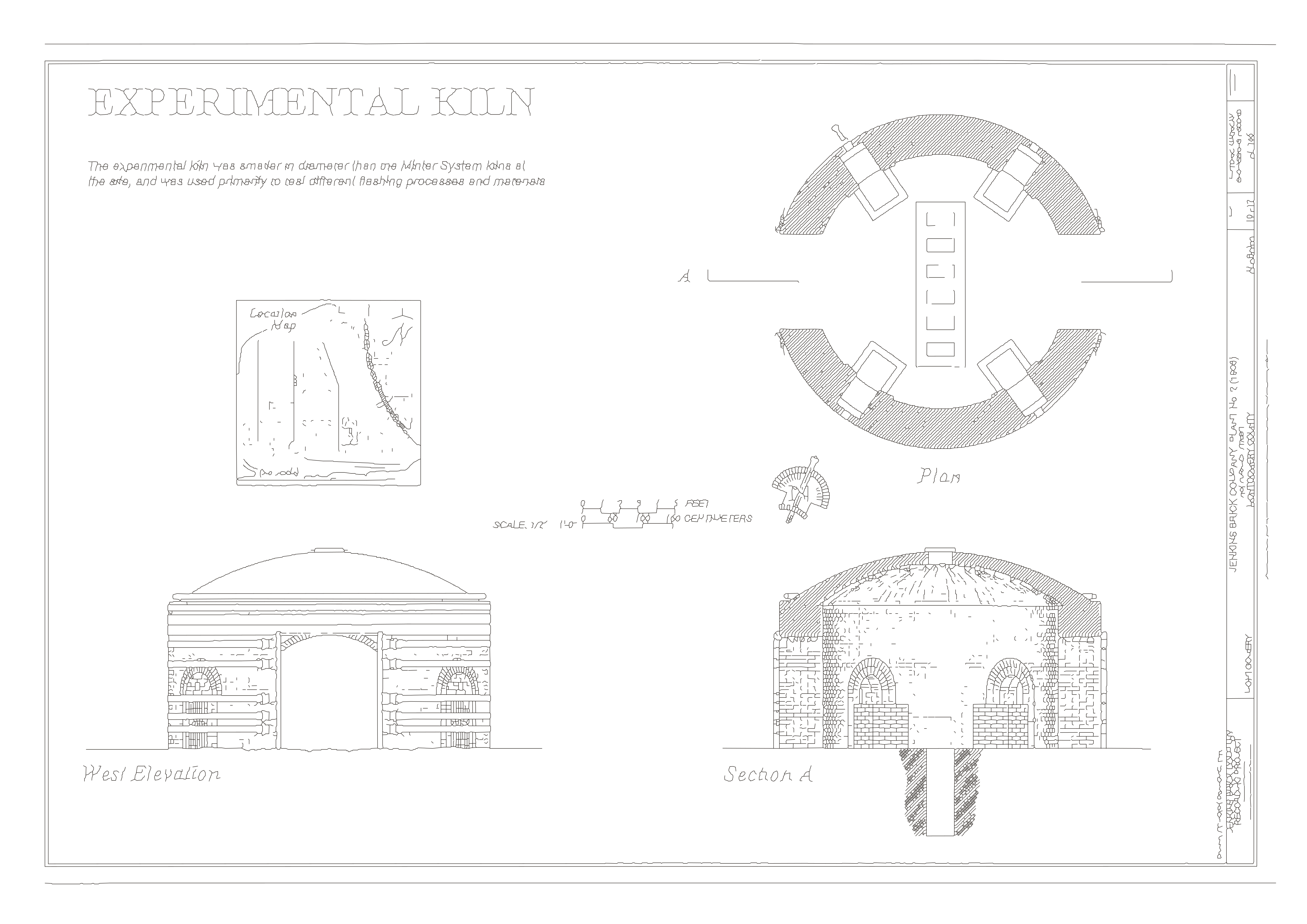
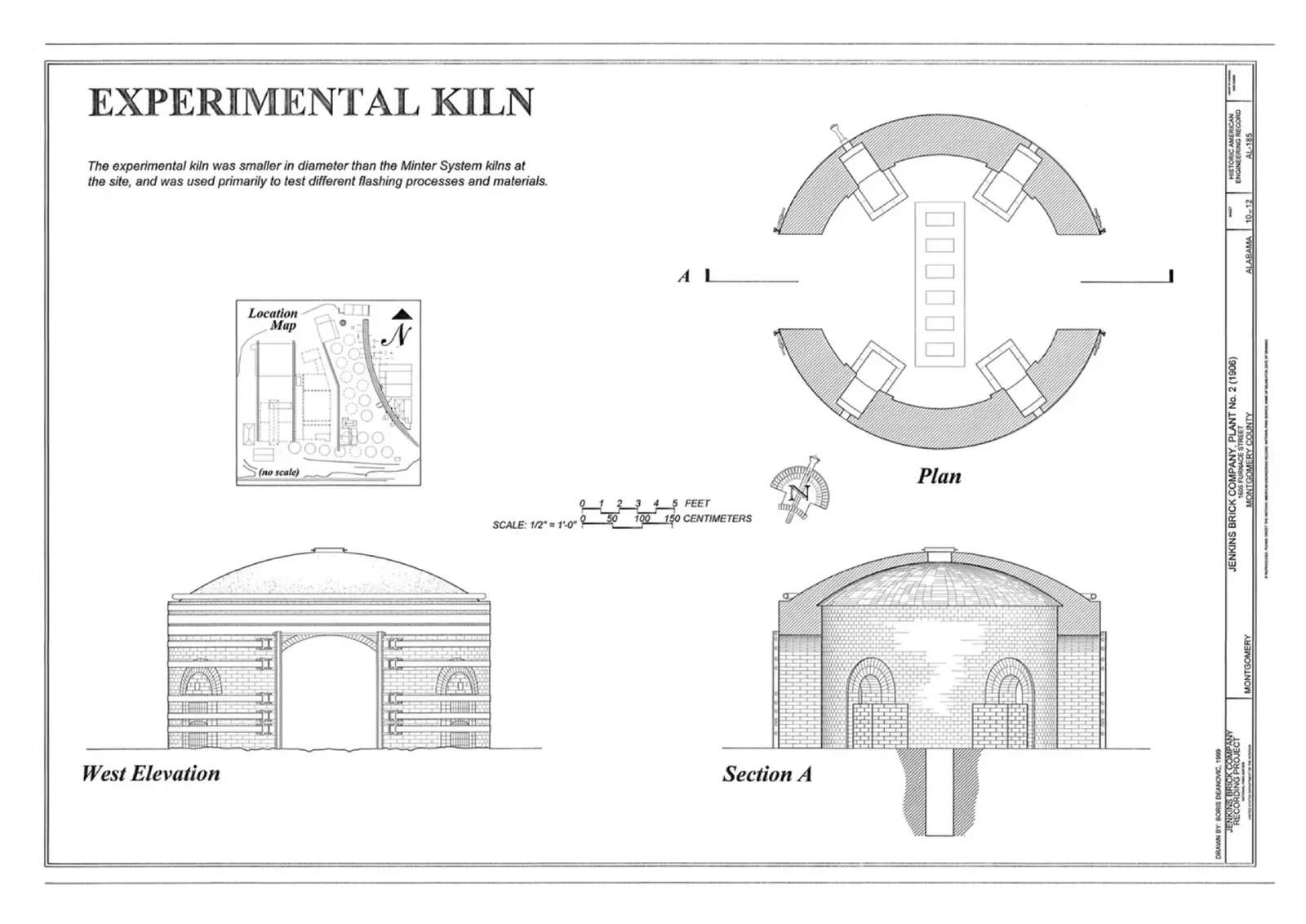
One scanned image on an A3 page. At 300 DPI it would pass 4,000 px, so it renders at 242 DPI and still comes out 420 by 297 mm.
page 1 of 2, 242 DPI · 3,968 paths · 420 × 297 mm · 412 ms
Scan, cropped
One view from a busy sheet
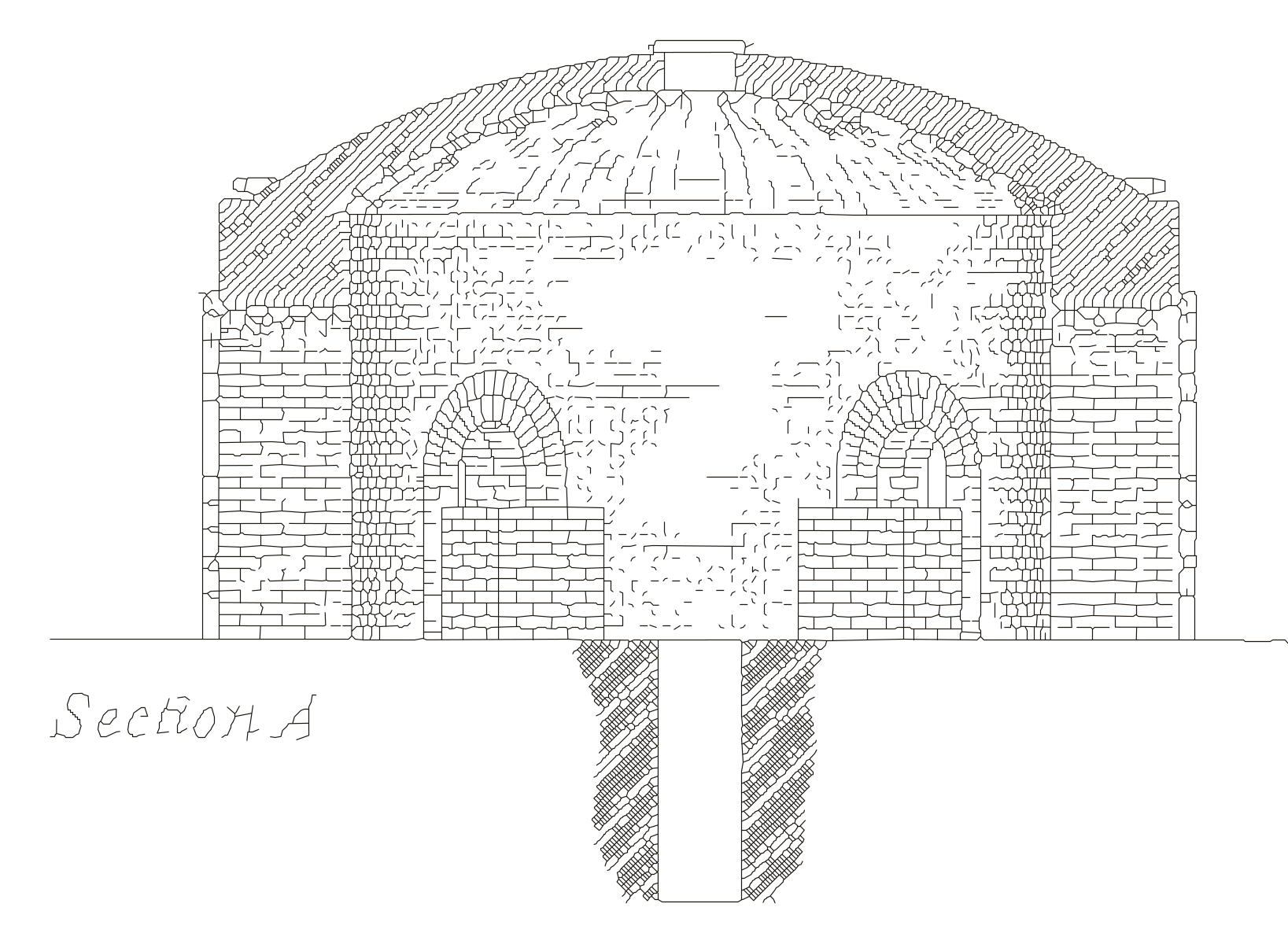
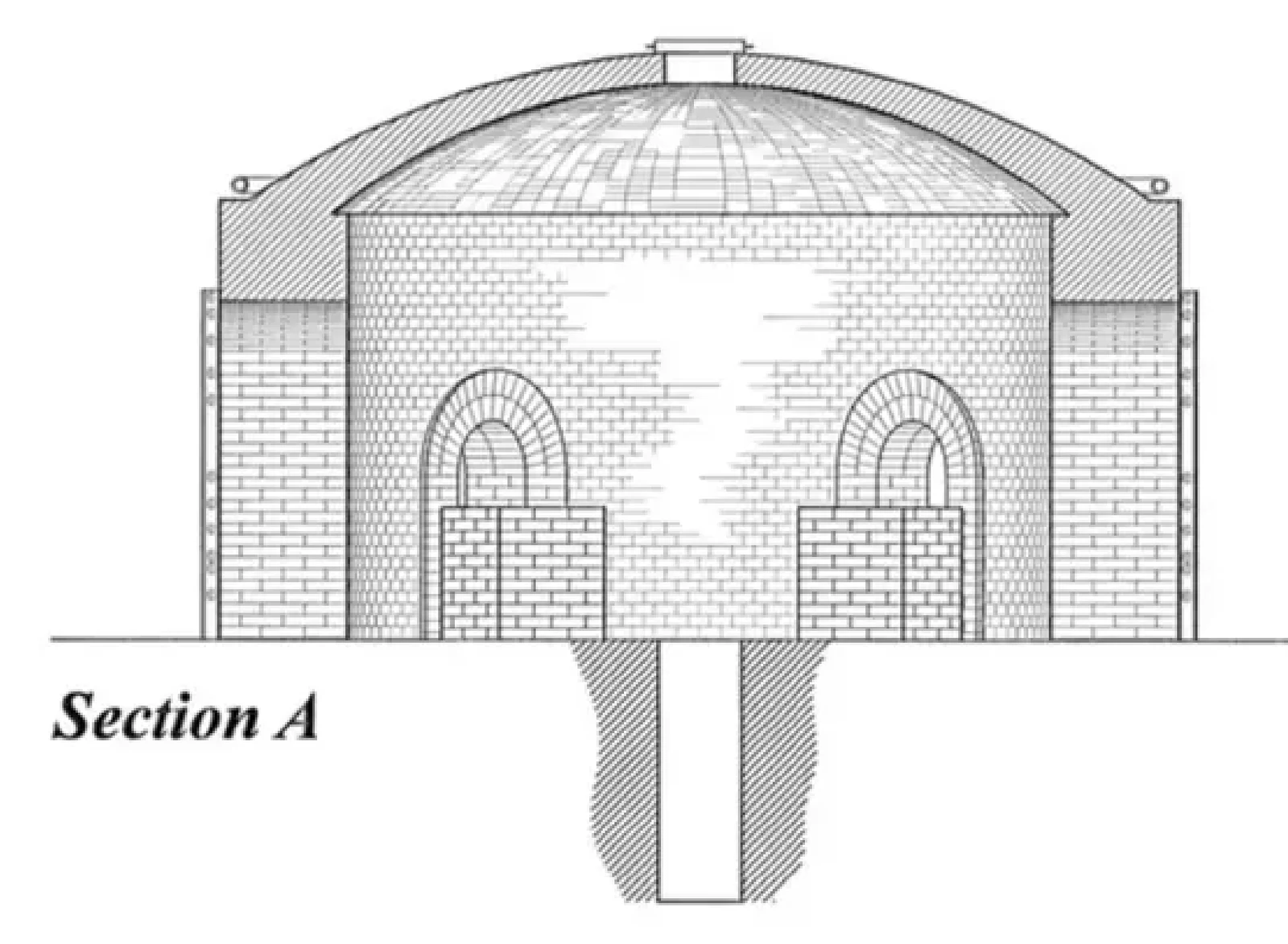
Section A cropped from the same scan. Brick joints and hatching come through as short lines, so plan on some clean up in CAD.
page 1 of 2, 300 DPI, cropped · 2,931 paths · 138.6 × 101.6 mm · 138 ms
600 DPI
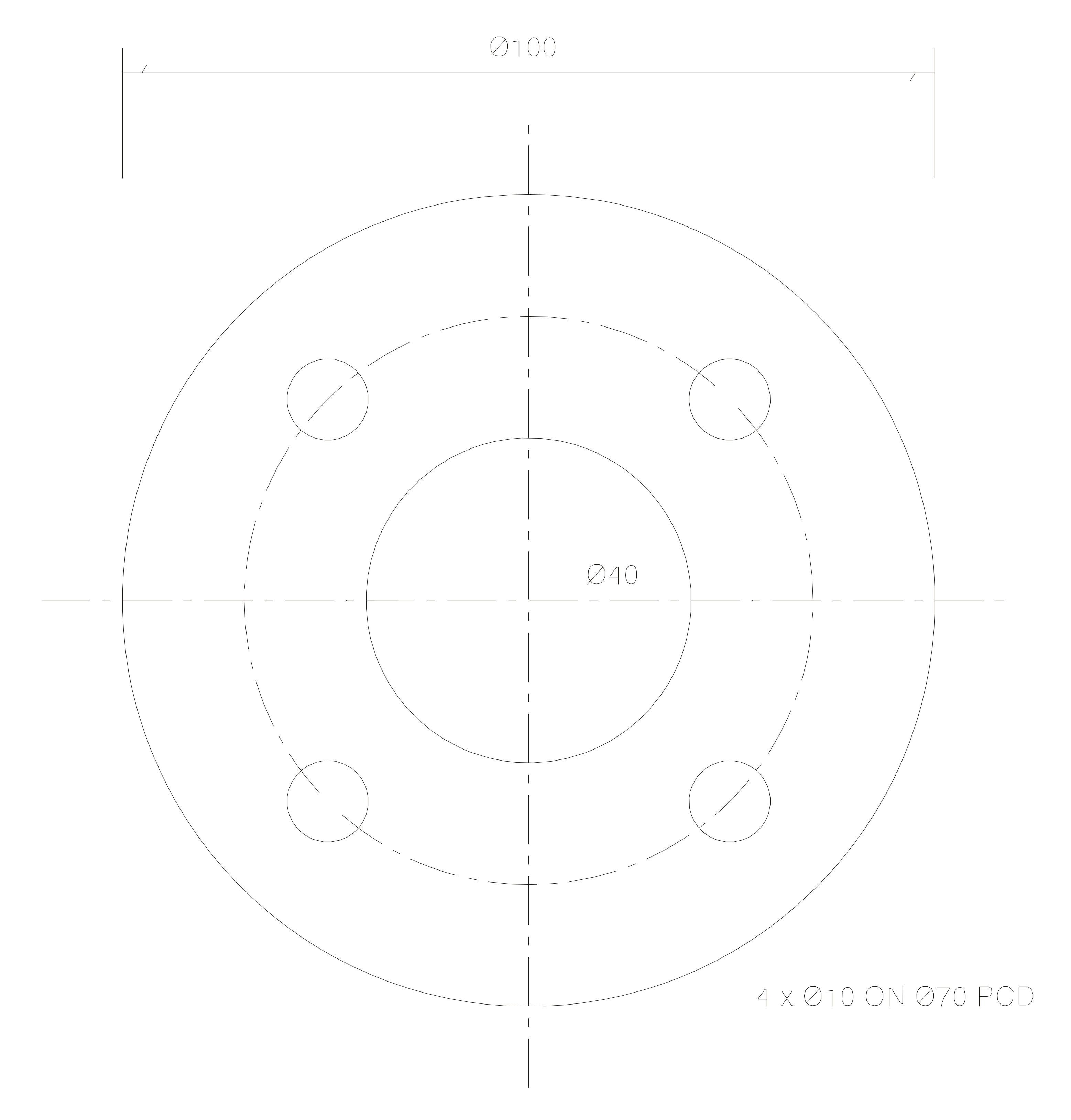
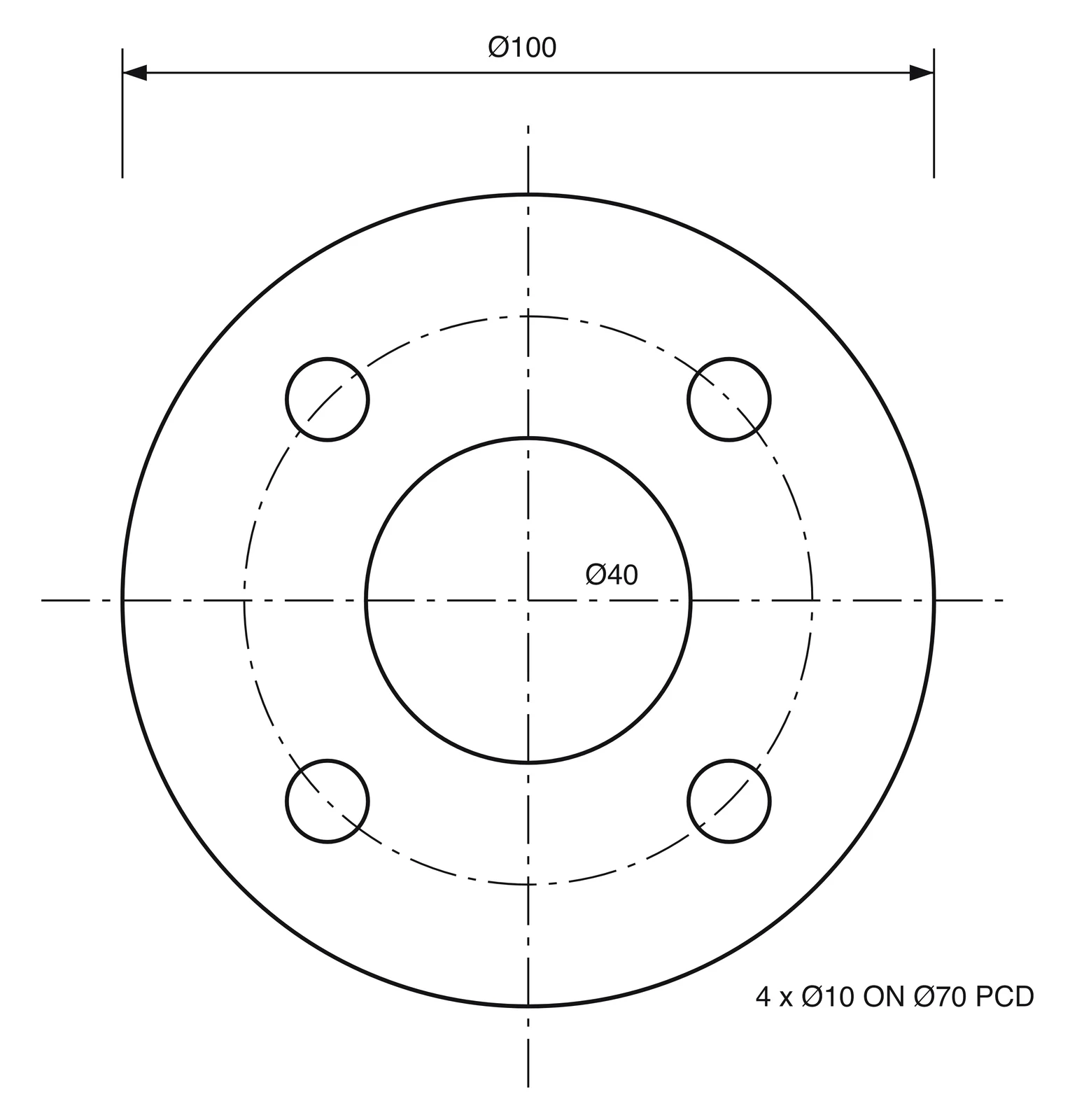
Front view at 600 DPI
On a vector page more DPI means finer edges: one pixel is 0.042 mm here. Filled arrowheads turn into short ticks.
page 2 of 2, 600 DPI, cropped · 132 paths · 131.9 × 138 mm · 273 ms
Sketch scan
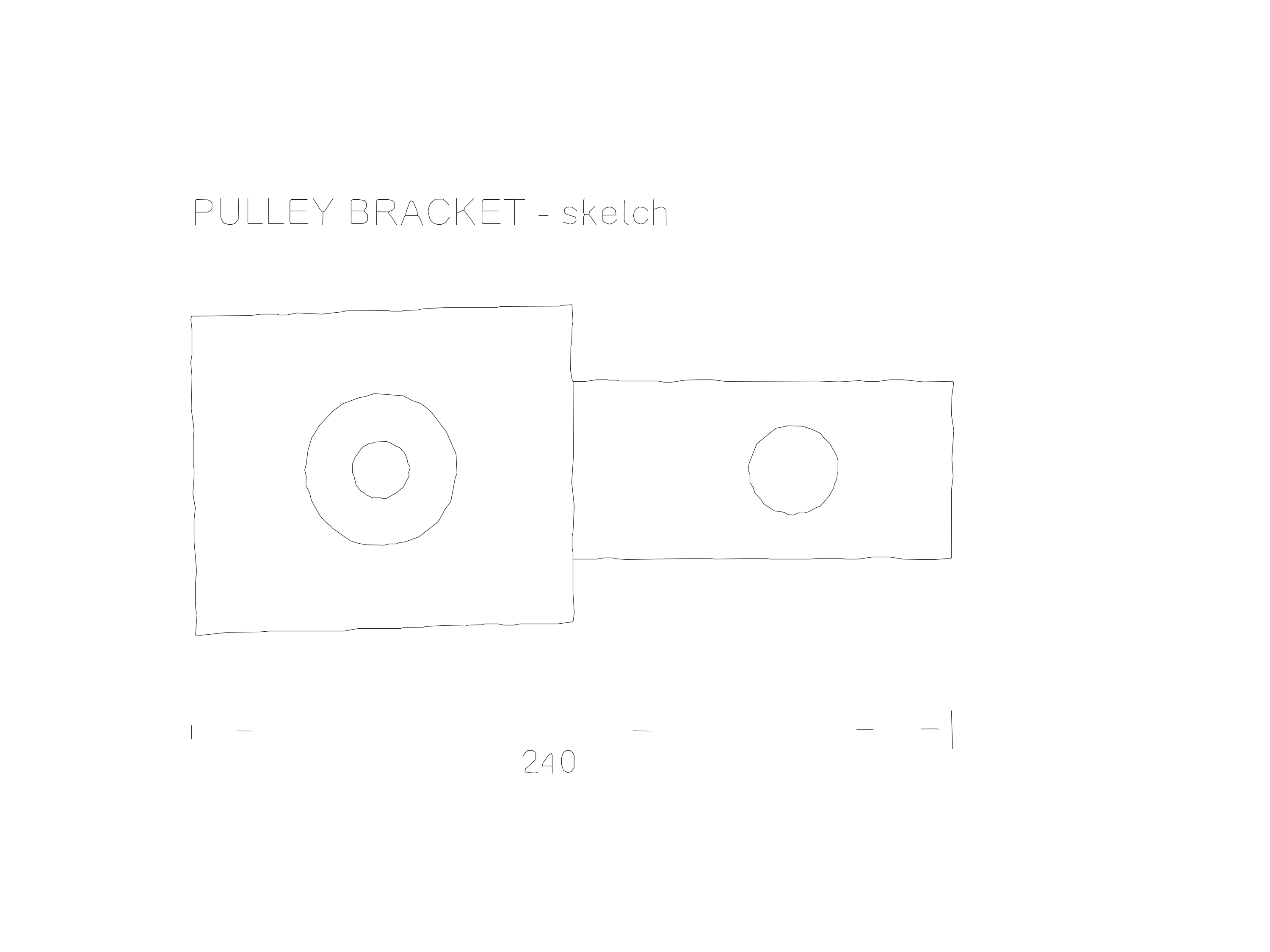
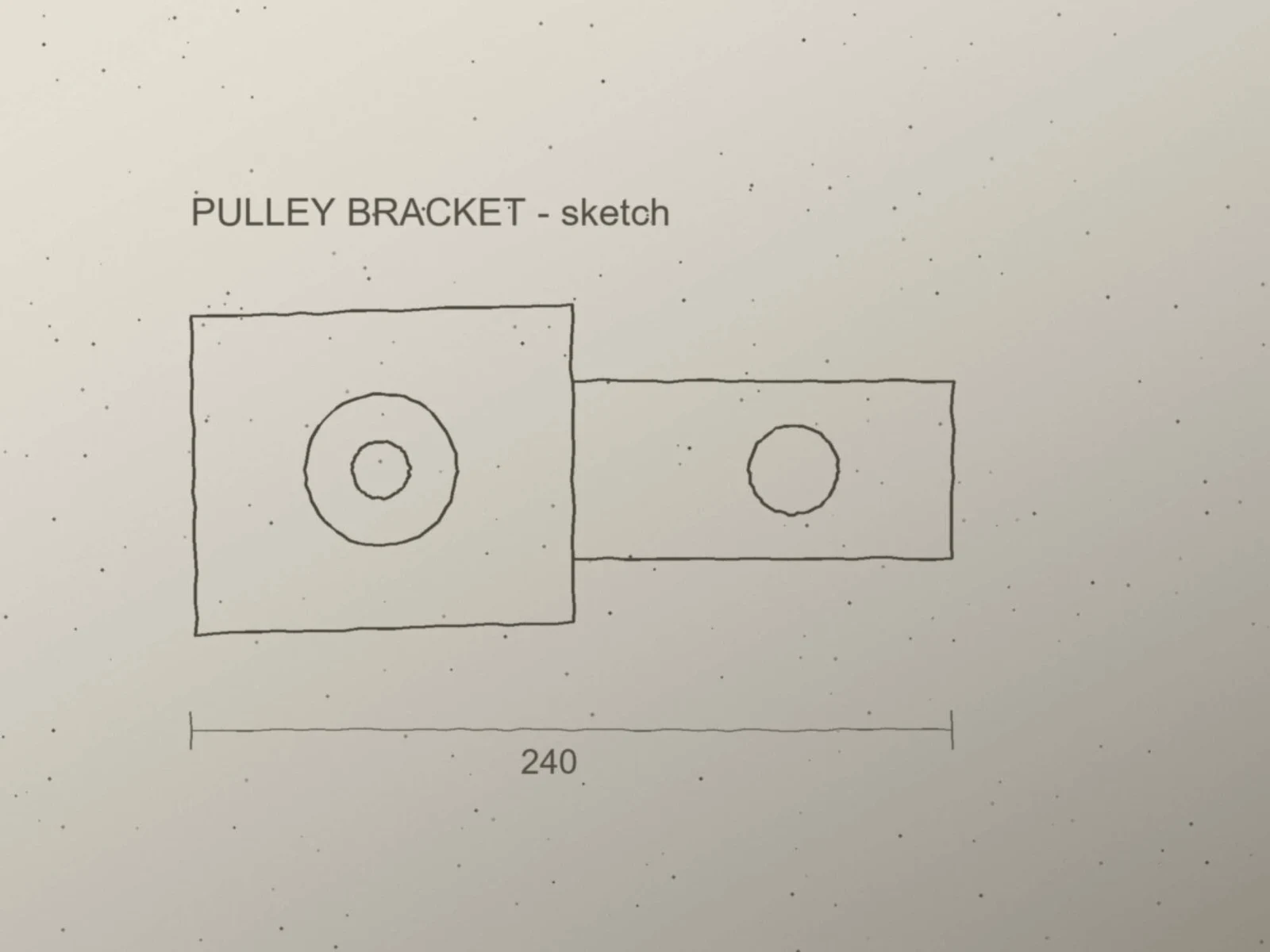
Pencil sketch on grey paper
Blur, a fixed threshold and despeckle remove the paper grain and dots. The faint dimension line breaks up: darken light scans first.
page 1, 300 DPI · 48 paths · 254 × 190.5 mm · 232 ms
How it works
What this PDF to DXF converter does with a page
PDF to DXF here means rendering the page and tracing it, the same way for a scan or a vector drawing. Every figure below is output from this tool.
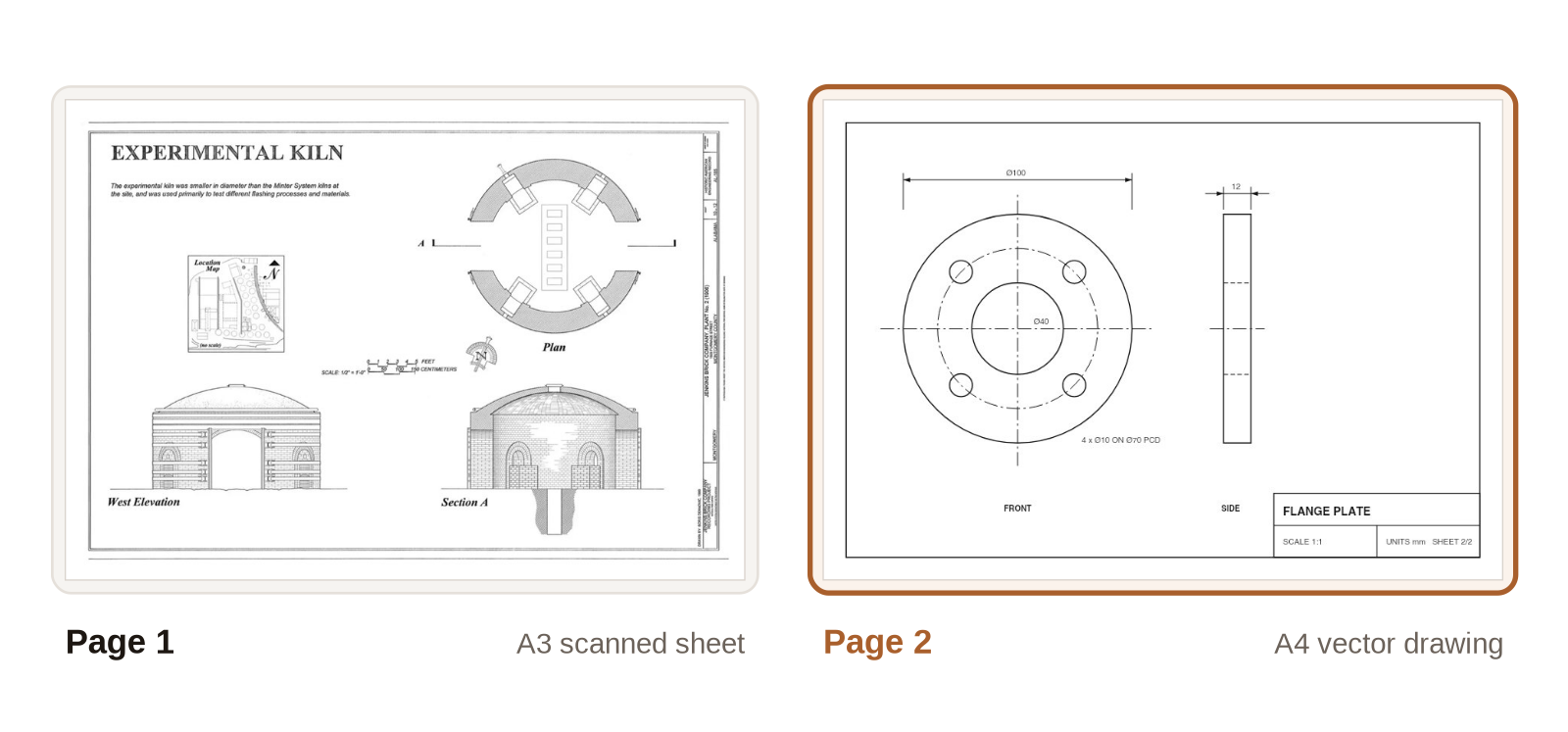
Two page sample: page 2 picked
How to
How to convert PDF to DXF in 3 steps
Change PDF to DXF in under a minute: no install, no account, no upload.
STEP 1
Open the PDF
Drop a PDF up to 50 MB on the upload box, choose a render DPI and press Convert to DXF. Or open one of the sample PDFs.
STEP 2
Pick the page and crop
On a multi page file, pick the sheet. Use Crop to drawing area to trace one view, then tune threshold and clean up while the preview updates.
STEP 3
Download DXF
Press Download DXF. The R12 file opens at paper size in AutoCAD, LibreCAD, QCAD and most CAM software.
Darken faint scans
Raise the threshold, or rescan with more contrast. Light pencil lines break into pieces when traced.
Drawn at 1:50 or 1:100?
The DXF is at paper size. Scale it by 50 or 100 in CAD from base point 0,0.
Big sheets, more detail
From A3 up, a 300 DPI page passes 4,000 px and renders lower. Crop to one view to keep the DPI you chose.
Locked PDF?
Remove the password in your PDF software first. Protected files do not open.
Scale
PDF to DXF scale: paper size, DPI and detail
Pick a paper size and DPI to see the pixels traced, the smallest step and the size this PDF to DXF converter writes.
DXF size, A3 landscape
420 × 297 mm
The paper size, at any DPI.
Pixels traced
4,000 × 2,829
Capped at 4,000 px: renders at 242 DPI
One pixel in the DXF
0.105 mm
Finest step a traced line can take
- The DXF always has the paper size of the page or the crop, whatever DPI you pick.
- DPI only sets detail: at 300 DPI one pixel is 0.085 mm, at 600 DPI it is 0.042 mm.
- The long edge is capped at 4,000 px, so large sheets render at a lower DPI. Crop to keep the detail.
- A drawing made at 1:50 or 1:100 is still at paper size in the DXF. Scale it in CAD, then check one known dimension.
Specs
PDF to DXF converter specs and limits
What goes into the PDF to DXF converter, what comes out, and what it leaves out on purpose.
- Input
- PDF files up to 50 MB, scanned or vector, one page at a time
- Pages
- Thumbnails for the first 60 pages, any page by number
- Render
- 150, 300 or 600 DPI, long edge capped at 4,000 px, optional crop
- Tracing
- Centerline or Outline; threshold, invert, despeckle, simplify, smoothing, blur, join gaps
- Scale
- Paper size of the page or crop in mm or inches, or scaled to a width you type
- Output
- AutoCAD R12 ASCII DXF of POLYLINE entities on one named layer; SVG as well
- Where it runs
- In your browser tab; nothing is uploaded
It does
- Render any page of a PDF and trace it into DXF lines
- Keep the paper size of the page or the crop
- Trace scanned pages, with clean up for paper noise
- Write single centerlines or closed outlines
- Show the lines over the page before you download
It does not
- Read vector paths or text from the PDF; every page is traced
- Give editable text; letters become line shapes
- Restore the original CAD layers, blocks or dimensions
- Write arcs, circles or splines; curves are polylines
- Open locked PDFs or convert several pages at once
Next steps
Where a PDF to DXF file goes next
Once you convert PDF to CAD lines, the DXF is a base to draw over, measure or cut. For images use PNG to DXF; SVG to DXF reads an SVG without tracing.
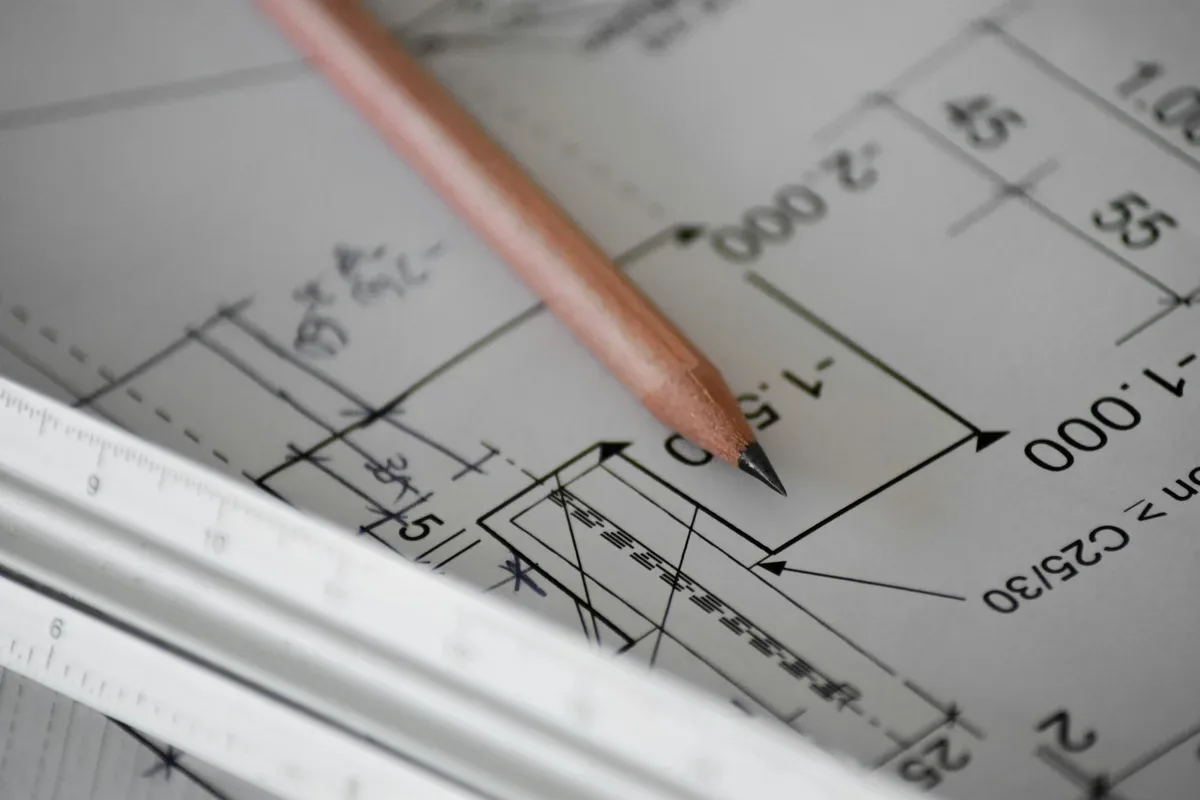
Redraw in CAD
Put the DXF on its own layer in AutoCAD or LibreCAD and draw clean walls or parts over it at the right size.
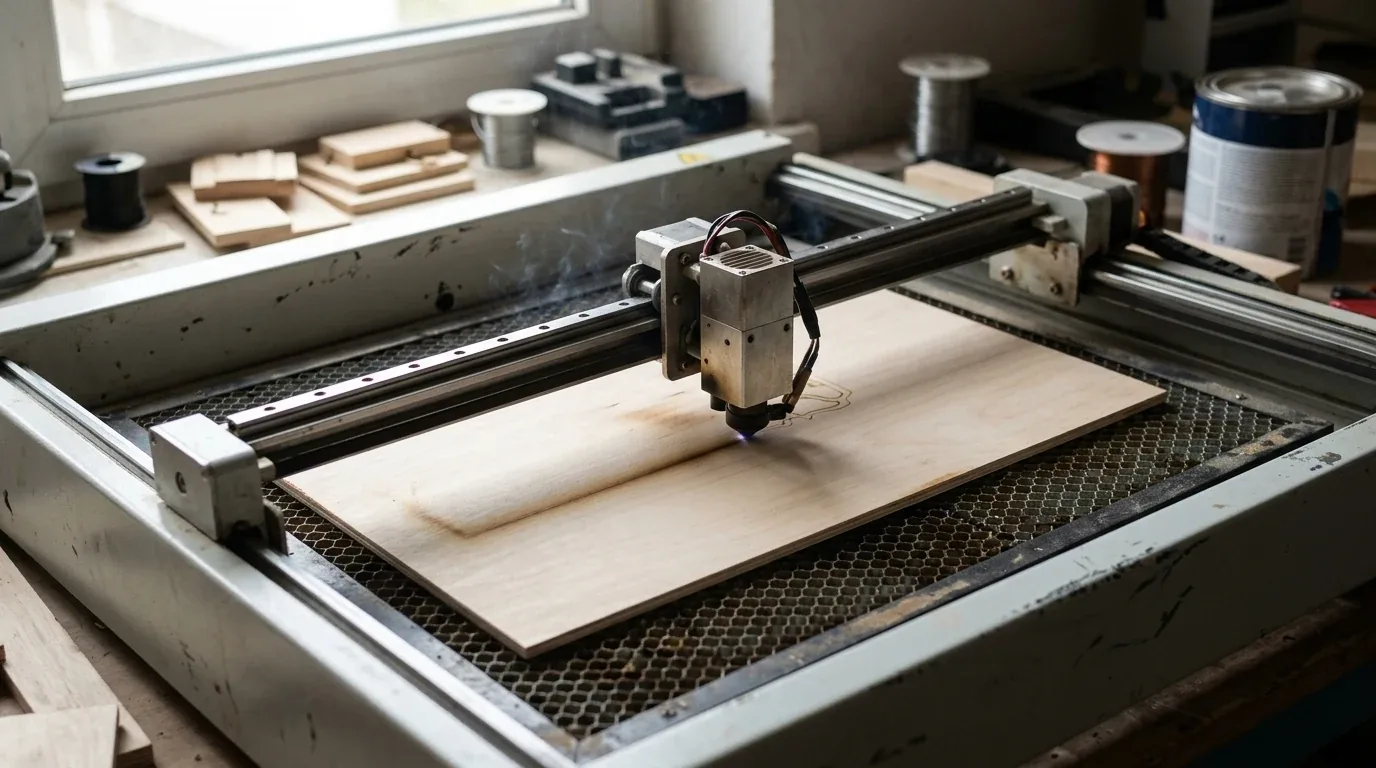
Laser cutters
Trace a part in Outline mode for closed shapes, check one dimension, then send it to LightBurn or your laser software.
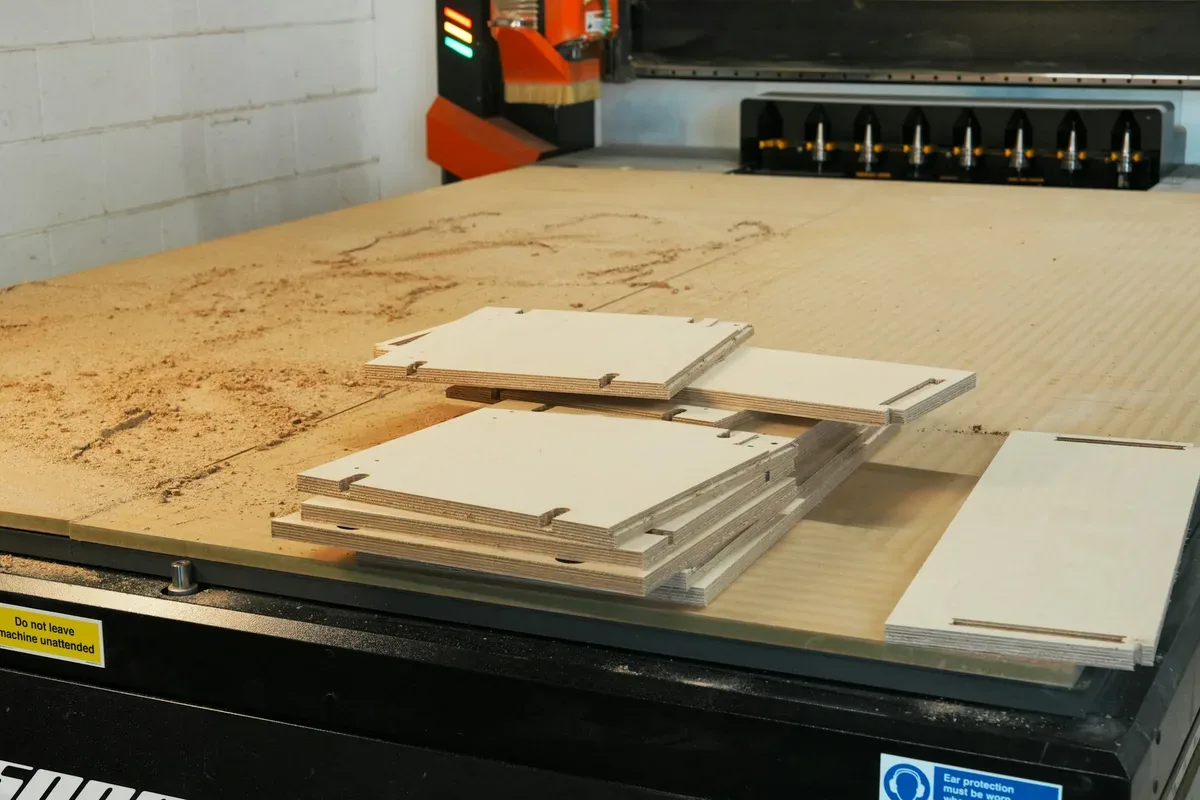
CNC routers
Use the lines as a guide for profile toolpaths once any gaps are closed.
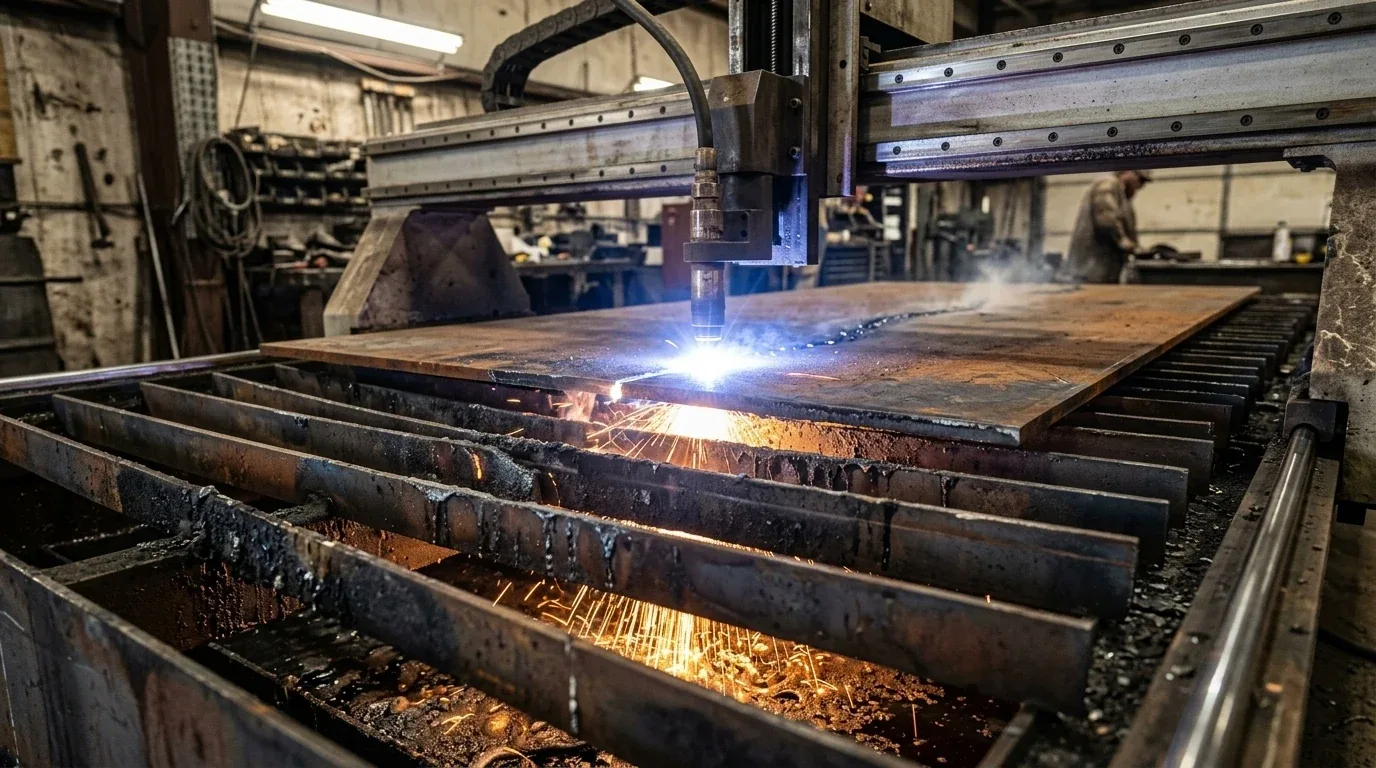
Plasma and waterjet
Recover sheet metal parts from an old PDF drawing; check a known size first.
PDF to DXF FAQ
Scale, scans, text and what the tracing can and cannot do.
How do I convert a PDF to DXF?
Drop the PDF on the upload box and press Convert to DXF. Pick the page, check the lines over it, crop or adjust the threshold, then press Download DXF.
Is this PDF to DXF converter free, and is my file uploaded?
It is free, with no sign up, watermark or daily limit. Nothing is uploaded: the page is rendered and traced inside this browser tab.
Is the DXF to scale?
Yes, at paper size. The page size in a PDF is exact and the trace is sized by the same DPI the page was rendered at, so an A4 page gives a 297 by 210 mm DXF. A 1:100 drawing still needs scaling by 100 in CAD.
Does it read the vector lines in my PDF?
No. Every page, vector or scanned, is rendered to pixels and traced. Lines land within about a pixel (0.085 mm at 300 DPI) and come out as polylines, not as the exact paths of the PDF.
Does PDF to DXF keep the text editable?
No. Text is traced as shapes, so letters arrive as short polylines. There is no OCR; retype notes in CAD if you need them as TEXT.
Can I convert a scanned PDF?
Yes, that is what tracing is for. Use Centerline for line drawings, raise despeckle to drop dust, and move the threshold until faint lines join up.
Which DPI should I pick?
300 DPI suits A4 and Letter sheets. A3 and larger pass 4,000 px and render at a lower DPI, so crop for detail. Pick 600 for small parts on a crop and 150 for a quick look.
Can I convert a multi page PDF?
One page at a time. A set opens with page thumbnails; pick a page, download its DXF, then pick the next one.
What about password protected PDFs?
They do not open. Remove the password in your PDF software, if you are allowed to, and try again.
Can I save PDF as DXF in Acrobat or AutoCAD instead?
Acrobat has no DXF export. Recent AutoCAD versions import vector PDF geometry with PDFIMPORT, but a scanned page comes in as a picture; this tool traces either kind.
Will the DXF open in AutoCAD, LibreCAD or SolidWorks?
It is an AutoCAD R12 DXF made of polylines, the version almost every CAD, CAM and laser program reads.
Do I get the original CAD drawing back?
No. You get what is drawn on the sheet, as lines. Layers, blocks and dimension entities of the original file are gone.
Is there a PDF to DWG option?
DWG is a different format: see PDF to DWG. AutoCAD and many other programs also open this DXF and save it as DWG.
Convert a PDF to DXF now
Open the PDF, pick the page, download the DXF. It all happens in this tab.
Convert a PDF