Vectorize Logo Images: Layered SVG and DXF
Vectorize logo files in your browser. Drop a PNG or JPG, and every flat colour becomes its own layer of clean shapes you can recolour or hide. Download a true-size SVG, a DXF with one layer per colour, or a crisp PNG. Free, no sign-up, nothing uploaded.
- One layer per colour
- SVG, DXF and PNG
- Real size in mm or in
- Nothing is uploaded
Upload logo
FreeOr try a sample
Colours
Runs in your browser. Nothing is uploaded.
Example result
Badge JPG → layered SVG

3 colours · 7 paths · 100 × 100.0 mm · 480 px source

Examples
Logo to vector examples, traced here
Six logo images run through the logo vectorizer above, from a 240 px thumbnail to a four colour PNG. Drag a card to compare, open it in the workbench, or download the logo to SVG result.
Small JPEG
Badge from a 480 px JPEG
A compressed JPEG with fuzzy edges comes back as three flat colours: navy, teal and gold, with the white left open.
3 colours · 7 paths · 100 × 100.0 mm · 480 px source
Transparent PNG
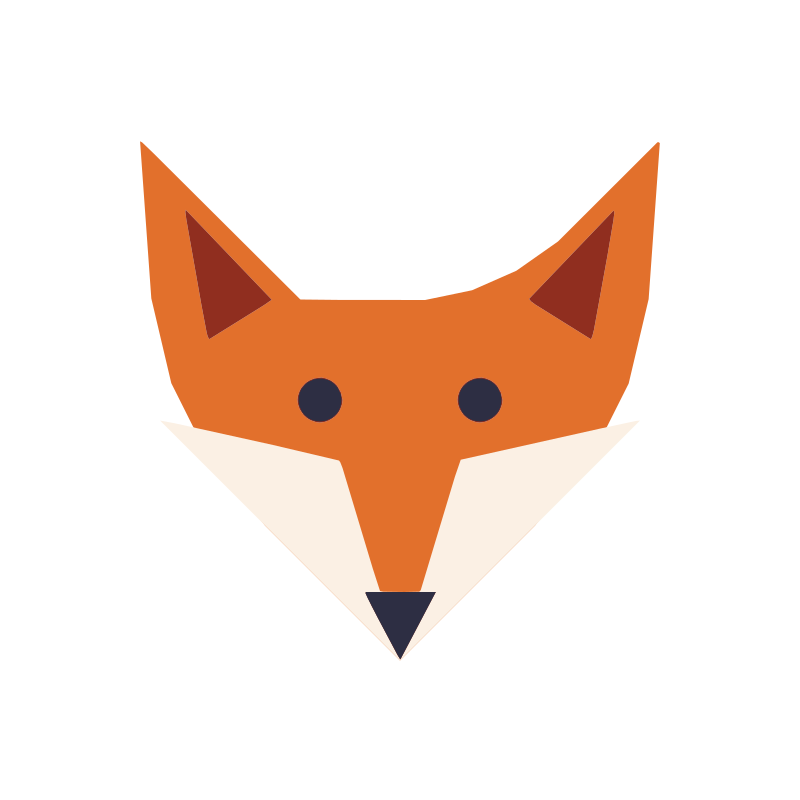
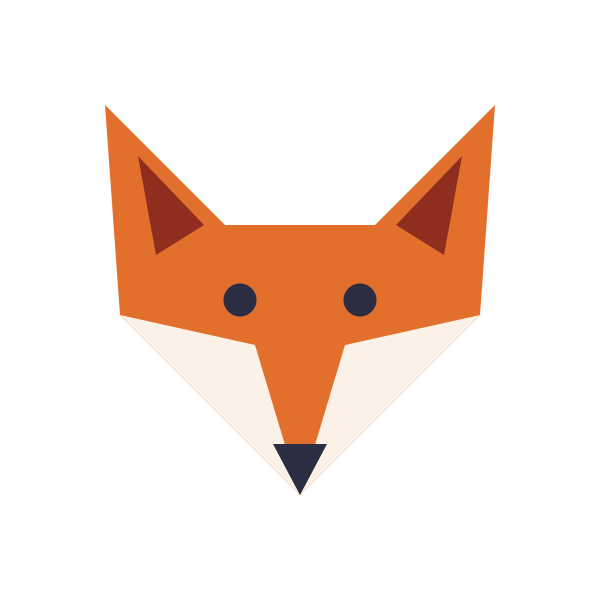
Fox mark with four colours
Transparency is kept as empty space, so the cream cheeks become a real layer instead of a background.
4 colours · 14 paths · 100 × 99.9 mm · 600 px source
Two colours
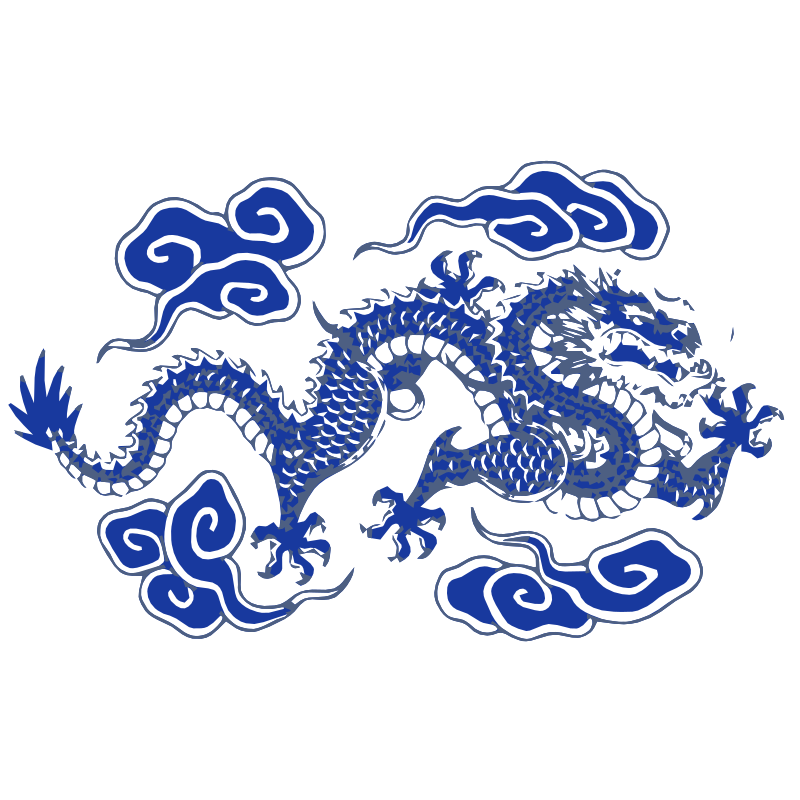
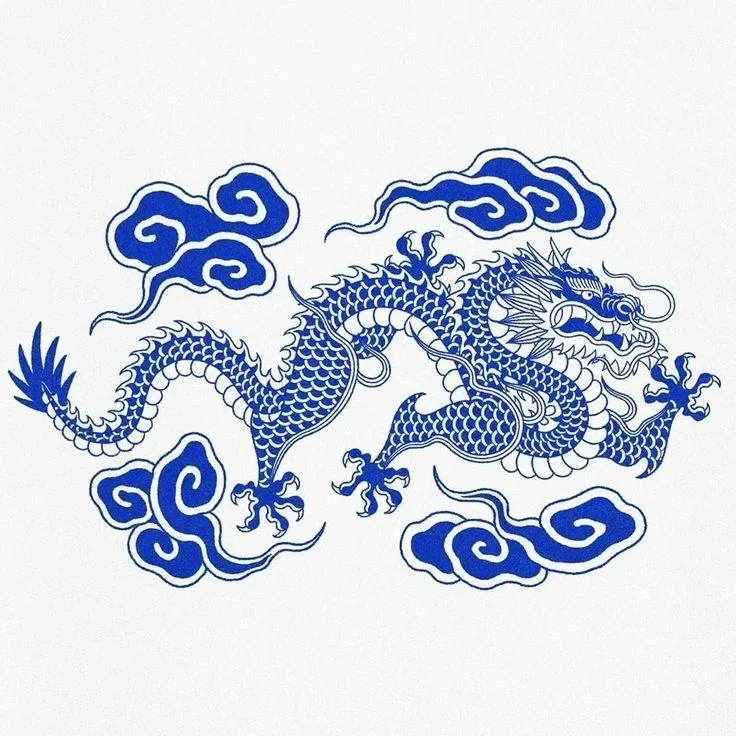
Porcelain dragon
Dozens of blue shades are reduced to the two you ask for. Good for screen print, where every colour costs a screen.
2 colours · 463 paths · 100 × 61.9 mm · 736 px source
Tiny source
Dragon head from 240 px
A thumbnail-sized logo is enlarged before tracing, so the curves come out smooth rather than stepped.
1 colour · 14 paths · 100 × 108.5 mm · 240 px source
One colour
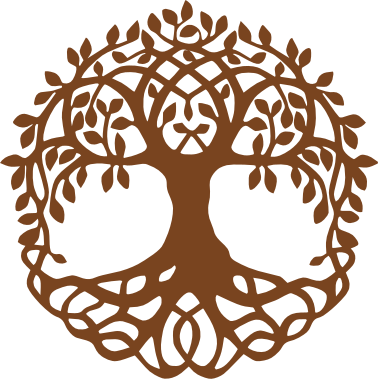
Celtic tree emblem
Brown on parchment: the paper texture is dropped and the knotwork keeps all 49 of its holes.
1 colour · 50 paths · 100 × 100.2 mm · 736 px source
Mark
Geometric letter mark
A bold monoline mark traced as one closed outline, ready for a laser or a vinyl cutter.
1 colour · 1 paths · 100 × 50.4 mm · 570 px source


What you get
How this logo vectorizer handles colour
To vectorize logo artwork well, a tracer has to get the colours right before it draws a single path. Each point below uses a real result from this page.
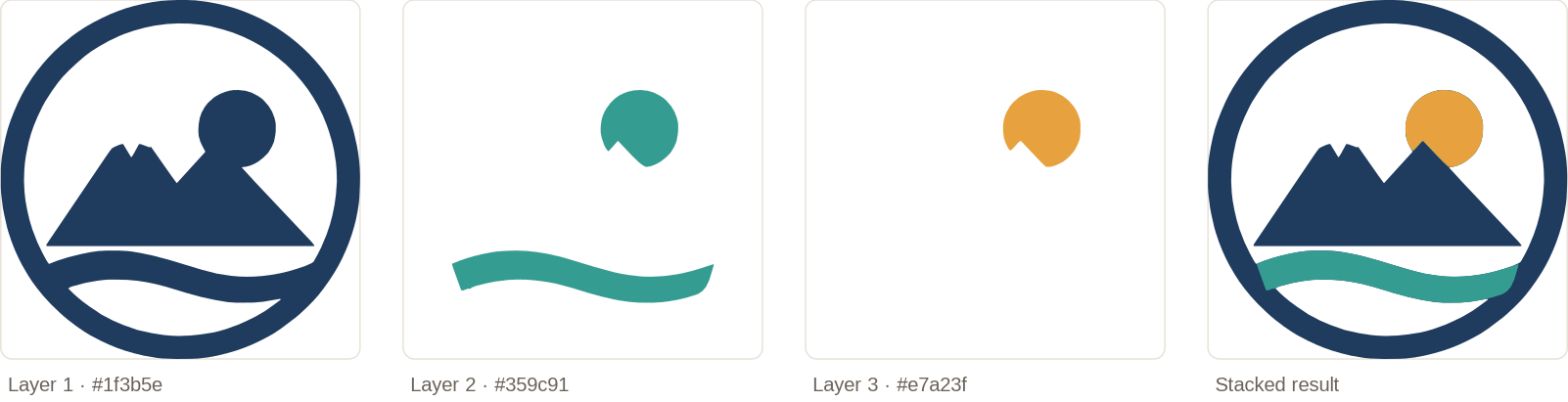
Badge: navy, teal and gold layers, then the stacked result
How to
How to convert logo to vector in 3 steps
Everything happens in this tab, so the logo never leaves your computer. It takes about a second to convert logo to vector shapes once the image is open.
STEP 1
Drop the logo image
Drag a PNG, JPG or WebP up to 25 MB onto the upload box, paste it, or open a sample. Transparent PNGs stay transparent.
STEP 2
Set colours and check the layers
Leave Colours on Auto or pick a number. Compare shows the image and the vector on one slider; recolour or hide any layer.
STEP 3
Download SVG, DXF or PNG
Type the finished width in mm or inches, choose Stacked or Separate, and download the logo to SVG, DXF or a 2,000 px PNG.
Start big
Use the largest copy you have; a screenshot of a website header is fine.
Fewer is cleaner
A logo with three colours traces best at 3, not 8.
Stray specks?
Raise Clean-up to drop JPEG noise and dust.
One colour only?
For a single colour stencil, raster to vector adds centreline tracing.
Specs
Logo to SVG and DXF specs and limits
What goes in, what comes out, and what tracing cannot do.
- Input
- PNG (transparency kept), JPG, WebP, GIF or BMP up to 25 MB
- Processing size
- Up to 1,600 px on the long side; small logos enlarged up to 4x
- Colours
- Auto, or 1 to 8 flat colours plus the background
- SVG
- One filled group per colour, width and height in mm or in
- DXF
- AutoCAD R12, closed polylines, one layer per colour with the nearest ACI colour
- PNG
- 2,000 px wide, transparent background
- Curves
- Fine straight segments; no Bezier curves
- Where it runs
- In a Web Worker in your browser; nothing is uploaded
It does
- Split a logo into its flat colours, one layer each
- Keep holes in letters and shapes open
- Recolour or hide a layer before download
- Write a DXF that keeps the colours apart
- Scale the result to an exact width
It does not
- Keep gradients, soft shadows or photo detail
- Keep text editable; letters become shapes
- Redraw missing or blurred details with AI
- Fit smooth Bezier curves with few nodes
- Check whether you have the rights to a logo
Uses
What to do with a logo to SVG or DXF file
A layered vector file is what printers, sign makers and laser shops ask for. Vectorize logo artwork once and the same file serves every job below.
Signs and vinyl
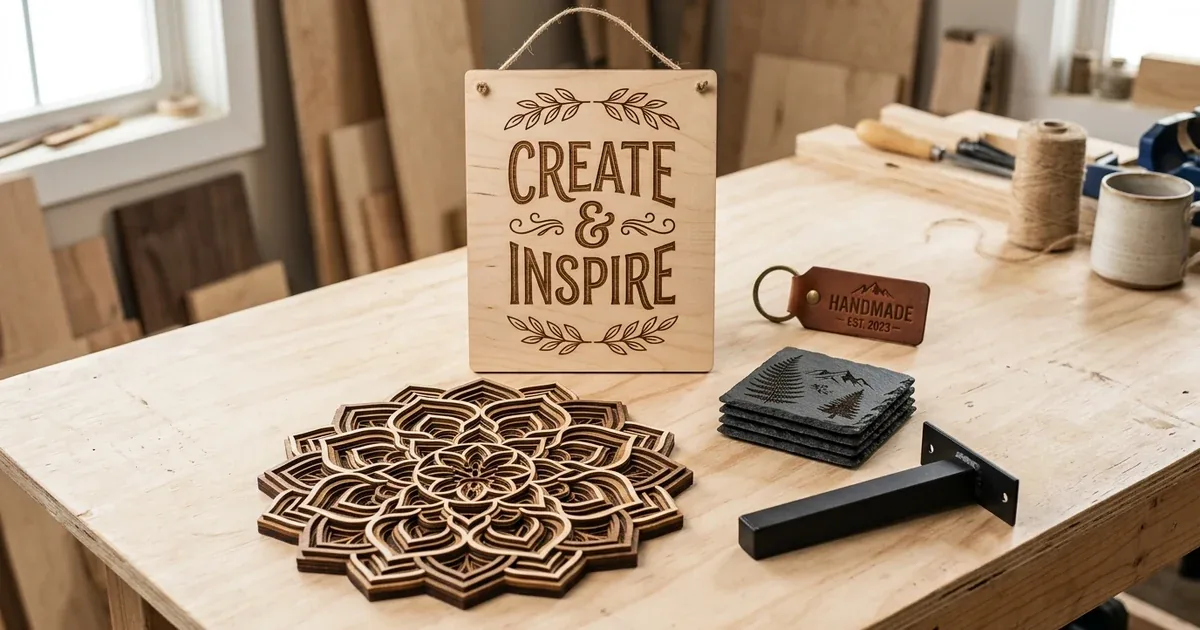
Separate layers cut cleanly on a plotter, one vinyl colour per layer, at any sign size.
Laser engraving
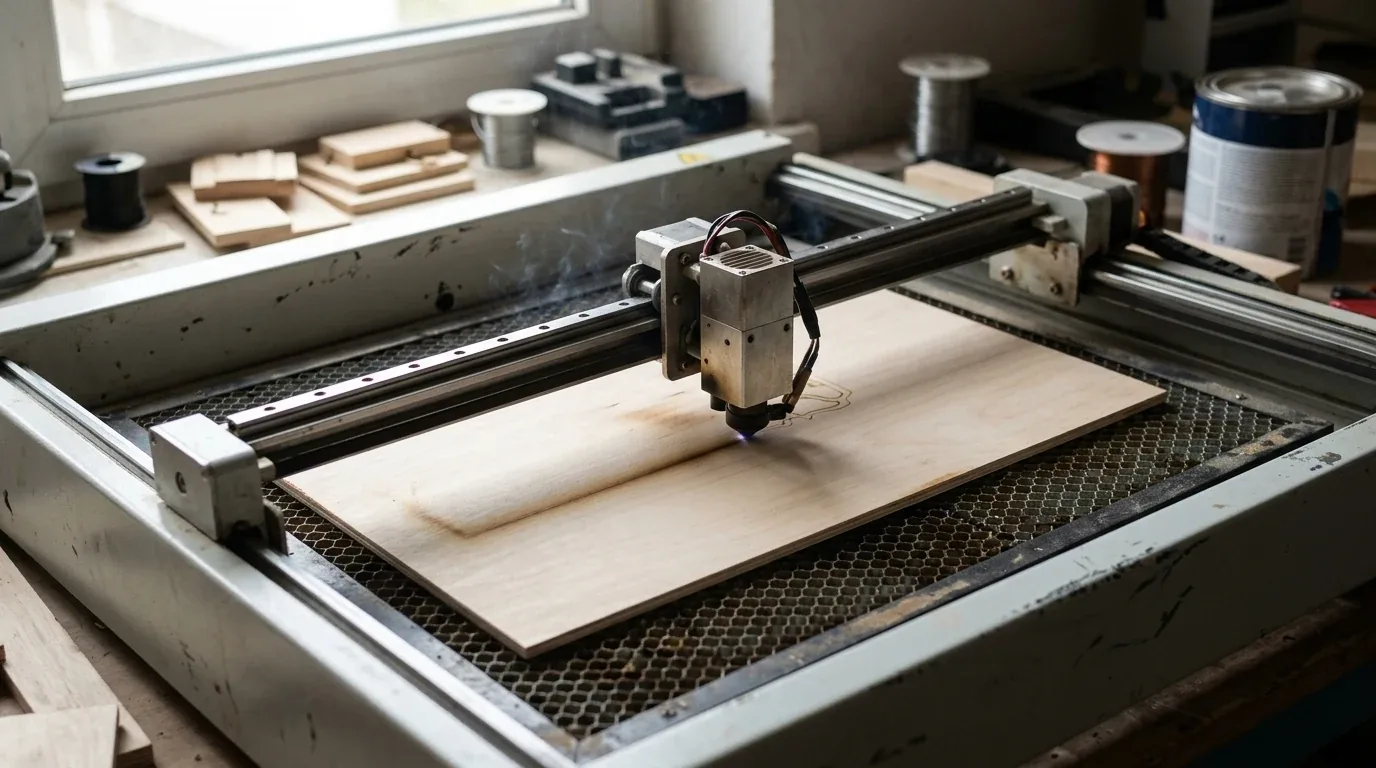
Open the logo to DXF file in LightBurn; each colour layer can get its own power and speed.
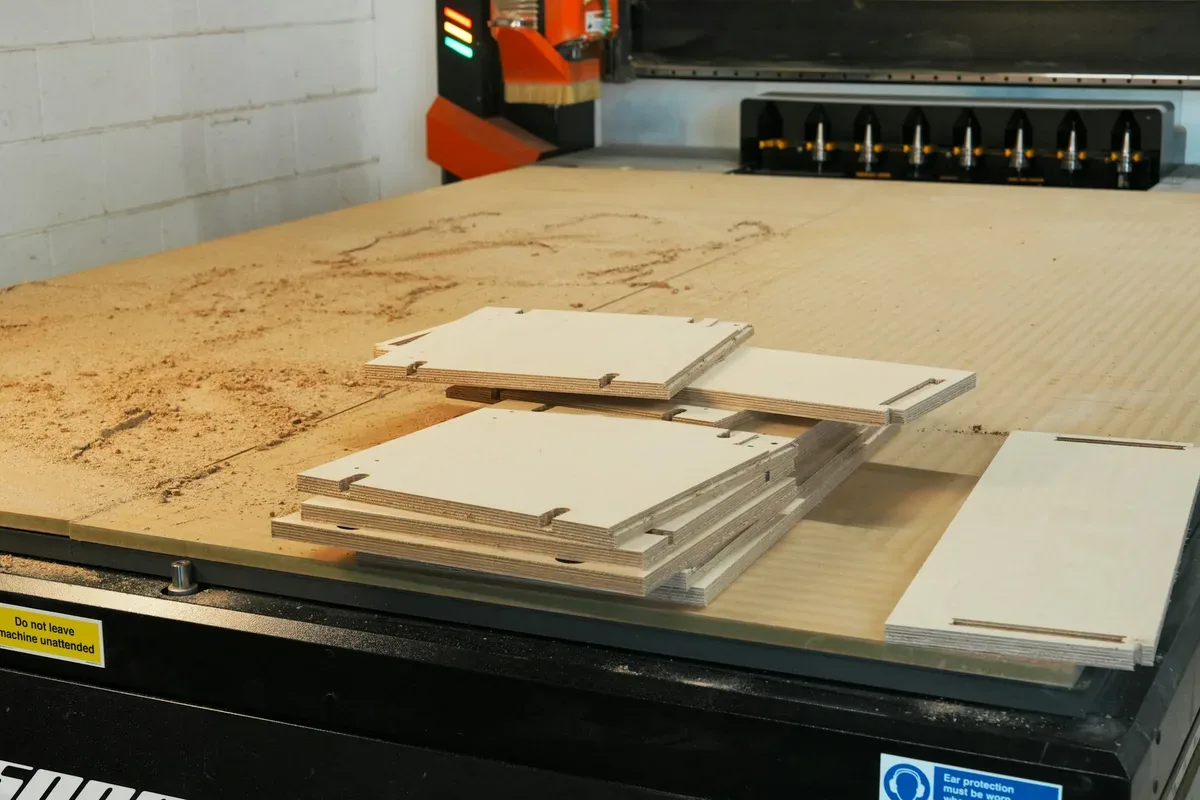
CNC and plaques
Bring the closed outlines into your CAM software for pocketing, inlay or V-carving.
Print and web
Stacked SVG layers stay sharp from a business card to a banner, and in any browser.
Vectorize logo FAQ
Colours, files, sizes and rights.
Is it free to vectorize logo images here?
Yes. There is no sign-up, watermark or limit, because the logo vectorizer runs on your own computer.
How do I convert a logo to vector?
Drop the image, leave Colours on Auto, check the layers on the Compare slider, set the width and press Download SVG. For CAD or cutting, download the DXF instead.
Will the vector keep my logo colours?
It keeps the flat colours it finds, one layer each, and you can change any of them with the colour swatch. Gradients become bands of flat colour.
How many colours should I choose?
As many as the logo really has. Auto works for most flat logos; pick a number when the logo has gradients or when you need a set number of screens or vinyl colours.
What is the difference between Stacked and Separate?
Stacked layers overlap under each other so nothing shows through; use it for print and web. Separate layers are exact, non-overlapping pieces; use it for vinyl, laser and anything cut colour by colour.
Can I convert a logo to SVG with a transparent background?
Yes. The background colour is left out, so the SVG and the PNG are transparent. Turn on Keep background colour if you want it as a layer.
How do I get a logo to DXF for a laser or CNC?
Press DXF. Every colour is its own layer with the nearest AutoCAD colour, the shapes are closed polylines, and the drawing has the width you typed.
My logo is tiny and blurry. Will it work?
Often, yes. Small logos are enlarged before tracing, so curves come out smooth. Details smaller than a couple of pixels in the original cannot come back, because there is no AI redraw.
Does it keep text editable?
No. Letters become filled shapes, which is what cutting and printing need. If you need editable text, retype it with the same font in your design program.
Why are curves made of short straight lines?
The tracer writes curves as fine polylines, not Bezier curves. At normal sizes they look smooth; raise Smoothing for softer corners or Detail for sharper ones.
Is my logo uploaded?
No. The image is opened and traced inside this browser tab, and the files are written on your device.
Can I vectorize any logo I find?
The tool converts whatever you open and does not check ownership. Use logos you own or have permission to use; trademarks stay with their owners.
What is the best file to vectorize logo artwork from?
The largest, sharpest copy you have, ideally a PNG with flat colours. A screenshot taken at full size beats a small JPEG that has been saved many times.
Will the SVG open in Illustrator, Inkscape, Figma or Cricut?
Yes. It is a plain SVG with one group per colour and a real width and height, which every vector program reads.
Vectorize logo files now
Drop your logo, check the colour layers and download SVG, DXF or PNG in seconds. The logo vectorizer is free and private.
Vectorize a logo