JPG to DXF Converter: Phone Photos and Scans to CAD Lines
Free JPG to DXF converter for files up to 25 MB. Drop a phone photo, scan or blueprint and get single-line CAD paths as an AutoCAD R12 DXF in mm or inches. Threshold and Despeckle drop JPEG noise, paper tone and grain before tracing, and the photo never leaves your browser.
- Free, no sign-up
- Phone photos and scans
- JPEG noise cleaned up
- R12 DXF in mm or inches
Upload JPG
FreePicture type
Runs in your browser. Nothing is uploaded.
Example result
Phone photo · JPG → DXF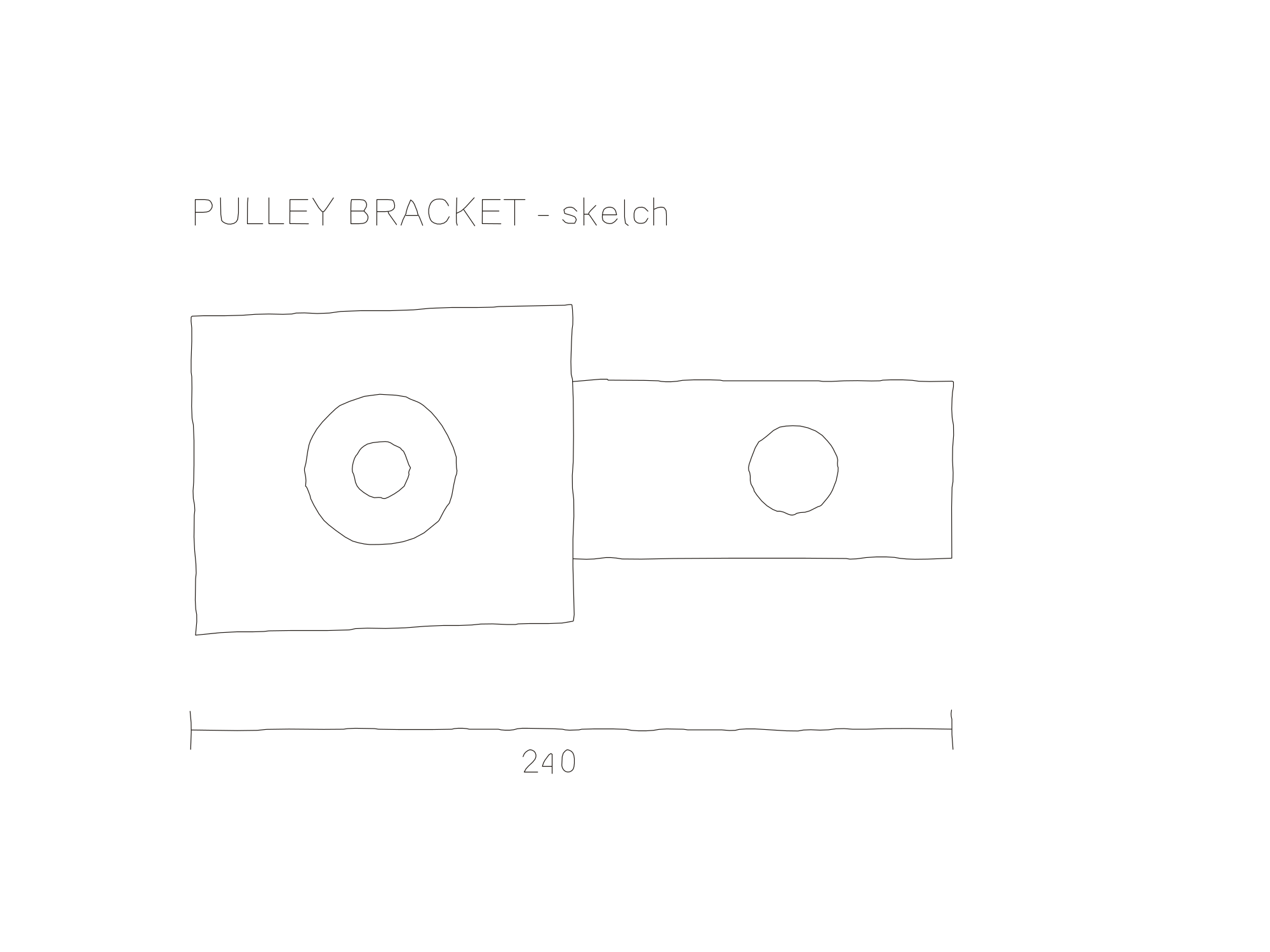
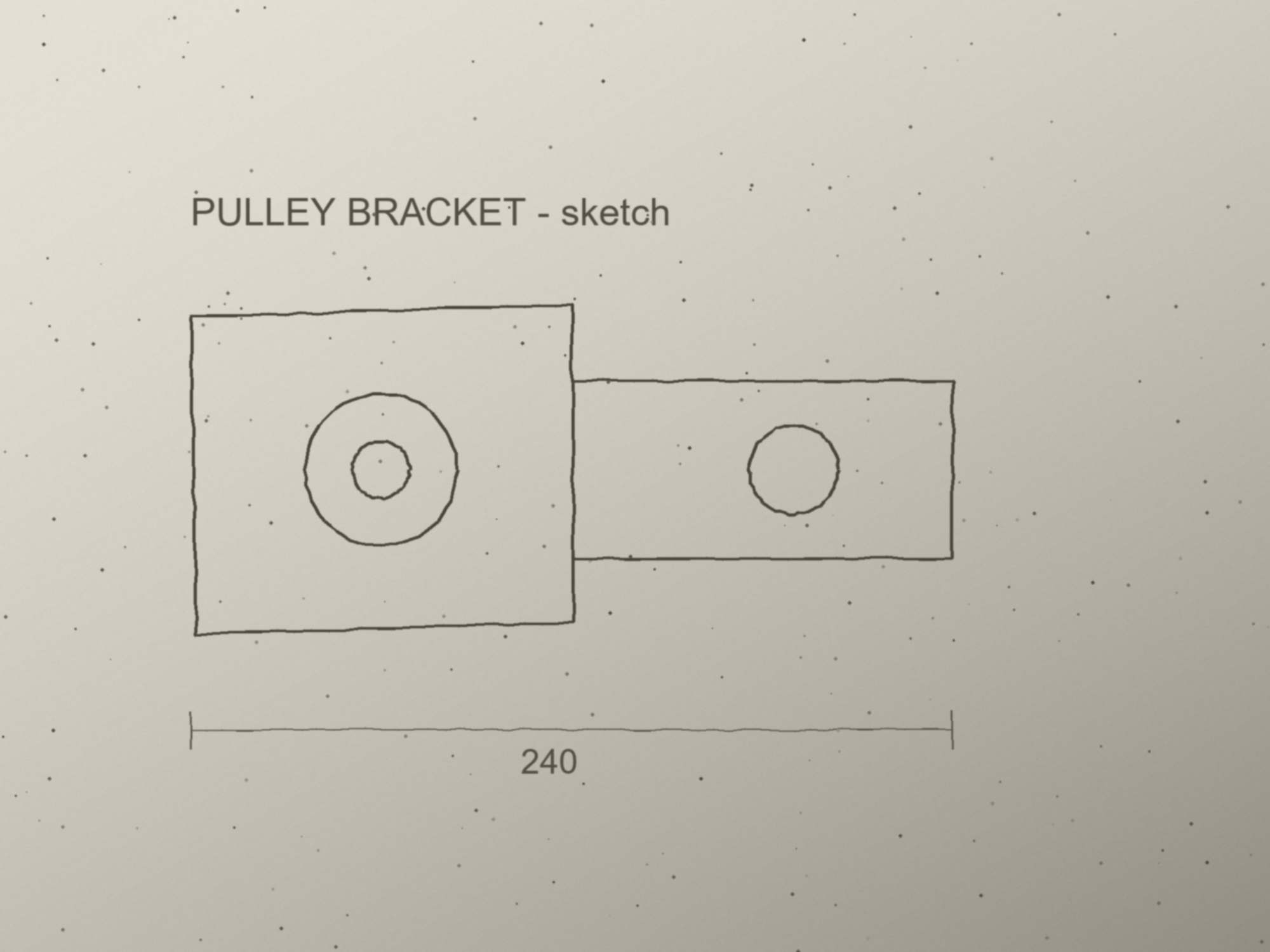
Traced here: Centerline · 45 paths, 5 closed · 240.0 × 181.1 mm · 318 ms
Examples
JPG to DXF examples from photos and scans
Six JPG files traced by this JPG DXF converter with the settings shown. Flip any card between the JPG and its DXF lines, open it in the converter, or download the DXF and measure it.
Phone photo
Pencil sketch shot on a phone
Dim light, paper grain and a shadow in one corner. Threshold 140 keeps the pencil and drops the shadow, and Width 240 mm matches the dimension on the sketch.
Centerline · 45 paths · 240.0 × 181.1 mm · 318 ms
Old scan
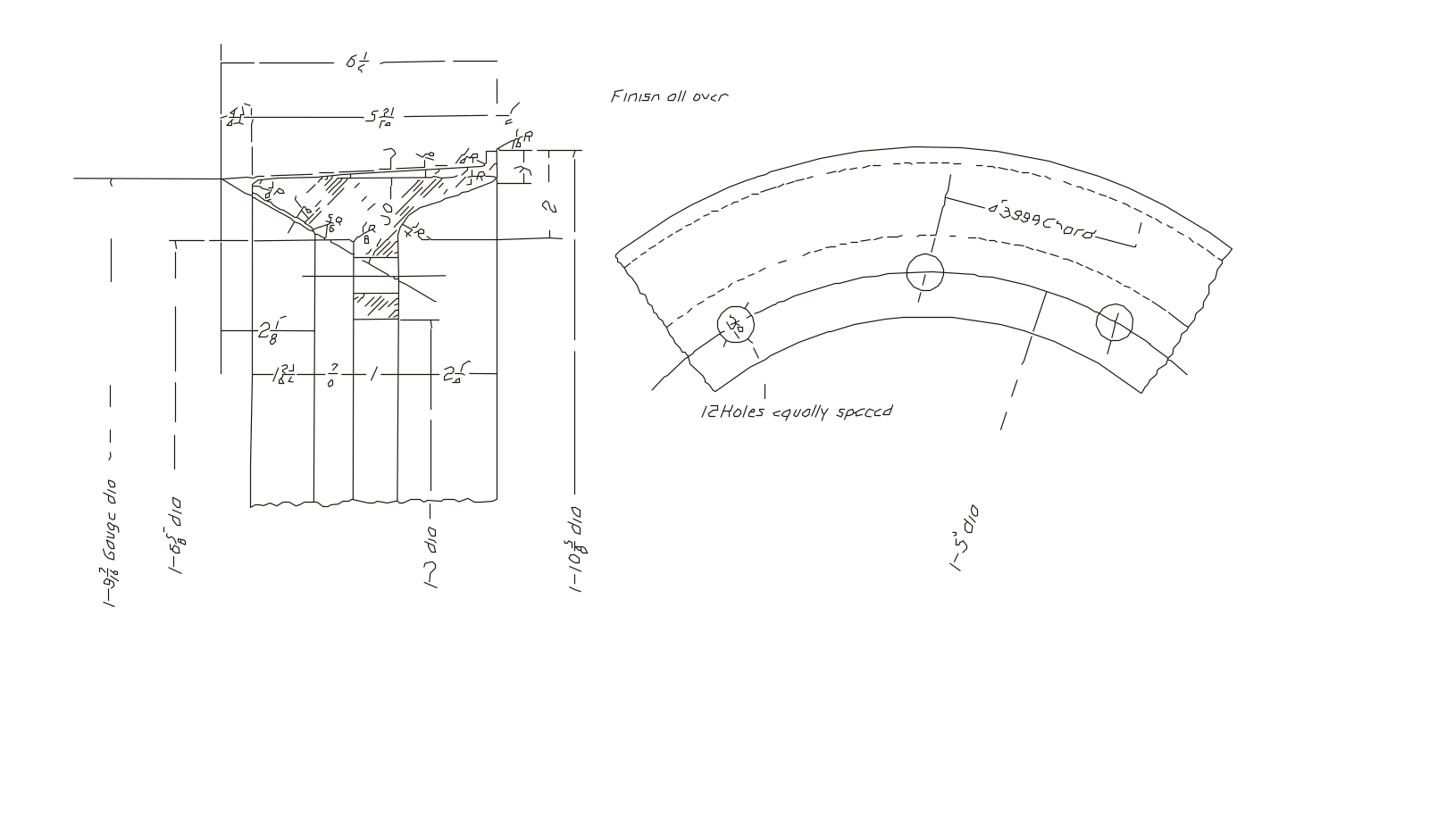
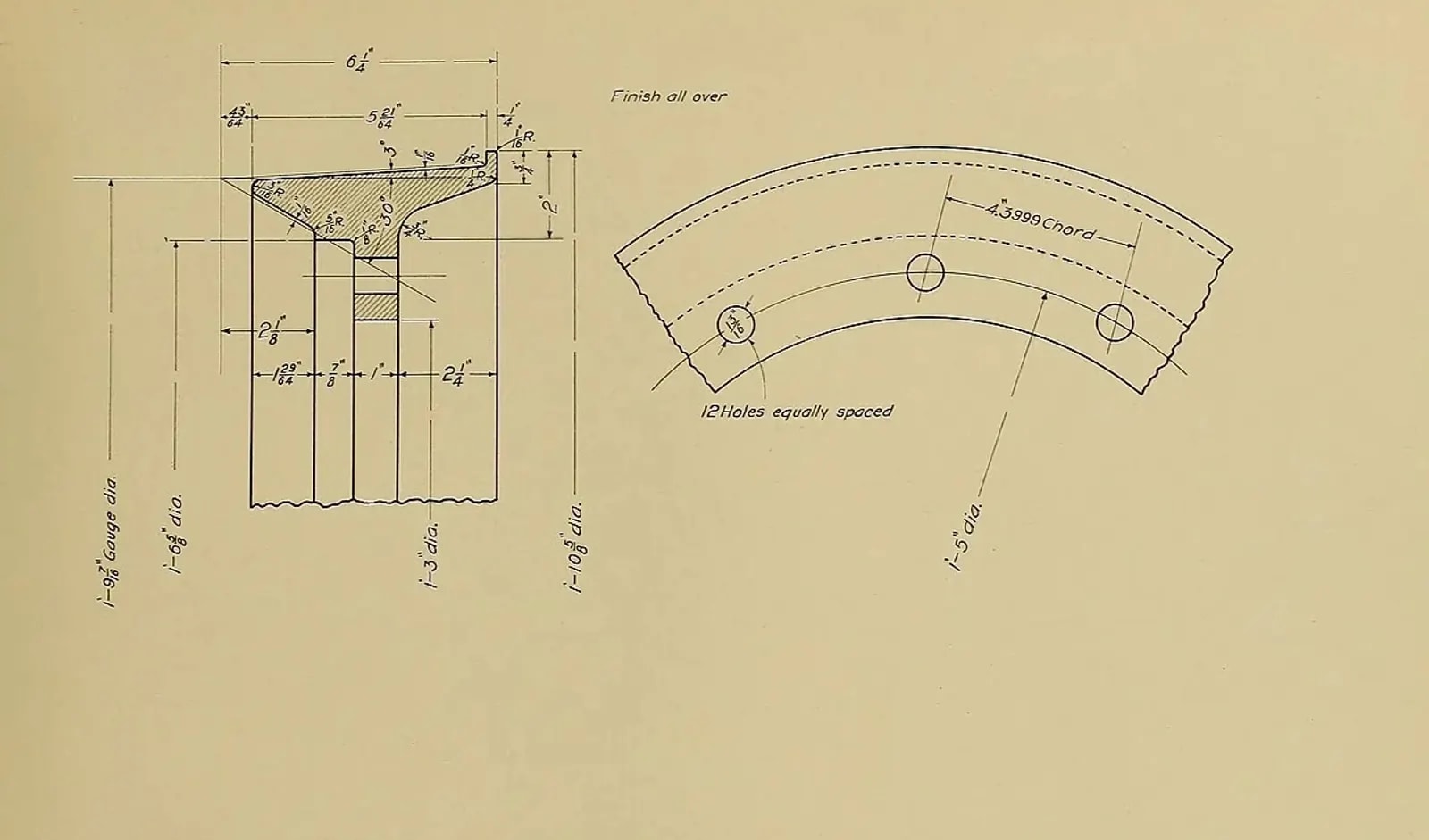
Commutator drawing on yellowed paper
Auto threshold splits brown ink from yellowed paper: 441 centerlines, the dimension text traced as shapes.
Centerline · 441 paths · 135.5 × 79.7 mm · 126 ms
Blueprint photo
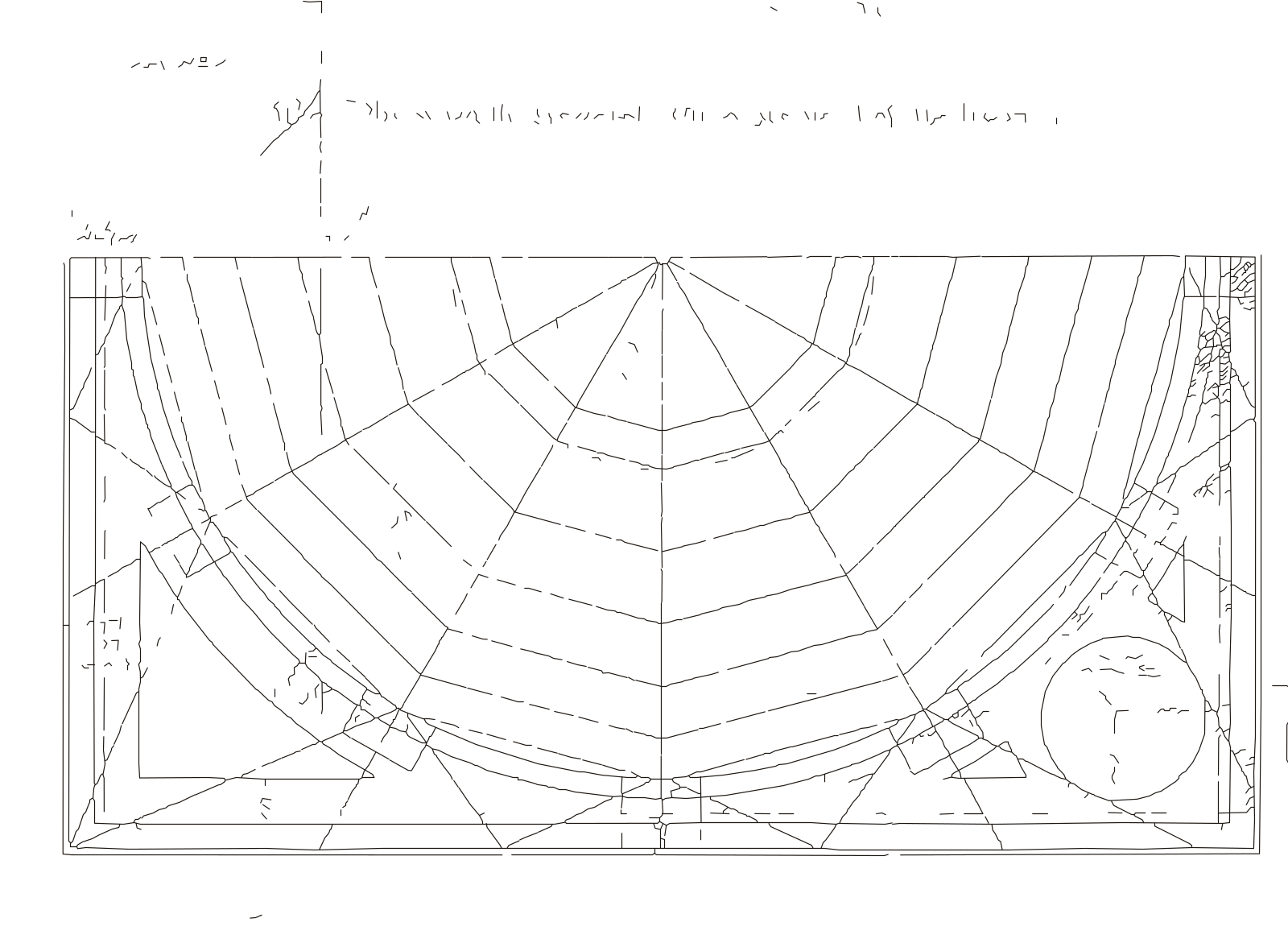
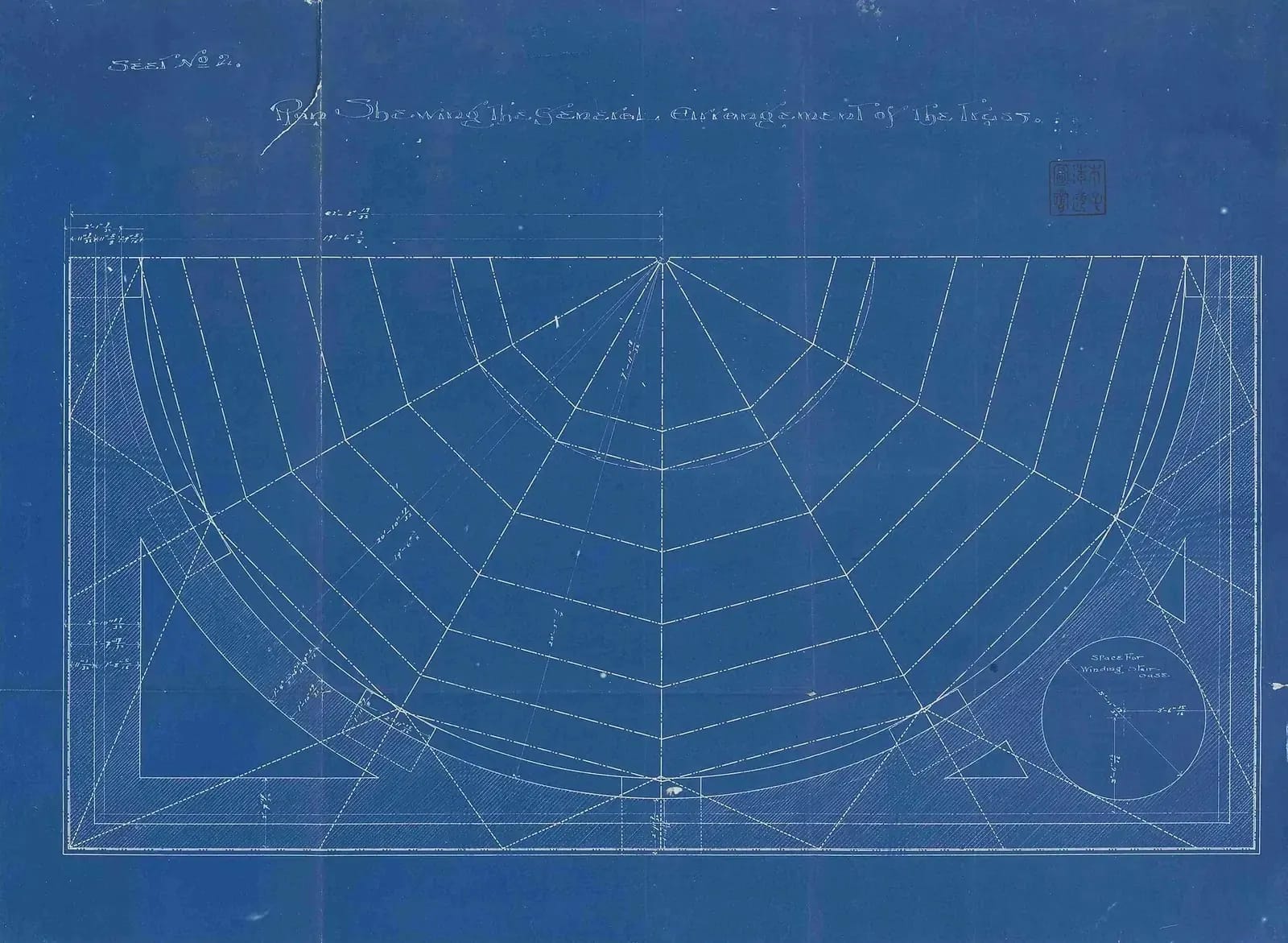
White on blue roof truss blueprint
The dark border tells the tracer to invert, so the white lines come out as 687 dark centerlines.
Centerline · 687 paths · 135.5 × 99.1 mm · 225 ms
Hand-drawn plan
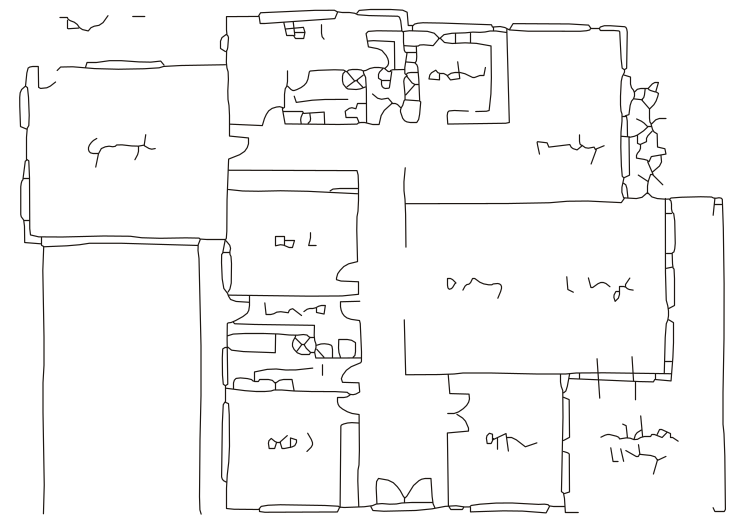
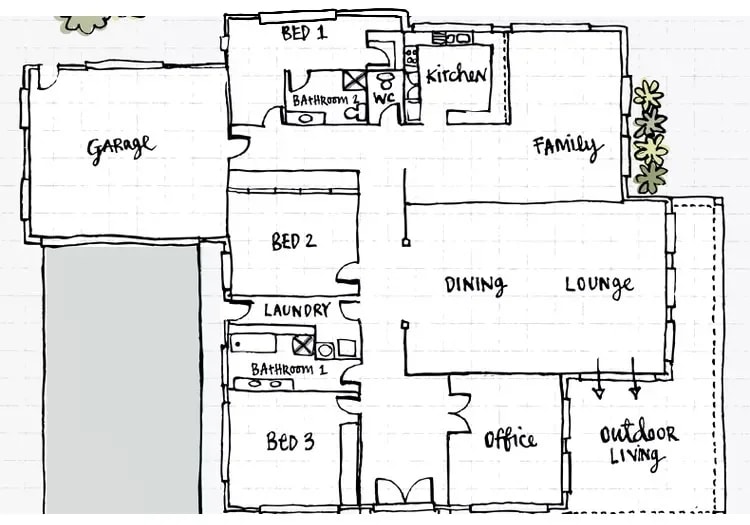
House plan drawn in pen
Walls, doors and handwritten room names arrive as single strokes, ready to clean up or redraw in CAD.
Centerline · 187 paths · 200.0 × 143.0 mm · 41 ms
Object photo
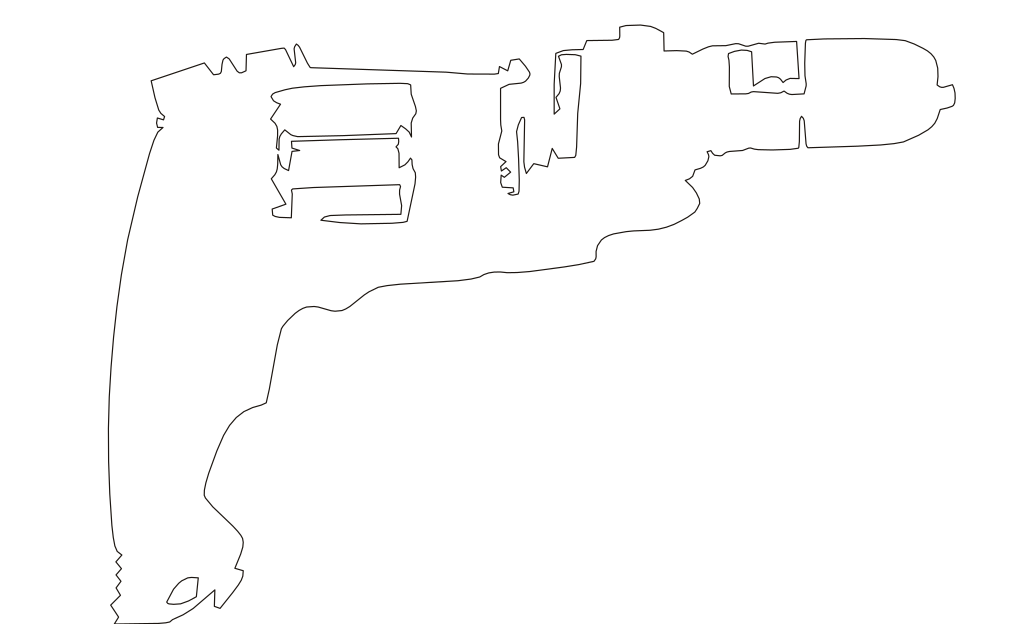
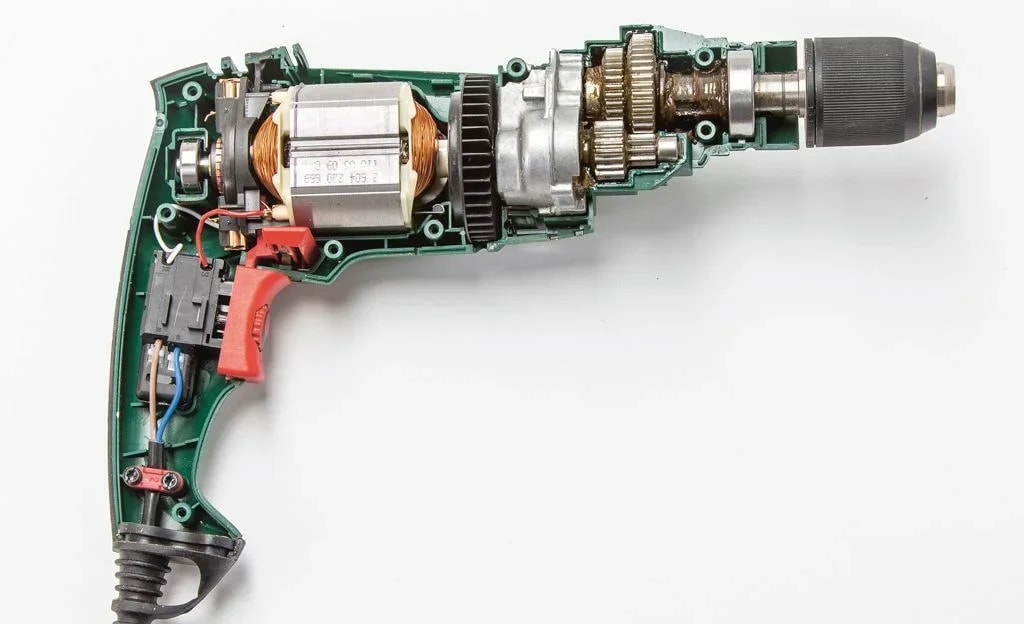
Drill photographed on white
Despeckle 512 px² clears the busy inside and leaves 4 closed loops: the outline and its openings, not a drawing of the parts.
Outline · 4 paths · 150.0 × 106.1 mm · 38 ms
Heavy JPEG
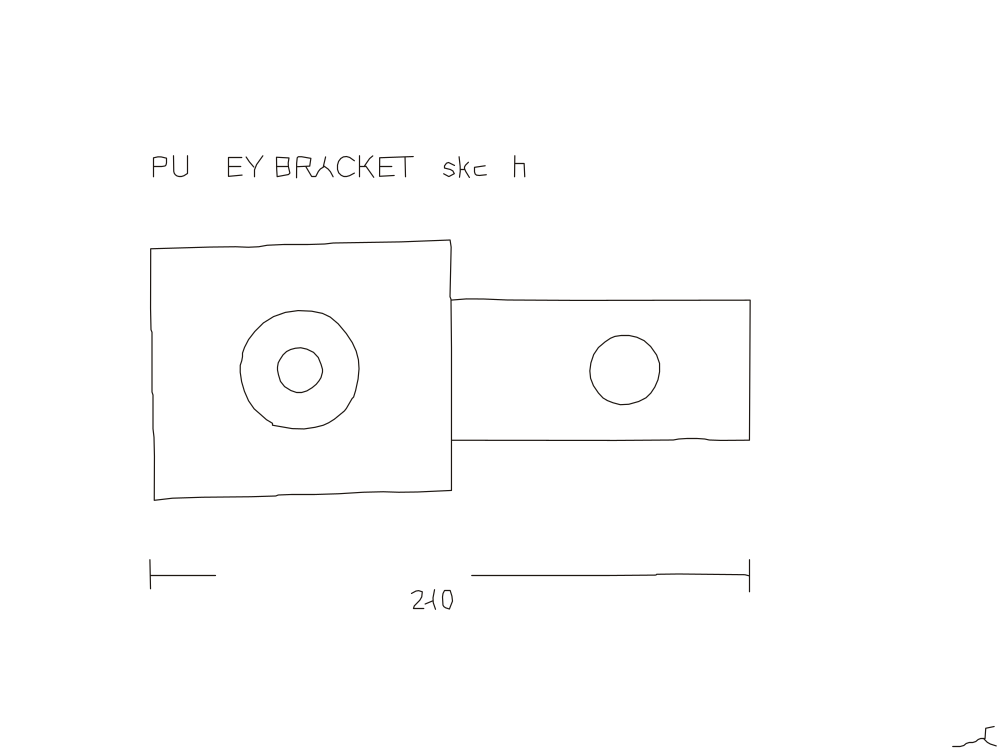
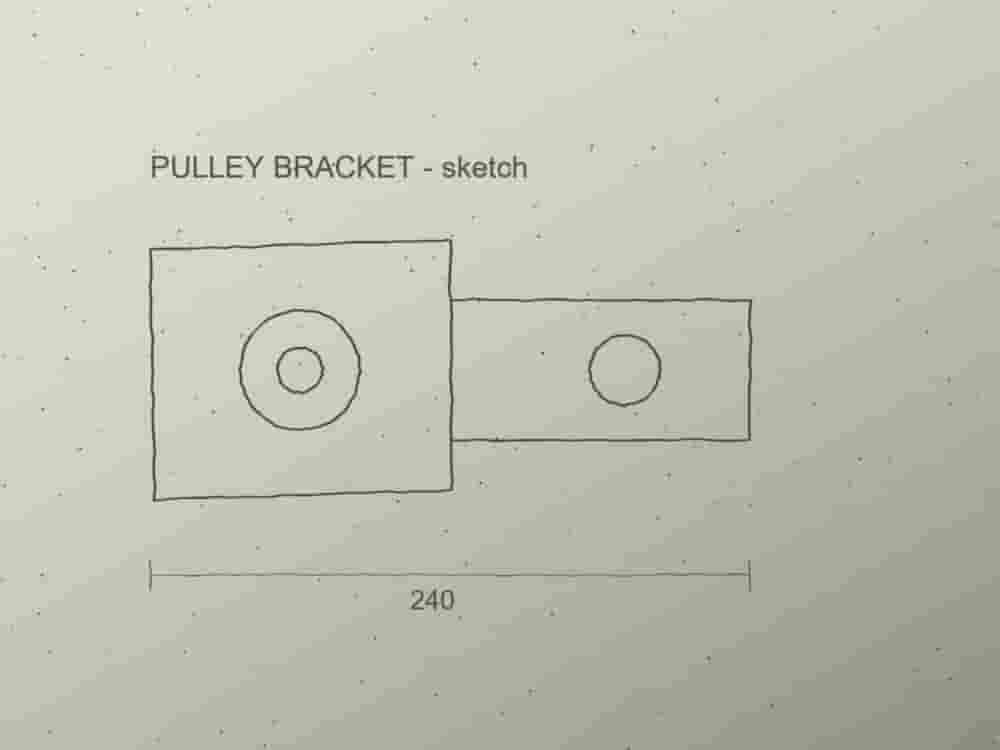
The same sketch at JPEG quality 15
Strong lines still trace clean. The faint dimension line breaks into pieces, which is about the limit of what a heavily compressed JPG to DXF trace can recover.
Centerline · 43 paths · 240.0 × 167.5 mm · 17 ms
Clean-up
What the JPG to DXF converter cleans up
Phone photos and JPEG scans carry noise that a clean PNG does not. Here is what each setting removes, shown on our own traces.
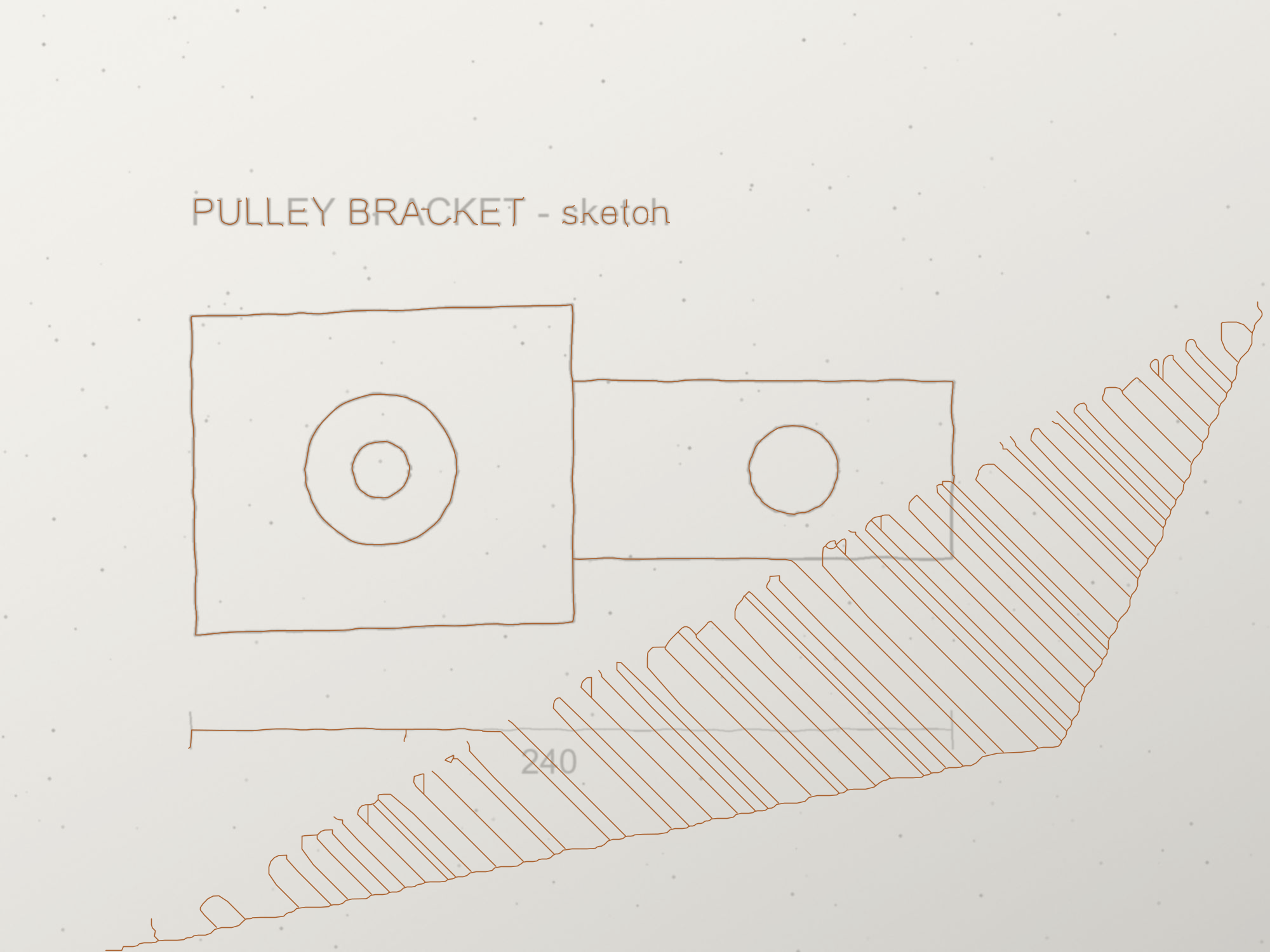
Auto threshold on the phone photo: 95 paths, shadow included. Threshold 140: 45 paths.
How to
How to convert JPG to DXF in 3 steps
Three steps to convert JPG to DXF format, with nothing to install and no account to open.
STEP 1
Drop your JPG
Drag a JPG or JPEG up to 25 MB onto the upload box, paste it with Ctrl+V or open an example. It is read in this tab and never uploaded.
STEP 2
Pick the type, clean it up
Phone photo, Scan and Blueprint start in Centerline mode, Object in Outline. Open the Overlay view and move Threshold and Despeckle until only your lines remain.
STEP 3
Set the size and download
Under Size & export, type the real width or the scan DPI, choose mm or in, then press Download DXF. Download SVG gives the same paths.
Shoot straight on
Hold the phone parallel to the paper and fill the frame. The converter does not correct perspective, so a tilted shot gives tilted lines.
Daylight, not flash
Even light lets one threshold work across the whole sheet. Flash glare and hard shadows turn into shapes.
Use the original file
Chat apps recompress photos. Send yourself the original; anything over 4,000 px on the long edge is scaled down first.
Know one length
A phone photo has no scale. Type the real width of what you traced, like the 240 mm dimension line on our sample.
Size calculator
Size a phone photo or scan in mm or inches
A JPG has pixels, not millimetres. Work out the size of your JPG to DXF trace here, then type the same numbers into the converter.
JPG size in pixels
Size by
Units
- For a flatbed scan, use DPI: width equals pixels divided by DPI, times 25.4 for mm.
- For a phone photo, DPI means nothing. Use Width with one length you know.
- Width measures the traced lines with blank paper left out, and the height follows.
- The DXF header stores the unit ($INSUNITS 4 for mm, 1 for inches).
DXF size
169.3 × 127.0 mm
- 1 pixel
- 0.085 mm
- In the converter
- Scan DPI 300
Sample: 300 DPI is a guess for a phone photo. The dimension line on this sketch reads 240, so switch Size by to Width and type 240 mm for its true size.
Specs
JPG to DXF converter specs and limits
What goes into each JPG DXF conversion, what comes out, and what the tracer does not try to do.
- Input
- PNG, JPG, WebP, BMP or GIF; JPG and JPEG are the same format
- File size
- Up to 25 MB
- Tracing size
- Up to 4,000 px on the long edge; larger photos are scaled down first
- Clean-up
- Threshold, Invert, Despeckle, Blur, Simplify and Smoothing
- Output
- DXF and SVG, plus a PNG preview
- DXF version
- AutoCAD R12 ASCII with POLYLINE entities
- Units
- Millimetres or inches, written to the DXF header
- Curves
- Fine polylines; no arcs or splines
- Where it runs
- In your browser tab; nothing is uploaded
It does
- Trace pencil, ink and printed lines from photos and scans
- Drop paper tone, grain and JPEG specks before tracing
- Invert white on blue blueprints by itself
- Scale the drawing to a width or a scan DPI
- Export the same paths as an SVG
It does not
- Write DWG; save the DXF as DWG in your CAD program
- Straighten a photo taken at an angle
- Even out strong shadows; one threshold covers the whole photo
- Read text or dimensions; they arrive as shapes
- Redraw missing lines or guess details; there is no AI step
Next steps
Where your JPG to CAD file goes next
A JPG to CAD conversion gives you a clean base to redraw, dimension or cut from. For clean pen sketches, try sketch to CAD; for an AI drawing from any picture, use the image to CAD converter.
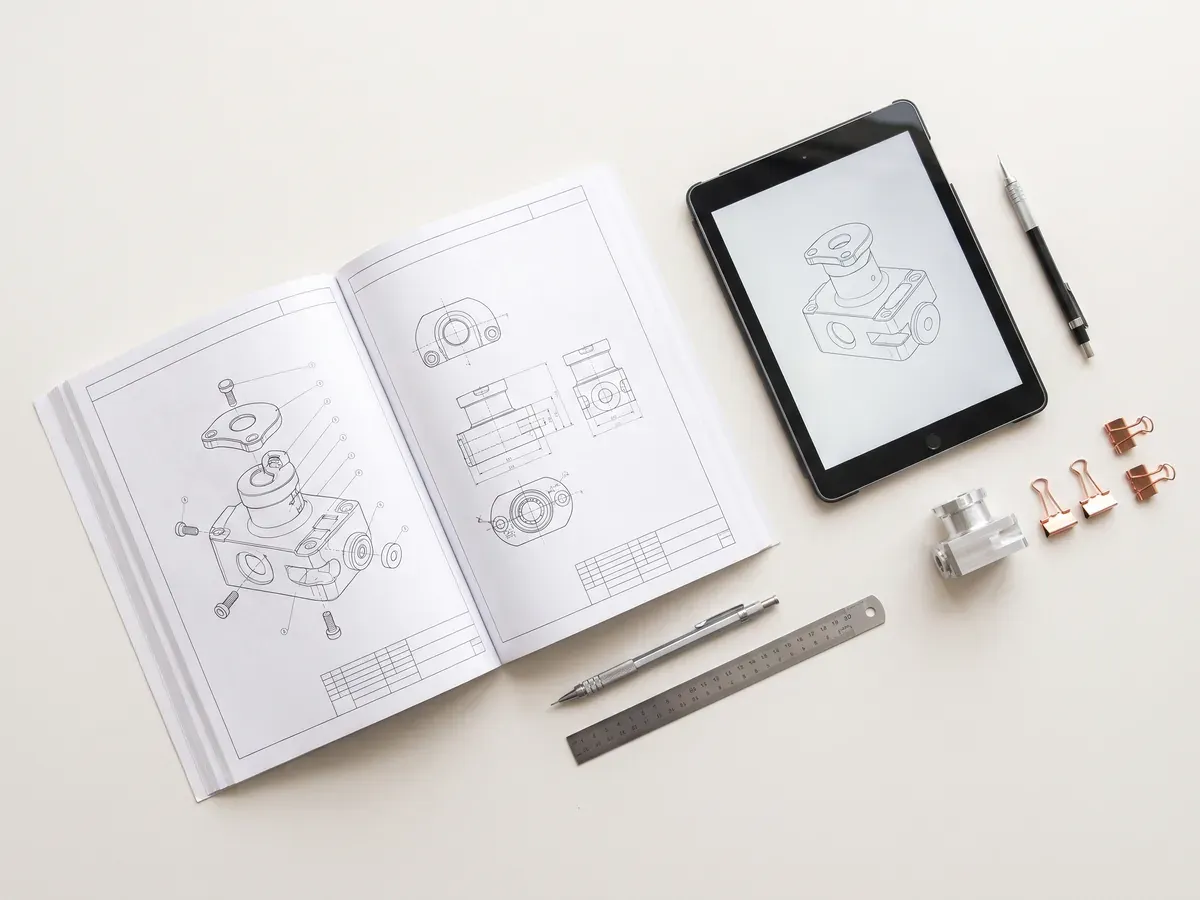
Archive old drawings
Convert JPG to CAD drawing files from boxes of paper prints you can search, measure and reuse.
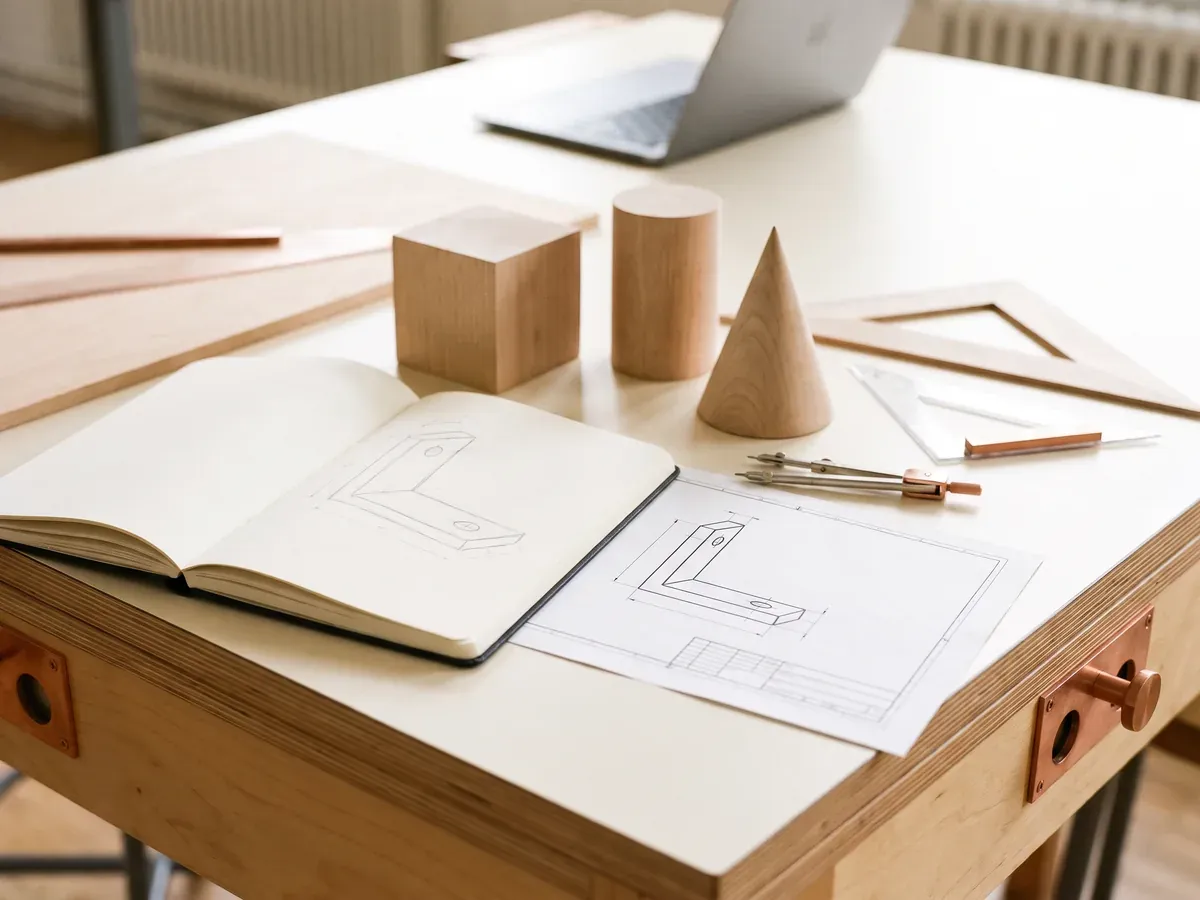
Redraw a sketch
Trace the photo, then snap clean lines and arcs over the polylines in AutoCAD or LibreCAD.
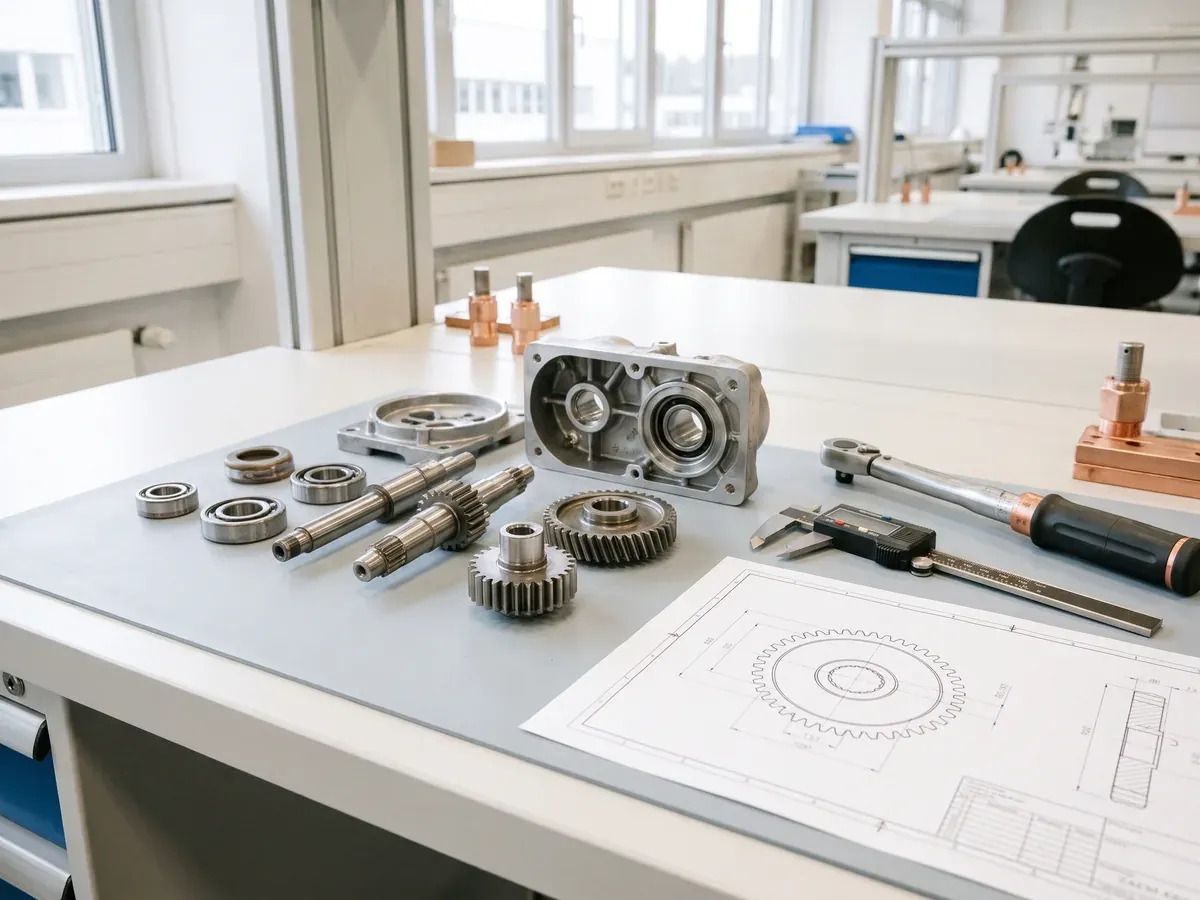
Fix a part from its print
Photograph the shop drawing, trace it and check the old dimensions against the part on the bench.
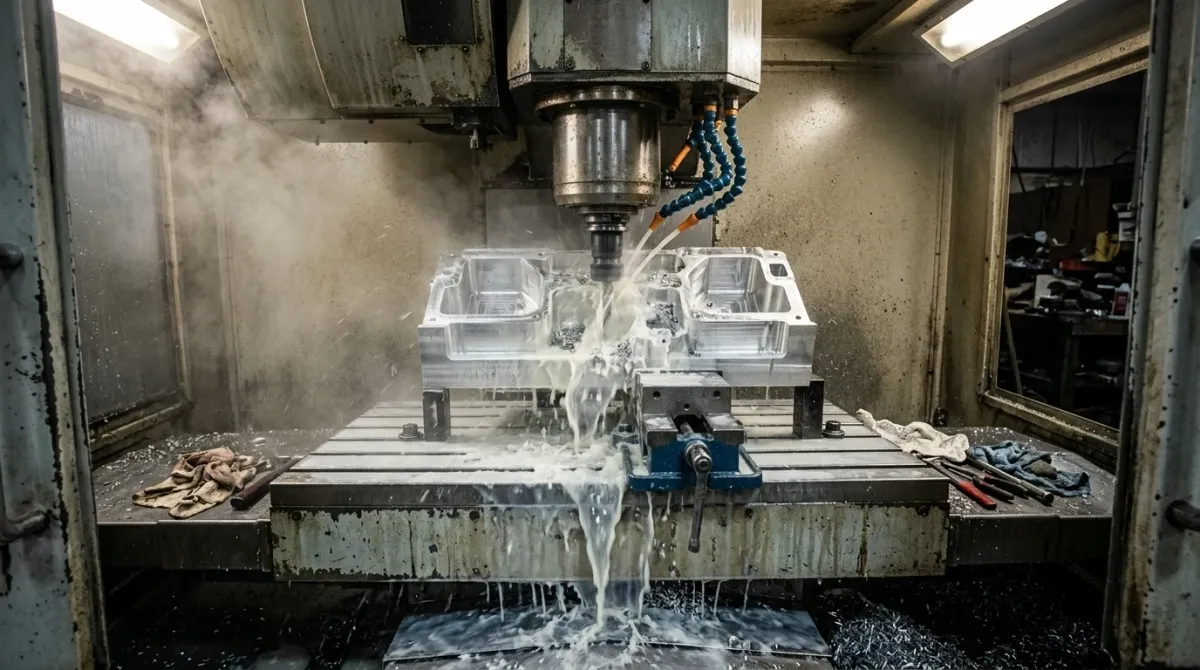
Cut it on a CNC
Closed outlines from an object photo go straight into your CAM program for profiling.
JPG to DXF converter FAQ
Photos, scans, scale and CAD.
How do I convert a JPG to DXF?
Drop the JPG on the converter, pick the picture type and open the Overlay view. Adjust Threshold and Despeckle until only your lines remain, set the width under Size & export and press Download DXF.
Is JPEG to DXF any different from .jpg to DXF?
No. JPG and JPEG are two names for one file format, so this JPEG to DXF converter treats both the same, up to 25 MB.
Is there a JPG to DXF converter free of charge?
Yes, this one: no sign-up, no watermark and no daily cap, because the tracing runs on your own computer.
Can I convert a phone photo of a drawing?
Yes, that is what the Phone photo type is for. Shoot straight down in even daylight, fill the frame with the paper, and lower Threshold if a shadow gets traced.
Will it fix a photo taken at an angle?
No. The converter traces the pixels as they are, so a tilted shot gives tilted lines and ovals for circles. Retake the photo square to the paper, or straighten it in a photo app first.
Why does my JPG to DXF trace have hundreds of tiny lines?
Grain, dust and JPEG noise are being traced. Raise Despeckle until they leave the Overlay view, and try Blur 1 under More settings for blocky files.
How do I convert JPG to DXF for AutoCAD?
Convert JPG to AutoCAD in two steps: trace the JPG here, then open the DXF in AutoCAD. To convert JPG to AutoCAD drawing files in DWG format, save it as DWG there, or use JPG to DWG, which writes the DWG directly.
Is the DXF to scale?
Once you give it one real measurement. Type the width of the traced lines in mm or inches, or the DPI the drawing was scanned at, before you download.
What resolution should I scan a drawing at?
Scan line drawings at 300 DPI and save a high quality JPG. Type 300 as the Scan DPI and the DXF comes out at the size of the paper original.
Do handwritten dimensions become editable text?
No. Letters and numbers are traced as shapes. Retype the dimensions you need in your CAD program.
Can I turn a photo of a real part into a DXF?
Only its outline, and only when the part stands out from a plain background. The photo to DXF page covers lighting, angle and scale for that job.
Does it work as a JPG to CAD converter for any program?
The R12 DXF opens in AutoCAD, LibreCAD, FreeCAD, Fusion, LightBurn and most CAM programs, so it also works as a JPEG to CAD converter for nearly all of them. Curves arrive as fine polylines.
I searched for JPG en DXF or JPG a DXF. Is it the same tool?
Yes. Those are the French and Spanish ways to say JPG to DXF, and the converter works the same whatever you call it.
Convert a JPG to DXF now
Pick the picture type, set the width and trace your JPG to DXF right in this tab. Nothing to install.
Convert a JPG