STL Viewer Online: Measure, Section and Check
Free STL viewer for up to 20 files at once. Drop binary or ASCII STL and read the true size in mm and inches, volume, weight and whether the mesh is watertight. Cut a section, measure between snapped corners and save a PNG. Your files stay in this tab.
- Free, no sign-up
- Measure with snapping
- Section along X, Y, Z
- Watertight check
Open STL
FreeOr open a sample
Runs in your browser. Nothing is uploaded.
Example view
Pipe tee DN50 · shaded and cut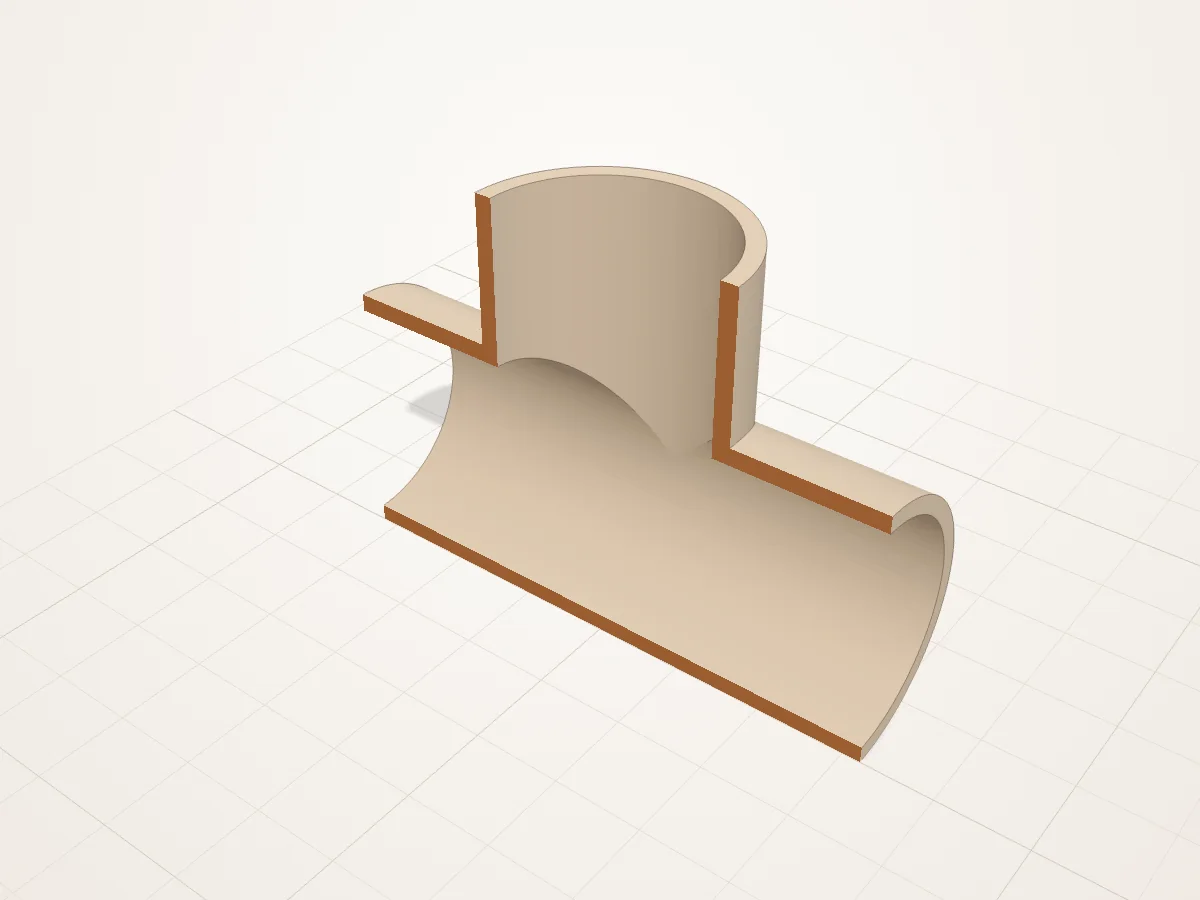
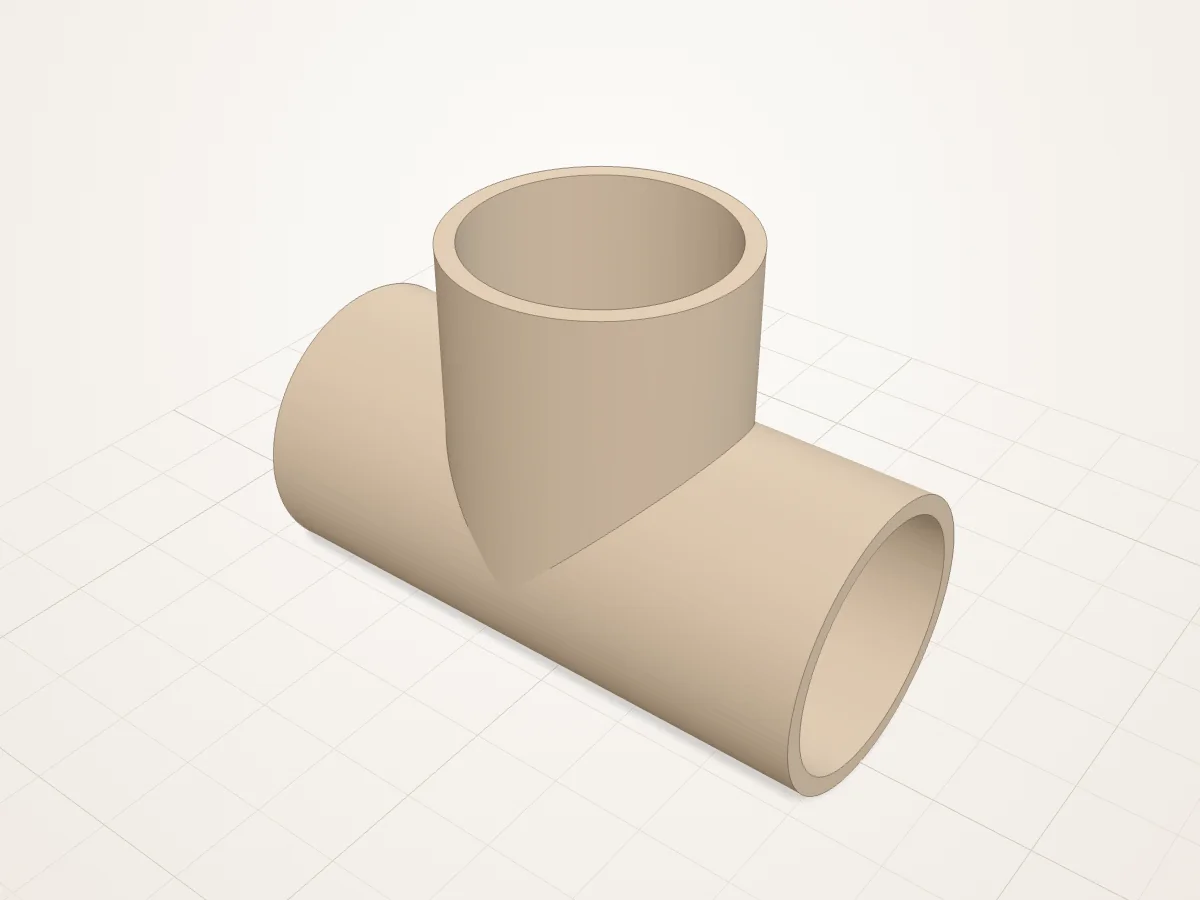
- STL
- Binary · 88 KB
- Size
- 128 × 60.3 × 94.1 mm
- Volume
- 107.78 cm³
- Triangles
- 1,796
- Watertight
- Yes
Examples
What the STL viewer shows on real parts
Six sample files, each opened in this STL viewer online. Open any of them in the STL viewer above and try every tool on it.
Section
Pipe tee, cut in half
128 × 60.3 × 94.1 mm, 1,796 triangles. A Z section fills the cut in copper, so the 3.9 mm wall and the hollow branch read at a glance.
1,796 triangles · 88 KB binary STL
Measure
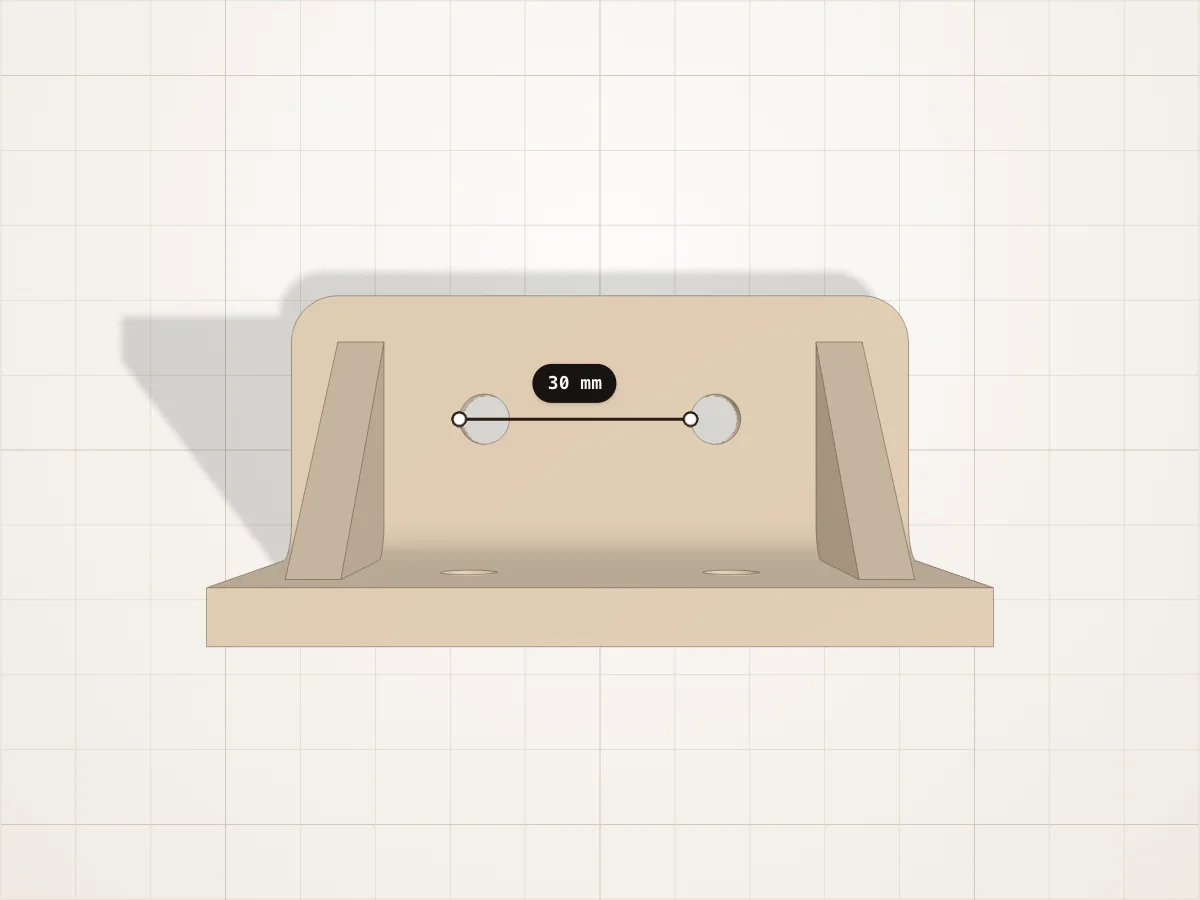
Bracket hole spacing
Two clicks on the hole rims, both snapped to mesh corners: 30 mm between the 6.5 mm holes, with ΔX, ΔY and ΔZ.
3,388 triangles · 166 KB binary STL
Top view
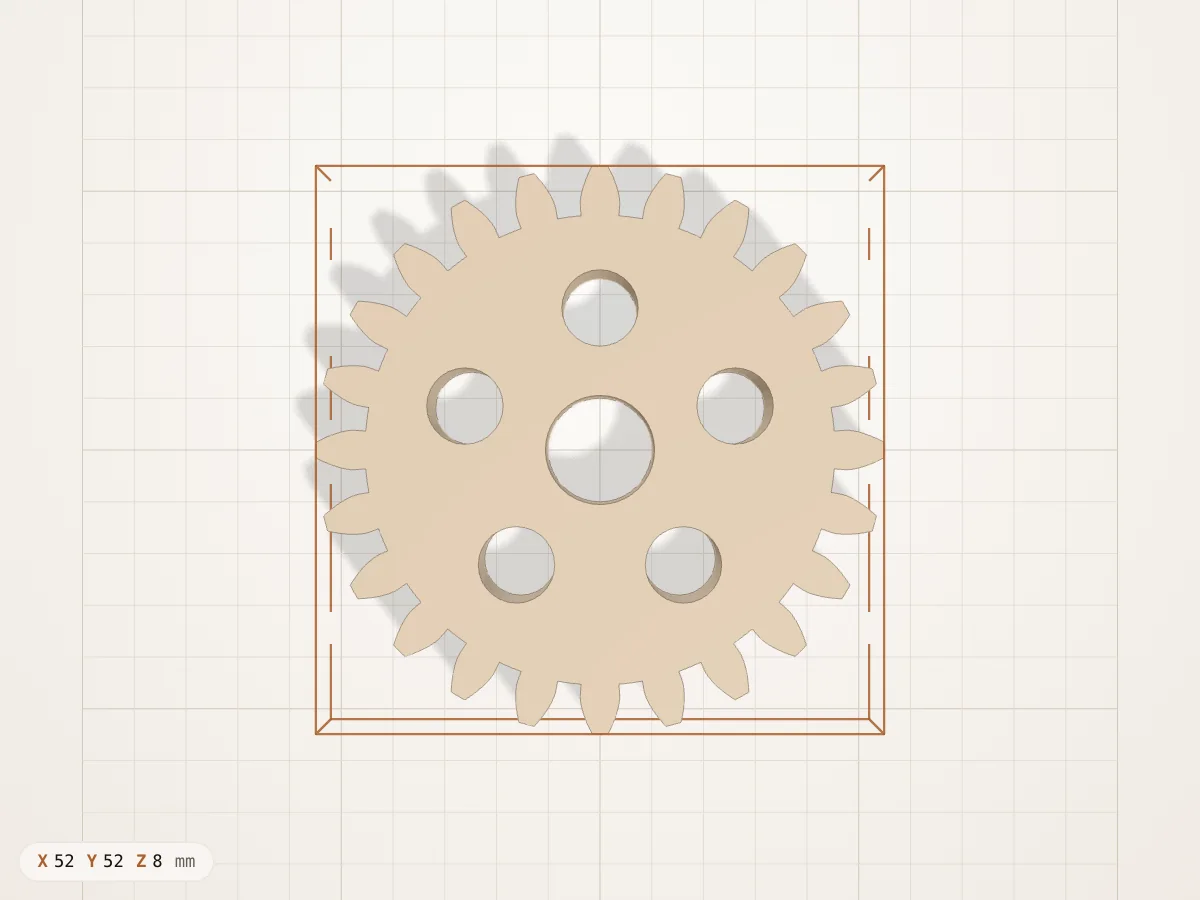
Spur gear outside diameter
The top view with the size readout: 52 × 52 × 8 mm, one closed shell of 12.0 cm³.
3,524 triangles · 172 KB binary STL
Wireframe
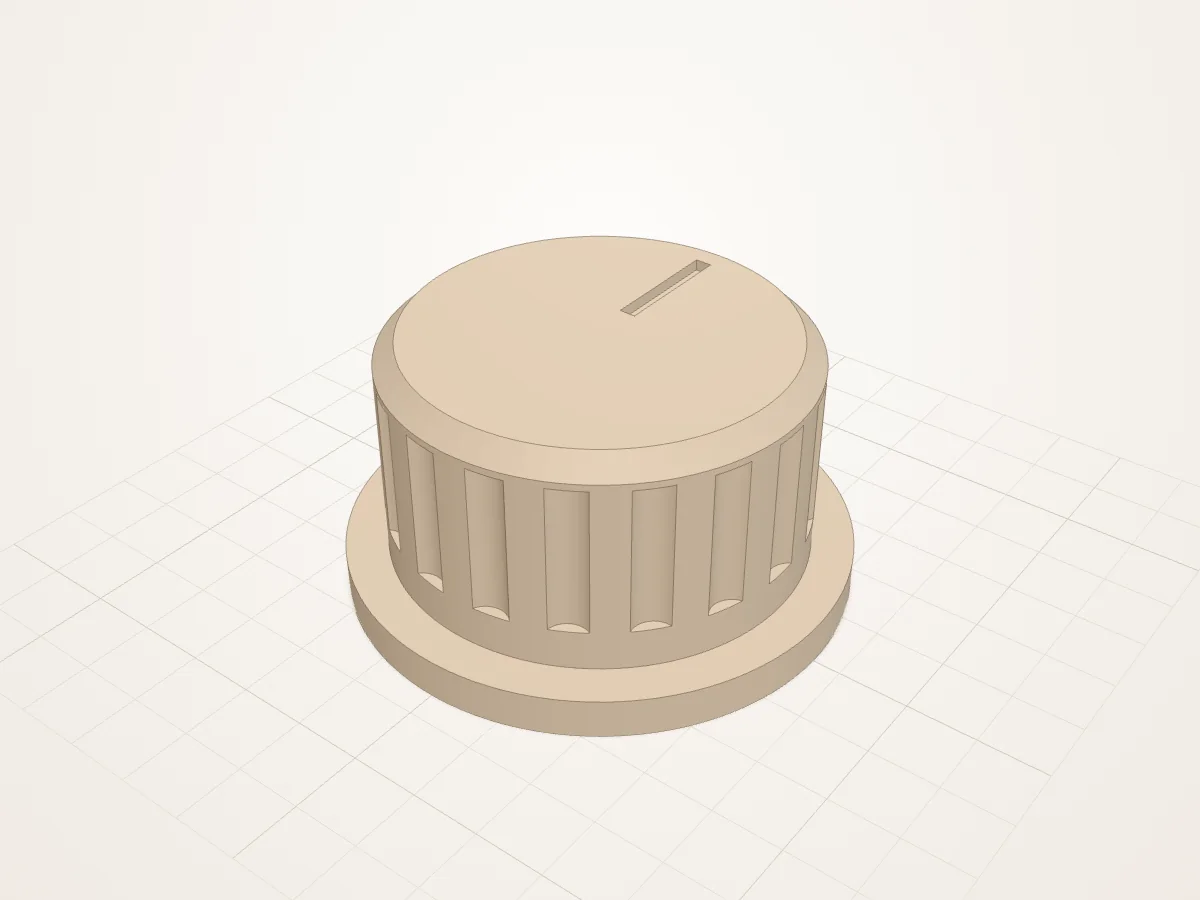
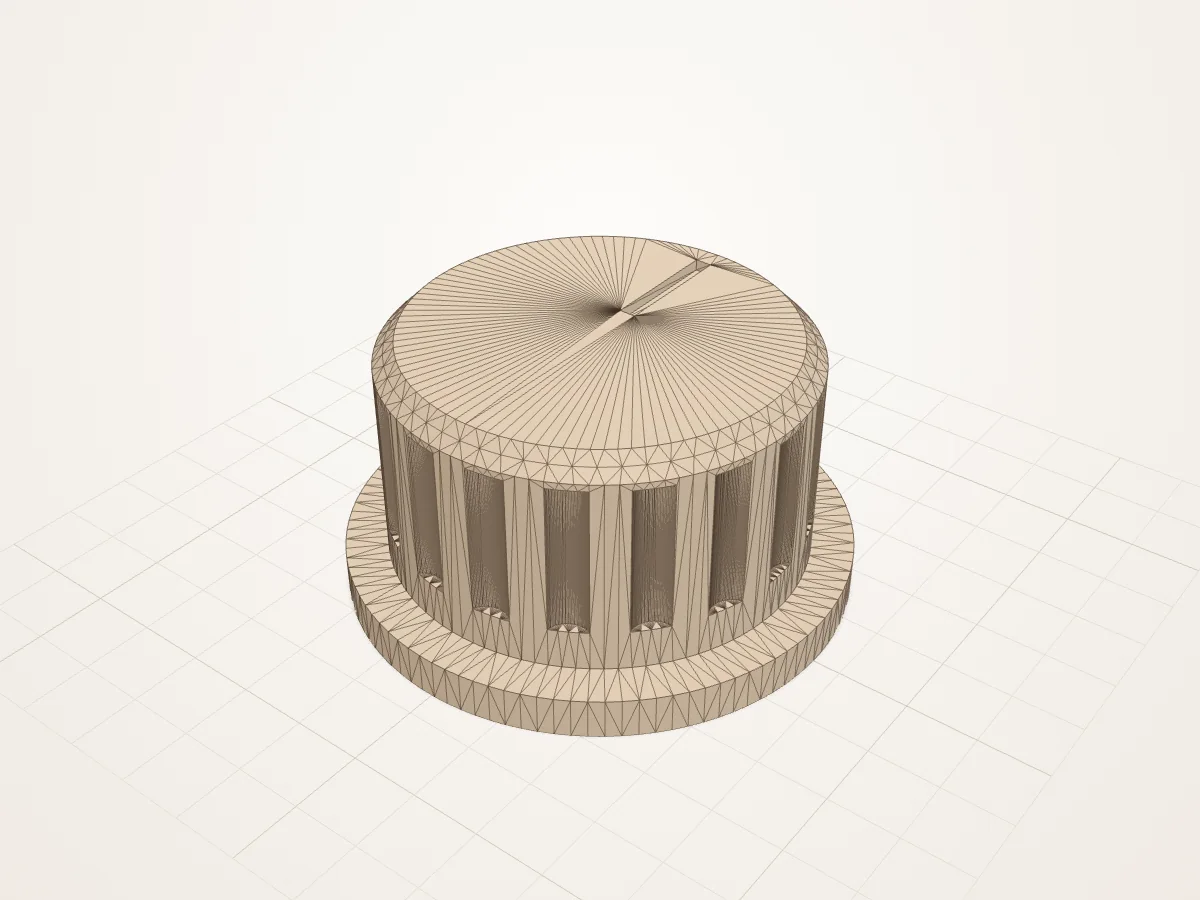
Knurled control knob
4,236 triangles drawn over the shaded part. In PLA the solid knob weighs about 17 g.
4,236 triangles · 207 KB binary STL
Wall check
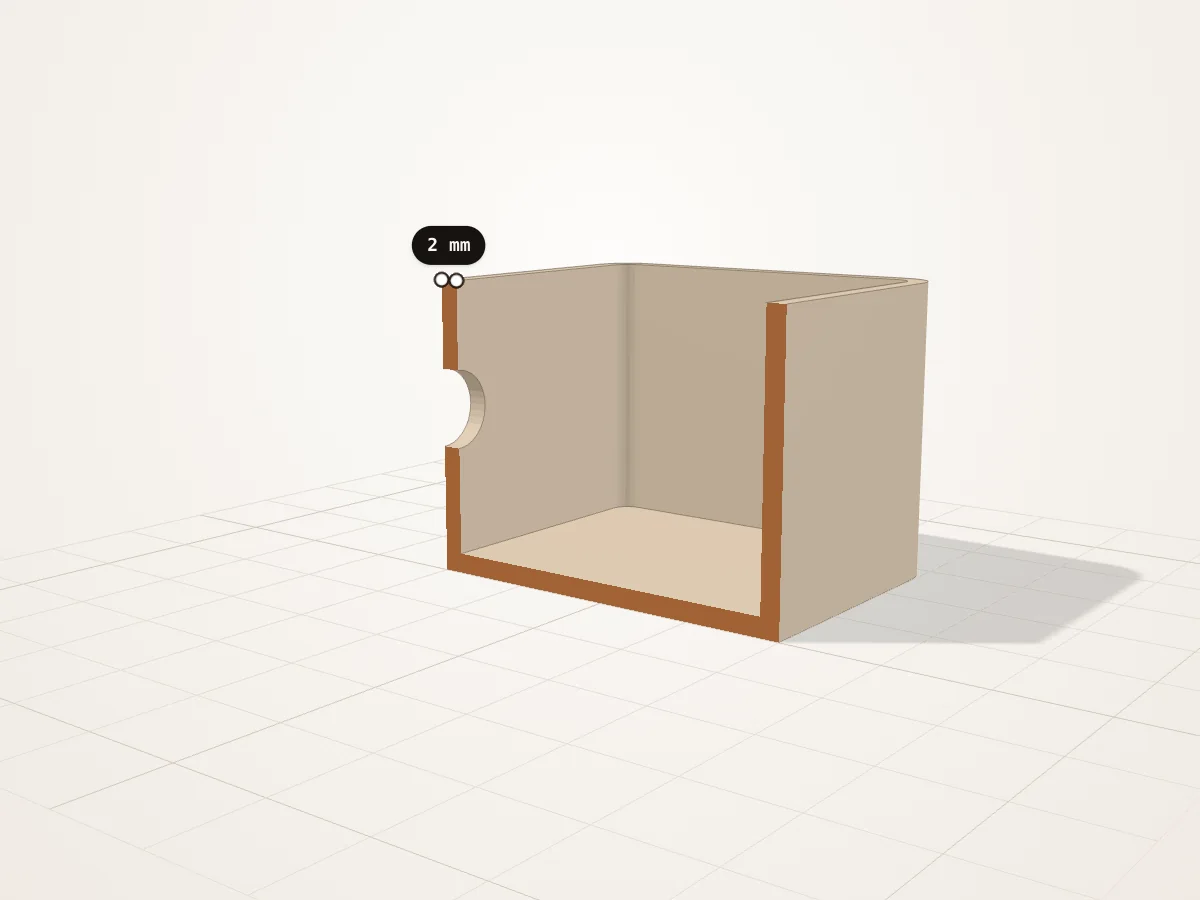
Storage box wall
An ASCII STL of 60 × 40 × 30 mm, cut across X and measured through the side wall: 2 mm, as designed.
368 triangles · 74 KB ASCII STL
Several files
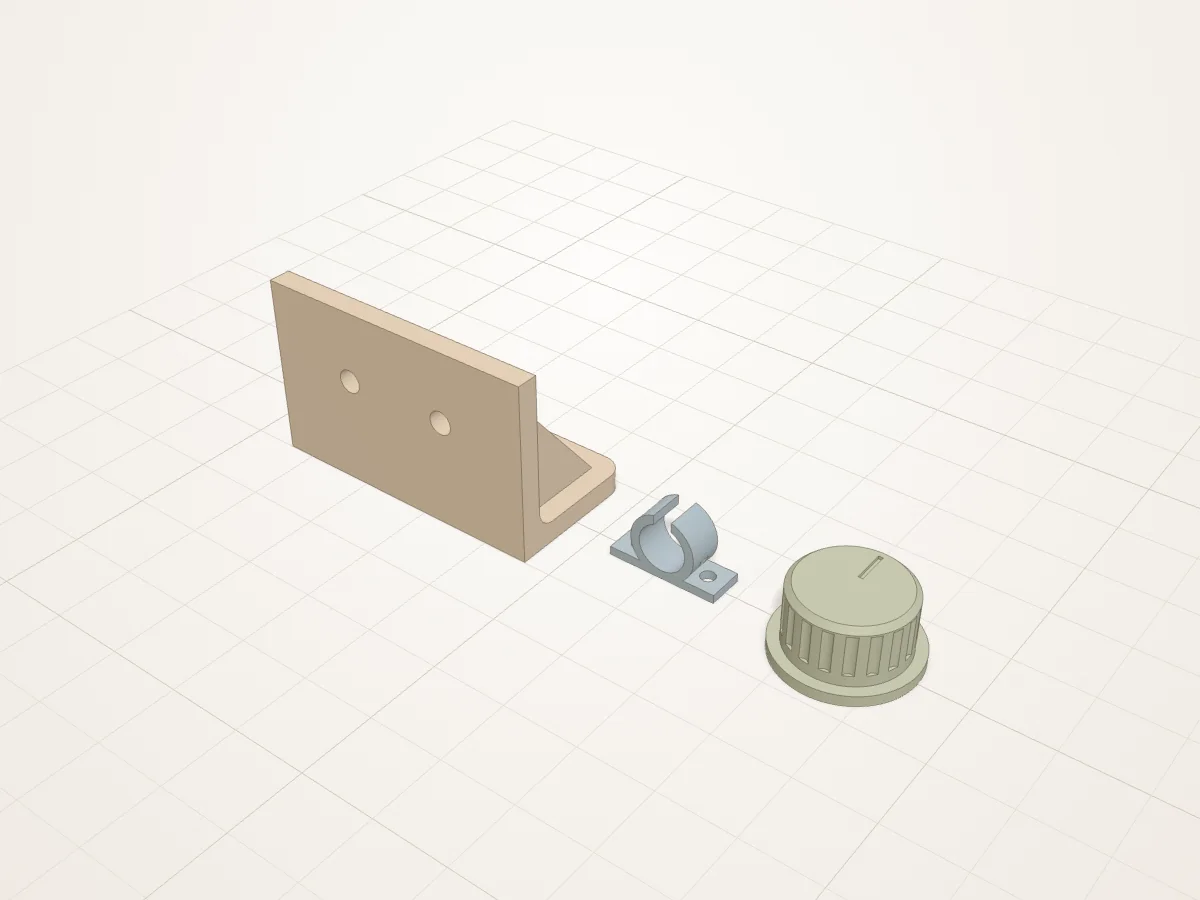
Three parts side by side
Bracket, clip and knob opened together. Click one in the Files list to check it alone.
3 files · 8,424 triangles
Tools
Four STL viewer tools that answer print questions
Orbit, zoom and switch views like any online STL viewer. These four tools are what make it worth opening a file here before the slicer.
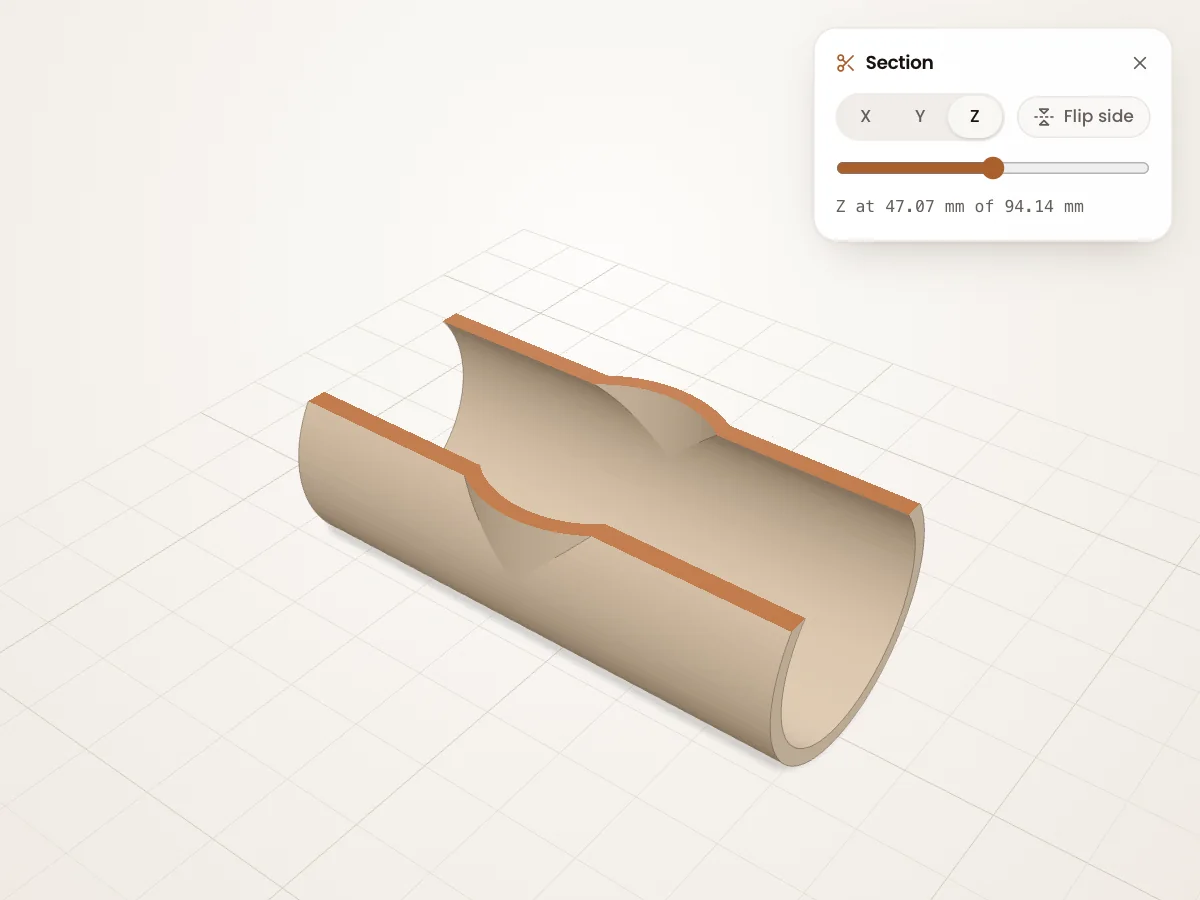
Pipe tee cut at half height: walls and both bores in copper
Checks
STL viewer checks at a glance
What each number in the Model card means and what to do when it looks wrong.
| Check | What it means | If it looks wrong |
|---|---|---|
| Size | Bounding box in millimetres and inches. | Off by 25.4 or 1,000 times? Change File units, then fix the export. |
| Watertight | Every edge is shared by exactly two triangles. | No: open edges are holes, so repair before slicing. |
| Open edges | Edges used by one triangle only, drawn in red. | Close them in your CAD program, Meshmixer or the slicer repair. |
| Edges on 3+ triangles | Non-manifold seams, often two bodies touching. | Union the bodies or move them apart. |
| Flipped edges | Neighbours wound the opposite way. | Recalculate normals; most slicers do it on import. |
| Volume and weight | Signed volume of the closed mesh, times a typical density. | Shown only when watertight; an open mesh has no inside. |
| Shells | Separate connected pieces in the file. | More than you expect? Look for loose fragments or a hidden inner copy. |
The 25.4 trap: STL stores numbers without a unit, so a part drawn in inches and read as millimetres prints 25.4 times too small. The size row catches it.
How to
How to view an STL file in 3 steps
No install and no account: this STL viewer online opens your part in a few seconds.
STEP 1
Drop your STL
Drag binary or ASCII STL files, or an OBJ, onto the upload box, or open a sample. Up to 20 files and 200 MB, read in a background worker.
STEP 2
Check size and units
Read the Model card. If a part that should be 40 mm reads 1.57, it was exported in inches: set File units to in and every number updates.
STEP 3
Cut, measure, save
Turn on Section or Measure from the toolbar, press PNG to keep the view, or save the mesh as binary STL or OBJ in millimetres.
Keyboard
F fits the view, S toggles Section, M toggles Measure, 1 to 4 switch views, Esc clears a measurement.
Snapping
Click within 14 px of a corner, or of a corner of the cut, to snap to it; elsewhere the point sits where you clicked.
Big scans
Wireframe turns off above 2,000,000 triangles; the checks still run on every triangle.
Wall thickness
Cut across the wall, then measure between both sides of the copper face.
Specs
STL file viewer specs and limits
What this STL file viewer reads, what it reports and what it leaves to other tools.
- Input
- Binary and ASCII STL, told apart by the file contents; Wavefront OBJ
- Batch
- Up to 20 files and 200 MB at once
- Triangles
- Up to 5,000,000 in total
- File units
- Millimetres, centimetres, metres or inches
- Readouts
- Size in mm and in, volume, surface area, triangles, vertices, shells, weight
- Mesh checks
- Open edges, edges on 3+ triangles, flipped edges, inward faces
- Tools
- Section along X, Y, Z; measure with corner snapping; wireframe; four camera views
- Export
- PNG of the view at 2x; binary STL or OBJ in millimetres
- Where it runs
- In your browser tab; nothing is uploaded
It does
- Read binary STL even when its header starts with "solid"
- Weld duplicate corners to count real vertices and edges
- Fill section cuts on closed meshes
- Snap measurements to mesh corners
- Convert inch or metre files to millimetres on export
It does not
- Repair holes, flipped faces or self-intersections
- Slice, add supports or estimate print time
- Show colours or textures; standard STL has none
- Read 3MF, STEP or GLB files
- Guess the unit; STL stores none, so read the size
Who uses it
When to open the STL viewer first
A slicer shows how a part will print. The STL viewer shows what the file really holds, which is the question to settle first.
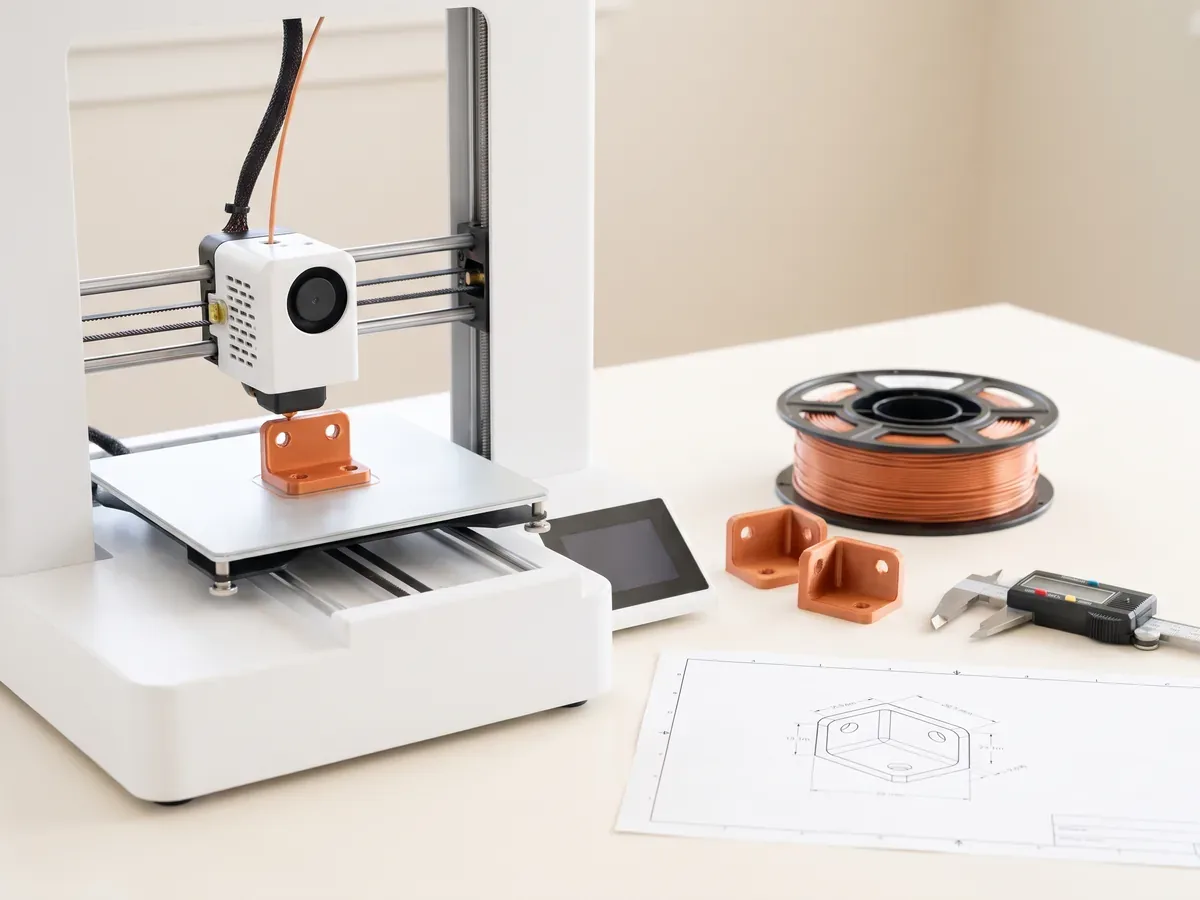
Before a long print
Confirm size, holes and wall thickness in the STL viewer before you commit eight hours and a spool.
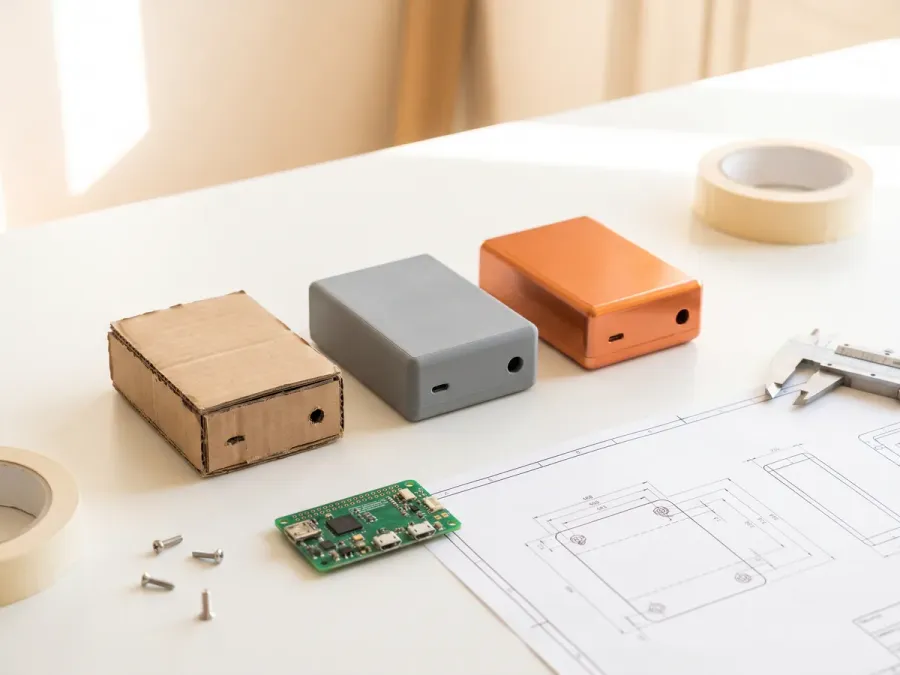
Quoting a customer part
Volume and solid weight give a material estimate, and a PNG goes straight into the quote.
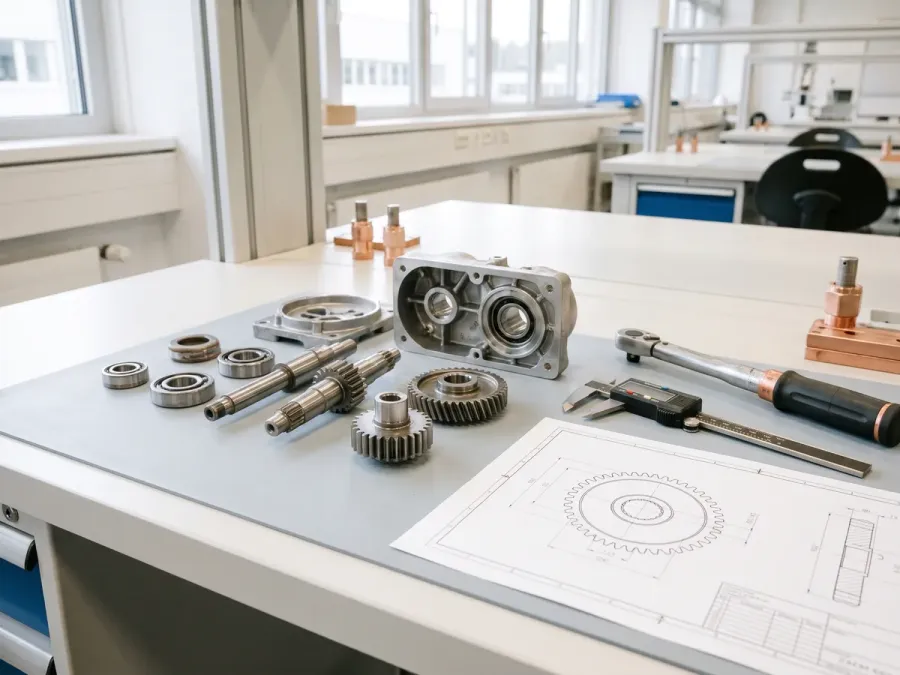
Checking a design review
Measure hole spacing and cut through bosses in the online STL viewer, without the CAD model.
Teaching and makerspaces
Any browser works, so students can view STL file downloads on a school laptop.
STL viewer FAQ
Units, checks, privacy and big files.
Is this STL viewer free?
Yes. No account, no watermark and no file count, because the STL viewer runs on your own computer.
How do I view an STL file without installing anything?
Drop it on the upload box above. The STL viewer online opens it in this browser tab with orbit, zoom, four views and the Model card.
Are my files uploaded?
No. The file is read and checked in a background worker inside this tab and is never sent to a server.
Why does my model look tiny or huge?
STL files have no unit. Most are millimetres, but some programs write inches or metres. If the size looks 25.4 times too small, choose in under File units; 1,000 times too small, choose m.
What does watertight mean?
Every edge is shared by exactly two triangles, so the mesh has a clear inside. Slicers need that to fill the part; open edges are why prints show gaps or missing walls.
How is the volume worked out?
By adding the signed volumes of the tetrahedra between each triangle and a reference corner. That is exact for a closed mesh, so this online STL viewer shows volume and weight only when the mesh is watertight.
Is the weight what my print will weigh?
It is the weight of a fully solid part at a typical density (PLA 1.24 g/cm³). FDM prints with walls and partial infill weigh noticeably less; brands differ by a few percent.
How accurate is the measure tool?
A snapped point is an exact mesh corner, or the exact spot where a mesh edge crosses the cut, so the distance between two snapped points is exact to the file. A point on a curved surface is limited by how finely the curve was triangulated.
Why are some cut faces not filled?
Section fills the cut by counting the surfaces in front and behind. On a mesh with holes that count breaks, so fill the holes first or read the outline instead.
Can the STL viewer repair my file?
No, it reports problems without changing the file. PrusaSlicer, Bambu Studio and Cura fix small holes and flipped faces on import; Meshmixer or Blender handle bigger damage.
Binary or ASCII STL: which opens better?
Both open the same way. Binary stores each triangle in 50 bytes; ASCII is text and several times larger, like the 161 KB cable clip sample with only 800 triangles.
Does it work on a phone?
Yes, in a current browser with WebGL: drag to orbit, pinch to zoom. Phones have less memory, so a very large scan may not open there.
Where do I convert the file next?
Turn an OBJ into a printable mesh with OBJ to STL, send a model to Blender with STL to OBJ, or pack parts with units for the slicer in STL to 3MF.
Open your part in the STL viewer
Drop a file, read its size and volume, cut it open and measure. Free, right in this tab.
Open the STL viewer