Bolt Circle Calculator: Hole Coordinates for CAD and CNC
Free bolt circle calculator: enter the hole count, the bolt circle diameter (PCD) and a start angle to get the X/Y position of every hole, absolute or incremental. Hover a row to find its hole on the drawing, then save the pattern as a true-size DXF or SVG.
- mm or inches, fractions
- DXF on clean layers
- Overlap and edge checks
- Free, nothing uploaded
Bolt pattern
FreeLive drawing
6× Ø11 · PCD 120 mm · start 0°
| # | Angle ° | X | Y |
|---|---|---|---|
| 1 | 0.000 | 60.000 | 0.000 |
| 2 | 60.000 | 30.000 | 51.962 |
| 3 | 120.000 | -30.000 | 51.962 |
| 4 | 180.000 | -60.000 | 0.000 |
| 5 | 240.000 | -30.000 | -51.962 |
| 6 | 300.000 | 30.000 | -51.962 |
From the datum; centre at (0, 0). Hover a row to find the hole.
Examples
Bolt circle calculator examples made here
Five patterns drawn by this bolt circle calculator. Each image is the SVG from the download button, and the DXF next to it opens at true size.
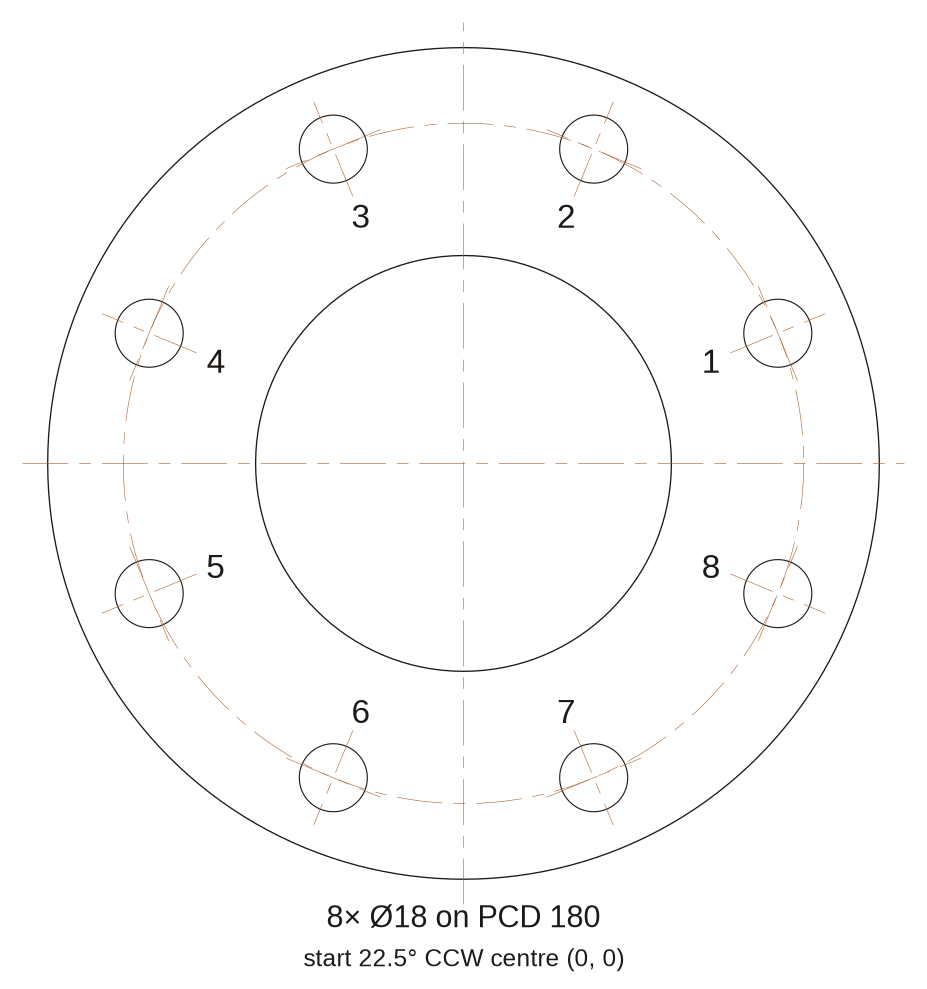
8 × Ø18 · PCD 180
Eight hole flange
Outer diameter 220 mm, 110 mm bore, start angle 22.5° so two holes straddle each axis.
Made here · SVG export · chord 68.883 mm
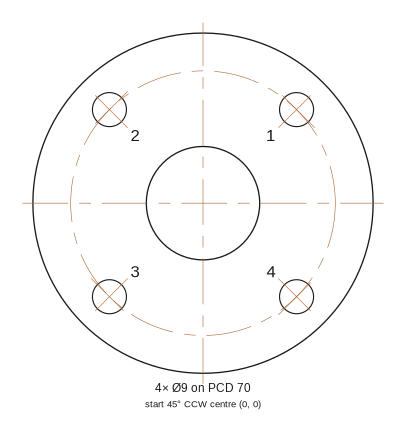
4 × Ø9 · PCD 70
Motor mounting flange
Four holes at 45°, 49.497 mm apart in X and Y: the square pattern of a small motor flange.
Made here · SVG export · chord 49.497 mm
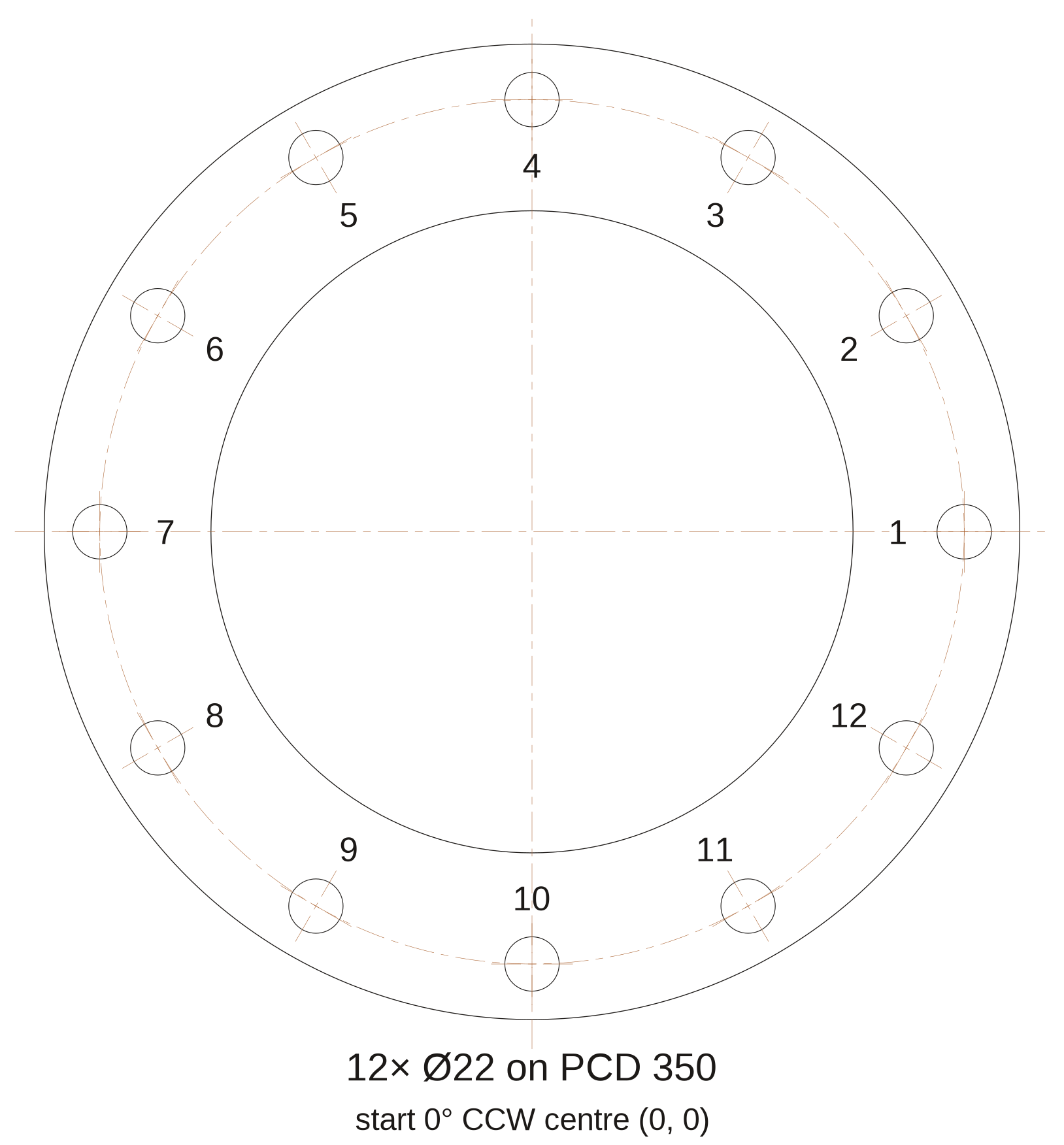
12 × Ø22 · PCD 350
Large twelve hole ring
A 395 mm ring with a 260 mm bore. Neighbouring holes are 90.6 mm apart, leaving a 68.6 mm web.
Made here · SVG export · chord 90.587 mm
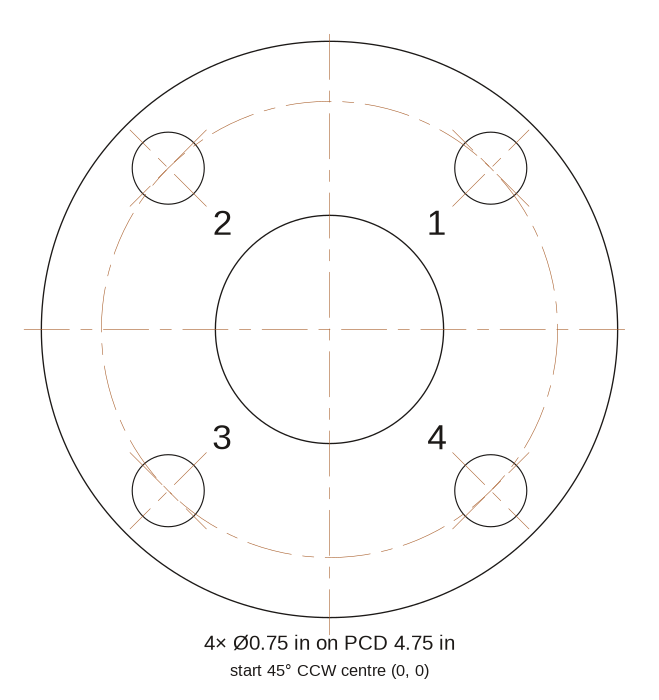
4 × Ø0.75 in · BC 4.75 in
Inch flange, DXF in inches
Typed in inches with fractions; the DXF is written in inches with its units set, so CAD imports it 1:1.
Made here · SVG export · DXF in inches
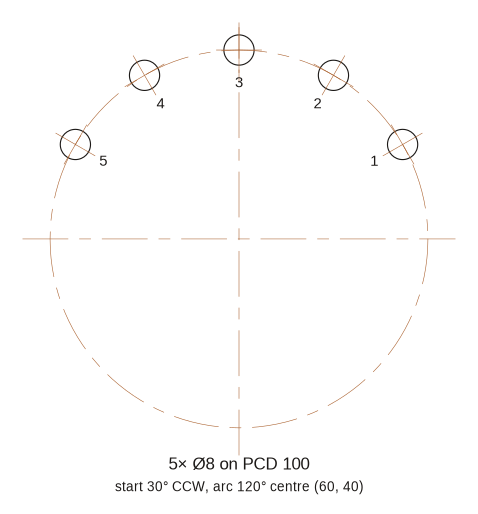
5 holes · 120° arc
Holes on an arc, offset centre
Five holes on a 120° arc of a 100 mm circle centred at (60, 40), 30° apart, with both end holes on the arc.
Made here · SVG export · 30° steps
Measure
PCD calculator: find the bolt circle from a measurement
Measuring an old flange or a wheel? Enter the hole count and one distance, and the PCD calculator works the bolt circle back out.
114.29 mm
= 4.4997 in · pattern 5 × 114.3
PCD = c ÷ sin(180° / 5)
- Neighbouring holes c apart: PCD = c ÷ sin(180° / n).
- Even hole count: the distance between opposite hole centres is the PCD.
- Measuring edges? Add the hole diameter to the inside edge distance, or subtract it from the outside one.
- Five studs 67.18 mm apart give 114.3 mm: the common 5 × 114.3 wheel pattern.
How it works
How the bolt hole circle calculator works
One set of formulas feeds the table, the drawing and the files, so the numbers in the DXF are the numbers on screen.
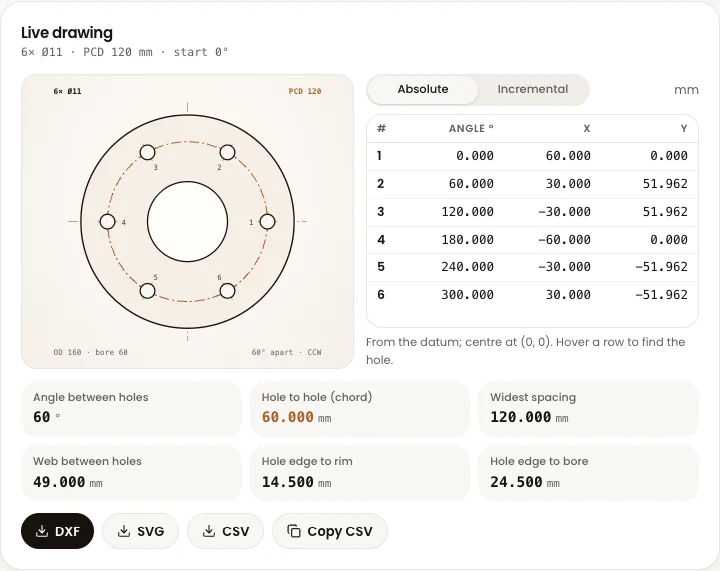
6 × Ø11 on PCD 120 with the incremental table
How to
How to use the bolt circle calculator
A complete bolt pattern with coordinates and a drawing in three steps.
STEP 1
Enter the pattern
Number of holes, bolt circle diameter, hole size and start angle. Add an outer diameter and a bore to draw the flange.
STEP 2
Read the coordinates
The table lists every hole to three decimals, four in inches. Hover a row to find the hole, or switch to incremental moves.
STEP 3
Export or print
Download the DXF or SVG, copy the table as CSV, or open the print view for a sheet with the drawing and the table.
Hole 1 at 12 o’clock
Use a start angle of 90°.
Straddle the axis
Start at half the spacing: 30° for six holes.
Fractions
Type 7/16 or 1 1/2 in any inch field.
Arrow keys
Up and down step a field; Shift steps by ten.
Specs
Bolt pattern calculator specs and formulas
Inputs, results and files of the bolt pattern calculator, and what stays your call.
- Pattern
- 1 to 144 holes on a full circle, or on an arc with a hole at each end
- Position
- Any centre X/Y; start angle counterclockwise from +X; CW or CCW numbering
- Units
- Millimetres or inches; decimals and fractions such as 7/16
- Formulas
- θᵢ = θ₀ ± i·Δθ, x = cx + r·cos θ, y = cy + r·sin θ, chord = 2r·sin(Δθ/2)
- Results
- Angle step, chord, widest spacing, web, hole edge to rim and to bore
- Tables
- Absolute X/Y, incremental dX/dY and angle per hole; CSV copy and download
- Files
- DXF R12 in mm or inches, SVG at 1:1, printable sheet
- Where it runs
- In your browser; nothing you type is sent anywhere
It does
- Give every hole position to three decimals (four in inches)
- Write incremental moves for CNC and drilling jigs
- Flag overlapping holes and thin edges
- Draw the flange with outer edge and bore
- Work the PCD back out of a measurement
It does not
- Add tolerances, thread callouts or fits
- Write G-code; copy the table into your program
- Place holes on several circles at once
- Draw slots, countersinks or counterbores
Uses
Where a bolt circle calculator saves time
Anywhere a ring of holes has to line up with a mating part. For gears and hubs, see the gear calculator.
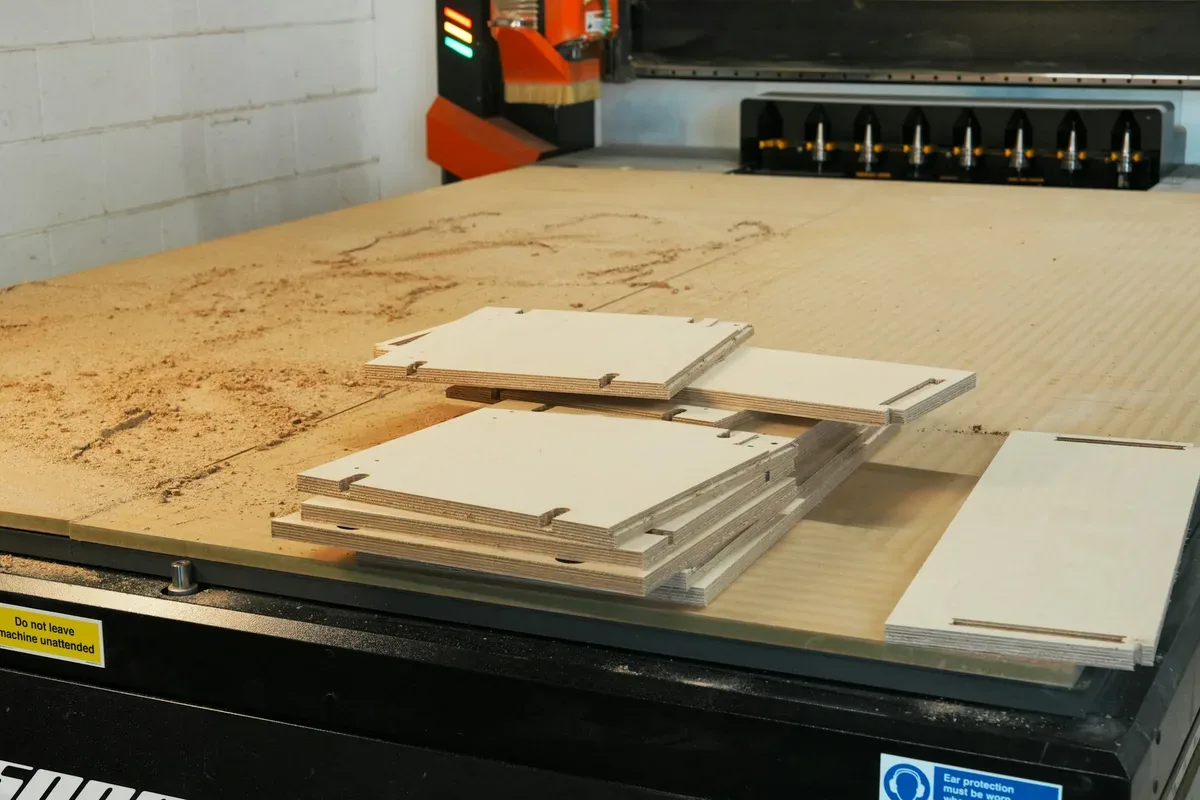
CNC drilling and milling
Paste the coordinates into a drilling cycle, or load the DXF into CAM.
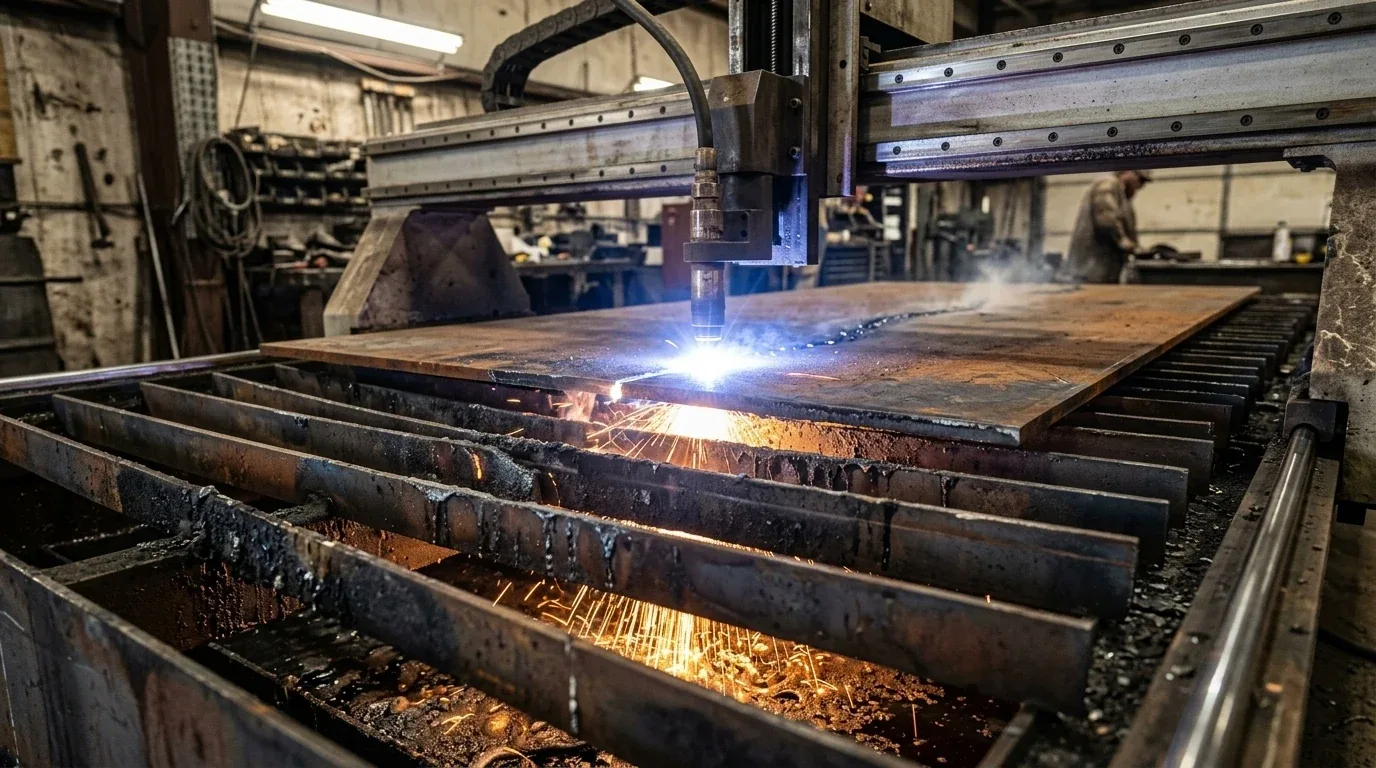
Plasma and laser flanges
Cut flanges, gaskets and mounting plates straight from the DXF.
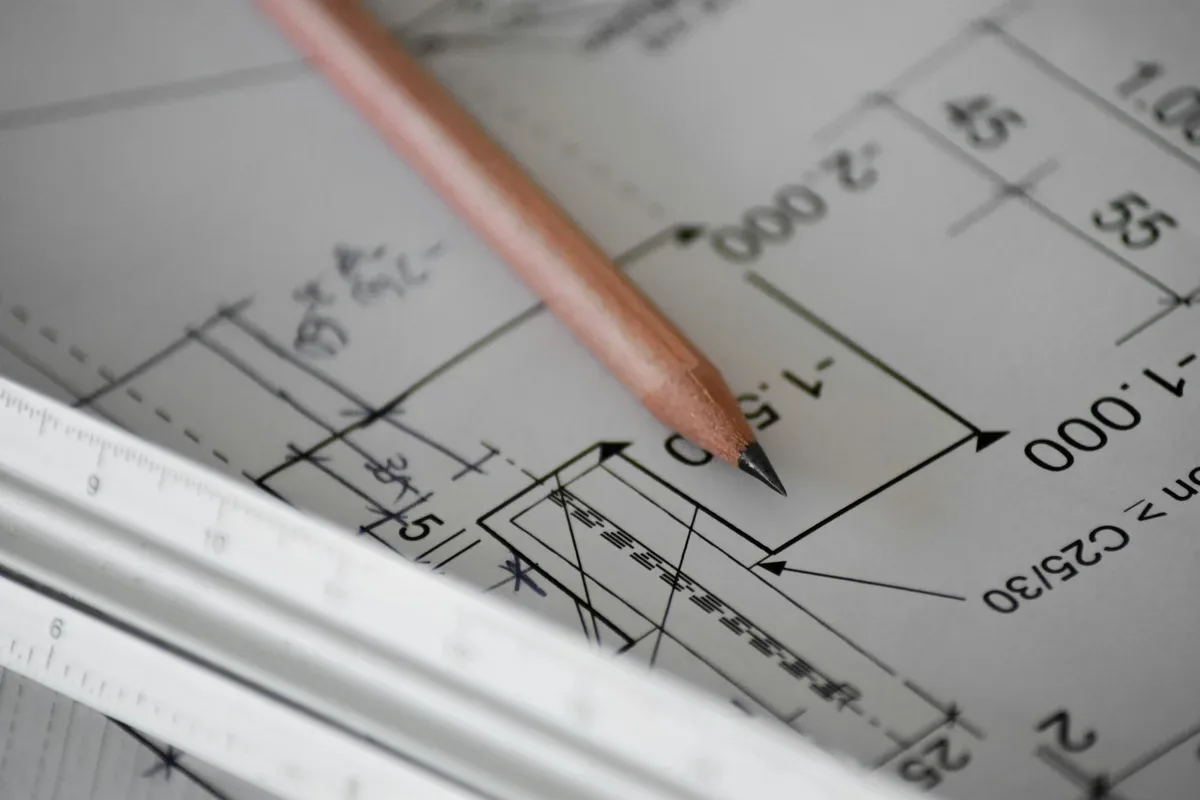
Layout on the bench
Print the 1:1 sheet at 100 % (patterns up to about 130 mm across) and centre punch through it.
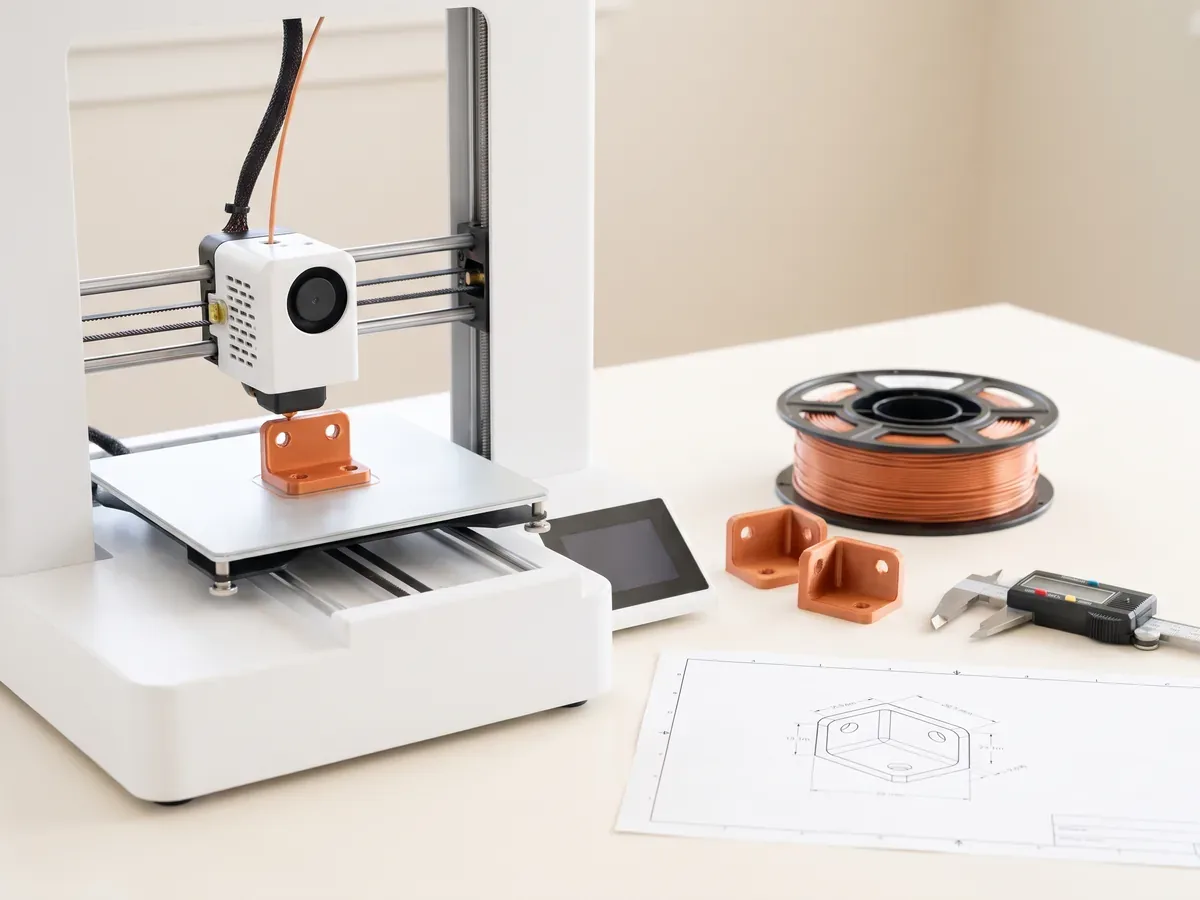
3D printed adapters
Match a printed adapter plate to a motor or wheel hub before you print.
Bolt circle calculator FAQ
Formulas, angles, units and files.
What is a bolt circle (PCD)?
The circle through the centres of a ring of bolt holes, also called the pitch circle diameter or bolt pattern. Flanges, hubs, motor mounts and wheels are specified by hole count, PCD and hole size.
How does the bolt circle calculator work out hole positions?
Hole i sits at the angle θᵢ = θ₀ + i·360°/n from +X, at x = cx + r·cos θᵢ and y = cy + r·sin θᵢ, where r is half the PCD and (cx, cy) the centre. Hole 1 sits at the start angle.
What is the distance between two neighbouring holes?
The chord 2r·sin(180°/n). For six holes on PCD 120 it is 60 mm. It is the number to check with calipers, and the bolt hole circle calculator also shows the widest spacing across the pattern.
What are incremental coordinates?
The move from the previous hole to this one (hole 1 from the centre), as dX and dY. Use them for G91 programs or when you zero the machine on each hole.
Which way is the start angle measured?
Counterclockwise from the positive X axis (3 o’clock), the usual CAD and CNC convention. 90° puts hole 1 at 12 o’clock. Holes are numbered counterclockwise unless you choose CW.
Can I put the holes on an arc instead of a full circle?
Yes. Choose Arc and enter the included angle: the first hole is at the start angle and the last at the end of the arc, with equal spacing between.
How do I find the PCD of a wheel or flange?
Measure between the centres of two neighbouring holes and use the PCD calculator: PCD = distance ÷ sin(180° / n). With an even number of holes, measure across opposite holes instead.
Can I work in inches?
Yes. Switch to inches and type decimals or fractions like 7/16. The table shows four decimals and the DXF is written in inches with its units set, so it imports at true size.
Will the DXF open at the right size?
Yes. It is DXF R12 at 1:1 with the drawing units in the header, using only circles, lines and text that CAD and CAM programs import. If your program asks, pick the units you typed in.
Is the bolt pattern calculator drawing ready for manufacturing?
It gives correct positions and sizes, but no tolerances, thread callouts or material notes. Check fits against the mating part and your standard before you cut.
Is it free, and is anything uploaded?
Free, with no sign up. The bolt circle calculator runs in your browser, so nothing you type leaves your computer.
Lay out your holes with the bolt circle calculator
Enter the pattern, check the table and download the DXF. Nothing leaves this tab.
Open the bolt circle calculator