STL to 3MF Converter: Units Baked In, Ready to Slice
Free STL to 3MF converter for up to 20 files at once. Drop binary or ASCII STL, check size and watertightness in 3D, pick mm, inch, cm or micron, and get one 3MF that Bambu Studio, PrusaSlicer, Cura and OrcaSlicer open at true scale. Nothing is uploaded.
- Free, no sign-up
- Binary and ASCII STL
- mm, in, cm or µm
- Watertight check
Upload STL
FreeOr open a sample
Runs in your browser. Nothing is uploaded.
Example result
Mounting bracket · STL → 3MF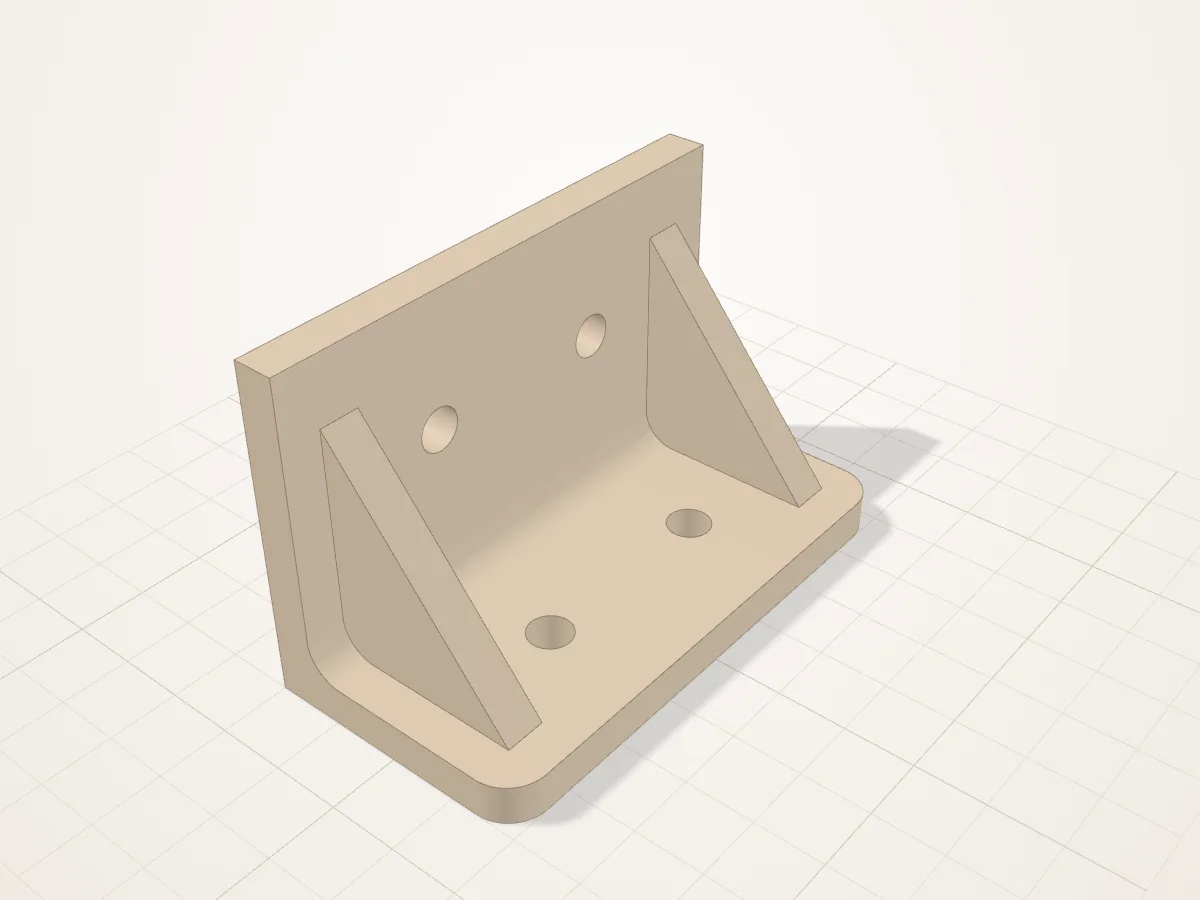
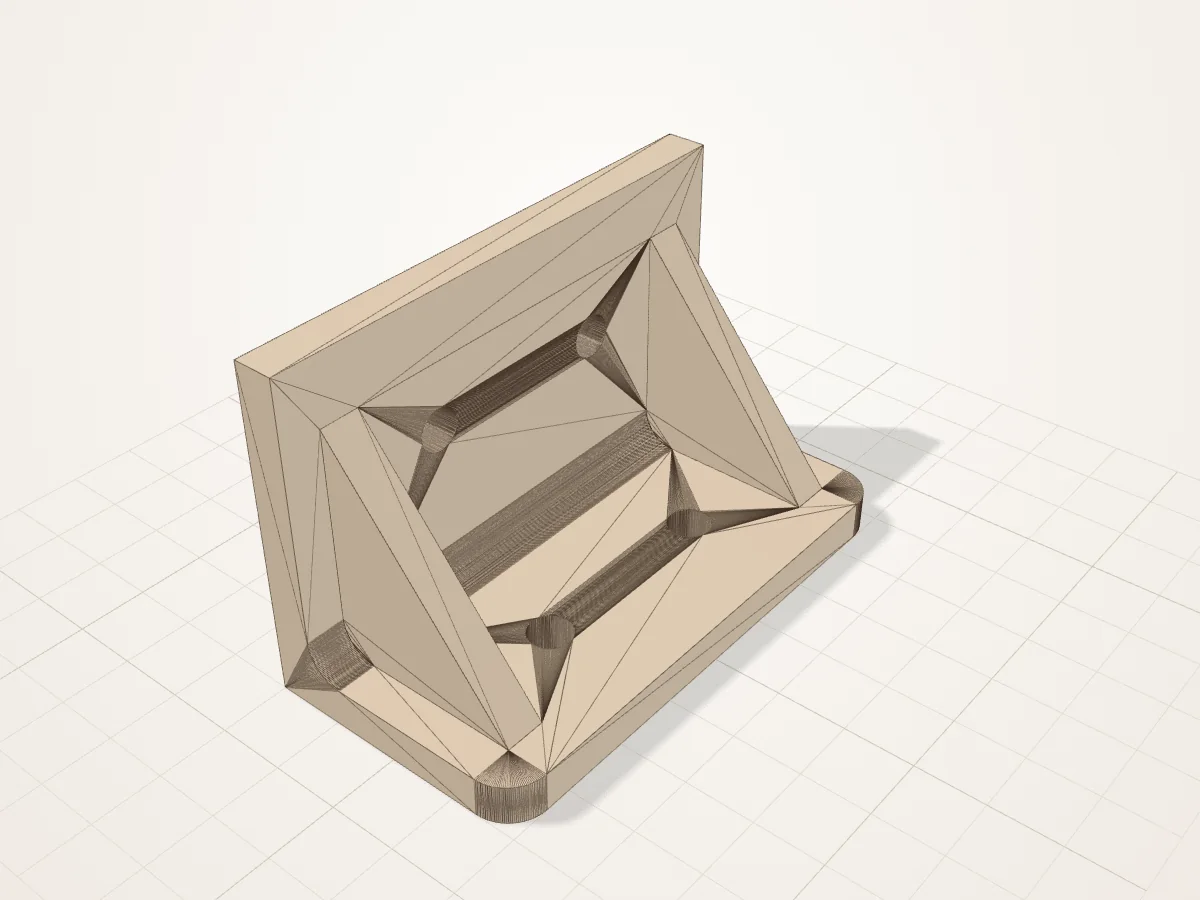
- STL
- Binary · 166 KB
- 3MF
- 30 KB
- Triangles
- 3,388
- Vertices
- 10,164 → 1,688
- Size
- 80 × 40 × 50 mm
- Watertight
- Yes
Examples
STL to 3MF examples you can open
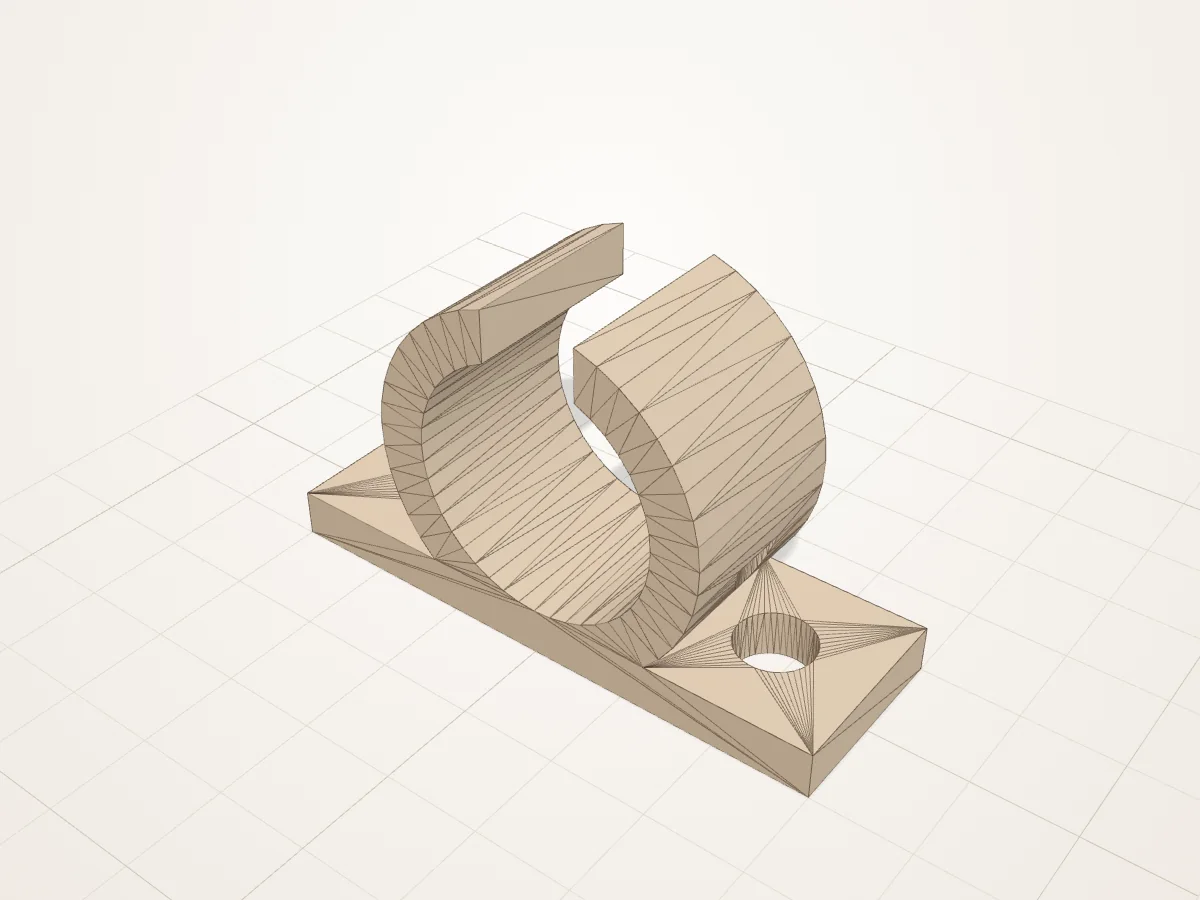
Five sample files and one batch, each run through this STL to 3MF converter. Hover a card to see the triangles, open it in the converter, or download the 3MF.
Binary STL
Mounting bracket
3,388 triangles. Welding turns 10,164 corners into 1,688 shared vertices, so the 3MF is 30 KB instead of 166 KB.
3,388 triangles · 166 KB STL → 30 KB 3MF
ASCII STL
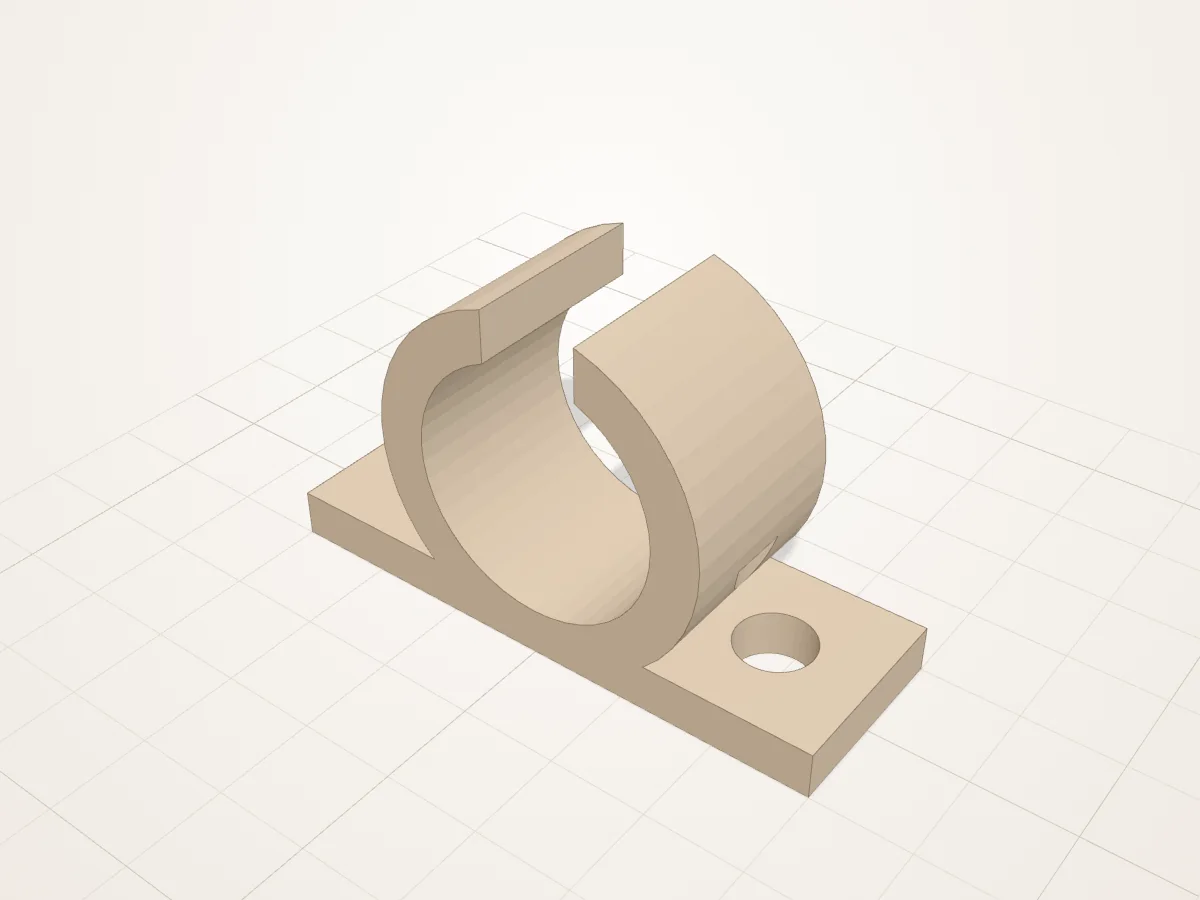
Cable clip
The bulky text flavour: STL to 3MF turns 161 KB of text into a 9 KB file with the same 800 triangles.
800 triangles · 161 KB STL → 9 KB 3MF
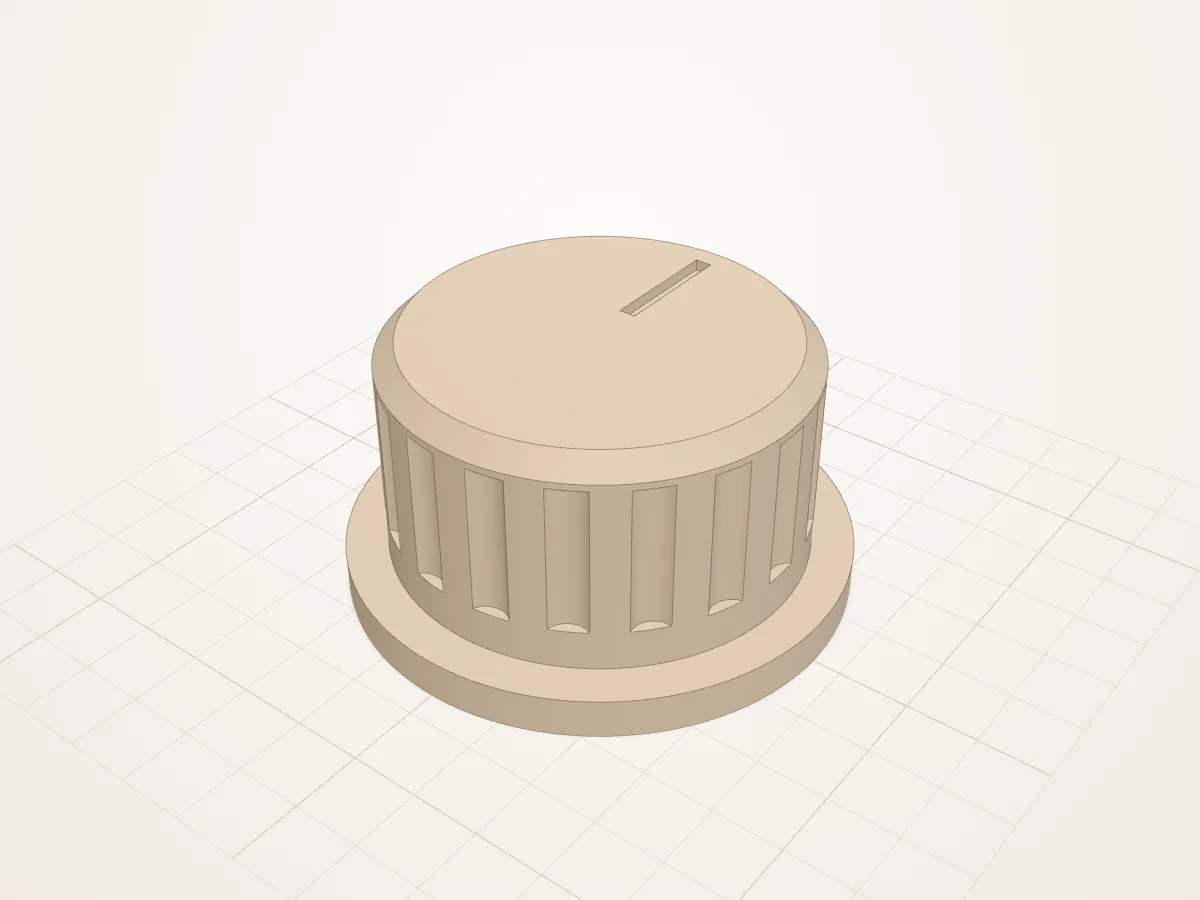
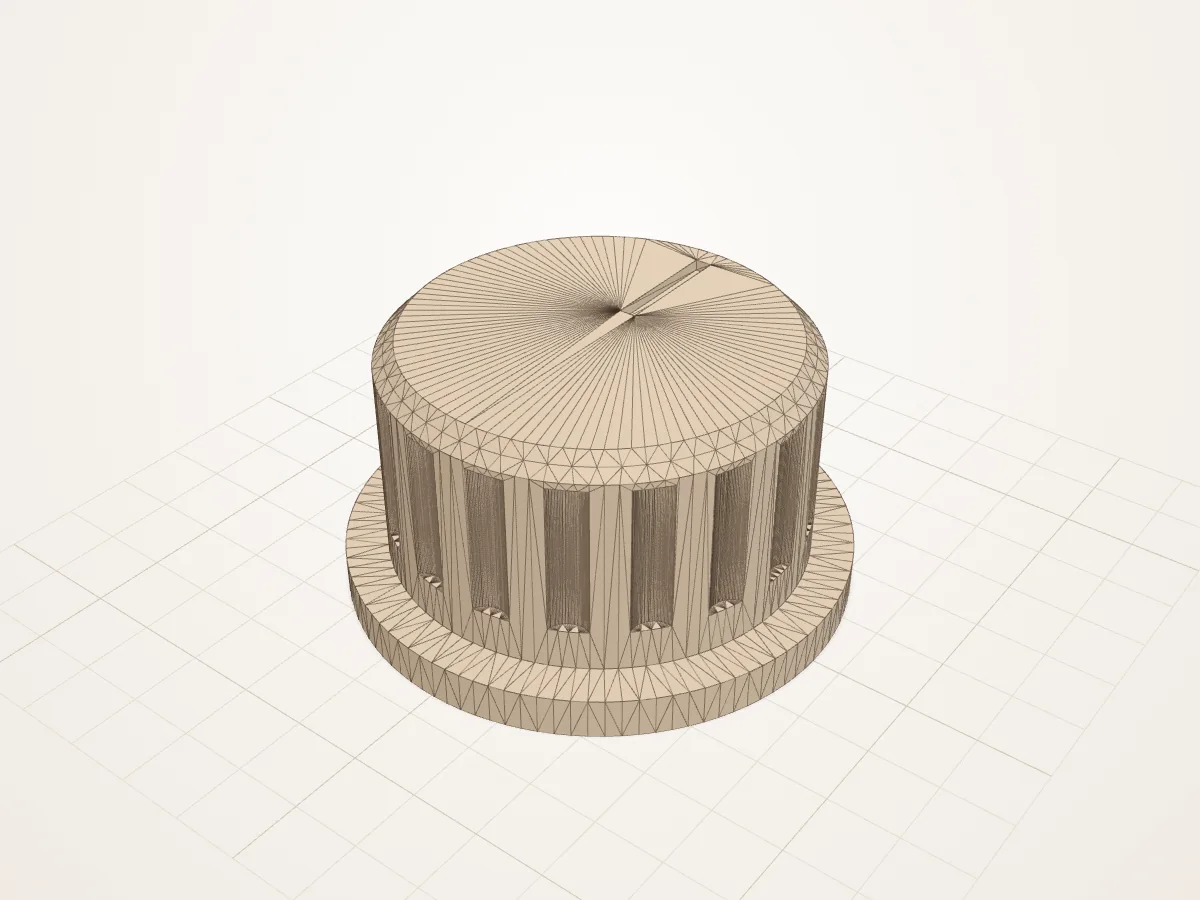
Knurled grip
Control knob
4,236 triangles, 36 × 36 × 19 mm and watertight, written as one object named after the file.
4,236 triangles · 207 KB STL → 42 KB 3MF
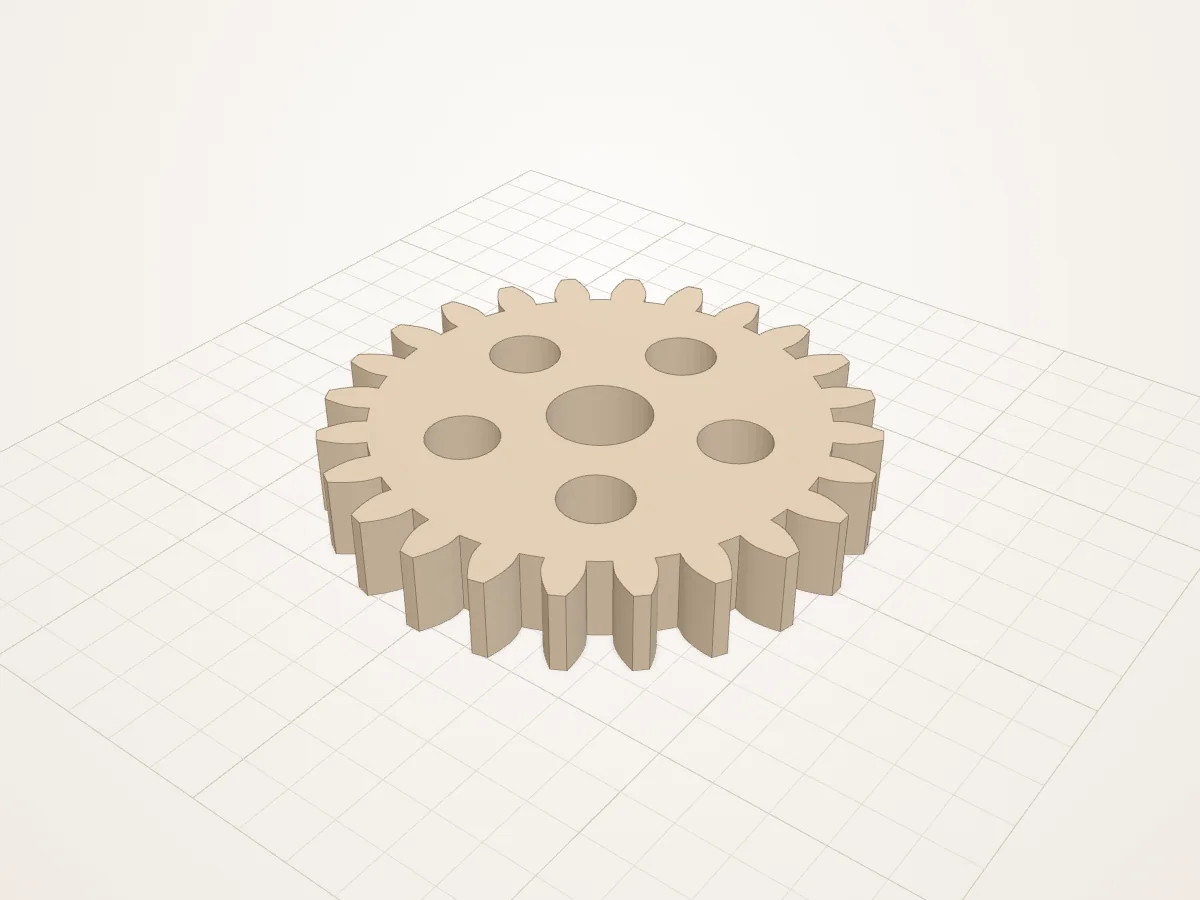
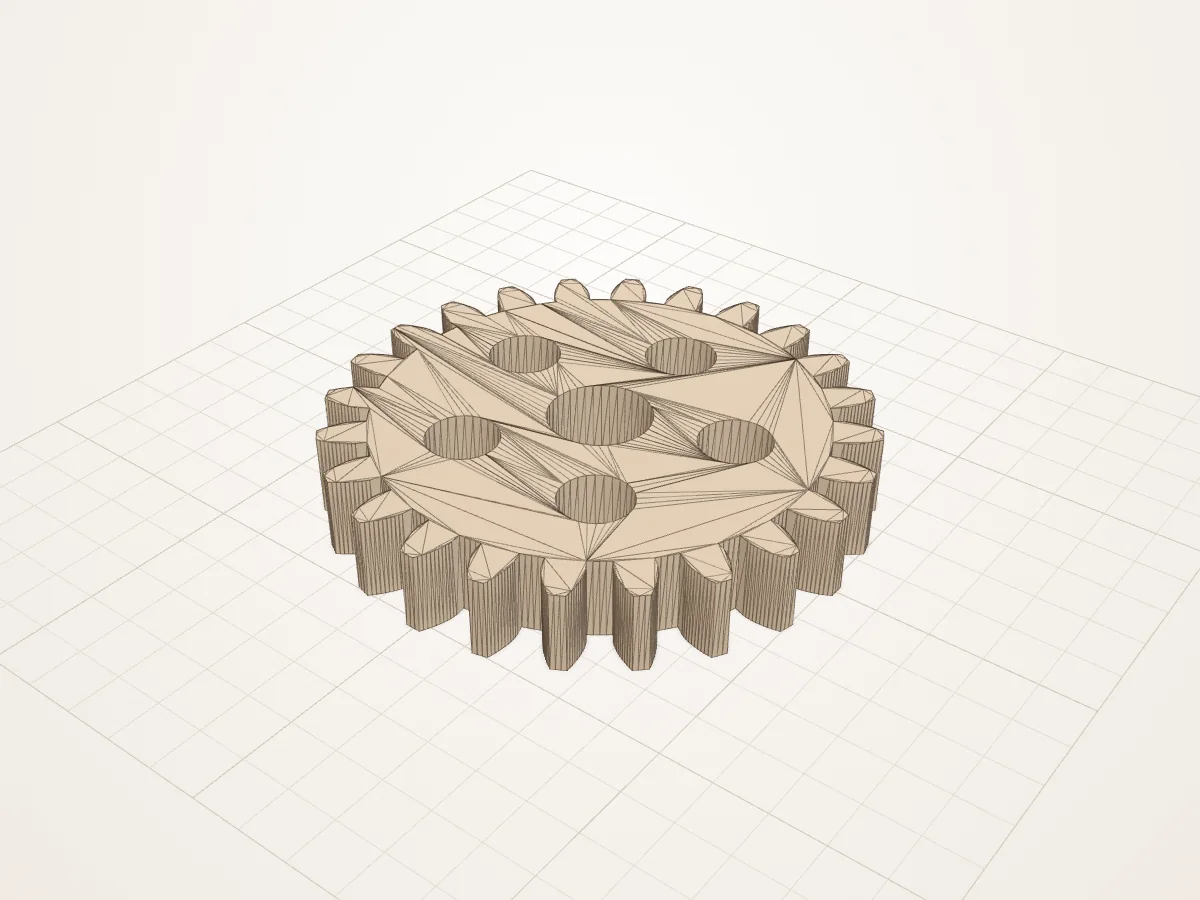
Generated part
Spur gear
Module 2, 24 teeth, a bore and five holes: one closed shell of 12.048 cm³ in a 34 KB 3MF.
3,524 triangles · 172 KB STL → 34 KB 3MF
Hollow part
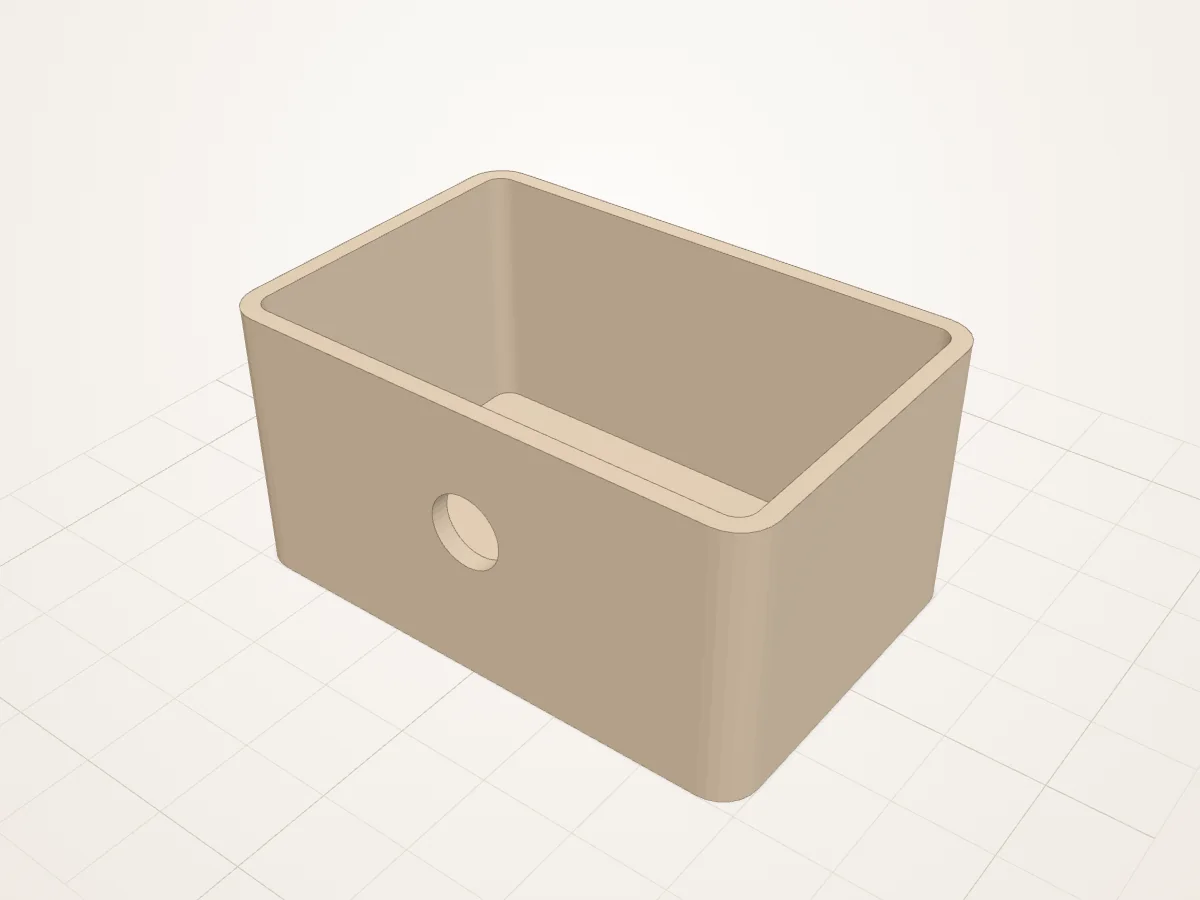
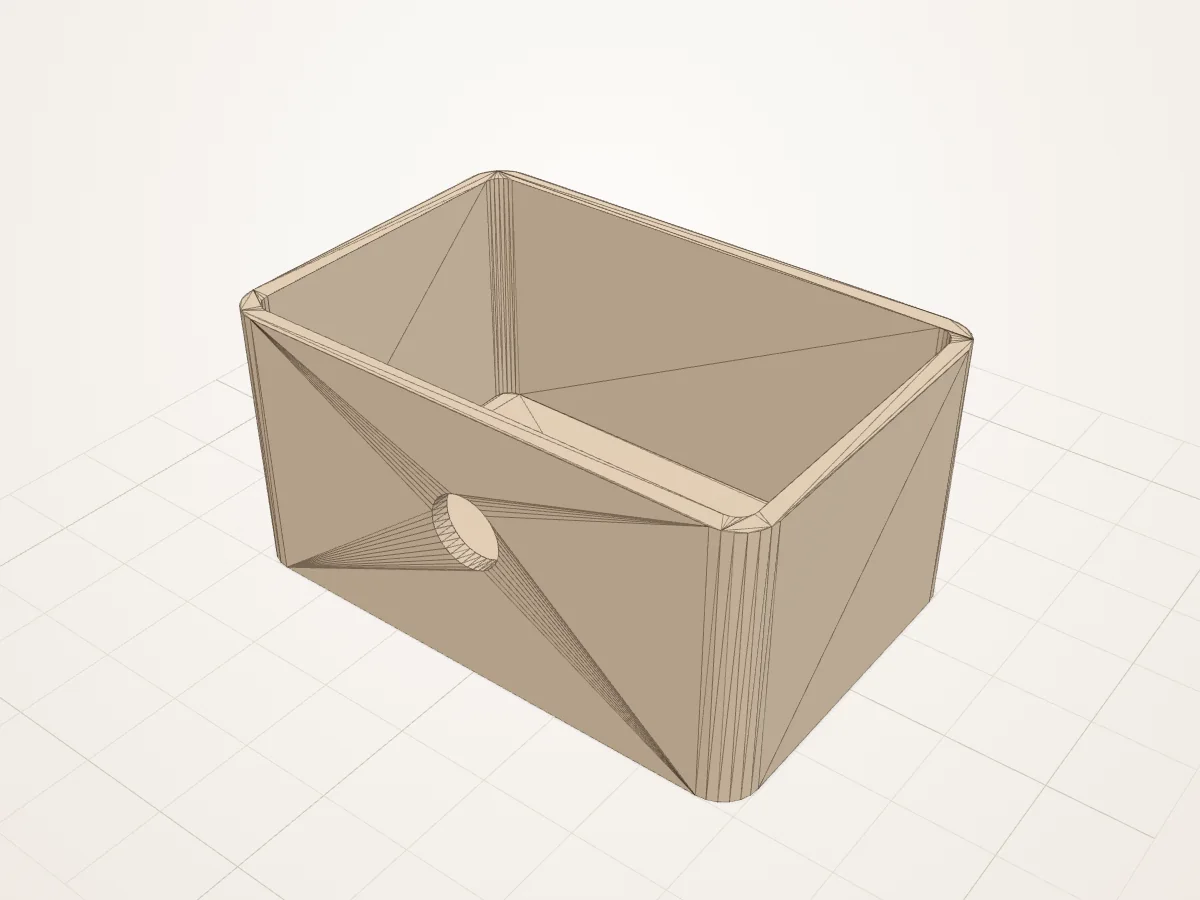
Storage box with a cable hole
Open top, 2 mm walls and a round cable hole, 60 × 40 × 30 mm, packed into a 4 KB 3MF.
368 triangles · 74 KB STL → 4 KB 3MF
Batch
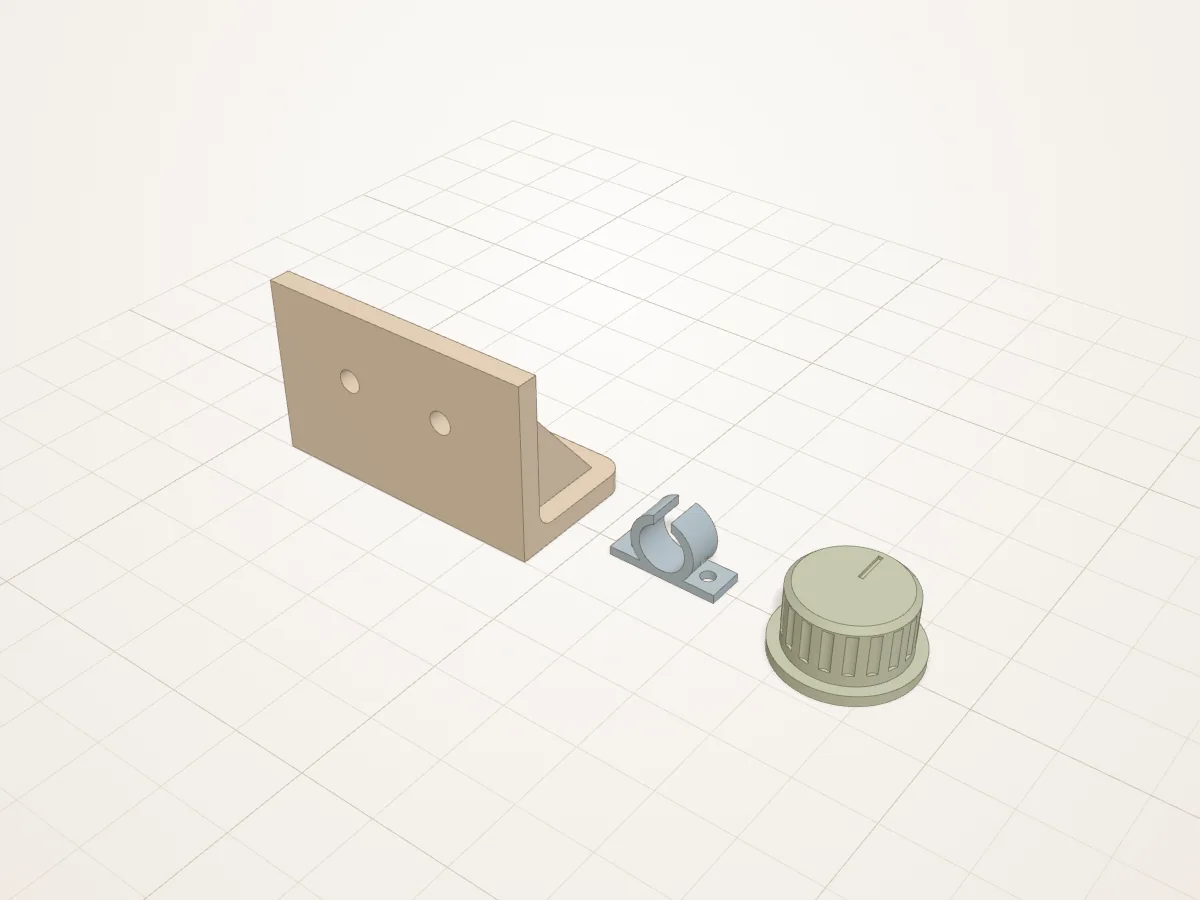
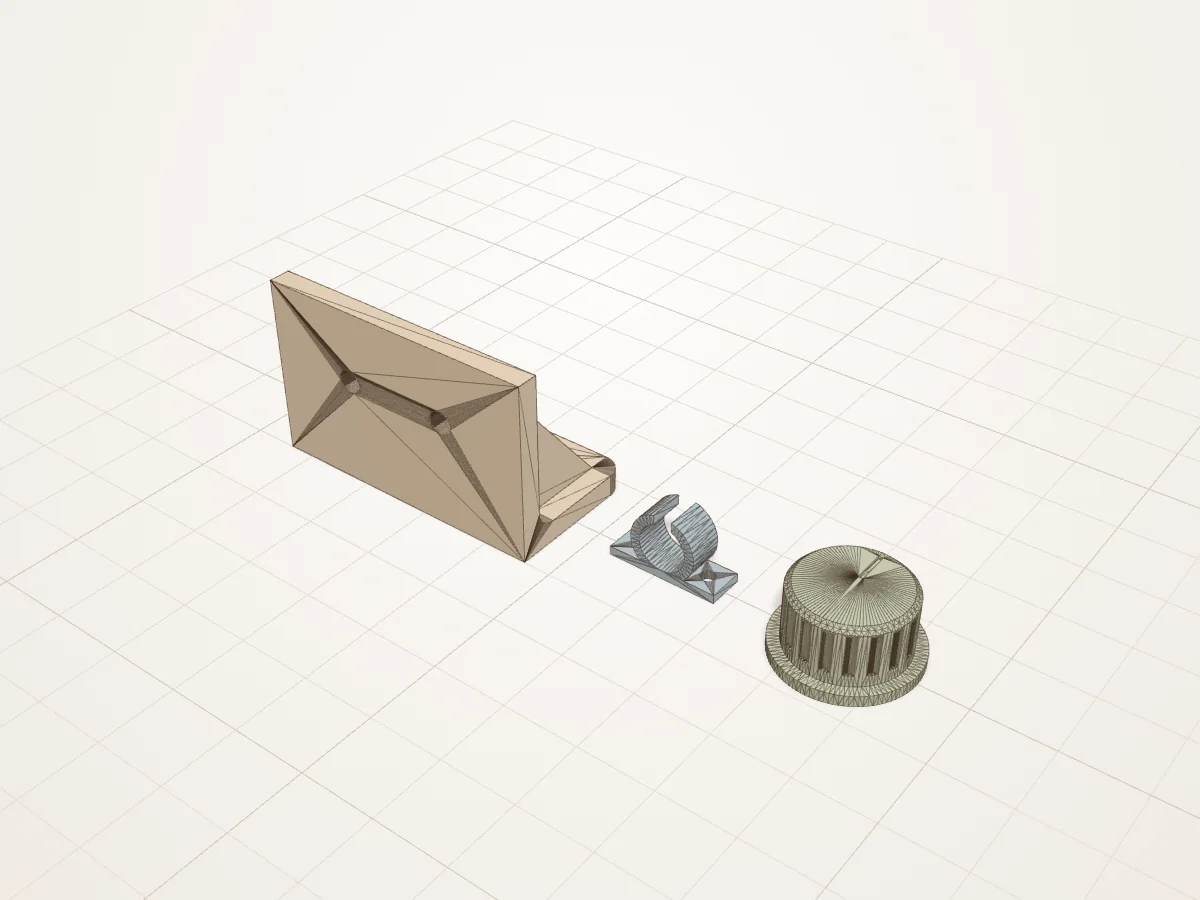
Three STL files in one 3MF
Bracket, clip and knob as three objects in one package: 534 KB of STL, 79 KB of 3MF.
3 objects · 534 KB STL → 79 KB 3MF
Why 3MF
What changes when you convert STL to 3MF
An STL is a list of loose triangles with no unit. The STL to 3MF step turns that list into a tidy, labelled 3MF file that slicers read at the right size.
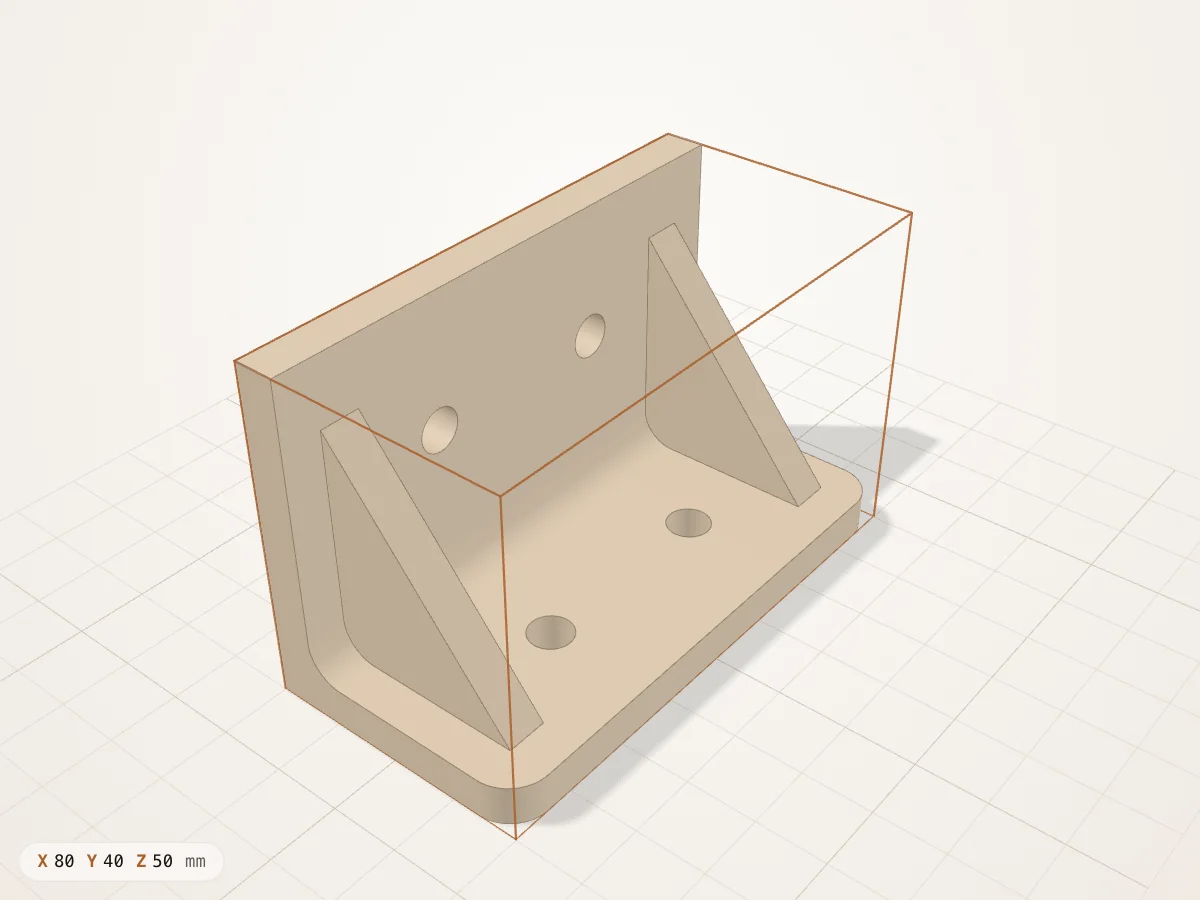 millimeterinch
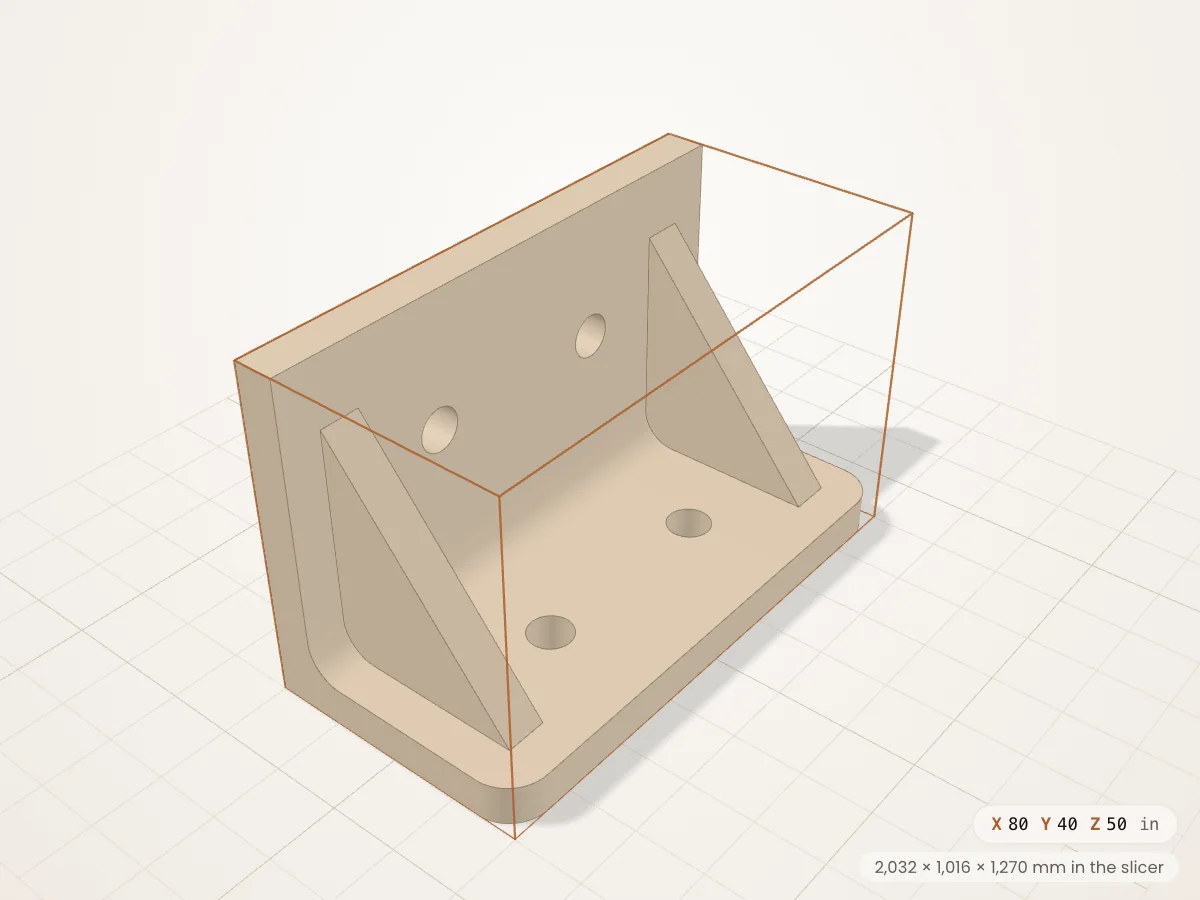
Same bracket: 80 × 40 × 50 mm, or read as inches, 2,032 × 1,016 × 1,270 mm
STL vs 3MF
STL vs 3MF: what the 3MF file format adds
Both describe a surface made of triangles. The 3MF file format, maintained by the 3MF Consortium, wraps that mesh in a zip with a unit, names and room for print data, which is why people convert STL to 3MF.
| STL | 3MF | |
|---|---|---|
| Units | None. 10 can mean 10 mm or 10 inches. | Written in the model: micron, millimeter, centimeter, inch, foot or meter. |
| Geometry | Loose triangles, each with its own three corners. | Shared vertices and triangles that point to them. |
| File size | Large, ASCII STL most of all. | Zip compressed; our samples shrink 5.0 to 17.9 times. |
| Several parts | One mesh per file. | Many named objects in one file. |
| Color and material | Not in the standard. | Part of the format, though an STL brings none to convert. |
| Print settings | None. | Slicers save plates and settings in their own 3MF projects. |
Keep the STL for older programs that read nothing else, and send the 3MF file to anyone who prints.
How to
How to convert STL to 3MF in 3 steps
No install and no account: your STL to 3MF file is ready in this tab.
STEP 1
Drop your STL files
Drag up to 20 binary or ASCII STL files onto the upload box, or open a sample. They are read in this tab and never uploaded.
STEP 2
Check the mesh, pick a unit
Orbit the 3D preview and read the Mesh check. Under 3MF settings choose mm, in, cm or µm, and One per file or Merge into one.
STEP 3
Download 3MF
Press Download 3MF for one package, or One 3MF per STL (.zip) for separate files, then open the result in your slicer.
Not sure of the unit?
Read the size. A phone stand that measures 3 × 2.5 × 4 was almost certainly drawn in inches.
Open edges stay open
Holes are reported, not filled. If Watertight says No, repair the model in your CAD program first.
Keep parts aligned
Bodies exported from one assembly? Merge into one keeps them where they were modelled.
Big files
Binary STL reads faster than ASCII. Each batch takes up to 200 MB and 5,000,000 triangles.
Specs
STL to 3MF converter specs and limits
What goes in, what comes out, and what this STL to 3MF converter leaves alone.
- Input
- Binary and ASCII STL, told apart by the file contents
- Batch
- Up to 20 files and 200 MB at once
- Triangles
- Up to 5,000,000 per batch
- Output
- A 3MF (3MF Core model), or a zip with one 3MF per STL
- Units
- Millimeter, inch, centimeter or micron
- Objects
- One per file, or merged into one
- Welding
- Corners closer than a millionth of the part size become one vertex
- Checks
- Size, volume, surface area, open edges, shells, flipped and degenerate triangles
- Extras
- Optional title and preview thumbnail
- Where it runs
- In your browser tab; nothing is uploaded
It does
- Read binary STL even when its header starts with "solid"
- Write the unit you pick into the 3MF
- Weld duplicate corners into shared vertices
- Count open edges and draw them in red
- Pack many STL files into one 3MF
It does not
- Add colors, materials or textures; an STL has none to carry over
- Repair holes, flipped faces or self-intersections
- Rescale the mesh; the unit only says what the numbers mean
- Add print settings, supports or plates; your slicer does that
- Smooth or remesh facets
- Read OBJ, STEP or 3MF files
Next steps
Open the 3MF file in your slicer
Current slicers open the STL to 3MF result as readily as an STL and read its unit. Starting from a photo or a drawing? Try the image to CAD converter.
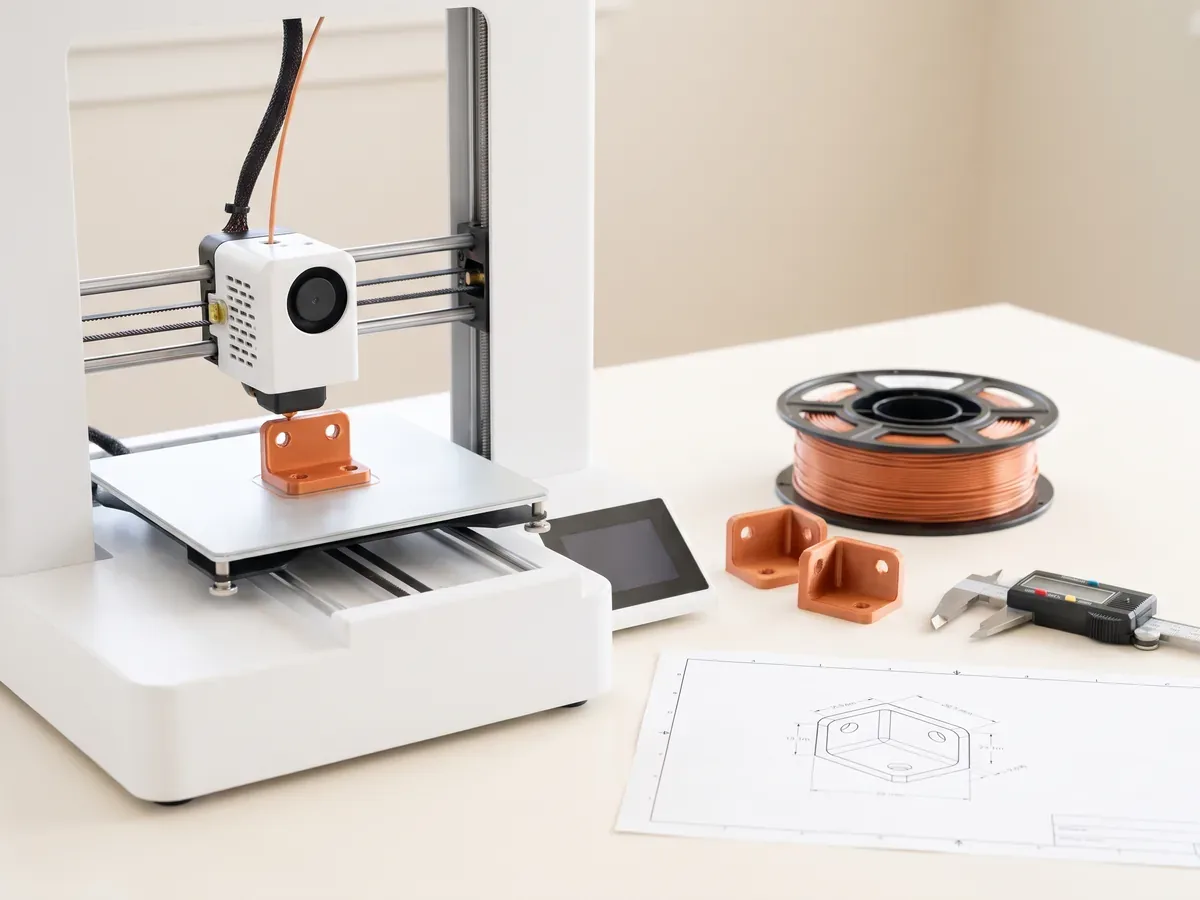
Bambu Studio and OrcaSlicer
Drag the 3MF onto the plate. Each STL arrives as its own object, at the size its unit gives.
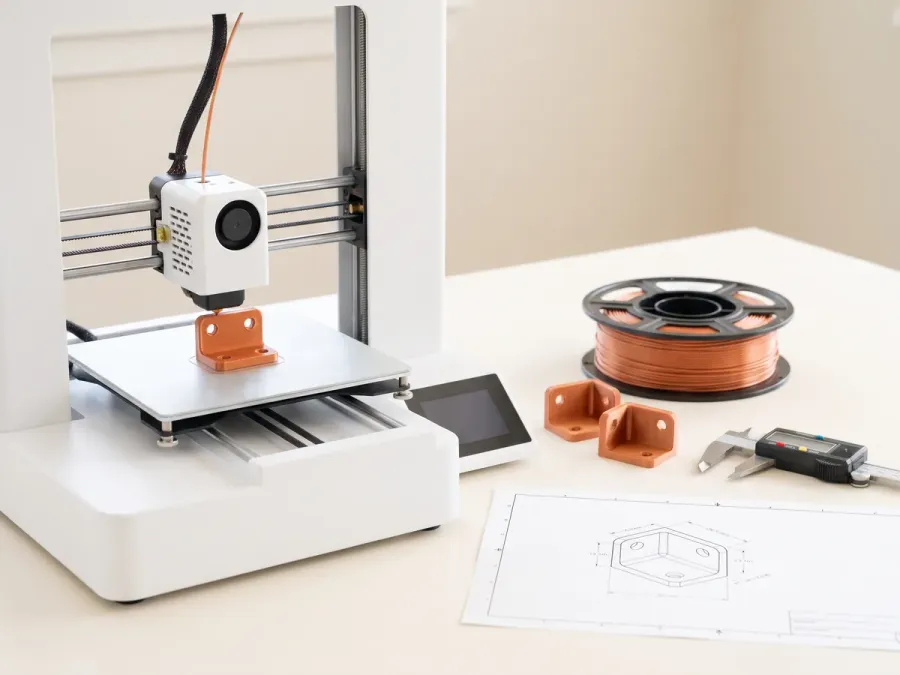
PrusaSlicer
Drag it in or use Import. A merged file loads as one object that moves as a unit.
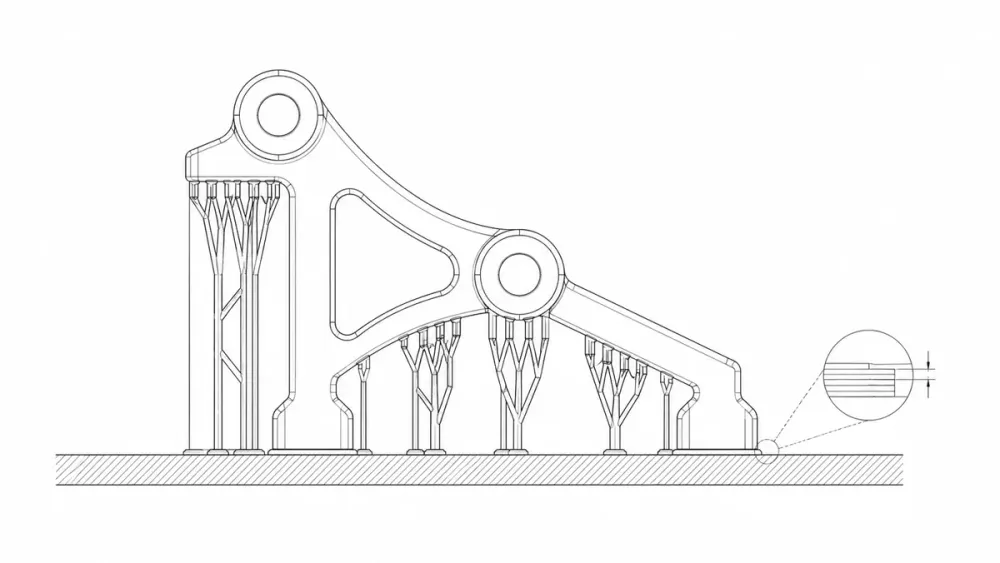
UltiMaker Cura
Open the 3MF like an STL; Cura reads the unit, then you add supports and settings.
Sharing a print
Send one 3MF instead of a folder of STLs: parts, names and unit stay together.
STL to 3MF FAQ
Units, files, sizes and slicers.
How do I convert STL to 3MF?
Drop the STL on the upload box, check the preview, pick the unit and press Download 3MF. The STL to 3MF conversion runs in your browser.
Is this STL to 3MF converter free?
Yes. No sign-up, no watermark and no file count, because the work happens on your own computer.
Are my STL files uploaded?
No. The STL is read and the 3MF is written inside this browser tab; nothing is sent to a server.
STL vs 3MF: which one should I print from?
Print from 3MF: it carries the unit, holds several named objects and is smaller. Convert STL to 3MF once and keep the STL for programs that read nothing else.
What is a 3MF file for 3D printing?
A zip package with an XML model inside: vertices, triangles, the unit and optional names, colors and print data. Bambu Studio and PrusaSlicer save their projects as 3MF files.
Which unit should I choose?
The unit the part was designed in. Most STL files are millimetres; if the size reads like 2 × 1.5 × 0.5, it was probably drawn in inches.
Does STL to 3MF change the size or shape?
No. Coordinates are copied exactly and nothing is moved or rescaled; only the unit is added. Triangles whose corners weld into one point are dropped, because 3MF does not allow them.
What if my STL is not watertight?
The open edges show in red and the 3MF still holds the same mesh. Holes are not filled; fix them in your CAD program or let the slicer try.
Can I convert STL to 3MF in a batch?
Yes, up to 20 STL files at a time. One per file keeps separate objects, Merge into one makes a single object, and One 3MF per STL (.zip) gives separate files.
Will the 3MF keep colors from my STL?
Standard STL has no color, so there is nothing to keep, and colors some programs hide in binary STL bytes are ignored. Assign filaments in your slicer.
Is there a file size limit?
Yes: 200 MB and 5,000,000 triangles per batch, so the tab stays responsive. Binary STL packs about four times more triangles into the same space as ASCII.
Why is the 3MF so much smaller than the STL?
Each corner is stored once instead of about six times, and the package is zip compressed. Our samples shrink 5.0 to 17.9 times.
Where do I check or prepare the mesh first?
Open it in the STL viewer to measure it, mesh a CAD solid with STEP to STL, or turn an OBJ into a mesh file with OBJ to STL.
Convert STL to 3MF now
Drop your STL files, pick a unit and download a 3MF your slicer reads at true size. Free, right in this tab.
Convert STL files