STEP Viewer Online: Assembly Tree, Sections and Measuring
Free STEP viewer for STEP, STP, IGES and BREP files up to 100 MB. Browse the assembly tree, isolate parts, read their sizes, explode the assembly, cut sections along X, Y or Z and measure between snapped corners. Nothing is uploaded.
- Free, no sign-up
- Assembly tree
- Section and measure
- Nothing uploaded
Open a STEP file
FreeOr open a sample
Runs in your browser. Nothing is uploaded.
Example result
Pillow block assembly · STEP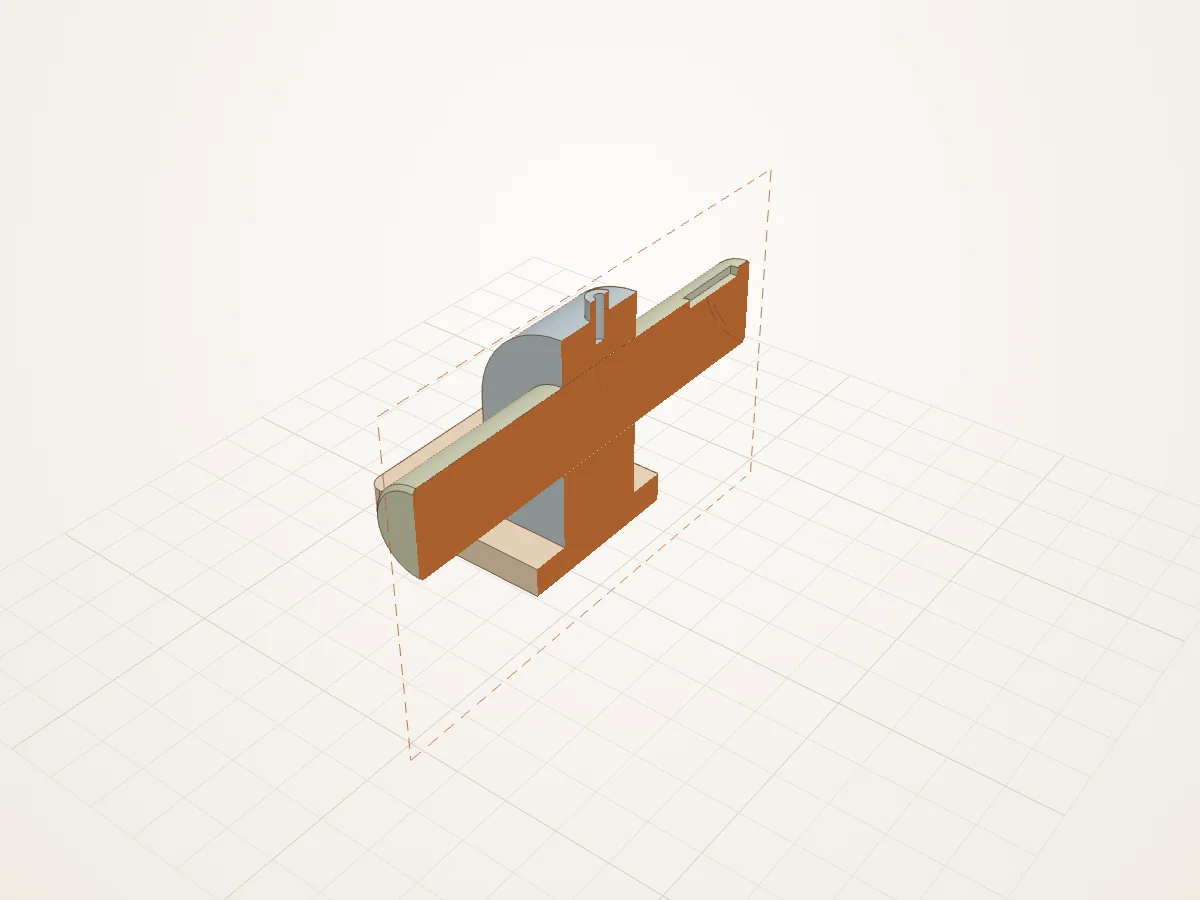
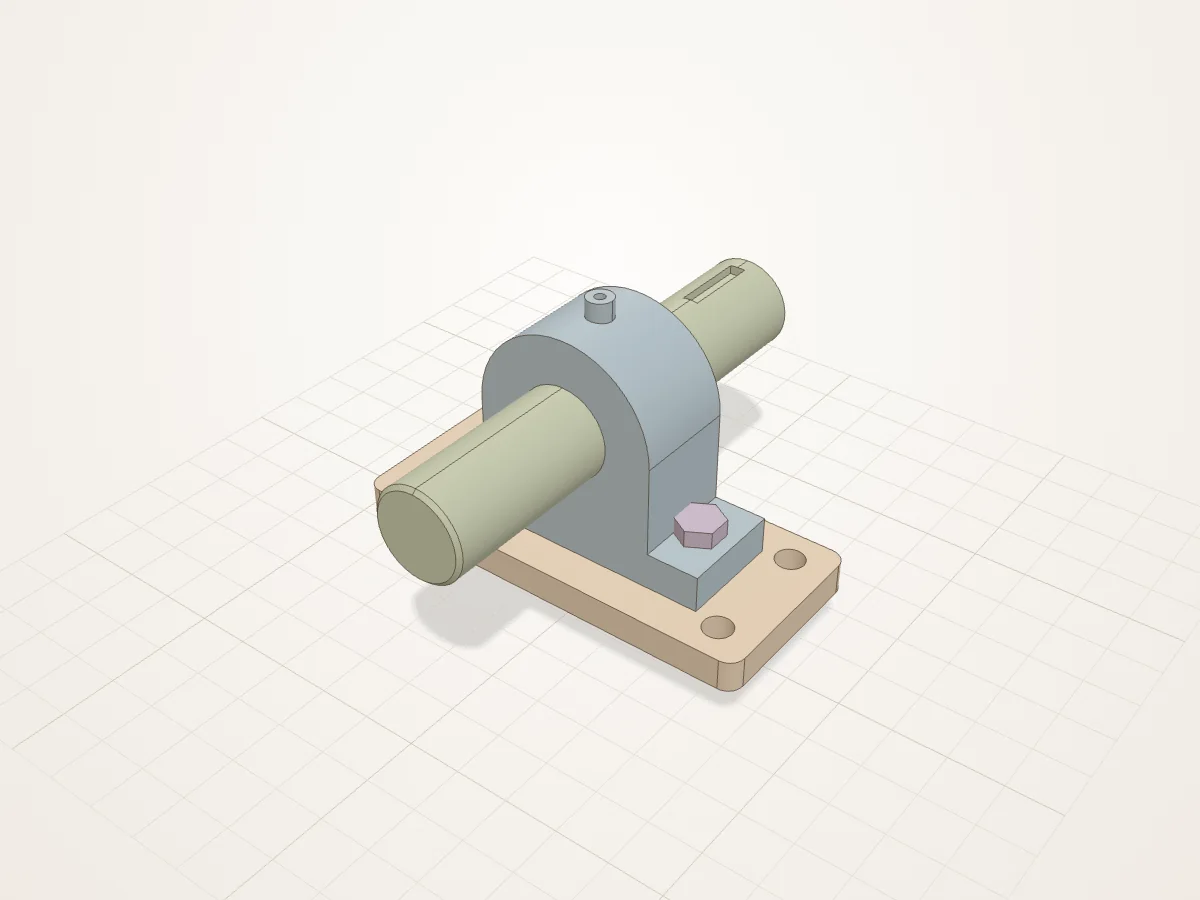
- Parts
- 7
- Faces
- 81
- Size
- 160 × 180 × 120 mm
- STEP
- 113 KB
Examples
STEP viewer examples you can open
Each picture is a screenshot of this STEP file viewer online with a sample file. Open any of them in the STEP viewer above, or download the STEP.
7 parts
Pillow block assembly
Base plate, bearing housing, a 35 mm shaft and four fasteners, 160 × 180 × 120 mm. Switch to Section X to see it cut.
7 parts · 81 faces · 160 × 180 × 120 mm
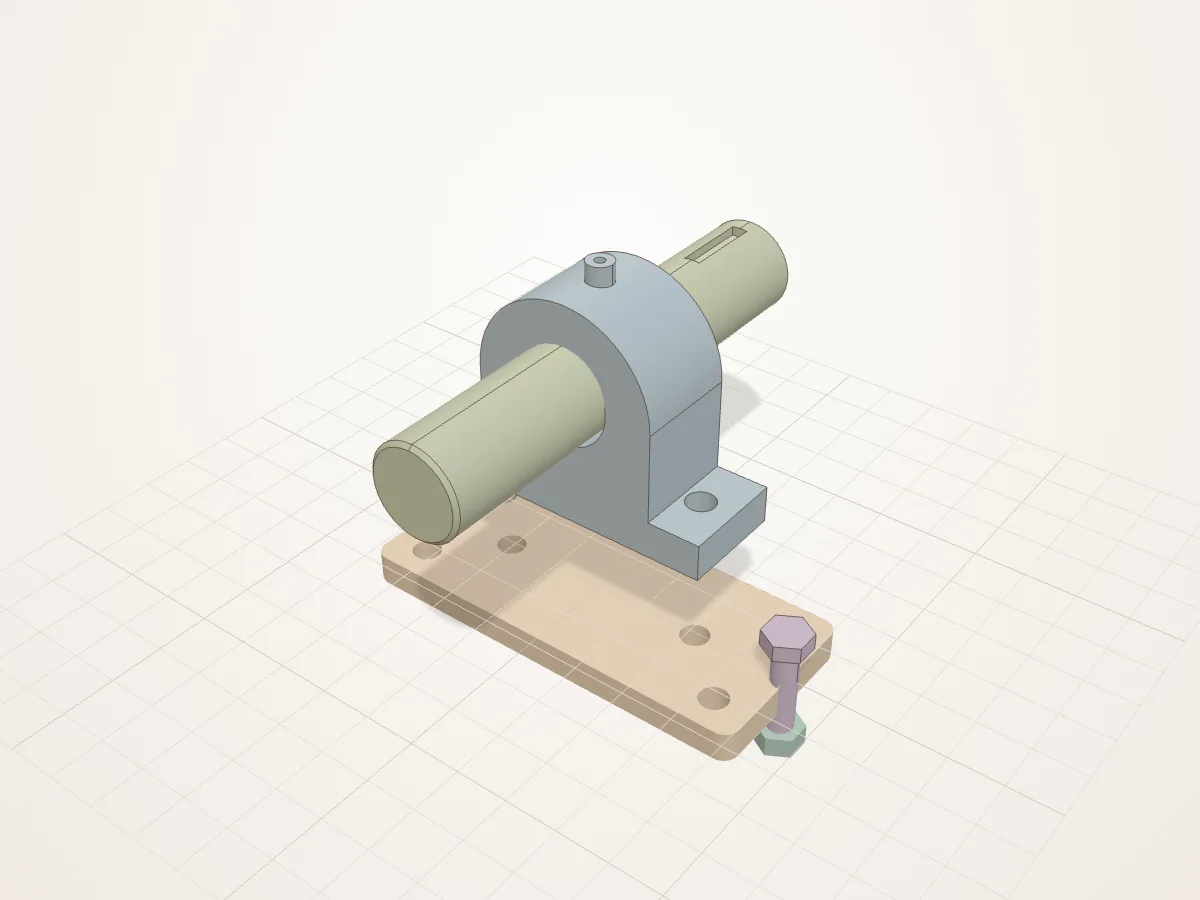
Explode
The same assembly pulled apart
The explode slider moves every part away from the centre, so bolts, nuts and the shaft come out of the housing.
Explode 70 %
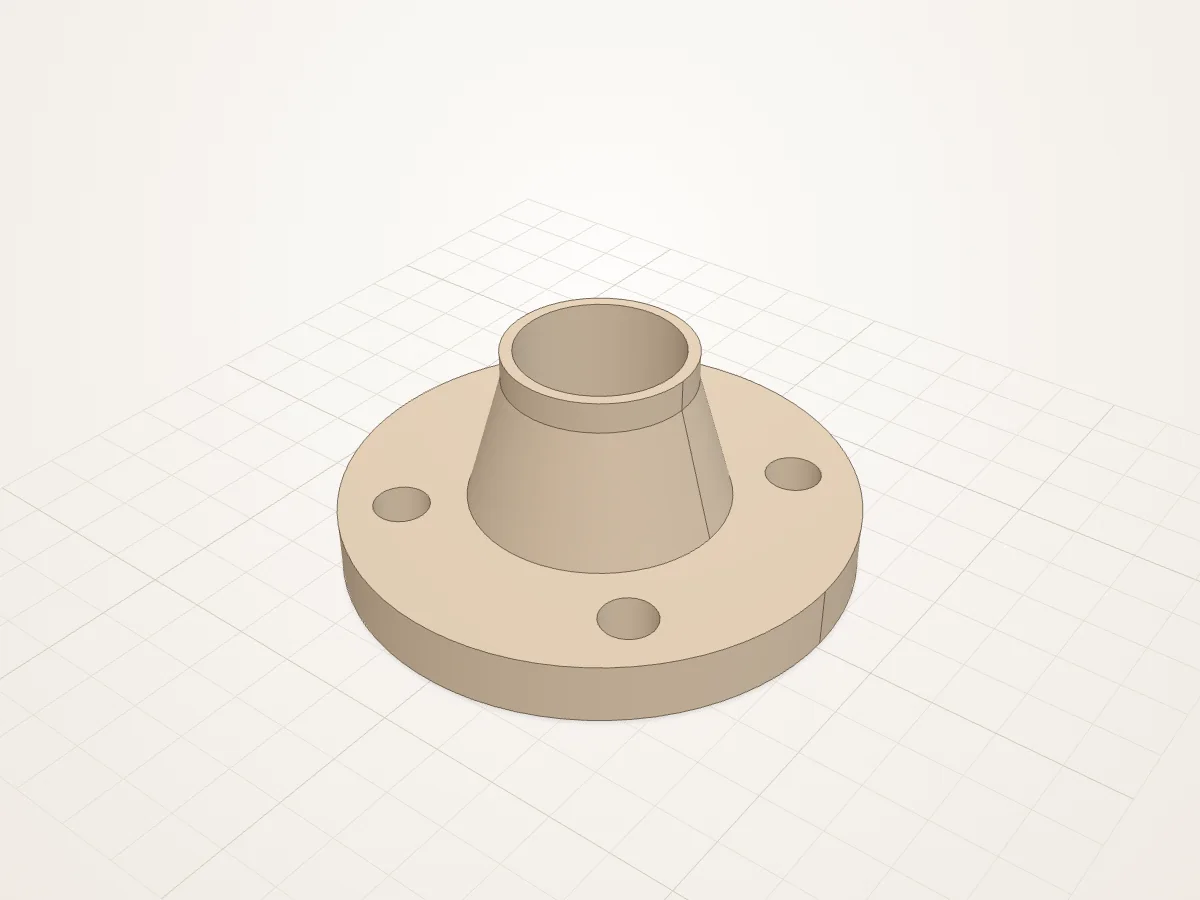
Single part
DN50 weld-neck flange
13 B-rep faces with their edges drawn: bolt holes, raised face and the tapered neck, 165 × 164.9 × 74 mm.
13 faces · 165 × 164.9 × 74 mm
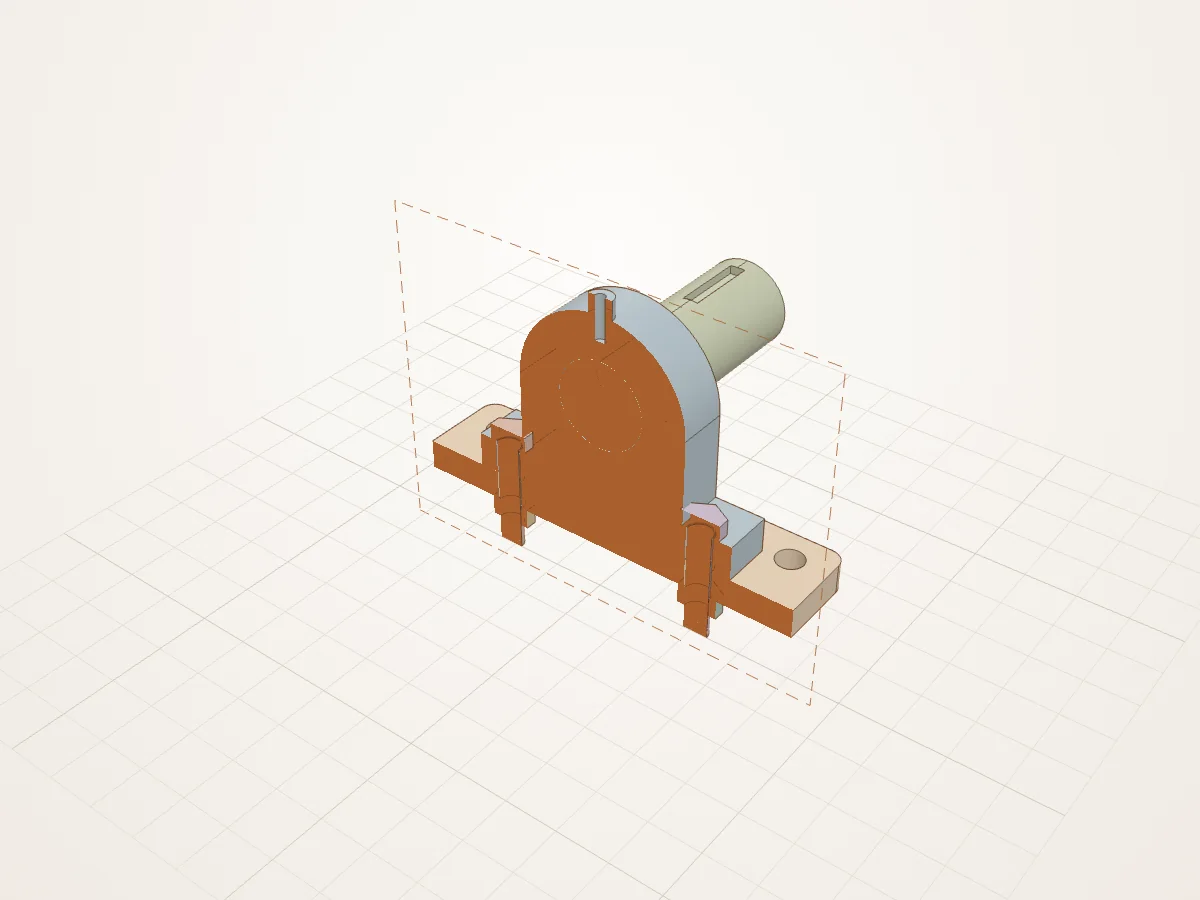
Section
Shaft through the housing
A cut along Y shows the shaft seated in the bearing housing; the cut faces show in copper.
Section along Y
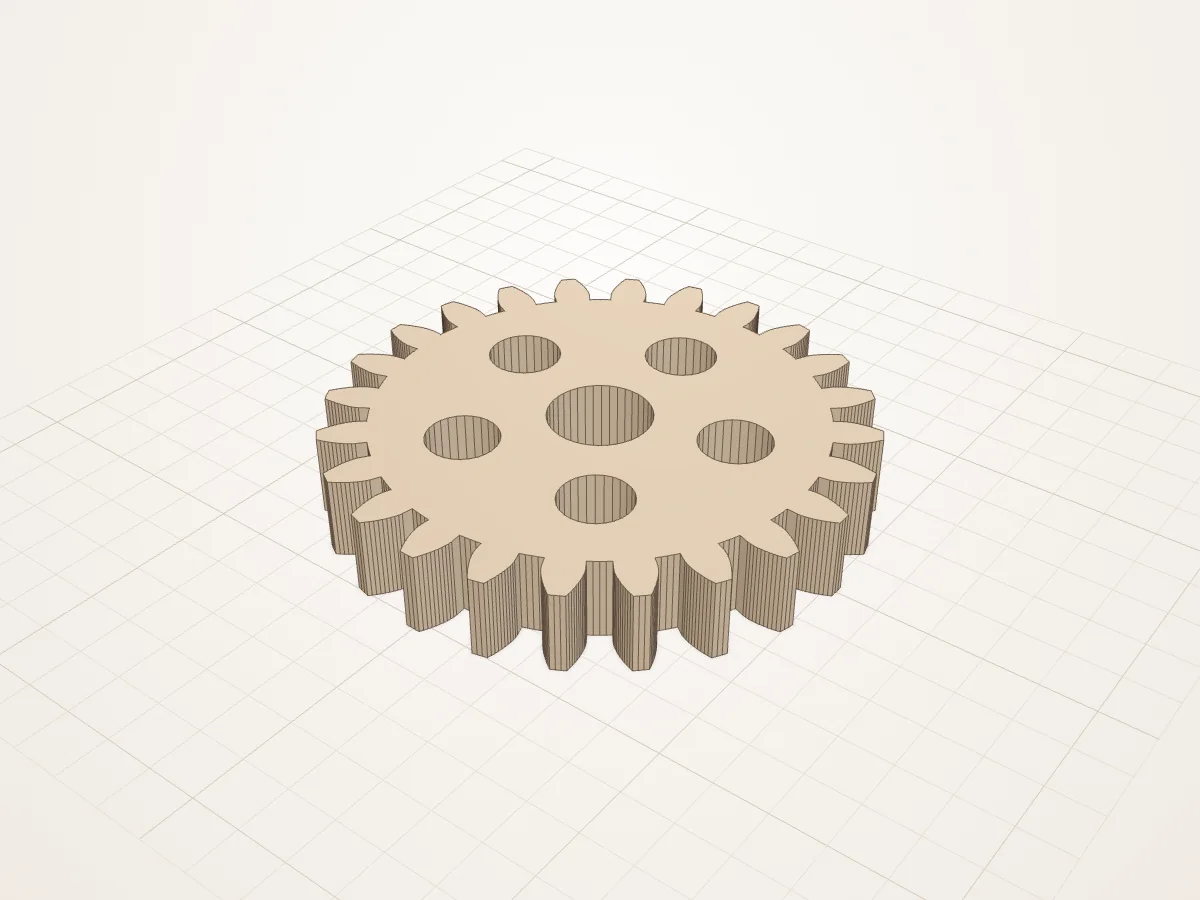
Faceted STEP
Spur gear from STL to STEP
Our STL to STEP made this file from a mesh: 878 flat faces in one closed solid. Flat sides are single faces, tooth flanks stay faceted.
878 faces · 1 solid
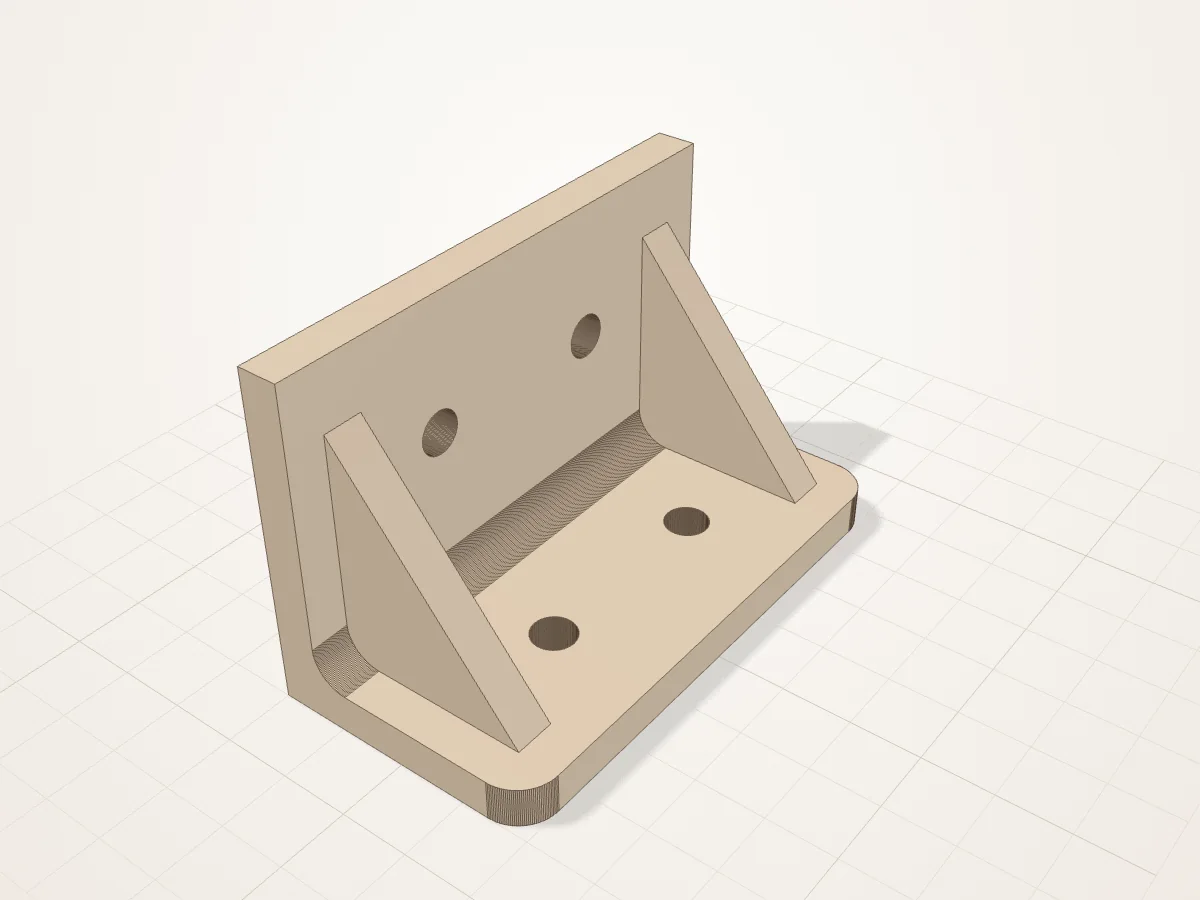
Faceted STEP
Mounting bracket, read back
846 faces, one solid, 80 × 40 × 50 mm: the STEP our STL to STEP wrote, opened like any other file.
846 faces · 1 solid
Features
What the STEP file viewer shows you
A STEP file holds exact solids and the product structure. This STEP file viewer keeps both, so you can check a model without a CAD licence.
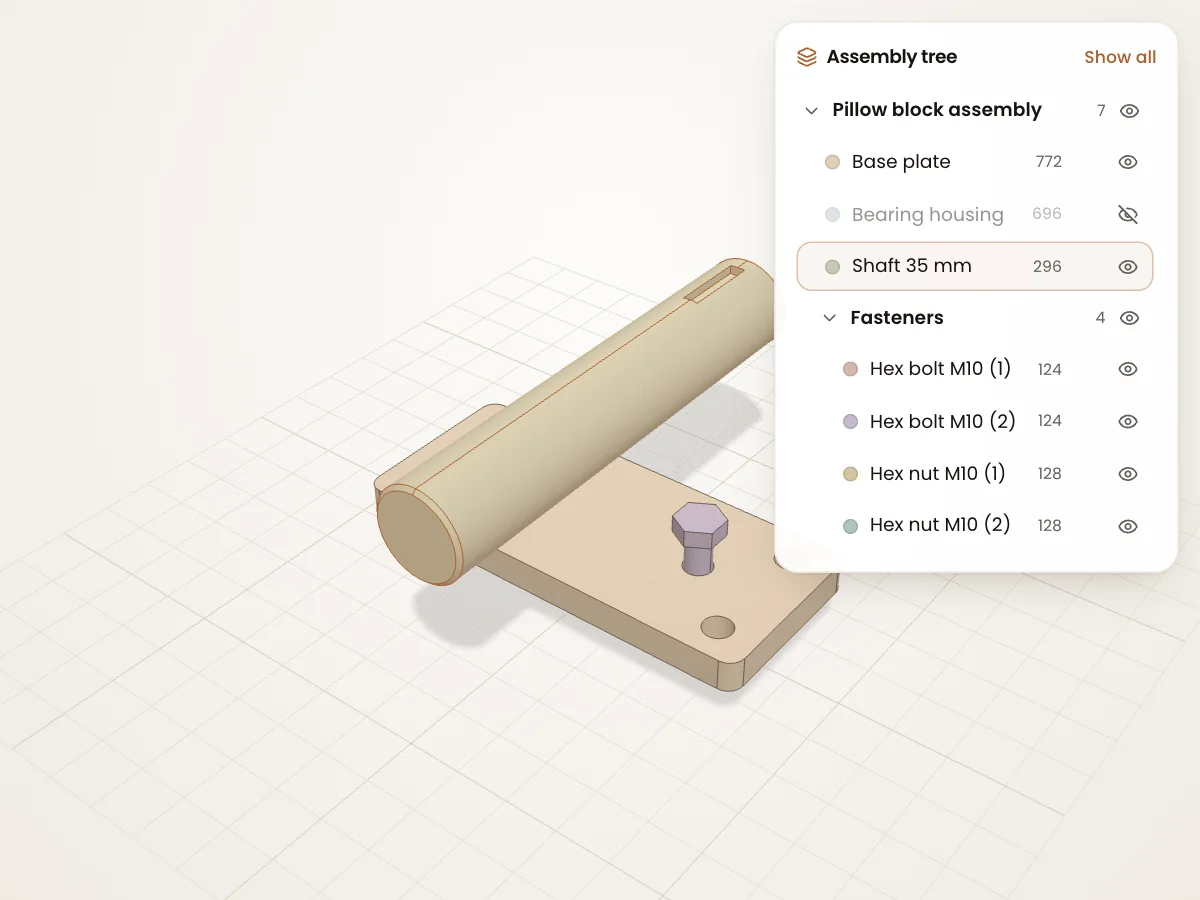
Pillow block: 7 parts in 4 groups; a bolt used twice is listed twice, each in its own place
File types
What the STEP viewer reads for each file type
One OpenCascade reader opens all of these, whichever extension the file has; the content decides.
| File | Typical source | Shown in the viewer |
|---|---|---|
| STEP AP203 | Older SolidWorks, Pro/E and aerospace suppliers | Solids, the assembly tree and names |
| STEP AP214 | The default export of most CAD programs | Solids, tree, names, part and face colors |
| STEP AP242 | Recent CATIA, NX, Creo, Fusion and Onshape | Solids, tree, names and colors; PMI annotations are not drawn |
| IGES (.igs, .iges) | Legacy CAD and surface models | Trimmed surfaces and solids |
| BREP (.brep) | FreeCAD, CadQuery and OpenCascade | Exact shapes, without names or a tree |
A STEP file is plain text (ISO 10303-21), so .step and .stp are the same format. Native SLDPRT, IPT or CATPart files need a STEP export first.
How to
How to use the STEP viewer online
Three steps, no install. The STEP viewer online works in any current desktop or mobile browser.
STEP 1
Open the STEP or STP file
Drop the file on the upload box or open a sample. The first time, the 7.3 MB reader downloads once; meshing then runs in a background worker while the page stays usable.
STEP 2
Explore the assembly
Turn the model, pick Iso, Top, Front or Right, and switch to Ortho for flat views. In the tree, click a part to read its size, hide it with the eye or isolate it.
STEP 3
Cut, measure, take a part
Slide a section plane through the model, click two points to measure, save the view as a PNG, or download the visible parts as an STL.
Exact flat distances
Use Ortho and a standard view, then measure corner to corner; corners are exact.
Hole diameters
Cut a section through the hole centre and measure across the copper cut.
Overall size
Read the size of the selected part in the side panel instead of clicking two points.
Shortcuts
F fits the view, S toggles the section, M measures, 1 to 4 pick the views, Esc clears.
Specs
STEP viewer specs and limits
What this STP viewer opens, what the STEP viewer shows, and where it stops.
- Files
- STEP (.step, .stp, .p21), IGES (.igs, .iges), BREP (.brep)
- Size
- Up to 100 MB; very large assemblies can run out of browser memory
- Reader
- OpenCascade (occt-import-js 0.0.23), 7.3 MB of WebAssembly, cached after the first file
- Units
- Converted to millimetres from the unit in the file; show in mm or inches
- Structure
- Assembly tree, part names, repeated instances, part and face colors
- Tools
- Hide, isolate, explode, section along X, Y or Z, two-point measure, PNG of the view
- Numbers
- Size, volume, surface, B-rep faces and a closed check per part
- Export
- Visible parts as one binary STL in millimetres
- Where it runs
- In your browser tab; the file is never uploaded
It does
- Open AP203, AP214 and AP242 STEP files
- Keep sub-assemblies, names and colors from the file
- Draw B-rep face edges, or the display triangles
- Cut a section with the cut faces in copper
- Measure with corner snapping, in mm or inches
It does not
- Show PMI: GD&T, dimensions or notes stored in AP242
- Edit the model or bring back features and sketches
- Open native SLDPRT, IPT, CATPart or PRT files
- Give exact curved sizes: size and volume come from the mesh
- Upload or store your file anywhere
Who it is for
When a STEP file viewer is all you need
Changing a design needs full CAD. Looking at one only needs a STEP viewer, and most of the time looking is the job.
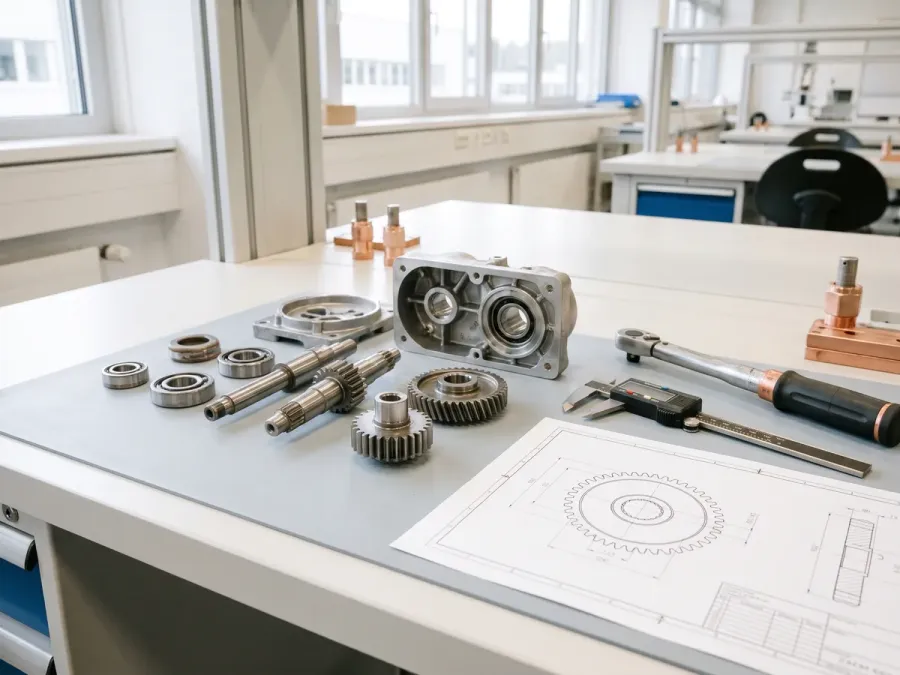
Quoting and buying parts
Check a supplier's or a customer's model, its overall size and hole positions before you quote or order.

Design reviews
Show an assembly in a meeting on any laptop: hide the housing, cut through the middle, measure a gap.

Teaching and learning CAD
Students open the same STEP file on school computers with nothing to install and no licence to manage.
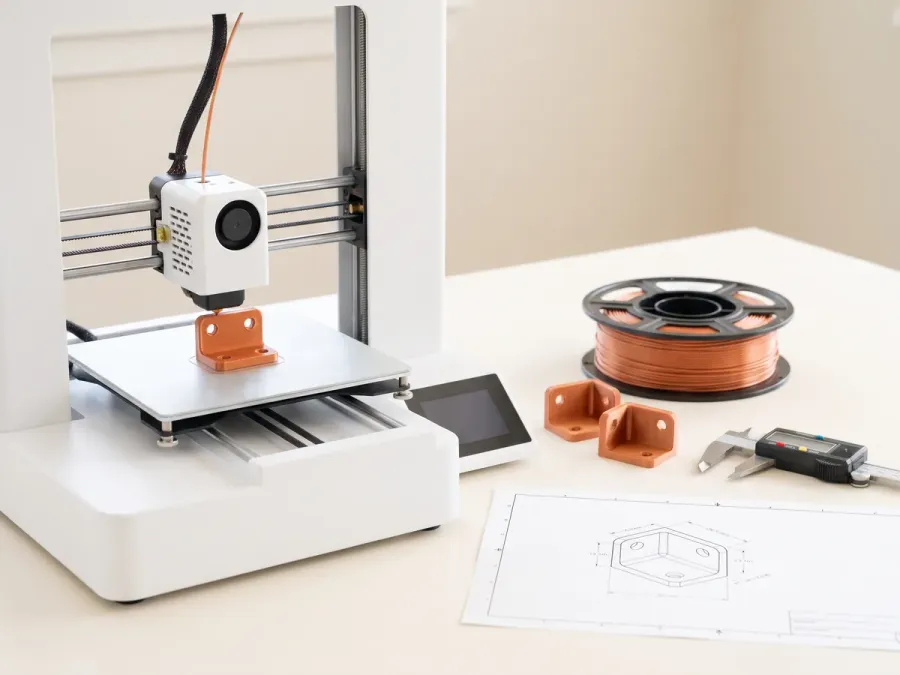
One part for printing
Isolate a part, download it as an STL, or set the mesh quality in STEP to STL.
STEP viewer FAQ
Files, accuracy, privacy and limits.
What is a STEP file?
STEP (ISO 10303) is the neutral format for exchanging 3D CAD. A .step or .stp file stores exact solids (planes, cylinders, B-spline surfaces and their edges) plus part names, the assembly structure and often colors. Almost every CAD program exports it, and a STEP viewer opens it without the original software.
Is this STEP viewer free?
Yes. No account, no licence and no file count: open as many STEP files as you like, up to 100 MB each, because the work runs on your own computer.
Is a .stp file different from a .step file?
No. A .stp file and a .step file are the same ISO 10303-21 text; the program that exported it picked the extension. This STP viewer opens both, plus IGES and BREP.
Does the STEP file viewer upload my model?
No. The file is read and meshed inside this browser tab and nothing is sent to a server, so models under NDA stay on your computer. The page only downloads the reader and, if you click them, the samples.
Why does the first file take longer?
The reader is OpenCascade compiled to WebAssembly, 7.3 MB. It downloads the first time you open a file and your browser caches it, so later files open faster.
Which STEP versions does it read?
AP203, AP214 and AP242. Geometry, the assembly tree, names and colors are read from all three. AP242 PMI (GD&T and dimensions stored as annotations) is not drawn, and files that hold only tessellated shapes may show nothing.
How accurate are sizes and measurements?
Flat faces and corners are exact. Curved faces are drawn with small flat triangles whose corners lie on the true surface, so a size across a curve can read a few hundredths of a millimetre short on a hand-sized part. Measure corner to corner for positions.
Can I see inside a part?
Yes. Turn on Section, choose X, Y or Z and slide the plane. The cut faces show in copper; Flip side keeps the other half, and parts you hide stay hidden.
Can I export an STL from the STEP viewer?
Yes. Download visible as STL writes the parts you have not hidden into one binary STL in millimetres. For Draft, Fine or a custom tolerance, use STEP to STL.
Can it open SolidWorks, Inventor or CATIA files?
Not directly: SLDPRT, IPT, CATPart and PRT are closed formats. Export STEP from the program that made the part (AP214 or AP242 keeps names and colors) and open that here.
Does the STEP viewer online work on a phone?
Yes. One finger orbits, two fingers pan and zoom, and the tree sits below the view. Big assemblies need more memory than many phones have, so use a computer for those.
What powers the viewer, and under which license?
The reader is occt-import-js 0.0.23, a WebAssembly build of Open CASCADE Technology, under the LGPL 2.1. It loads as separate files, and its license texts are published at /licenses/occt-import-js/.
Open a model in the STEP viewer
Drop a STEP or STP file and read its tree, sizes and sections in seconds. Free, and the file never leaves this tab.
Open a STEP file