About CAD Converter
CAD Converter draws CAD-style technical drawings with AI from a sentence or a sketch, and offers free CAD tools that run in your browser.
Last updated: 2026-11-27
What CAD Converter does
CAD Converter is two things in one place.
- An AI drawing generator. Describe a part, such as "spur gear, 24 teeth, module 2, Ø20 mm bore with a keyway", or upload a sketch, pick one of nine styles (technical sheet, orthographic, isometric, blueprint, wireframe, exploded, section, patent or line) and the AI draws a CAD-style sheet. AI drawings use credits.
- 50 free CAD tools. Trace images and PDF pages to DXF, convert DWG, DXF, SVG, STEP and STL files, open drawings and 3D models, generate gears, boxes, enclosures and drawing sheets, and look up drill, tap and thread sizes. No account and no credits: the work happens on your own device.
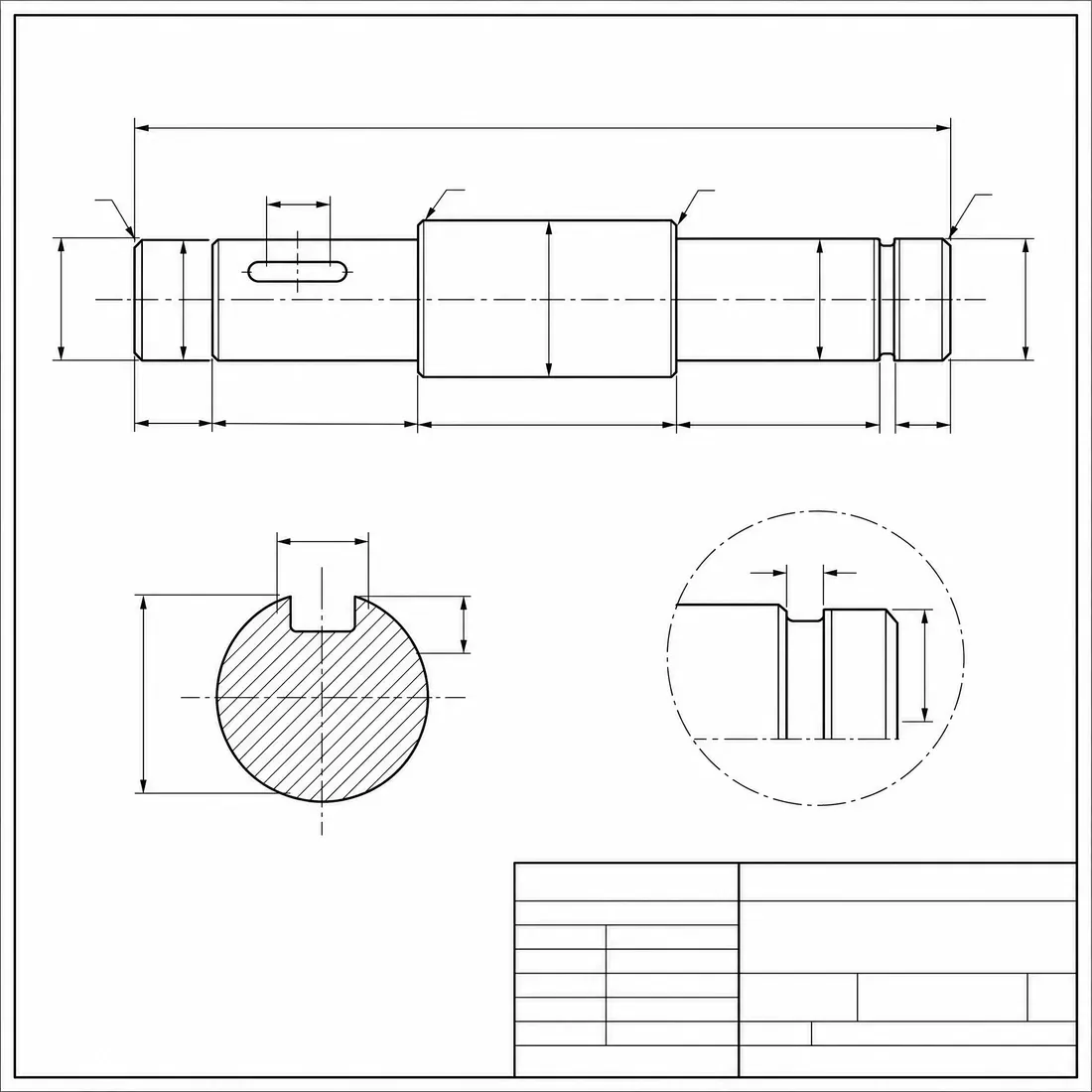
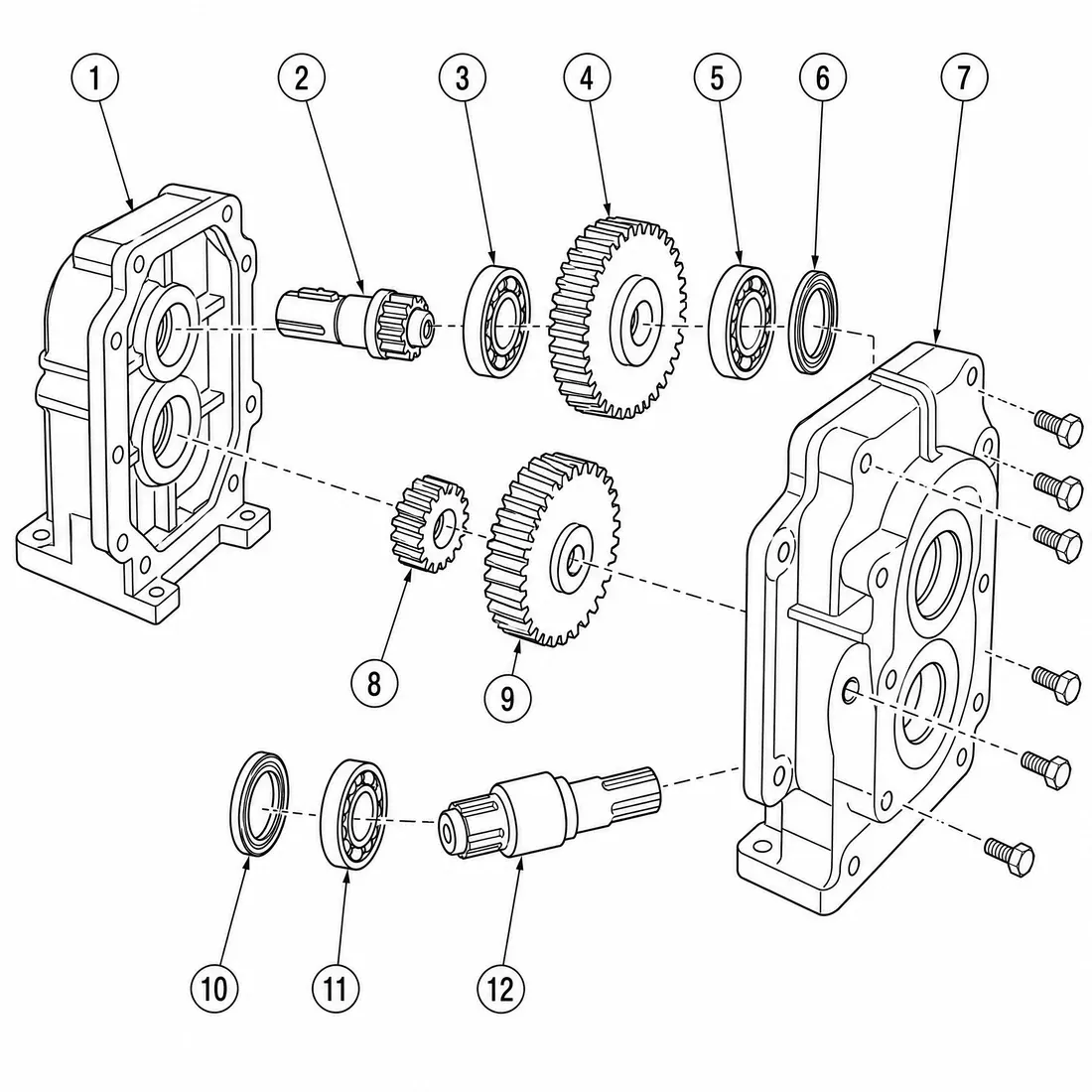
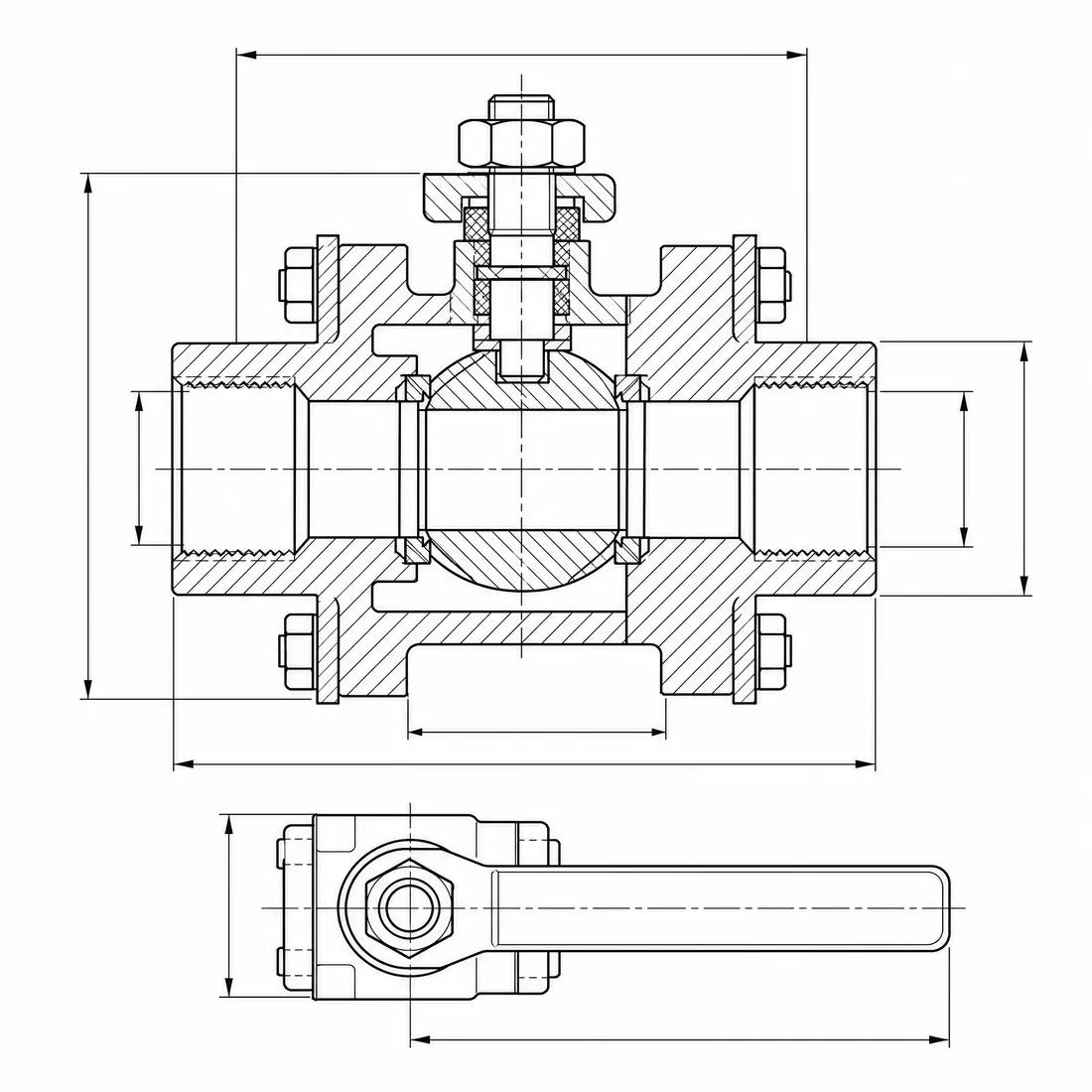
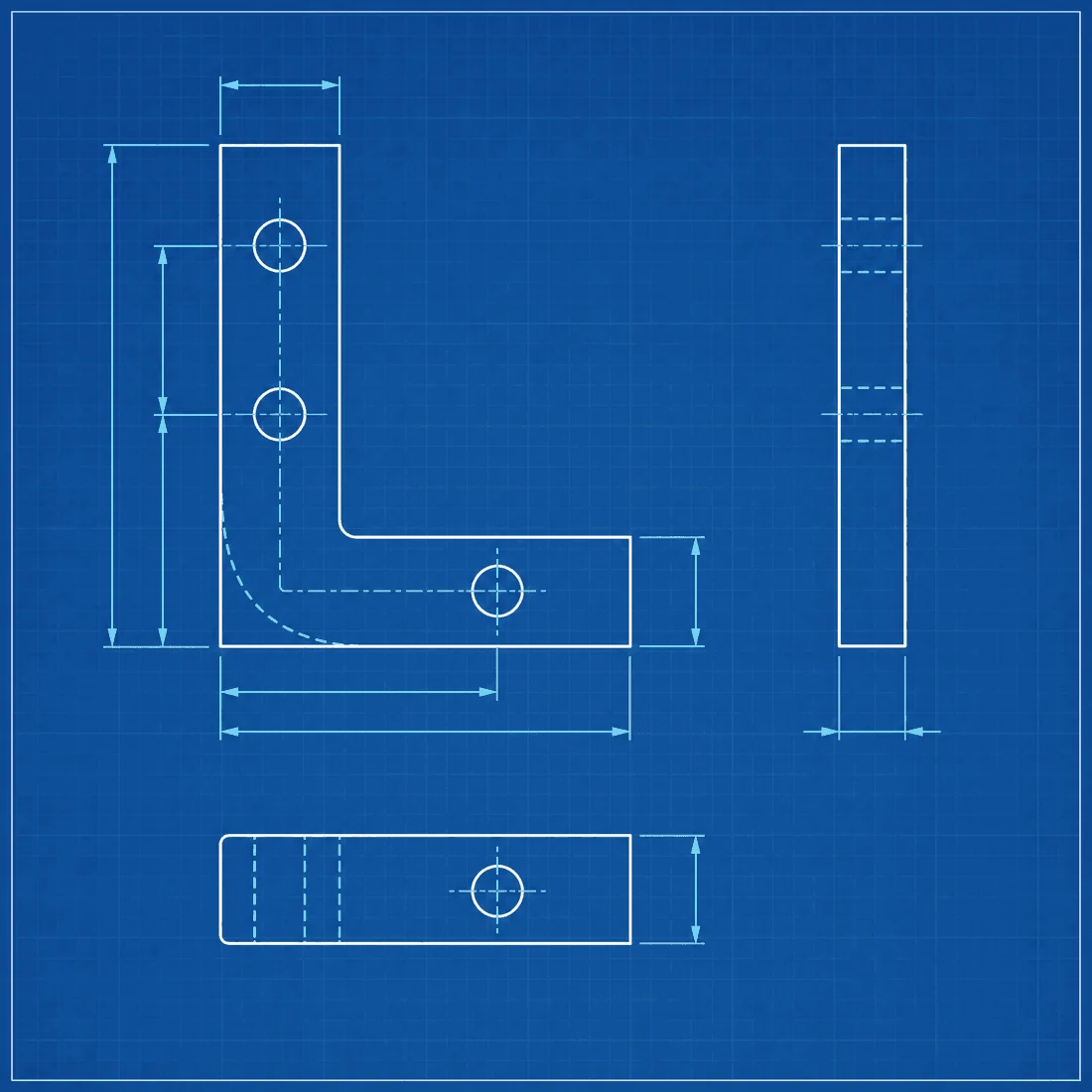
What the AI drawings are, and what they are not
The generator makes pictures that look like CAD drawings. It does not build a CAD model. Dimensions, notes and part numbers in the picture are drawn by the AI, not measured, so check them before anything is made. When you need lines, the free tracer turns the picture into DXF; when you need exact geometry, model the part in your CAD program.
Why we built it
The first sheet of an idea should not need heavyweight software, and small file chores, such as opening a DWG, printing a DXF to scale or checking an STL before printing, should not need an install. We wanted both in one browser tab.
How it works
- Describe or sketch. Say what the part is, its main sizes and its features, or upload a photo of a hand sketch.
- Pick a style and a sheet. Units, detail level and projection angle are settings, and the price shows on the button before you start.
- Download or trace. Save the PNG, or convert it to DXF lines for free.
The free tools work the same way on every page: open the tool, drop in a file, adjust the settings, download the result. Browse them all on the tools page, or start an AI drawing on Create.
Your files
The free tools read and convert files inside your browser; your files are not uploaded. The AI generator is different: your prompt and any image you add are sent to our AI provider to make the drawing. The privacy policy has the details.
Who it is for
Mechanical engineers sketching concepts, makers and 3D printing hobbyists, laser and CNC shops that need clean DXF files, students learning to read technical drawings, and product teams that need a quick sheet for a slide or a spec.
Get in touch
Questions, feedback or an idea for a tool? See the contact page, or email support@cadconverter.org.