DXF to DWG Converter: A Real DWG, Read Back Twice
Free DXF to DWG converter for ASCII DXF files from R12 to 2018. Pick DWG 2007 or DWG 2000: the file is written in your browser, read back by acad-ts and again by GNU LibreDWG, and compared with your DXF before you download. Nothing is uploaded.
- Free, nothing uploaded
- DWG 2007 or DWG 2000
- Two readers check it
- Layers and blocks kept
Convert DXF to DWG
FreeNo file? Try a sample
Runs in your browser. Nothing is uploaded.
Example DWG
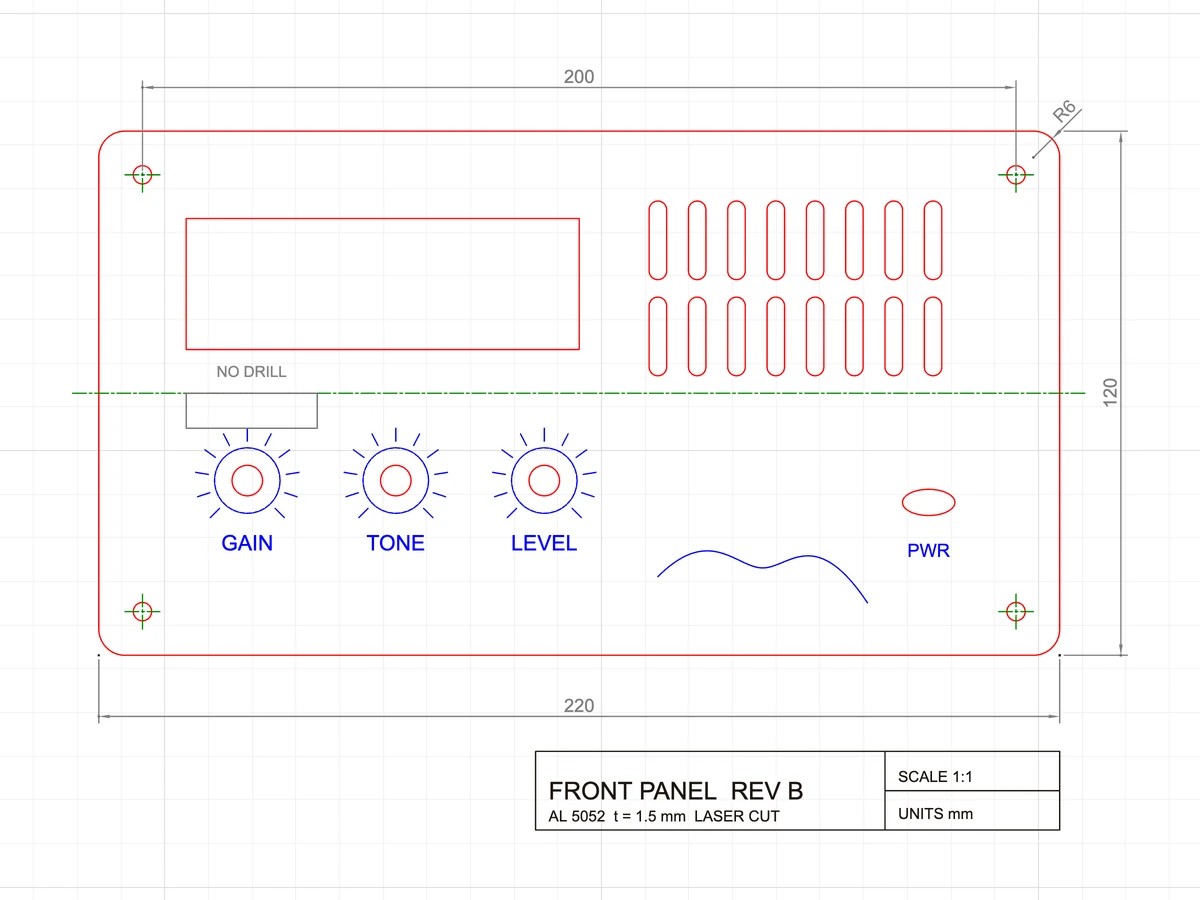
Written here · DXF 2000 49 KB → DWG 2007 28 KB · 29 objects, 8 layers, 13 texts matched
Examples
DXF to DWG examples written on this page
Three sample DXFs run through this DXF to DWG converter, two of them R12 files from older software. Each picture is the DWG it wrote, as GNU LibreDWG reads it back; download the DWG and open it in your CAD program.
R12 → 2007
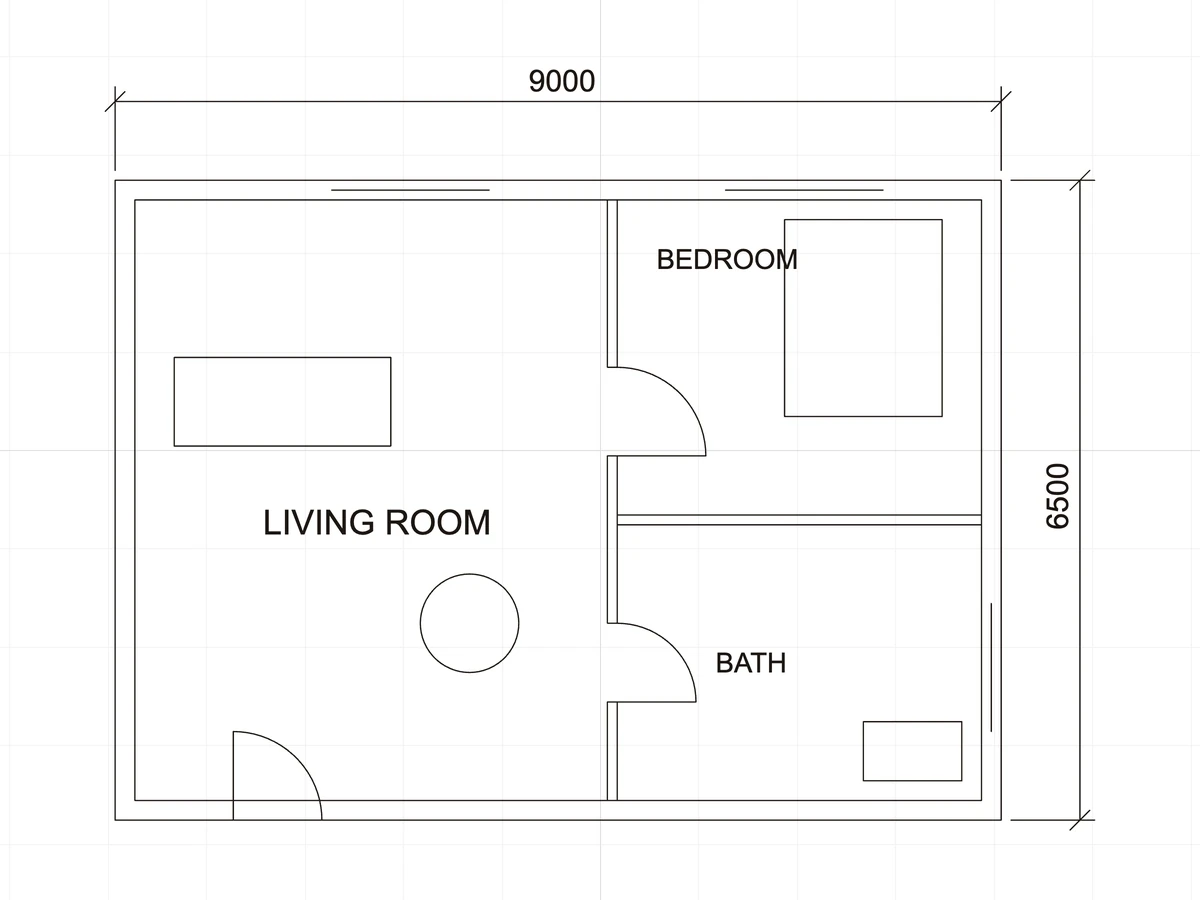
Apartment plan from an R12 DXF
4 KB of DXF became an 18 KB DWG 2007. LibreDWG reads back all 50 objects, 6 layers, 5 room labels and the 10 by 7.7 m extents in millimetres.
Written here · DXF R12 4 KB → DWG 2007 18 KB · LibreDWG reads 50 objects, 6 layers, 5 texts
R12 → 2000
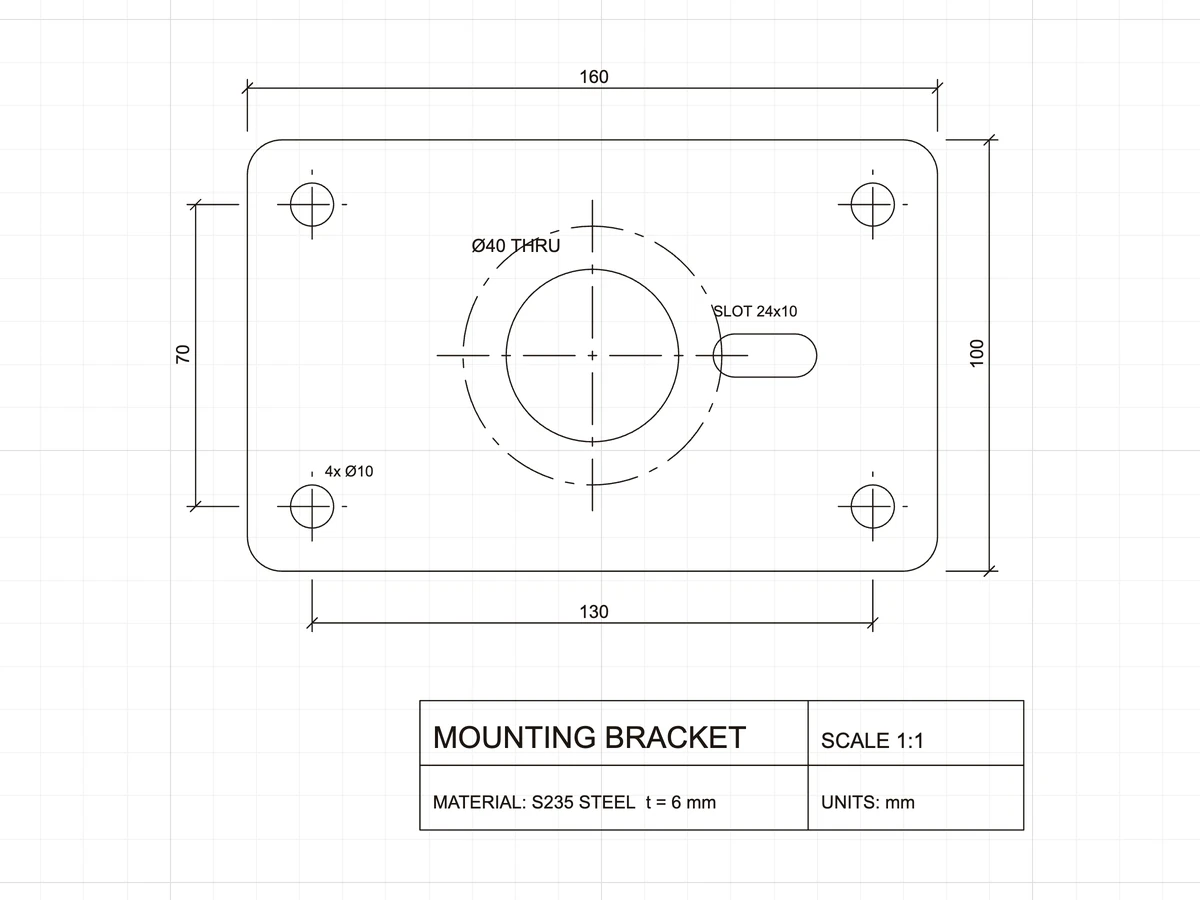
Bracket as DWG 2000
For a shop still on AutoCAD 2004: 62 objects and 11 texts, all plain Latin, so DWG 2000 keeps every one of them.
Written here · DXF R12 4 KB → DWG 2000 7 KB · 62 objects, 6 layers, 11 texts matched
Attributes
Front panel with nested blocks
Knob blocks inside blocks and title block attributes in a 28 KB DWG 2007: 29 objects, 8 layers and 13 texts matched.
Written here · DXF 2000 49 KB → DWG 2007 28 KB · 29 objects, 8 layers, 13 texts matched
How it works
How the DXF to DWG converter checks every file
Writing a DWG is the easy part; knowing it opens is what matters. Every figure below is a screenshot of this tool.
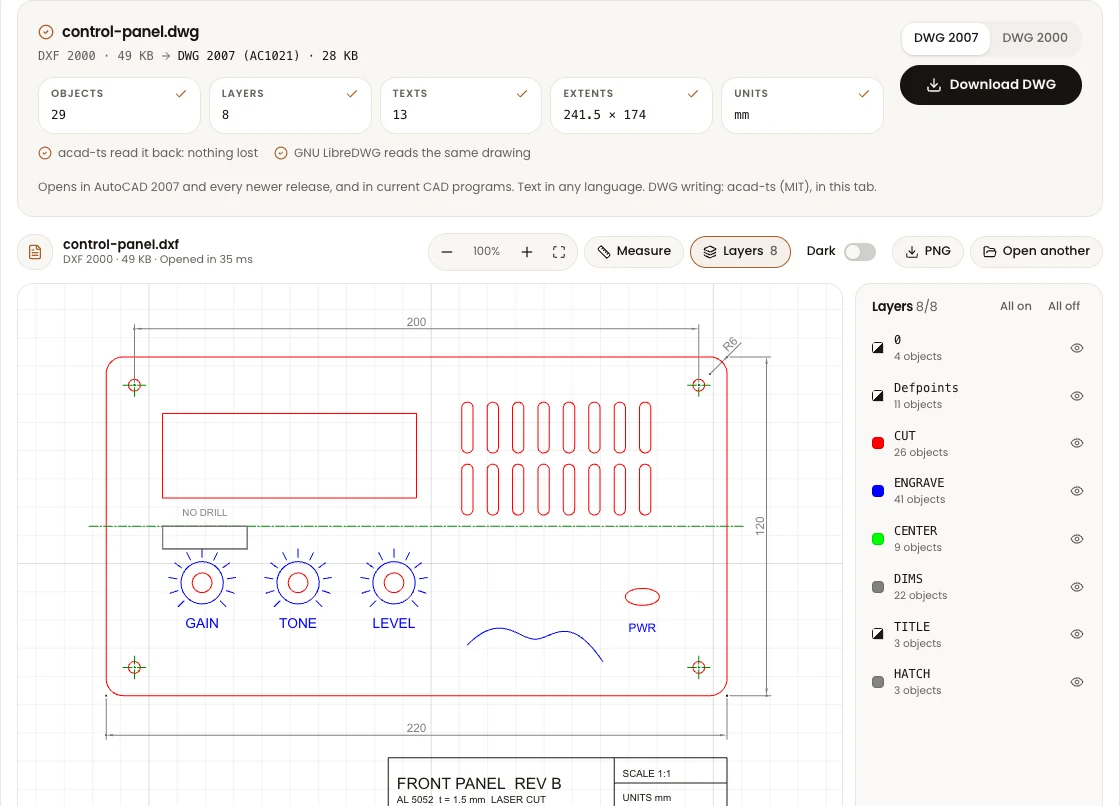
Control panel: 29 objects, 8 layers, 13 texts matched
How to
How to convert DXF to DWG in 3 steps
No AutoCAD and no account. The check loads a 7.5 MB reader once, which the browser keeps.
STEP 1
Drop the DXF
Drag an ASCII DXF up to 50 MB onto the box, or open a sample. Pick DWG 2007 or DWG 2000 now or later.
STEP 2
Check the card
The DXF opens in the preview while the DWG is written and read back. Each check shows the DXF value and the DWG value side by side.
STEP 3
Download DWG
Press Download DWG and send it. Switching the version rewrites and rechecks the file in a second or two.
Units first
A DXF without units gives a DWG without units. The card shows them; set UNITS in your CAD program if needed.
Binary DXF?
Save it again as ASCII DXF; binary DXF is not read.
Very old AutoCAD
R14 and older open neither DWG version: send the DXF as it is.
Big drawings
Purge unused blocks and layers first: writing and both checks get faster.
Which version
DXF to DWG: which version will they open?
AutoCAD opens drawings saved in its own format and every older one, never a newer one. Type the AutoCAD version of the person you send it to, or check a DWG they sent you, to see which DWG to write.
| Their AutoCAD | Saves | DWG 2007 | DWG 2000 |
|---|---|---|---|
| 2018 and later | DWG 2018 AC1032 | ||
| 2013 to 2017 | DWG 2013 AC1027 | ||
| 2010 to 2012 | DWG 2010 AC1024 | ||
| 2007 to 2009 | DWG 2007 AC1021 | ||
| 2004 to 2006 | DWG 2004 AC1018 | ||
| 2000, 2000i and 2002 | DWG 2000 AC1015 | ||
| Release 14 | DWG R14 AC1014 | ||
| Release 13 | DWG R13 AC1012 | ||
| Release 11 and 12 | DWG R12 AC1009 |
- AutoCAD 2007 to 2025 open DWG 2007, which keeps text in any language.
- AutoCAD 2000 to 2006 need DWG 2000 and plain Latin text.
- AutoCAD LT reads the same formats as the AutoCAD of the same year.
Specs
DXF to DWG converter specs and limits
What goes in, what comes out, and what the conversion refuses.
- Input
- ASCII DXF, R12 to 2018, up to 50 MB
- Output
- DWG 2007 (AC1021) or DWG 2000 (AC1015)
- Writer
- acad-ts (MIT), a TypeScript port of ACadSharp, in a Web Worker
- Check 1
- acad-ts reads the DWG back: object types, texts and layer names must match
- Check 2
- GNU LibreDWG (GPL-3.0, WebAssembly) reads it again: objects, layers, texts, extents, units
- Where it runs
- In your browser tab; the DXF and the DWG stay on your device
Kept
- Coordinates, extents and drawing units
- Layers with color, on/off state and linetype
- Blocks, attributes, dimensions, hatches and splines
- Text in any language in DWG 2007
Not offered
- DWG 2004, 2010, 2013 and 2018 formats
- Binary DXF, and DXF files the preview cannot read
- Non-Latin text in DWG 2000
- Folders of files in one go
Who it is for
Who needs to convert DXF to DWG
AutoCAD opens DXF directly, so the conversion is for the times a .dwg is required. The pictures show drawing types from a partner demo, not output of this page.
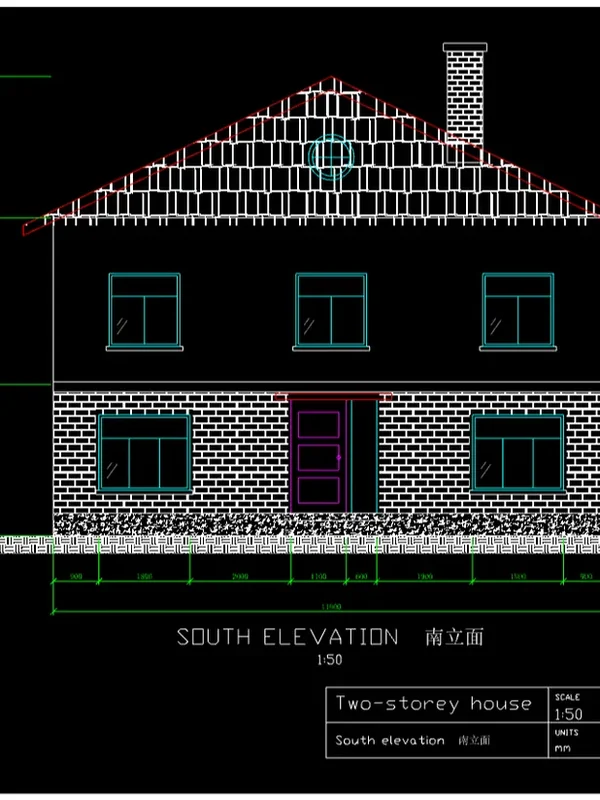
Clients who ask for .dwg
Drawn in LibreCAD, QCAD, Inkscape or a script? Hand over the DWG a client or architect expects.
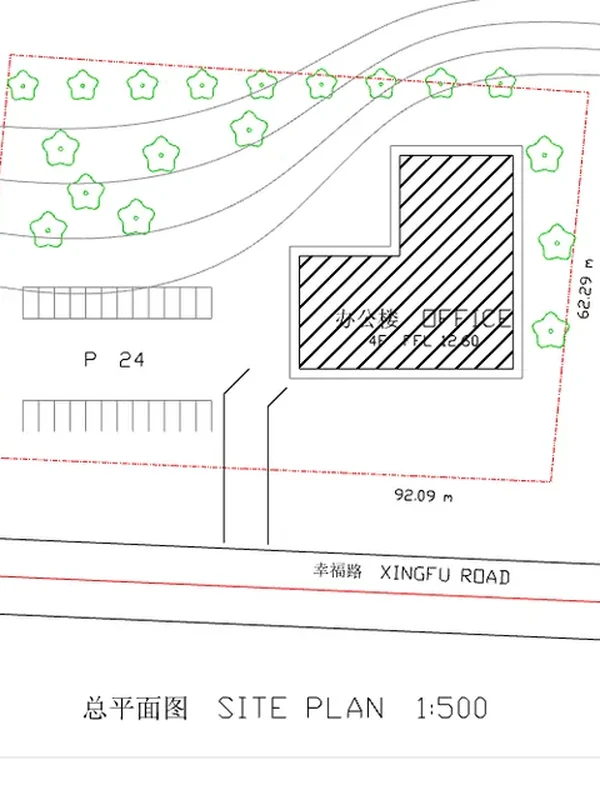
Submission portals
Permit and tender systems that accept only DWG uploads take the file without a CAD license.
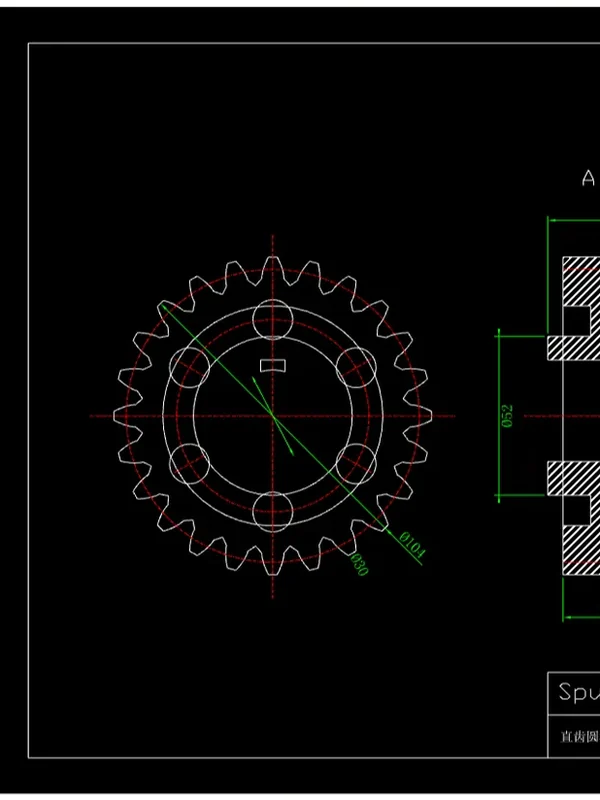
Shops on older AutoCAD
A machine shop on AutoCAD 2000 to 2006 gets DWG 2000, which its release opens.
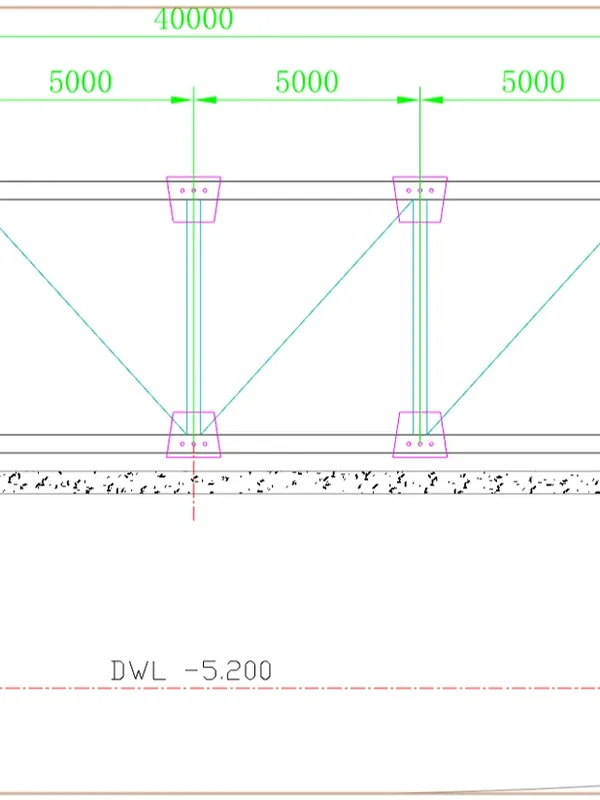
Generated drawings
Turn DXF from your own generator, CAM or GIS export into DWG for the rest of the team.
DXF to DWG FAQ
Versions, checks, text and privacy.
How do I convert DXF to DWG?
Drop the DXF on this page, pick DWG 2007 or DWG 2000, look at the check card and press Download DWG. The DWG is written and checked in your browser; there is nothing to install.
Is this DXF to DWG converter free?
Yes, with no sign-up and no daily limit, because your own computer does the work. One DXF of up to 50 MB at a time.
Which DWG version should I choose?
DWG 2007, the default, opens in AutoCAD 2007 and every newer release and in current CAD programs. Choose DWG 2000 only for AutoCAD 2000 to 2006. The version checker on this page answers it for any release.
Is the DWG really checked?
Twice. acad-ts, the library that writes it, reads it back and refuses the file if any object type, text or layer name changed. GNU LibreDWG, an independent reader, then opens it again, and the card compares its objects, layers, texts, extents and units with your DXF.
What happens when a check fails?
If acad-ts sees a loss, no DWG is offered and the card says why. If only LibreDWG disagrees, the differing rows turn amber and the button reads Download DWG anyway, so you can decide after a look in your CAD program.
Will Chinese or other non-Latin text survive?
In DWG 2007, yes: text and layer names are stored as Unicode. DWG 2000 has one Western code page, so the card warns you and refuses to make a DWG 2000 that would change the text.
Why does my drawing open at the wrong size?
Usually the DXF has no drawing units, and so the DWG has none either. The units row of the card shows what was found; set them with UNITS in your CAD program and save the DXF again.
Why not DWG 2010, 2013 or 2018?
In our tests the writer’s 2004, 2010, 2013 and 2018 output lost objects on some sample drawings, while DWG 2000 and 2007 read back complete. Every AutoCAD since 2007 opens DWG 2007, and saving it again there gives you the current format.
Do I need to convert DXF to DWG at all?
Often not: AutoCAD, BricsCAD and most CAD programs open DXF directly. Convert when someone, a template or an upload form insists on a .dwg file.
Is my DXF uploaded?
No. Reading, writing, both checks and the preview happen in your browser tab, so the drawing stays on your computer.
Can I convert DXF to DWG online in bulk?
Not here: one file at a time, and the next DXF opens in the same tab. For folders, the free ODA File Converter converts DXF to DWG in batches on your desktop.
Can I go back from DWG to DXF?
Yes, with DWG to DXF, which keeps the release or writes DXF 2000 or an exploded R12 for laser and CNC software.
Convert DXF to DWG now
Drop a DXF, read the check card, download a DWG that two readers agree on. It all stays in this tab.
Convert a DXF