Image to Blueprint: Classic White on Blue
Free image to blueprint tool: drop a drawing, sketch or photo and get crisp lines on blueprint blue, with a grid, a frame and a title strip you fill in. Tune the lines live, then save a PNG or a print-ready PDF. It all runs in your browser, so the picture is never uploaded.
- Free, nothing uploaded
- Live line controls
- Grid, frame, title strip
- PNG and PDF
Image to blueprint
FreeNo picture? Try one
Drawings: AI-generated examples by drawcad.org. Photos: partner photos.
Runs in your browser. Nothing is uploaded.
Example result
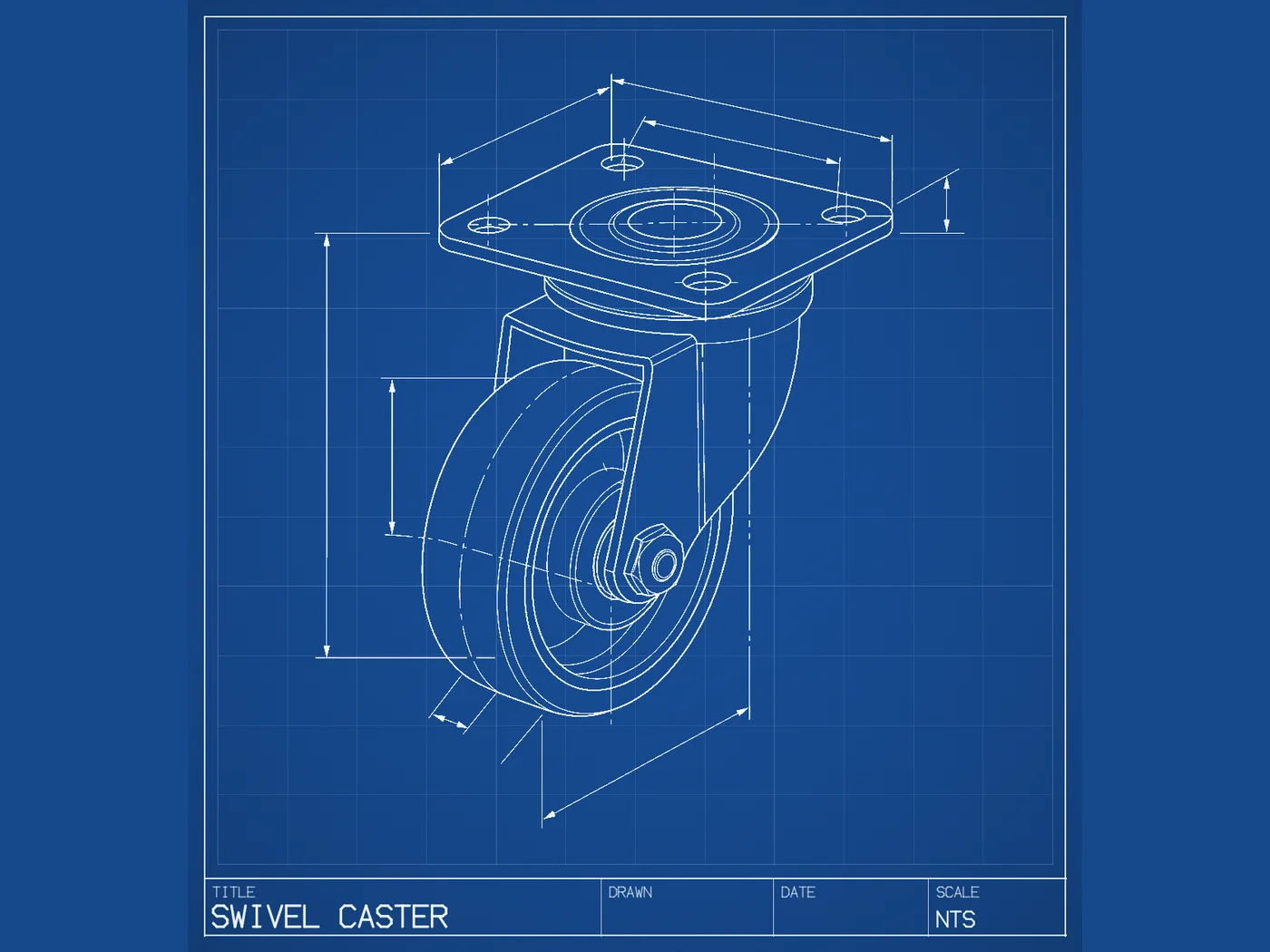
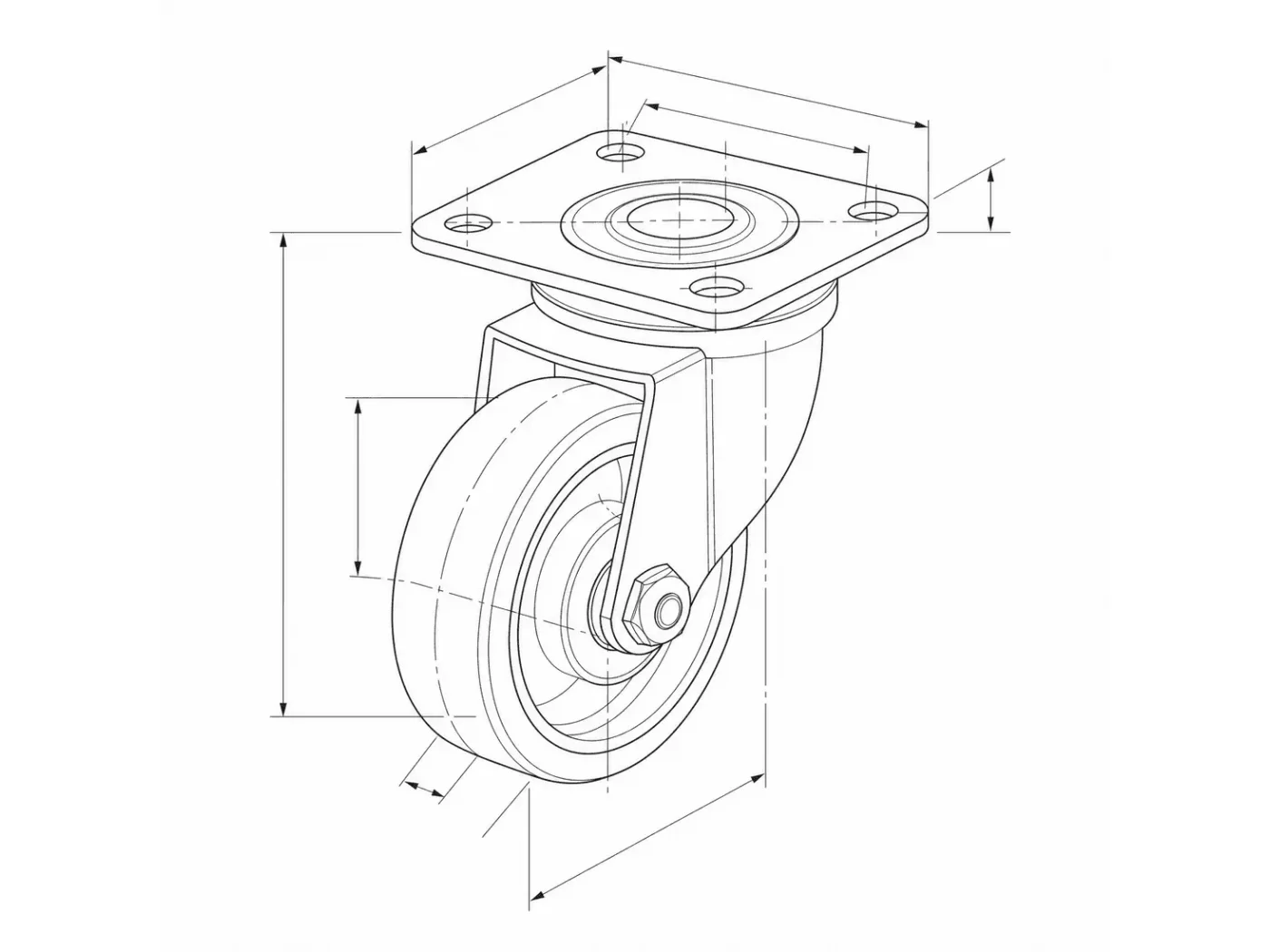
Made here · dark strokes · default settings · 1,178 × 1,255 px sheet
Examples
Image to blueprint examples made in this tool
Each blueprint below came out of this tool. The drawings going in are AI-generated examples by our partner drawcad.org; the photos are partner photos. Hover or tap to see the input.
Drawing · defaults
Swivel caster drawing
AI-generated example drawing in, default settings out: dark strokes become white lines, with the grid and a title strip.
Made here · dark strokes · default settings · 1,178 × 1,255 px sheet
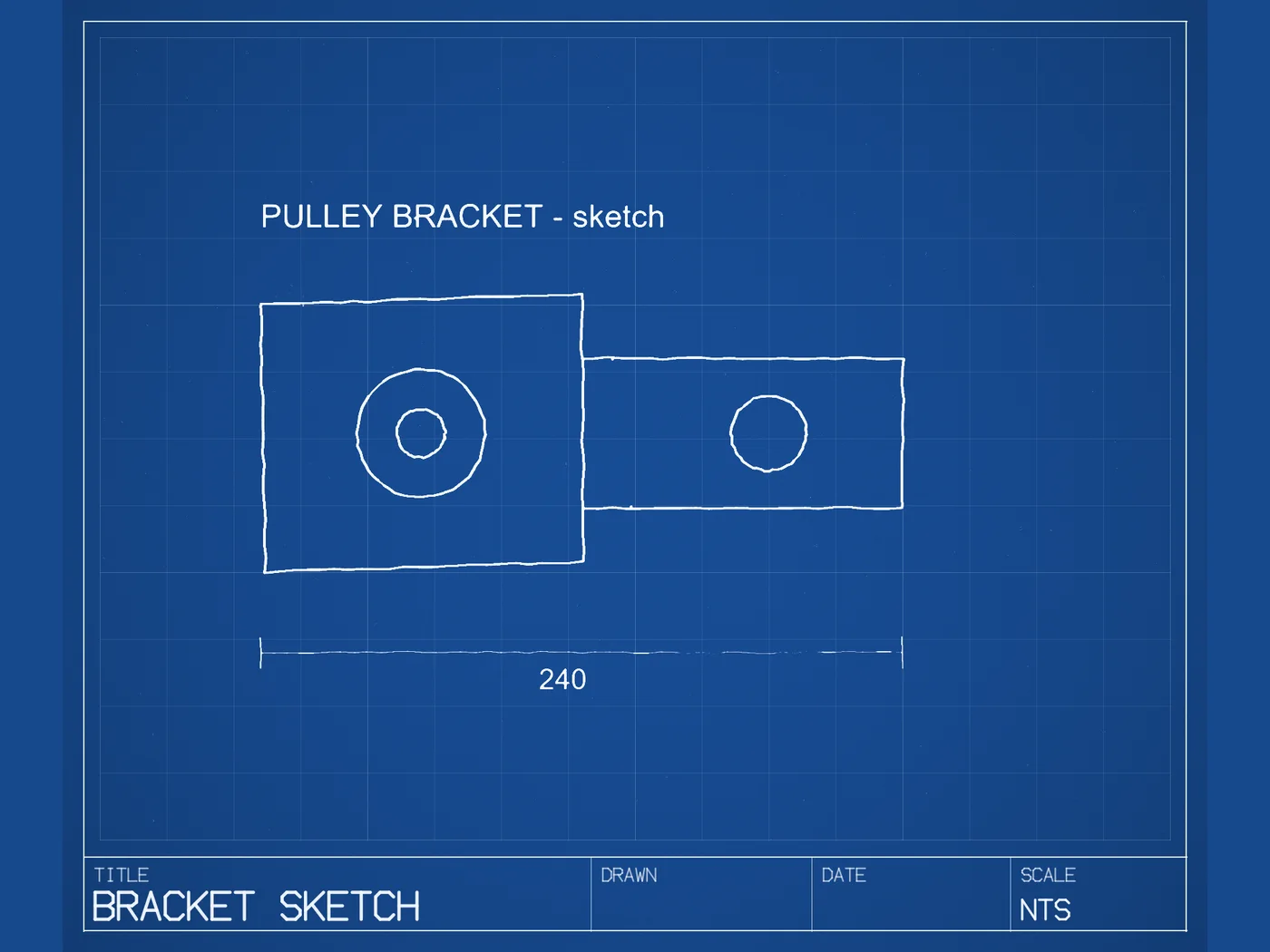
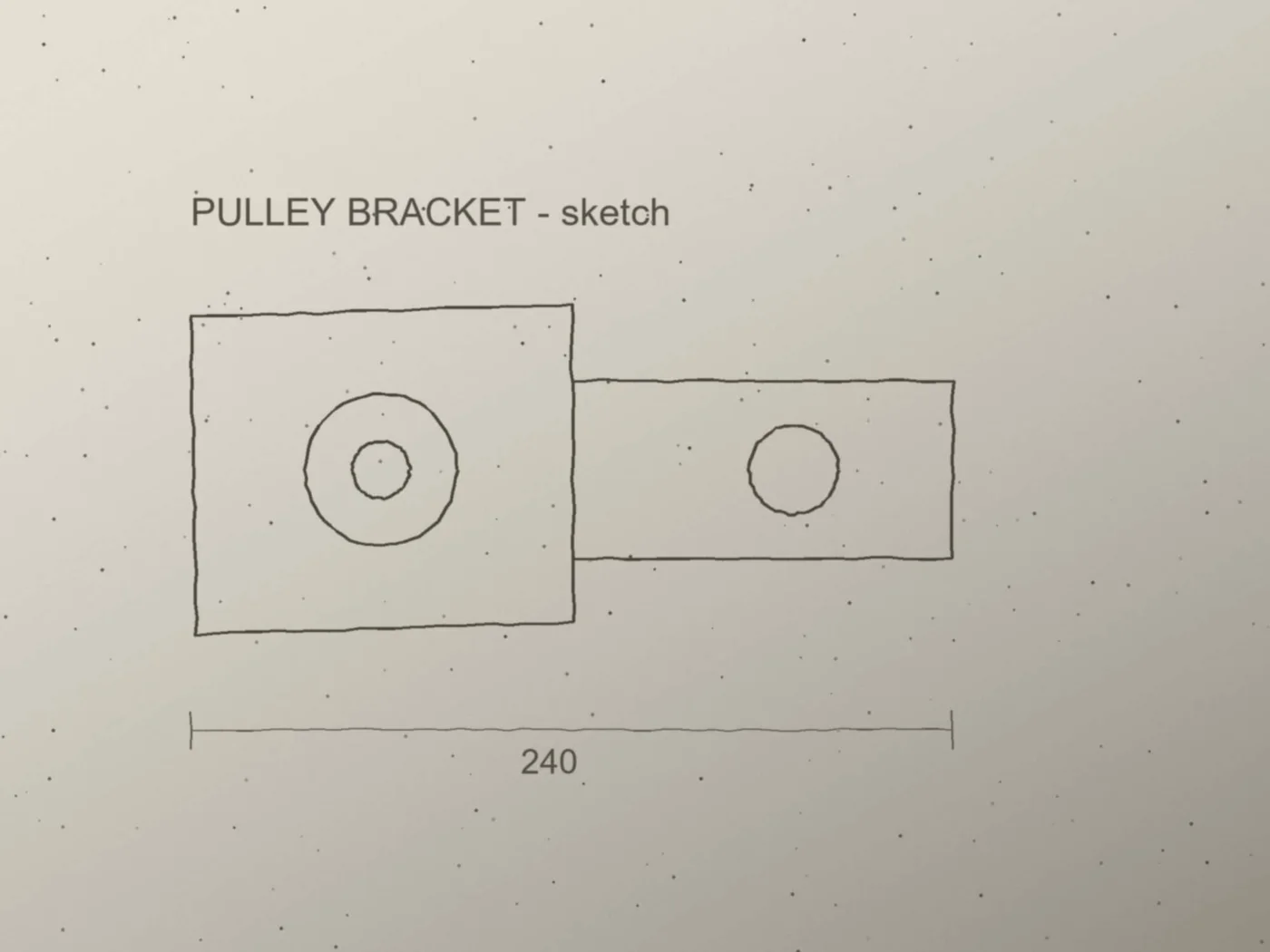
Photo of a sketch
Pencil sketch photographed on paper
Grey paper and a shadow in one corner. Evening out the lighting and the speck filter leave only the pencil lines.
Made here · dark strokes · lighting evened · speck filter 30
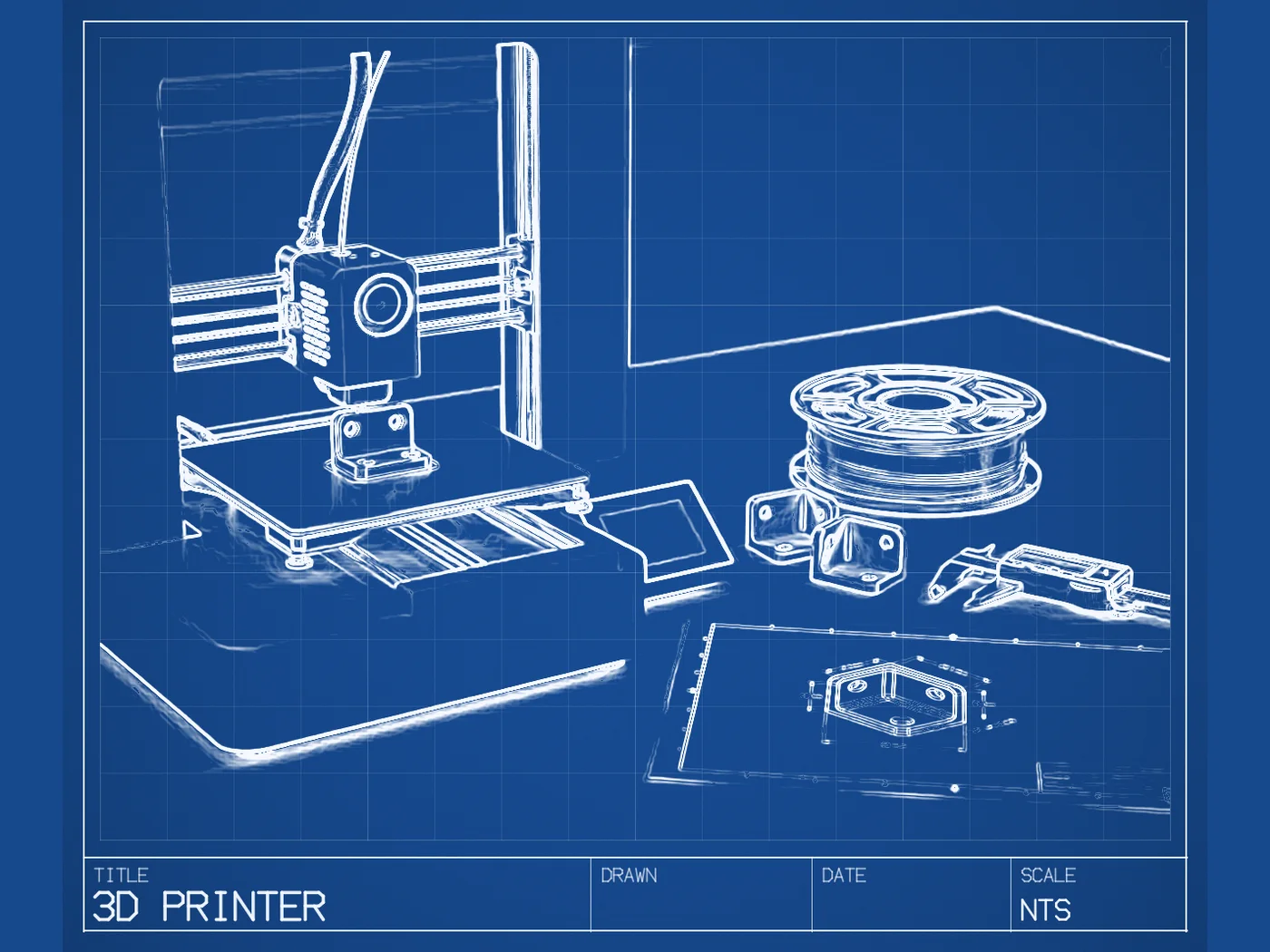
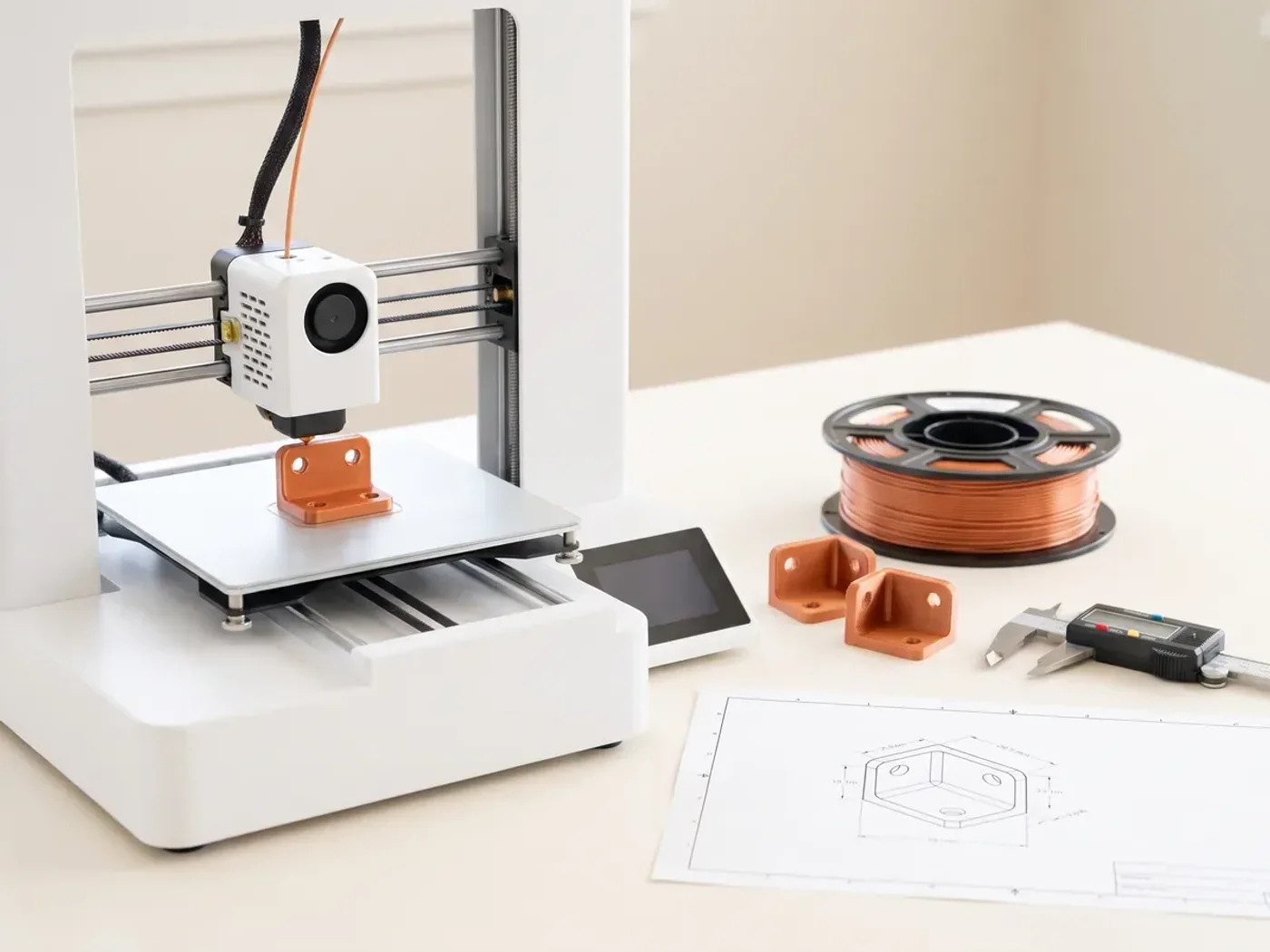
Photo · edges
Desk photo of a 3D printer
A real photo needs edges, not dark strokes: the outlines of the printer, spool and parts are traced where brightness changes.
Made here · edges · strength 55 · speck filter 30
Prussian paper
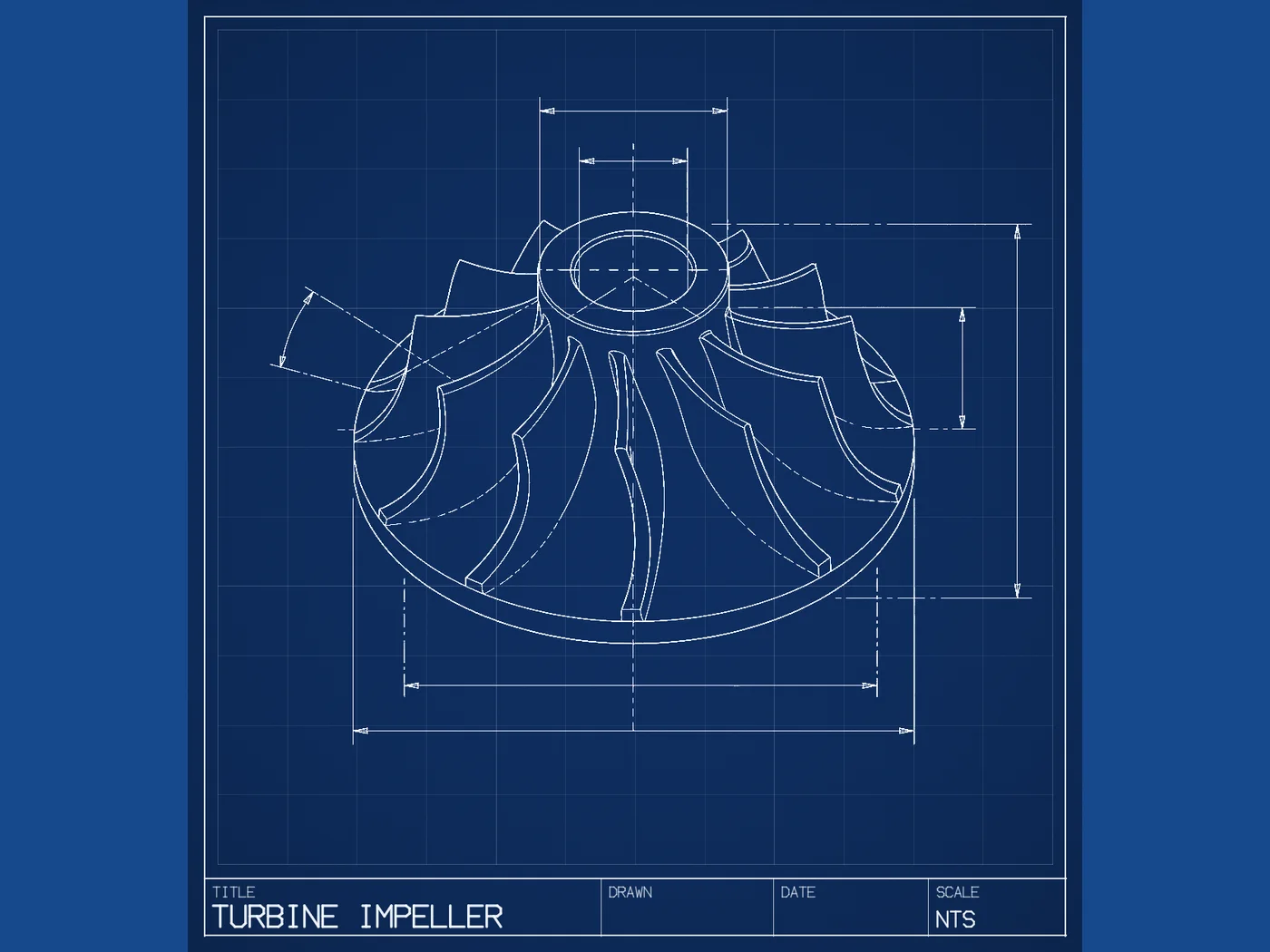
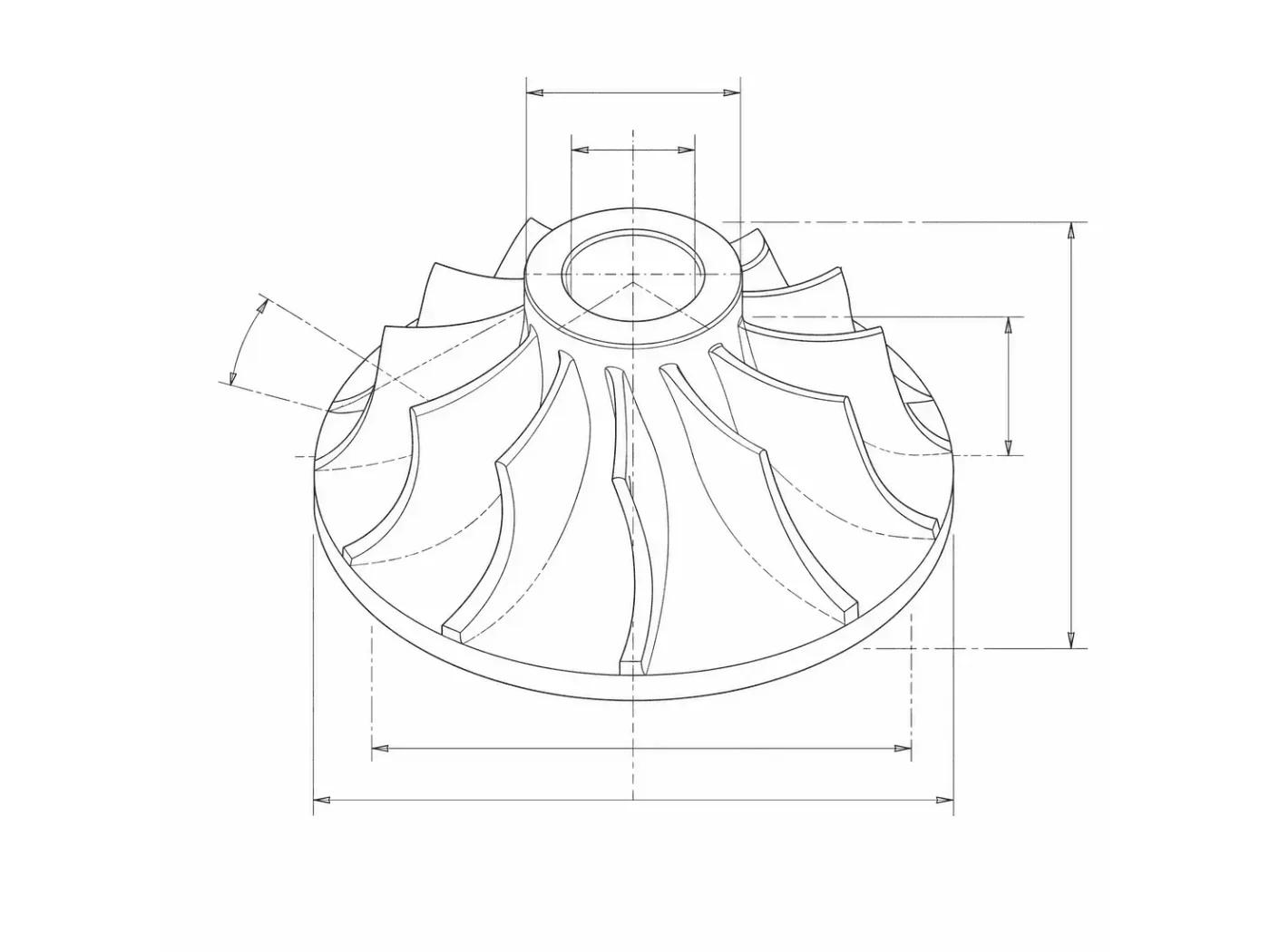
Turbine impeller on deep blue
The same drawing filter on the darker Prussian paper tone. Input: an AI-generated example drawing.
Made here · Prussian paper · white ink
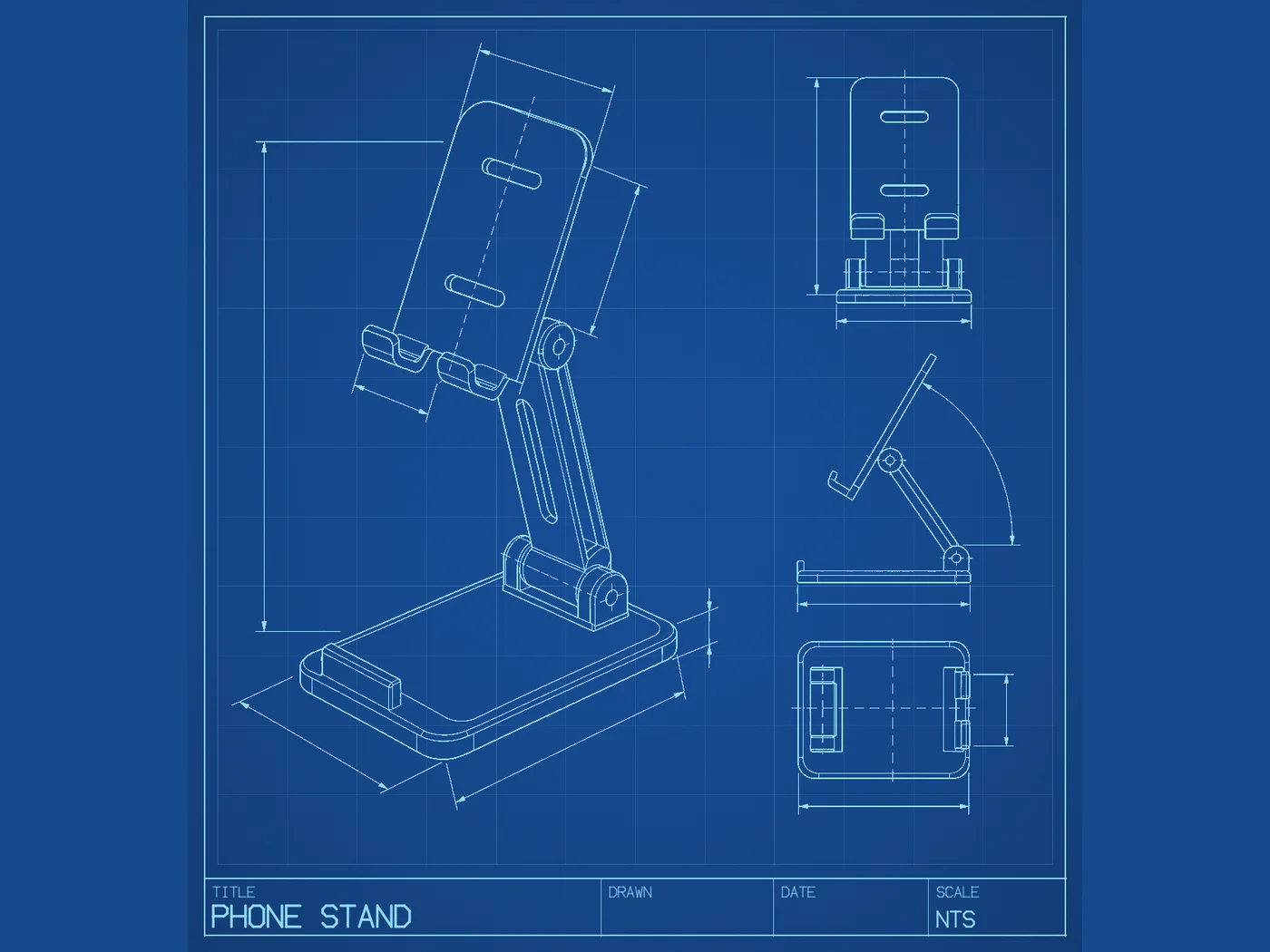
Cyan ink
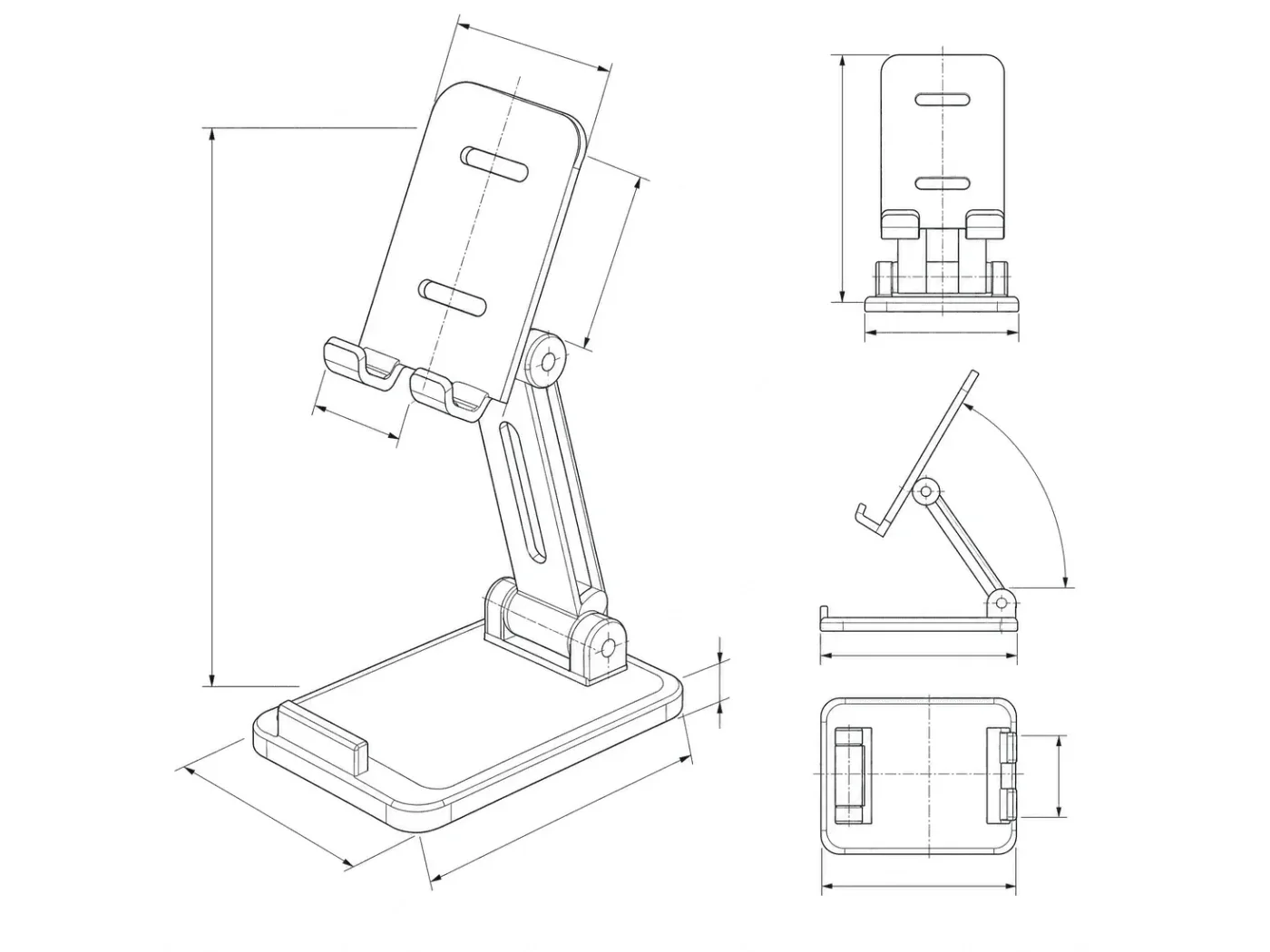
Phone stand in cyan lines
Cyan ink instead of white, closer to a screen blueprint than a print. Input: an AI-generated example drawing.
Made here · classic paper · cyan ink
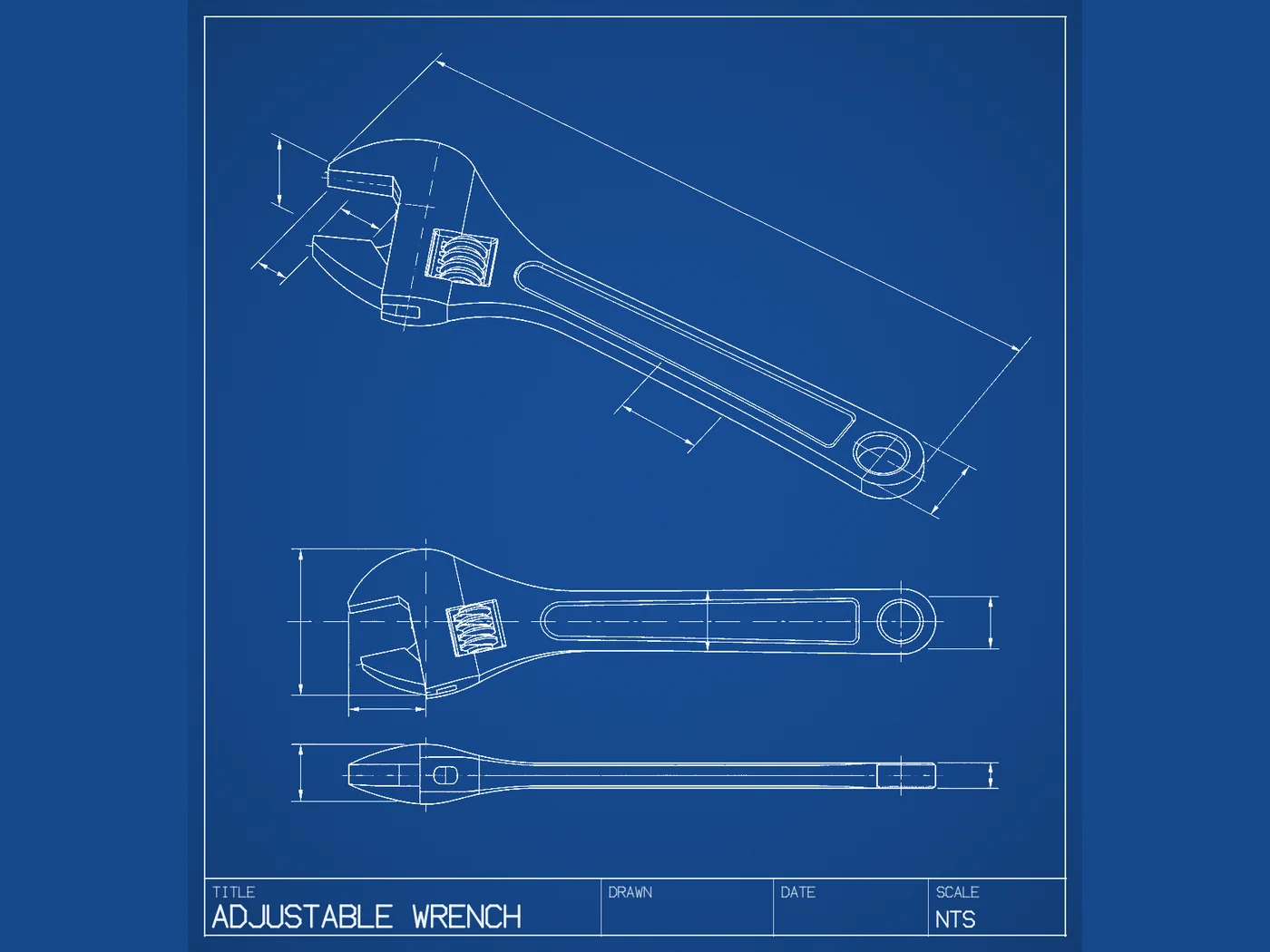
No grid
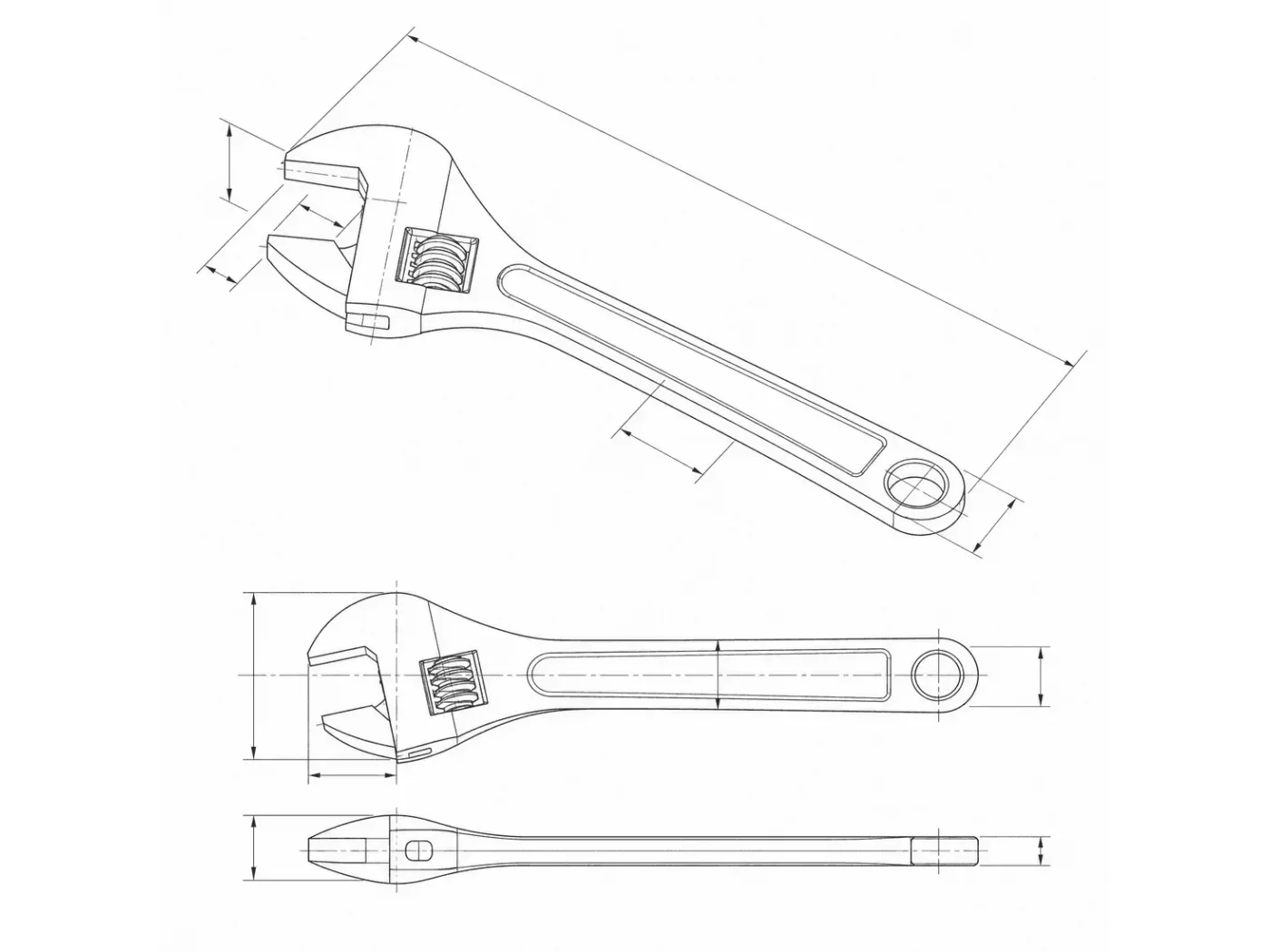
Adjustable wrench without a grid
Grid off for a cleaner sheet when the picture already has dimension lines of its own.
Made here · grid off
How it works
How the image to blueprint filter finds the lines
Two ways to find lines, one way to make them look like a print. Every figure below is output of this image to blueprint tool.
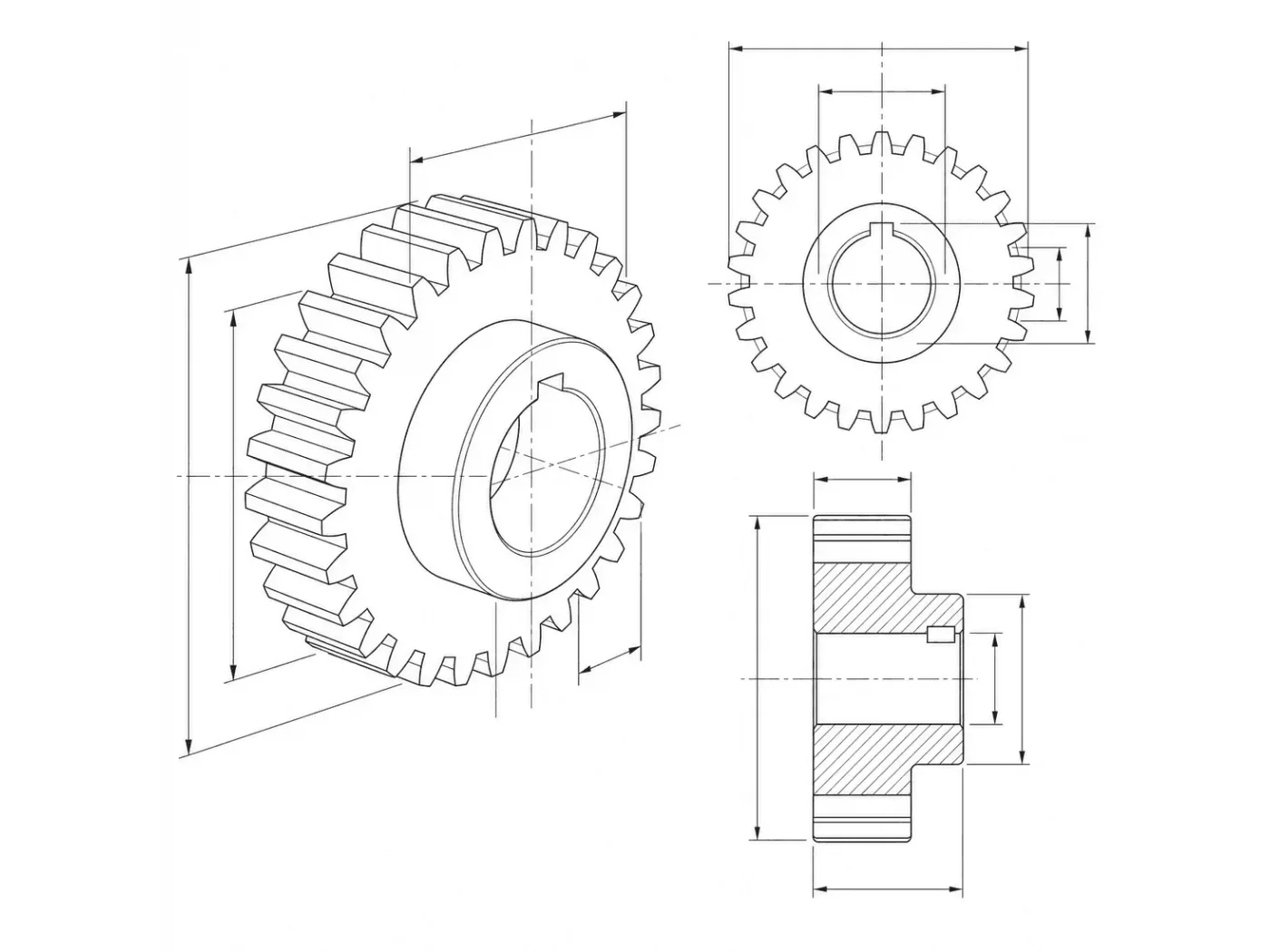 AI-generated exampleBlueprint
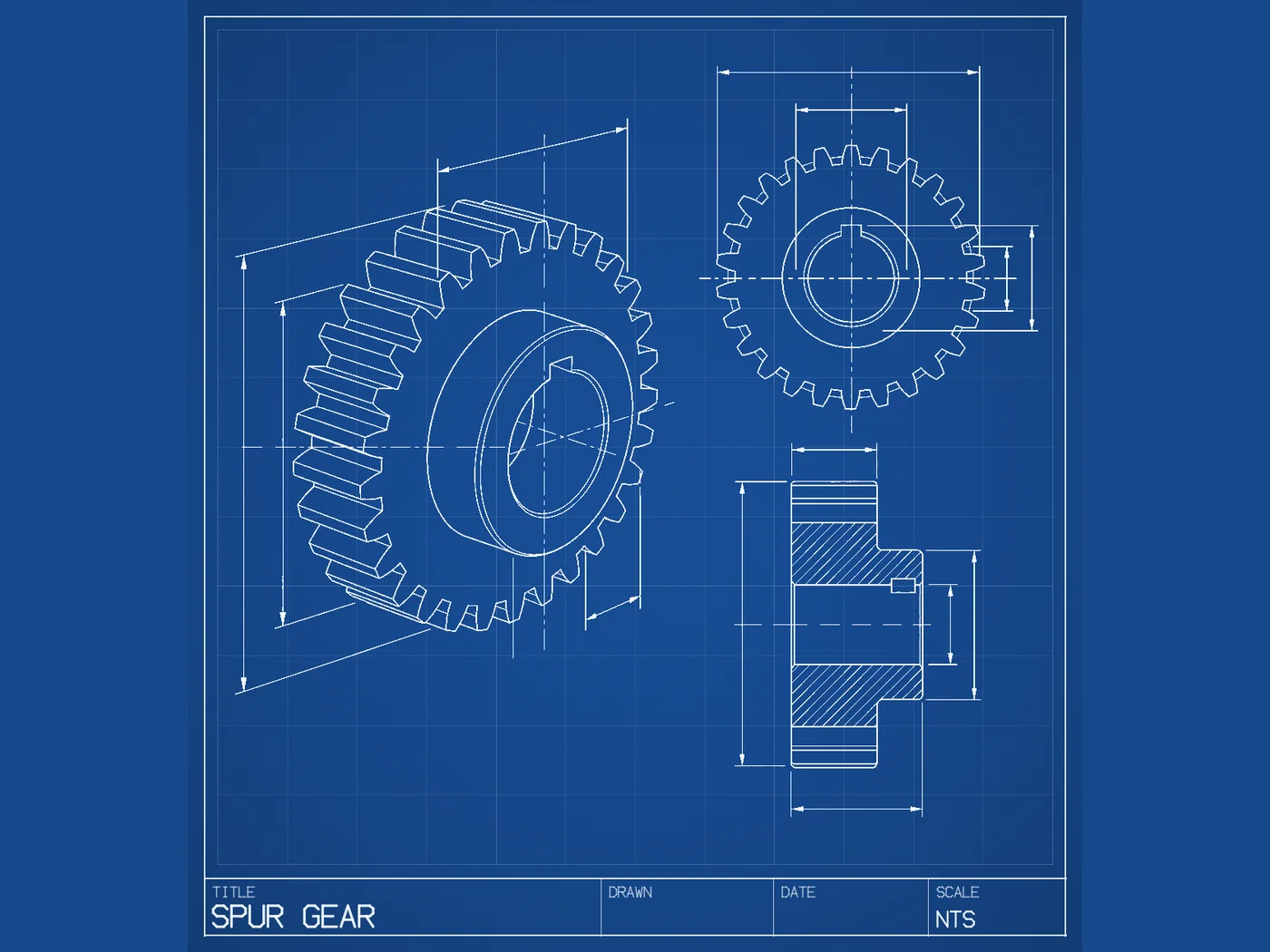
Spur gear drawing: input and blueprint
How to
How to convert an image to blueprint in 3 steps
About a minute from picture to print: you can convert an image to blueprint with no account and no upload.
STEP 1
Add a picture
Drop a PNG, JPG or WebP, paste one with Ctrl+V, or start from a sample drawing or photo.
STEP 2
Tune the lines and sheet
The tool picks dark strokes or edges for you. Adjust threshold, strength and weight, then the paper, ink, grid and title strip. Drag the divider to compare.
STEP 3
Save PNG or PDF
Download the whole sheet as a PNG, up to 2,400 px on the long side of the picture, or as a PDF on A4, A3, Letter or Tabloid.
Double lines?
Edges outline both sides of a thick stroke. Switch to dark strokes for drawings.
Specks everywhere
Raise the speck filter, or the threshold, until paper grain disappears.
Dark picture
Lines lighter than the background? Tick Invert, then use dark strokes.
Faint pencil
Lower the threshold and pick medium or bold lines.
Specs
Image to blueprint specs and limits
What the image to blueprint filter reads, what it writes, and what it is not.
- Input
- PNG, JPG, WebP, GIF (first frame), BMP or AVIF your browser can open, up to 25 MB
- Working size
- Scaled to at most 2,400 px on the long side; smaller pictures keep their size
- Lines from
- Dark strokes (threshold after evening out the light), edges (Sobel), or both
- Line controls
- Strength, threshold, thin, medium or bold, speck filter, invert
- Sheet
- Classic, Prussian or cyanotype blue; white or cyan ink; grid of 8 to 24 cells; frame; title strip
- Output
- PNG of the whole sheet; PDF with the sheet on A4, A3, Letter, Tabloid or an image-sized page at 200 dpi
- Where it runs
- In a Web Worker in your browser tab; nothing is uploaded
It does
- Turn drawings, sketches and photos into blueprint-style pictures
- Pick dark strokes or edges for you, then let you change it
- Draw a grid, a frame and a title strip with your text
- Save PNG and print-ready PDF files
It does not
- Measure the object or add dimensions
- Make CAD lines (DXF, DWG or SVG); use a tracer for that
- Redraw a messy photo as a clean drawing; that needs AI
- Keep color: it is a two-tone print look
Uses
What a picture to blueprint print is good for
A blueprint look says “plan” at a glance. For real CAD lines from a picture, trace it with image to DXF; for a new drawing from a prompt, try the blueprint generator.
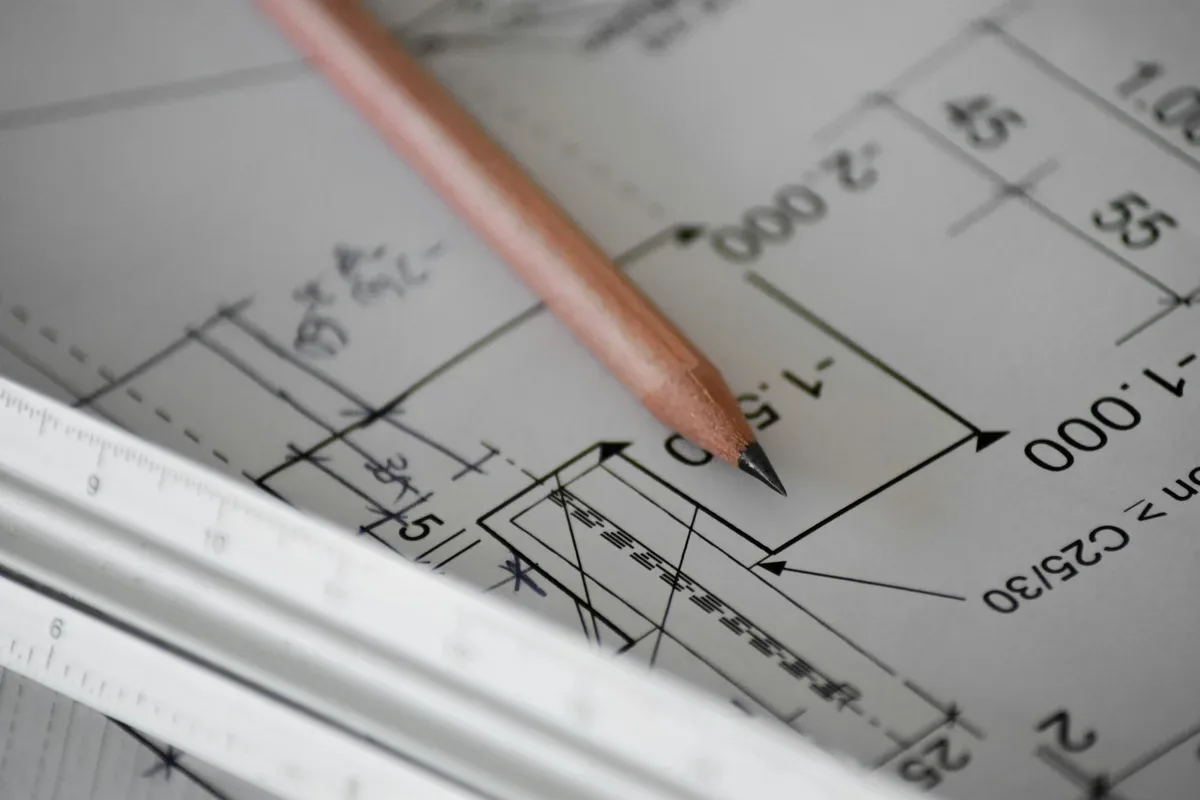
Posters and gifts
A car, a house or a favorite tool as a framed blueprint print on A3.
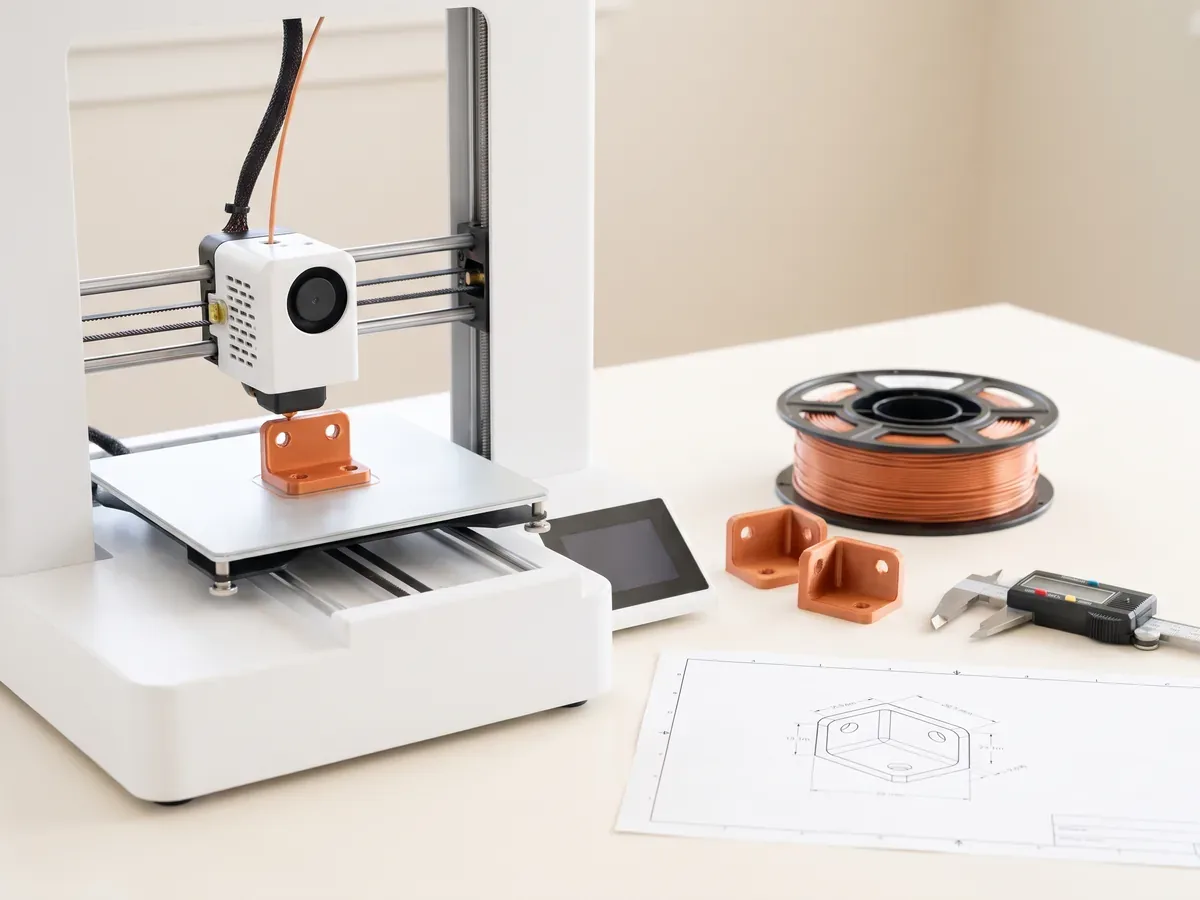
Slides and reports
A design concept that looks like engineering, without a CAD seat.
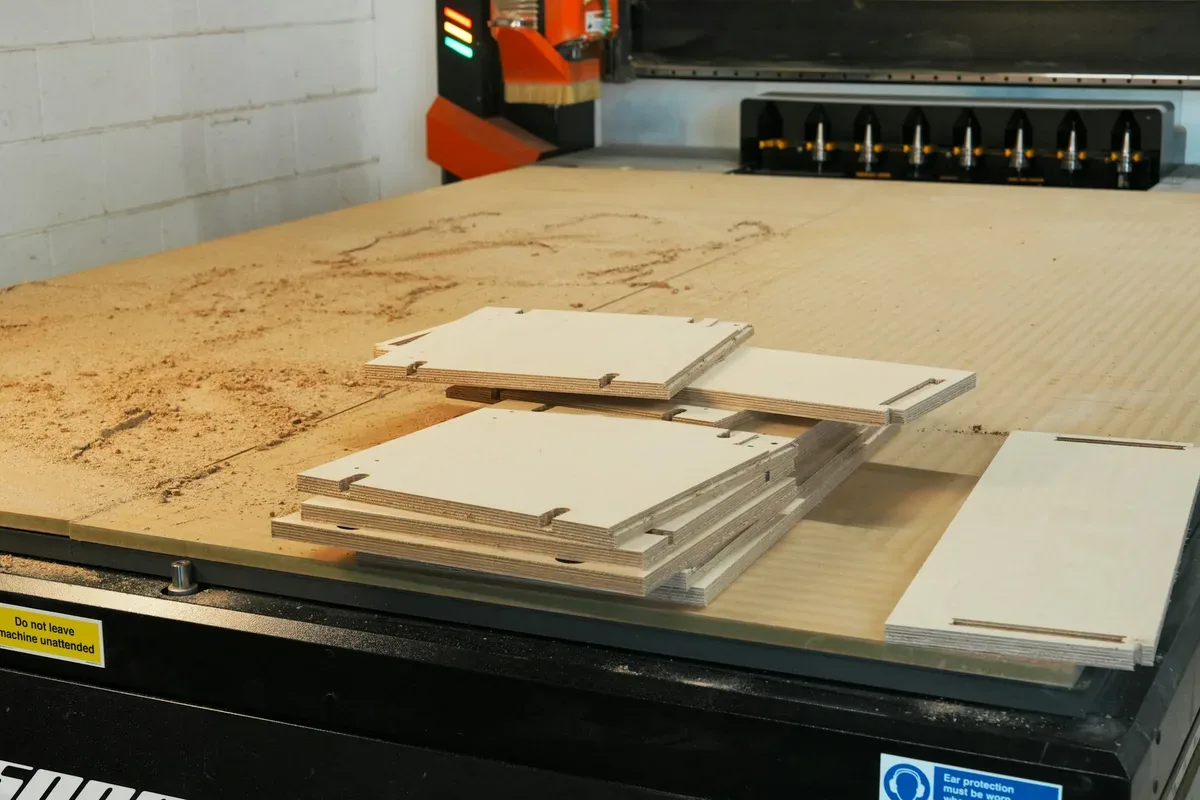
Classroom handouts
Show students what a blueprint looked like before CAD, from any picture.
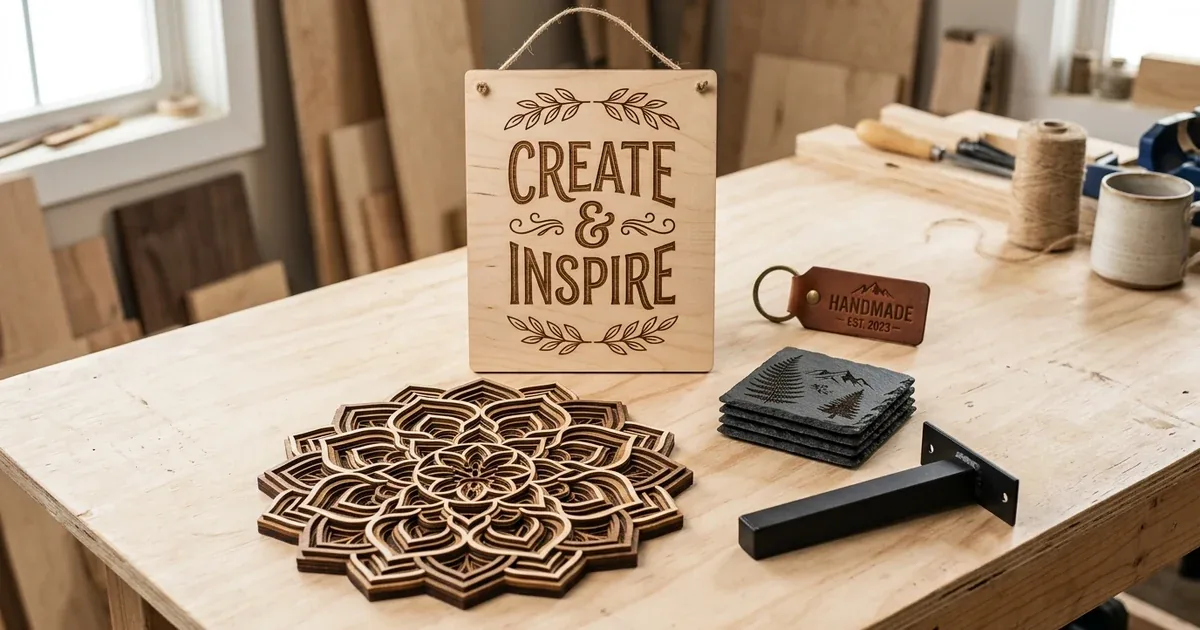
Signs and engraving art
Line art on blue for a workshop sign or a laser-engraved plaque design.
Image to blueprint FAQ
Modes, privacy, file sizes and what the result is.
How do I turn an image into a blueprint?
Drop the picture on the upload box and press Make blueprint. The tool picks a line mode for you; adjust the lines and the sheet if you like, then download a PNG or a PDF.
Is this image to blueprint tool free, and is my picture uploaded?
It is free with no sign up. The picture is opened, processed in a Web Worker and saved in your browser; it is never sent to a server, and closing the tab discards it.
Can I convert a photo to blueprint?
Yes. Photos work best with edges, which trace outlines where brightness changes. Busy backgrounds give busy blueprints, so crop to the subject first and raise the speck filter.
Is the result a real technical drawing?
No. It is a picture filter that recolors the lines it finds. It does not measure anything, add dimensions or produce CAD geometry. For CAD lines, trace the picture with image to DXF.
Which mode should I pick?
Dark strokes for drawings, scans and sketches; edges for photos and renders; both when a drawing has shaded areas. The tool guesses from the picture when it opens.
Why does my drawing get double lines?
The edge filter outlines both sides of every thick stroke. Switch to dark strokes, or lower the strength until only one line per stroke remains.
How big is the PNG?
The picture is worked on at up to 2,400 px on its long side, and the sheet adds the frame and title strip around it. Smaller pictures keep their own size.
Can I print the blueprint?
Yes. Download the PDF on A4, A3, Letter or Tabloid: the sheet is centered and fitted inside 10 mm margins. For a poster shop, the image-sized PDF keeps 200 dpi.
Can I change the title strip text?
Yes: title, drawn by, date and scale. Letters are drawn in a single-stroke capital font; leave a field empty and its cell stays blank, or switch the strip off.
Which picture to blueprint inputs work best?
Clean line drawings on white give the crispest result. Sketches photographed in daylight come next. Low-contrast photos and very busy scenes give rougher lines.
What is the difference between this and the blueprint generator?
This image to blueprint tool restyles a picture you already have, in your browser and for free. The blueprint generator draws a new blueprint-style sheet from a text prompt or sketch with AI, which uses credits.
Does it work on a phone?
Yes, in current mobile browsers. Large photos take a moment while the worker processes them, and the page stays responsive.
Make an image to blueprint print now
Drop a picture, tune the lines, save the sheet. Nothing leaves your browser.
Convert image to blueprint