AI CAD Generator: Create Drawings from Text or a Sketch
Describe a part or drop in a sketch, pick one of nine styles, and the CAD Converter AI CAD generator draws a technical sheet with views, dimension lines and a title block, from 60 credits. You get a PNG made by AI, not an editable CAD file; trace it to DXF for free.
- 9 drawing styles
- Text or sketch input
- PNG at 1K or 2K
- Free trace to DXF
Drawing style
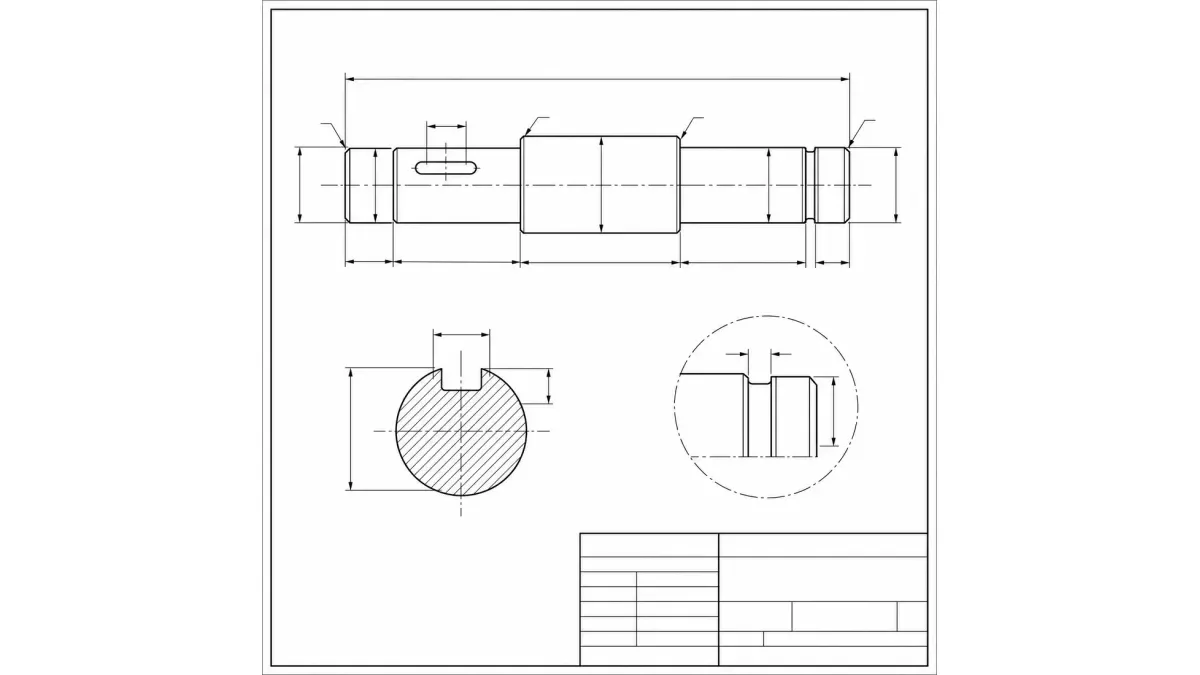
Technical
Full sheet: views, a section, notes and a title block.
You get a CAD-style PNG made by AI, not an editable CAD file. Trace it to DXF for free afterwards.
Stepped drive shaft
AI-generated example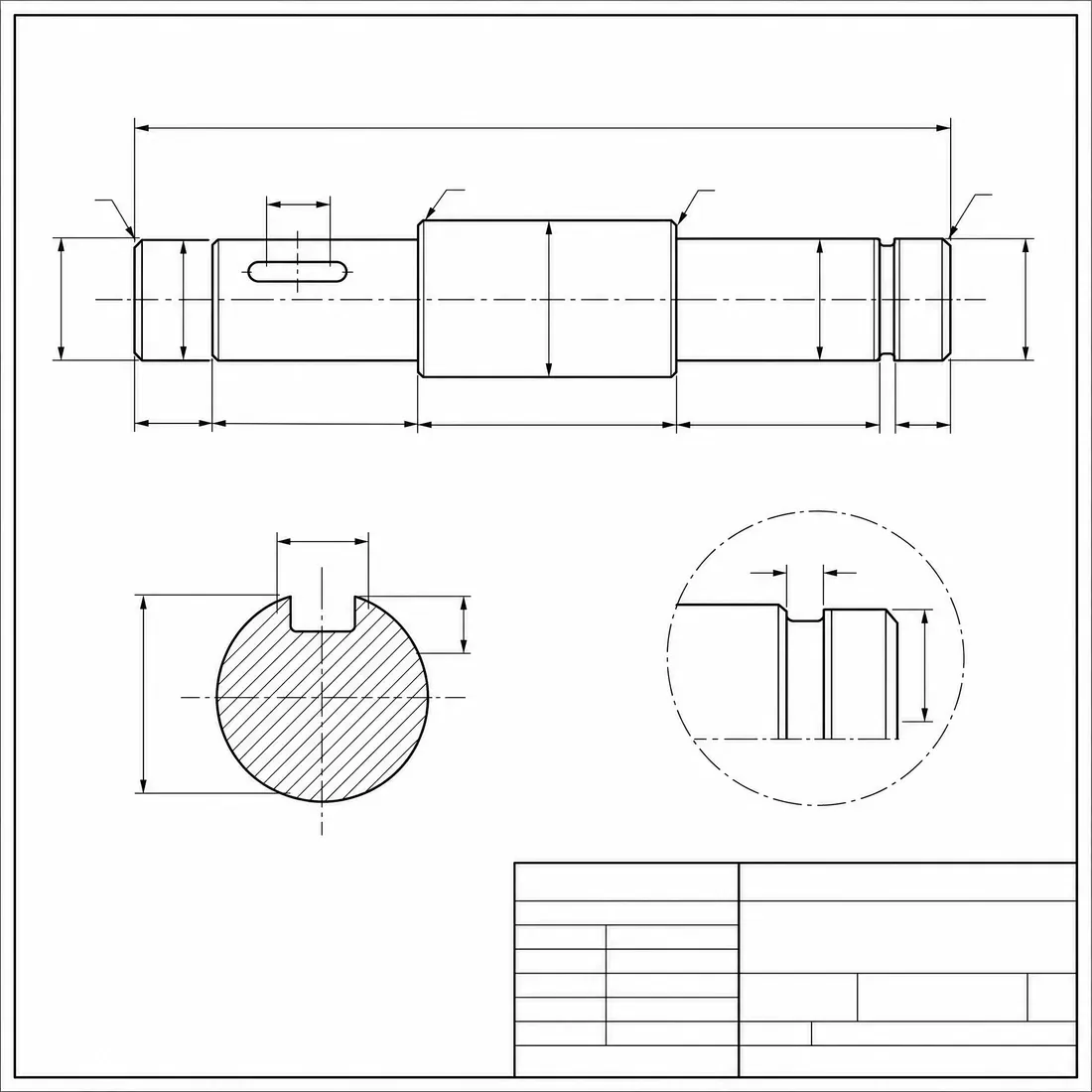
Prompt idea: Stepped drive shaft, Ø40 mm, 220 mm long, one keyway, a retaining-ring groove and chamfered ends; section through the keyway. Your result will differ.
Drawing styles
Nine AI CAD styles in one generator
Pick a style to load it into the generator above; its example shows on the right. Each style also has its own page with more examples and prompts.
Technical sheet
A full sheet: two or three views, a section, notes and a title block. The default for a part you want to discuss with a machinist.
Orthographic views
Front, top and side views on shared projection lines, placed by first or third angle. Best for brackets, blocks and plates.
Isometric view
One 30 degree view that shows three faces at once. Reads well in slides, manuals and quotes.
Blueprint
White lines on blue, like a classic print. A good fit for posters, pitch decks and vintage looks.
Wireframe
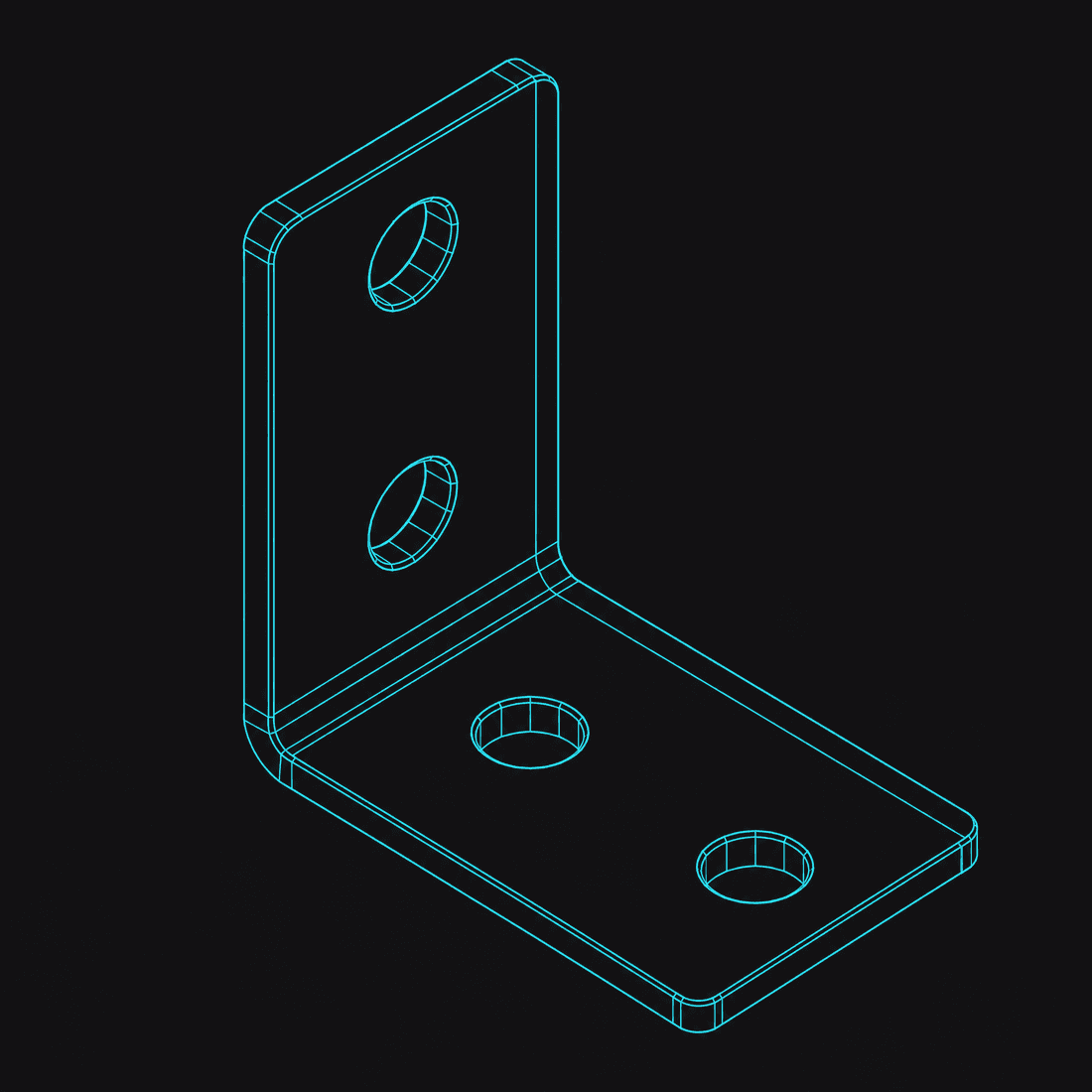
Every edge, back edges too, on a dark viewport. No dimensions; it shows form and structure.
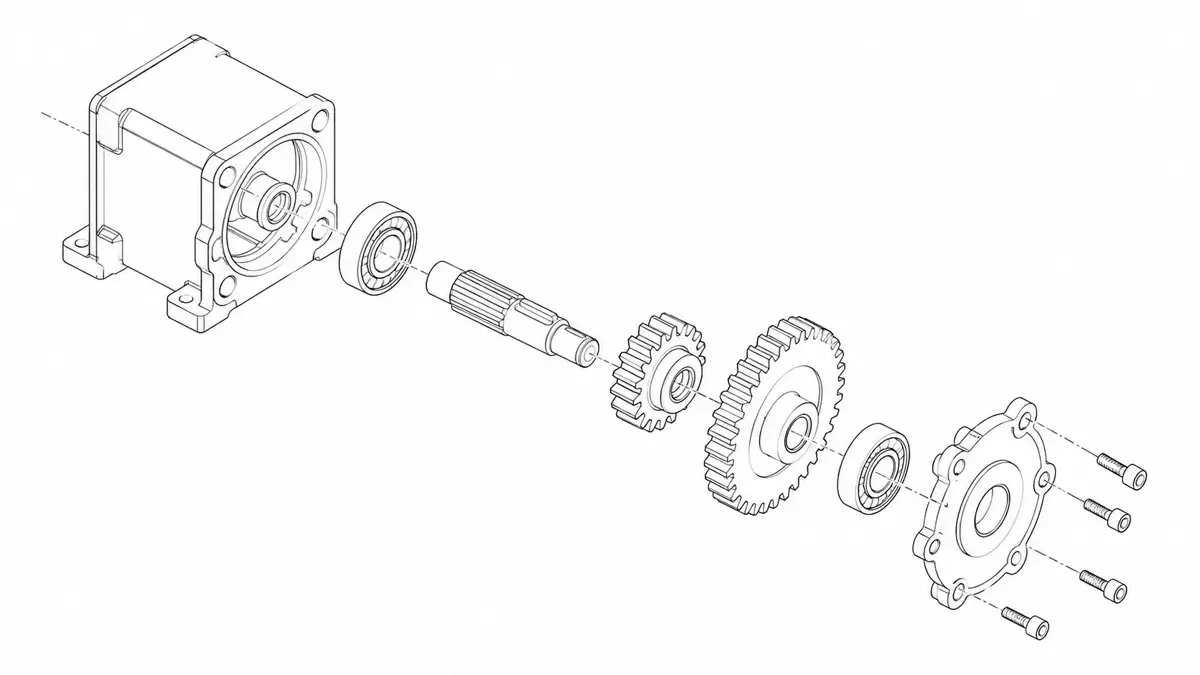
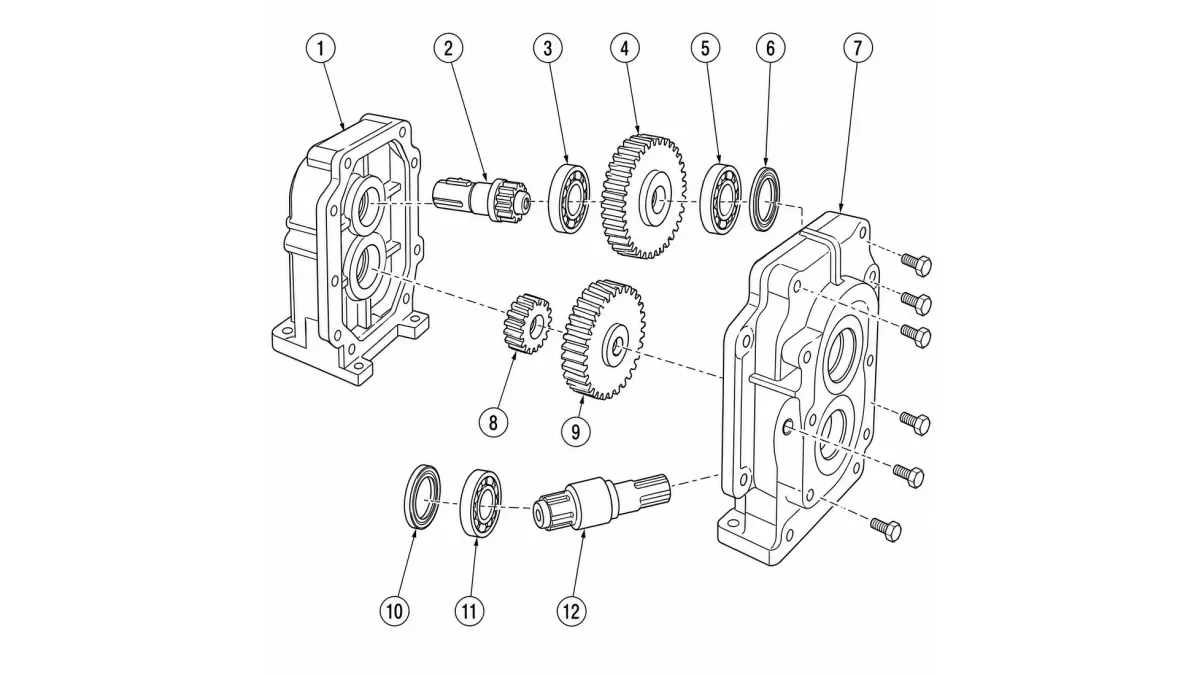
Exploded assembly
Parts pulled apart along their axes with numbered balloons. Use it for kits, gearboxes and anything with fasteners.
Section view
A cut through the part with hatched solid material, so bores, seals and wall thickness are visible.
Patent figure
Black line art with FIG. labels and reference numerals, no dimensions. A draft look for invention notes.
Line drawing
Clean outlines without a sheet or dimensions, for manuals, websites and product slides.
AI drawing pages
Every AI drafting page in one place
The same AI CAD drawing generator, set up for one kind of drawing: its own default style, prompt ideas and examples.
- Text to CADDescribe a part in a sentence and get a CAD-style drawing.
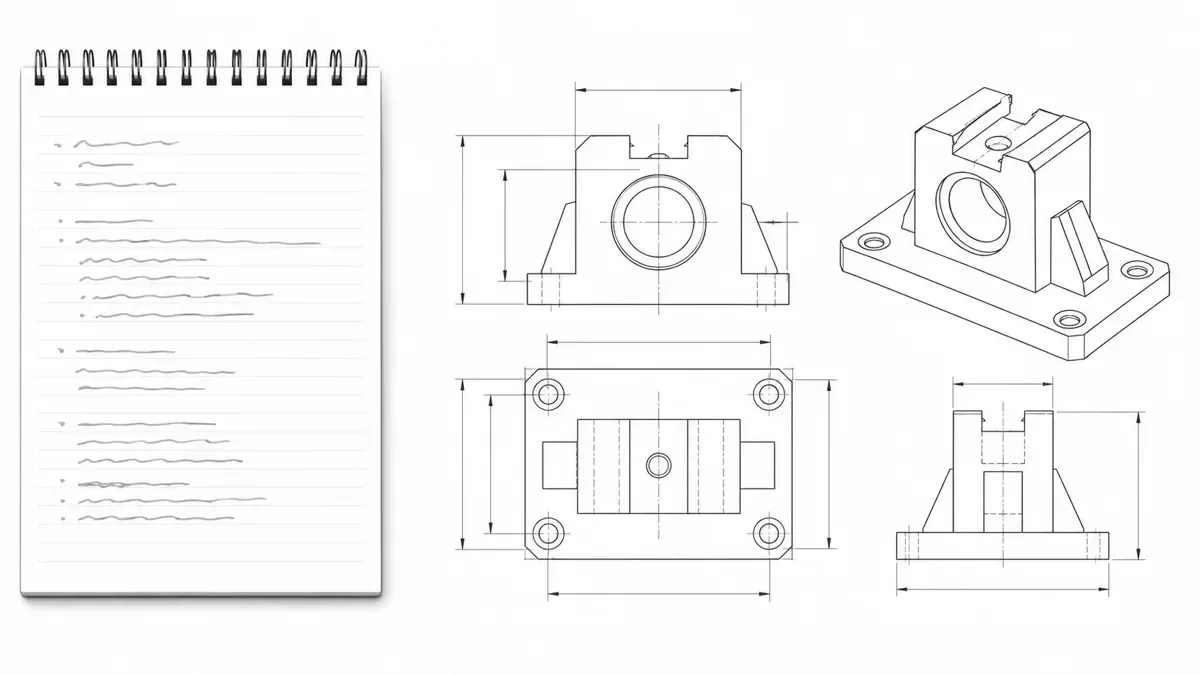
- Technical drawingOrthographic views with dimensions from a prompt.
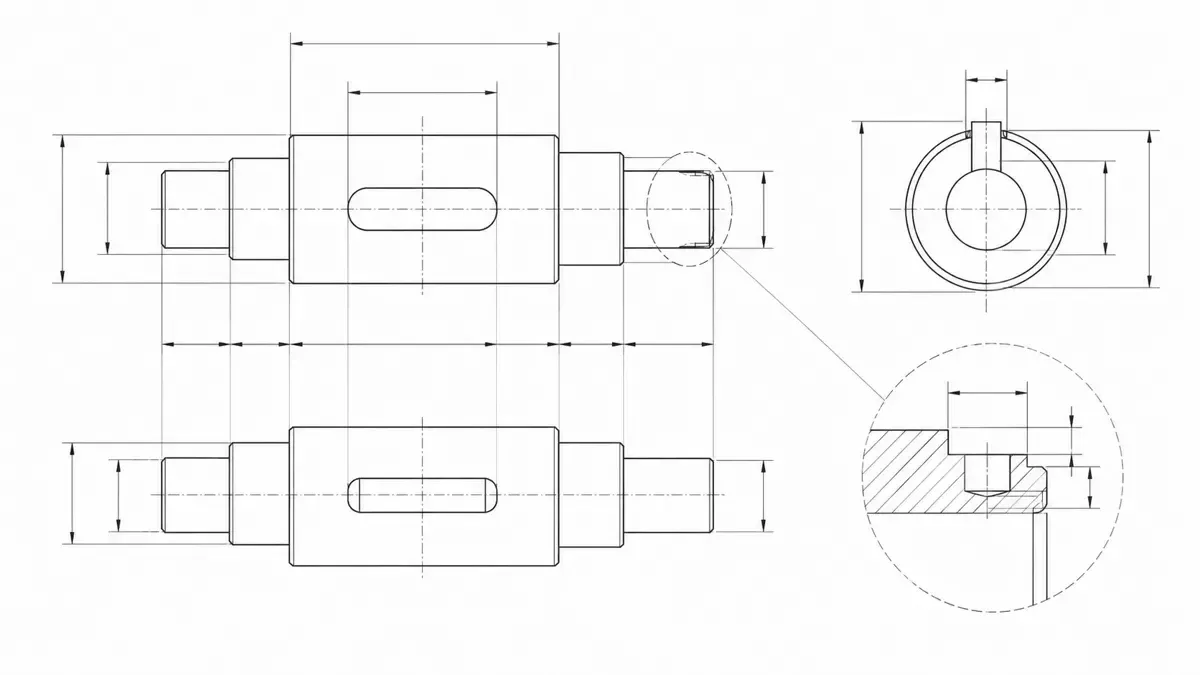
- Blueprint generatorWhite-on-blue blueprint sheets from text or a sketch.
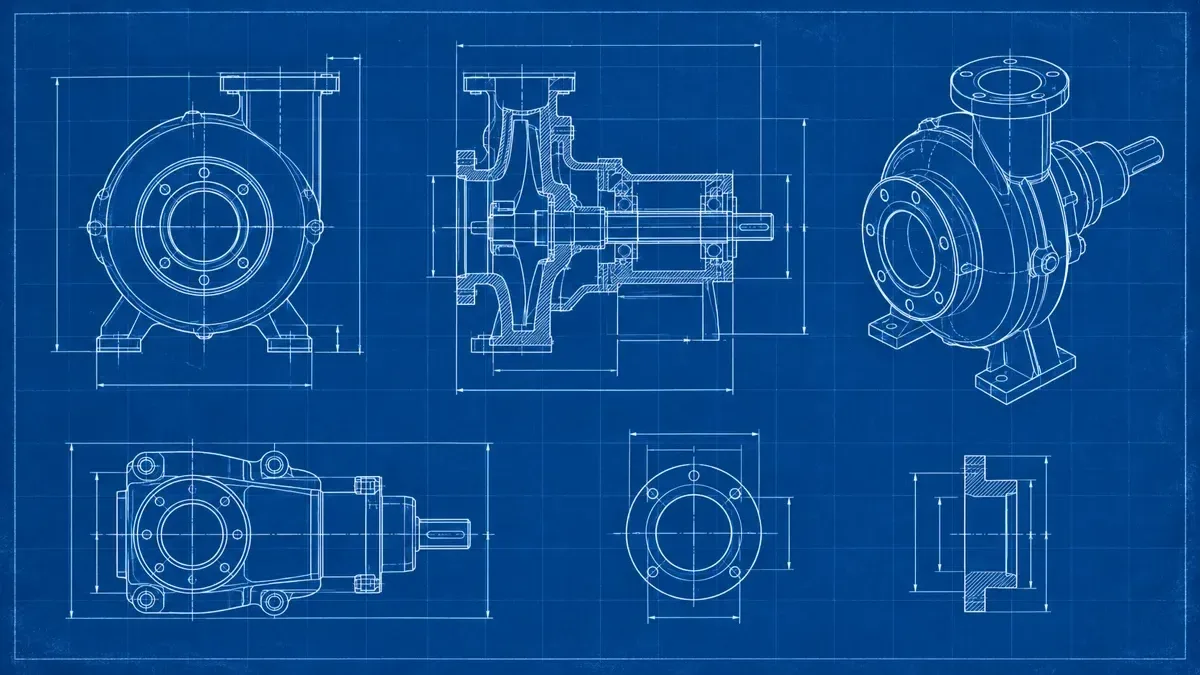
- Image to blueprintRestyle a photo or render as a blueprint drawing.
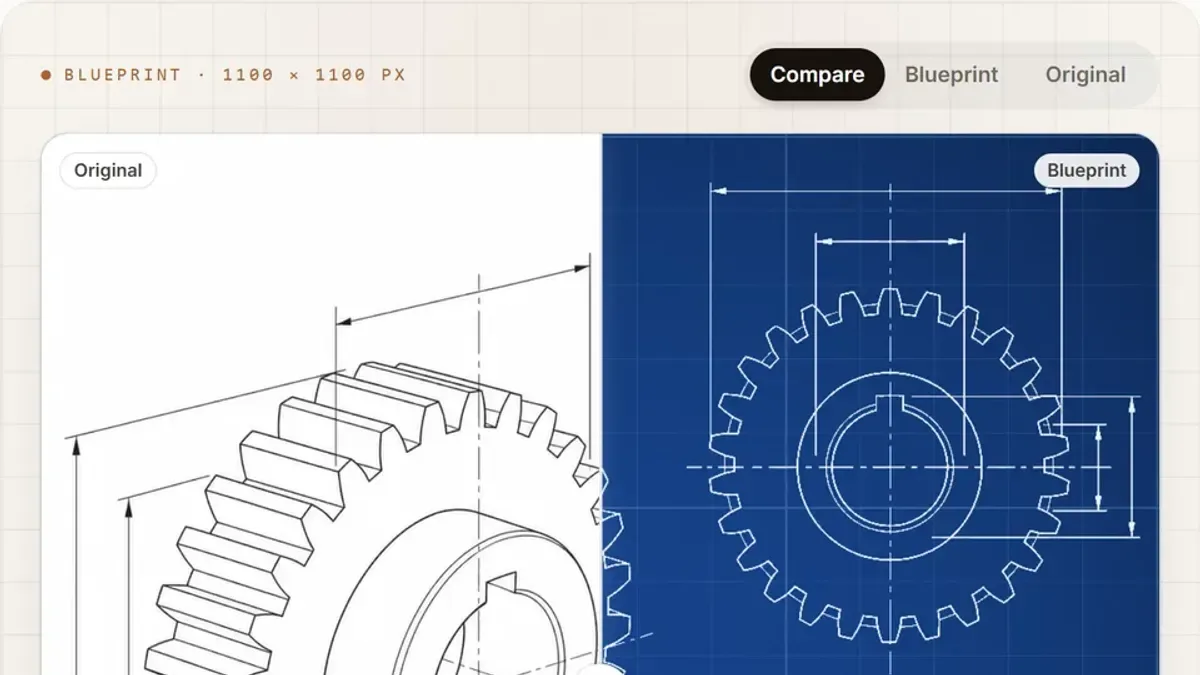
- Isometric drawingIsometric views of parts and assemblies.
- Orthographic drawingFront, top and side views laid out on one sheet.
- Exploded viewAssemblies pulled apart with every part in place.
- Patent drawingBlack-and-white line figures in patent style.
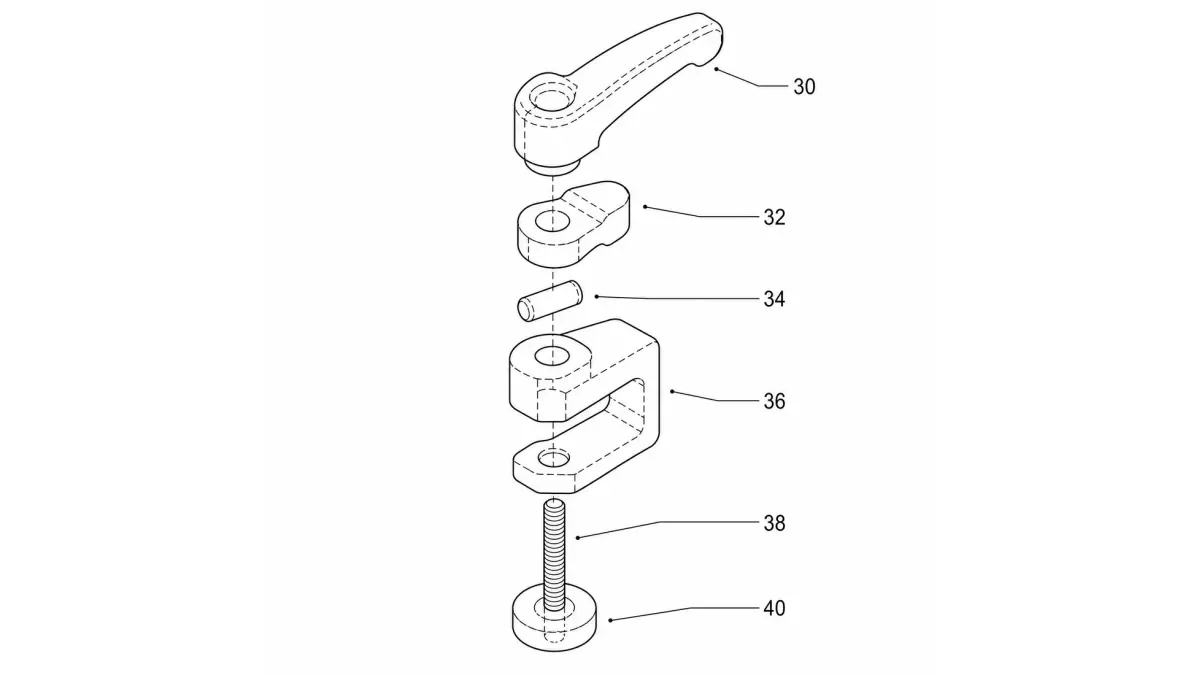
- Assembly drawingAssembly sheets with balloons and part lists.
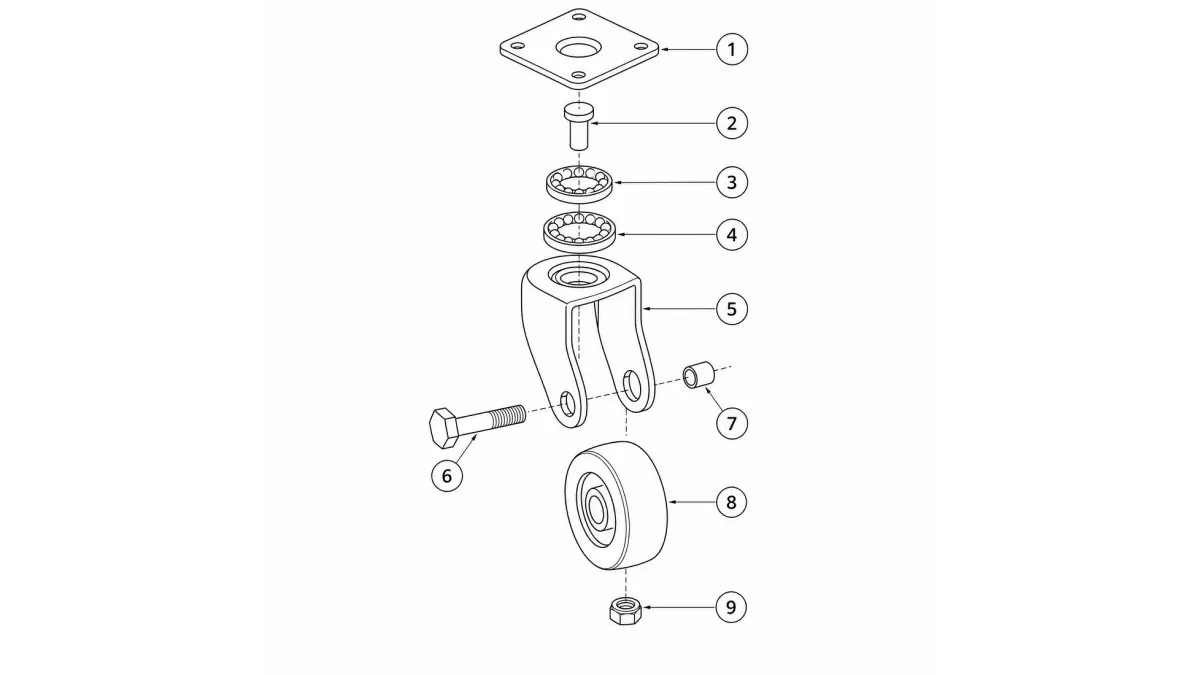
- Section viewCross sections that show the inside of a part.
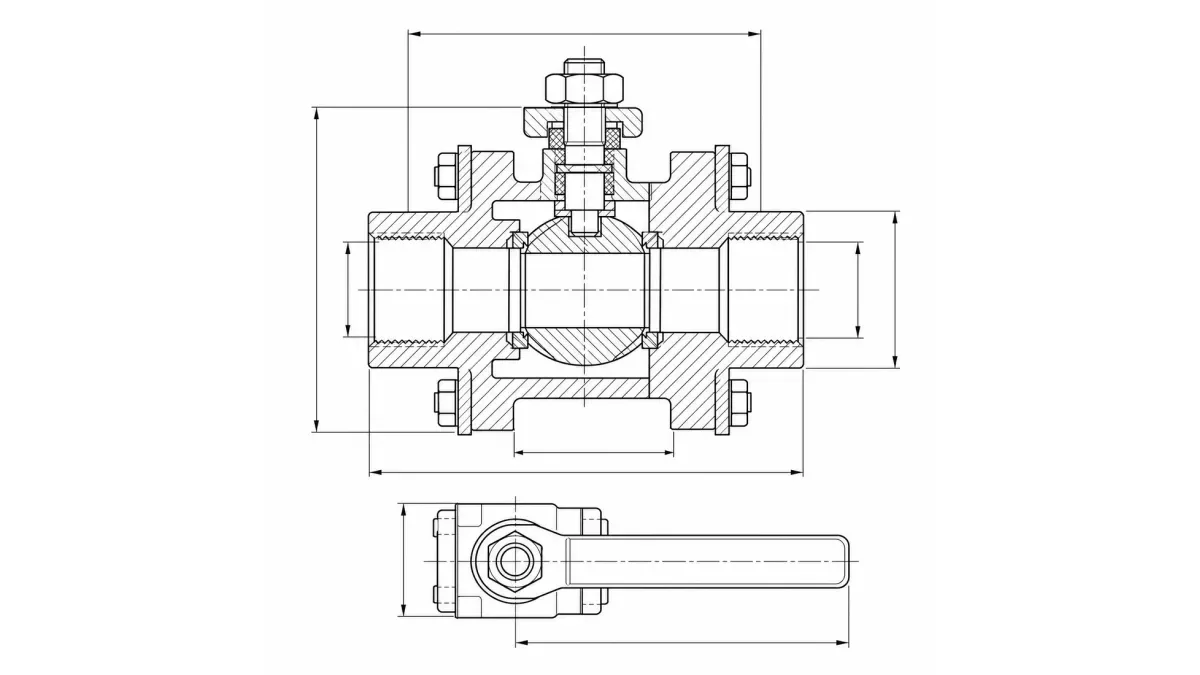
- Car blueprintFour-view car blueprints from a prompt.
- Piping isometricPipe ISOs with fittings, valves and flow arrows.
- Plumbing isometricDWV and supply risers as isometric sketches.
- Line drawingClean product line art from text or a photo.
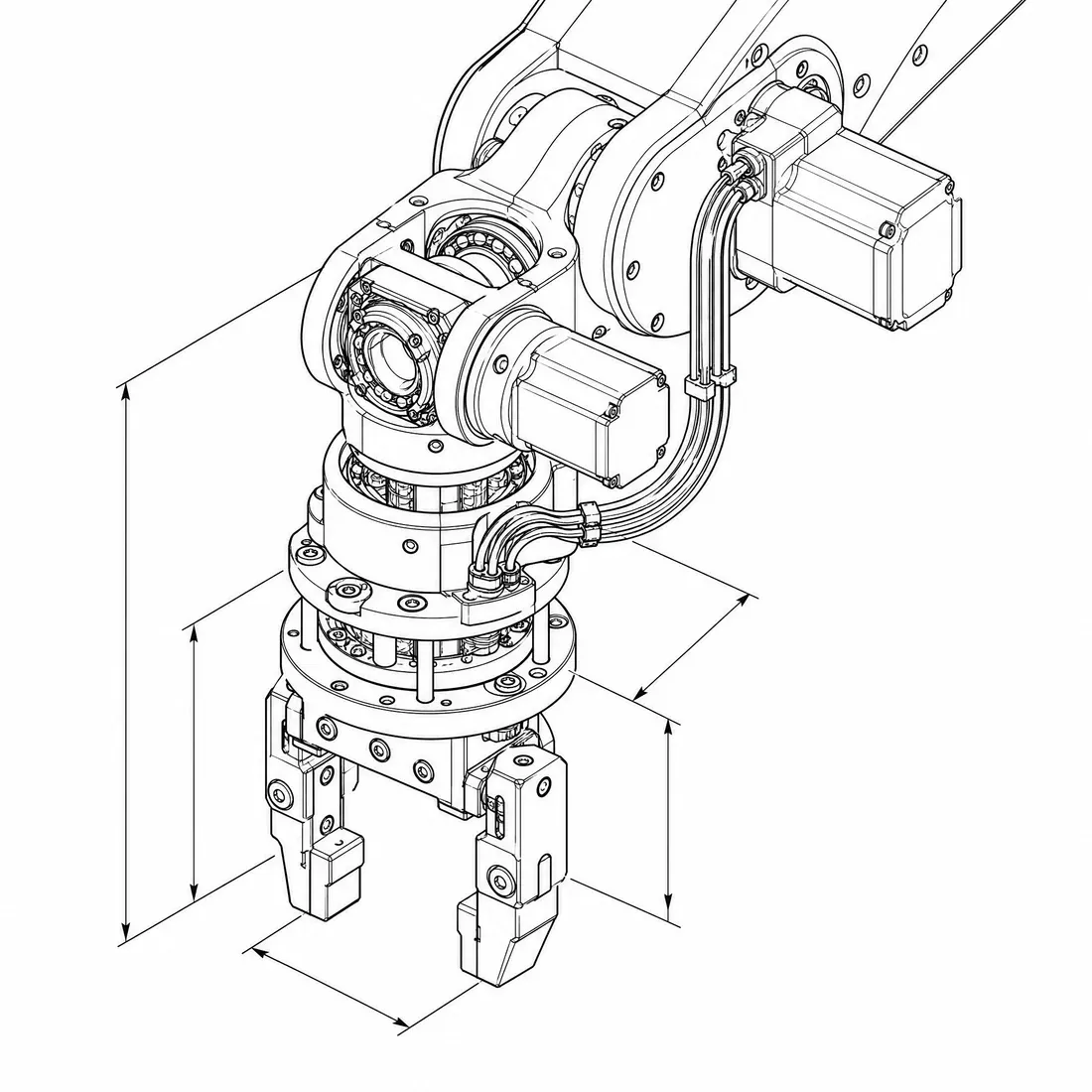
- Technical illustrationManual-style line illustrations of parts.
- WireframeWireframe views that show every edge.
Looking for free tools instead? Browse all tools.
How it works
From a sentence to an AI CAD drawing in three steps
STEP 1
Describe or upload
Write what the part is, its main sizes and its features (up to 1,000 characters), or drop a sketch or photo on the Sketch tab (PNG, JPG or WebP up to 10 MB).
STEP 2
Pick a style and a sheet
Choose one of the nine styles, the sheet shape, mm or inches, the detail level and first or third angle. The price shows on the button.
STEP 3
Download or trace
Press Generate drawing, wait a minute or two, then download the PNG, or convert it to DXF lines for free in your browser.
Give numbers
Overall size, hole diameters and counts. The AI draws what you name and guesses the rest.
Name the features
Fillets, slots, keyways, ribs, threads. Plain engineering words work better than long descriptions.
Sketch beats words
For an odd shape, drop a photo of a hand sketch on the Sketch tab and add the sizes in the notes.
Start at 1K
Try a prompt at 1K for 60 credits, then run the version you like at 2K for 80.
At a glance
What the AI CAD generator makes, and what it does not
Plain facts about the output, the price and the limits.
- Input
- A written description up to 1,000 characters, or a sketch or photo up to 10 MB with optional notes
- Output
- A CAD-style PNG drawing made by AI, at 1K or 2K
- Cost
- 60 credits at 1K, 80 credits at 2K, shown before you start; a failed run is refunded automatically
- Styles
- Technical, orthographic, isometric, blueprint, wireframe, exploded, section, patent, line
- Dimensions
- Illustrative values drawn by the AI, not measured; check every one before anything is made
- To DXF
- Free in the browser with Convert to DXF: traced polylines and an SVG, nothing uploaded
It does
- Draw the part you describe or sketch as a clean CAD-style sheet
- Lay out views, dimension lines and a title block in the style you pick
- Follow your units, detail level and projection angle
- Hand the PNG to the free tracer for DXF lines
It does not
- Make an editable CAD file, DWG, STEP or STL
- Guarantee that dimension values are right or consistent
- Build a 3D model or a parametric sketch
- Replace a checked drawing for manufacturing
Use cases
Who uses AI drafting, and for what
Fast first sheets for the moments before real CAD work starts.
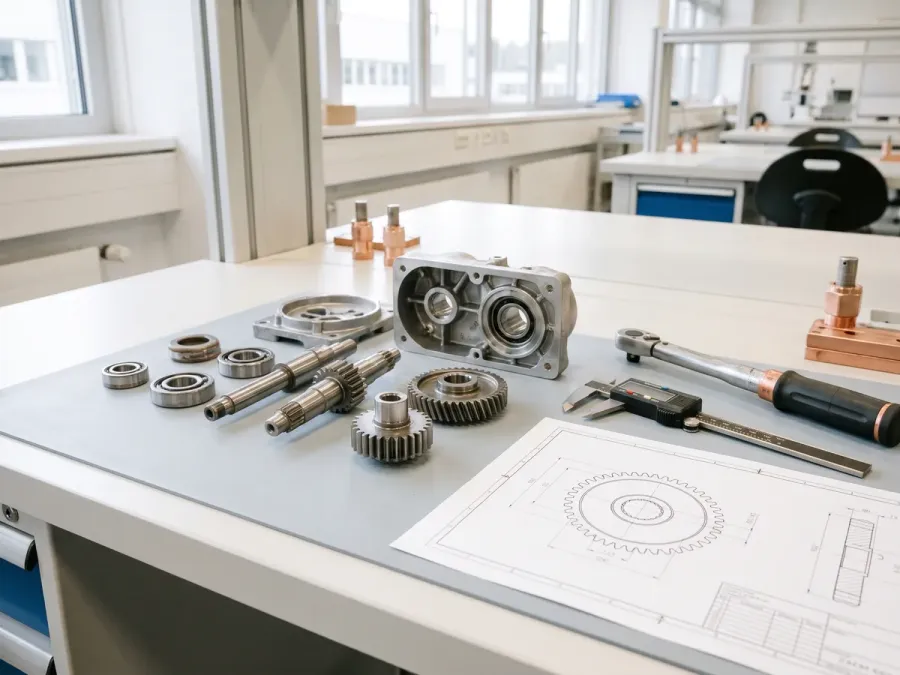
Concept sheets for a design review
Turn a sentence from a meeting into a dimensioned sheet everyone can point at, then model the version the team agrees on.
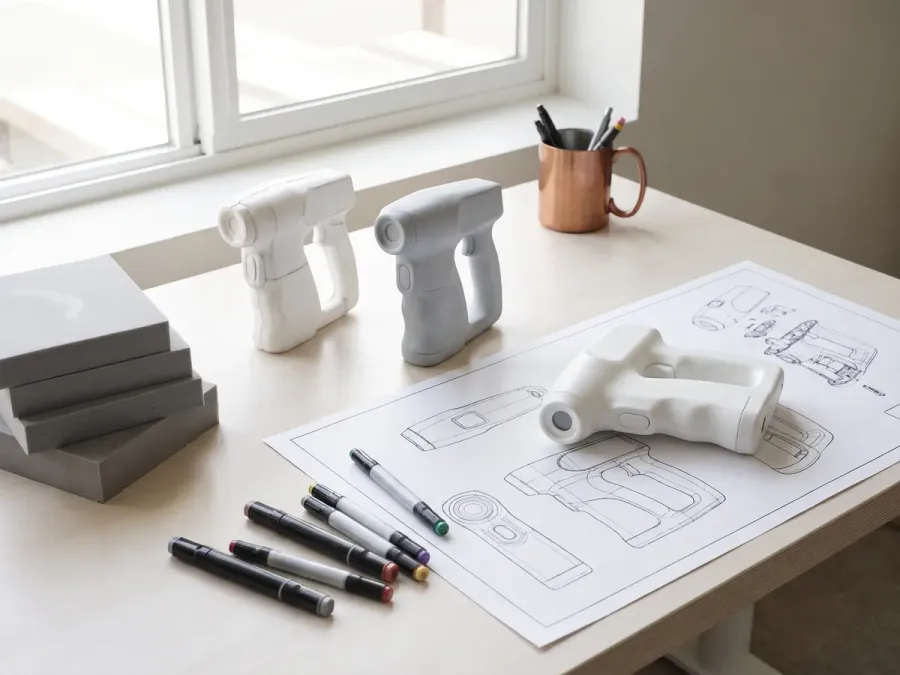
Exploded views for a pitch
Show how a product goes together before the first prototype exists, with balloons and a clean line style.
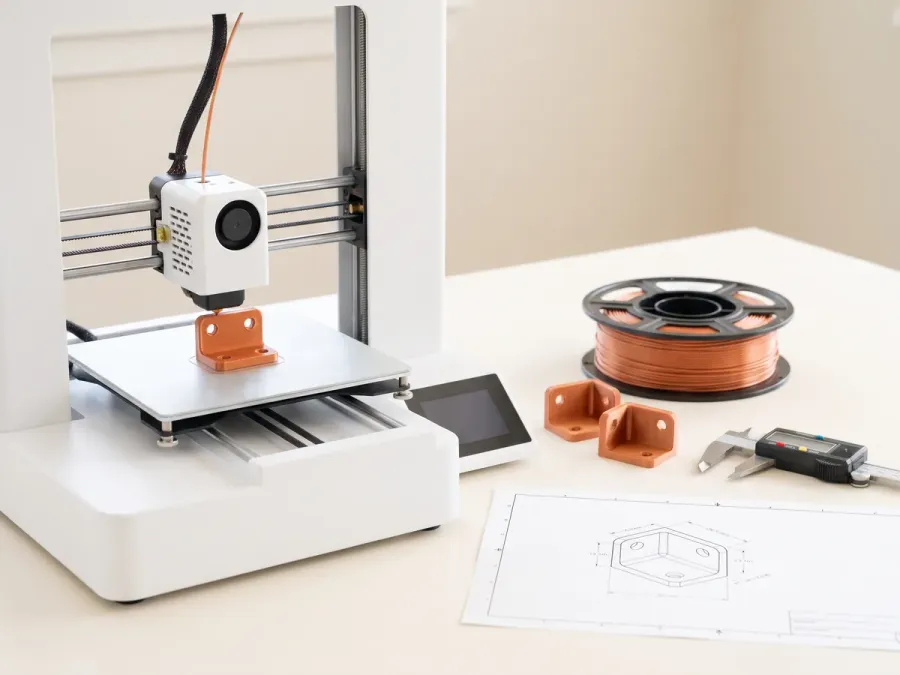
A drawing to print from
Sketch a bracket or a jig on paper, let the AI redraw it with sizes, and keep the sheet next to the printer while you model it.
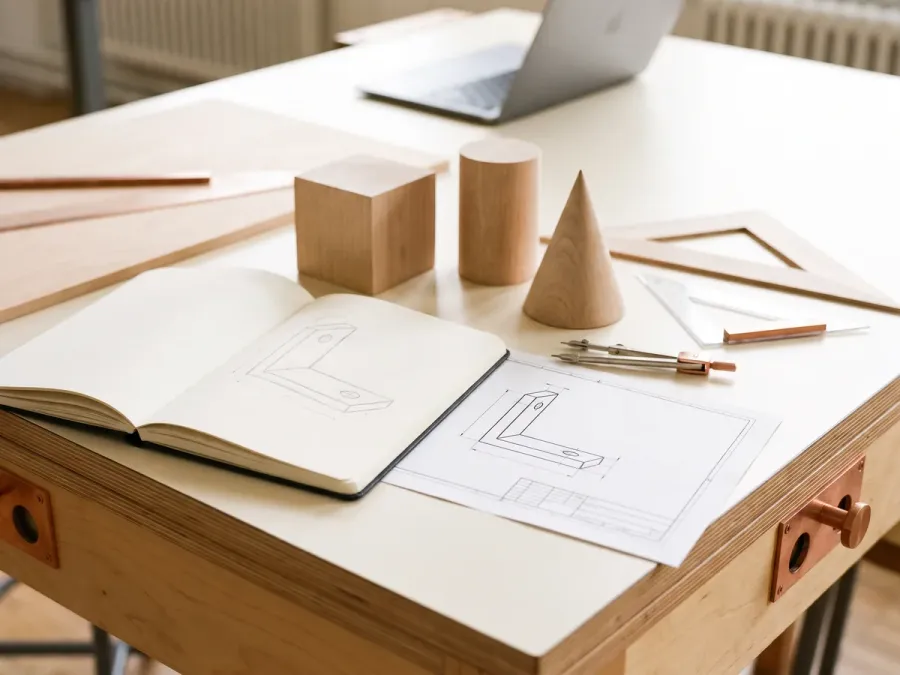
Practice sheets for students
Make orthographic, isometric and section examples of any part for a drafting class, then ask students to find what the AI got wrong.
FAQ
AI CAD questions
What is AI CAD here?
An AI model that draws a CAD-style technical image from your words or your sketch. It lays out views, dimension lines, notes and a title block the way a drafter would, but the result is a picture, not a CAD model.
Is this CAD AI a replacement for CAD software?
No. Think of this CAD AI as a fast drafting assistant for the first sheet: it puts an idea on a sheet from a few typed words, while your CAD program still makes the exact model, the toleranced drawing and the files a shop needs.
Do I get an editable CAD file?
No. The AI CAD generator returns a PNG. For editable lines, press Convert to DXF: the free tracer turns the drawing into DXF polylines and an SVG in your browser. For exact geometry, model the part in your CAD program.
How much does an AI CAD drawing cost?
60 credits at 1K and 80 credits at 2K. The price is on the Generate drawing button before you press it, and you need an account because drawings use credits.
Is there a free AI CAD option?
The AI drawings use credits. Everything else on the site is free: tracing images to DXF, the DWG, DXF, STEP and STL viewers, the converters, generators and calculators, all in your browser.
What happens if a drawing fails?
If the model returns an error or the run takes longer than ten minutes, the task is marked failed and its credits go back to your balance automatically. You do not need to ask.
Are the dimensions on the drawing correct?
Treat them as illustrative. The AI writes plausible values and can make them inconsistent between views. Check every number before a part is cut, printed or quoted.
Which style should I start with?
Technical for a full sheet, orthographic for clean views of a bracket or plate, exploded for assemblies, section for parts with bores and seals, and line or patent when you want outlines without dimensions.
Can it work from my sketch?
Yes. Open the Sketch tab and drop a photo or scan of a hand sketch (PNG, JPG or WebP up to 10 MB), add notes such as the size, and the AI redraws it in the style you pick. Use Sketch to CAD to trace a sketch into lines for free instead.
How is this different from Text to CAD?
This page is the full workspace with every style. Text to CAD and the other AI drawing pages run the same generator, each set up for one kind of drawing with its own examples and prompt builder.
Where do my prompt and sketch go?
Your prompt and any image are sent to our AI provider to make the drawing; images are stored so the provider can read them. While you sign in, the prompt is kept in your browser so it is not lost. The free tools upload nothing.
Does it work in inches?
Yes. Switch Units to Inches and the dimensions and title block use inches. Third angle projection is the default, as in the US; switch to first angle for an ISO layout.
Where can I find good prompts?
Open the CAD prompt library for ready-made prompts by part and style, or browse CAD drawing examples and press Use this prompt on any card.
Make your first AI CAD drawing
Describe a part, pick a style and get a technical sheet back in a minute or two. Tracing it to DXF stays free.
Open the generator