AI Image to 3D: Turn a Photo into a 3D Model
Image to 3D from one picture: upload a photo or render of a single object and AI builds a textured 3D mesh, usually in about a minute. Turn it around, check it for printing, then download GLB, STL, OBJ, 3MF or faceted STEP sized in millimetres. Failed runs are refunded.
- One picture in
- Textured or shape-only mesh
- GLB · STL · OBJ · 3MF · STEP
- Free print check
Upload one picture
- One object, filling most of the frame
- A three-quarter view gives more depth
- Even light, no hard shadows
AI 3D gives a triangle mesh, not an editable CAD solid. The size is a guess: set the real size before you download.
AI-generated example
Examples
Image to 3D examples: photo in, 3D model out
AI-generated examples from a partner photo to 3D model tool. Drag the slider to compare each photo with its mesh. They show the kind of result to expect; every run is new, so yours will differ.
AI-generated example
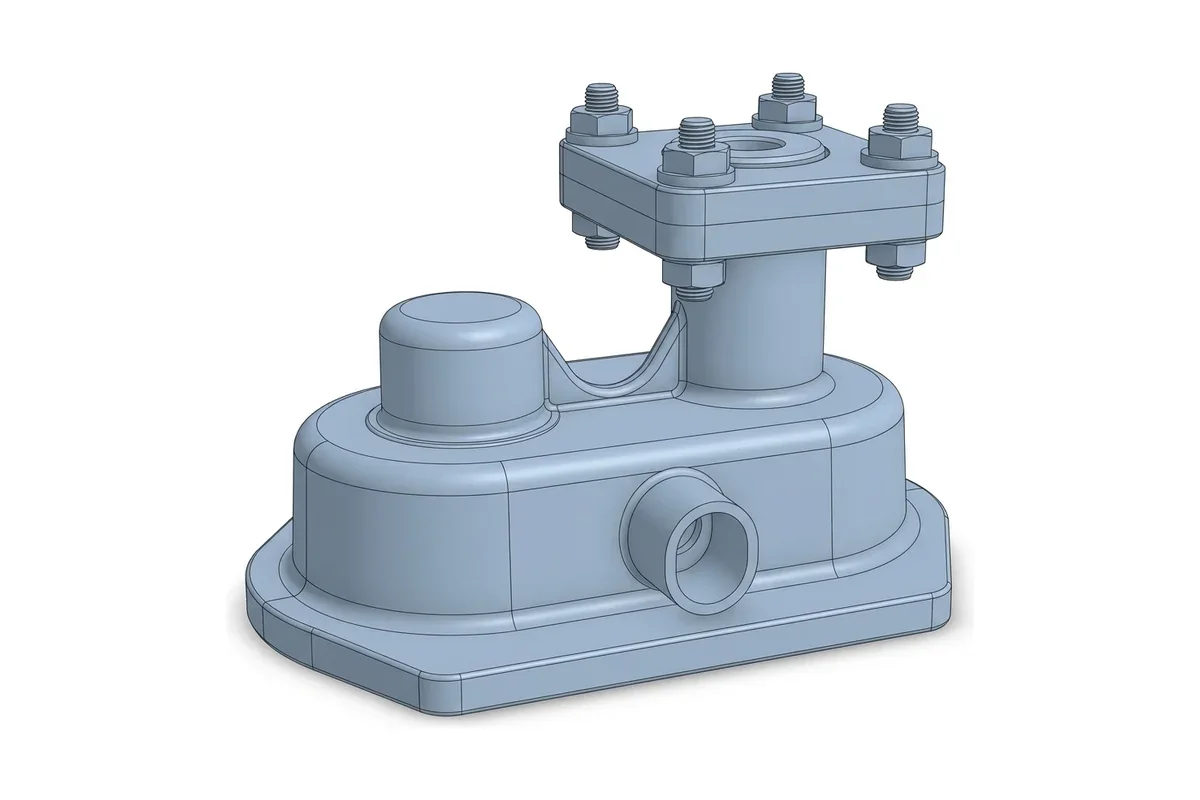
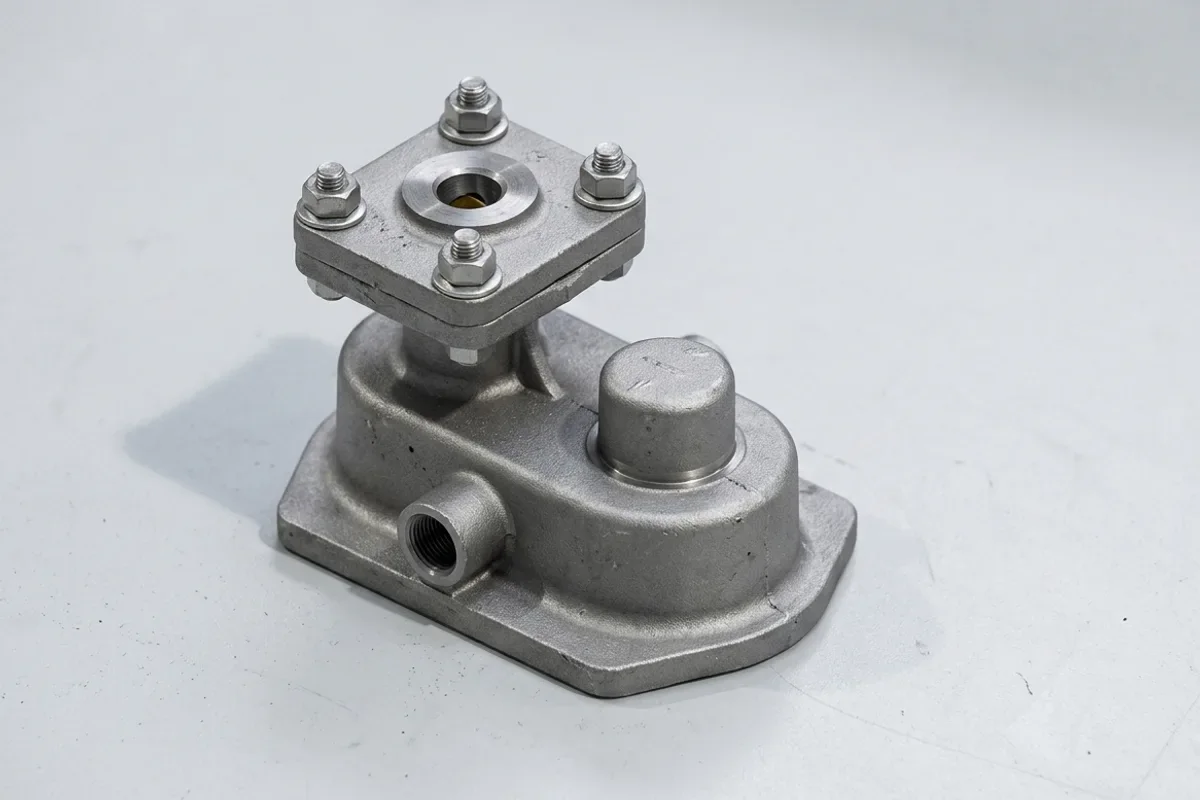
Cast valve body
A phone photo of a machined casting. The bolts, ports and stepped base all come through in the mesh.
AI-generated example
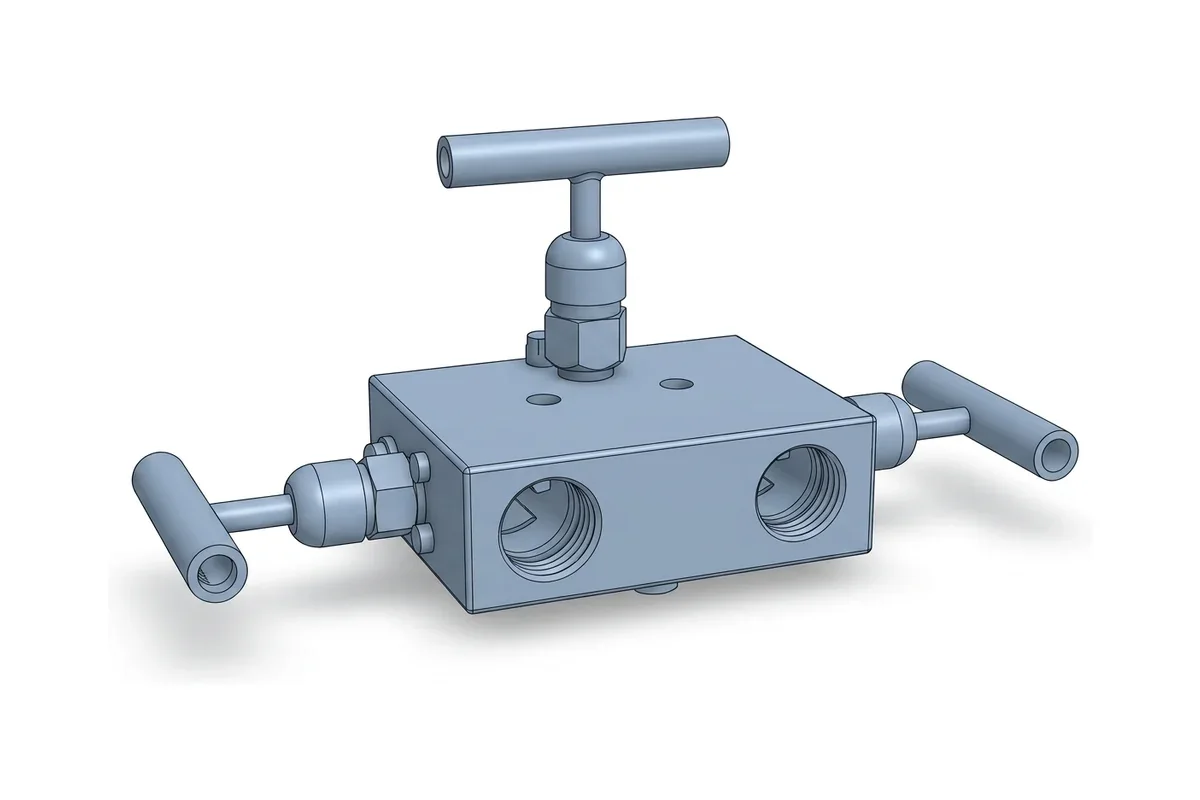
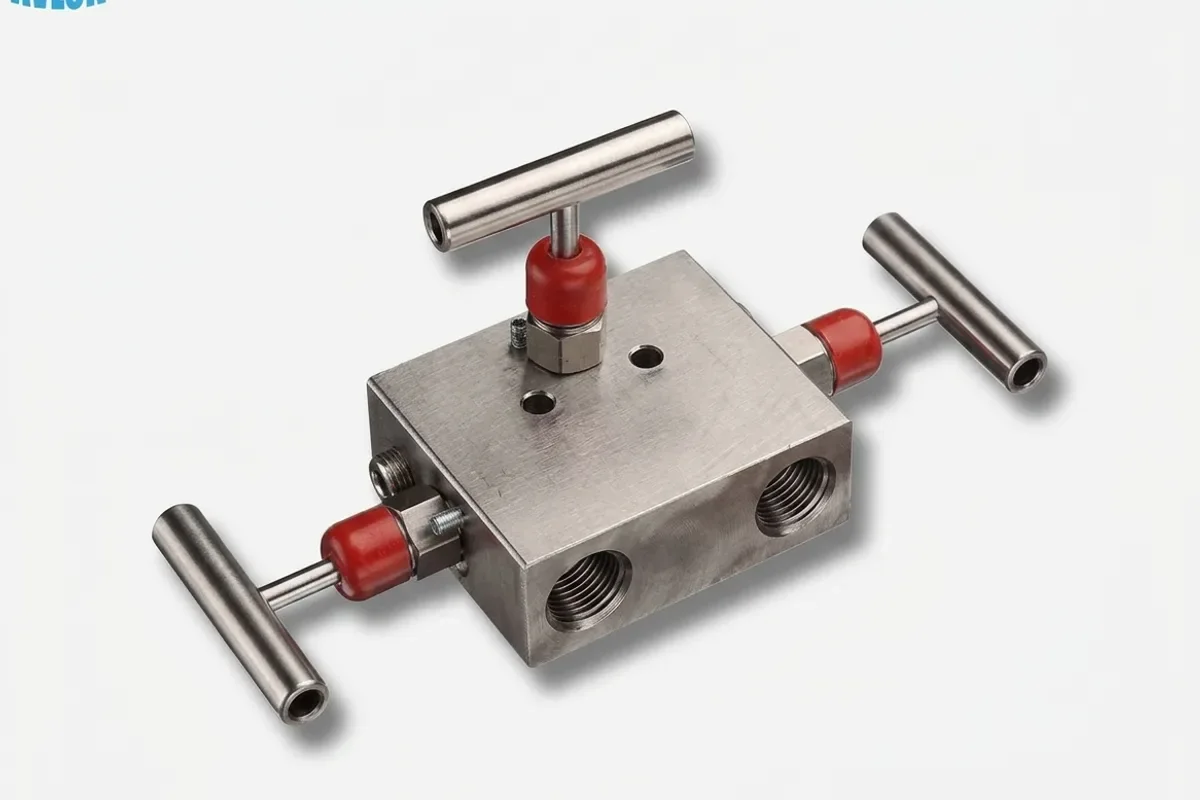
Three-way manifold
A steel block with T-handles. The AI keeps the handle spacing and the side ports.
AI-generated example
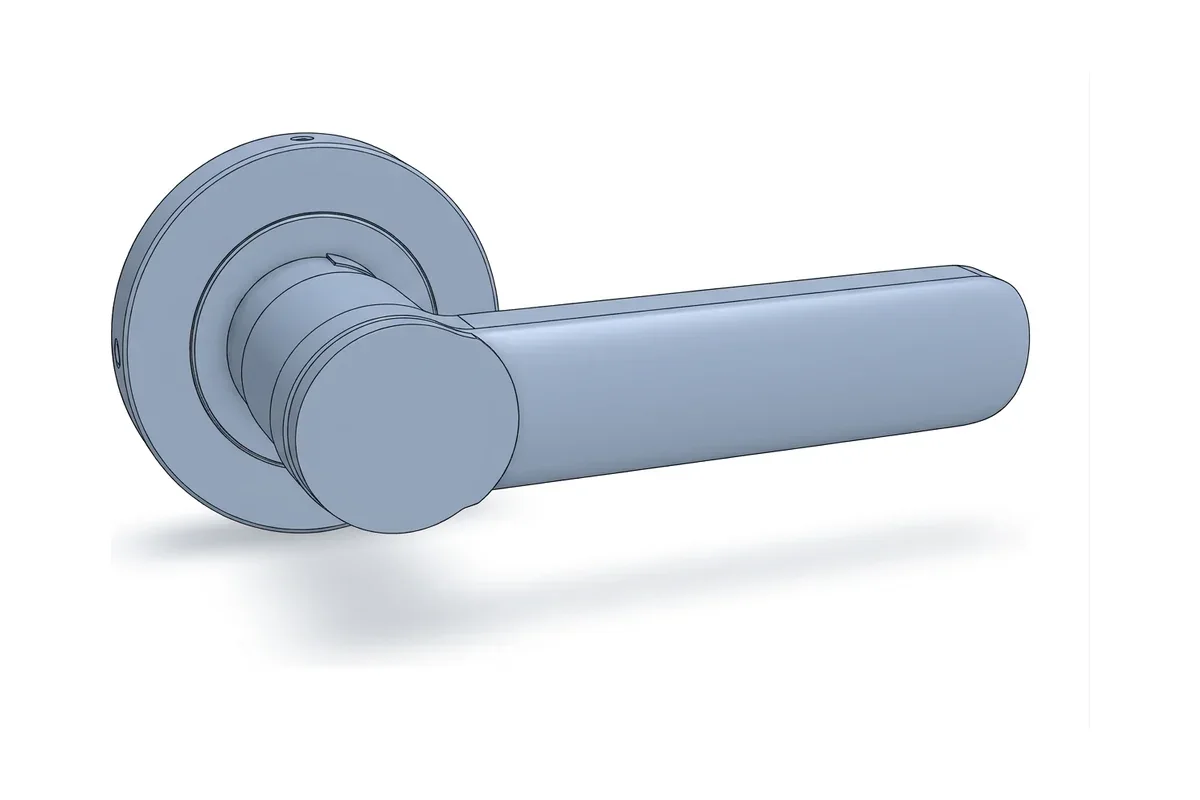
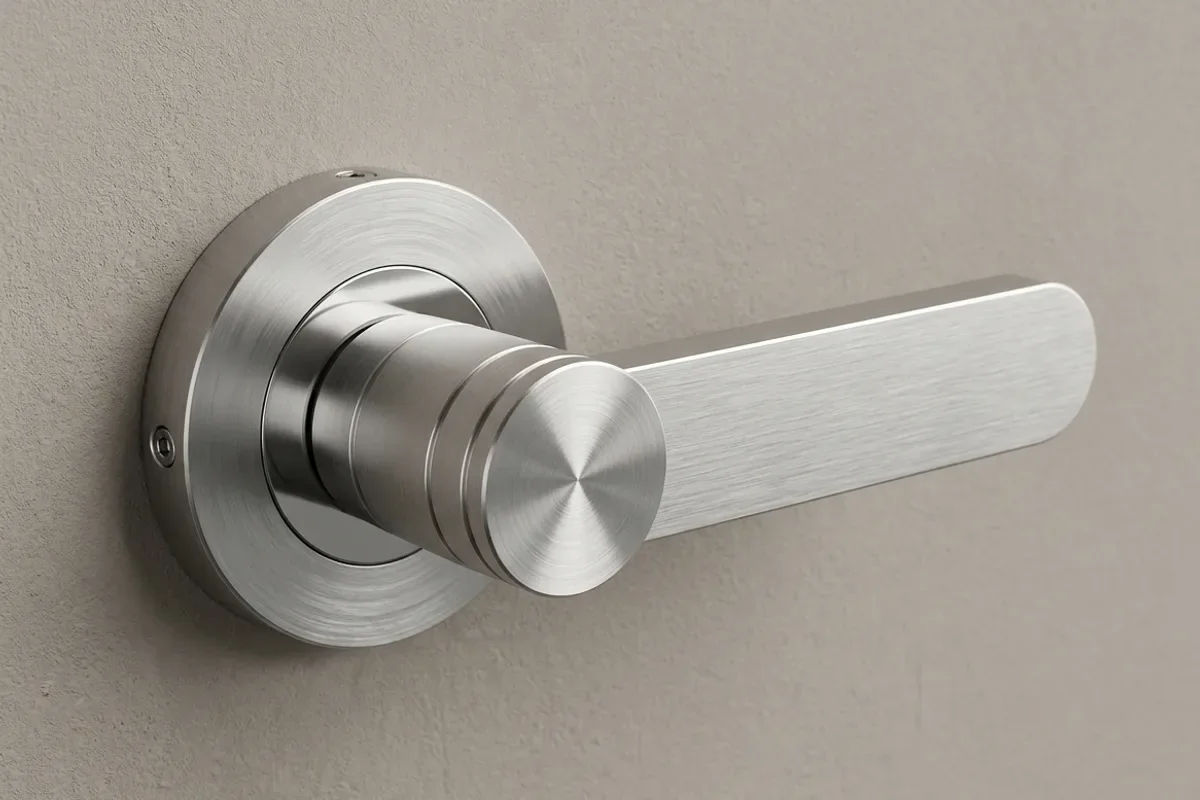
Door lever
A brushed handle shot straight on. The rose and the grip come out round and clean.
AI-generated example
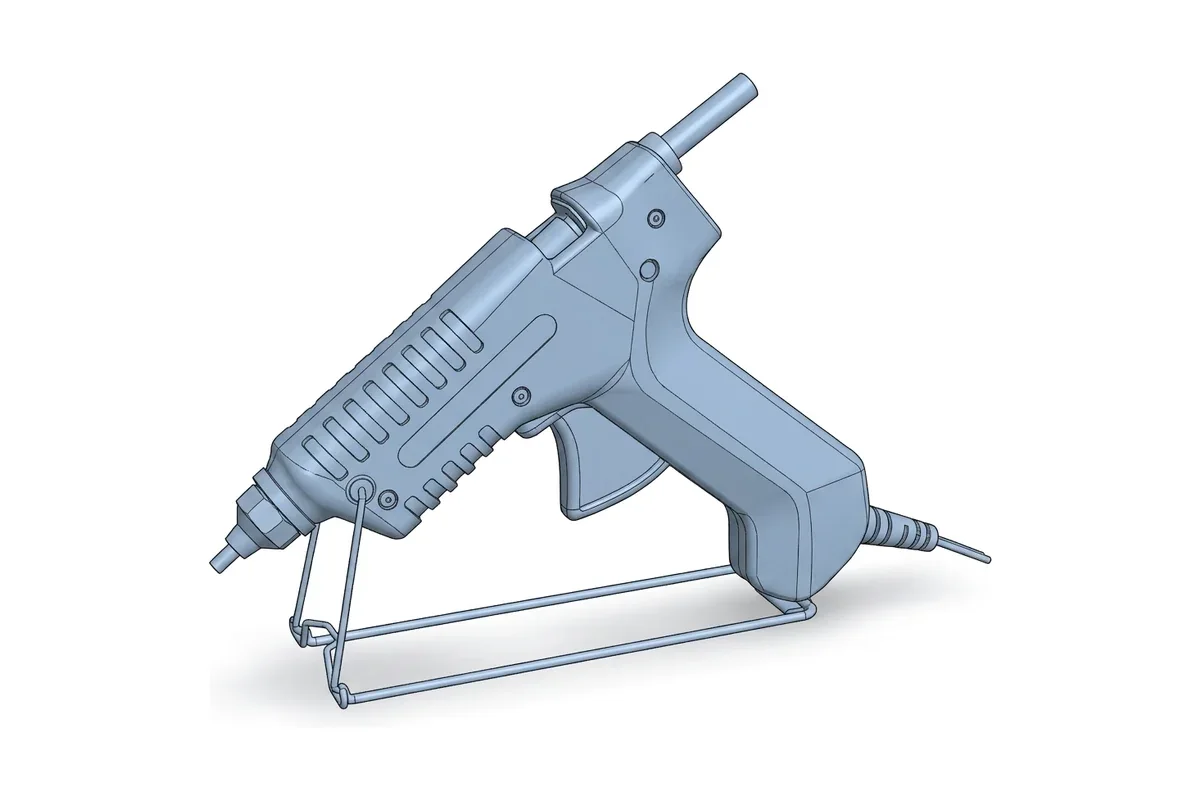
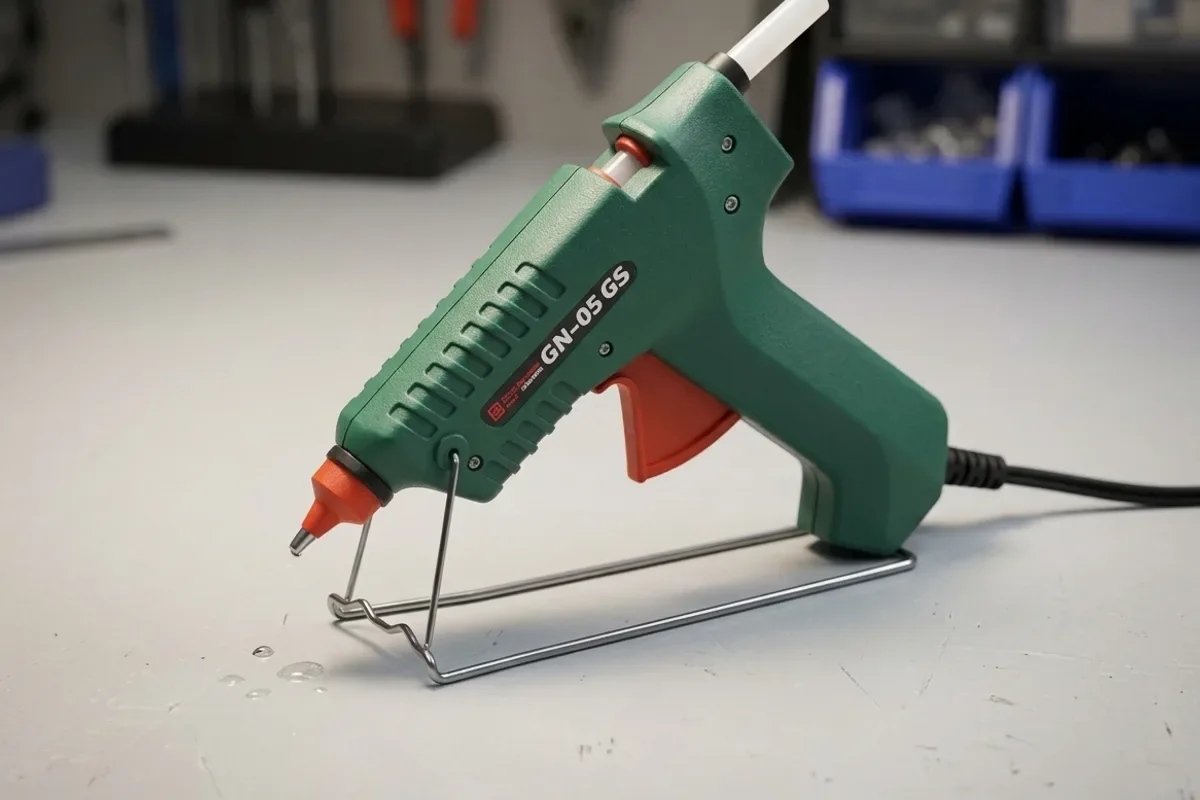
Hot glue gun
A tool on a cluttered bench. Busy backgrounds still work when the object fills the frame.
AI-generated example
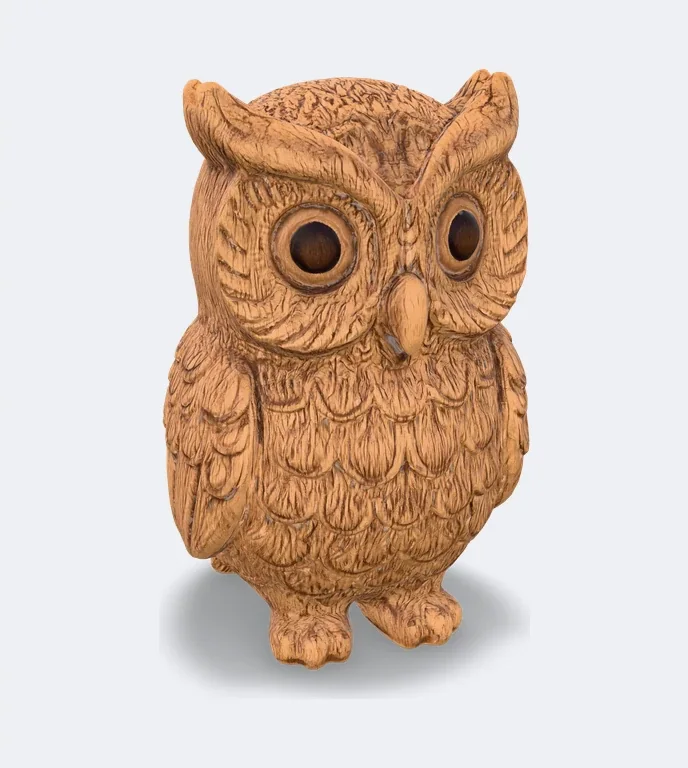
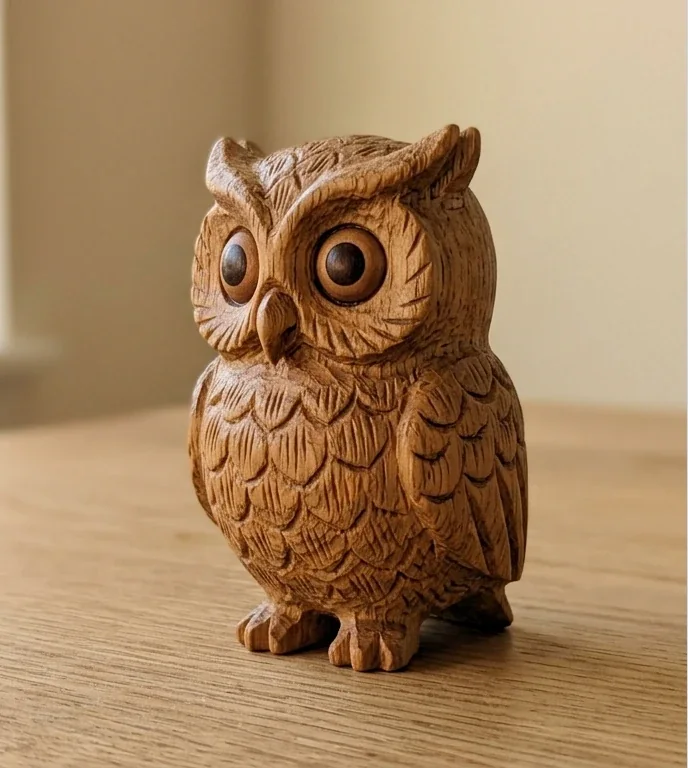
Carved owl figurine
A wooden ornament turned into a textured model with its carved feathers in the colour map.
AI-generated example
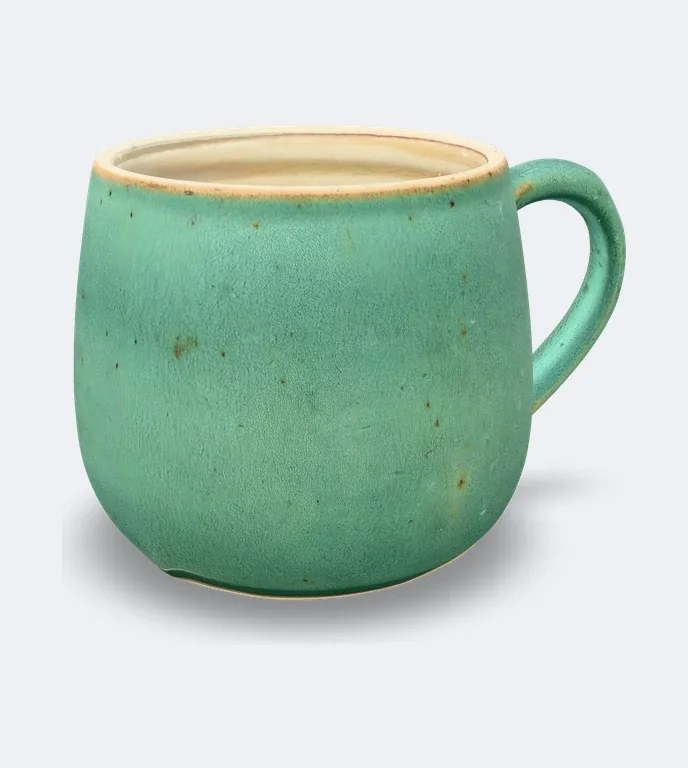
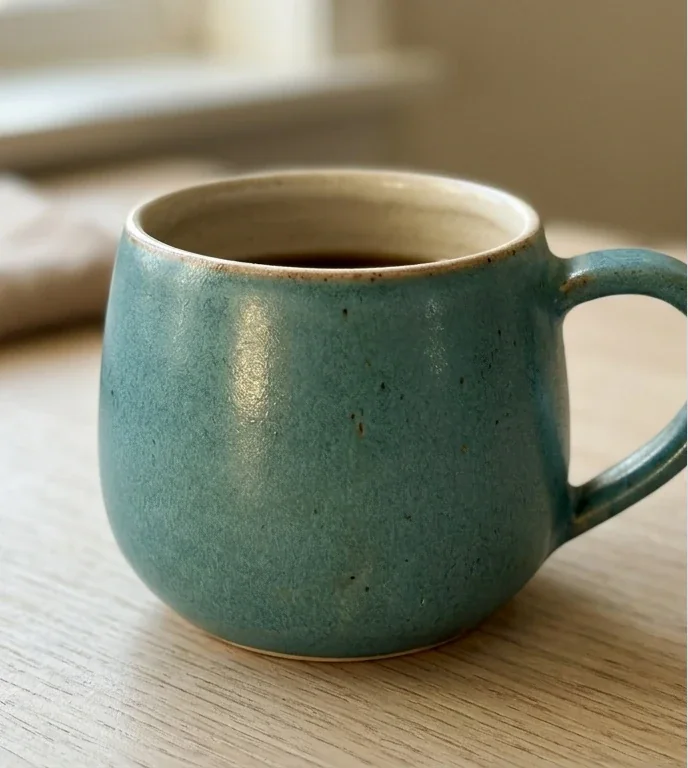
Glazed coffee mug
The hidden inside wall is guessed, which is why the hollow and handle look smooth.
Free print check
Check any image to 3D model before you print it
Open the GLB, OBJ or STL from any image to 3D tool, or one of the samples, and see what a slicer will run into. Everything runs in your browser up to 150 MB; nothing is uploaded and no credits are used.
- Size in millimetres; set the longest side and the rest scales with it
- Watertight test with open edges drawn in red
- Wall thickness sampled across the surface; under 0.8 mm is flagged
- Overhangs steeper than 45°, as a share of the surface
- Bed fit for 4 common printers
- Repairs: flipped faces, holes up to 200 edges, loose pieces
Or try a sample
How it works
How AI image to 3D turns a picture into a mesh
One model reads your picture and builds the shape; the rest happens on this page.
- Photo3D model
AI-generated example: valve photo and its mesh
How to
How to convert an image to 3D in 3 steps
From a photo to a file your slicer or 3D app opens.
STEP 1
Upload one picture
PNG, JPG or WebP up to 8 MB and 128 to 5,000 px per side. One object, filling most of the frame.
STEP 2
Pick a model and generate
The button shows the price before you start: 40, 400 or 600 credits. Turn on Untextured mesh if you only need the shape.
STEP 3
Check it and download
Turn the model in the preview, read the print check, set the size in millimetres and download the format you need.
Three-quarter views
A view that shows the front, a side and the top gives a deeper model than a flat front shot.
Even light
Hard shadows can turn into shape. Diffuse light keeps the surface honest.
One object only
Crop away stands, hands and other items you do not want in the mesh.
Plain is easier
A plain background is not required, but it helps the AI find the edges.
At a glance
Image to 3D model: what you get and what you don’t
Plain facts about the generator, the price and the limits.
- Input
- One PNG, JPG or WebP picture, up to 8 MB, 128 to 5,000 px per side
- Models
- Hunyuan3D 3.1 Rapid (400 credits), Hunyuan3D 3.1 Pro (600 credits), TRELLIS (40 credits)
- Output
- A triangle mesh, textured or shape-only, delivered as GLB or OBJ
- Downloads
- GLB as delivered, STL and 3MF in mm (Z up), OBJ (Y up), faceted STEP
- Size
- No real units in a picture: you set the longest side, 1 to 2,000 mm
- Print check
- Free in the browser for any GLB, OBJ or STL, AI-made or not
- Refunds
- Automatic when a run fails or times out
- Account
- Needed to generate; your picture waits while you sign in
It does
- Build a 3D model of one object from one picture
- Give you textures in the GLB, or a clean shape-only mesh
- Scale the download to the size you set in millimetres
- Check, repair and convert the mesh for free
- Refund credits when a run fails
It does not
- Make an editable CAD solid with features you can change
- Know real dimensions or hold tolerances
- Rebuild a whole scene or several objects at once
- See the back of the object; that side is invented
- Promise a watertight mesh; use the repair or your slicer
Use cases
What people use image to 3D models for
Quick 3D from what you already have: a photo, a render, a product shot.
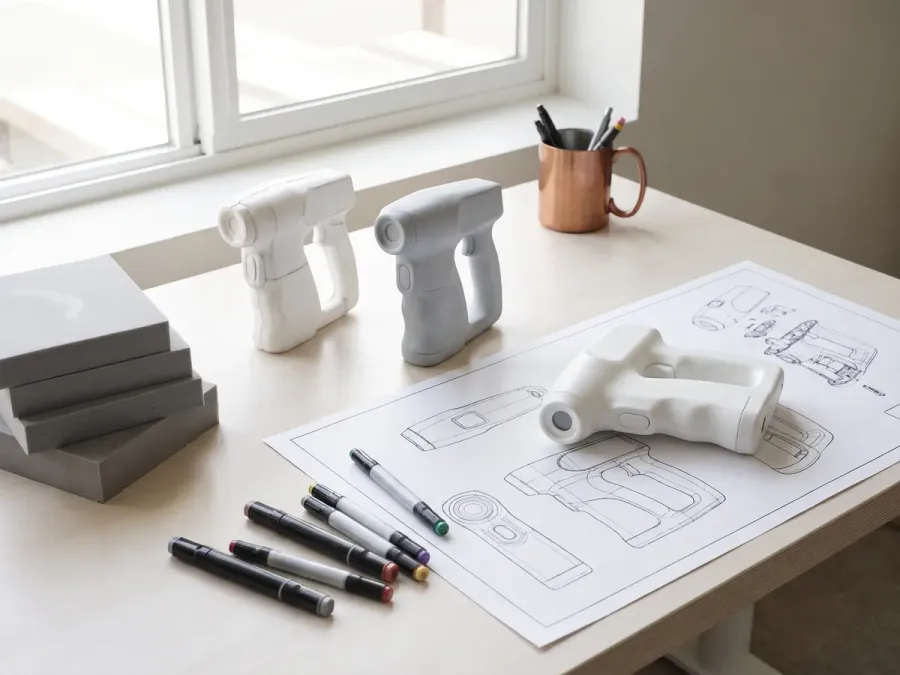
Product mock-ups
Turn a product photo into a model for a store page, a pitch deck or a configurator.
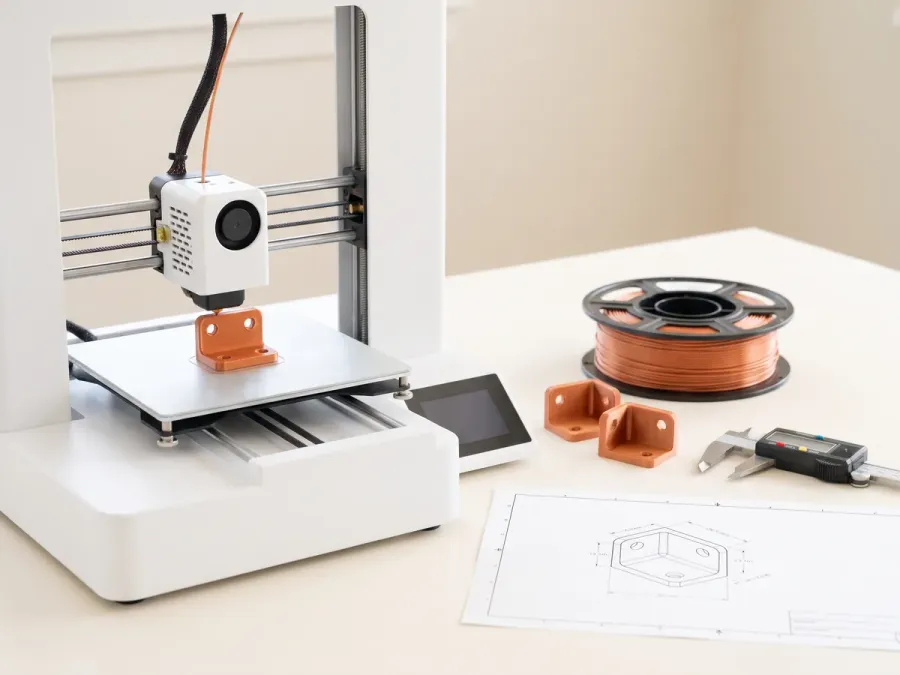
3D printing
Print figurines, ornaments and desk toys from a picture, sized in the download box.
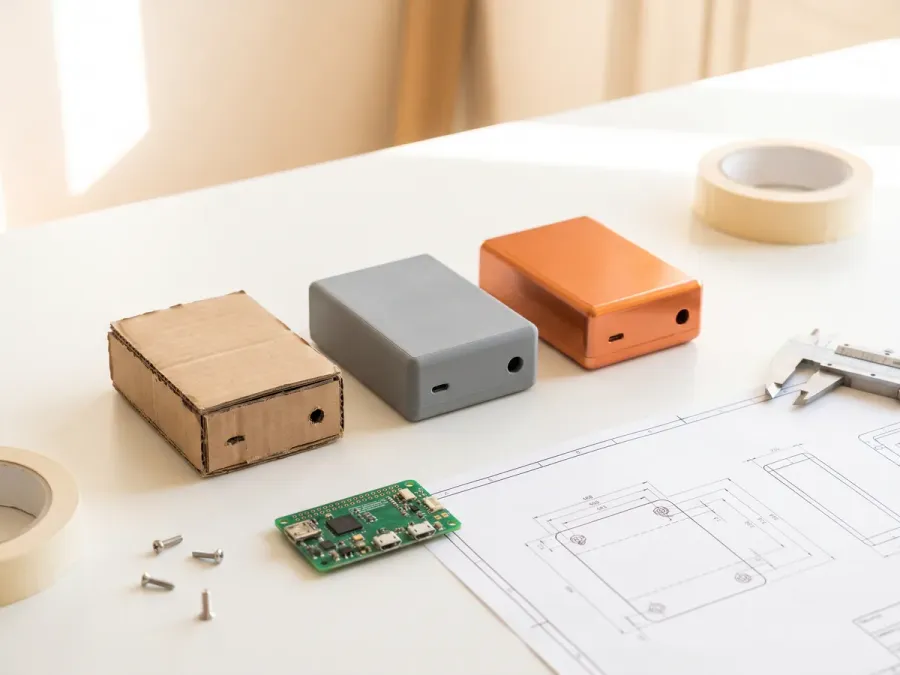
Starting meshes
Get a base mesh to clean up, retopologize or sculpt in Blender instead of starting from a cube.
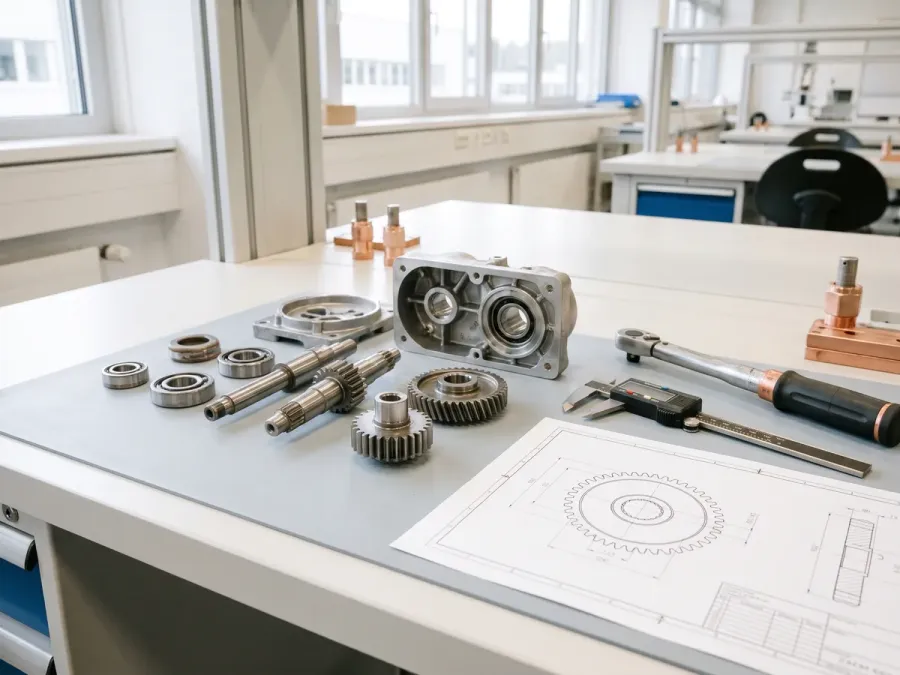
Reference for CAD
Import the STL or STEP next to your own sketches to model a part with real measurements.
Image to 3D FAQ
Formats, accuracy, credits and privacy.
What is image to 3D?
Image to 3D means turning a flat picture into a 3D model. An AI model reads the object in your photo, estimates its depth and hidden sides, and returns a triangle mesh you can turn, print or import.
Which file formats does image to 3D give me?
The model arrives as a GLB (or an OBJ with its texture). On this page you can also save STL and 3MF in millimetres, a Y-up OBJ and a faceted STEP. Conversions run in your browser and cost nothing.
Is the result an editable CAD model?
No. It is a mesh, like a 3D scan. The STEP download wraps the facets in a solid that opens in CAD, but you cannot edit holes or fillets as features. For a parametric part, model it in CAD using the mesh as a reference.
How accurate is a photo to 3D model?
The overall shape follows your picture; proportions and hidden sides are estimates. A photo carries no scale, so you set the real size before you download. Do not rely on it for parts that must fit.
How many credits does one run cost?
TRELLIS uses 40 credits, Hunyuan3D 3.1 Rapid 400 and Pro 600. The price is on the Generate button before you start, and a failed run is refunded automatically.
How long does AI image to 3D take?
Usually under a minute for TRELLIS, about a minute for Rapid and one to four minutes for Pro, plus any queue at the AI service. You can leave the page; your recent models stay listed in the generator.
Which model should I choose?
Try TRELLIS to see whether a picture works at all. Rapid is the default for most image to 3D jobs. Pro keeps more fine detail but makes larger files. Only the two Hunyuan3D models offer an untextured mesh.
Is the mesh ready to 3D print?
Often, but not always. The print check shows whether it is watertight, how thin the walls are and how much needs support. It can re-wind flipped faces, fill holes up to 200 edges and remove loose bits before you save the STL.
Can I use several photos of the same object?
Not here. Each run takes one picture, so pick the view that shows the most of the object, usually a three-quarter angle.
What happens to my picture?
It is sent to the AI service that builds the model and kept with your task so you can open the result again. The print check, repairs and conversions run in your browser and upload nothing.
Can I use the models commercially?
See the terms of service. Only upload pictures you have the right to use; a photo of someone else’s product does not give you rights to its design.
Why does the back of my model look odd?
The AI never saw it. One picture shows one side, so the hidden parts are invented from what the front suggests. A clearer three-quarter shot gives it more to go on.
Turn your picture into a 3D model
One clear photo is enough to start image to 3D. Credits come back if a run fails.
Upload a picture