JPG to DWG Converter: Old Drawings Back into AutoCAD
Free JPG to DWG converter for phone photos and scans up to 25 MB. It drops paper grain, traces the line work, writes a real DWG 2007 or DWG 2000 at the size you type, and reads the file back so you see its layer, units and extents before AutoCAD does.
- Free, no sign-up
- Photos, scans, blueprints
- Read back before download
- Nothing is uploaded
Upload JPG
FreeArtwork type
DWG version
AutoCAD and AutoCAD LT 2007 or later, current BricsCAD and DWG TrueView.
Traced and written in your browser. Nothing is uploaded.
Example result
Scan · JPG → DWG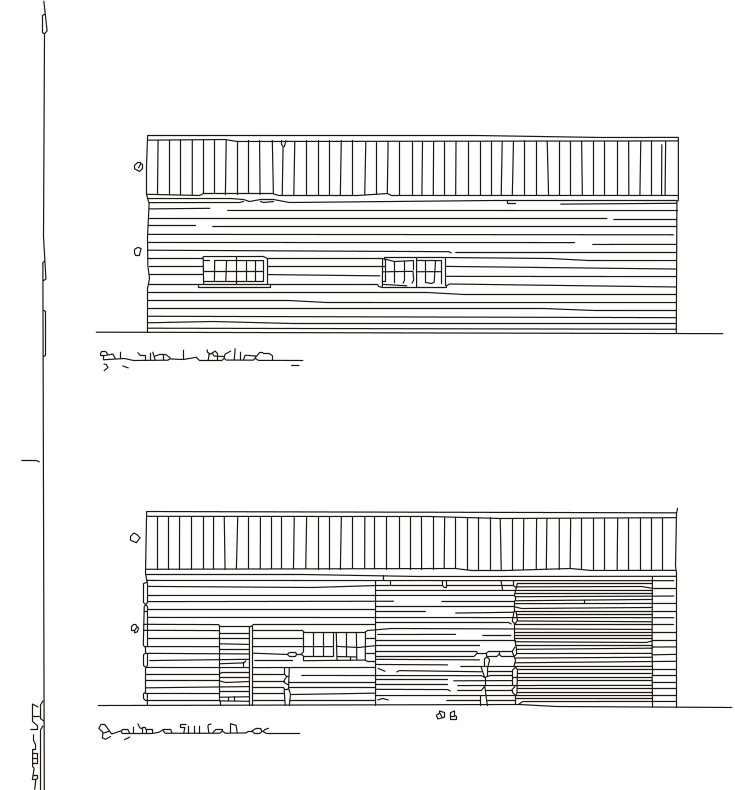
Traced here: Centerline · 394 polylines · DWG 2007 · 400.0 × 444.2 mm · 34.8 KB
Examples
JPG to DWG examples from real scans
Four JPEG files traced and written to DWG on this page with the settings shown. Flip a card between the photo and its DWG lines, open it in the converter, or download the DWG.
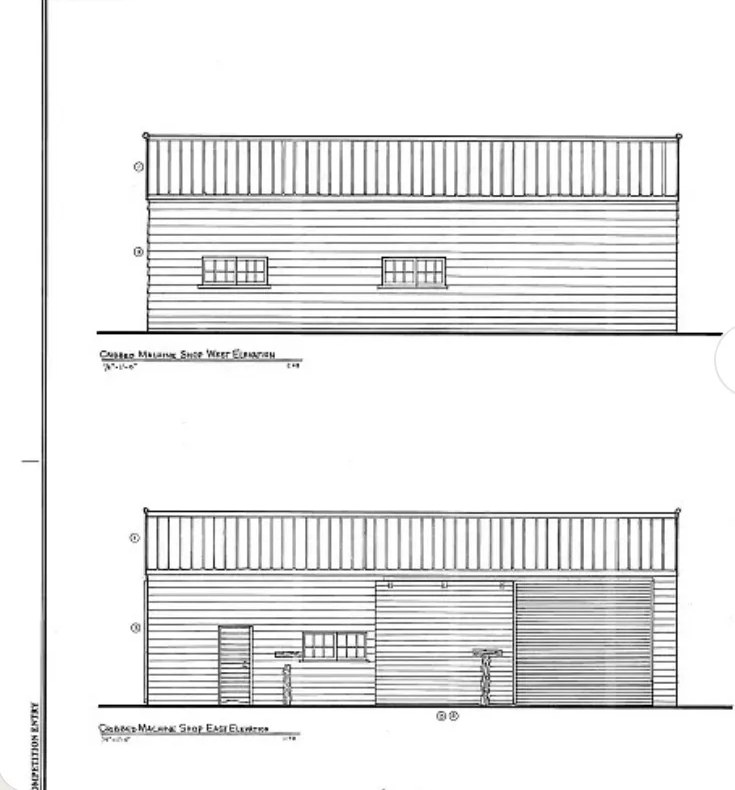
Elevation scan
Workshop elevations, two views
A scanned sheet traced in Centerline mode at 400 mm wide: 394 polylines on one layer, the siding and windows ready to redraw over.
Traced here: Centerline · 394 polylines · DWG 2007 · 400.0 × 444.2 mm · 34.8 KB
Old plan
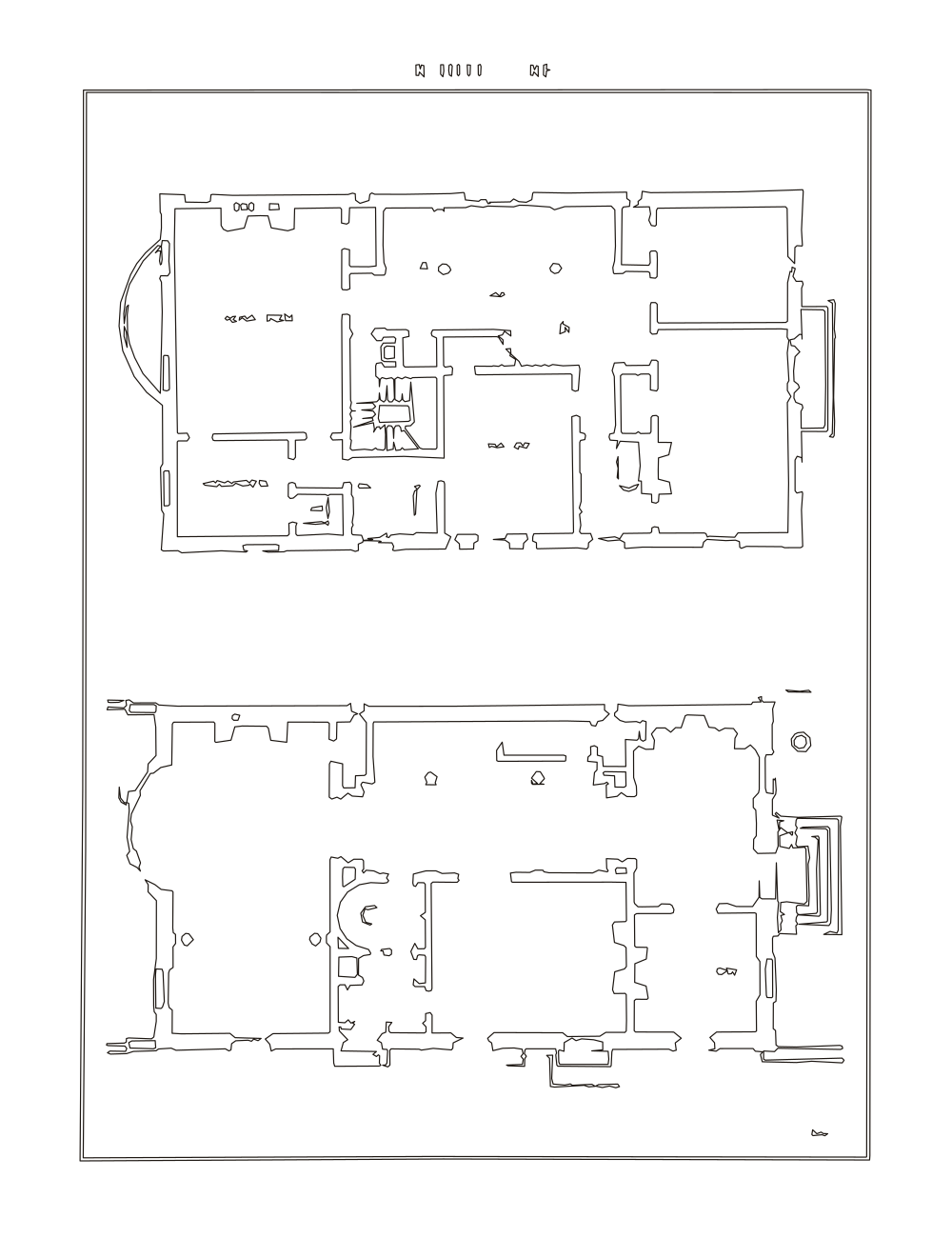
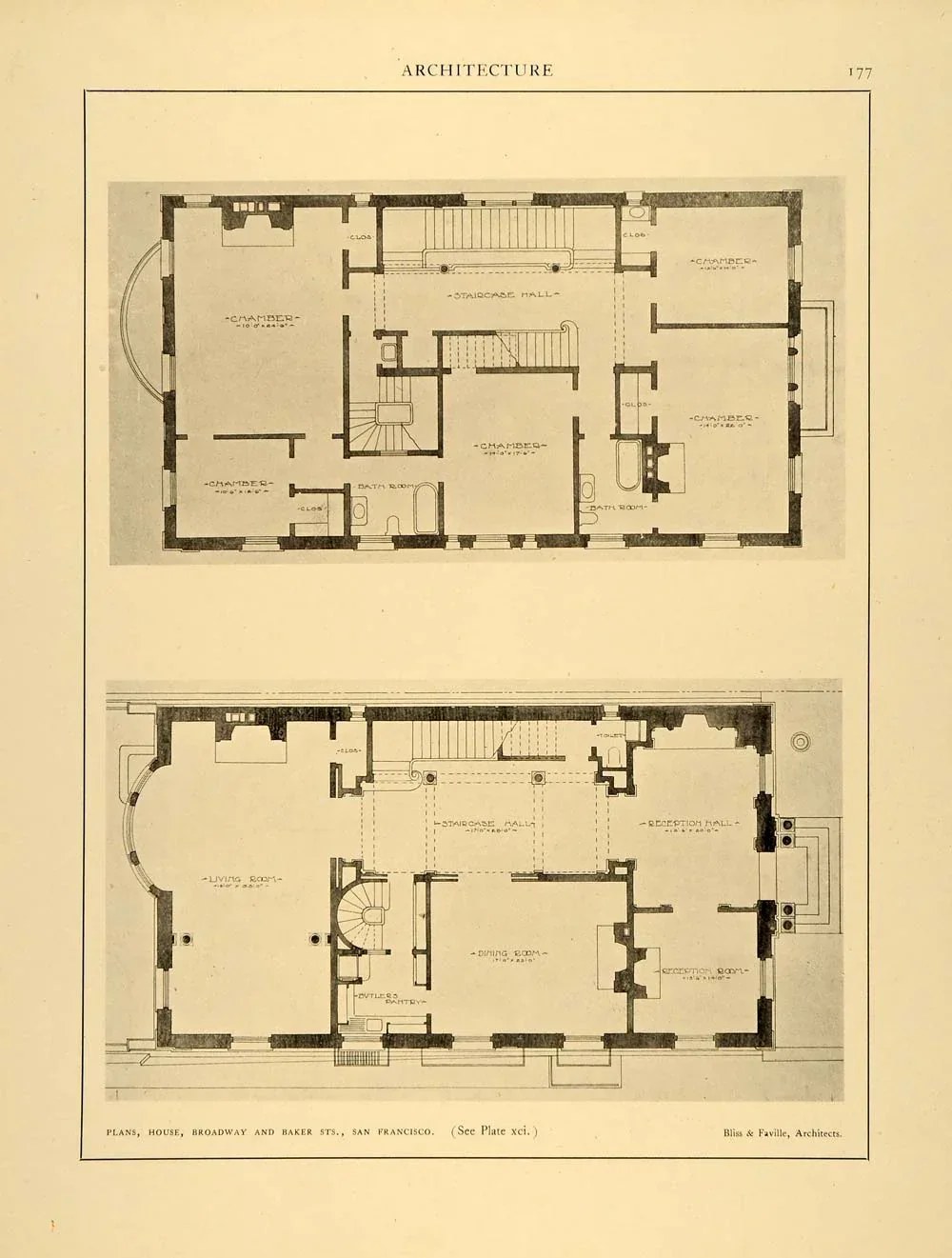
Two floor plans from a 1908 magazine
Filled walls on yellowed paper. Outline mode gives both faces of every wall: 92 closed polylines, a fast start for new wall lines.
Traced here: Outline · 92 polylines · DWG 2007 · 300.0 × 415.8 mm · 45.3 KB
Blueprint
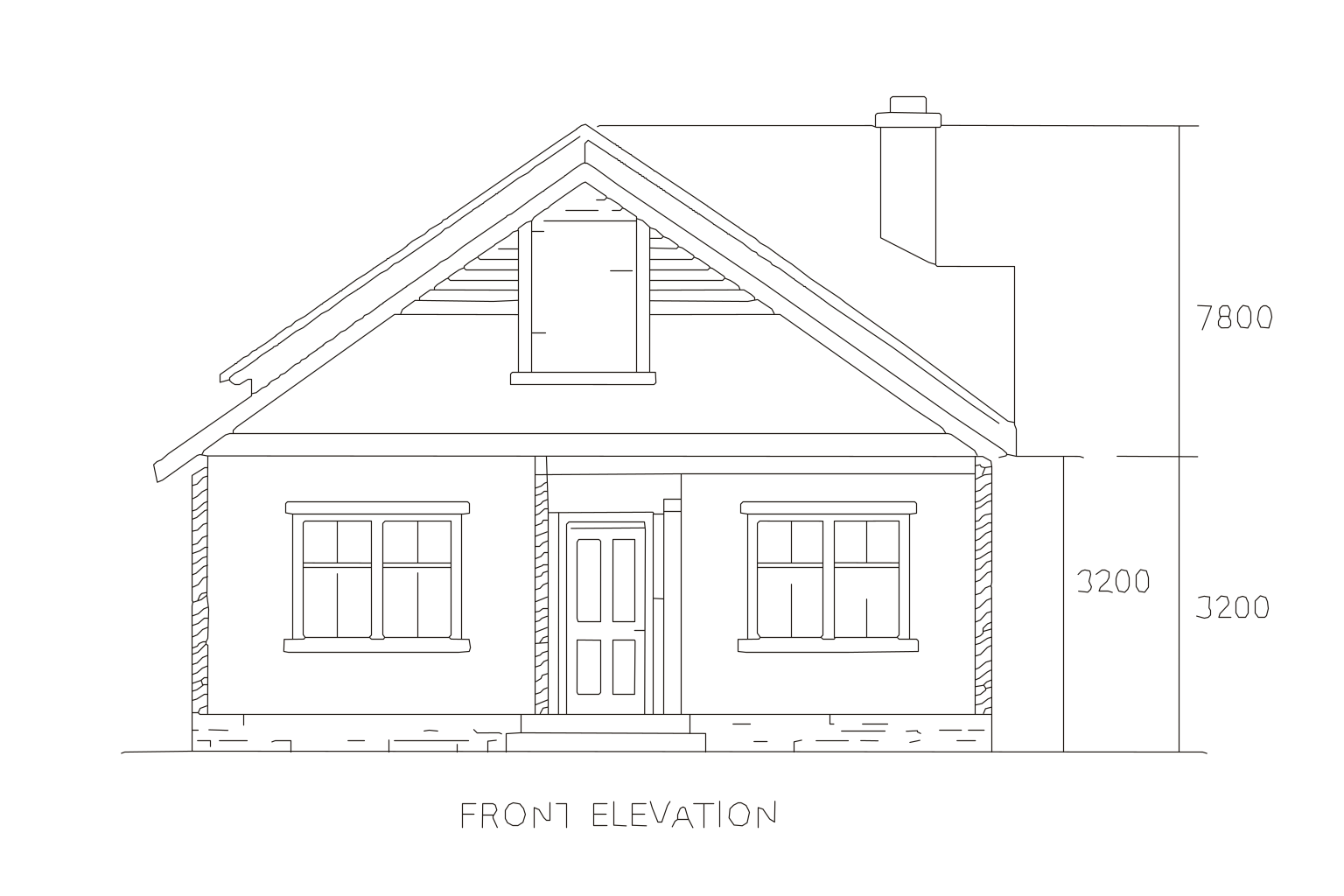
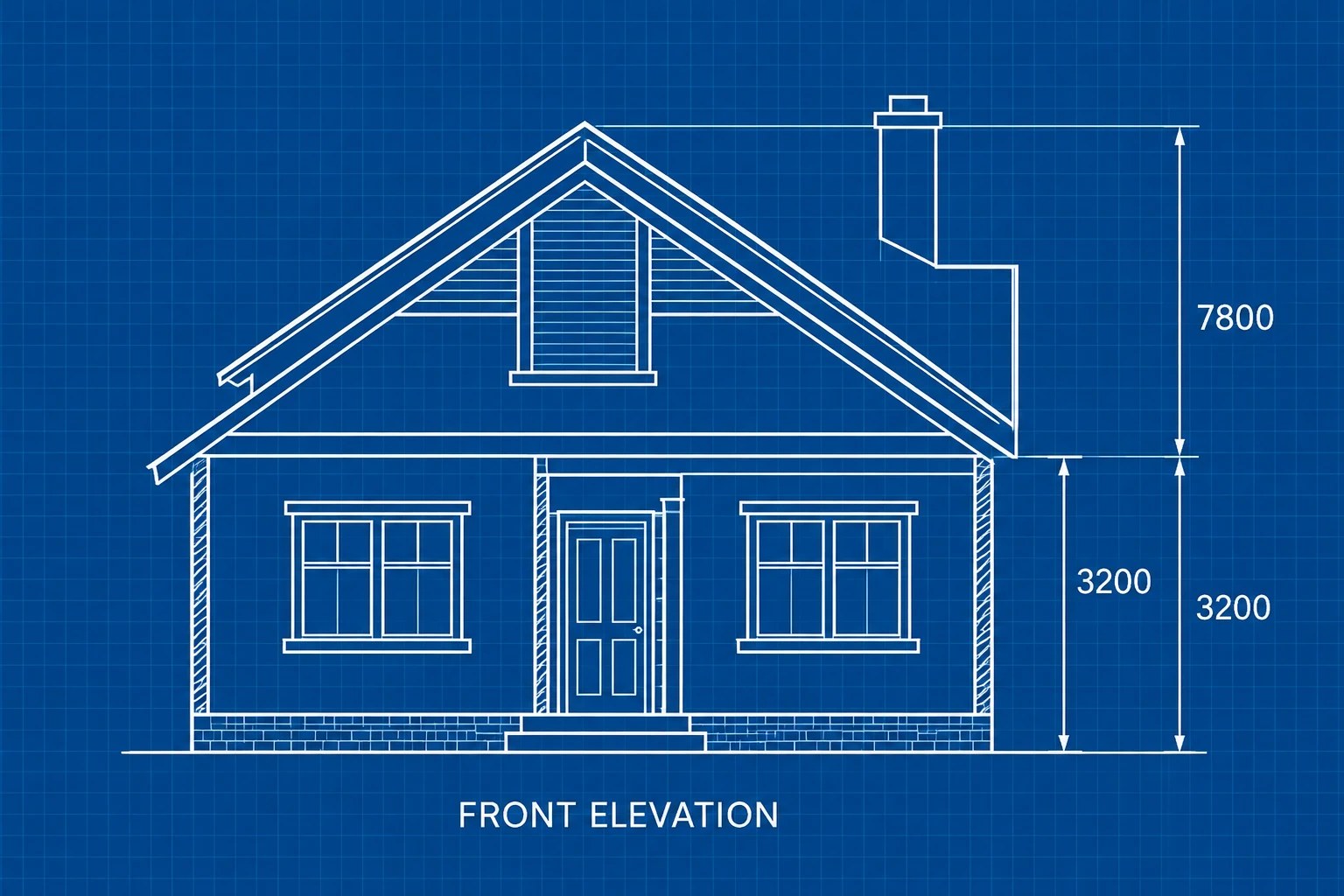
House front elevation, white on blue
Light lines on a dark sheet are detected and inverted, so the elevation, its dimensions and the title come out as 233 DWG polylines.
Traced here: Centerline · 233 polylines · DWG 2007 · 297.0 × 188.7 mm · 36.1 KB
Phone photo
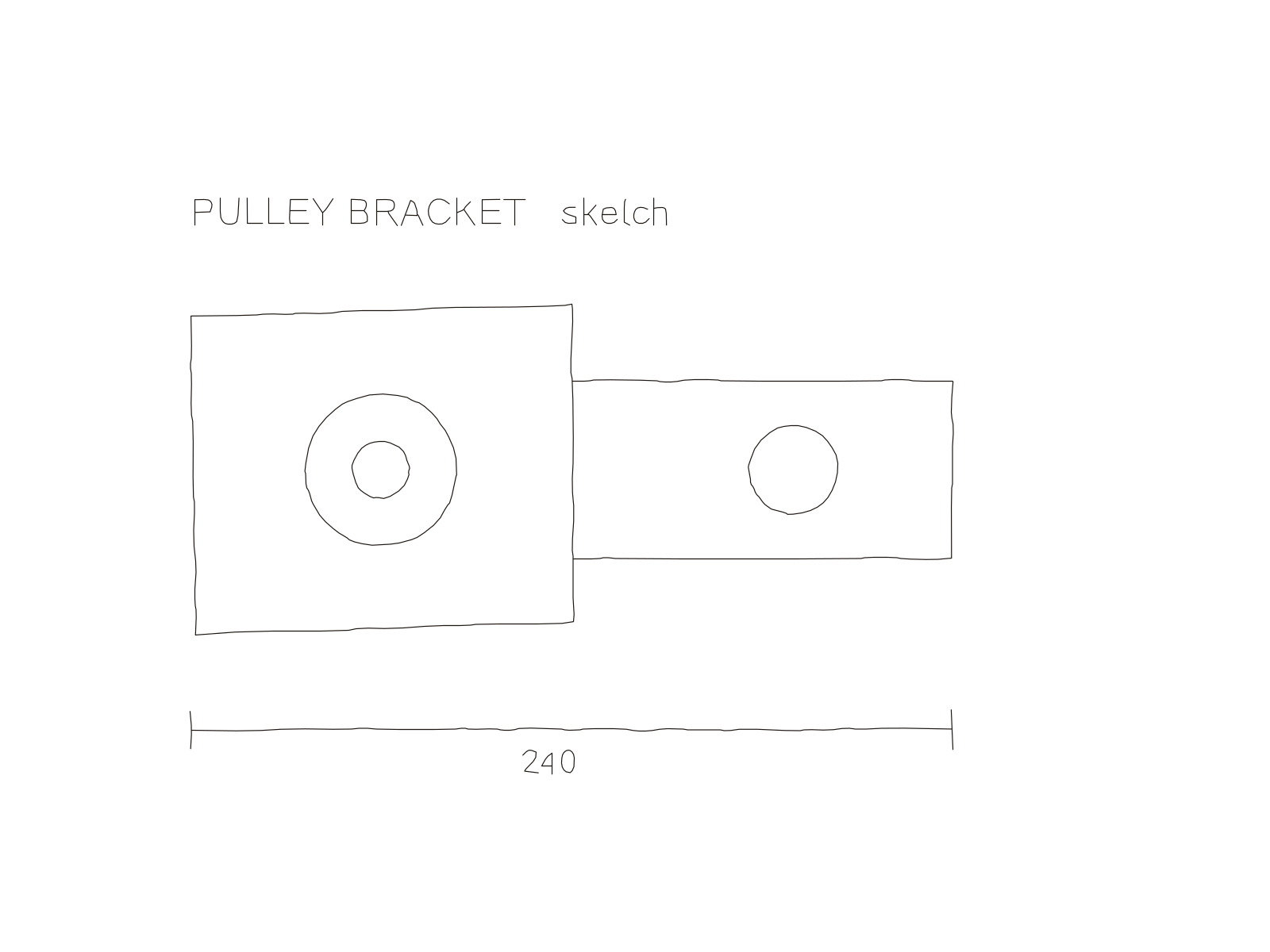
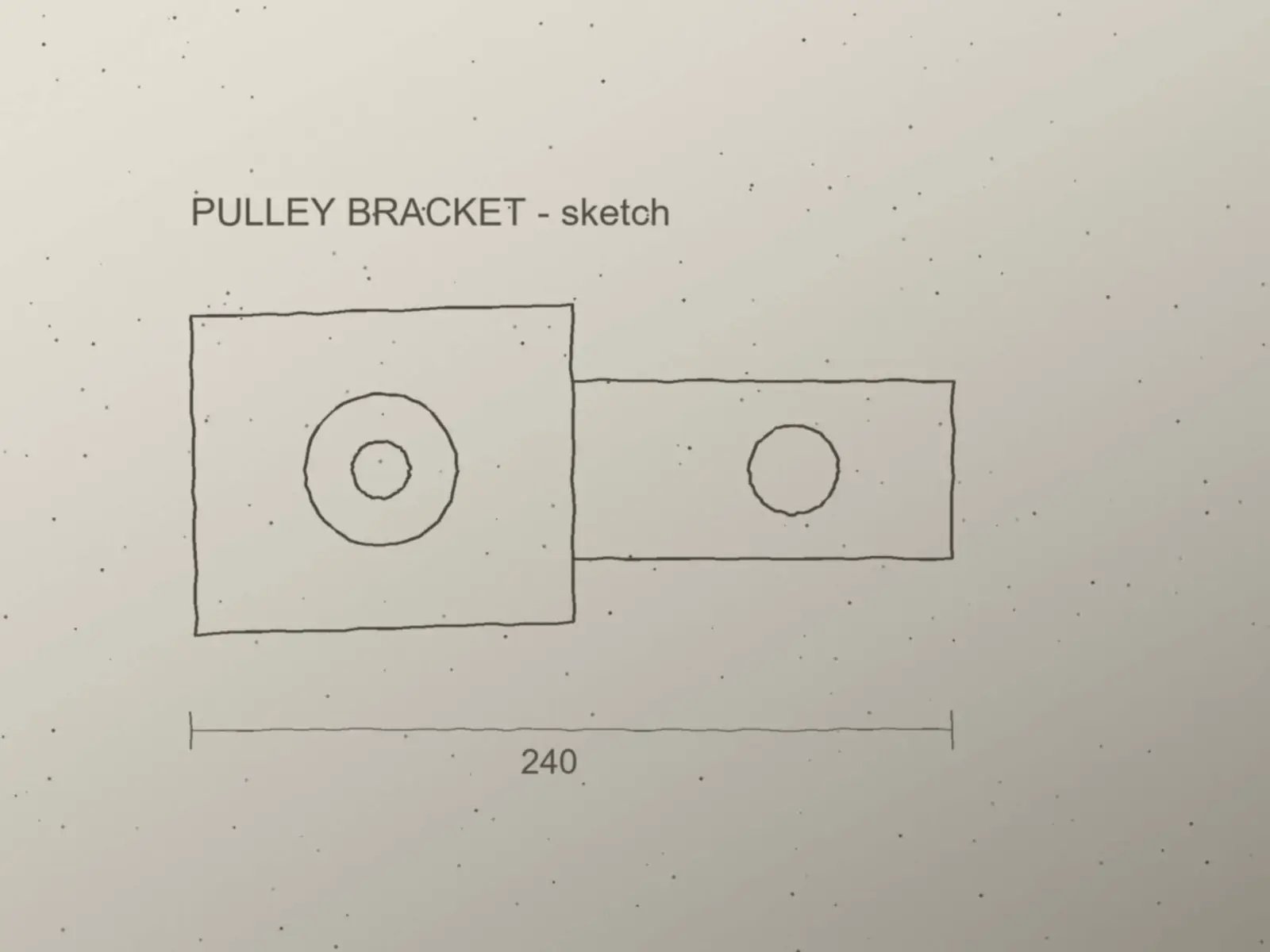
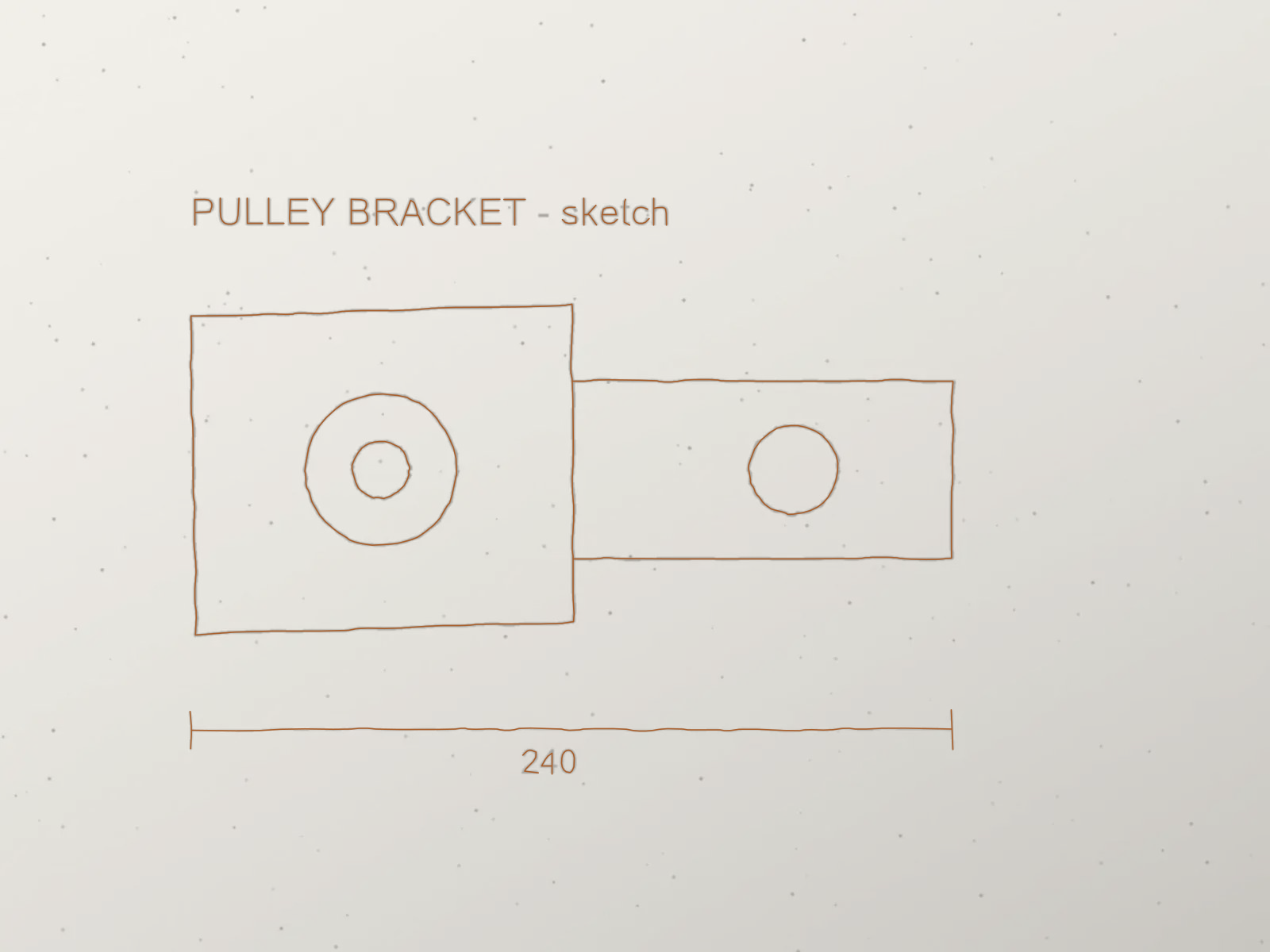
Pulley bracket sketch on grey paper
Specks and grain dropped with Despeckle, width set to the 240 written on the sketch. 44 polylines, 240.0 × 181.2 mm in the DWG.
Traced here: Centerline · 44 polylines · DWG 2007 · 240.0 × 181.2 mm · 24.8 KB
Clean-up
What this JPG to DWG converter cleans up
A photo carries grain, colour and filled areas a CAD file should not. Here is how the tracer deals with each, shown with its own output.
Pulley sketch: 44 clean polylines over the faded photo
How to
How to convert JPG to DWG in 3 steps
From JPG to AutoCAD in three steps, all in this tab. Nothing to install and no account.
STEP 1
Photograph or load the drawing
Shoot the sheet flat and straight on in even light, or load a JPEG scan up to 25 MB. PNG, JPG, WebP, BMP or GIF all work. There is no perspective correction, so an angled photo stays angled.
STEP 2
Clean up and trace
Pick Scan, Old plan, Blueprint or Phone photo. Raise Despeckle until the specks go, move Threshold until faint lines appear, and keep Centerline for line work.
STEP 3
Size it, check it, download
Type the real width, or the DPI of a scan, under Size & export. Check the read-back card, pick DWG 2007 or DWG 2000, and download.
Fill the frame
Hold the phone parallel to the sheet; any tilt stays in the trace. Daylight without flash avoids a bright hot spot.
Scale from a known length
If only one dimension is known, run SCALE in AutoCAD, choose Reference, pick its two ends and type the real length.
Redraw as an xref
Attach the DWG to your new drawing with XATTACH, lock layer TRACE, and draw clean walls and outlines on your own layers.
Merge broken lines
Run OVERKILL, then PEDIT, Multiple, Join with a small fuzz distance to turn short segments into longer polylines.
Read back
What AutoCAD will see after JPG to DWG
Pick a scan and a DWG version, or type the AutoCAD release your office uses. The card shows what that exact DWG holds, read back by LibreDWG when it was built; the download is the same file.
AutoCAD and AutoCAD LT 2007 or later, current BricsCAD and DWG TrueView.
What AutoCAD will see
Read back from this example DWG by LibreDWG.
- Format
- DWG 2007
- AC1021
- Units
- Millimetres
- $INSUNITS 4
- Layer
- TRACE
- 2 in the table
- Polylines
- 394
- 3 closed
- Vertices
- 1,106
- Extents
- 400.0 × 444.2 mm
- File
- 34.8 KB
- DWG
- DWG 2007 (AC1021) opens in AutoCAD 2007 and every release since; DWG 2000 (AC1015) also opens in AutoCAD 2000 to 2006.
- Everything lands on one layer, TRACE, so you can lock it, give it a light colour or transparency, and draw on top.
- Extents come from the DWG, not the preview: what you read here is what ZOOM Extents and DIST will show.
Specs
JPG to DWG converter specs and limits
What goes into this JPG to DWG converter, what comes out, and what a photo cannot give you.
- Input
- PNG, JPG, WebP, BMP or GIF, up to 25 MB
- Tracing size
- Up to 4,000 px on the long edge; larger photos are scaled down first
- Clean-up
- Auto or manual threshold, Invert (auto for dark sheets), blur, Despeckle, Smoothing
- DWG output
- DWG 2007 (AC1021) or DWG 2000 (AC1015), written by acad-ts (MIT) in a Web Worker
- Entities
- LWPOLYLINE on one layer (TRACE by default); curves as fine polylines
- Units
- Millimetres or inches, sized by width or scan DPI, written to $INSUNITS
- Read-back check
- acad-ts, then GNU LibreDWG (GPL-3.0, 7.5 MB WebAssembly, its own worker)
- Also downloads
- R12 DXF and SVG of the same trace
- Where it runs
- In your browser tab; photos of client drawings never leave your device
It does
- Trace phone photos, scans and blueprints of paper drawings
- Drop specks and grain, and invert white-on-blue sheets
- Write the JPG to DWG trace at a real width or scan DPI
- Read the DWG back twice before you download it
It does not
- Correct perspective, lens distortion or a curled sheet
- Read handwriting or dimensions as text; they are traced as shapes
- Tell drawing lines from stains, folds or deep shadows
- Give you a finished, dimensioned drawing; it is a trace to redraw over
JPG to DWG FAQ
Photos, scale, versions and what happens in AutoCAD.
How do I convert JPG to DWG?
Load the photo, pick the type that matches it, raise Despeckle if the preview is noisy and type the real width. Check the read-back card, choose DWG 2007 or DWG 2000 and press Download DWG.
Can a phone photo of an old drawing become a DWG?
Yes, that is what this page is for. Lay the sheet flat, shoot straight down in daylight and fill the frame. The trace follows the photo, so any tilt or curl stays in the DWG.
Is the result a real DWG?
Yes, a binary DWG with the AC1021 or AC1015 header. It is written in your browser and read back by acad-ts and by LibreDWG before the download button turns on.
Which DWG version should I pick for an older office?
DWG 2000 opens in AutoCAD 2000 to 2006 and in every later release. DWG 2007 needs AutoCAD 2007 or newer. Type the release into the read-back section to get the right one.
Is JPG to DWG accurate enough to measure from?
Only as a guide, after you set the scale. A photo carries lens and angle errors, so check two known dimensions with DIST in AutoCAD and redraw anything you need to build from.
How do I scale the DWG from one dimension I know?
Download it at any width, then in AutoCAD run SCALE, choose Reference, click both ends of the known dimension and type its real length. Everything scales with it.
Why is my JPG to DWG trace full of dots?
Paper grain and JPEG noise. Raise Despeckle, add 1 px of blur, and move Threshold left until the background drops out. Lines that break up need Threshold moved the other way.
Does JPEG to DWG work for blueprints?
Yes. A dark border tells the tracer the sheet is dark, so white lines on blue are inverted and traced. If it guesses wrong, flip the Invert switch.
What should I do with the DWG in AutoCAD?
Attach it as an xref or keep it on its locked TRACE layer, run OVERKILL and PEDIT Join to tidy it, and redraw with real lines, arcs, text and dimensions on your own layers.
Why does the page load LibreDWG?
To check the DWG with a reader that did not write it. GNU LibreDWG is free software under the GPL 3.0; its 7.5 MB WebAssembly build runs unmodified in its own worker, and the line under the converter links to its source code and license.
Should I use JPG to DXF instead?
Use JPG to DXF when the file goes to a laser, CNC or a program that wants DXF. Use this page when the drawing goes into AutoCAD as a DWG and you want to check it first.
Is the JPG to DWG converter free, and is my photo uploaded?
Free, with no sign-up. The photo is traced and the DWG written in your browser, so drawings of client projects or company parts stay on your device.
Convert JPG to DWG now
Load a photo or a scan, set the size and download a DWG your AutoCAD opens. Nothing to install.
Convert a JPG