Raster to Vector Converter: Clean SVG and DXF Paths
Free raster to vector converter for PNG, JPG, WebP, BMP or GIF files up to 25 MB. Drop a logo, lettering or line art and get closed SVG shapes or single-stroke centerlines, sized in mm or inches, plus an R12 DXF for cutting and CAD. It all runs in your browser: no upload, no sign-up.
- Free, no sign-up
- SVG at true size
- Closed shapes for cutting
- Nothing is uploaded
Upload image
FreeArtwork type
Runs in your browser. Nothing is uploaded.
Example result
Logo · Raster → SVG
Traced here: Outline · 4 paths, 4 closed · 100.0 × 98.2 mm · 46 ms
Examples
Raster to vector examples, traced here
Six bitmaps run through this raster to vector converter with the settings shown. Hover a card to see the raster, open it in the converter, or download the SVG.
Logo
Monogram logo
A bold two letter mark becomes 4 closed outlines, and its 3 counters stay as holes you can cut out.
Outline · 4 paths · 100.0 × 98.2 mm · 46 ms
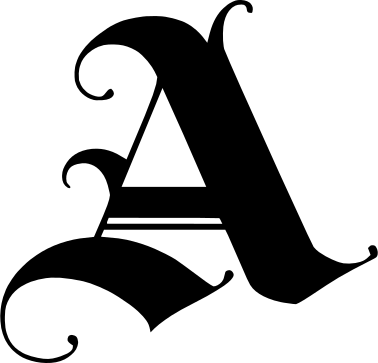
Lettering
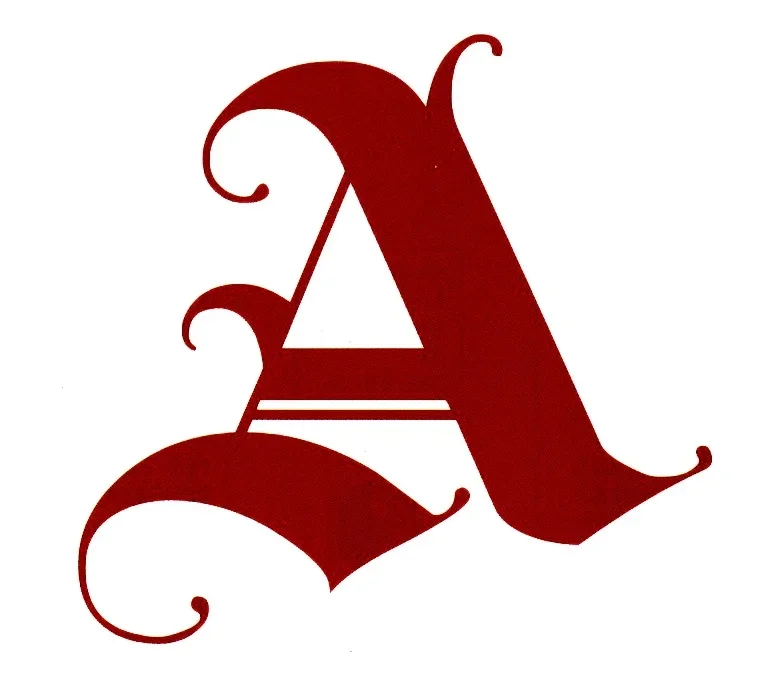
Blackletter initial
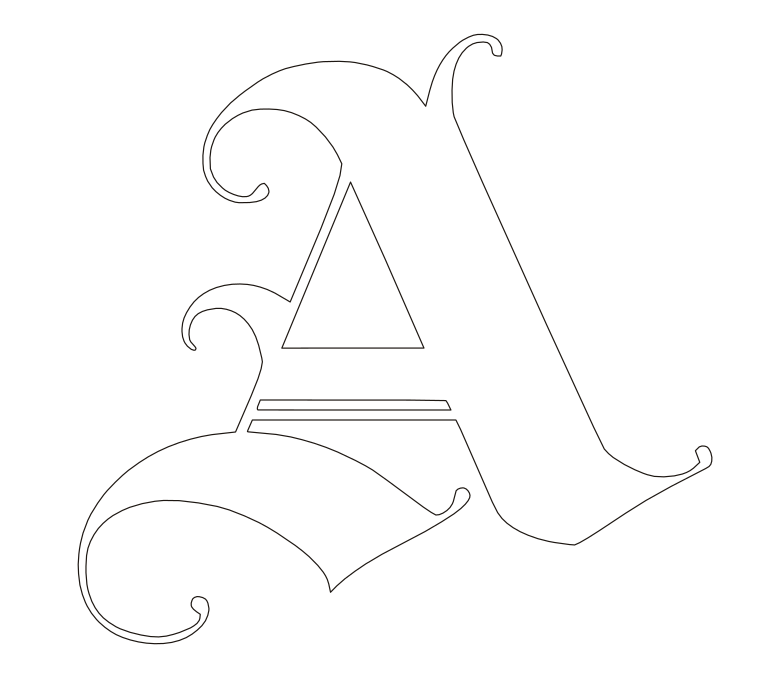
Red lettering on white traces as one black shape with its swashes intact: 3 closed paths, 2 of them holes.
Outline · 3 paths · 100.0 × 96.2 mm · 20 ms
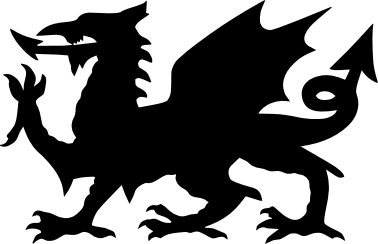
Emblem
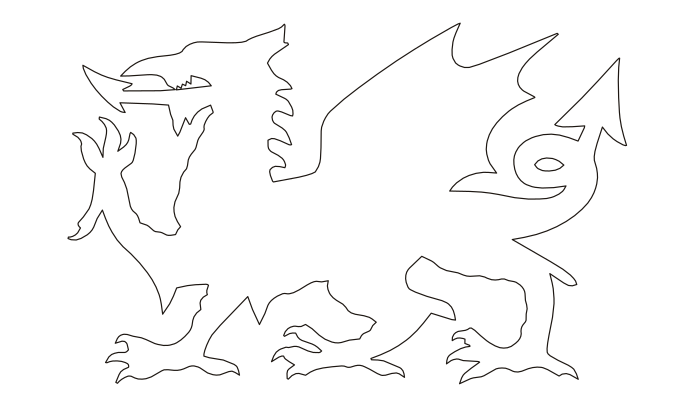
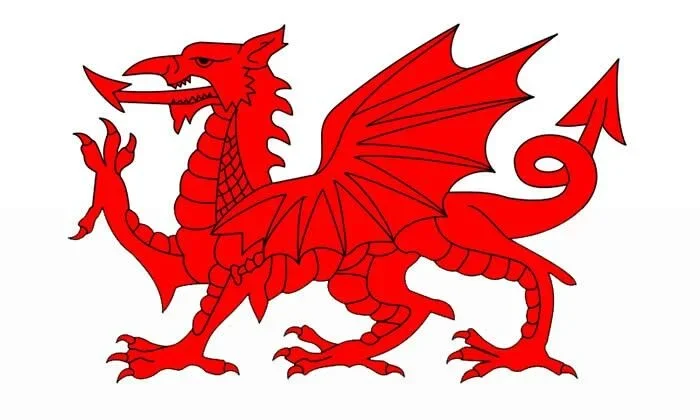
Heraldic dragon
A single color emblem is the ideal raster to vector job: the whole dragon comes out as one outline ready for vinyl.
Outline · 3 paths · 100.0 × 64.6 mm · 9 ms
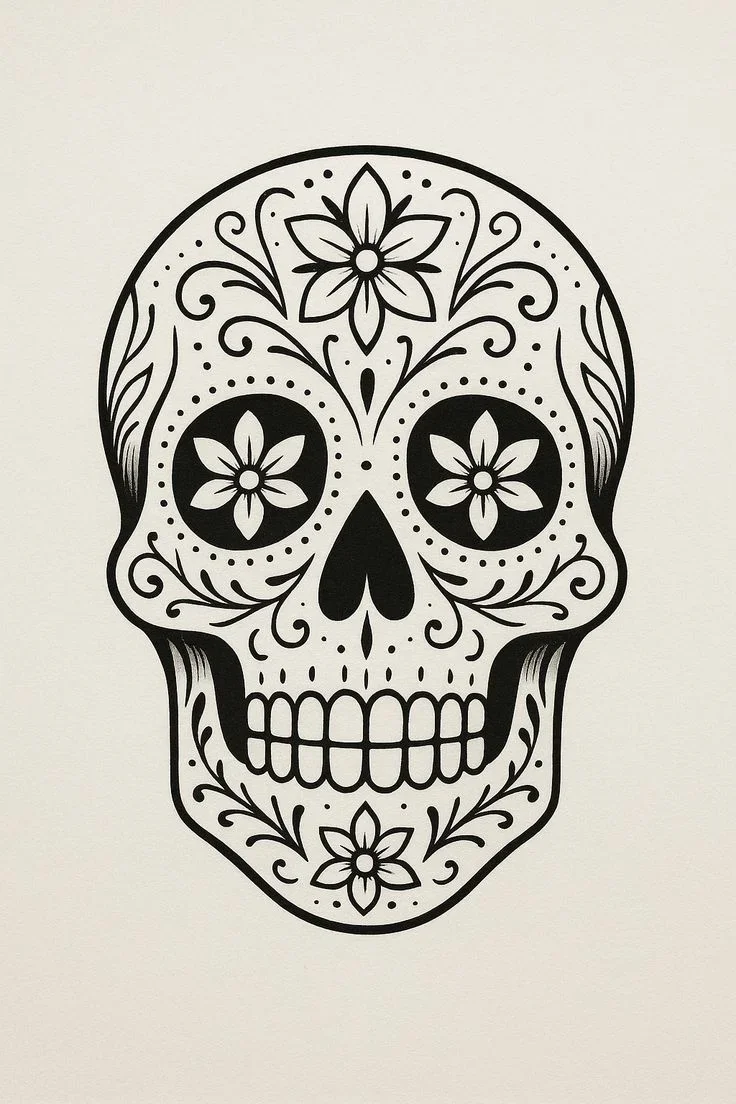
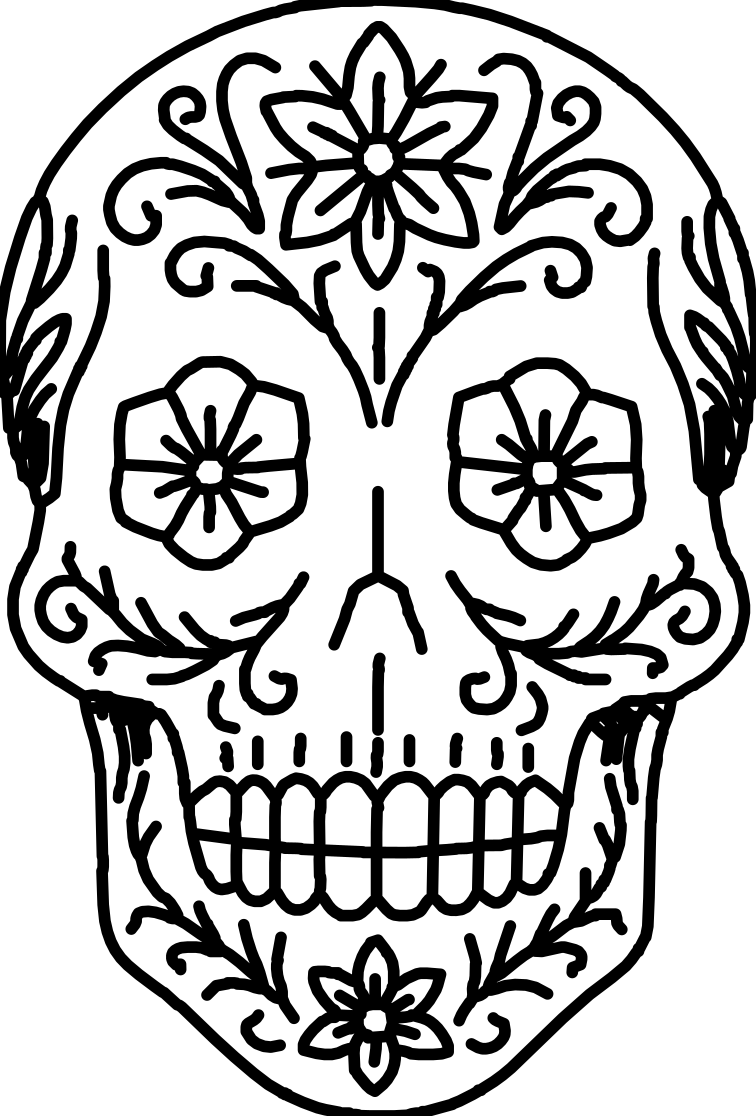
Line art
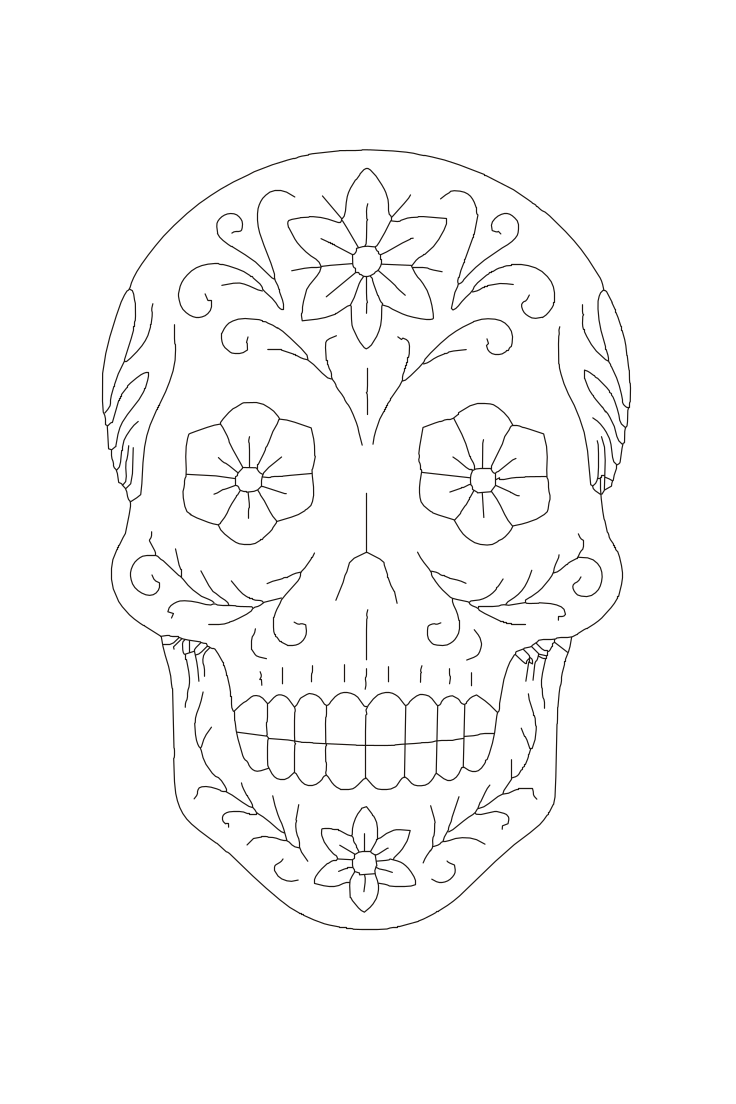
Sugar skull stencil
Traced down the middle of each line in Centerline mode: 185 single strokes, the kind an engraver follows once.
Centerline · 185 paths · 200.0 × 295.4 mm · 47 ms
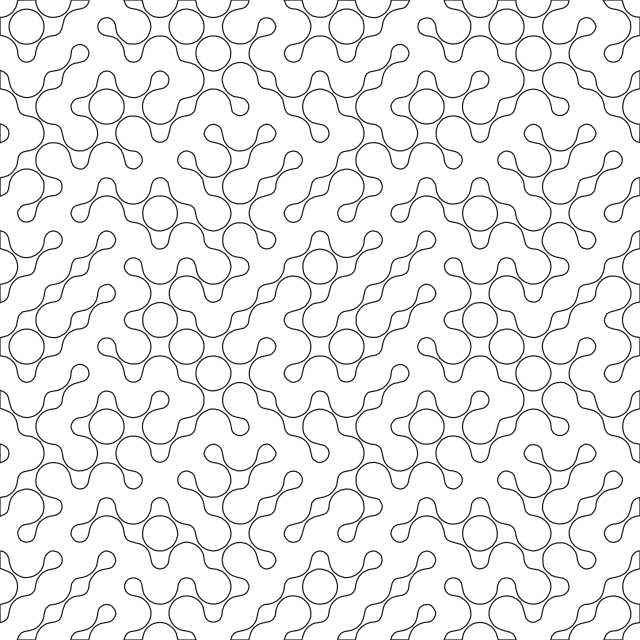
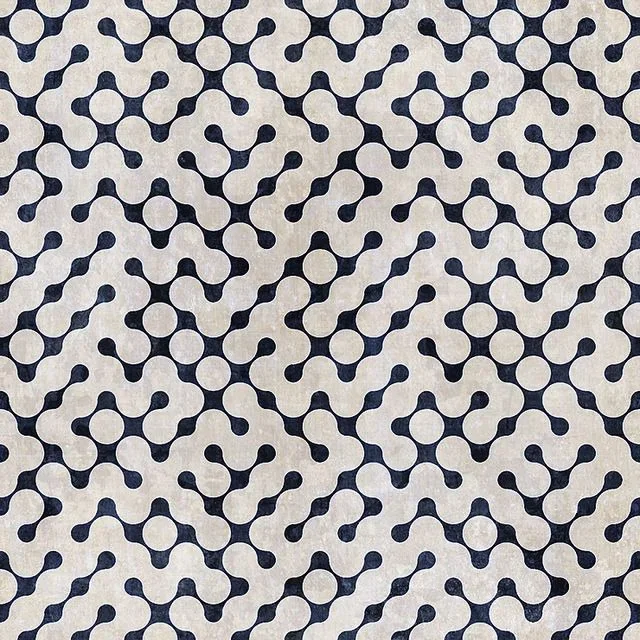
Pattern
Truchet tile panel
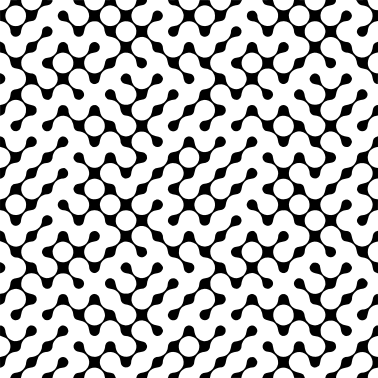
A repeating pattern turns into 44 closed outlines, 24 of them holes, so a laser knows which pieces drop out.
Outline · 44 paths · 100.0 × 100.0 mm · 23 ms
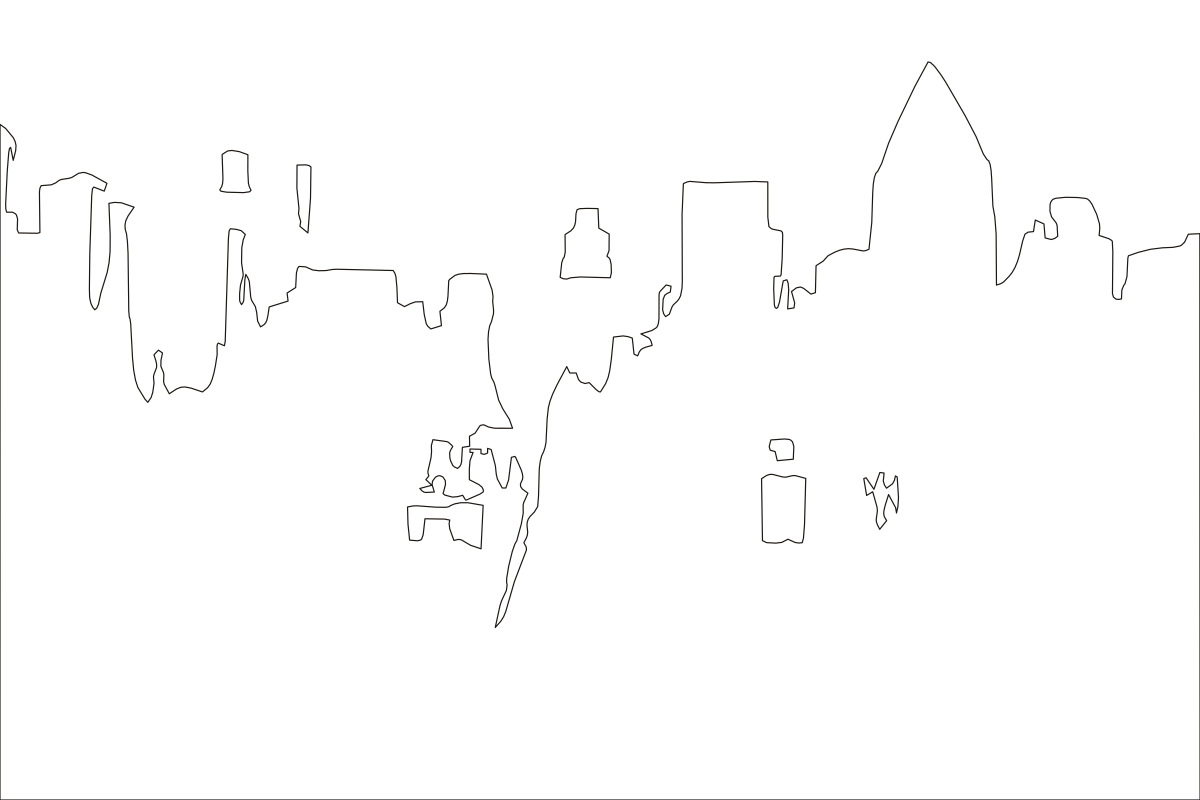
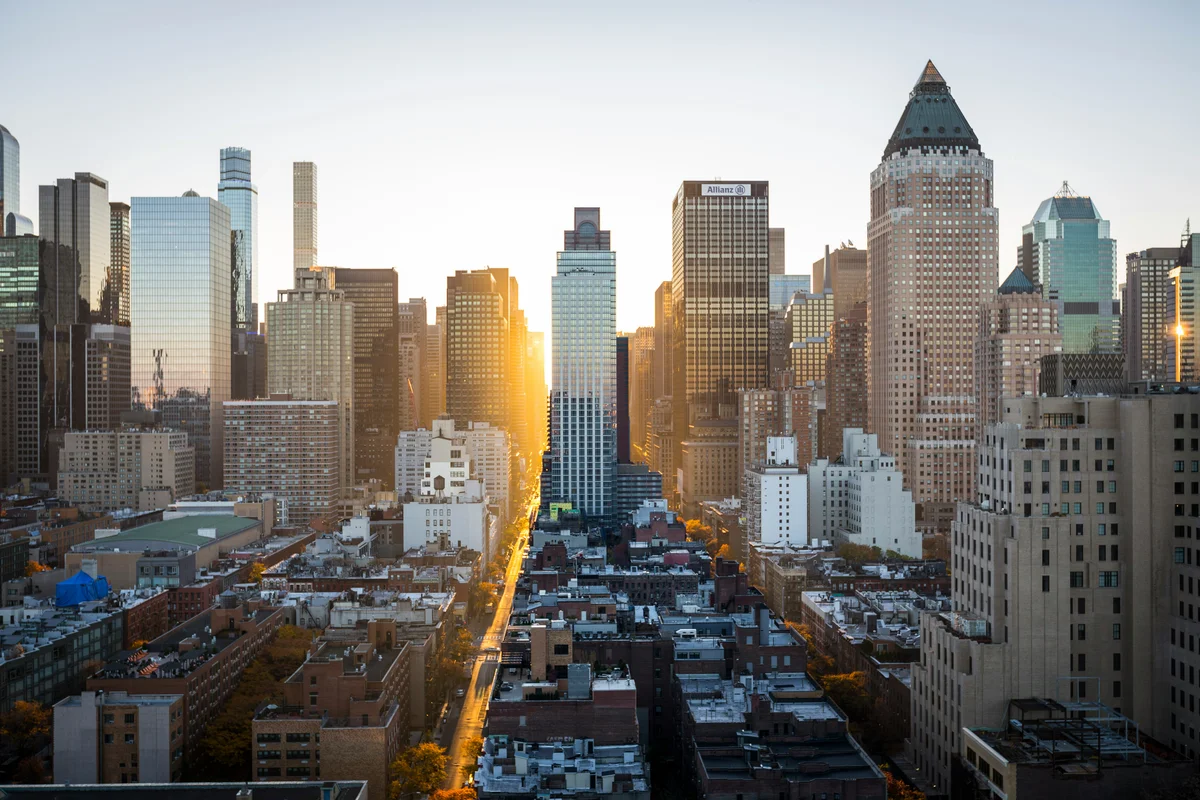
Photo
City skyline photo
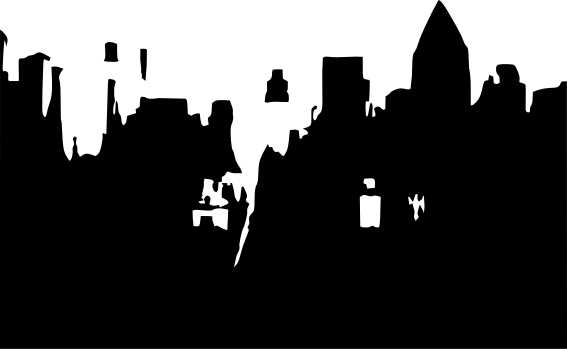
Photos trace where tone splits subject from background. Here the towers against a bright sky become a silhouette.
Outline · 8 paths · 150.0 × 92.2 mm · 32 ms
What you get
What this raster to vector converter does well
Each point below is shown with a real trace from this page, not a mockup.
- RasterSVG
Heraldic dragon: red raster on the left, SVG outline on the right
How to
How to convert raster to vector in 3 steps
Raster to vector free in this tab: nothing to install, no account, no watermark.
STEP 1
Drop your raster image
Drag a PNG, JPG, WebP, BMP or GIF file up to 25 MB onto the upload box, paste it with Ctrl+V or open an example. The file stays on your device.
STEP 2
Pick a type, check the paths
Logo, Lettering and Photo start in Outline mode, Line art in Centerline. Flip between Compare, Vector and Overlay, and move Threshold until the paths match.
STEP 3
Download SVG or DXF
Under Size & export, set the width in mm or in, then press Download SVG. Download DXF gives the same paths for CAD and CAM.
Bigger is smoother
More pixels mean smoother curves. Images over 4,000 px on the long edge are scaled down first.
One color per file
Each raster to vector pass gives one color. Save each color as its own image and trace it separately.
Two lines for one?
If a thin stroke comes out as two parallel paths, switch the mode to Centerline.
Clean the background
Crop out shadows and paper edges first; anything dark enough gets traced.
Size calculator
Set the real size of a raster to vector file
A raster image only knows pixels. Work out the finished size here, then type the same numbers into the converter before you download.
Image size in pixels
Size by
Units
- Size by DPI uses the whole image: width equals pixels divided by DPI, times 25.4 for mm.
- Size by Width measures the traced artwork with blank margins left out, and the height follows its proportions.
- The SVG stores its width and height in mm or in, so Inkscape, Illustrator and LightBurn open it at that size.
SVG size
116.8 × 87.6 mm
- 1 pixel
- 0.085 mm
- In the converter
- Scan DPI 300
Sample: the monogram logo at 300 DPI, a common print resolution.
Specs
Raster to vector converter specs and limits
What goes in, what comes out, and what this raster to vector tool does not try to do.
- Input
- PNG, JPG, WebP, BMP or GIF, transparent PNGs included
- File size
- Up to 25 MB
- Tracing size
- Up to 4,000 px on the long edge; larger images are scaled down first
- Output
- SVG and DXF, plus a PNG preview
- SVG
- True size in mm or in; filled shapes in Outline mode, stroked lines in Centerline mode
- DXF
- AutoCAD R12 with POLYLINE entities, one layer
- Curves
- Fine straight segments; no Bezier curves, arcs or splines
- Colors
- One: dark shapes against a light ground
- Where it runs
- In your browser tab; nothing is uploaded
It does
- Trace logos, lettering, stencils, patterns and line art
- Keep holes as inner loops in Outline mode
- Turn thin lines into single strokes in Centerline mode
- Scale the result to a width or a scan DPI
- Read transparent PNGs as artwork on white
It does not
- Split colors onto separate layers
- Fit smooth Bezier curves; curves arrive as many short segments
- Keep text editable; letters arrive as shapes
- Redraw blurry or missing details; there is no AI step
- Turn a photo into a line drawing; photos become silhouettes
Next steps
Raster to vector for laser, vinyl, CNC and CAD
An SVG or DXF opens in almost every design and fabrication program. For photos and sketches of parts, try the image to CAD converter.
Laser engraving
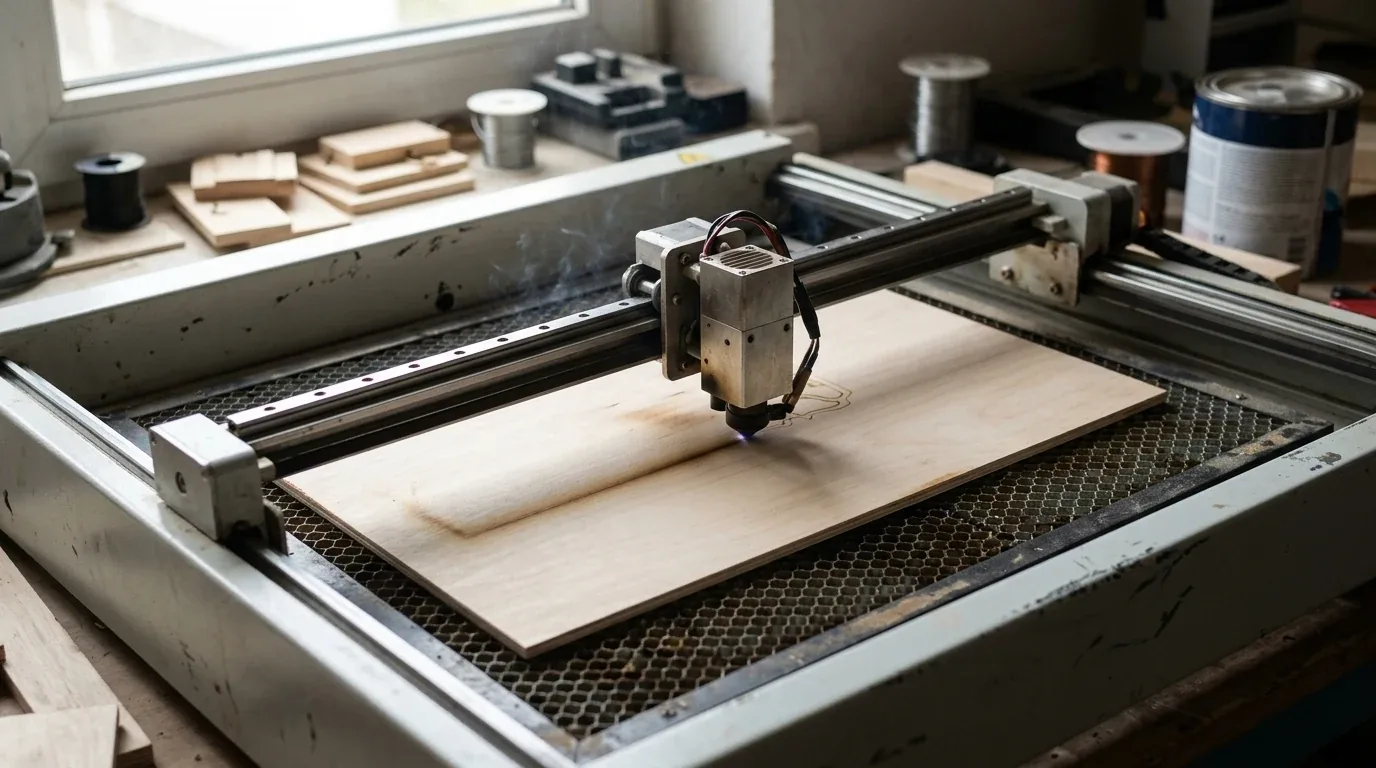
Turn an image to a laser cut file online, then open the SVG in LightBurn or xTool Creative Space.
Vinyl and signs
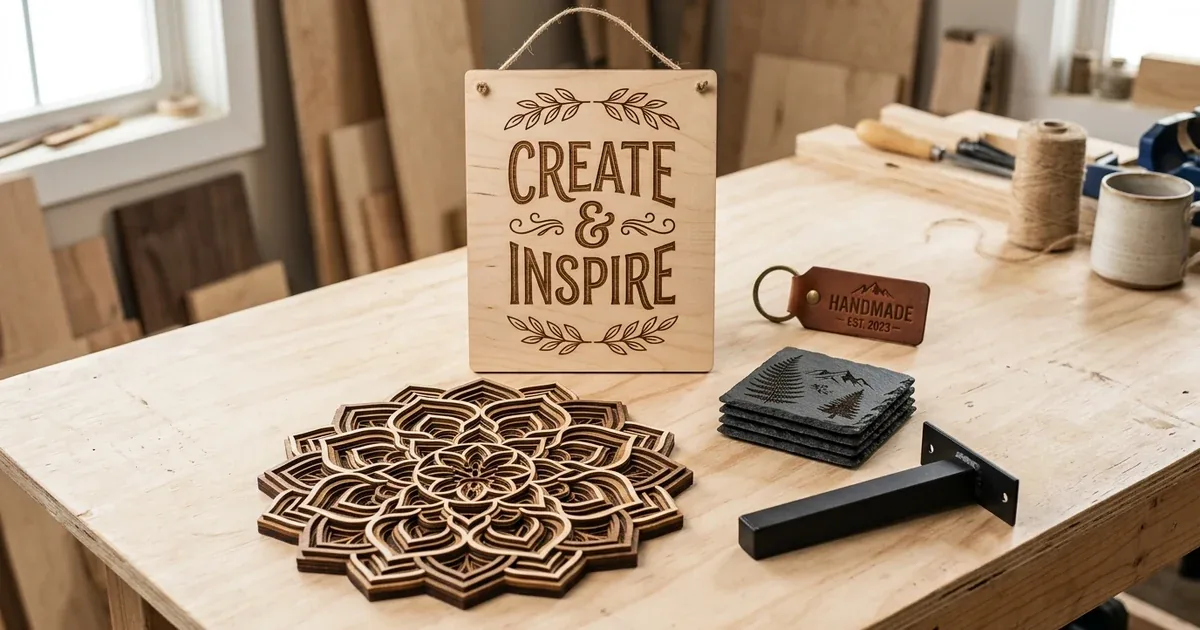
One color outlines weed cleanly on a cutting plotter and scale to any sign size.
CNC routing
Bring the DXF into Fusion, VCarve or your CAM tool and add profile or pocket toolpaths.
CAD and print
Place the paths in AutoCAD, Inkscape or Illustrator at true size, or print them sharp at any scale.
Raster to vector FAQ
Files, colors, curves and cutting.
Is this raster to vector converter free?
Yes. There is no sign-up, no watermark and no daily cap, because the tracing runs on your own computer.
What is the difference between raster and vector?
A raster image is a grid of pixels, so it blurs when you enlarge it. A vector file stores shapes as paths, so it stays sharp at any size and a machine can follow it.
Can it trace a logo?
Yes: drop the logo, keep the Logo type and download SVG or DXF. For multi-colour logos with one layer per colour, use the logo vectorizer.
Can I vectorize a PNG logo with a transparent background?
Yes. Transparent pixels count as white paper, so a dark logo on a transparent PNG traces like dark on white. To vectorize a PNG logo that is light on dark, turn on Invert.
What is vector in laser engraving?
Vector usually means the laser follows a path, cutting or scoring a line, while raster engraving fills an area line by line. Both need a clean outline, which is what this raster to vector tool makes.
Does it keep colors?
No. Each pass traces dark against light into one color. For a multicolor design, save each color as its own image, trace each one and stack the results.
Why are my curves made of short straight lines?
The tracer writes curves as fine polylines, not Bezier curves. Raise Smoothing for softer corners, or start from a larger image for smoother paths.
Which mode should I use, Outline or Centerline?
Outline for filled shapes you want to cut or fill. Centerline for thin lines you want drawn once, such as engraving or plotting.
Can it turn a photo into a vector drawing?
Only as a silhouette. The tracer follows tone, so a subject on a plain, contrasting background works; shading, faces and busy scenes do not.
Is my image uploaded?
No. The image is opened and traced inside this browser tab, and the SVG and DXF are written on your device.
Will the SVG open in Inkscape, Illustrator or Cricut Design Space?
Yes. It is a plain SVG with one path group and a real width and height, which every vector program reads.
Is there a raster to vector converter that keeps text editable?
Not this one: letters are traced as shapes, which is what a cutter needs. Retype any text you want to edit in your design program.
Convert raster to vector now
Pick a type, set the width and get an SVG or DXF in seconds. Raster to vector, right in this tab.
Convert an image