Vectorize Signature Photos: Transparent SVG, PNG and DXF
Vectorize signature photos in your browser. Snap your signature on paper, and the shadows and paper edges are cleaned away. Keep the pen line or trace one even stroke, pick the ink colour, then save a transparent PNG, a true-size SVG or a DXF for engraving.
- Free, no sign-up
- Pen outline or single line
- PNG, SVG and DXF
- Nothing is uploaded
Upload signature
FreeOr try a sample
Trace as
Runs in your browser. Nothing is uploaded.
Example result
Flourish · Pen outline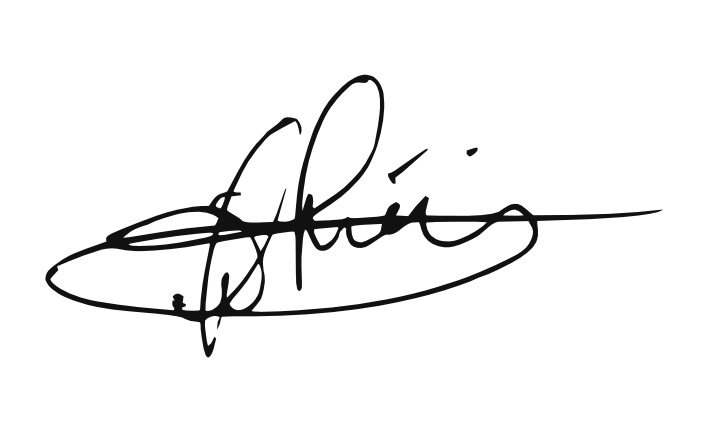
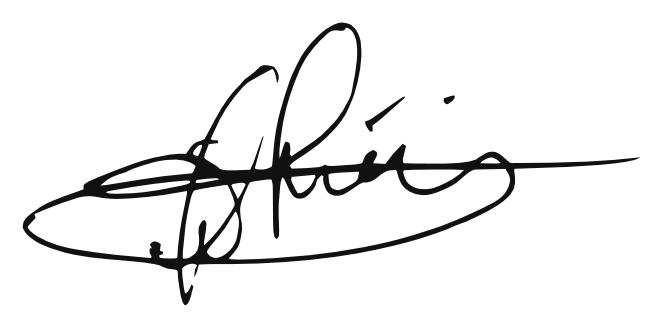
Pen outline · 17 paths · 0 edge marks dropped · 60 × 27.5 mm
Examples
Signature to vector examples, traced here
Three signature photos run through the signature to vector studio above. Drag a card to compare, open it in the studio, or download the SVG.
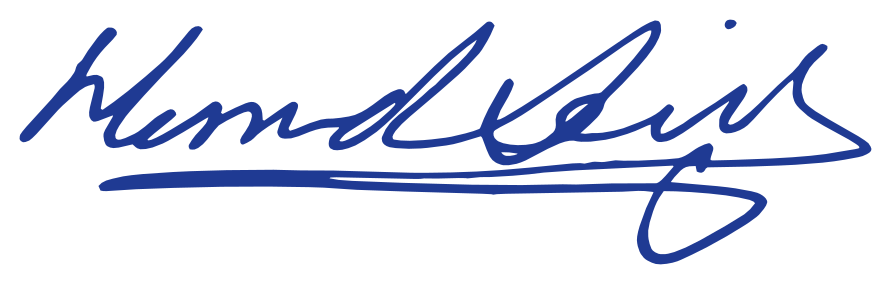
Pen outline
Flourish on white paper
A clean scan keeps every swash. The filled outline holds the natural thick and thin of the pen.
Pen outline · 17 paths · 0 edge marks dropped · 60 × 27.5 mm
Phone photo
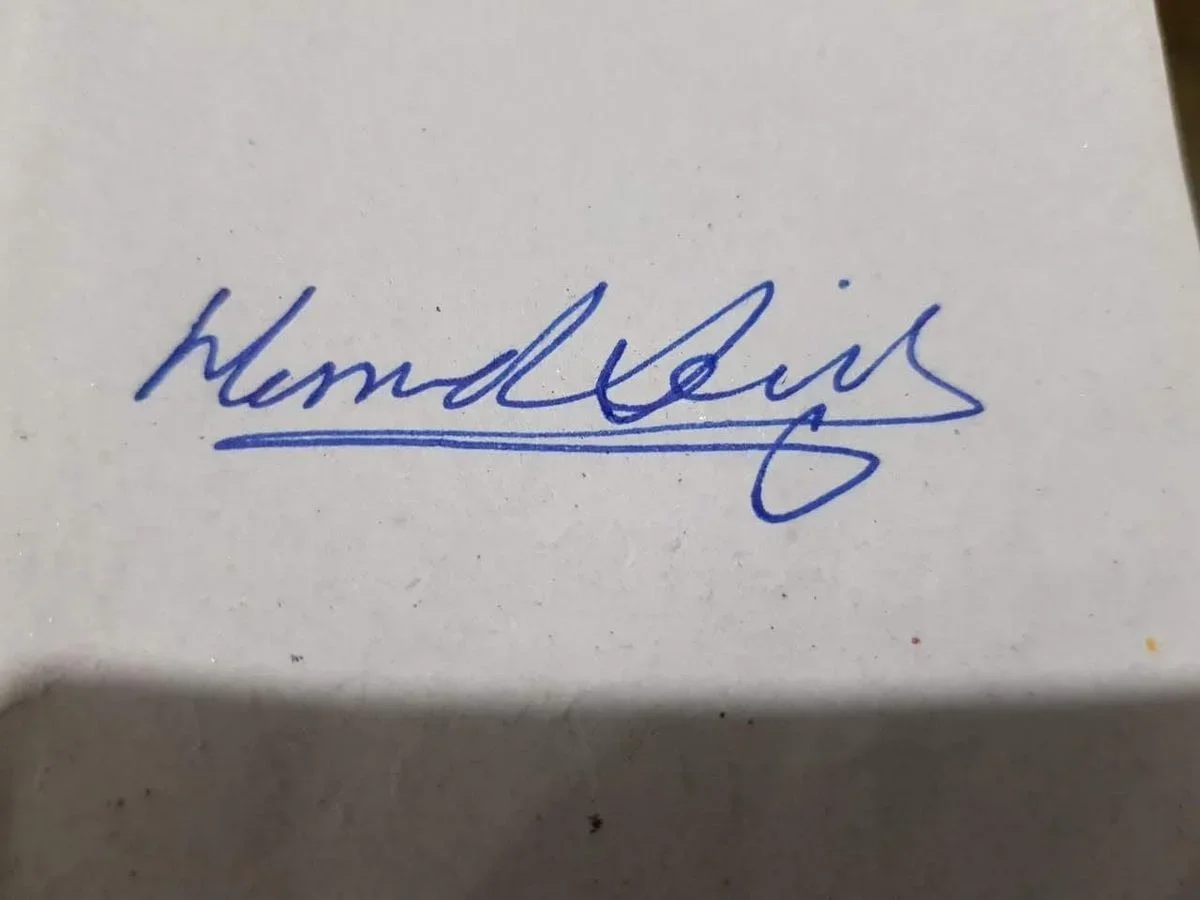
Marker signature with a shadow
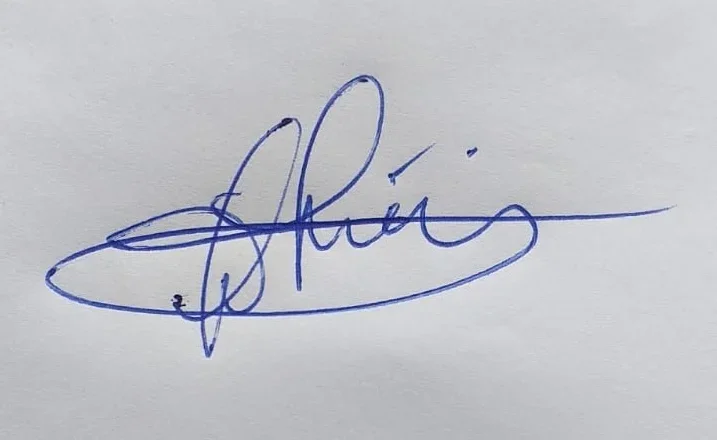
The paper shadow and the desk at the edge are removed before tracing, so only the ink comes back, in blue.
Pen outline · 8 paths · 10 edge marks dropped · 60 × 17.2 mm
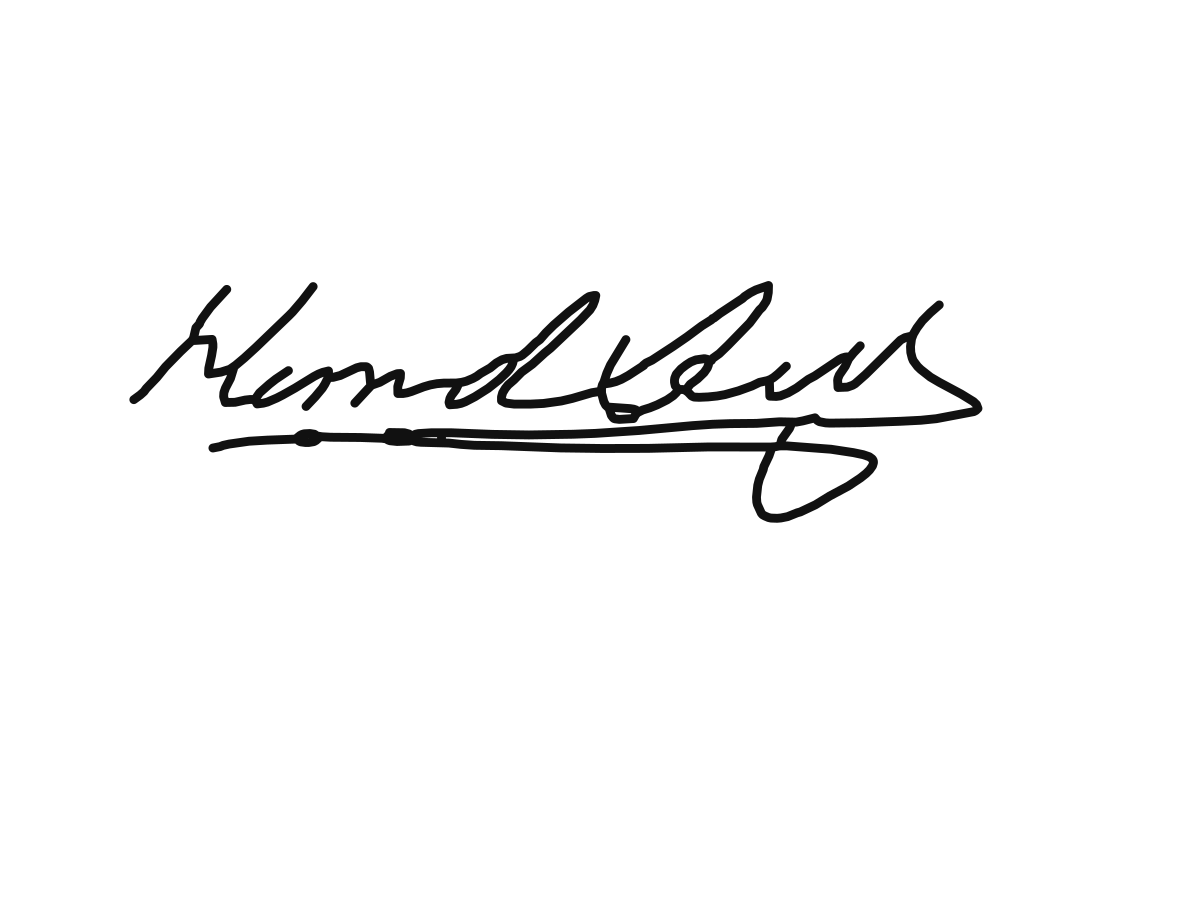
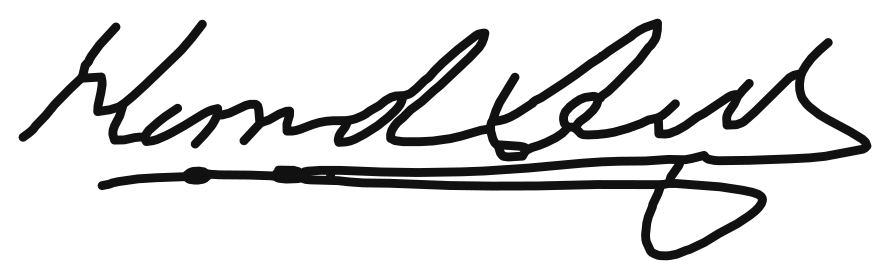
Single line
The same signature, one stroke
Single line traces down the middle of the ink: one even path per stroke, the kind an engraver or a pen plotter follows.
Single line · 20 paths · 6 edge marks dropped · 60 × 16.5 mm
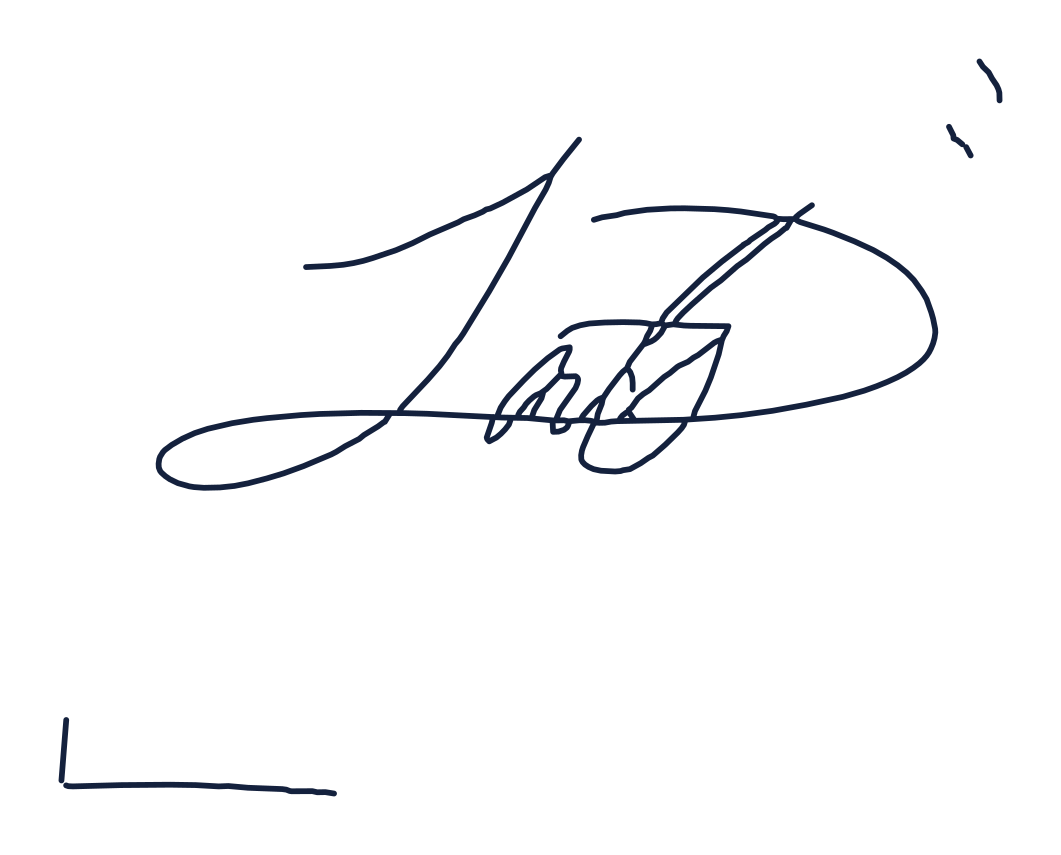
Hard photo
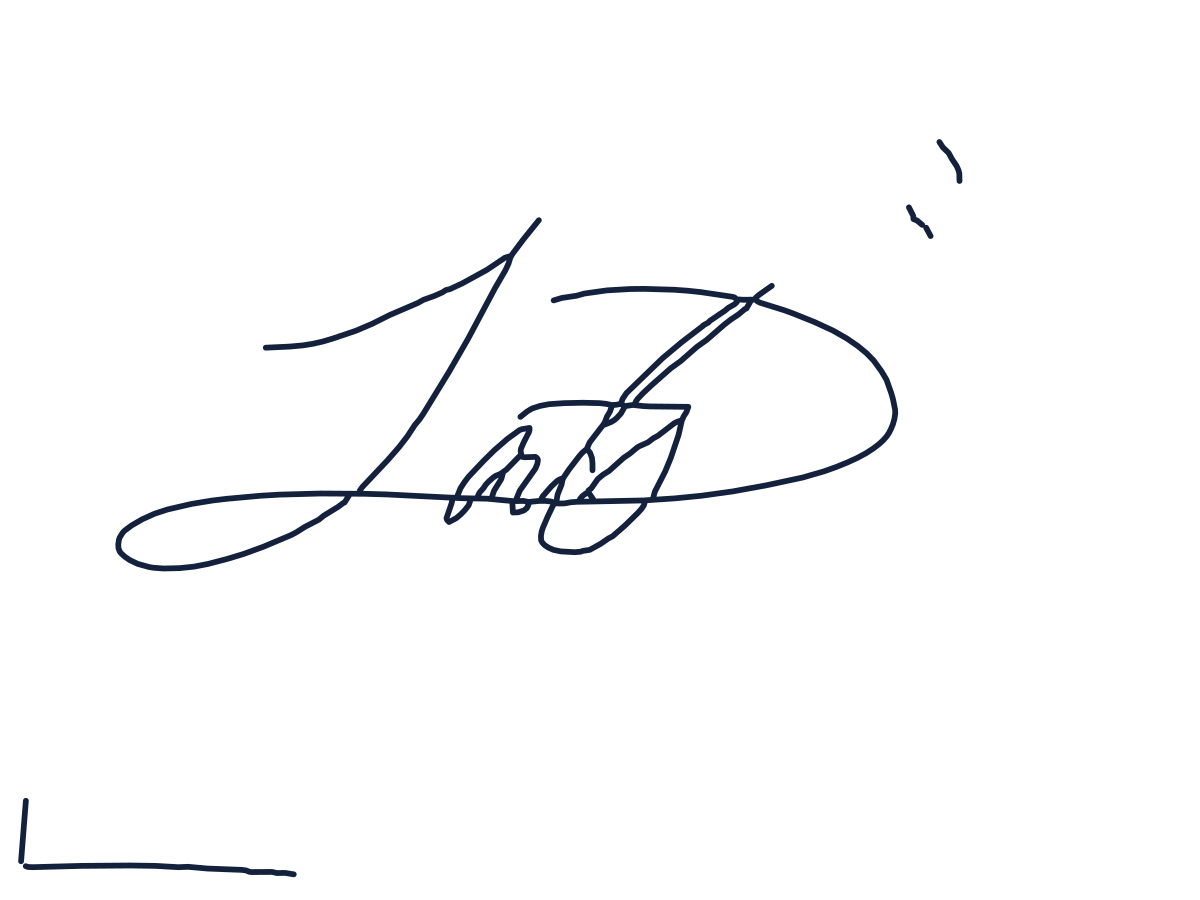
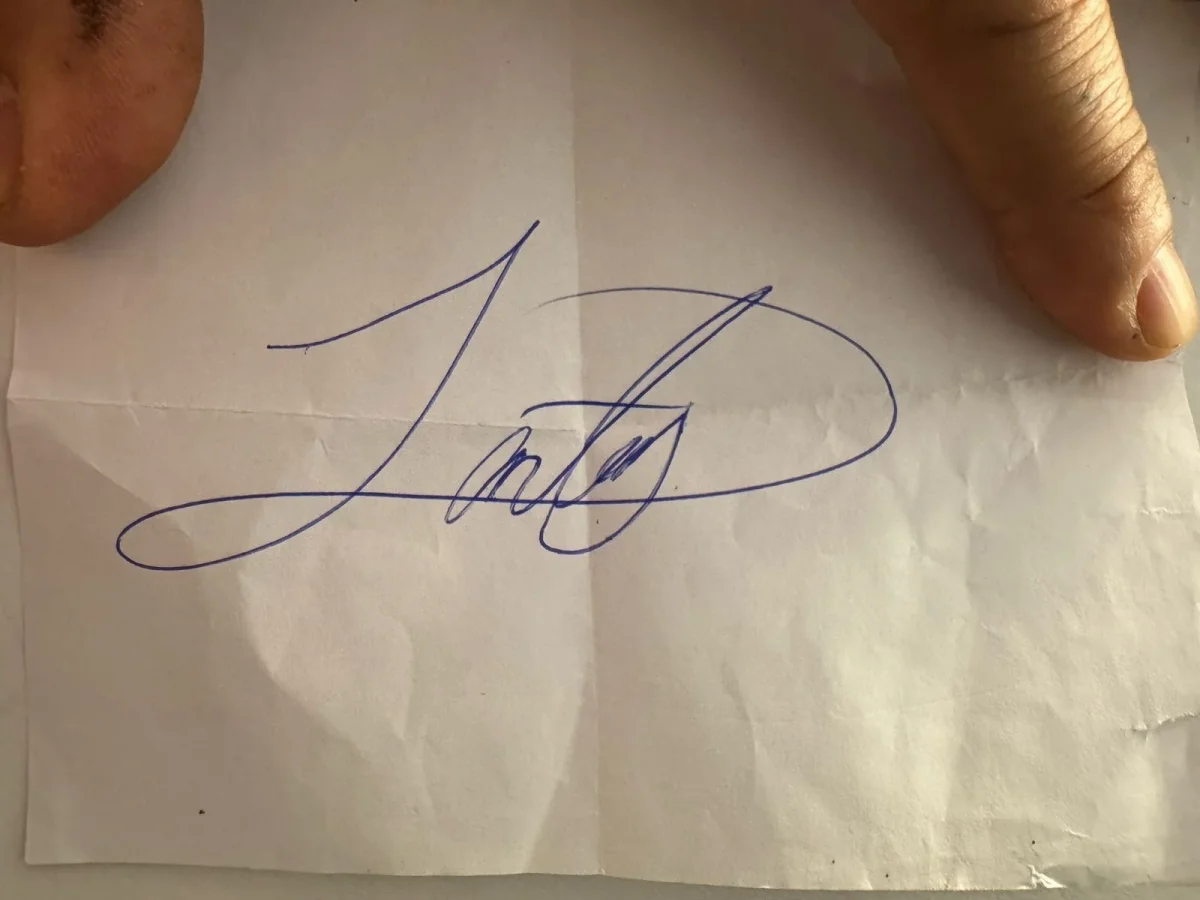
Paper held in a hand
Fingers and the paper edge touch the photo border, so they drop out. One small corner mark is left to erase by hand.
Single line · 26 paths · 27 edge marks dropped · 60 × 46.8 mm
What you get
A signature vector that looks like your hand
Each point below is shown with a real result from this page.
- PhotoVector
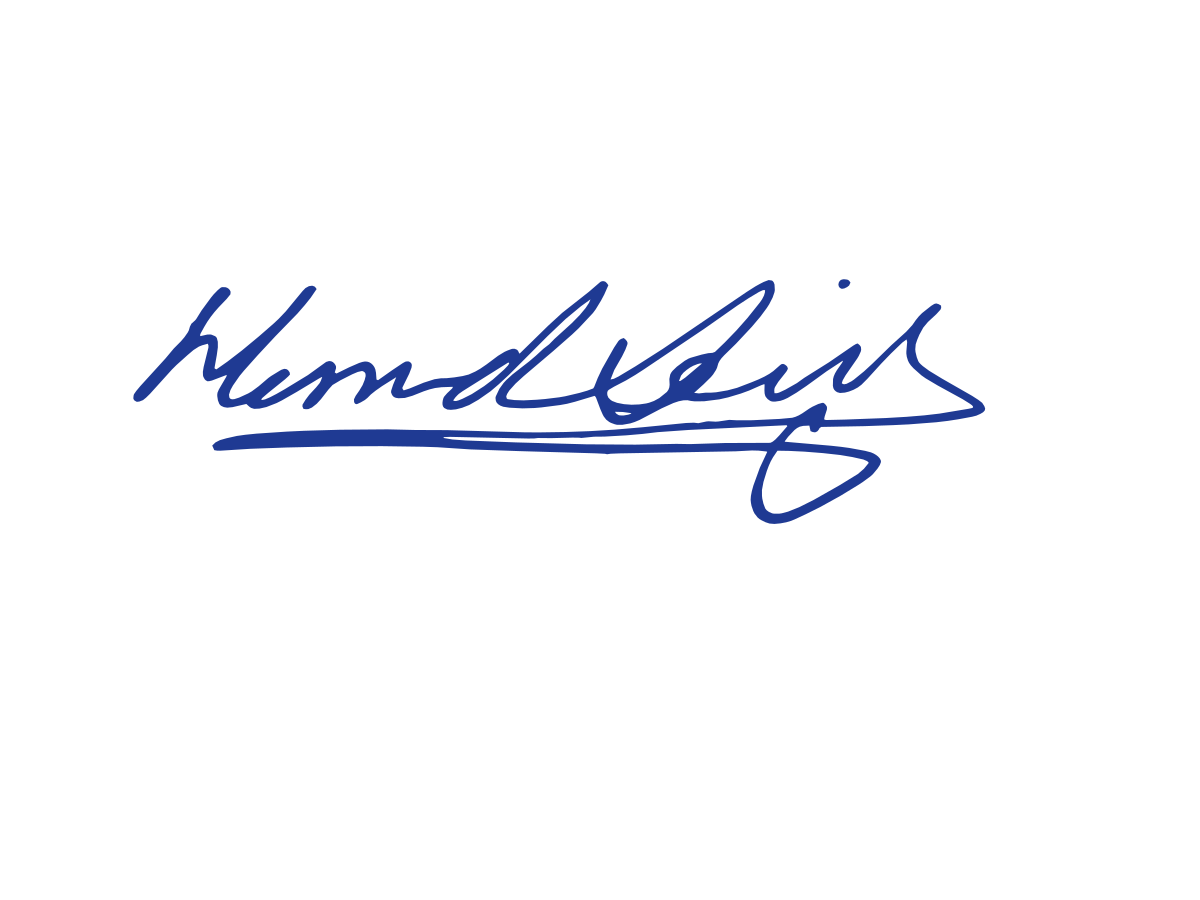
Marker signature as a single line: drag to compare
How to
How to vectorize signature photos in 3 steps
To vectorize signature images cleanly, sign on plain white paper with a dark pen, then:
STEP 1
Photograph or scan it
Shoot straight down in daylight, fill the frame with the signature, and drop the JPG, PNG or WebP on the upload box.
STEP 2
Choose outline or single line
Check the result on the Compare slider. Ink darkness and Clean-up fix faint strokes or specks; On a page shows it on a document.
STEP 3
Save PNG, SVG or DXF
Pick the ink colour, set the width, and download a transparent PNG for documents, an SVG for design or a DXF for engraving.
Specs
Signature to SVG, PNG and DXF specs
What the studio reads, what it writes, and what it leaves to you.
- Input
- JPG, PNG, WebP, GIF or BMP photo or scan up to 25 MB
- Processing
- Up to 2,400 px on the long side, lighting evened, edge marks dropped
- Trace
- Pen outline (filled) or single line (centre of the stroke)
- PNG
- 600, 1,200 or 2,400 px wide, transparent
- SVG
- Cropped to the signature, transparent, width in mm or in
- DXF
- AutoCAD R12 polylines on layer SIGNATURE, at the width you set
- Where it runs
- In a Web Worker in your browser; nothing is uploaded
It does
- Remove paper shadows, desk and paper edges
- Keep the pen shape, or trace one even stroke
- Recolour the ink without tracing again
- Check the line width against your engraving tool
It does not
- Make a legally binding digital signature
- Join gaps the pen left between letters
- Straighten a photo taken at a steep angle
- Redraw faint or broken strokes with AI
Uses
Where a signature vector is useful
One clean signature vector file, many jobs.

Documents and email
Place the transparent PNG on a PDF, a letter or an email footer without a white box around it.
Engraved gifts
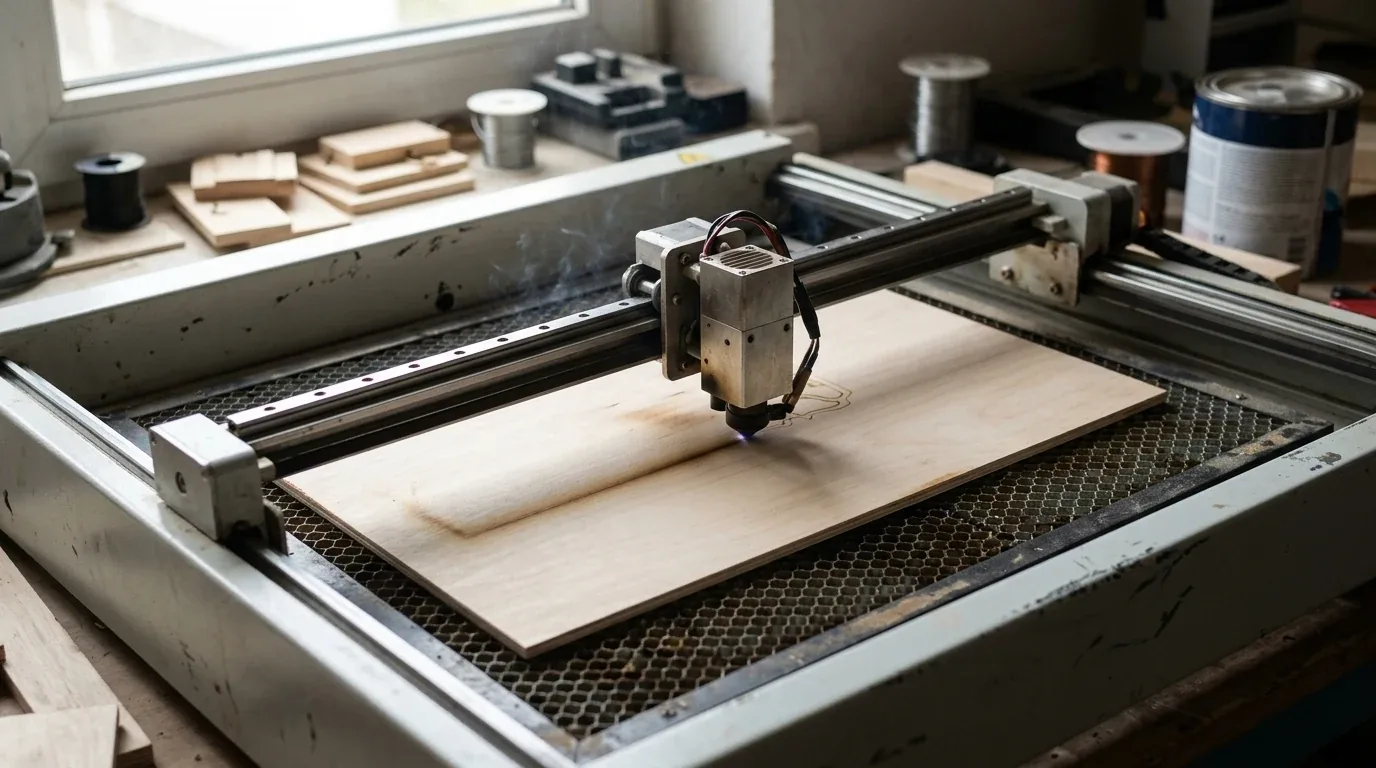
Engrave a signature on a pen, a watch back, a knife or a leather wallet from the single line DXF or SVG.

Brand and merch
A signature logo stays sharp on business cards, labels, packaging and shop signs.
Plotters and CNC
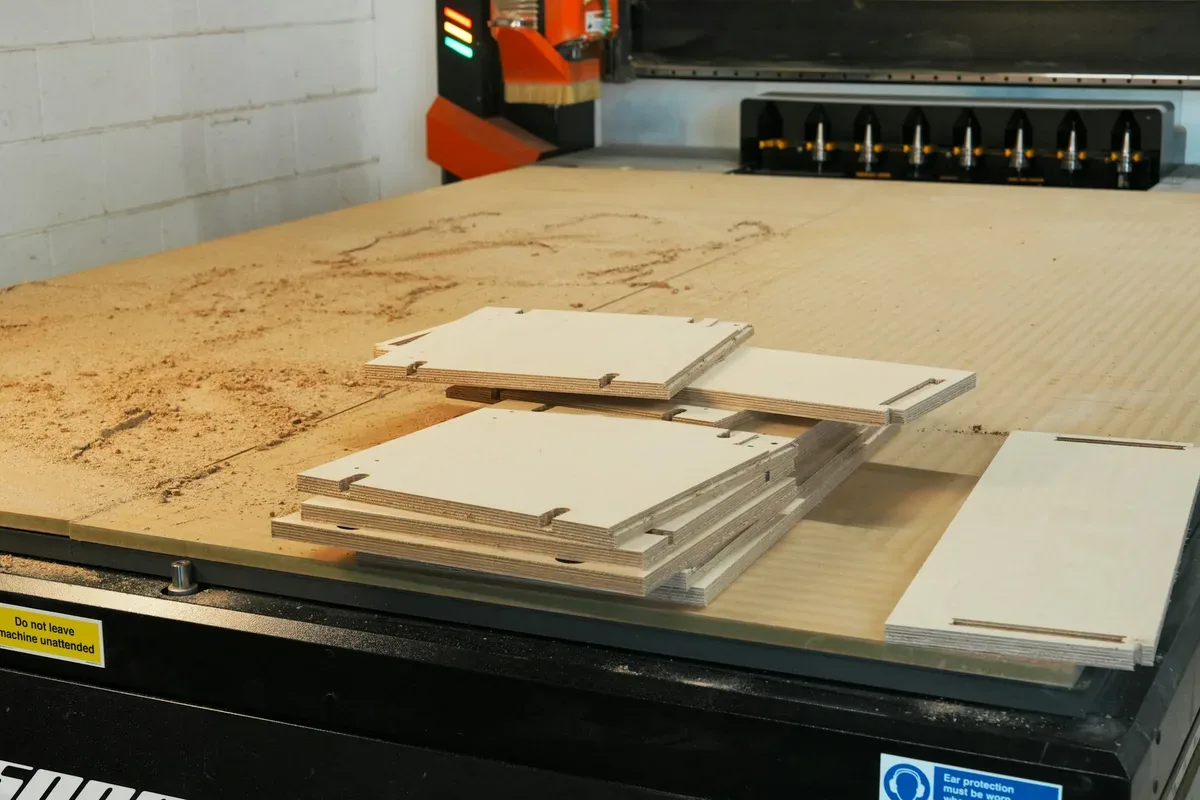
Single line paths draw in one pass on a pen plotter or a V-bit, with no double outlines.
Vectorize signature FAQ
Photos, files, engraving and safety.
Is it free to vectorize signature photos here?
Yes. No sign-up, no watermark, no limit, because everything runs in your own browser.
What is a signature vector file?
A signature vector file stores your signature as paths instead of pixels. It stays sharp at any size, takes any colour, and machines such as lasers and plotters can follow it.
How do I photograph my signature for the best result?
Sign on plain white paper with a dark pen, shoot straight down in soft daylight, and let the signature fill most of the frame. A scan at 300 DPI is even better.
Pen outline or single line: which should I use?
Pen outline for documents, print and branding, because it keeps the thick and thin of the pen. Single line for engraving, pen plotters and anything that follows a path once.
Can I get a signature to SVG with a transparent background?
Yes. Both the SVG and the PNG are transparent and cropped to the signature, so they drop onto any document or design.
Can I use the PNG to sign PDFs?
You can place it in a PDF, Word or Pages file like any image. That is a picture of your signature, not a cryptographic digital signature, so use your PDF tool's signing feature where one is required.
Will the signature vector work for laser engraving?
Yes. Download the DXF or SVG. Use the engraving check: if the pen line is thinner than your beam or bit at the finished size, switch to Single line or engrave it larger.
What if part of my signature is missing?
Faint strokes fall under the ink threshold. Move Ink darkness up a little, or switch off Drop marks at the photo edge if the signature runs off the photo.
Why is there a leftover mark?
Shapes that are large and close to the signature are kept, because they could be part of it. Erase the mark in any vector editor, or crop the photo tighter and open it again.
Is my signature uploaded?
No. The photo is opened and traced inside this tab, and the files are written on your device. Nothing reaches a server.
Which programs open the files?
The SVG opens in Illustrator, Inkscape, Figma, Affinity and Cricut Design Space; the DXF in LightBurn, xTool, AutoCAD and most CAM software.
Vectorize signature photos now
Drop a photo of your signature and save a transparent PNG, SVG or DXF in seconds. Free, in this tab.
Vectorize a signature