DXF to SVG Converter: True Size, Your Layers
Free DXF to SVG converter for ASCII DXF up to 50 MB. Pick the layers you want, keep the true size in mm or inches, and watch the SVG and its file size update live. Arcs stay arcs, text stays text or turns into single-line paths. Nothing leaves your browser.
- Free, nothing uploaded
- True size in mm or in
- One SVG layer per DXF layer
- Real arcs, not dots
Convert DXF to SVG
FreeNo file? Try a sample
Runs in your browser. Nothing is uploaded.
Example result
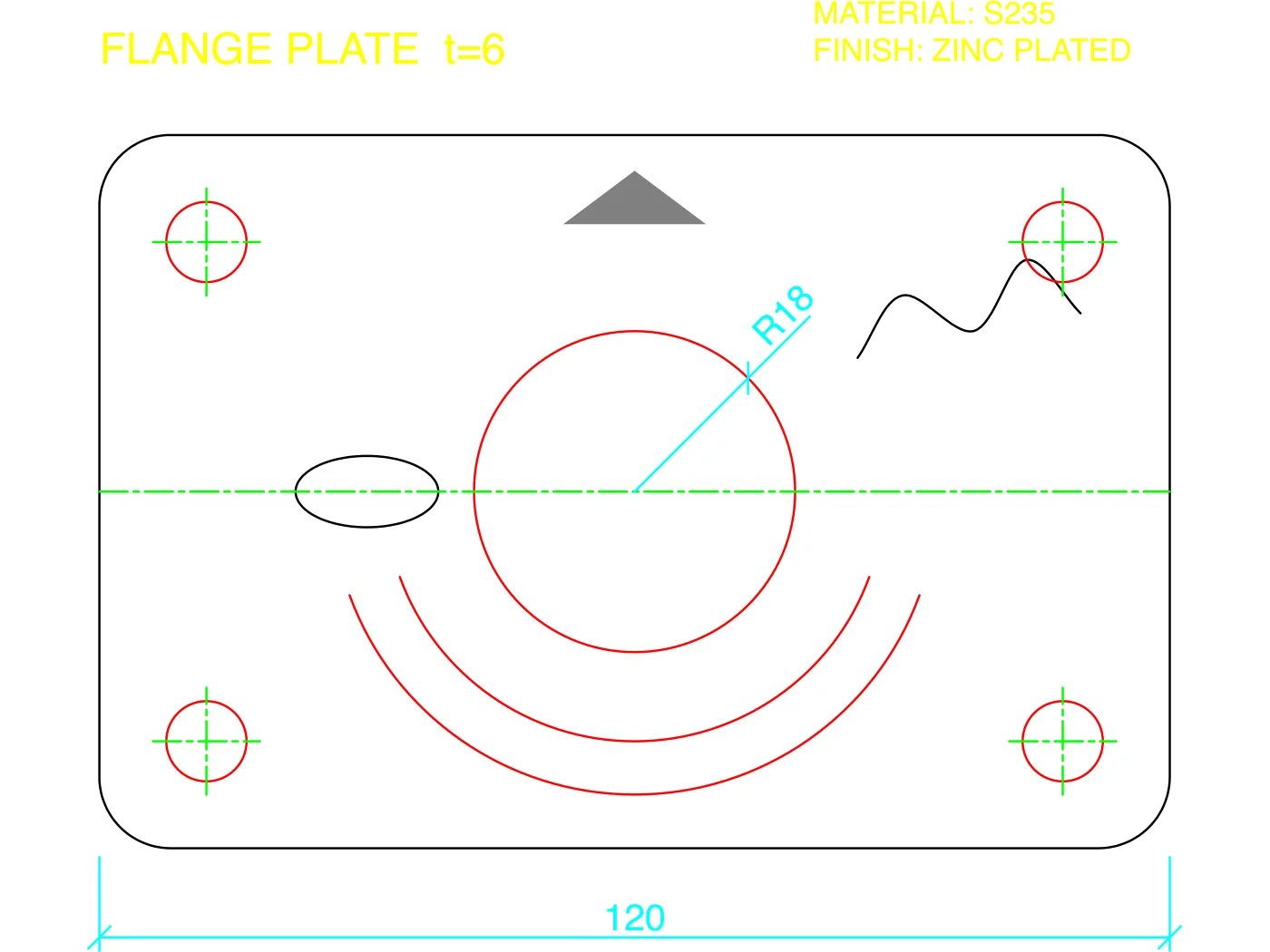
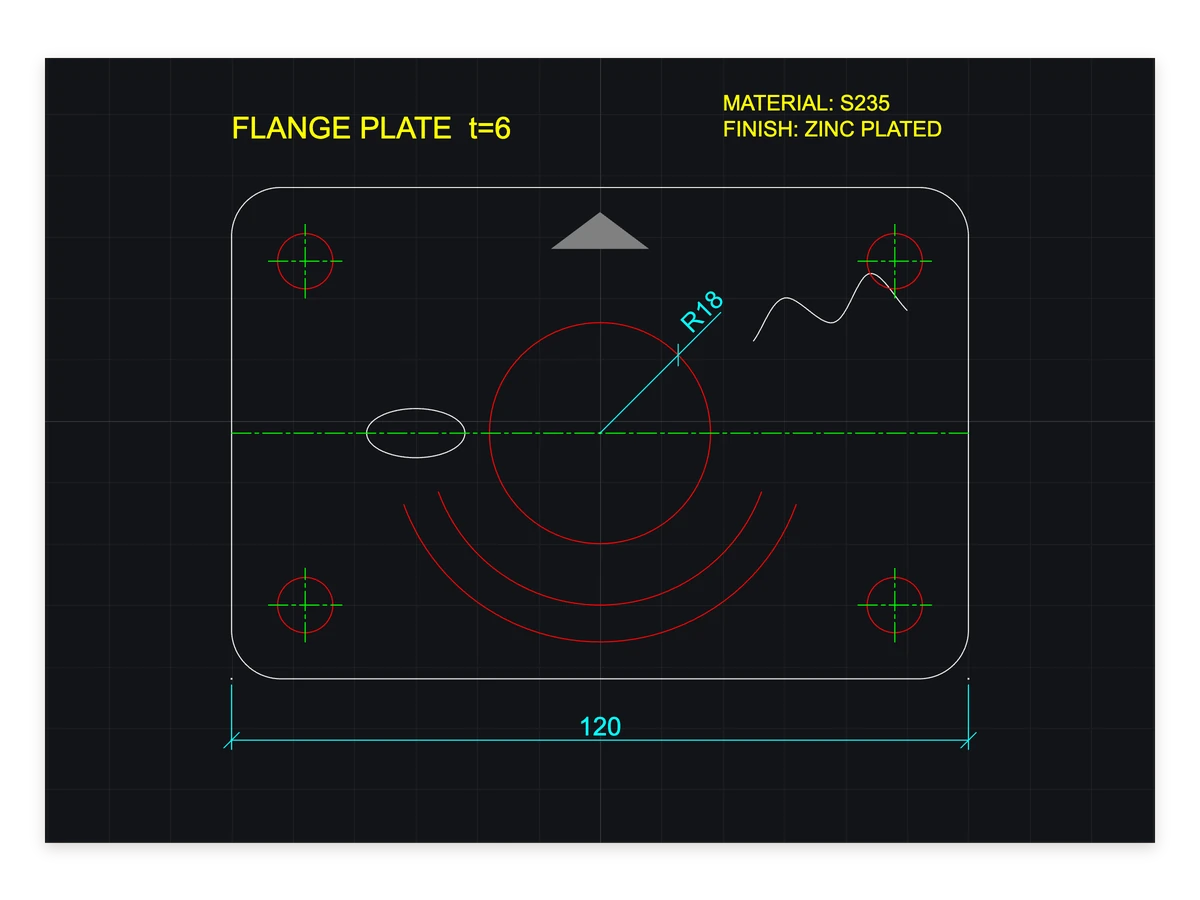
Made here · 122.75 × 106.75 mm · 6 layers · layer colors · 8.3 KB
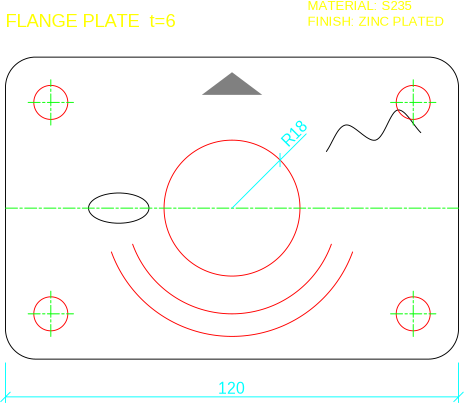
Examples
DXF to SVG examples made in this tool
Six SVG files written by this DXF to SVG converter from the four sample drawings. Drag between the DXF and the SVG, or download the SVG and open it in Inkscape.
Layer colors
Flange plate in its CAD colors
Six layers, each an Inkscape layer named after the DXF one. The four bolt holes are SVG arcs with their true 4.5 mm radius, not polygons.
Made here · 122.75 × 106.75 mm · 6 layers · layer colors · 8.3 KB
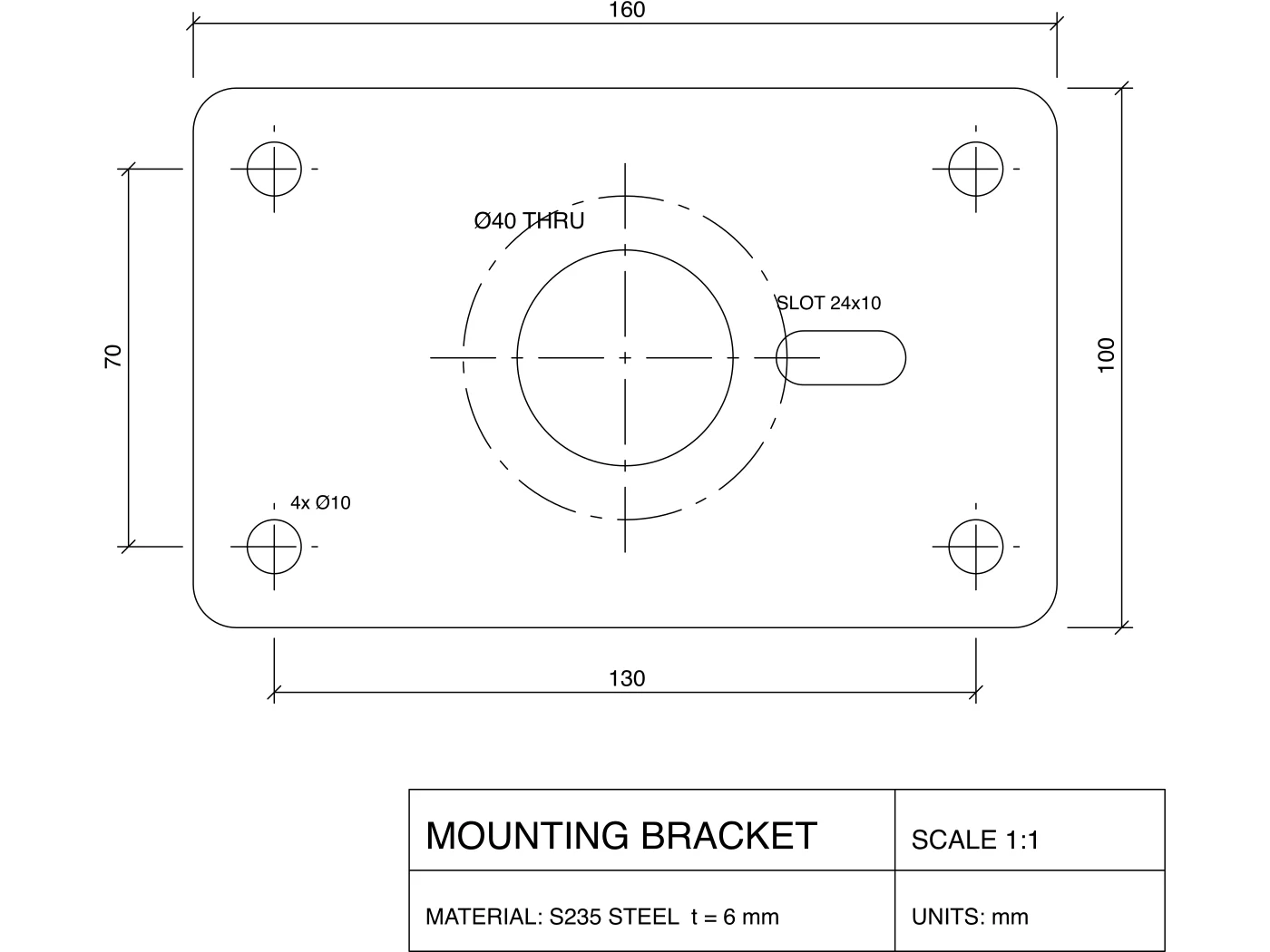
Black · 1:1
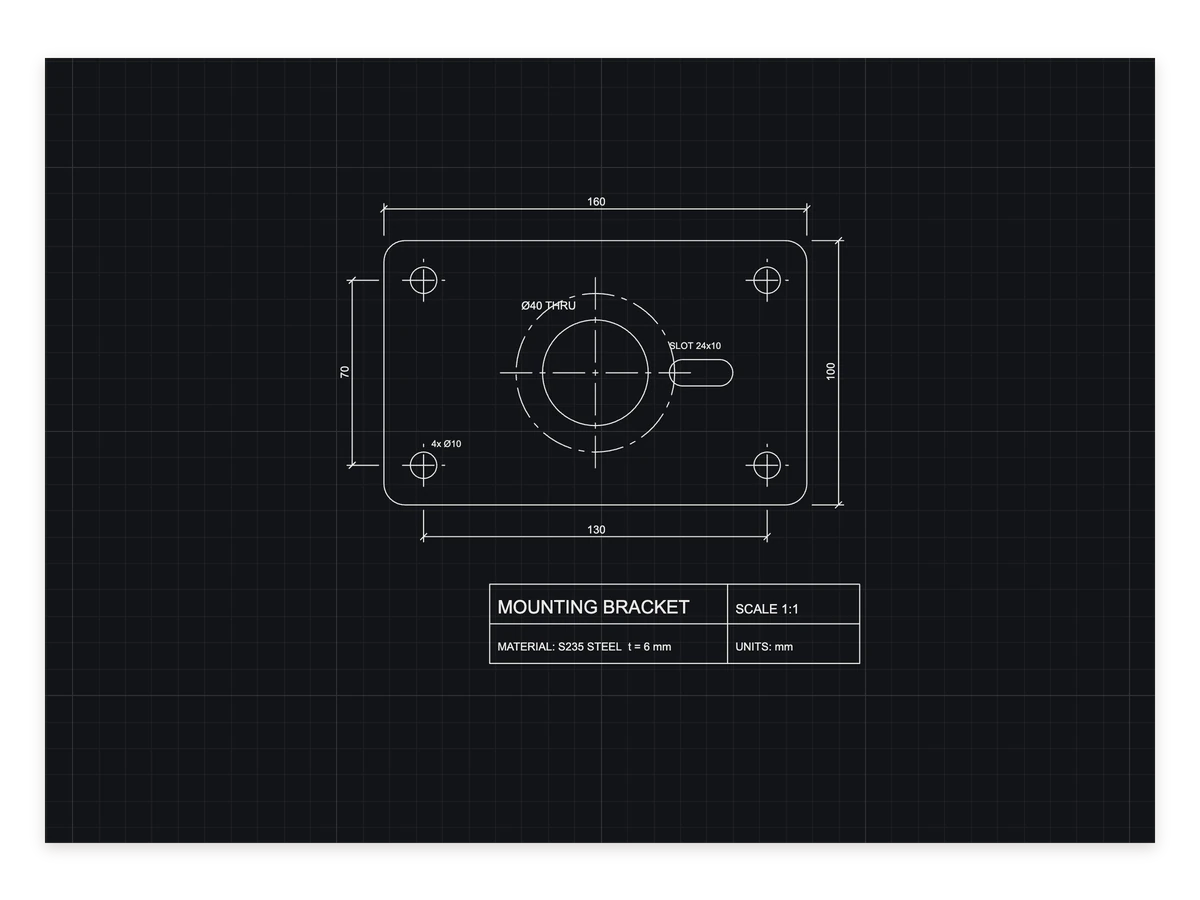
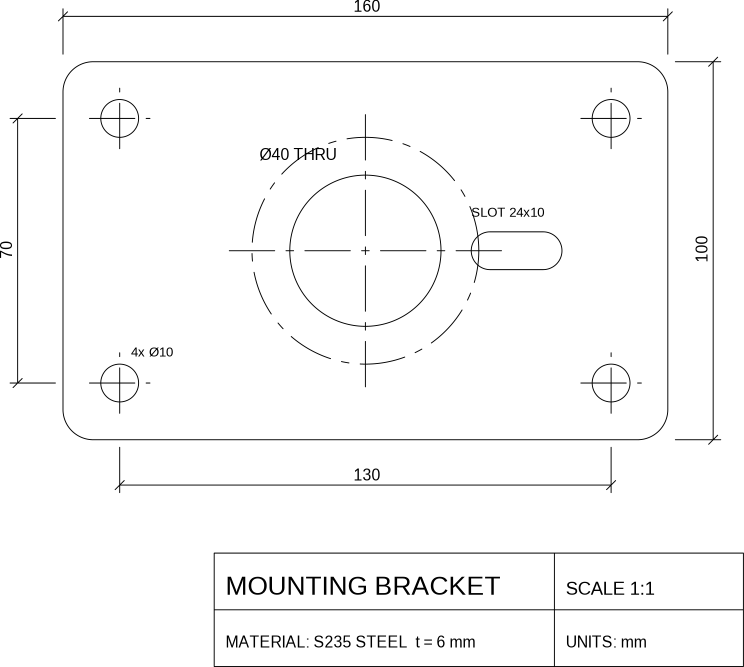
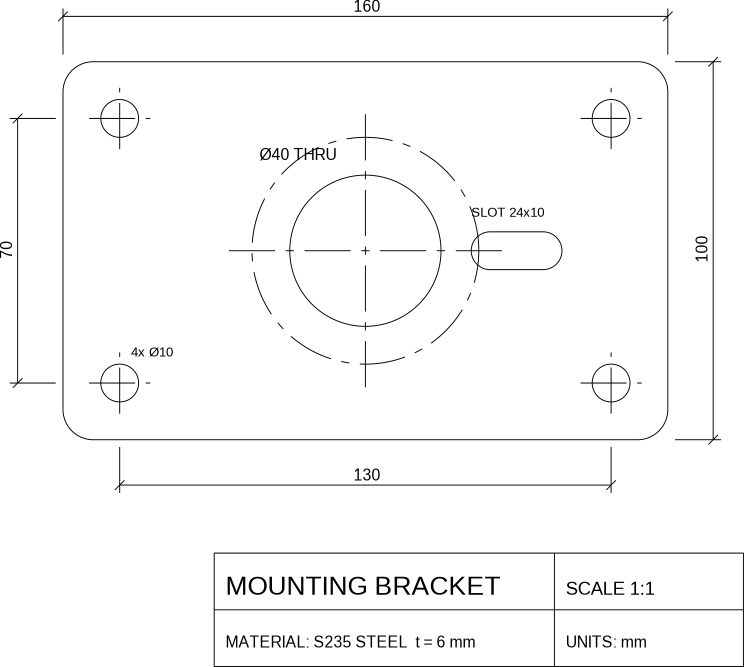
Mounting bracket at full size
A 196.5 by 176.2 mm drawing with dimensions and a title block. The SVG says width="196.75mm": the drawing plus half a line width.
Made here · 196.75 × 176.45 mm · 1:1 · black · 5.5 KB
1:50
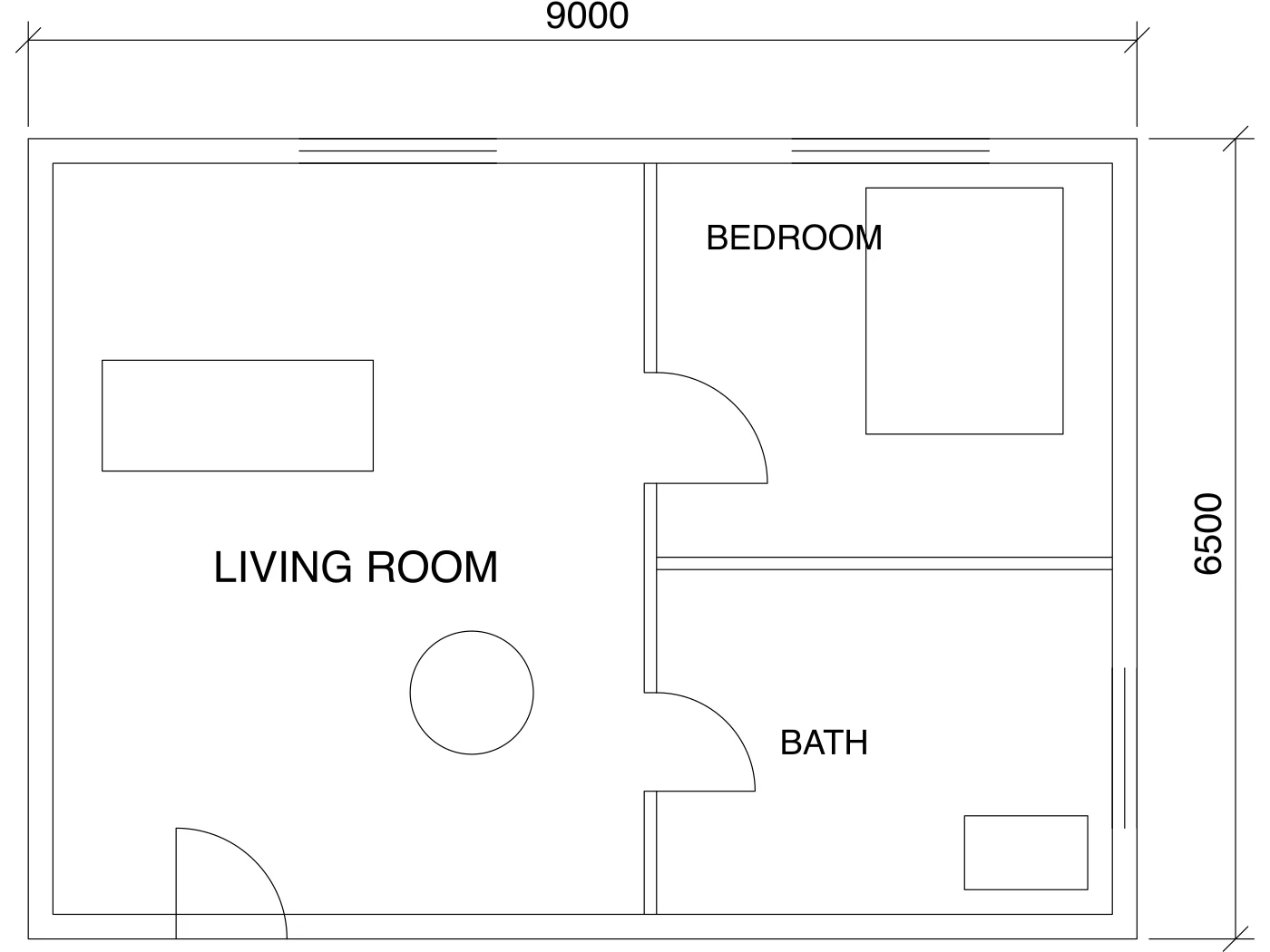
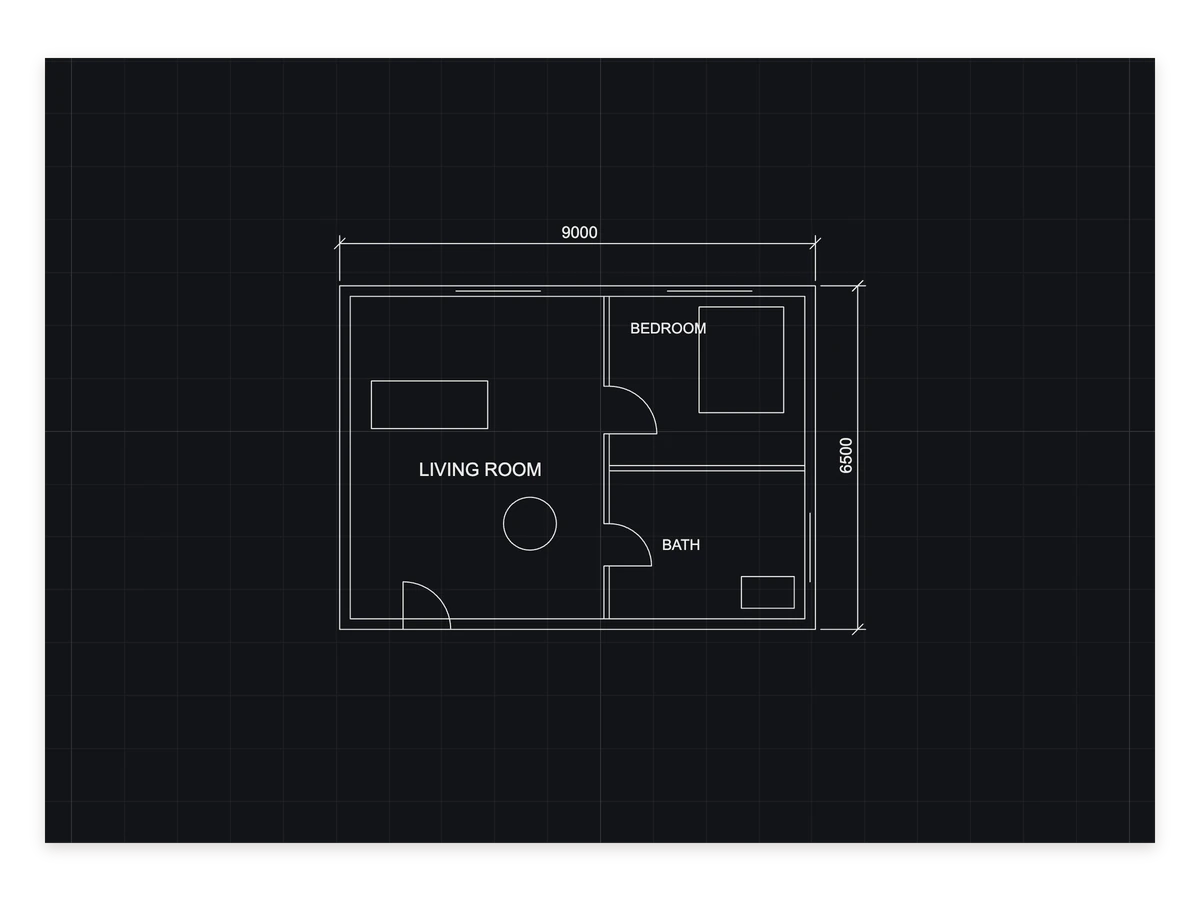
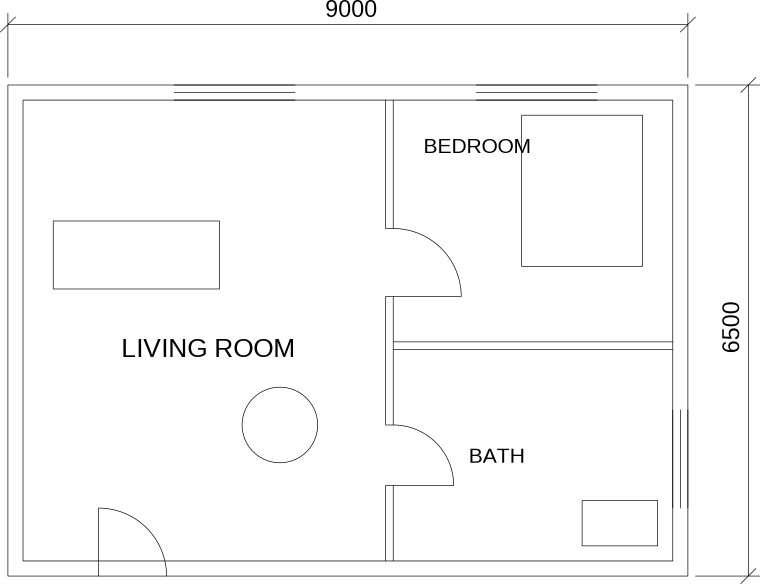
Floor plan scaled to 1:50
A 10 m wide plan drawn in millimetres. At 1:50 the SVG is 201 by 154 mm, so it drops onto an A4 page at a scale you can quote.
Made here · 1:50 · 201.18 × 154.58 mm · 0.18 mm lines · 3.9 KB
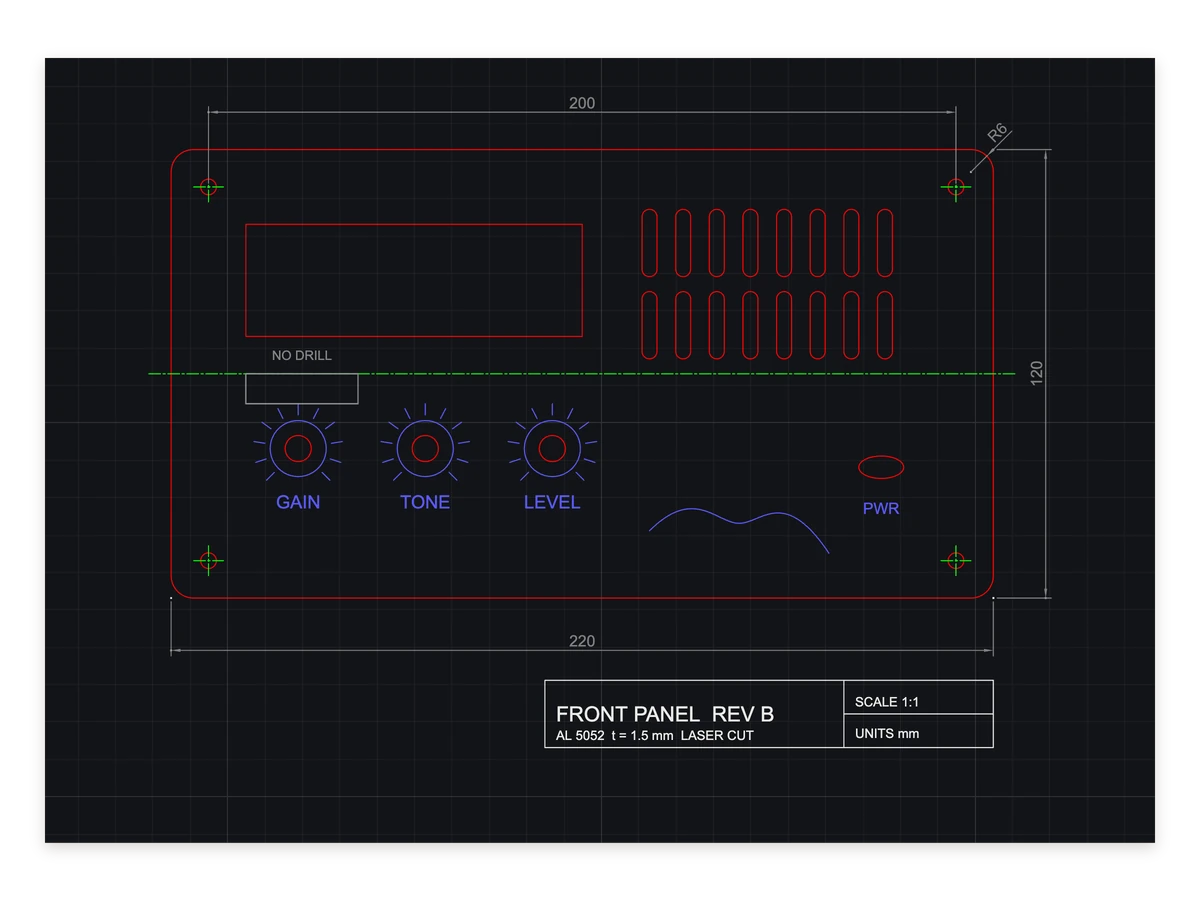
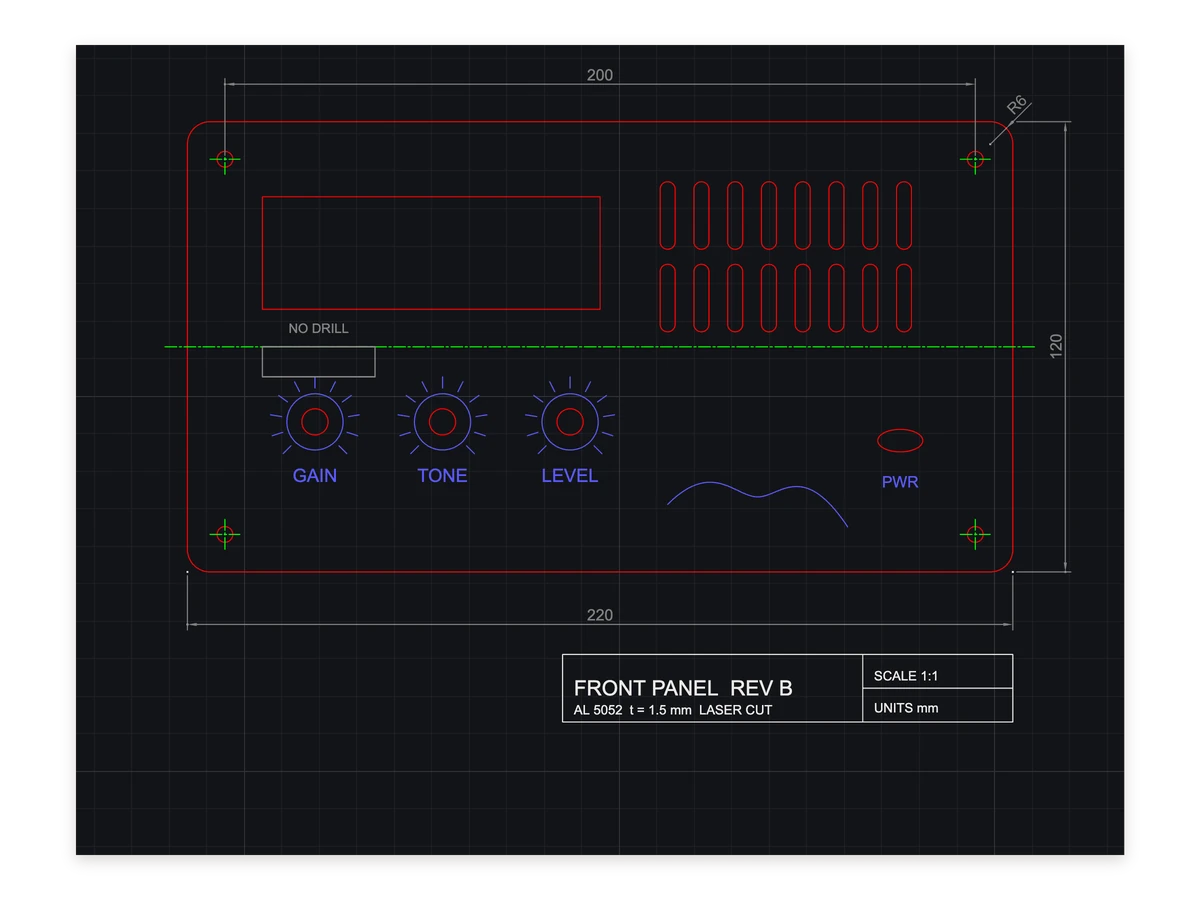
Fills and dashes
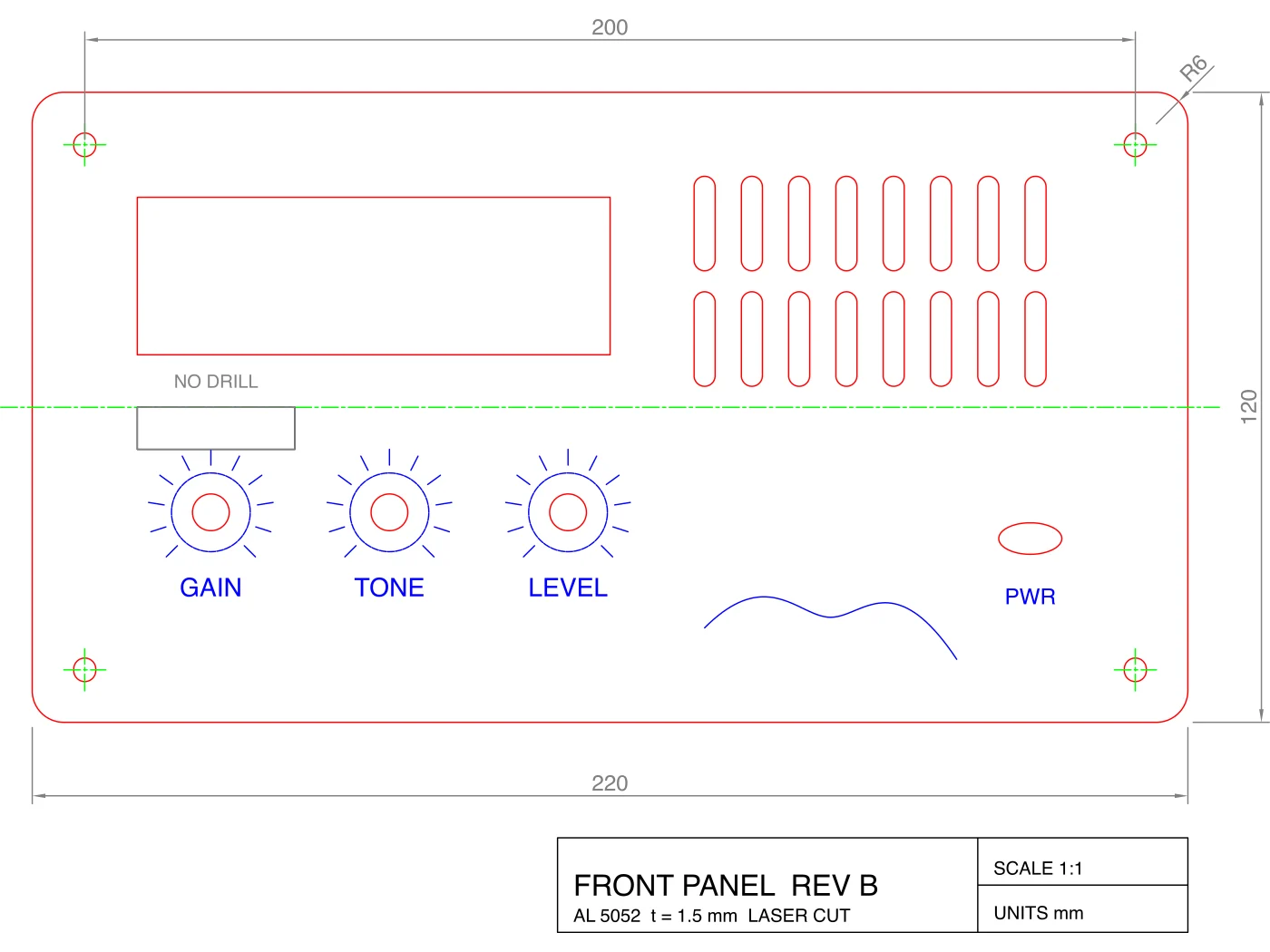
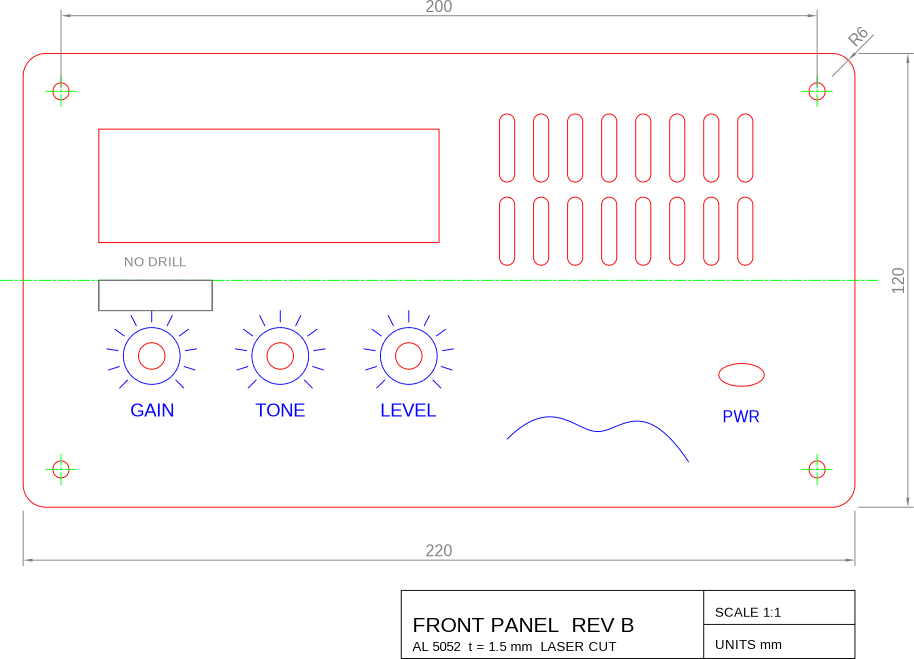
Laser panel with fills and a center line
Solid hatches become filled paths with even-odd holes, and the dashed center line keeps its dash pattern as stroke-dasharray.
Made here · 241.75 × 174.25 mm · fills and dashes · 49 KB
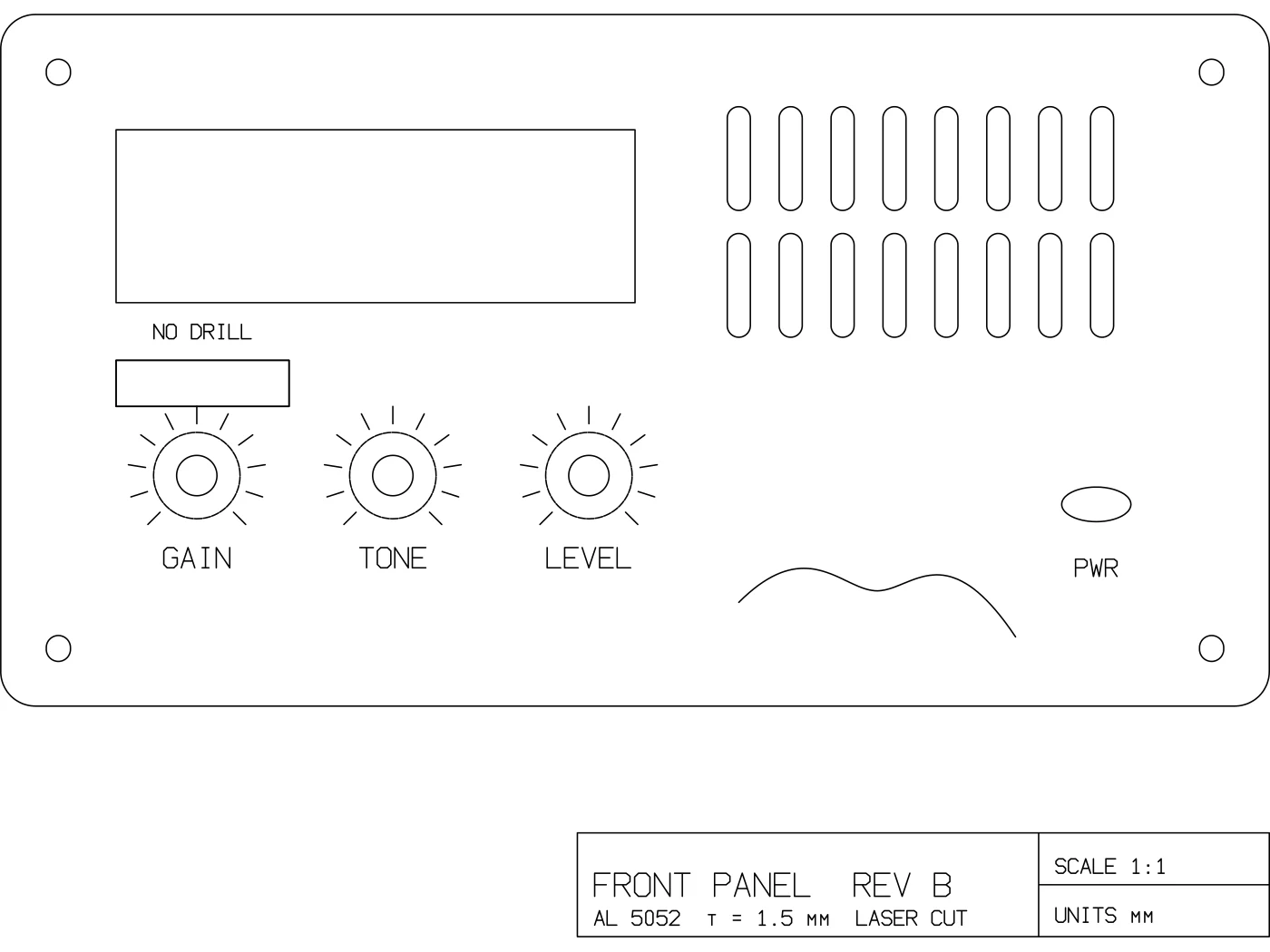
Layers off · paths
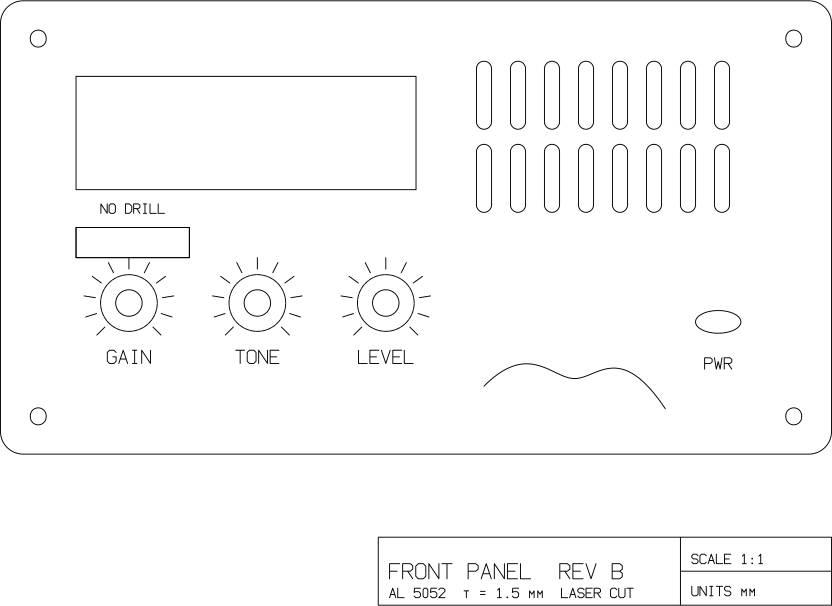
Cut file: no dimensions, text as strokes
DIMS and CENTER switched off, text drawn as single-line paths a laser or pen plotter follows once. 220 mm wide, still true size.
Made here · DIMS and CENTER off · single-line text · 220.25 × 160.25 mm
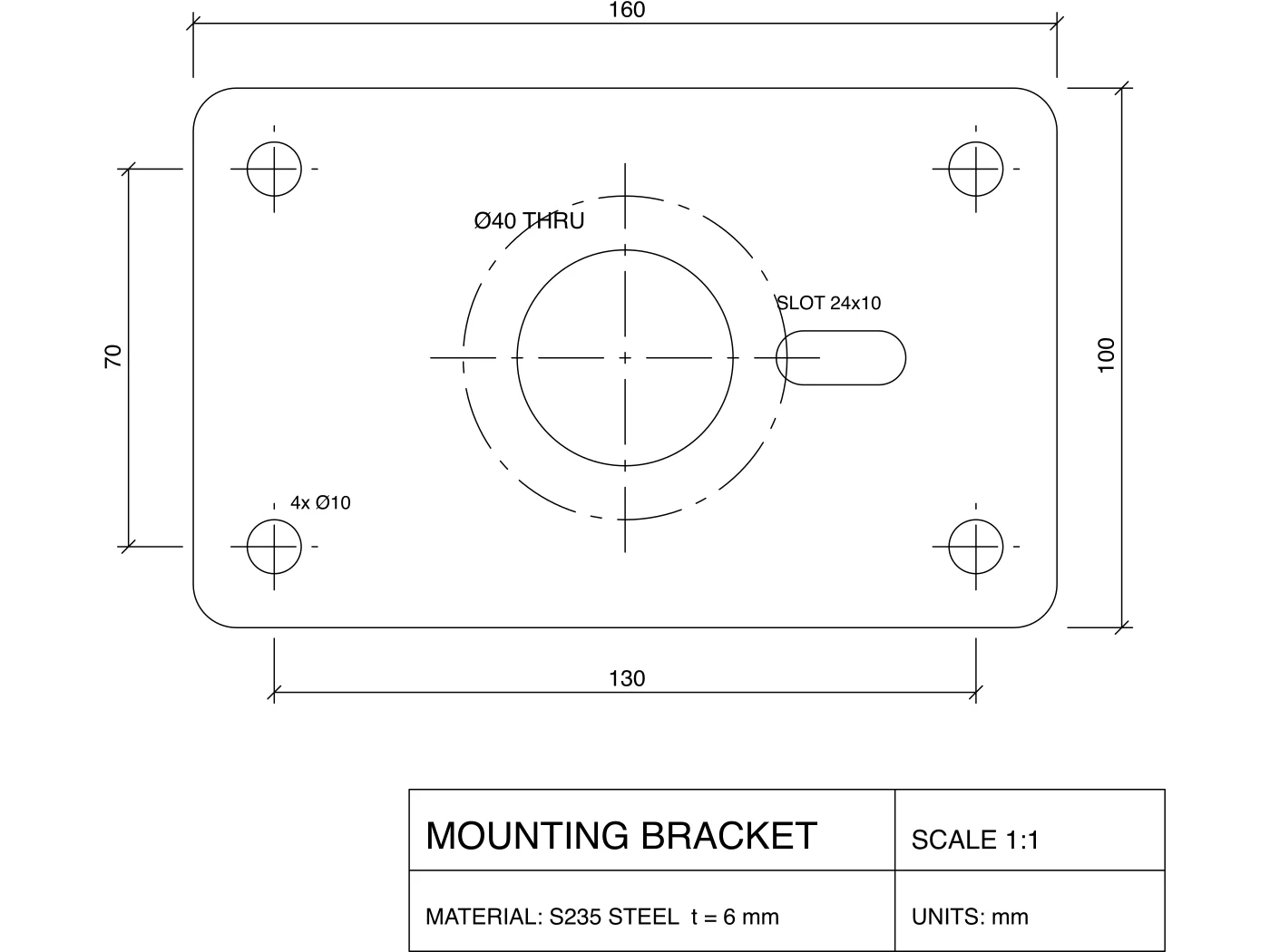
Exact colors
The bracket with exact layer colors
Layer colors written exactly as stored in the DXF, so laser software that maps colors to cut, score and engrave reads them as intended.
Made here · exact layer colors · 196.75 × 176.45 mm
How it works
How the DXF to SVG converter builds the file
The preview is the downloaded file itself, drawn by your browser. Every figure below was written by this tool.
Floor plan: 10,050 mm wide in the DXF, 201 mm in the SVG at 1:50
How to
How to convert DXF to SVG in 3 steps
No install, no account and no upload: you can convert DXF to SVG in under a minute.
STEP 1
Open the DXF
Drop an ASCII DXF (R12 to 2018) up to 50 MB on the upload box, paste one, or start from a sample drawing.
STEP 2
Pick layers and size
Tick the layers to keep, choose true size or a viewBox only, set the scale, colors, line width and text mode. The preview and the byte count update on every change.
STEP 3
Download SVG
Press Download SVG for a file named after the drawing, or copy the SVG code. A PNG at twice the preview size is there for slides and chats.
Check one length
Import the SVG and measure a known dimension. If it is 25.4 times off, the file was in inches: set Drawing units.
Laser jobs
Keep only the cut and engrave layers, use layer colors, a thin line and single-line text.
Web pages
Turn true size off so the SVG scales to its container, and pick black on a transparent background.
Huge plans
Switch off hatching and text layers you do not need: the byte count shows the saving right away.
Specs
DXF to SVG specs: what each entity becomes
What goes in, what the SVG holds, and what this DXF to SVG converter leaves out on purpose.
- Input
- ASCII DXF, R12 to 2018, up to 50 MB; UTF-8 or the code page in $DWGCODEPAGE
- LINE, LWPOLYLINE, POLYLINE
- Path data; polyline bulges become short segments
- CIRCLE, ARC
- SVG arc commands at the true radius
- ELLIPSE, SPLINE
- Short straight segments along the curve
- INSERT, DIMENSION, LEADER
- Blocks expanded with scale, rotation and arrays; dimensions from their block
- SOLID, HATCH
- Solid fills as even-odd filled paths (or outlines); pattern hatches as their boundary
- TEXT, MTEXT, ATTRIB
- SVG text in Helvetica or Arial, single-line paths, or left out
- Size and units
- Width and height in mm or in, 1:1 to 1:100, viewBox in the same units
- Where it runs
- Read in a worker, written in your tab; nothing is uploaded
It does
- Write the SVG at true size, or as a viewBox for the web
- Keep each DXF layer as a named Inkscape layer
- Keep circles and arcs as arcs and dashed linetypes as dashes
- Show the live SVG and its exact byte size before you download
- Write text as SVG text or as single-line stroke paths
It does not
- Open DWG or binary DXF; save as ASCII DXF first
- Export paper space layouts or viewport contents
- Draw 3D solids, regions, meshes, images or wipeouts
- Draw hatch patterns; only their boundary is kept
- Keep SHX fonts or per-layer line weights
Where it goes
What people do after they convert DXF to SVG
An SVG opens in every browser and in most design and cutting programs. To check a drawing first, open it in the DXF viewer; to go the other way, use SVG to DXF.
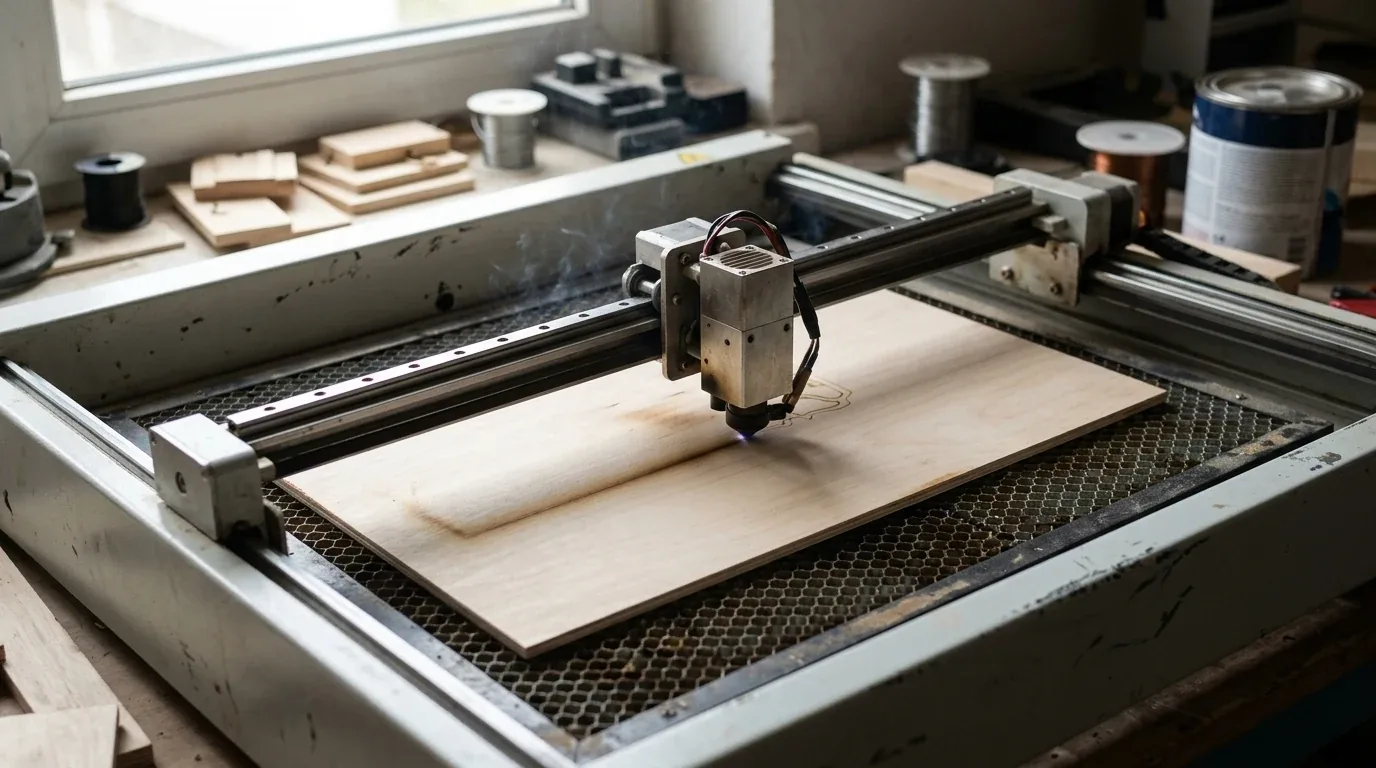
Laser cutting and engraving
Color-mapped layers and single-line text for LightBurn, Glowforge and similar software that takes SVG.

Plotters and vinyl cutters
True size and one stroke per letter, so a pen plotter or cutter follows each line once.
Manuals and web pages
A crisp drawing that scales on any screen, with only the layers the reader needs.
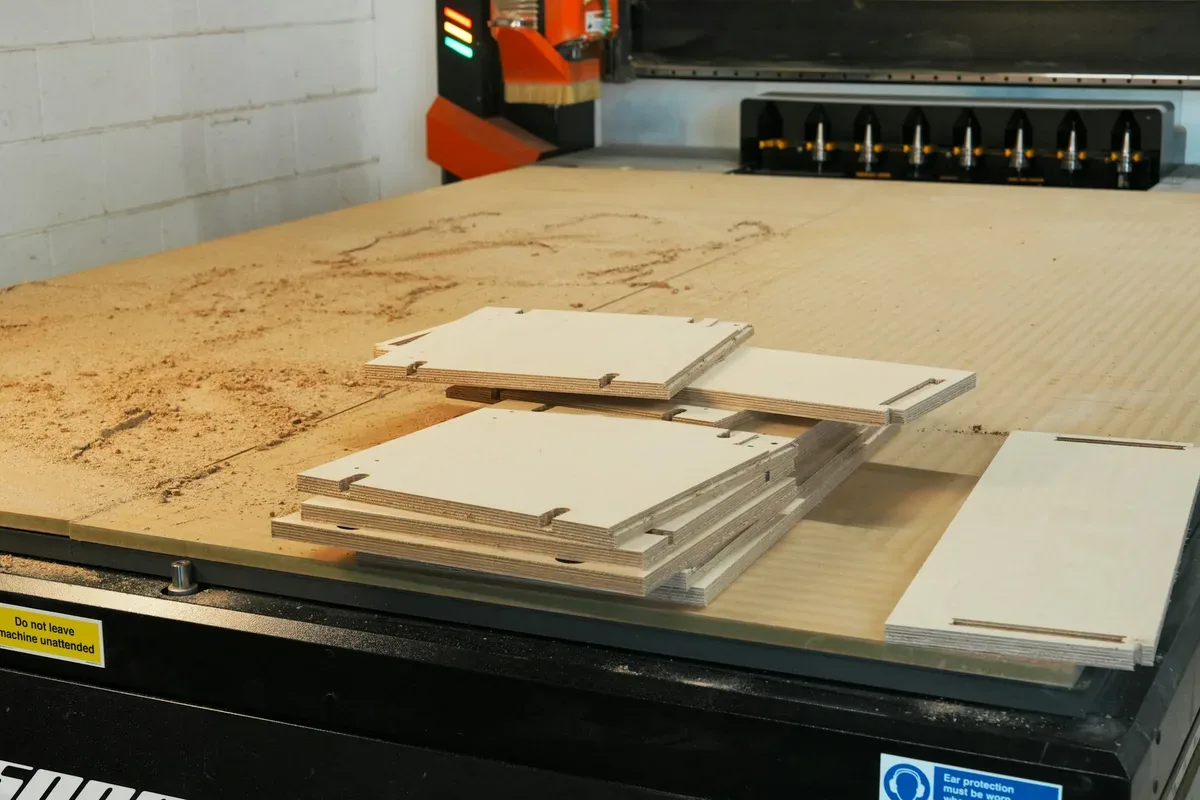
CNC and print shops
Some shops quote from SVG: send one at real size and they can measure it.
DXF to SVG FAQ
Scale, layers, text, colors and what the converter leaves out.
How do I convert DXF to SVG?
Drop the DXF on the upload box and press Convert to SVG. Untick the layers you do not want, pick the size, colors and text mode, check the live preview, then press Download SVG.
Is the DXF to SVG output true to scale?
Yes, with true size on. Width and height are written in mm or inches from the drawing units and the scale you choose, with a matching viewBox, so Inkscape, Illustrator and laser software import it at real size. The canvas is half a line width larger on each side so edge lines are not cut off.
Does the SVG keep my DXF layers?
Yes. Each layer you keep is a group marked as an Inkscape layer and named after the CAD layer, so it appears in Inkscape’s Layers panel; other editors show a named group. Layers that are off or frozen in the file, Defpoints and no-plot layers start unticked.
Are circles and arcs real curves in the SVG?
Yes. Circles and arcs are SVG arc commands with the exact radius, so a 9 mm hole is a 9 mm circle. Ellipses, splines and polyline bulges are written as short straight segments.
Can I convert DXF text to paths?
Yes. Choose single-line paths and letters are drawn with our own stroke font: A to Z, digits and common CAD symbols such as Ø, ° and ±, with lowercase as small capitals. Any text with other characters stays as SVG text, and the panel tells you how many.
What happens to colors and line widths?
You choose all black or exact layer colors, with white ACI 7 lines written as black. One line width, set in millimetres, applies to every line; line weights stored in the DXF are not read.
Why is my SVG the wrong size?
The DXF probably has no units or the wrong ones. Set Drawing units to what it was drawn in. A part drawn in inches but read as millimetres comes out 25.4 times too small.
Does DXF to SVG keep dashed lines and hatches?
Dashed linetypes are kept as stroke-dasharray, scaled with the drawing. Solid hatches and SOLIDs become filled paths, or outlines if you switch fills off. Pattern hatches keep only their boundary.
Can I convert a DWG to SVG?
Not directly: this DXF to SVG converter reads DXF only. Open the DWG in the DWG to DXF converter first, which runs in your browser too, then convert the DXF here.
Is this DXF to SVG converter free, and is my file uploaded?
It is free, with no sign up, watermark or limit on files. The DXF, up to 50 MB, is read in a worker in your browser and the SVG is written there, so the drawing never leaves your computer.
Why is the SVG file so big?
Hatching, text and dense splines add the most bytes. The converter shows the exact size as you go: switch off layers you do not need, or leave text out, and watch the number drop.
Which DXF versions work?
ASCII DXF from R12 to 2018. Binary DXF is turned away with a message: save it again as ASCII DXF in your CAD program. Paper space is used only when model space is empty.
Convert DXF to SVG now
Open the DXF, keep the layers you need and download a true-size SVG. It all happens in this tab.
Convert a DXF to SVG