DXF to PDF Converter: Print Drawings to Scale
Free DXF to PDF converter for ASCII DXF files up to 50 MB. Choose a sheet from A4 to A0 or ANSI A to E and a scale from 1:1 to 1:100, or fit to page, and download a vector PDF that prints at that scale, with a title strip for file, scale and units. Nothing leaves your browser.
- Free, nothing uploaded
- True 1:N scale
- Pick layers to print
- Vector, not pixels
Convert DXF to PDF
FreeNo file? Try a sample
Runs in your browser. Nothing is uploaded.
Examples
DXF to PDF examples made in this tool
Six sheets printed by this DXF to PDF converter from four sample drawings. Drag between the DXF and its PDF page, or download the PDF and print it at 100%.
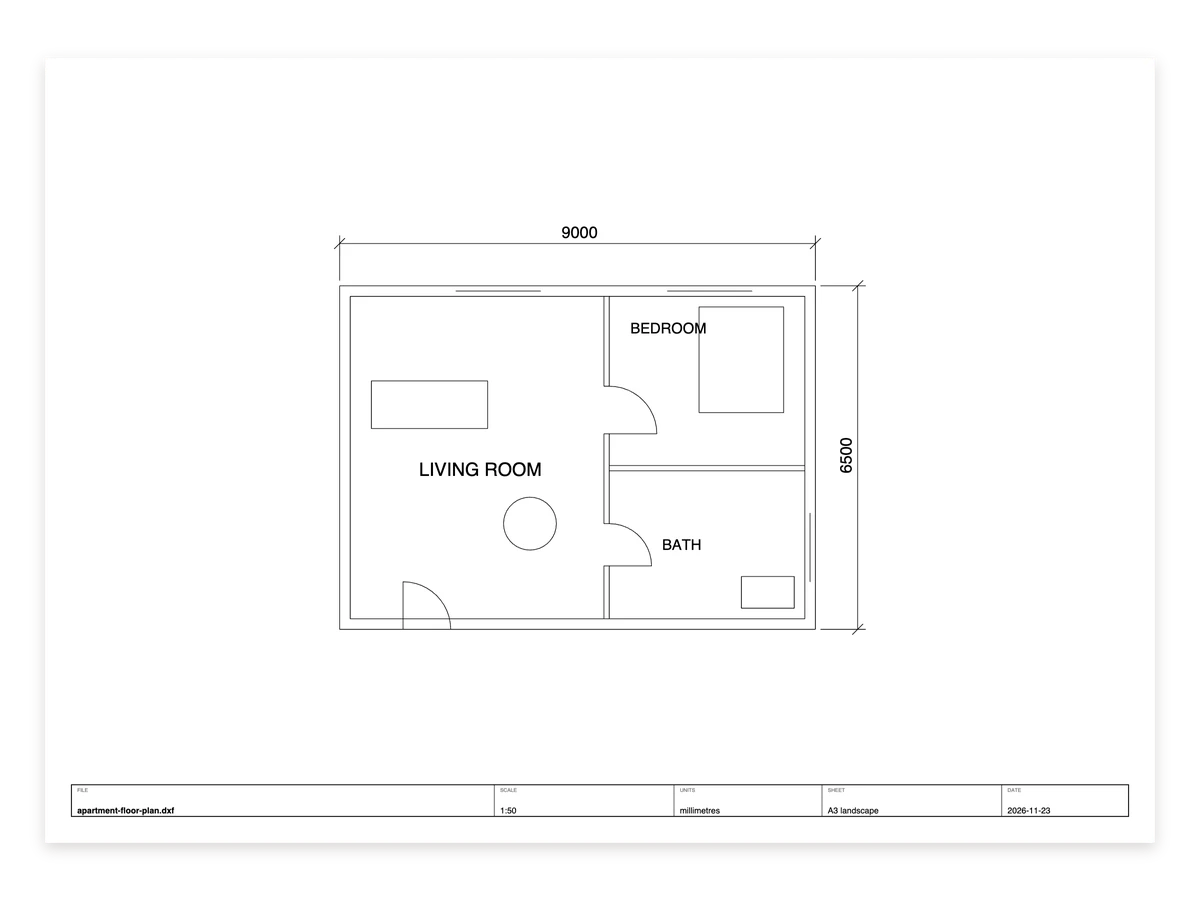
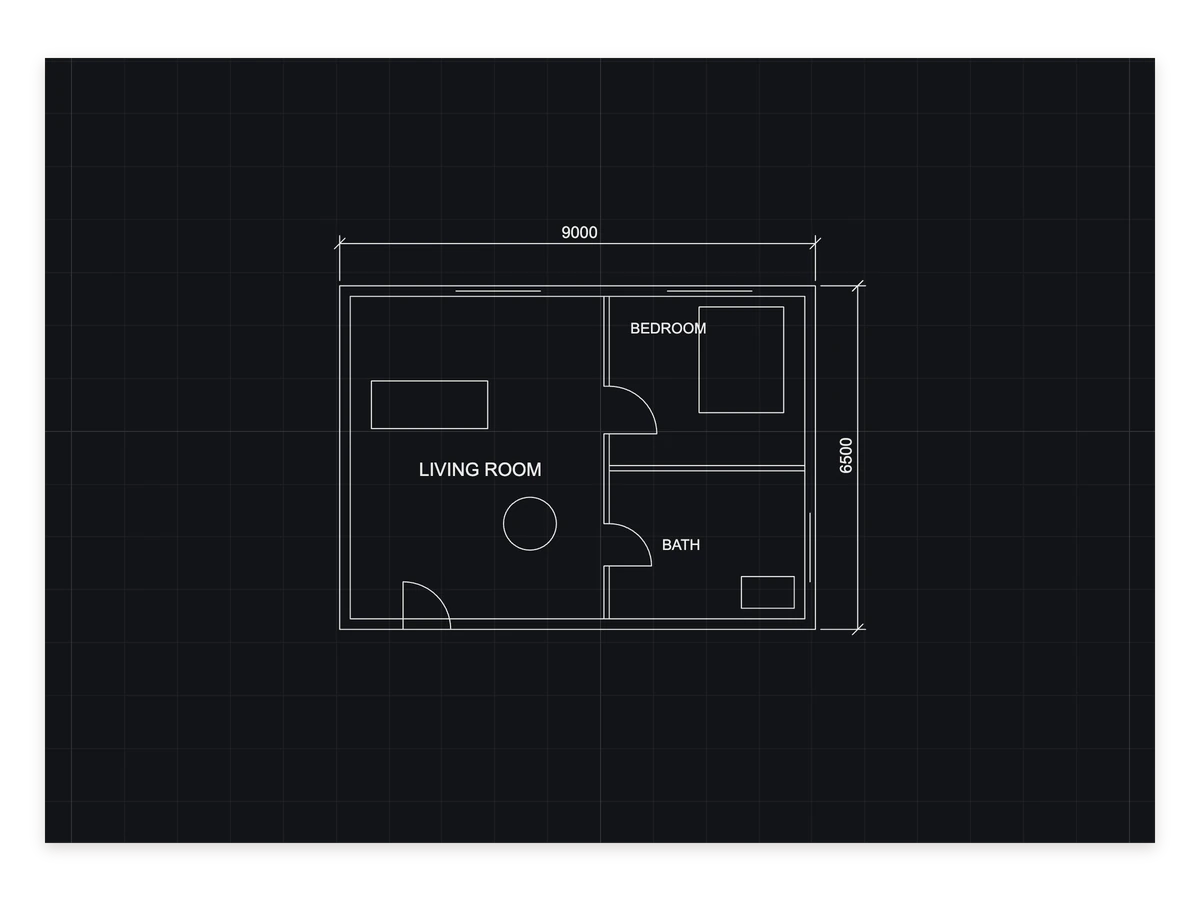
A3 · 1:50
Apartment floor plan at 1:50
A 9 by 6.5 m plan drawn in millimetres. At 1:50 it takes 201 by 154 mm of an A3 landscape sheet, and the 9000 mm wall is 180 mm long on paper.
Made here · A3 landscape · 1:50 · black lines · title strip
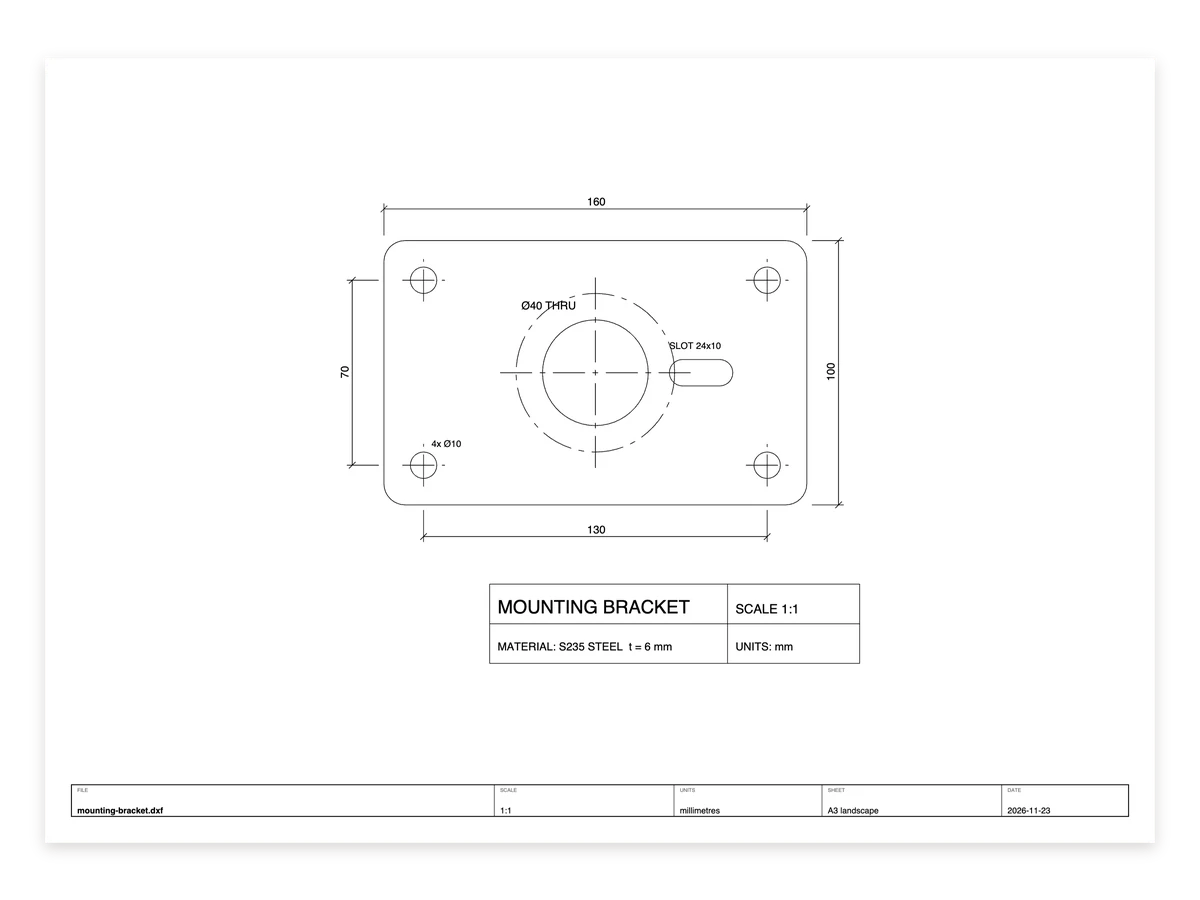
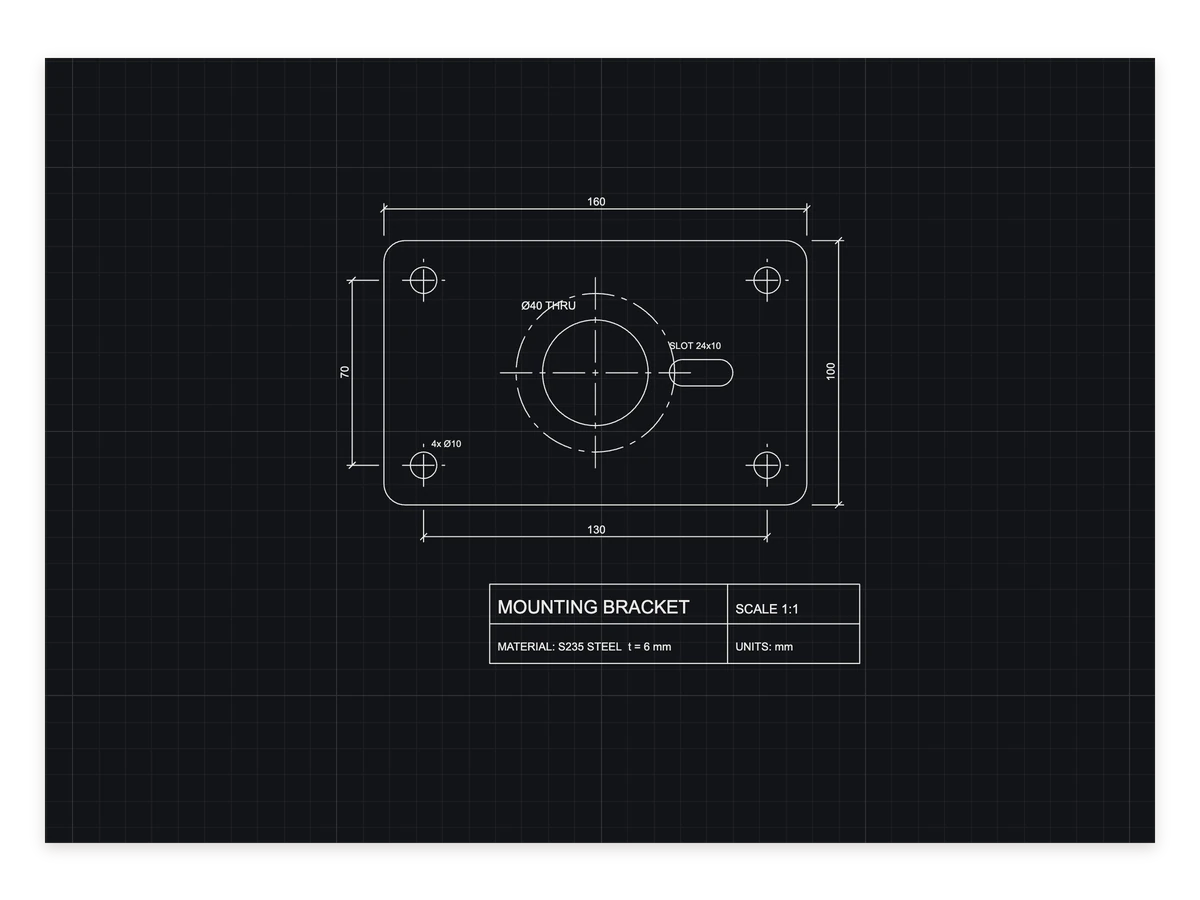
A3 · 1:1
Mounting bracket at full size
A 160 by 100 mm steel plate printed 1:1 on A3, so the holes 130 mm apart are 130 mm apart on the sheet. Print at 100% and lay the part on it.
Made here · A3 landscape · 1:1 · black lines
A4 · fit
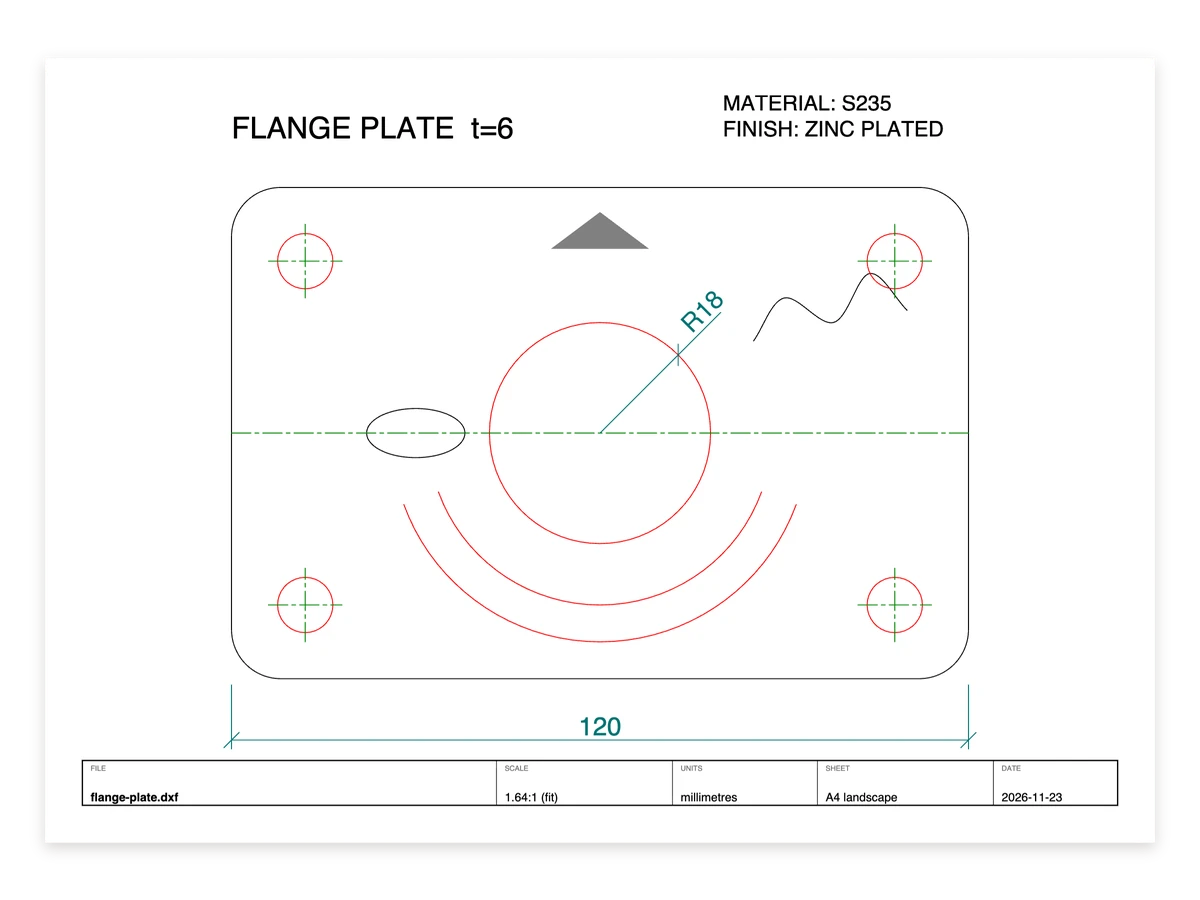
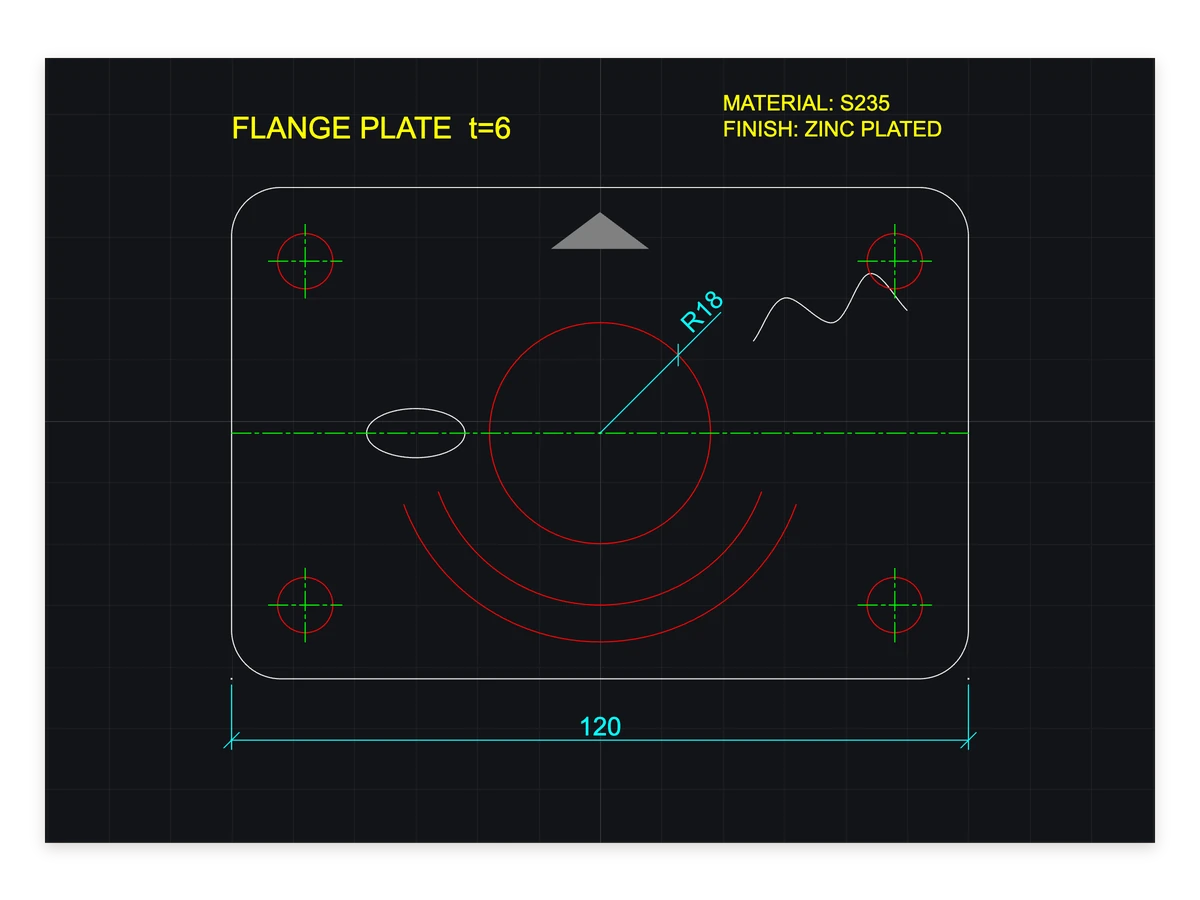
Flange plate fitted to A4
Fit to page fills the sheet and writes the ratio it used, 1.64:1 here, in the title strip, so nobody takes the print for full size.
Made here · A4 landscape · fit to page · layer colors
A4 · colors
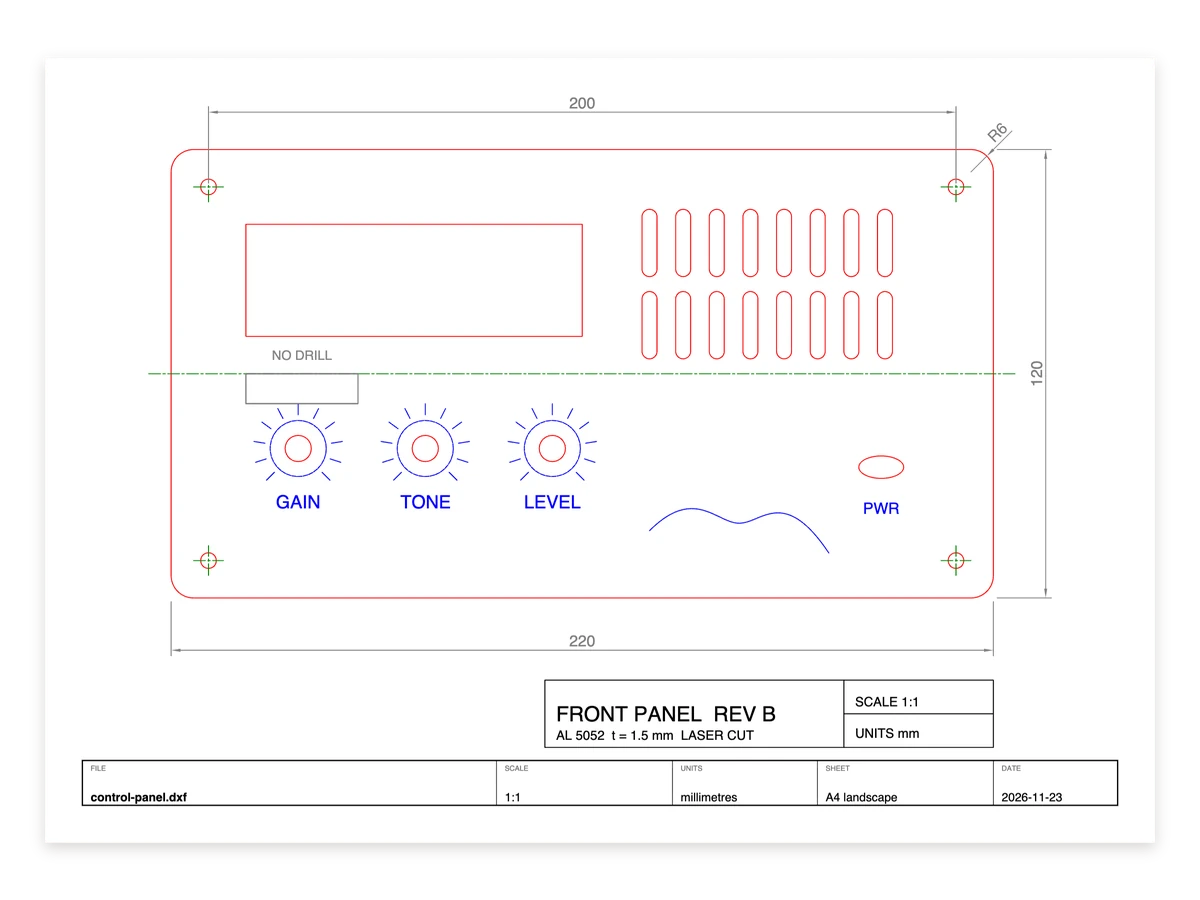
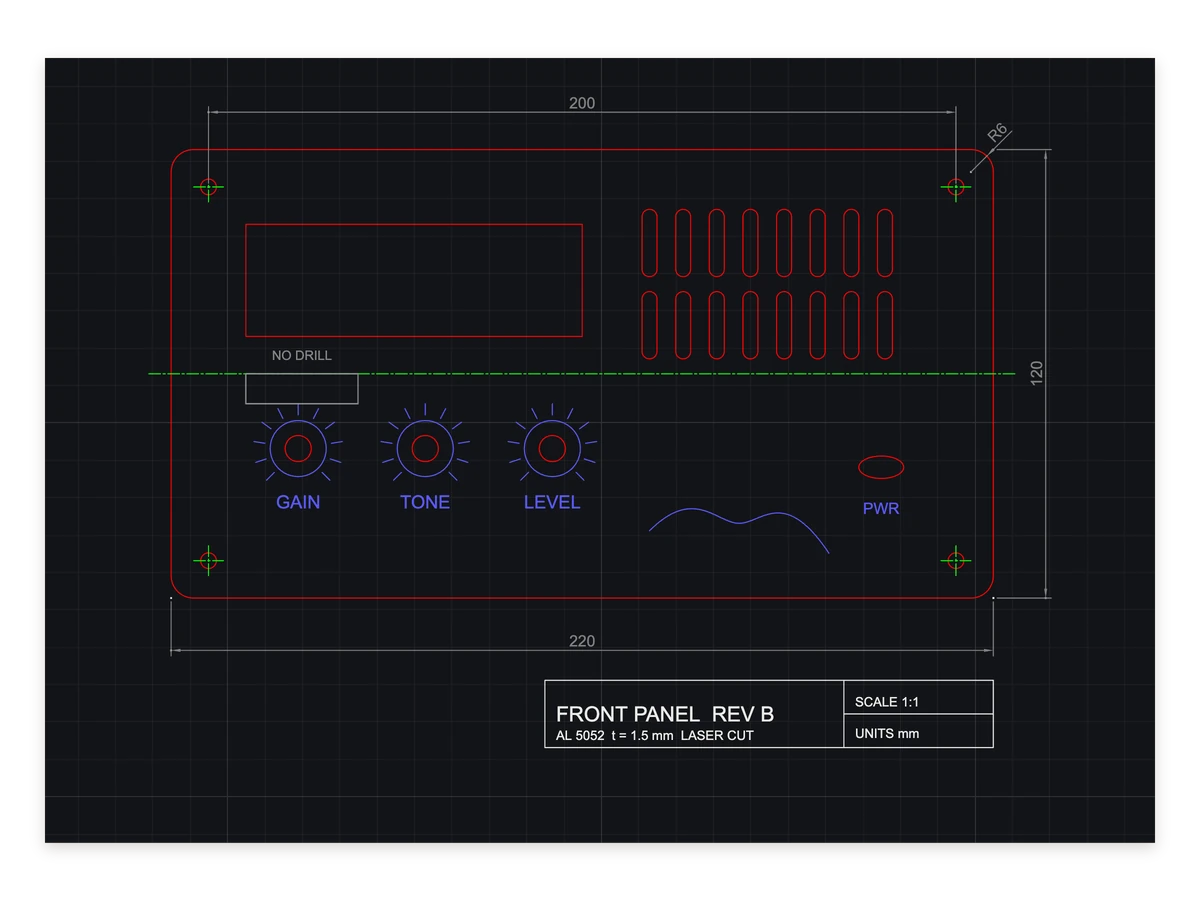
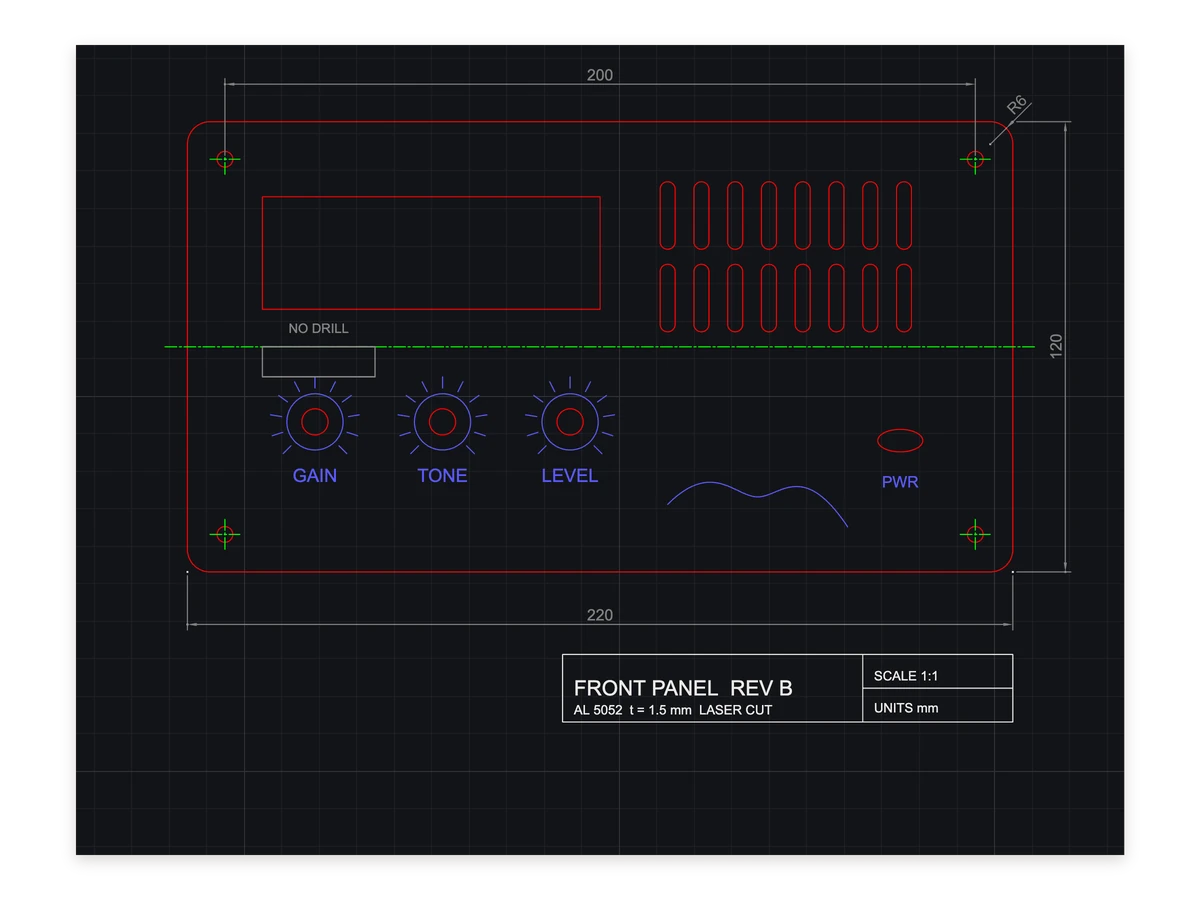
Laser panel in layer colors
Our own 220 by 120 mm front panel at 1:1 on A4, with a dashed center line, filled marks and text in layer colors.
Made here · A4 landscape · 1:1 · layer colors
A4 · 1:100
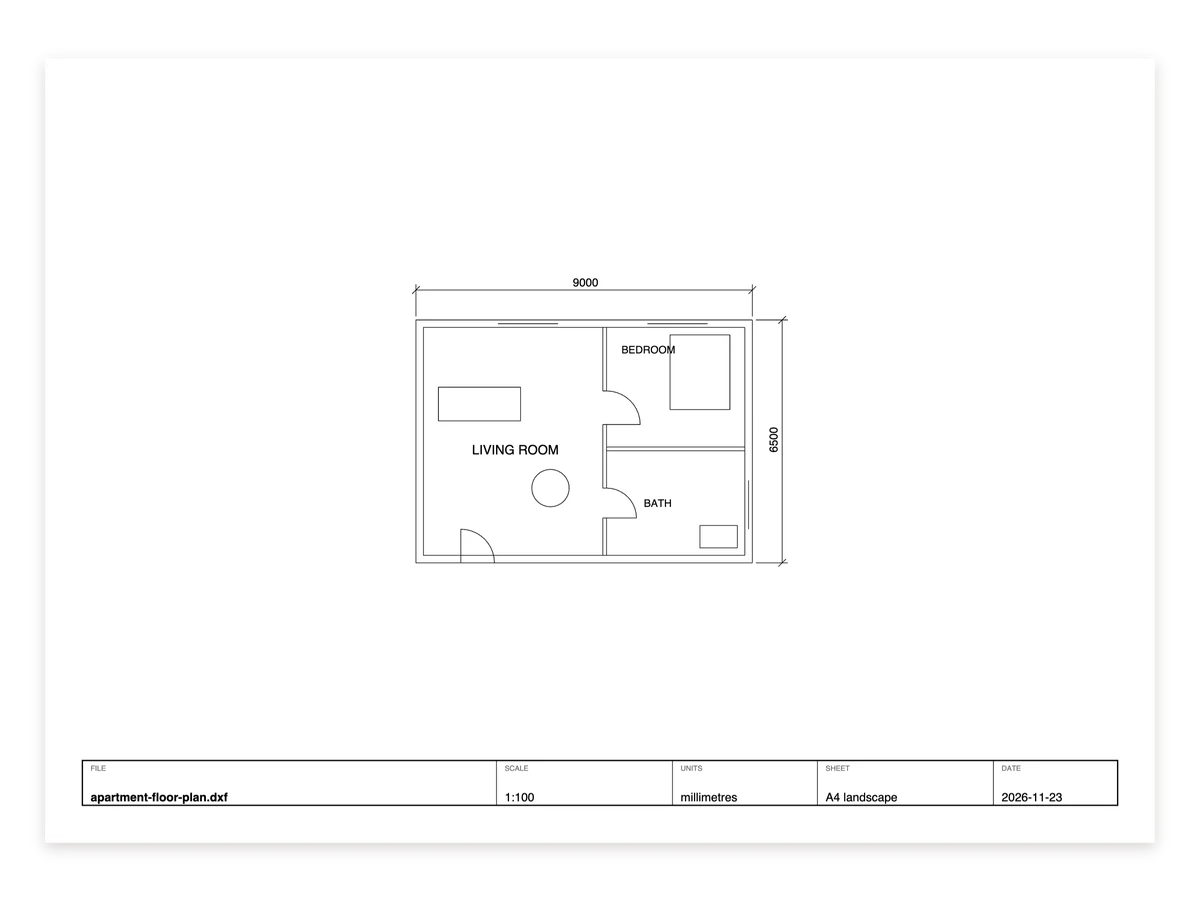
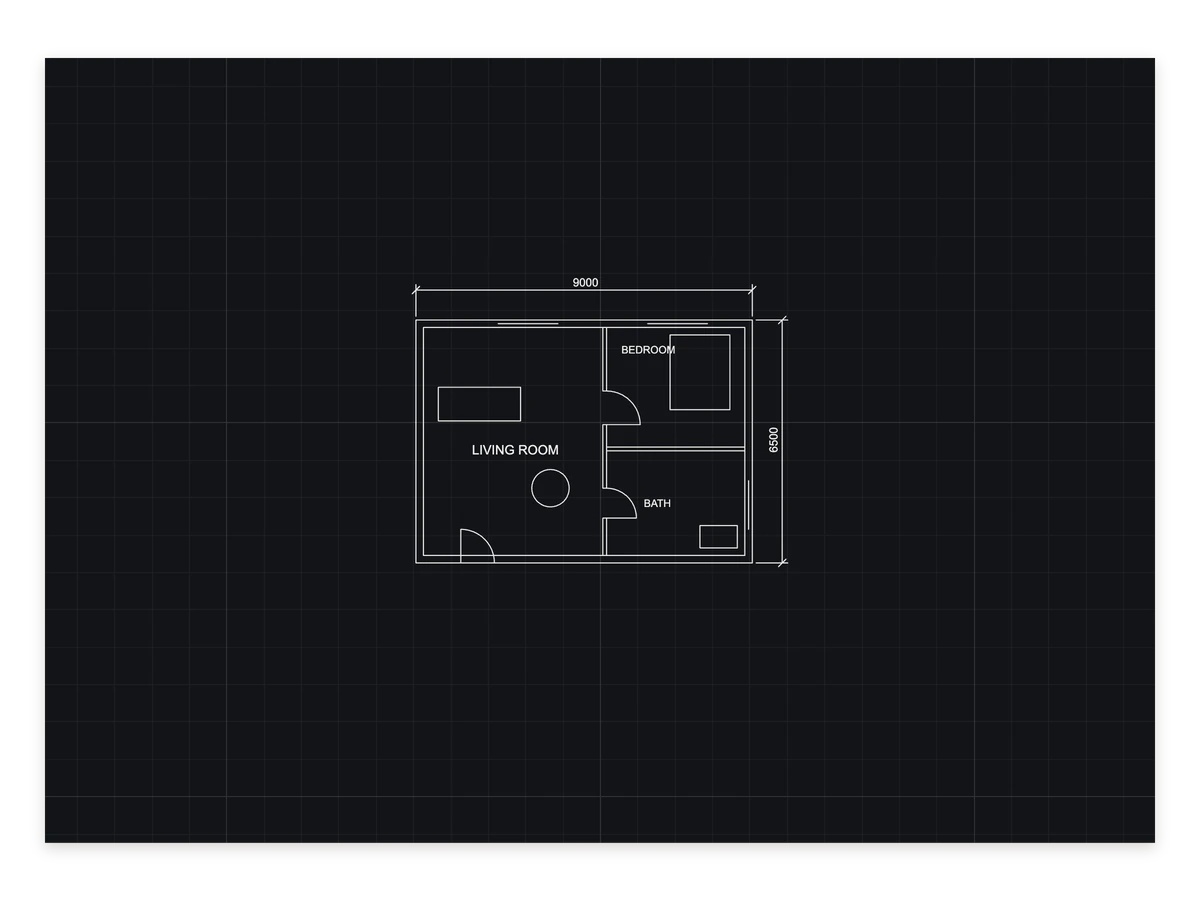
The same plan at 1:100 on A4
At 1:100 the 9000 mm wall is 90 mm long and the plan takes 100 by 77 mm. Lines are 0.18 mm here.
Made here · A4 landscape · 1:100 · 0.18 mm lines
ANSI A · layers off
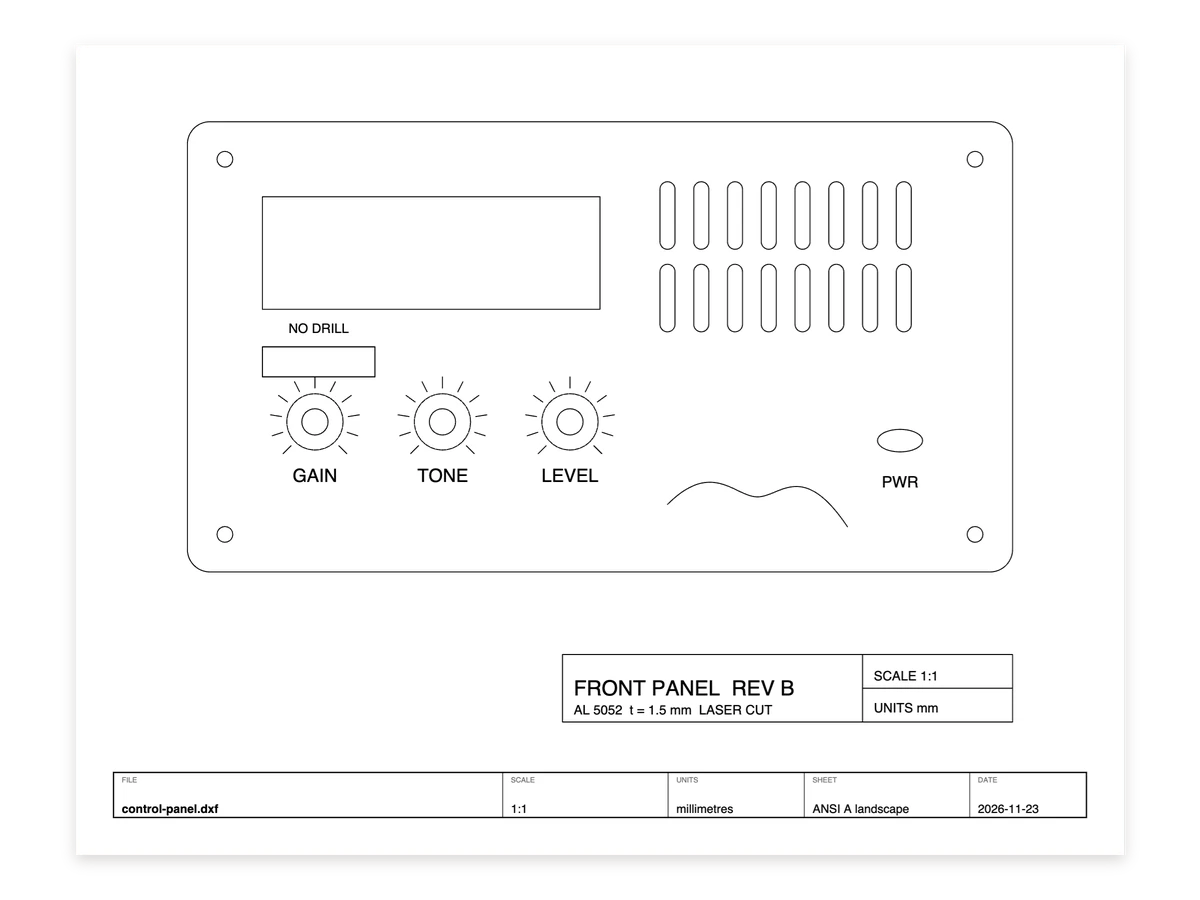
Panel on Letter size, no dimensions
The panel at 1:1 on ANSI A with the DIMS and CENTER layers off: a clean sheet for the laser shop, still 220 mm wide.
Made here · ANSI A landscape · 1:1 · DIMS and CENTER off
How it works
How the DXF to PDF converter lays out a sheet
The live sheet preview and the PDF share one layout, so the page you see is the page you download. Every figure below comes from this tool.
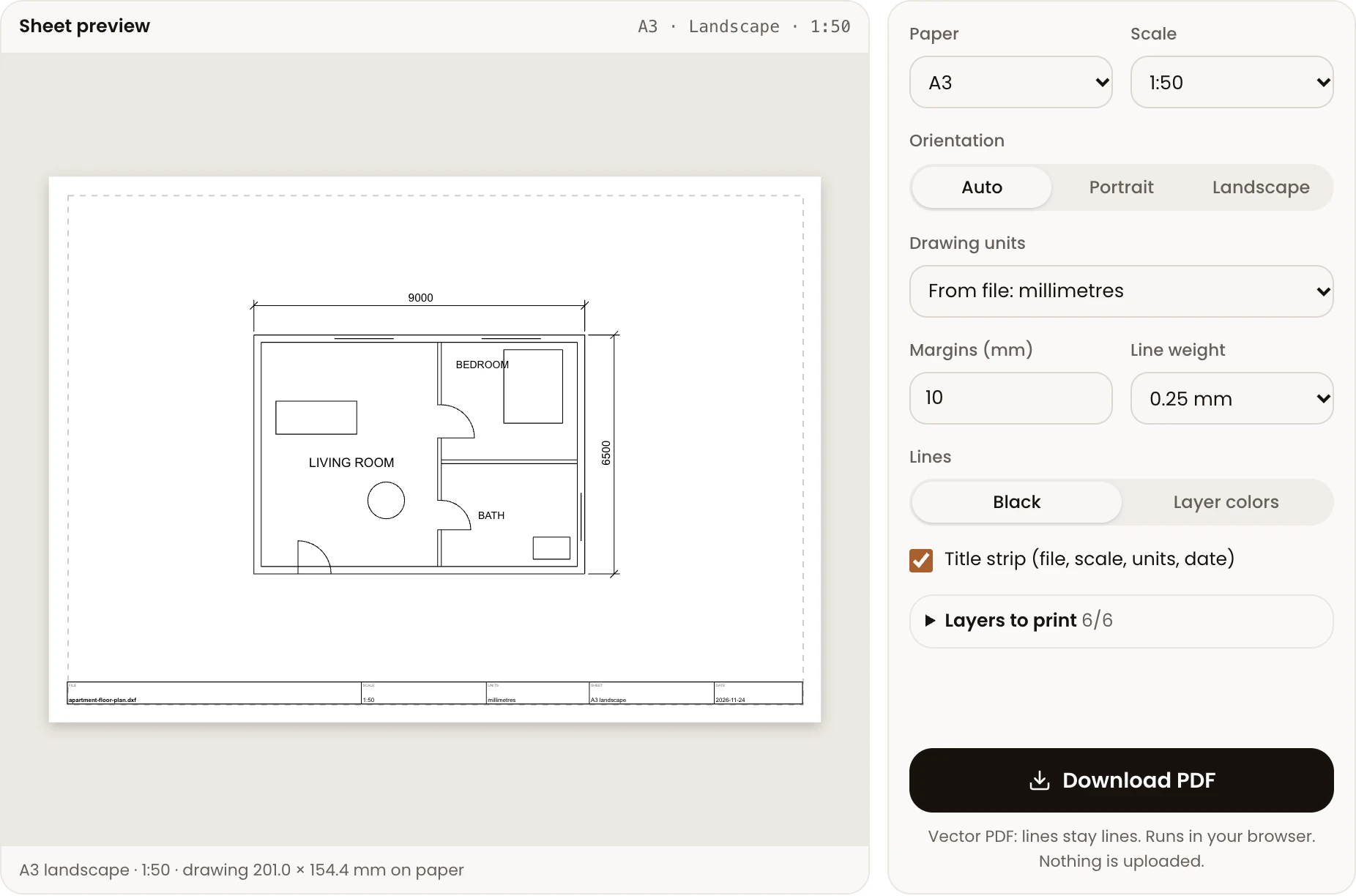
Apartment plan: A3 landscape, 1:50, 201 × 154 mm on paper
How to
How to convert DXF to PDF in 3 steps
No install, no account, no upload: a DXF to PDF print takes about a minute.
STEP 1
Open the DXF
Drop an ASCII DXF (R12 to 2018) up to 50 MB on the upload box, or pick one of the four samples.
STEP 2
Set up the sheet
Change paper, scale, orientation, margins, line weight and colors, and tick the layers to print. The sheet preview redraws on every change.
STEP 3
Download PDF
Press Download PDF. You get one vector page named after the file, sheet and scale, ready to print or send.
Print at 100%
Switch off "fit to printable area" in the print dialog, or a 1:50 sheet no longer prints at 1:50.
Edges cut off?
A note says how much too big the drawing is and names the next scale that fits.
No units in the file?
Pick the units it was drawn in under Drawing units, or the scale will be off.
Dense plans
Use 0.13 or 0.18 mm lines for busy 1:100 plans so close lines stay apart.
Scale
DXF to PDF scale: which sheet fits your drawing
Type the drawing size to see the largest standard scale each sheet takes, with 10 mm margins and the title strip, as the converter does.
Extents of what you print, dimensions included. Sheets turn landscape when the drawing is wider than tall.
- A4 297 × 210 mm1:50
- A3 420 × 297 mm1:50
- A2 594 × 420 mm1:50
- A1 841 × 594 mm1:20
- A0 1189 × 841 mm1:10
- ANSI A 279.4 × 215.9 mm1:50
- ANSI B 431.8 × 279.4 mm1:50
- ANSI C 558.8 × 431.8 mm1:50
- ANSI D 863.6 × 558.8 mm1:20
- ANSI E 1117.6 × 863.6 mm1:10
- 1:N means 1 mm on paper is N mm on the object: a 6 m wall at 1:50 is 120 mm long on the sheet.
- Best fit tries 1:1, 1:2, 1:5, 1:10, 1:20, 1:50 and 1:100 in turn and takes the first that fits; if none does, it uses fit to page.
- There is no 2:1 or 1:200 yet: use fit to page and read the ratio in the strip.
Specs
DXF to PDF converter specs and limits
What goes in, what comes out, and what the DXF to PDF converter leaves out on purpose.
- Input
- ASCII DXF, R12 to 2018, up to 50 MB; UTF-8 or the code page in $DWGCODEPAGE
- Sheets
- A4, A3, A2, A1, A0 and ANSI A to E; auto, portrait or landscape
- Scale
- 1:1, 1:2, 1:5, 1:10, 1:20, 1:50, 1:100 or fit to page, with the ratio printed
- Units
- From $INSUNITS; unitless files as mm or inches; override with mm, cm, m, in or ft
- Lines
- One weight from 0.13, 0.18, 0.25, 0.35, 0.50, 0.70 mm (default 0.25); black or layer colors; dashed linetypes kept
- Sheet extras
- Margins 0 to 40 mm; optional 12 mm title strip with file, scale, units, sheet and date
- Output
- One page vector PDF: paths, Bézier arcs, solid fills and Helvetica text, no images
- Where it runs
- In a worker inside your browser tab; nothing is uploaded
It does
- Print model space at a true 1:N scale on standard sheets
- Draw lines, polylines, arcs, circles, ellipses, splines and points
- Print TEXT, MTEXT, attributes, dimensions and leaders
- Expand blocks, nested blocks and arrays
- Fill solids and solid hatches, and keep dashed linetypes
It does not
- Open DWG or binary DXF; save as ASCII DXF first
- Print paper space layouts or viewport contents
- Draw 3D solids, regions, meshes, images or wipeouts
- Fill pattern hatches; only their boundary prints
- Read DXF line weights or print non Latin text (shown as ?)
Next steps
Where a DXF to PDF print goes next
A PDF opens on any phone or laptop, so a DXF in PDF form is how drawings reach clients, builders and permit offices. To inspect a file before printing, open it in the DXF viewer.
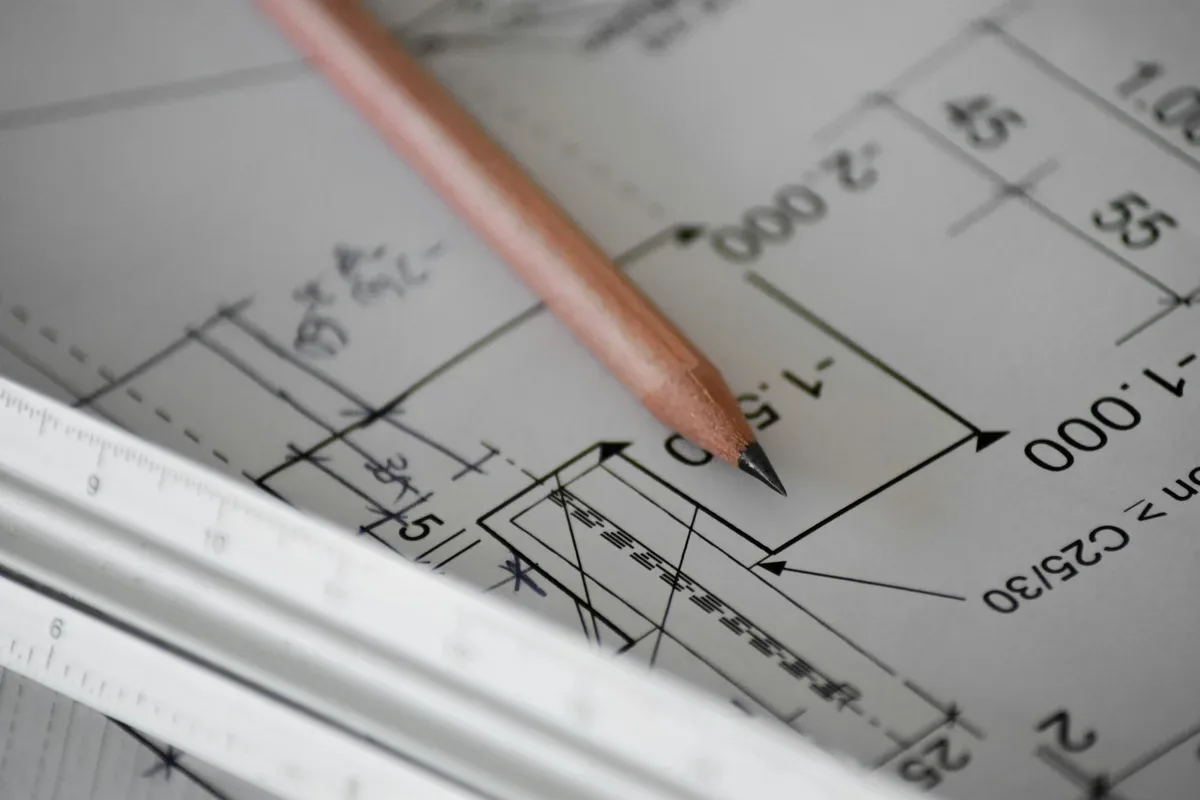
Check a print at full size
Print a 1:1 part at 100% and hold the real piece against it, or check a 1:50 plan with a scale rule.
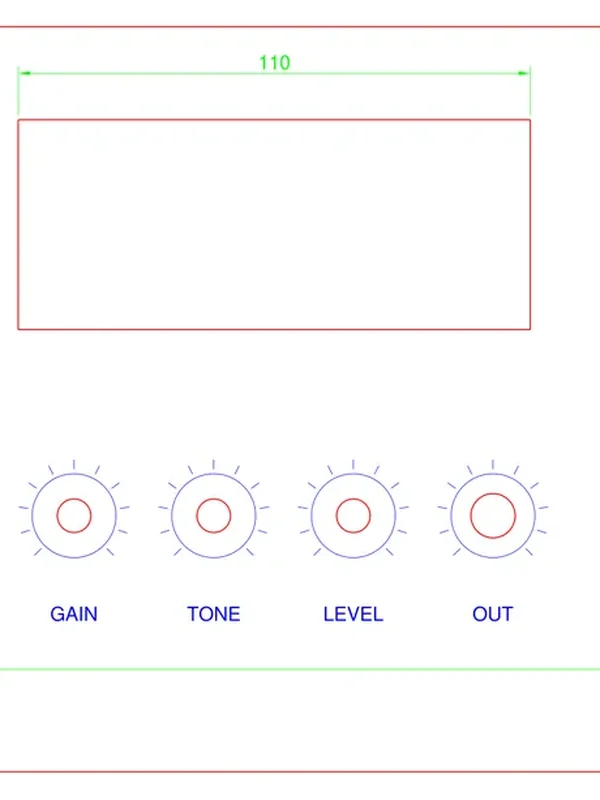
Laser and CNC shop sheets
Send the cutter a sheet with sizes and notes along with the DXF itself. Pictured: a partner demo sheet.

Proofs before engraving
Print a sign or plate at 1:1 and check letter sizes and holes on paper before cutting.
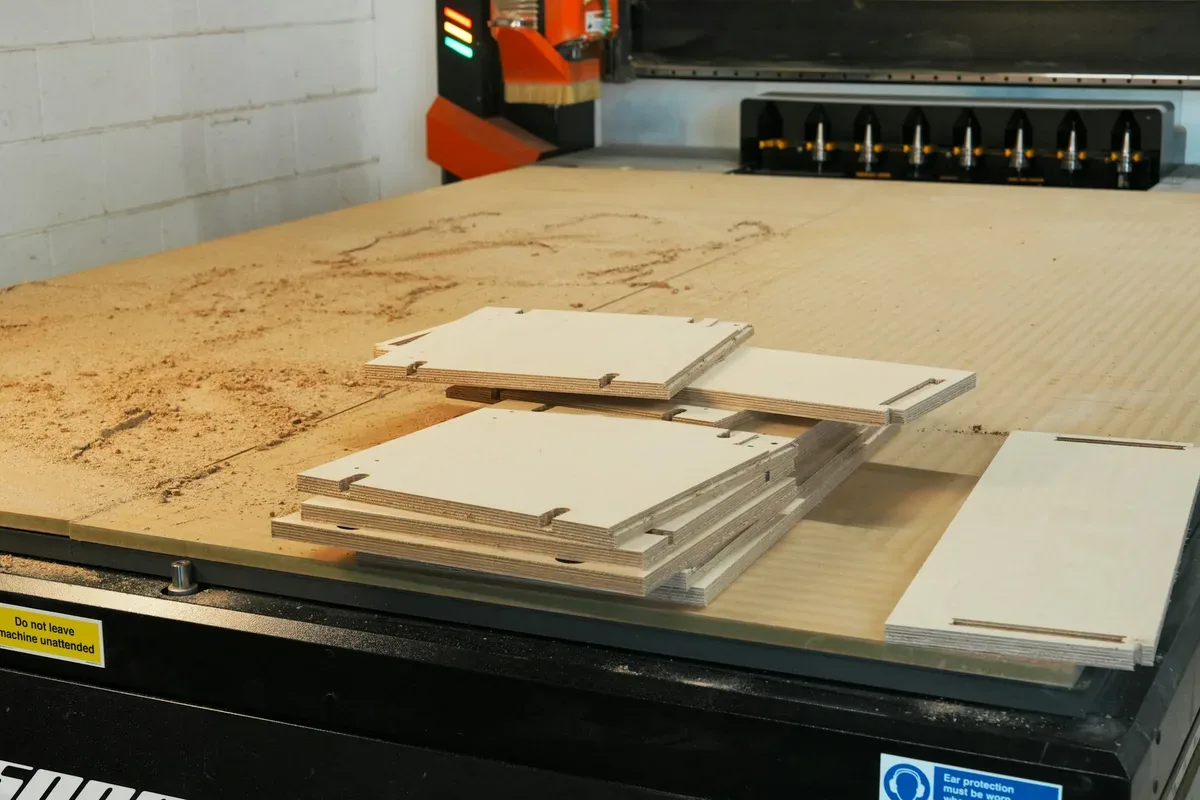
Workshop templates
Tape a 1:1 print to the stock as a drilling guide, after checking one known length.
DXF to PDF FAQ
Scale, units, line weights, text and what the converter leaves out.
How do I convert DXF to PDF?
Drop the DXF on the upload box, pick a paper size and scale, and press Convert to PDF. Check the sheet preview, adjust layers or line weight, then press Download PDF.
Is this DXF to PDF converter free, and is my drawing uploaded?
Yes: no sign up, watermark or daily limit. The DXF is read and the PDF written in your browser, so the drawing never leaves your computer.
Will the PDF be to scale?
Yes, when you pick a scale such as 1:50. Drawing units are converted with $INSUNITS and placed at that ratio, so printing at 100% keeps the scale. Fit to page fills the sheet instead and prints its ratio in the title strip.
My DXF has no units. What happens?
A unitless file prints as millimetres, or as inches when its $MEASUREMENT header says imperial. If it was drawn in metres, feet or inches, pick that under Drawing units.
Is DXF to PDF output vector or an image?
Vector. Lines and fills are PDF paths, circles and arcs are curves, and text is real text you can search and copy. Ellipses, splines and polyline bulges become very short straight segments.
Can I set line weights per layer?
Not yet. One weight from 0.13 to 0.70 mm applies to every line, 0.25 mm by default. Line weights stored in the DXF are not read.
Why are some objects missing from the PDF?
Layers that are off, frozen or set not to plot, and Defpoints, are left out as in a CAD plot. 3D solids, regions, images, wipeouts and infinite XLINE or RAY lines are not drawn; the DXF viewer lists what it skipped.
Can it print a paper space layout?
No. The PDF is laid out from model space, one sheet per export. Paper space is used only when model space is empty, and viewport contents are not drawn.
Why does some text print as question marks?
The PDF uses the standard Helvetica font, which covers Latin letters and CAD symbols such as Ø. Chinese, Cyrillic and other scripts print as ?, and the converter says how many texts are affected.
Can I convert DWG to PDF here?
No. This CAD drawing to PDF converter reads DXF only and turns a DWG away with a message. Save the drawing as ASCII DXF in your CAD program first, or use the DWG to PDF converter.
Can I convert a binary DXF to PDF?
Not directly. Save it again as ASCII DXF (R12 to 2018) in your CAD program, then convert that.
Convert DXF to PDF now
Open the DXF, pick the sheet and scale, download the PDF. It all happens in this tab.
Convert a DXF