Nano Banana CAD Generator: Technical Drawings from Sketches
Nano Banana, Google's image model for quick edits, restyles a sketch into a clean CAD-style drawing for 90 credits; Nano Banana 2 adds 2K and 4K for 150. It is a PNG, not an editable CAD file; trace it to DXF for free.
- Google Gemini image models
- Restyle a sketch
- Up to 4K with version 2
- From 90 credits
Drawing style
Technical
Full sheet: views, a section, notes and a title block.
You get a CAD-style PNG made by AI, not an editable CAD file. Trace it to DXF for free afterwards.
Stepped drive shaft
AI-generated example · model not stated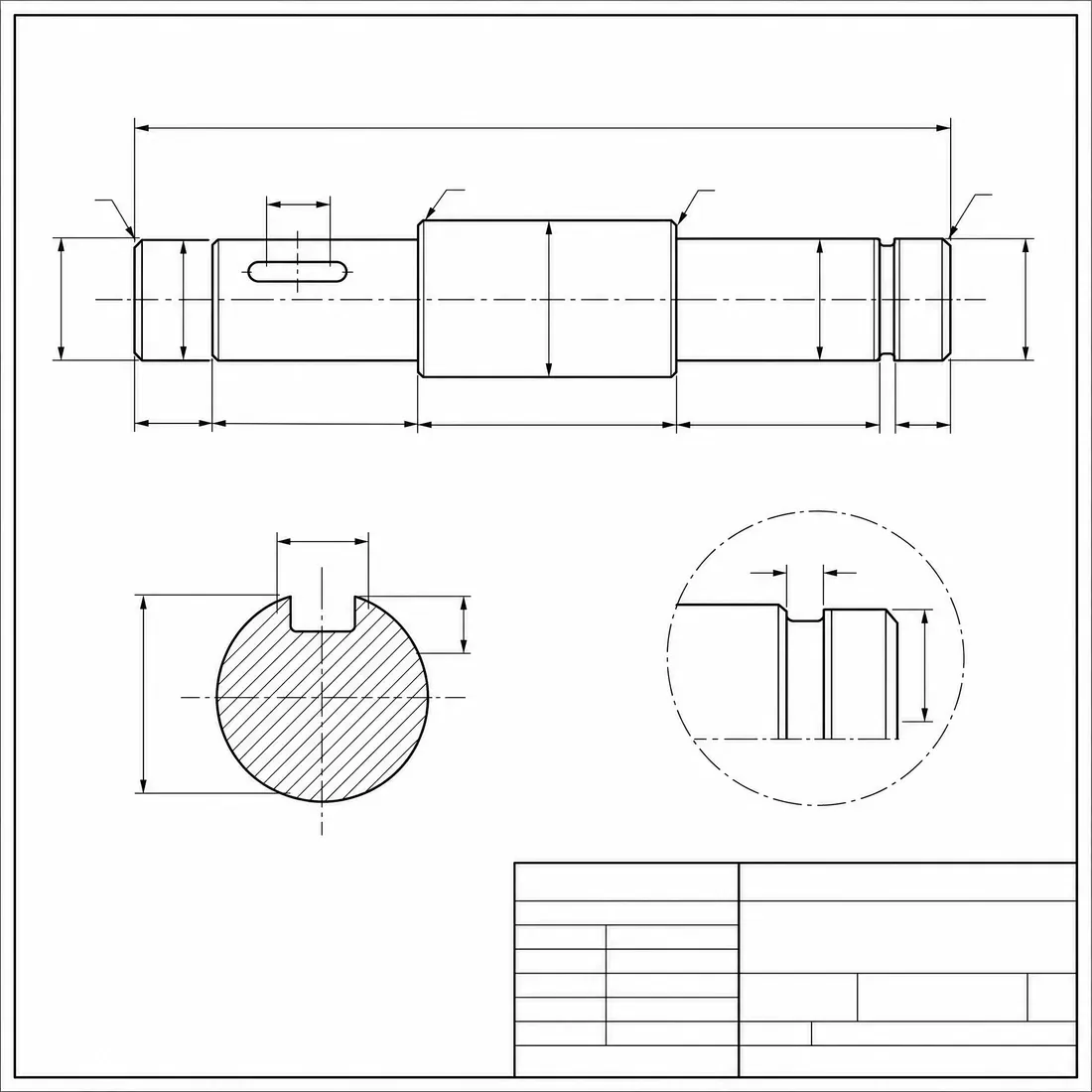
Prompt idea: Stepped drive shaft, Ø40 mm, 220 mm long, one keyway, a retaining-ring groove and chamfered ends; section through the keyway. Your result will differ.
Model card
Nano Banana and Nano Banana 2 for CAD drawings
Two generations of the same Google family, both in the model menu. Facts from Google and Kie.ai, our model provider.
- Maker
- Google: Nano Banana is Gemini 2.5 Flash Image (26 Aug 2025); Nano Banana 2 is Gemini 3.1 Flash Image (26 Feb 2026)
- Runs here as
- Kie.ai: a text endpoint and an edit endpoint for the original, one endpoint for version 2
- Input
- A brief of up to 1,000 characters, or one sketch, render or photo (PNG, JPG or WebP up to 10 MB)
- Sizes
- Original: one standard size, about 1K. Version 2: 1K, 2K or 4K
- Sheet shapes
- 4:3, 3:2, 16:9, 1:1, 3:4
- Credits
- Original 90; version 2 150 at any size; a failed run is refunded
- Output
- A PNG of a CAD-style drawing; trace it to DXF or SVG for free
- Watermark
- Google embeds an invisible SynthID watermark; we add none
Where the family does well
- Restyling: a shaded render or a phone photo of a sketch into line work
- One part shown in several treatments: blueprint, wireframe, line art
- Quick single-part sheets from a short brief
- Version 2 for a 4K print of the same job
Where to expect trouble
- Long text: Google named long text rendering as a work in progress for the original
- Large prints on the original: it has one size, about 1K
- Exact dimensions: the numbers are drawn, not measured
- Editable geometry: the result is an image, never a CAD model
Prompt ideas
Nano Banana prompts for CAD drawings
Restyle prompts suit this family best: say what to keep and what the drawing should look like. Each idea sets its style in the generator above; on the Sketch tab, put it in the notes.
- Blueprint
Drone frame blueprint
Quadcopter frame, 250 mm motor to motor, four arms with 16 x 16 mm motor mounts and 3 mm carbon plates. Keep the symmetric layout and battery strap slots. Front, top and side views, white lines on deep blue.
- Wireframe
Spur gear wireframe
Spur gear with 32 teeth, module 1.5, 12 mm face width, a Ø10 mm bore with a keyway and a raised hub. Every edge visible, thin even lines, tooth profiles clear.
- Orthographic
Enclosure from a render
Redraw the enclosure in the image as front, top and side views. Keep the split lid, the vent slots on both long sides, the USB-C port and the four screw bosses. 120 x 80 x 40 mm.
- Line drawing
Heatsink line art
Finned aluminium heatsink, 60 x 60 x 25 mm, eleven fins on a 4 mm base. One clean three-quarter view, a thick outline and thin inner edges, no hatching.
- Technical sheet
Hand sketch to clean sheet
Turn this pencil sketch of a mounting plate into a clean sheet: front view with the four corner holes and the centre slot, a side view showing the 6 mm thickness, a title block.
- Isometric
Caster wheel, isometric
Swivel caster with a 75 mm wheel, a four-hole top plate and a fork, one isometric line drawing with centre lines through the axle and swivel.
Prompt builder
Build a Nano Banana restyle prompt
Name the subject, the features that must stay and the look you want. Apply sends the prompt to the generator; with a sketch, paste it into the notes instead.
Generated prompt
Blueprint204 / 1,000 characters for Nano Banana90 credits
Start from a template
How to
How to make a Nano Banana technical drawing
Three steps in the generator at the top of the page, with the original model selected.
STEP 1
Drop a sketch or write a brief
Open the Sketch tab and drop a photo, scan or render (PNG, JPG or WebP up to 10 MB), or write the part, its size and its features.
STEP 2
Pick the look and the model
Choose blueprint, wireframe, line art or another style. Keep the original at 90 credits, or open the model menu and pick version 2 for 2K or 4K.
STEP 3
Generate and check
Press Generate drawing, check that every kept feature is there, then download the PNG or press Convert to DXF.
Say what to keep
Counts and hole patterns survive a restyle when you name them.
Crop the sketch
A tight crop of the part works better than a whole desk photo.
Few words on the sheet
Ask for short labels; long notes come out garbled.
Need 4K?
Switch to version 2; the price is the same at every size.
Compare
Nano Banana and the other models side by side
Prices, sizes and inputs come straight from our model settings. Use in generator switches the generator above, so you can run one restyle on two models.
Swipe sideways for every column
| 10 drawings | Input | Brief | Speed (maker’s claim) | Use in generator | |||
|---|---|---|---|---|---|---|---|
| Z-ImageAlibaba | 40 | 400 | One size | Text only | 350 chars | Tongyi-MAI: Turbo runs sub-second on H800 GPUs (Kie does not name its variant) | |
| Flux 2 ProBlack Forest Labs | 60 | 600 | 2K | Text + sketch | 1,000 chars | BFL: under 10 seconds (FLUX.2 family) | |
| GPT Image 2OpenAI | 60 | 600 | 4K | Text + sketch | 1,000 chars | OpenAI: complex prompts can take up to 2 minutes | |
| GPT Image 2.6 FlareOpenAI | 60 | 600 | 4K | Text + sketch | 1,000 chars | OpenAI: built for fast iteration | |
| GPT Image 2.6 SunburstOpenAI | 60 | 600 | 4K | Text + sketch | 1,000 chars | None published | |
| Wan 2.7 ImageAlibaba | 60 | 600 | 2K | Text + sketch | 1,000 chars | None published | |
| Seedream 5.0 ProByteDance | 80 | 800 | 2K | Text + sketch | 1,000 chars | None published | |
| Nano BananaThis pageGoogle | 90 | 900 | One size | Text + sketch | 1,000 chars | None published | |
| Nano Banana 2This pageGoogle | 150 | 1,500 | 4K | Text + sketch | 1,000 chars | Google: Flash speed (no figure) | |
| Nano Banana ProGoogle | 450 | 4,500 | 4K | Text + sketch | 1,000 chars | None published |
Credits are what this site charges per drawing, set in our model config (placeholders until launch). Speed is the maker’s own claim, not our test. Checked 2026-11-27.
Where it fits
When to pick Nano Banana for CAD work
Quick, visual jobs where the shape matters more than the numbers.
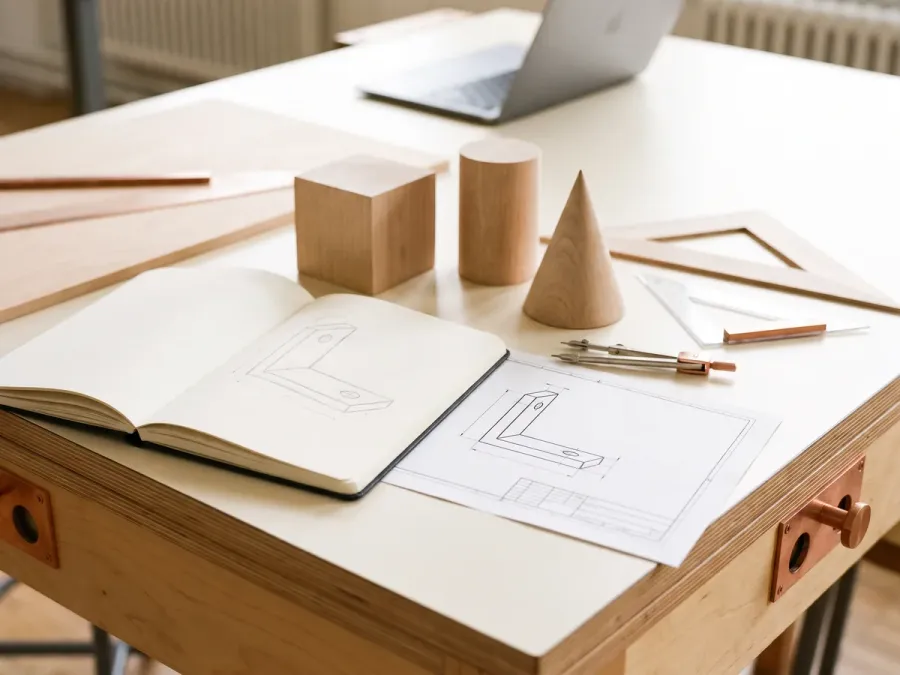
Teaching drawing styles
Show one part as a blueprint, a wireframe and line art to explain what each style is for.
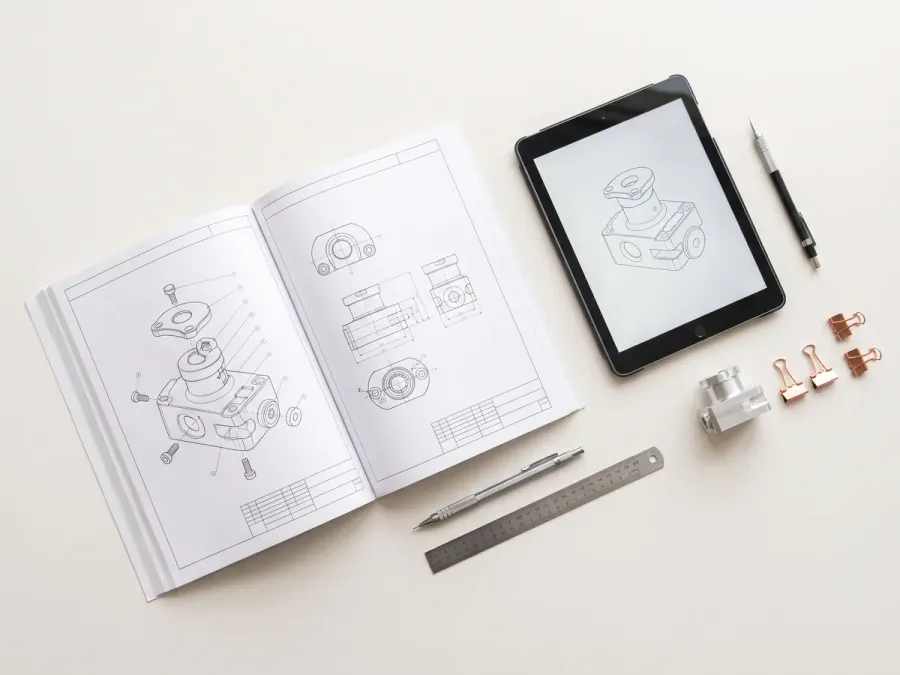
Restyling renders
A shaded product render turned into clean line work for a manual or a datasheet.
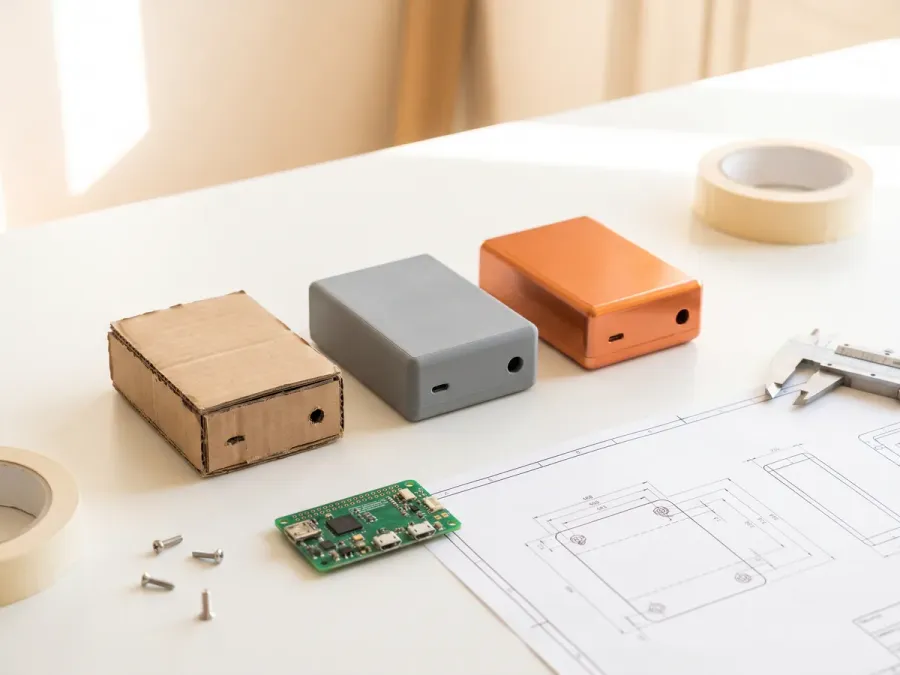
Prototype sketches
A phone photo of a pencil sketch cleaned up before you model the part.
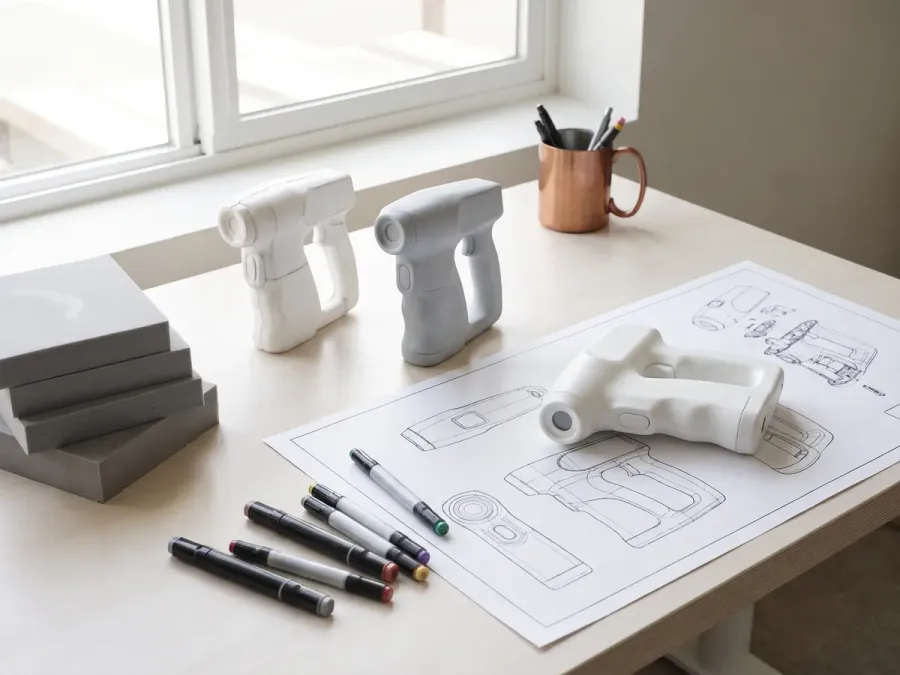
Concept variations
Several looks of one enclosure or bracket for a quick design review.
FAQ
Nano Banana CAD questions
What is Nano Banana?
It is the nickname of Gemini 2.5 Flash Image, the image generation and editing model Google introduced on 26 August 2025. Google describes it as good at merging several images, keeping a subject consistent and making local edits from plain language.
What is Nano Banana 2?
Google's name for Gemini 3.1 Flash Image, announced on 26 February 2026. It adds 2K and 4K output and, by Google's account, better text rendering. Here it costs 150 credits at any size.
Is this site made by Google?
No. CAD Converter is an independent product and is not affiliated with or endorsed by Google. Model names belong to their owners.
How many credits does a drawing cost?
90 credits with the original, 150 with version 2 at 1K, 2K or 4K, and 450 with Nano Banana Pro. A failed run gives its credits back automatically.
Can it turn my sketch into a CAD drawing?
Yes, that is what this family does best. Open the Sketch tab, drop a photo or scan, pick a style and add notes about the part. The original uses a separate edit endpoint at Kie.ai for this; version 2 takes the sketch as a reference.
Why is the original limited to one size?
Kie.ai offers no size setting for Gemini 2.5 Flash Image, so it renders at Google's standard size, about 1K. For a larger sheet, switch to version 2 or Nano Banana Pro in the model menu. Google now lists the original as a legacy model, which is one more reason to try version 2.
Will the labels on the drawing be readable?
Short ones usually are. Google itself said long text rendering was still being improved in the original, so keep labels to a word or two and check every number.
Does Nano Banana output an editable CAD file?
No. You get a PNG of a CAD-style drawing, not a DWG or STEP file. Convert to DXF traces the lines into vectors in your browser, without layers or real dimensions.
Will the drawing carry a watermark?
We add no visible mark. Google says every image made or edited with its model carries an invisible SynthID watermark.
Which one should I pick: original, 2 or Pro?
The original for quick restyles at the lowest Google price, version 2 when you need 2K or 4K, and Pro for a final presentation sheet. The compare table above switches the generator between them.
Are the dimensions accurate?
Treat them as illustrative. The model draws numbers that fit the sizes you gave, but nothing measures the part. Use our calculators for exact geometry.
Make a Nano Banana CAD drawing now
Drop a sketch or write a brief; the model is already selected above.
Open the generator