PDF to DWG Converter: Trace Any Page into a Real DWG
Free PDF to DWG converter for drawing sheets up to 50 MB. Pick a page and crop it: the page is rendered at an exact DPI and traced into a DWG 2007 or 2000 at paper size, or full size with a 1:N scale. Scans and vector PDFs both work, with no upload.
- Free, nothing uploaded
- DWG 2007 or DWG 2000
- Paper size or 1:N
- Scans and vector PDFs
Upload PDF
FreeSamples
Runs in your browser. Nothing is uploaded.
Example result
Flange · PDF → DWG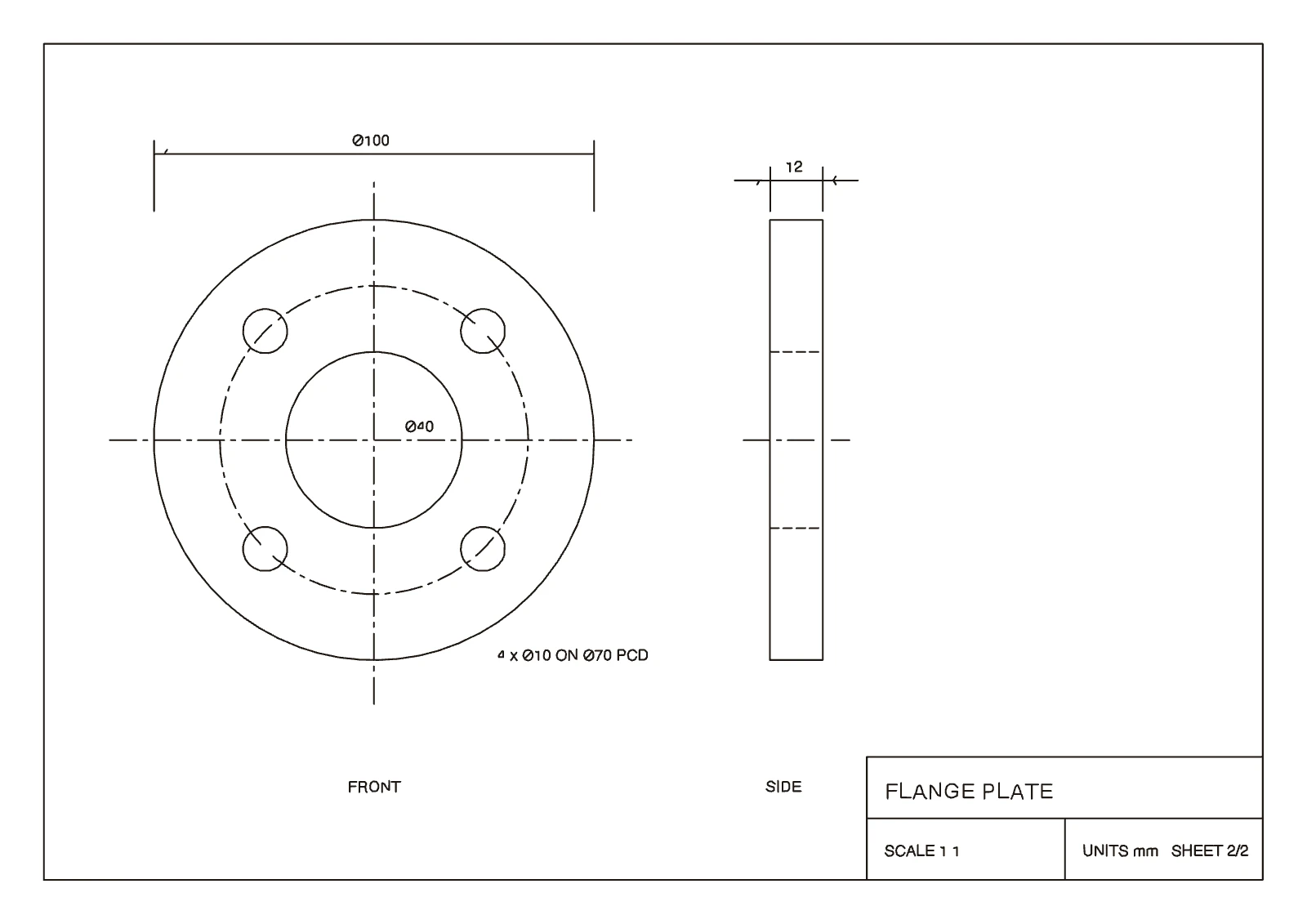
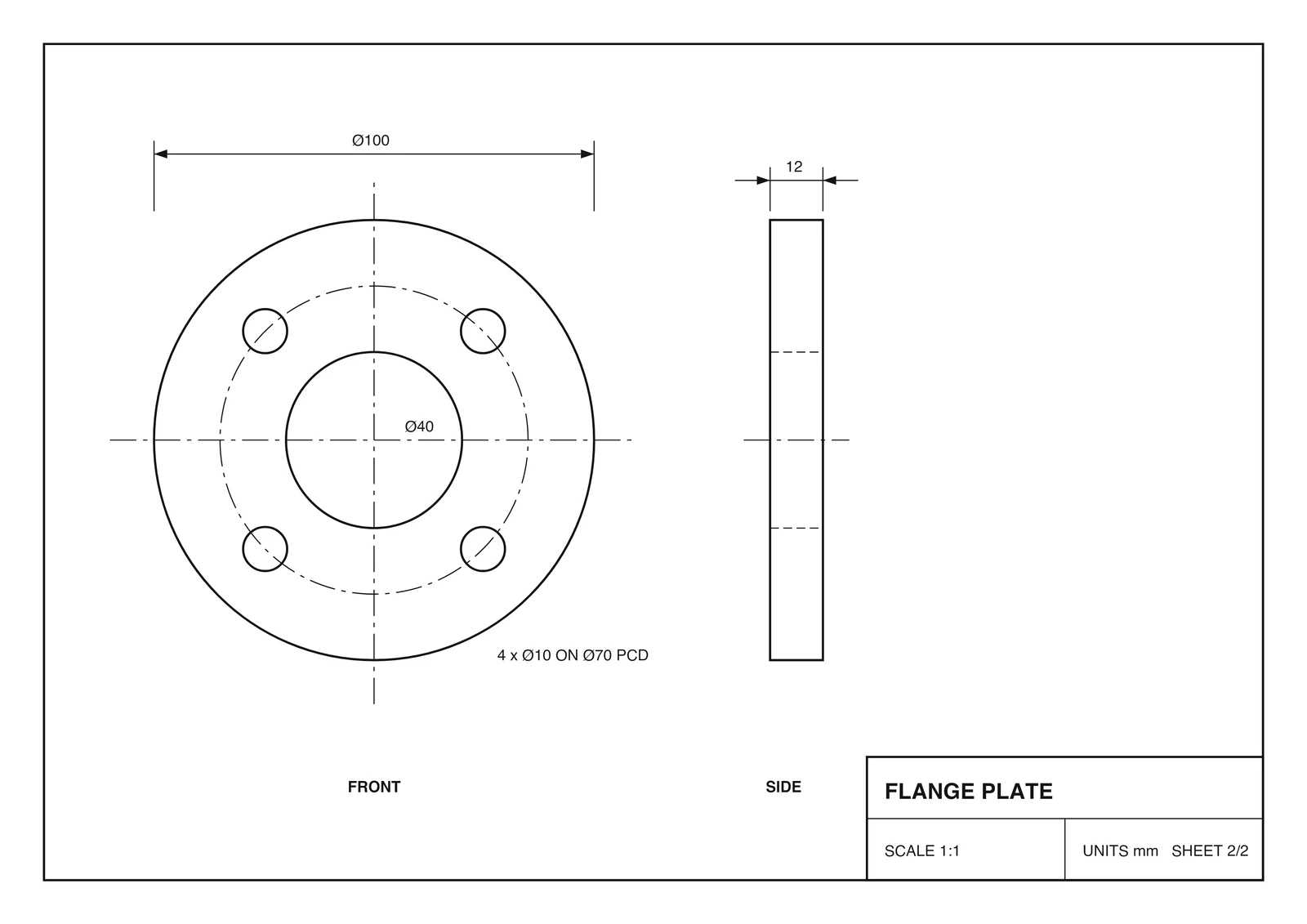
Traced here: page 2, 300 DPI · 218 polylines · DWG 2007, 297 × 210 mm
Examples
PDF to DWG examples traced on this page
Three pages run through this PDF to DWG converter: a vector sheet, a 1:100 plan and a scan. Drag between the PDF page and the DWG as GNU LibreDWG reads it back, or download the DWG and measure it in AutoCAD.
Vector sheet
Flange sheet, page 2 of a set
An A4 page drawn at 1:1, traced at 300 DPI into 218 polylines. The DWG 2007 is 297 by 210 mm, the size of the paper.
Traced here: page 2, 300 DPI · 218 polylines · DWG 2007, 297 × 210 mm
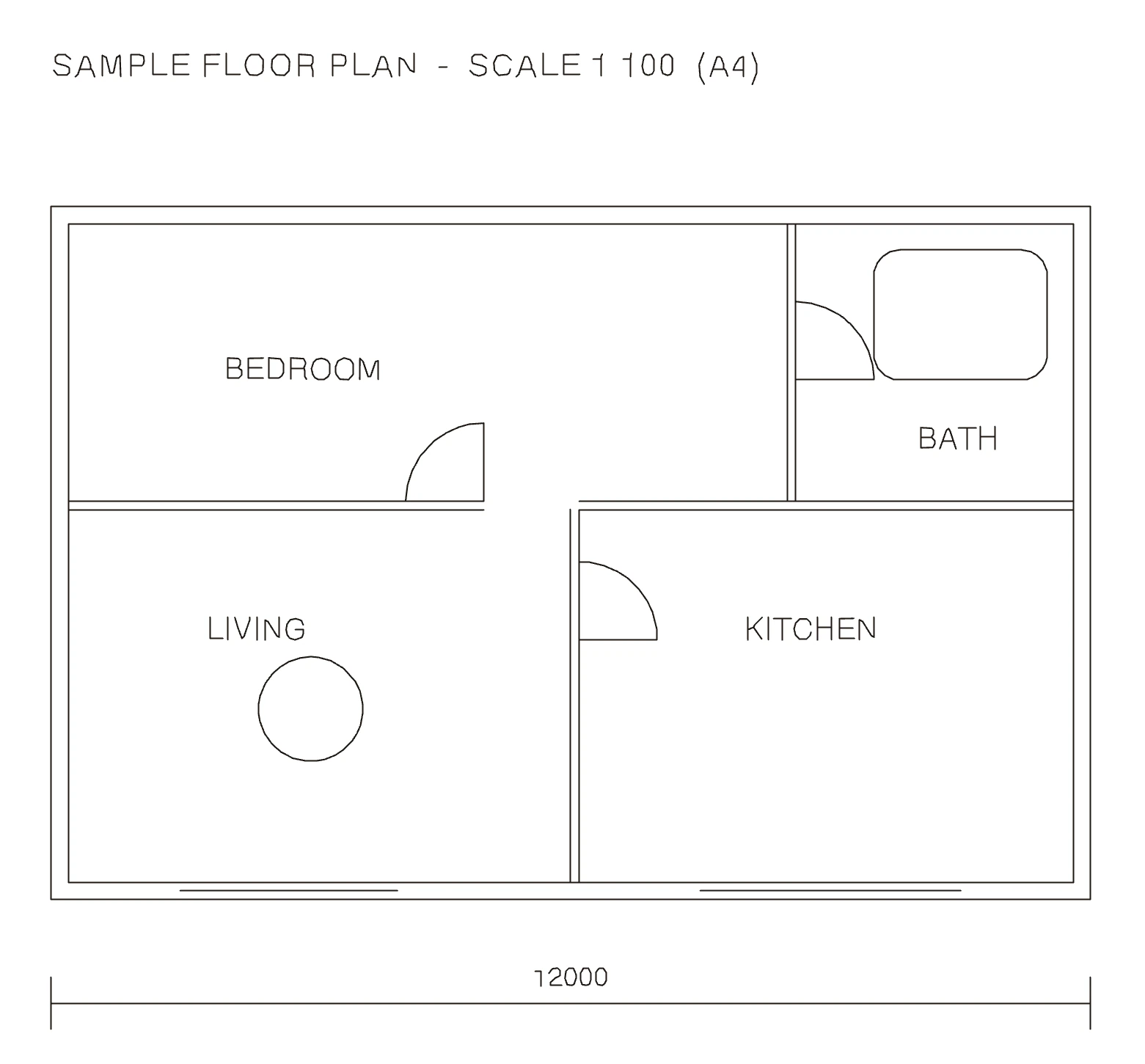
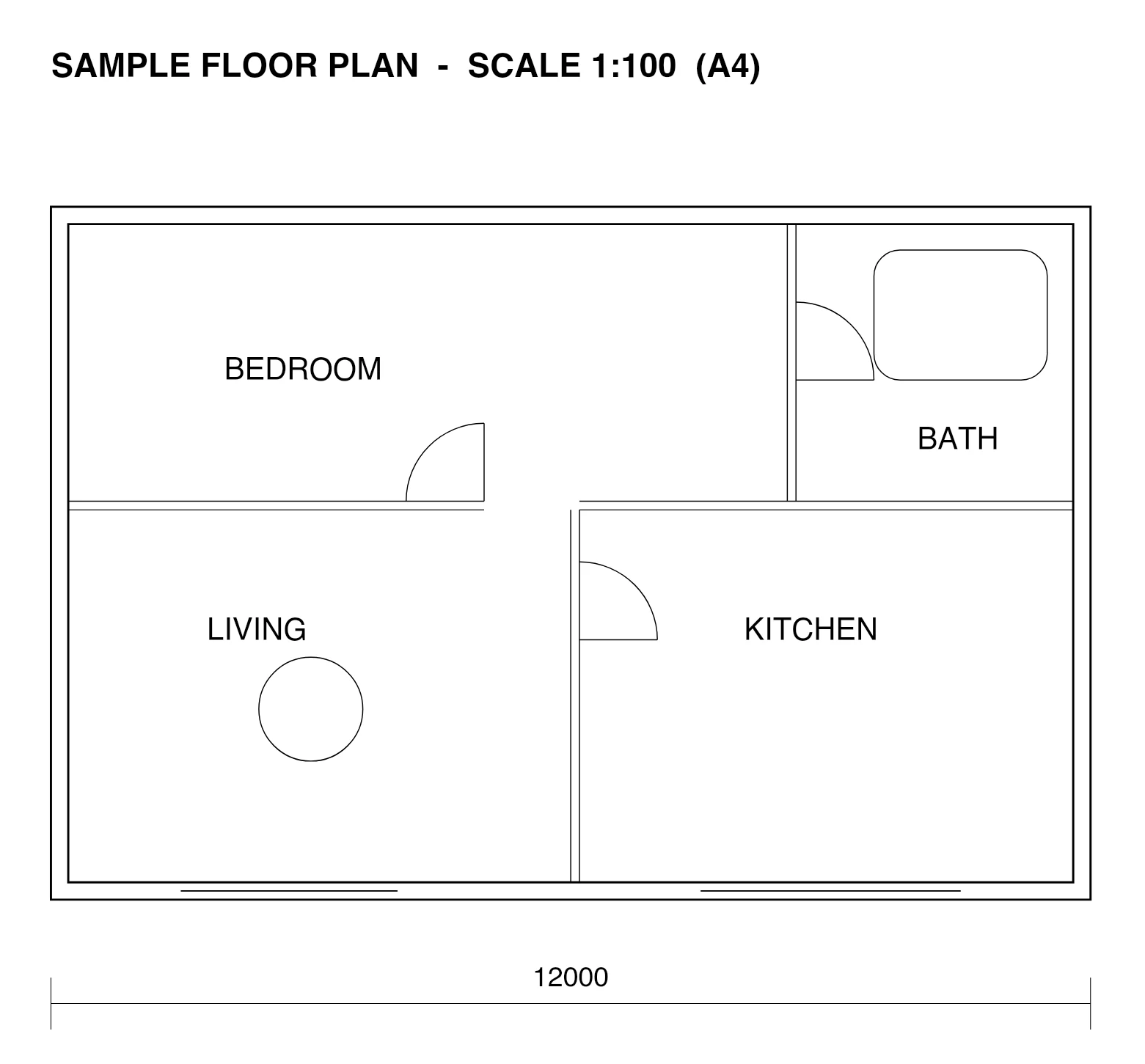
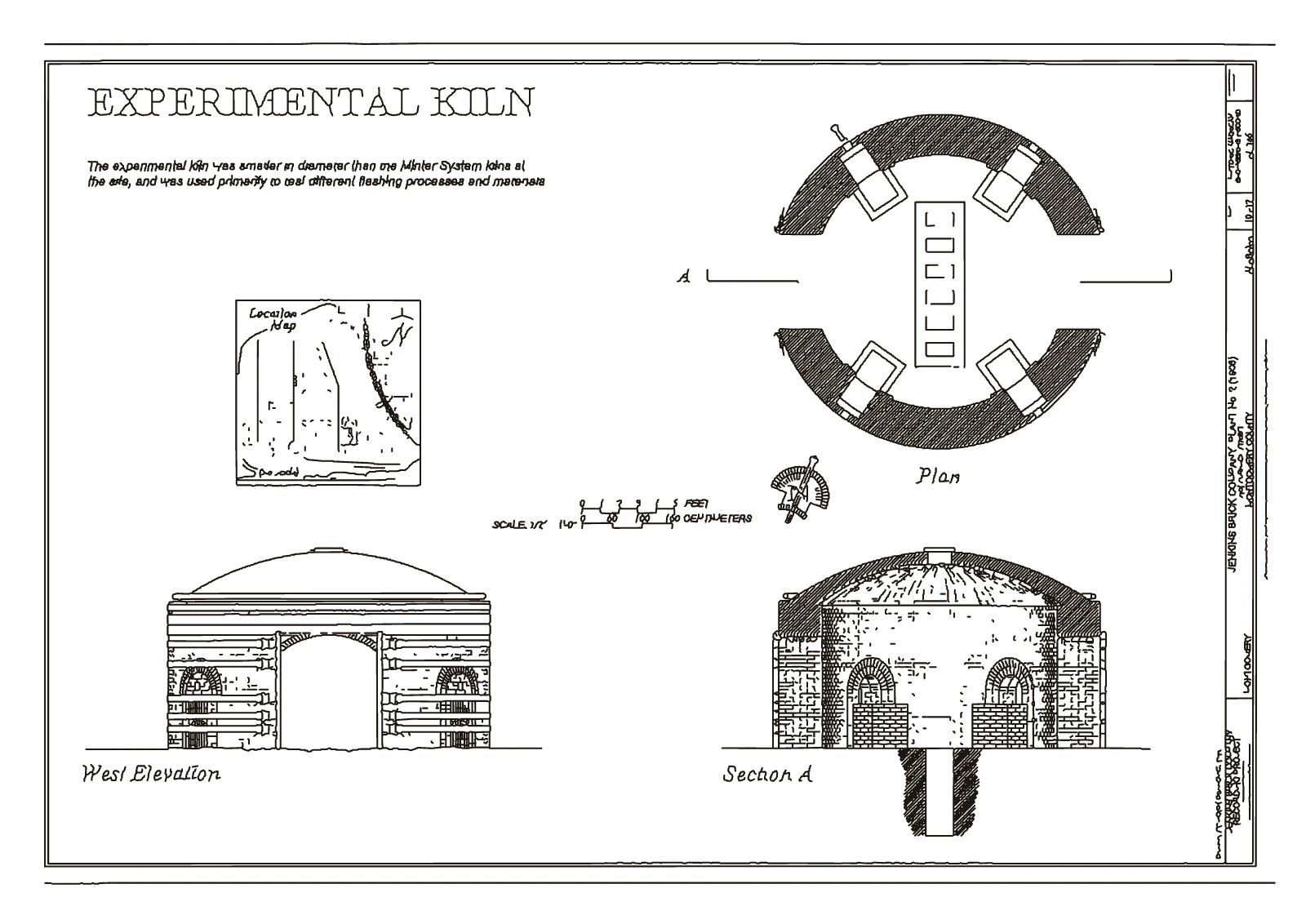
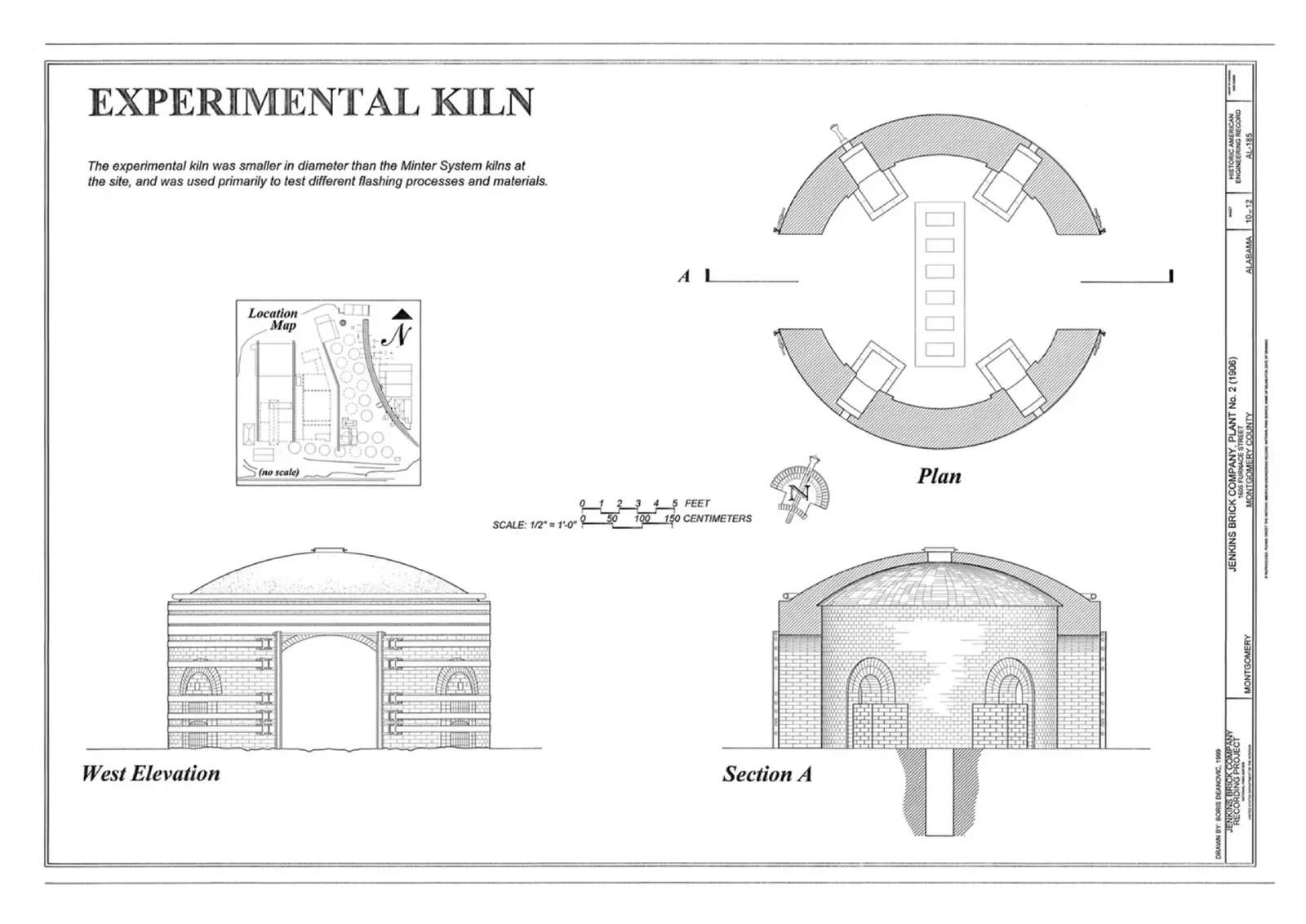
1:100 → full size
Floor plan at full size
The plan cropped from a 1:100 sheet with the drawing scale set to 1:100: the dimension line marked 12000 measures 11,997 mm in the DWG, not 120 mm.
Traced here: cropped, 300 DPI, scale 1:100 · 106 polylines · DWG 2007 at full size
Scanned PDF
Scanned A3 survey sheet
One scanned image on an A3 page. At 300 DPI it would pass 4,000 px, so it renders at 242 DPI and still lands at 420 by 297 mm, as 3,968 polylines in a 306 KB DWG.
Traced here: scanned A3, 242 DPI · 3,968 polylines · DWG 2007, 306 KB
How it works
What the PDF to DWG converter does with a page
PDF to DWG here means rendering the page and tracing it, the same way for a scan or a vector drawing, then writing and checking a real DWG. Every figure below is output of this tool.
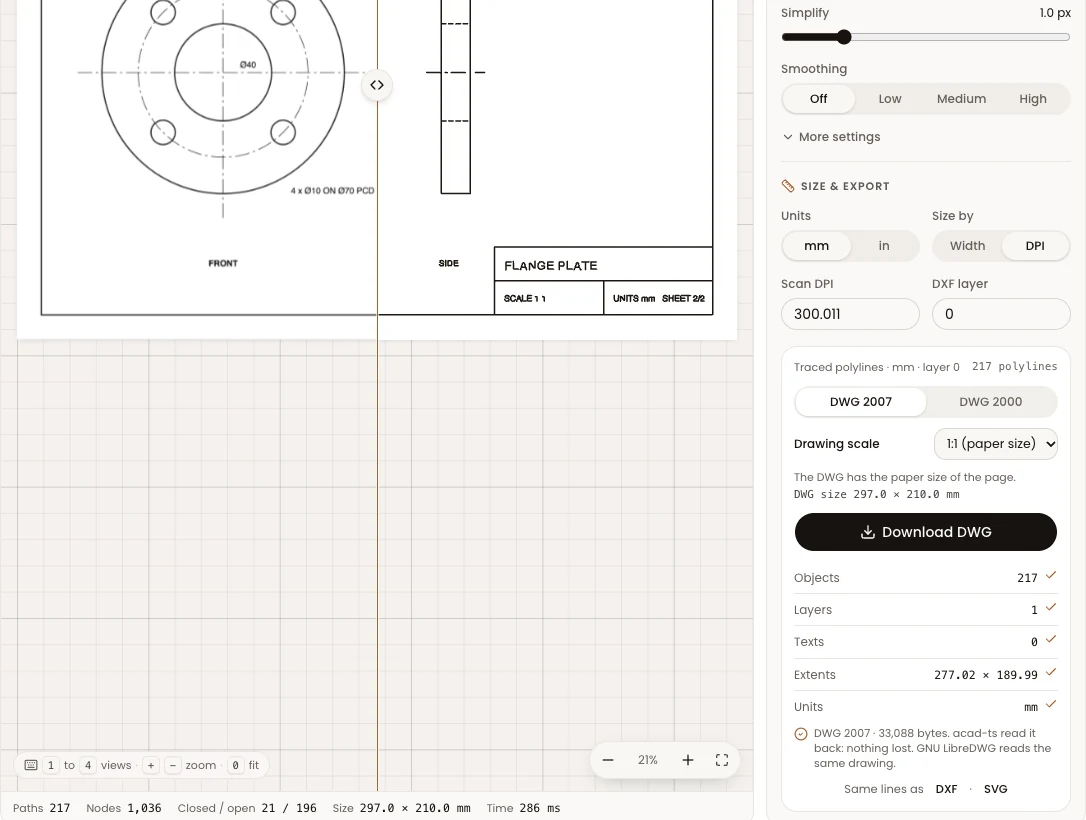
Two-page set: page 2 traced, DWG 2007 written and checked
How to
How to convert PDF to DWG in 3 steps
No AutoCAD, no account, no upload.
STEP 1
Open the PDF
Drop a PDF up to 50 MB, or try a sample. Choose the DPI, line mode and DWG version here or later.
STEP 2
Pick, crop, adjust
Pick the page, crop to the drawing if the sheet holds a title block or notes, and tune the trace until the lines are clean.
STEP 3
Download DWG
Set the drawing scale if the sheet was 1:N, then press Download DWG. The card lists what both readers found.
Use the original PDF
A PDF exported from CAD traces cleaner than a scan of a print.
Read the title block
Its scale is the drawing scale to set: 1:50 means 50.
Check one dimension
Measure a known length with DIST in AutoCAD before you build on the drawing.
Small text
Crop and use 600 DPI so letters keep their shape.
Page check
PDF to DWG page check: vector or scanned?
Drop a PDF to see, page by page, whether it is a vector drawing or a scanned picture, how many path commands and text items it holds, and which DPI to start from. Then convert that page with those settings in one click.
- Read with pdf.js on your device, the first 12 pages at most.
- A vector page gets the highest DPI that fits the pixel cap; a scan gets 300, since its own pixels set the detail.
- Either way the converter traces a render of the page: the check sets expectations, not a different method.
Specs
PDF to DWG converter specs and limits
What goes in, what comes out, and what a traced page cannot give you.
- Input
- PDF up to 50 MB, one page (or a crop of it) at a time
- Render
- pdf.js at 150, 300 or 600 DPI, long edge capped at 4,000 px
- Trace
- Centerline or outline polylines, threshold, despeckle, smoothing; one layer
- Output
- DWG 2007 (AC1021) or DWG 2000 (AC1015); DXF and SVG of the same trace
- Scale
- Paper size of the page, or × 2 to × 500 for a 1:N sheet; mm or inches
- Checks
- acad-ts reads the DWG back, then GNU LibreDWG (GPL-3.0) reads it again
- Where it runs
- In your browser tab; the PDF and the DWG stay on your device
Does
- Trace scanned and vector pages the same way
- Keep the exact paper size, or full size with 1:N
- Write closed shapes as closed polylines
- Read the DWG back twice before it is saved
Does not
- Read the PDF’s vectors or text as CAD objects
- Rebuild dimensions, blocks, hatches or layers
- Write arcs or circles (curves are short segments)
- Open password-protected PDFs or merge pages
Who it is for
When a PDF to DWG trace helps
When the CAD file is gone and only the PDF is left, a traced DWG gives you lines to draw over. The pictures show drawing types from a partner demo, not output of this page.
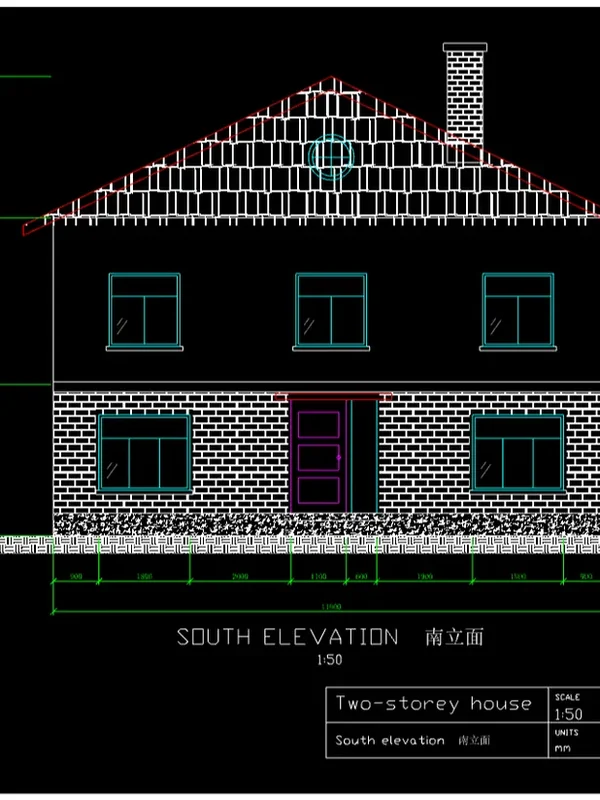
Old plans and permit sets
Bring a scanned plan or elevation into AutoCAD at real size as a base for an extension or survey.
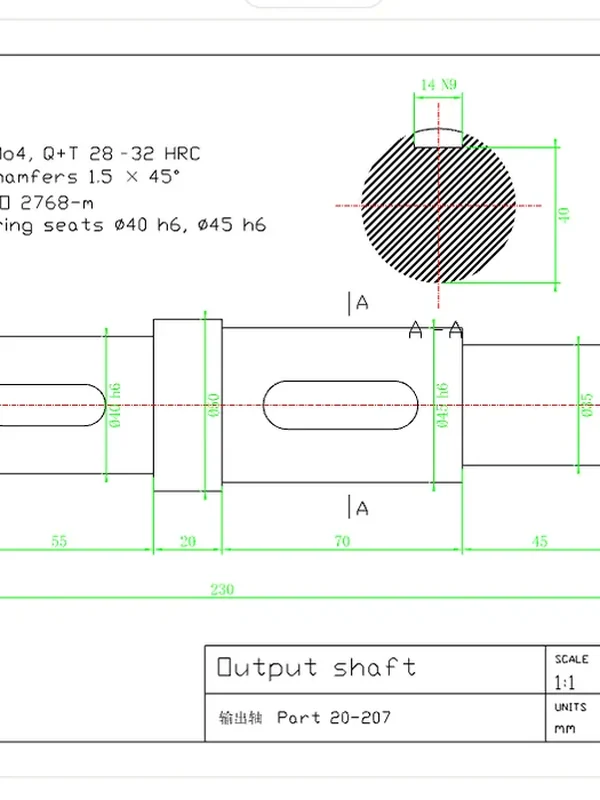
Supplier drawings
A part drawing that came only as PDF becomes lines you can snap to and dimension.
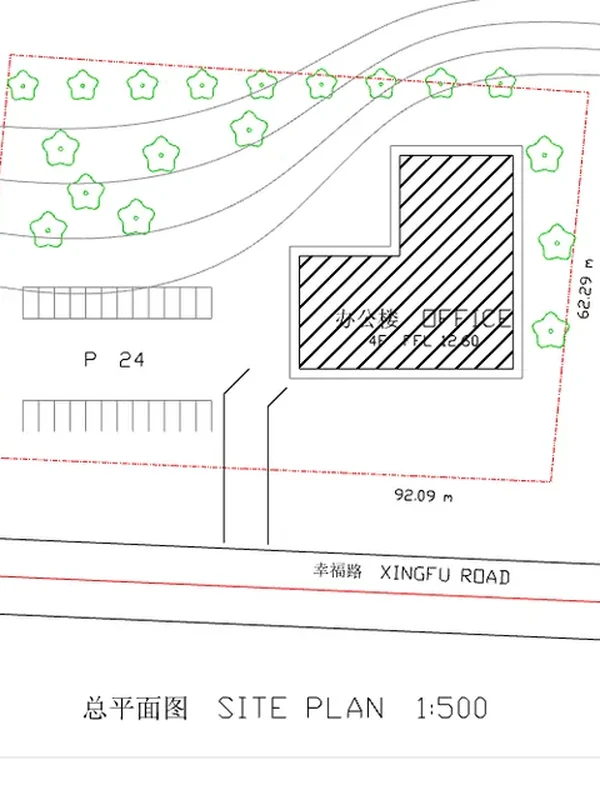
Site and layout plans
Trace a site plan at its 1:N scale and overlay it on your own drawing in model space.
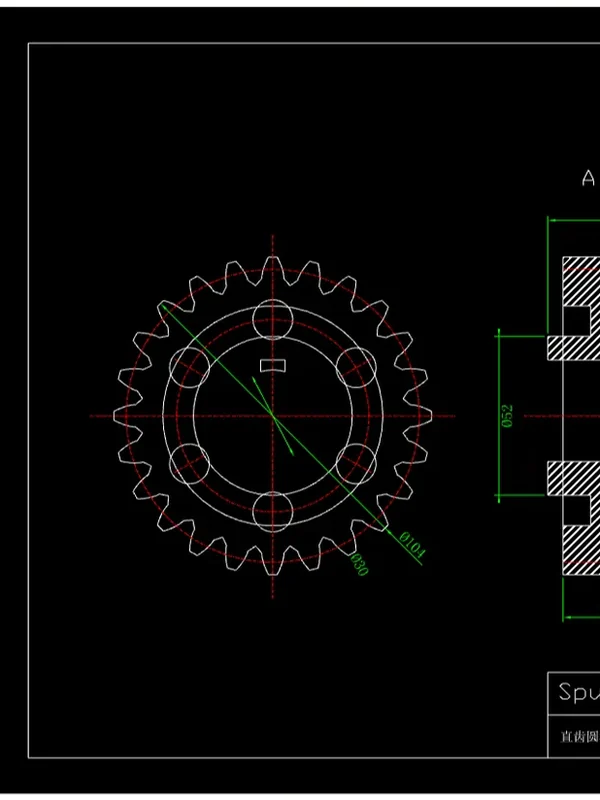
Laser and CNC outlines
Turn a PDF outline into closed polylines, then use the DWG or the DXF in your cutting software.
PDF to DWG FAQ
Scale, text, quality and privacy.
How do I convert a PDF to DWG?
Drop the PDF on this page, pick the page, crop it if needed, set the drawing scale if the sheet is 1:N, and press Download DWG. The page is rendered and traced in your browser and saved as a DWG 2007 or DWG 2000.
Is this PDF to DWG converter free?
Yes. There is no sign-up and no daily limit, because your own computer does the work. One PDF of up to 50 MB, one page at a time.
Does it read the vector lines and text in my PDF?
No. It renders the page as an image at an exact DPI and traces it, so a vector PDF and a scan go through the same steps. A vector page simply gives sharper edges and cleaner lines.
Is the DWG to scale?
Yes. At 1:1 the DWG has the paper size of the page or crop, measured from the PDF itself. For a 1:50 or 1:100 sheet, set that drawing scale and the DWG comes out full size; check one known dimension with DIST.
Will the text in my PDF stay editable?
No. Words are traced as stroke shapes, not as AutoCAD text. Keep them as a visual reference, or delete them and retype the labels you need.
Can I take a PDF to AutoCAD this way?
Yes. DWG 2007 opens in AutoCAD 2007 and every later release, and DWG 2000 in AutoCAD 2000 to 2006. Both are real DWG files, read back by acad-ts and by GNU LibreDWG before they are saved.
How is this different from AutoCAD’s PDFIMPORT?
PDFIMPORT, in AutoCAD since 2017, reads the vector geometry and text of a PDF as objects, and brings scanned pages in as an image. This page traces every page instead, so it also turns scans into lines, needs no AutoCAD license and runs in a browser. For a clean vector PDF, PDFIMPORT keeps more.
Why are curves made of short lines?
The tracer writes polylines only. Circles and arcs become many short straight segments that follow the curve closely; redraw the ones you need as true arcs.
Can I convert a multi-page PDF?
One page at a time. Pick a page from the thumbnails, download its DWG, then pick the next; each sheet becomes its own file named with its page number.
How do I get the cleanest result from a scan?
Crop to the drawing, keep 300 DPI, and raise despeckle until the dust disappears. Darken very light scans before you open them; faint lines break up.
Is my PDF uploaded?
No. pdf.js, the tracer, the DWG writer and LibreDWG all run in your browser tab, so contract drawings stay on your computer.
Is there a PDF to DWG converter online that keeps layers?
Not one that traces, as this one does: a trace has no layers to keep. Everything lands on one layer whose name you can set in the settings.
Convert PDF to DWG now
Drop a PDF, pick the page, download a DWG at true scale. Everything stays in this tab.
Convert a PDF