Free Blueprint Maker: AI Blueprint Generator
Describe a part or drop a sketch and AI draws a blueprint: crisp white lines on deep blue, aligned views and a title block, from 60 credits, as a CAD-style PNG. The free blueprint maker below restyles any drawing as a blueprint, cyanotype or diazo print.
- Prompt or sketch
- Views + title block
- Free styler
- Styler uploads nothing
Drawing style
Blueprint
White lines on blue, like a classic print.
You get a CAD-style PNG made by AI, not an editable CAD file. Trace it to DXF for free afterwards.
Pump casing blueprint
AI-generated example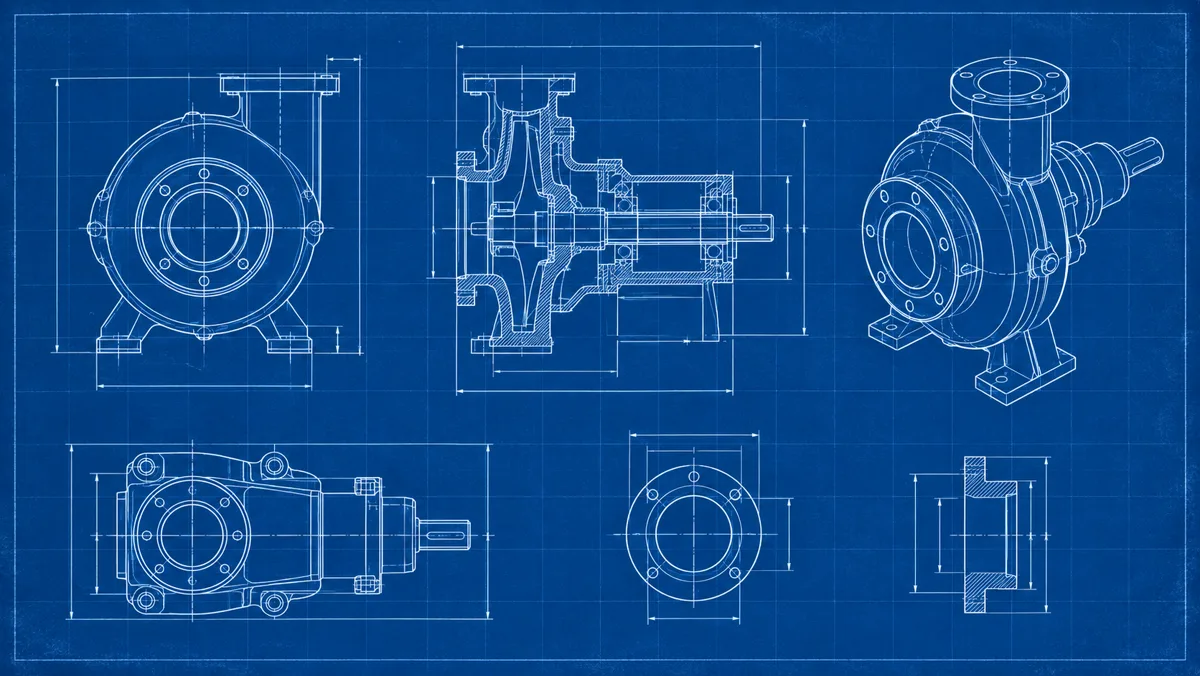
Prompt idea: Centrifugal pump casing with an inlet flange, a volute and a discharge flange: front view, a section through the volute, side view and a small isometric. Your result will differ.
Free styler
Free blueprint maker for any drawing
Pick a drawing or open your own PNG, JPG or WebP, then choose a print style, grid, border and title strip. This blueprint maker recolors the pixels in your browser, so nothing is uploaded and the lines stay exactly where they were.
White lines on deep Prussian blue.
Your image stays in this browser
Examples
Blueprints from the AI blueprint generator and the styler
Two sheets drawn by AI in the Blueprint style, and four AI line drawings restyled by the free blueprint maker. Toggle a card to compare the drawing before and after.
AI-generated example
Pump casing blueprint
Front view, a section through the volute, side views and an isometric, all white on a gridded blue sheet.
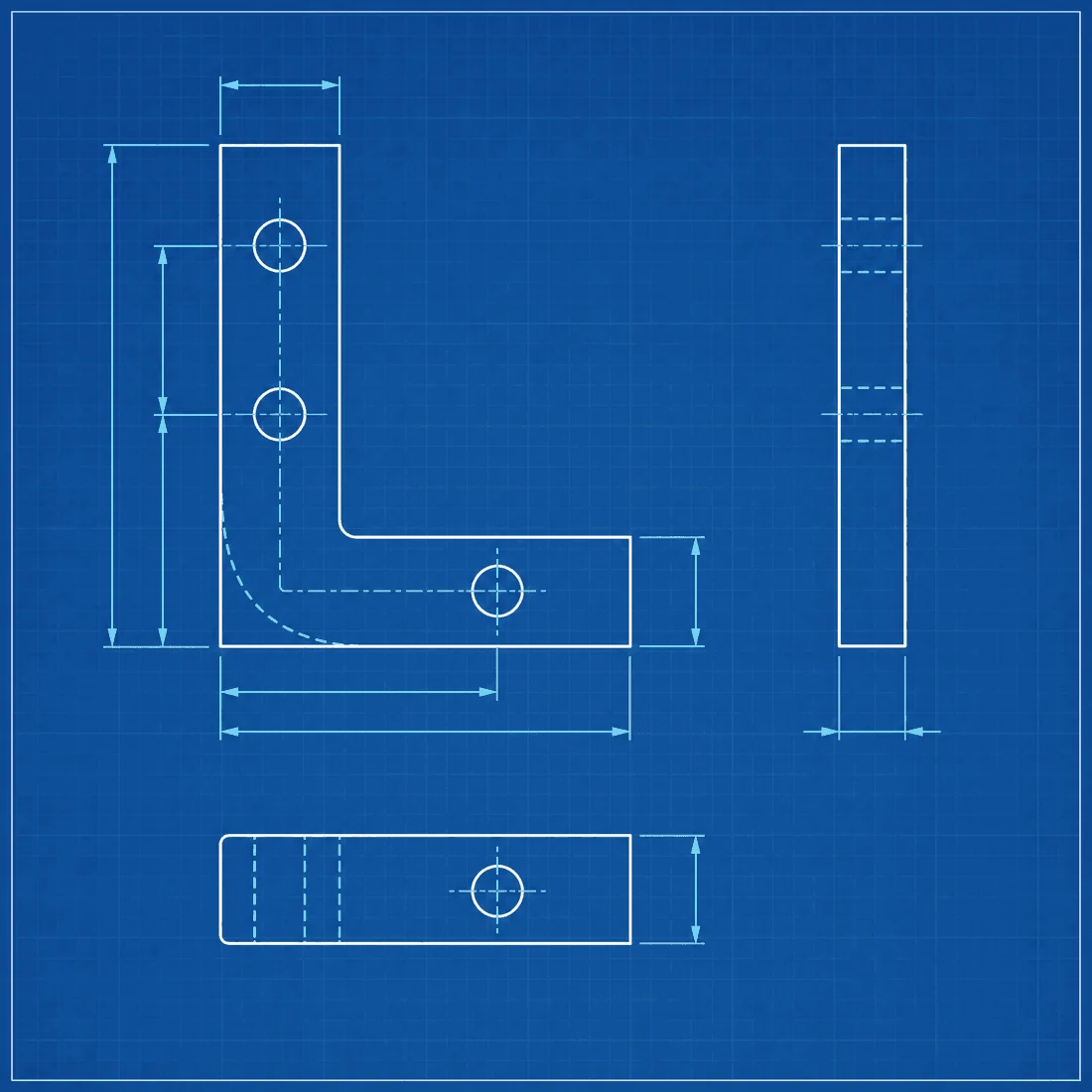
AI-generated example
L-bracket, three views
Front, top and side views with hole centerlines and dimension lines, in classic blueprint colors.
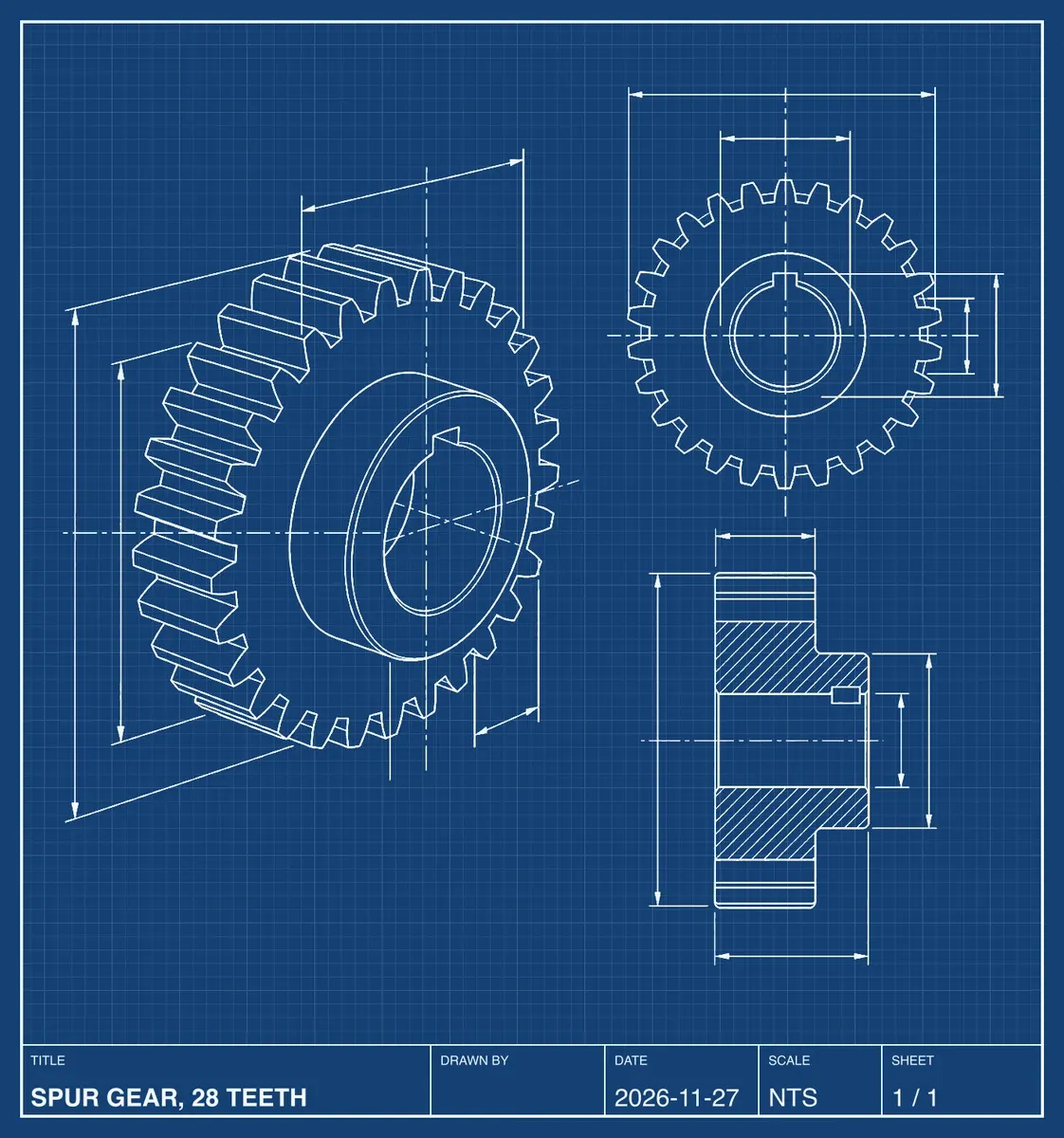
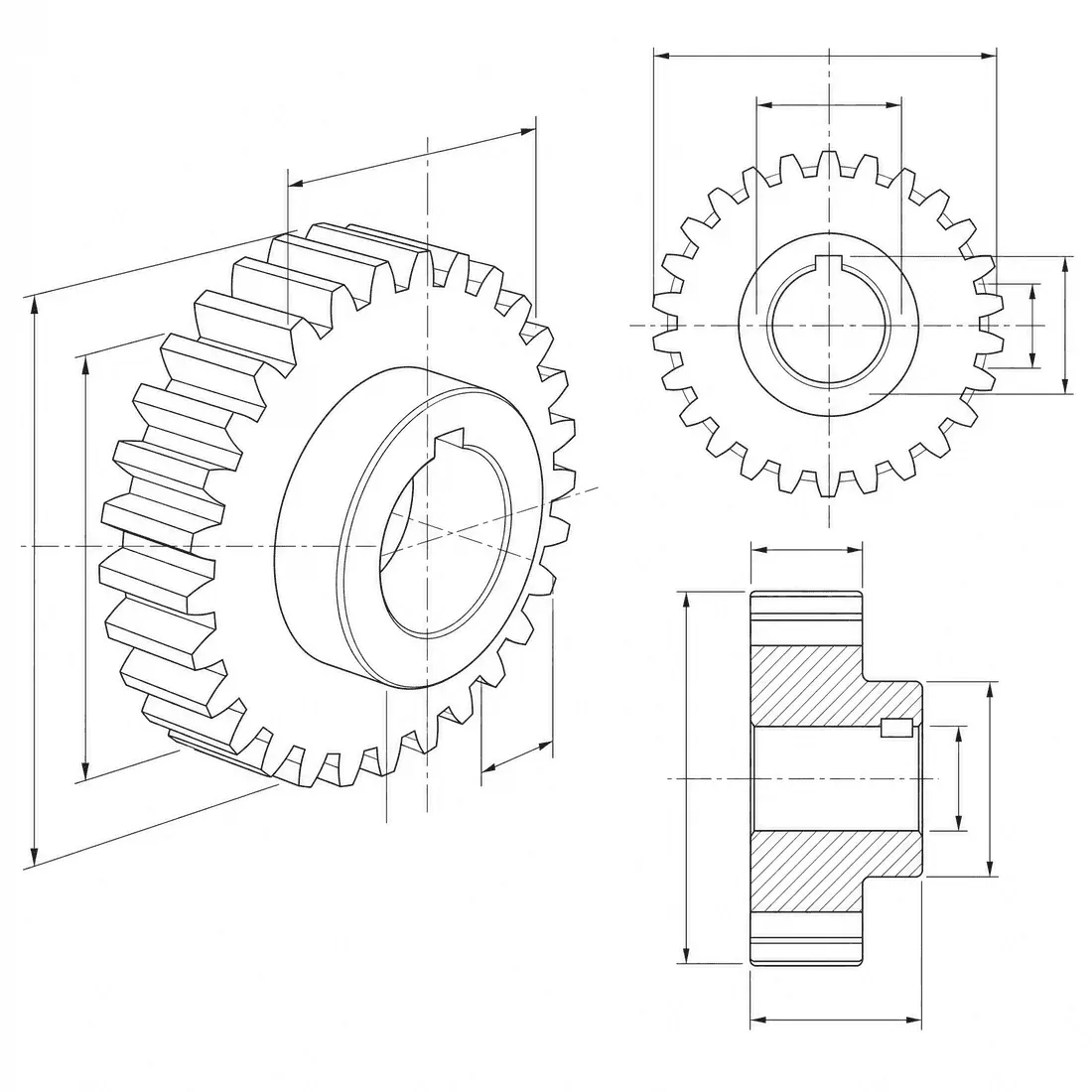
AI drawing, free styler
Spur gear as a blueprint
An AI line drawing turned white on Prussian blue, with a fine grid, a border and a title strip.
AI drawing, free styler
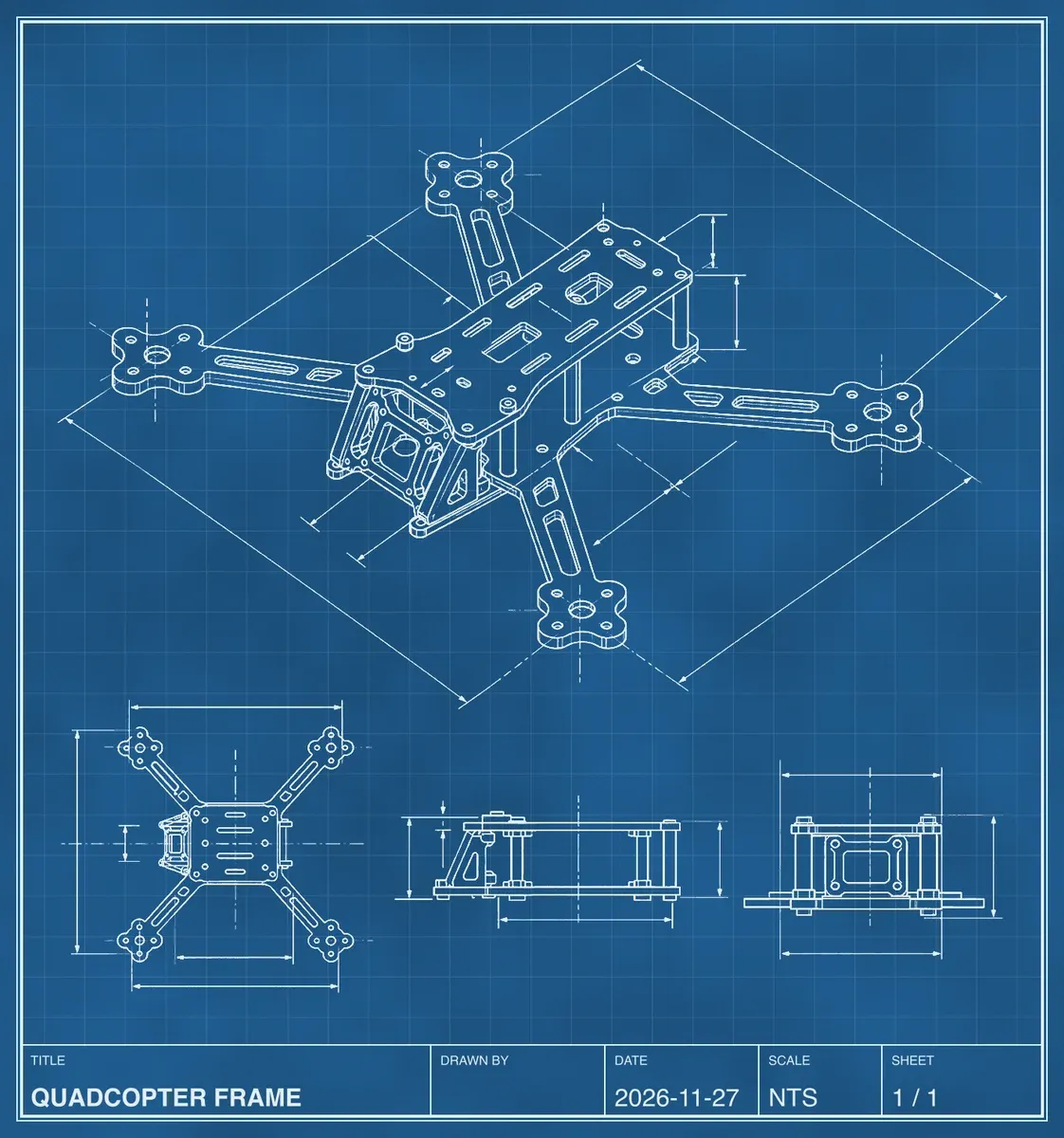
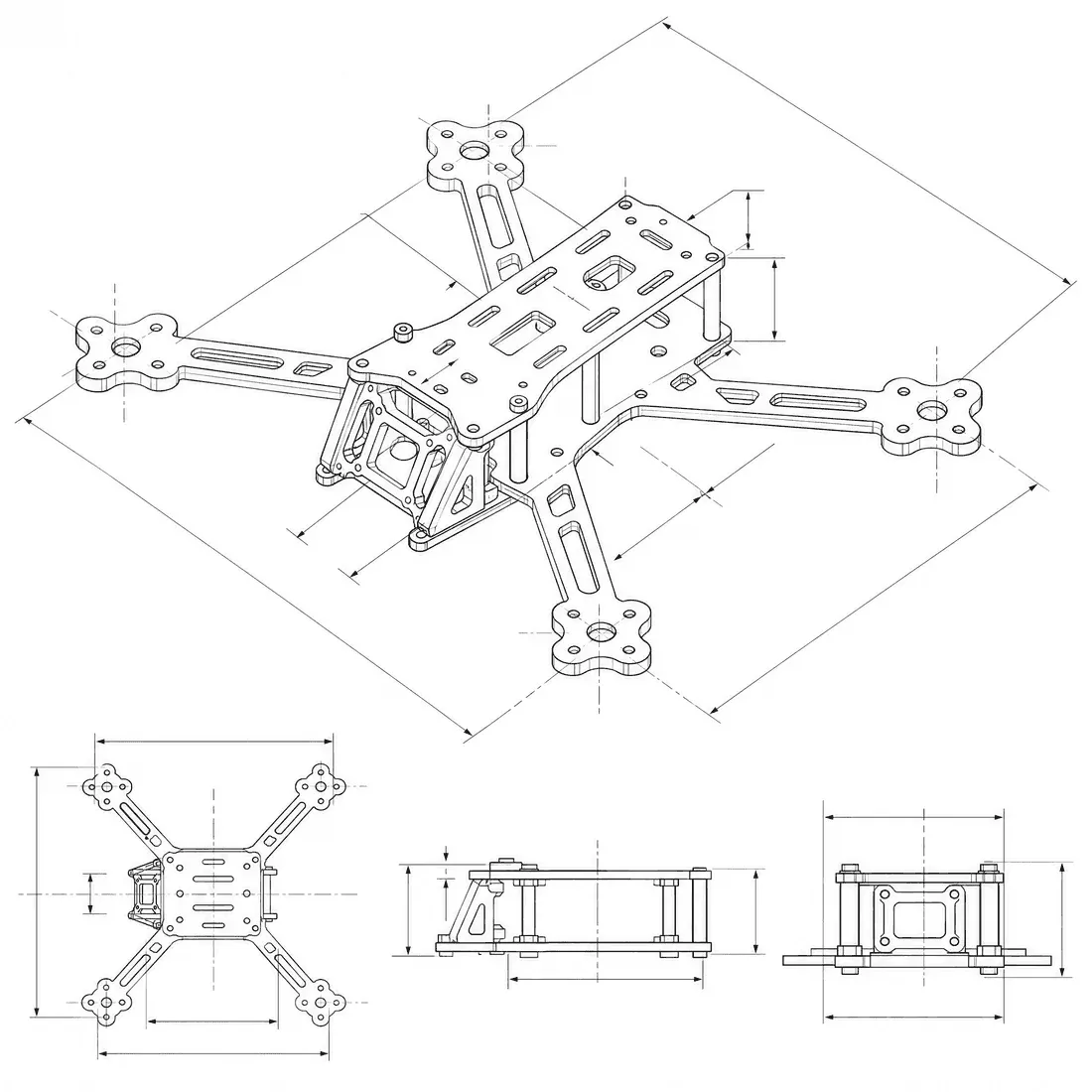
Drone frame as a cyanotype
The same engine with a mottled cyan paper, a coarse grid and a double border.
AI drawing, free styler
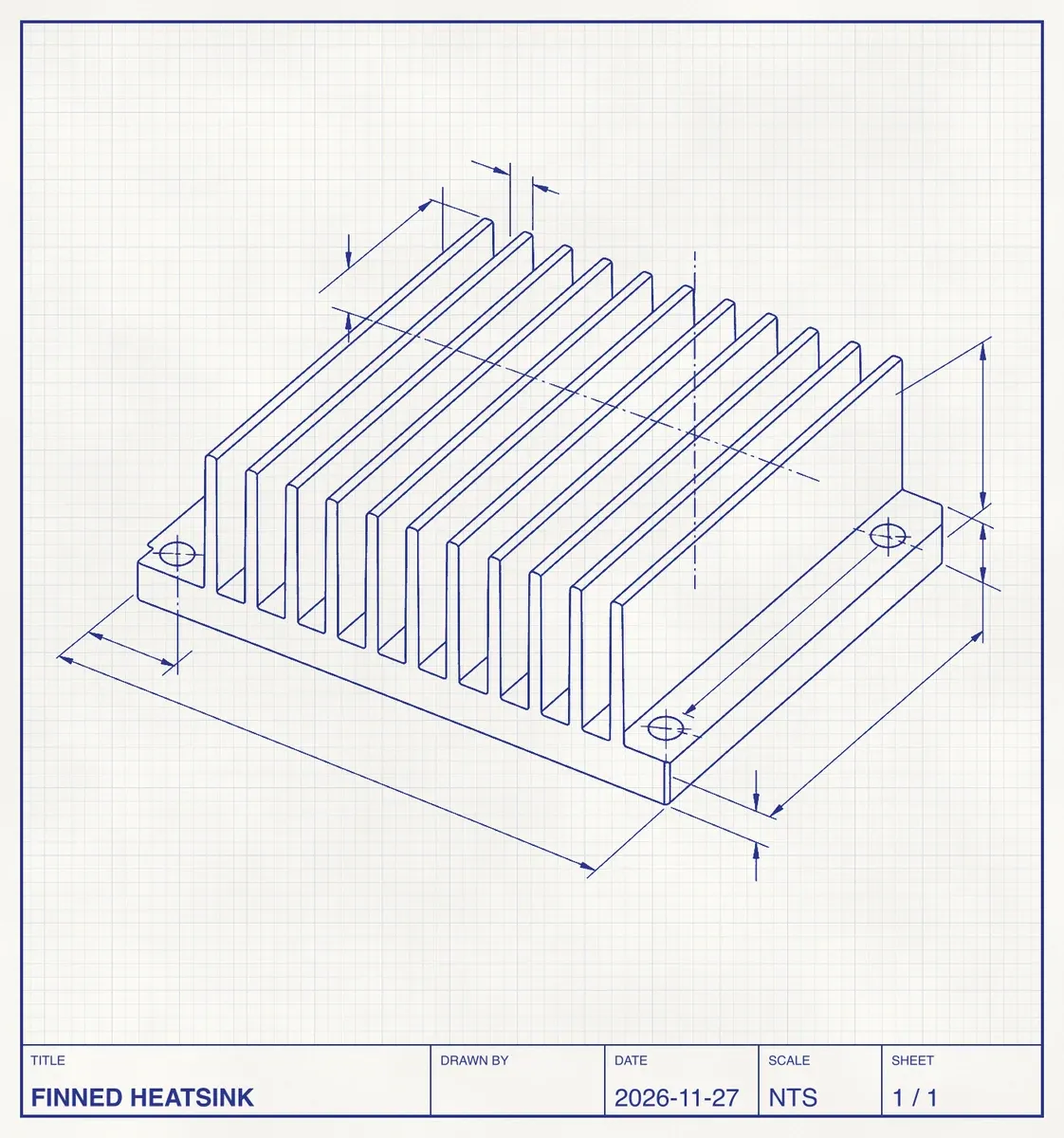
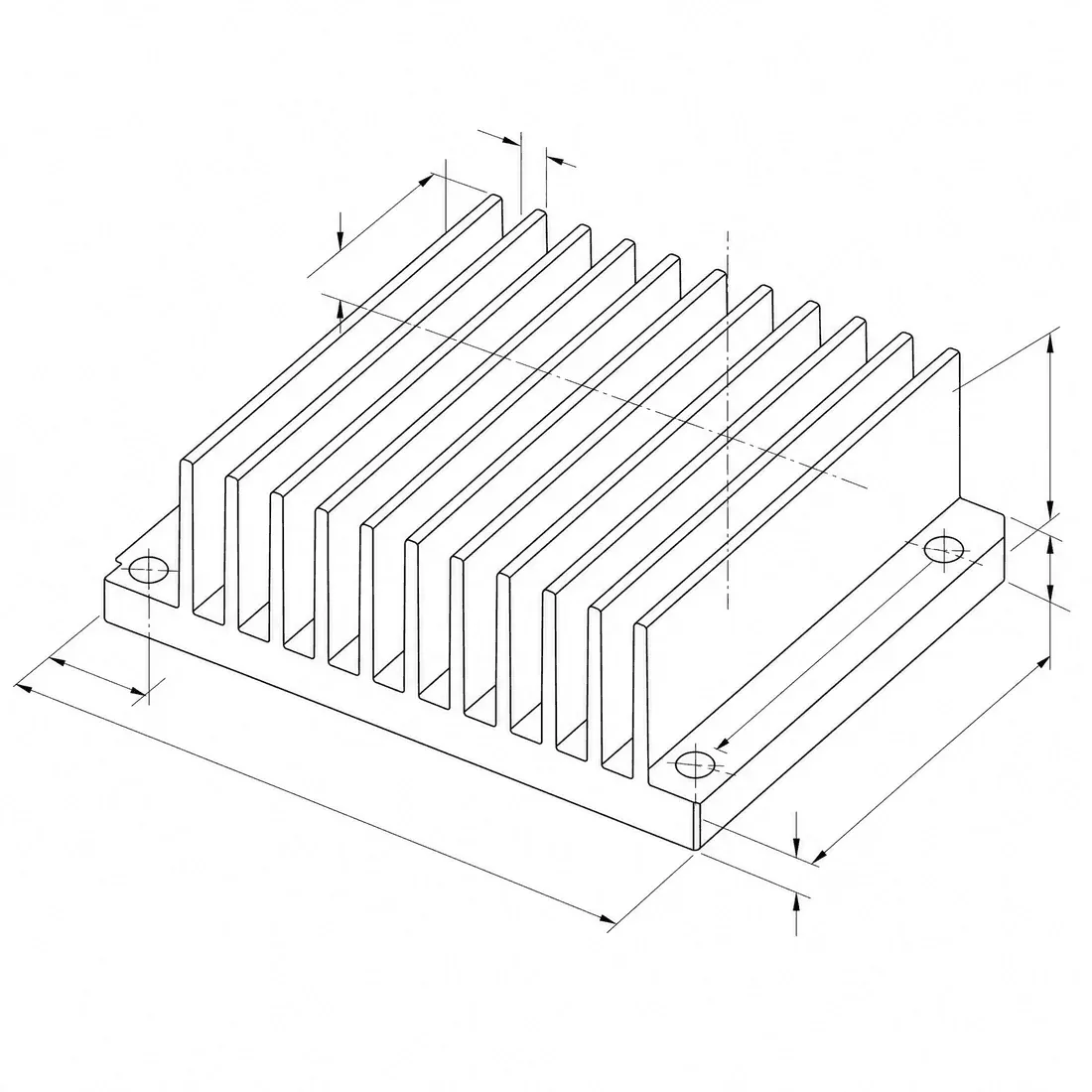
Heatsink as a diazo print
Blue violet lines on white, the whiteprint look that replaced blueprints in most offices.
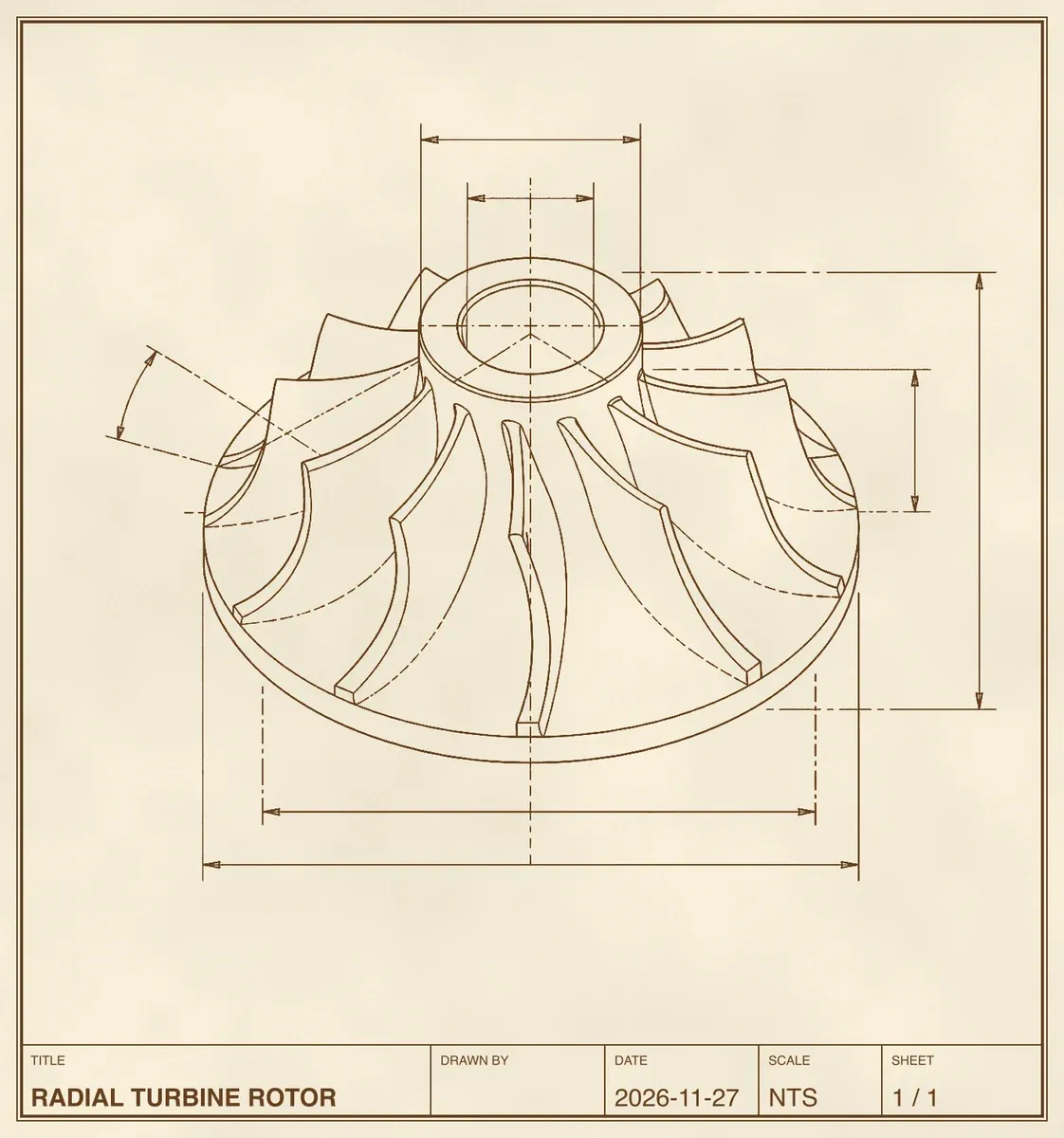
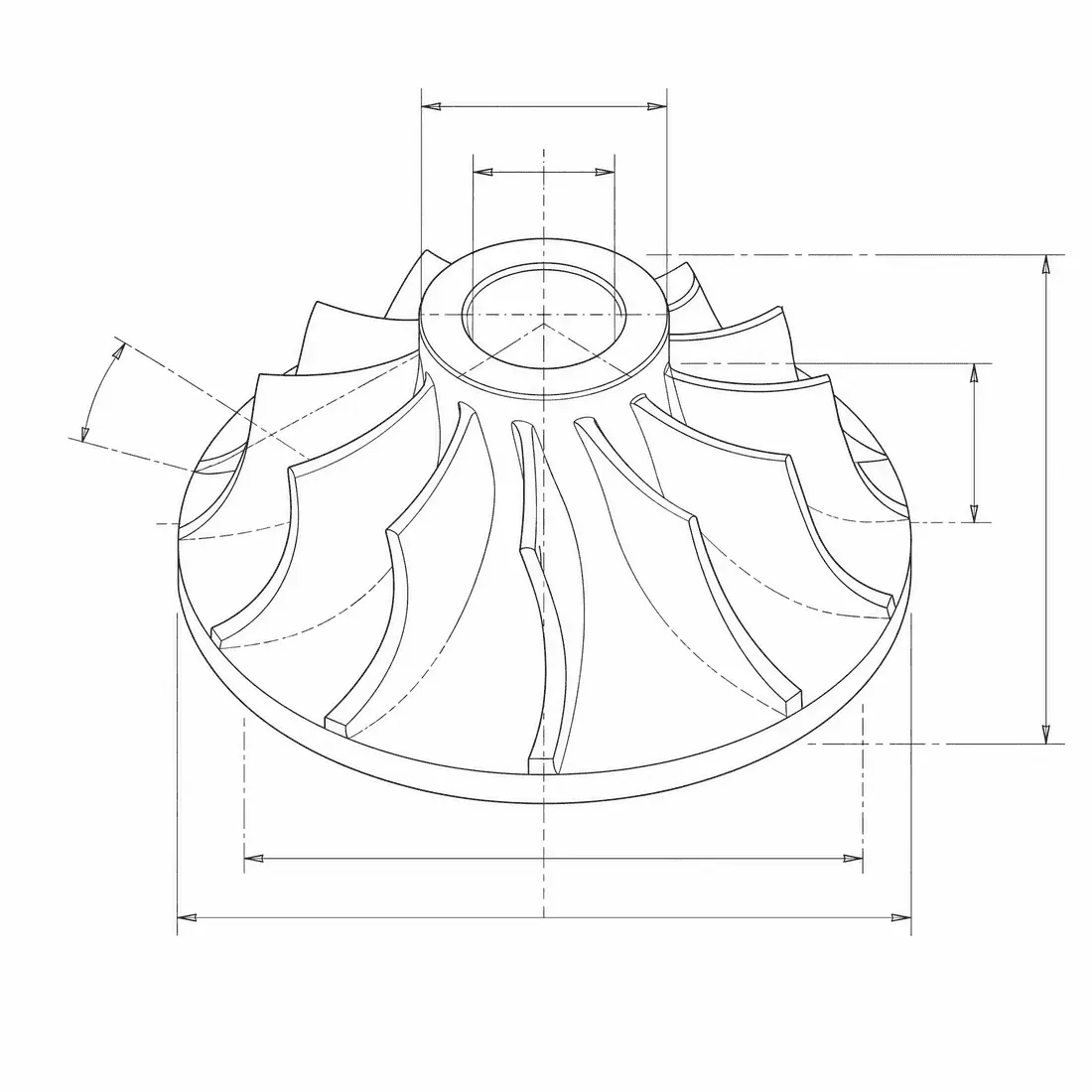
AI drawing, free styler
Turbine rotor in sepia
Brown lines on cream paper, like the brownline masters drafters copied from.
Prompt builder
Build an AI blueprint generator prompt
Name the part, its size and the features to show, then choose the layout, annotations and framing. Apply sends one clear prompt and the Blueprint style to the generator above.
Generated prompt
BlueprintStart from a template
The blueprint look
What a blueprint maker should get right
A blueprint is a contact print, not a color scheme someone picked. Knowing where the look comes from helps you ask the AI for it and set up the styler.
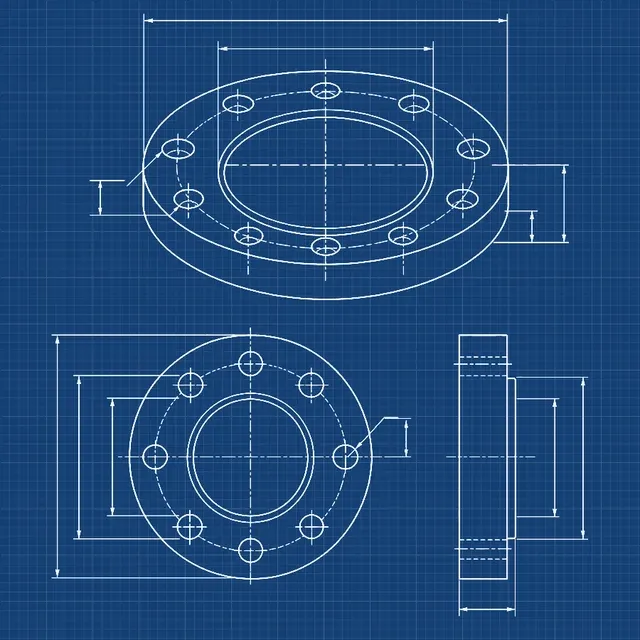
An AI flange drawing in the Blueprint style of our styler
How to
How to use the blueprint maker in 3 steps
With the AI blueprint generator at the top, then the free styler if you want another look.
STEP 1
Describe or upload the part
Type the part, its sizes and features, or switch to the Sketch tab and drop a photo or sketch (PNG, JPG or WebP up to 10 MB).
STEP 2
Keep the Blueprint style
Choose the views, units, detail and sheet shape. Multi-view sheets read best at 2K. The Prompt builder fills the text for you.
STEP 3
Generate, then restyle
Press Generate drawing (60 credits at 1K, 80 at 2K) and Download PNG. Open it in the free styler for a cyanotype or diazo look, a grid and a title strip.
Real numbers
Overall size and hole spacing help the views agree with each other.
Few labels
Ask for dimension lines and callouts, not paragraphs of notes.
Weak lines?
Raise Line strength in the styler so faint grey lines print full white.
Need vectors?
Press Convert to DXF under an AI result to trace its lines for free.
Two tools
AI blueprint generator or the free styler
One draws a new blueprint from words or a sketch, the other restyles a drawing you already have.
- AI input
- A written description, or a sketch or photo of the part
- AI output
- A CAD-style PNG in the Blueprint style, at 1K or 2K
- AI cost
- 60 credits at 1K, 80 at 2K; refunded automatically if a run fails
- AI accuracy
- Layout and features look right; dimension values are illustrative
- Styler input
- A PNG, JPG or WebP drawing up to 25 MB, or a sample
- Styler styles
- Blueprint, Cyanotype, Diazo and Sepia, with grid, border and title strip
- Styler output
- PNG up to 3,200 px, or a PDF on A4, A3, Letter, Tabloid or image size
- Styler cost
- Free, no account; runs in your browser and uploads nothing
It does
- Draw a new blueprint from a prompt or a sketch (AI)
- Recolor any drawing as a blueprint, cyanotype, diazo or sepia print
- Turn a white-on-blue print back into a whiteprint
- Add a grid, a border and a title strip without covering lines
- Save the styled sheet as PNG or a print-ready PDF
It does not
- Turn the AI PNG into an editable CAD file by itself
- Promise that AI dimension values are right
- Vectorize lines in the styler (use Convert to DXF)
- Print the PDF to a true drawing scale; it fits the page
- Clean up shadows in phone photos (try image to blueprint)
Blueprint maker FAQ
The AI generator, the free styler and the blueprint look.
What is a blueprint maker?
A blueprint maker gives a technical drawing the classic blueprint look: white lines on deep blue, often with a grid, a border and a title block. Here you can draw a new one with AI or restyle a drawing you already have for free.
Is this a free blueprint maker?
The styler is free with no account: open an image, choose a style and download PNG or PDF. The AI blueprint generator uses credits, 60 at 1K or 80 at 2K, and a failed run is refunded automatically.
How does the AI blueprint generator work?
You describe the part or upload a sketch, and an image model draws a CAD-style sheet in the Blueprint style: aligned views, dimension lines and a title block in white on blue. The result is a PNG image.
Can I turn my own drawing into a blueprint?
Yes. Press Open image in the styler and pick a PNG, JPG or WebP. Scans, exports from CAD and AI drawings all work; Auto finds whether the lines are dark or light. For photos of objects, use image to blueprint instead.
Do I get an editable CAD file?
No, both tools give images. Under an AI result, Convert to DXF traces the lines into a free DXF you can open in CAD. Check and clean the traced lines before you use them.
Are the dimensions on an AI blueprint correct?
Treat them as illustrative. The model draws dimension lines where they belong, but numbers can be wrong or unreadable. Replace them with your own values before anyone makes the part.
Why are blueprints blue?
Because of the cyanotype process. Light turned the coated paper Prussian blue everywhere except under the drawn lines, which stayed white after washing. Offices used these prints to copy drawings for decades.
What is the difference between a blueprint and a whiteprint?
A blueprint has white lines on blue paper. A whiteprint, made by the diazo process, has blue violet or dark lines on white paper. The Diazo style gives that look, and it reads better on a screen and in print.
Can I print the blueprint on A3 or Tabloid?
Yes. Choose A3, A4, Letter, Tabloid or image size under PDF paper and press Download PDF. The sheet is centred and fitted to the page, with the style color filling the margins; it is not printed to a measured scale.
Does the blueprint creator upload my image?
The styler, our free blueprint maker, does not. It reads the image with your browser and draws the result on a canvas on your device. The AI generator does send your prompt or sketch to our server to make the drawing.
Can I use it as a blueprint creator for house plans?
The AI styles are tuned for parts, products and machines, so floor plans may come out loose. If you already have a floor plan as an image, the blueprint maker below turns it into a blueprint, cyanotype or diazo print in seconds.
How large are the downloads?
Styler PNGs are up to 3,200 px on the long side; small images are scaled up to at least 1,200 px. AI drawings come at 1K or 2K, and 2K is the better choice for sheets with several views.
Make your next sheet with the blueprint maker
Describe the part, keep the Blueprint style and let the AI blueprint generator draw it. Credits come back if a run fails, and the styler stays free.
Describe a part