Image to DXF Converter: Drawings, Logos, Art and Photos
Free image to DXF converter for PNG, JPG, WebP, BMP or GIF files up to 25 MB. Pick the picture type and the tracer starts in the right mode: centerlines for drawings, closed outlines for logos, artwork and photos. You get an AutoCAD R12 DXF in mm or inches, made in your browser.
- Free, no sign-up
- PNG, JPG, WebP, BMP, GIF
- Centerline or Outline
- R12 DXF in mm or inches
Upload image
FreePicture type
Runs in your browser. Nothing is uploaded.
Example result
Drawing · Image → DXF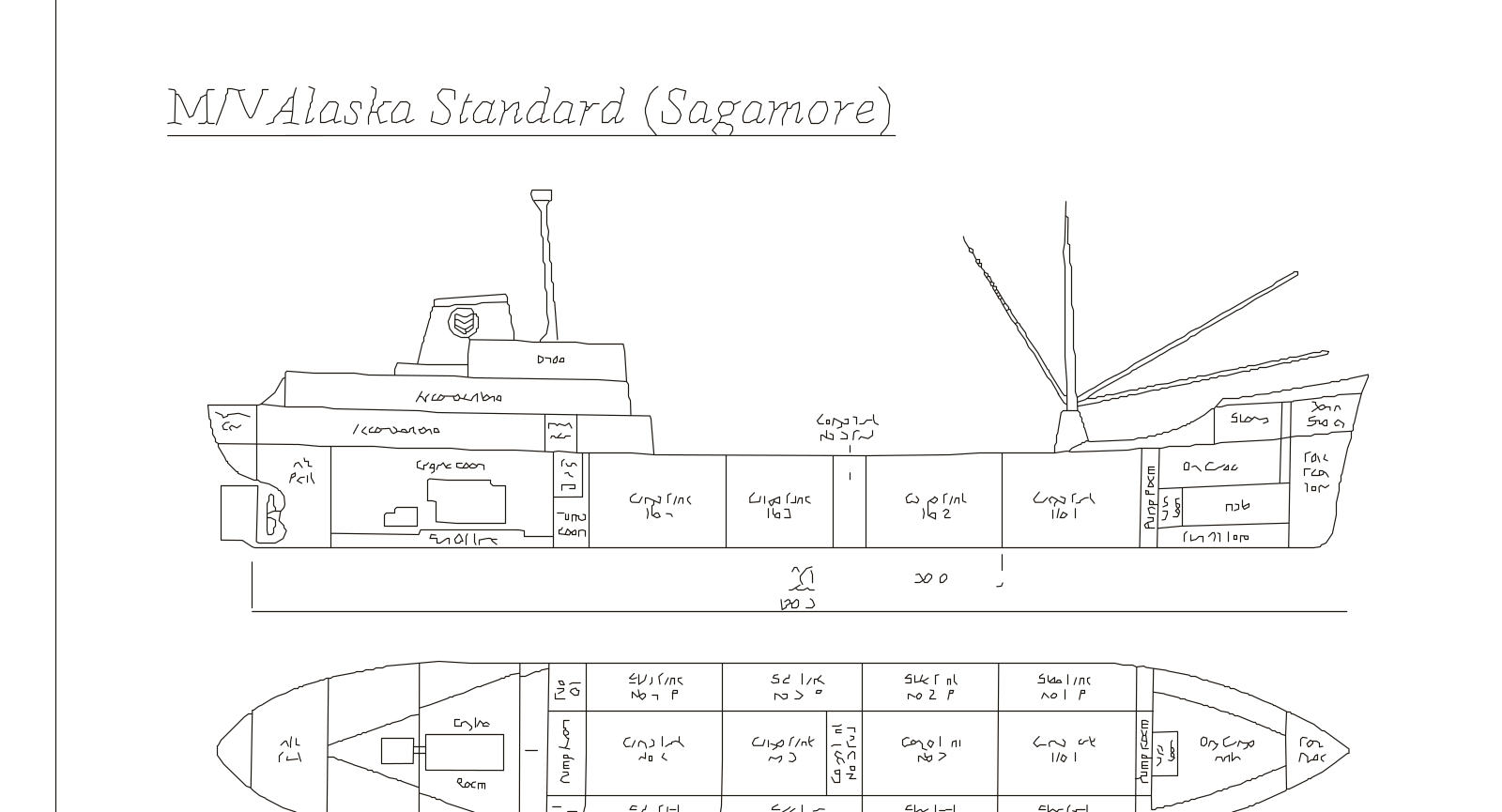
Traced here: Centerline · 498 paths, 29 closed · 135.5 × 73.2 mm · 75 ms
Examples
Image to DXF examples, one per picture type
Six images traced by this image to DXF converter with the settings shown, saved as PNG, JPG, WebP and GIF. Flip a card between the image and its DXF lines, open it in the converter, or download the DXF.
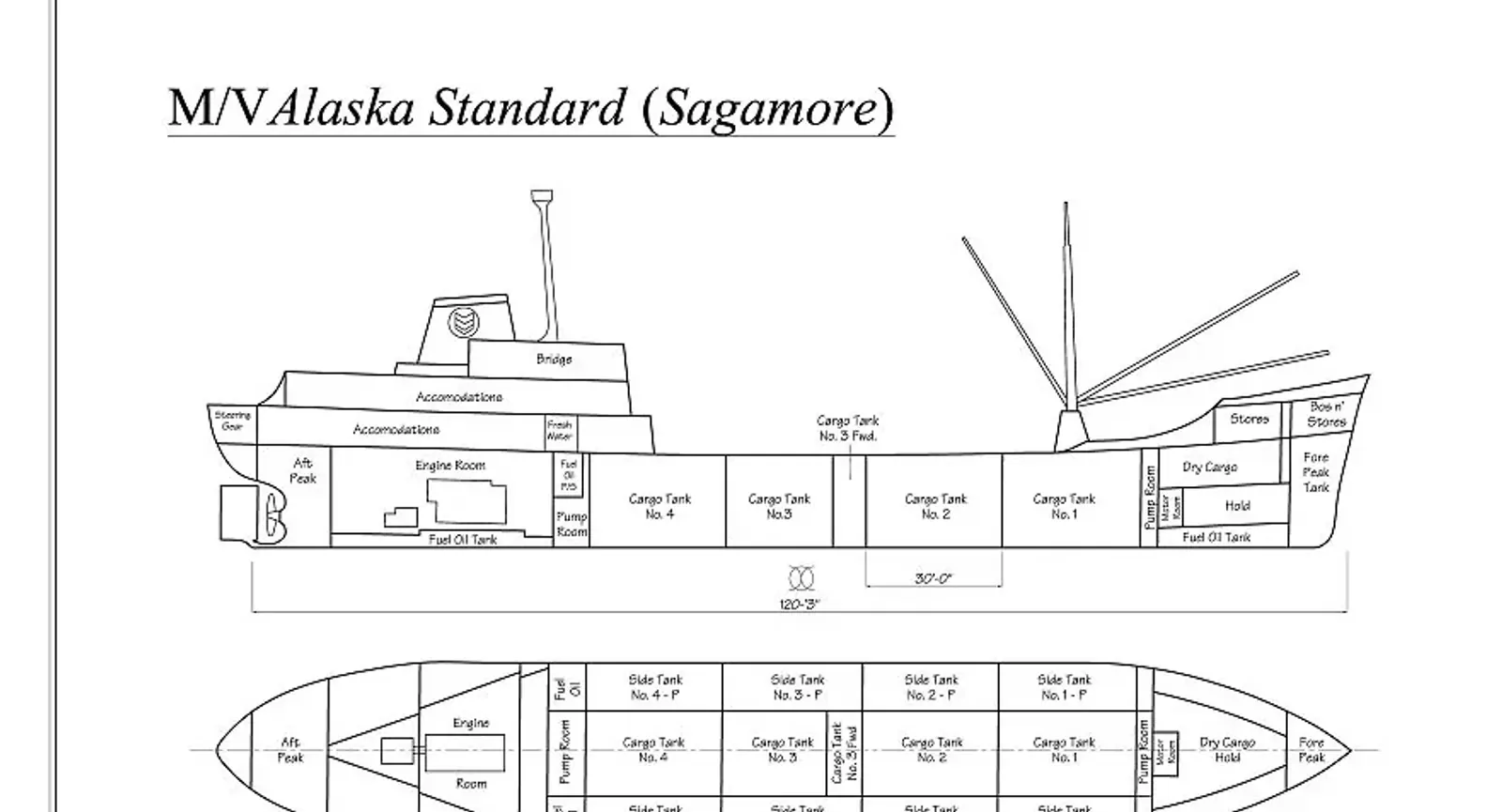
Drawing · PNG
Cargo ship profile and deck plan
Centerline mode gives 498 single-line paths; the labels come along as traced shapes.
Centerline · 498 paths · 135.5 × 73.2 mm · 75 ms
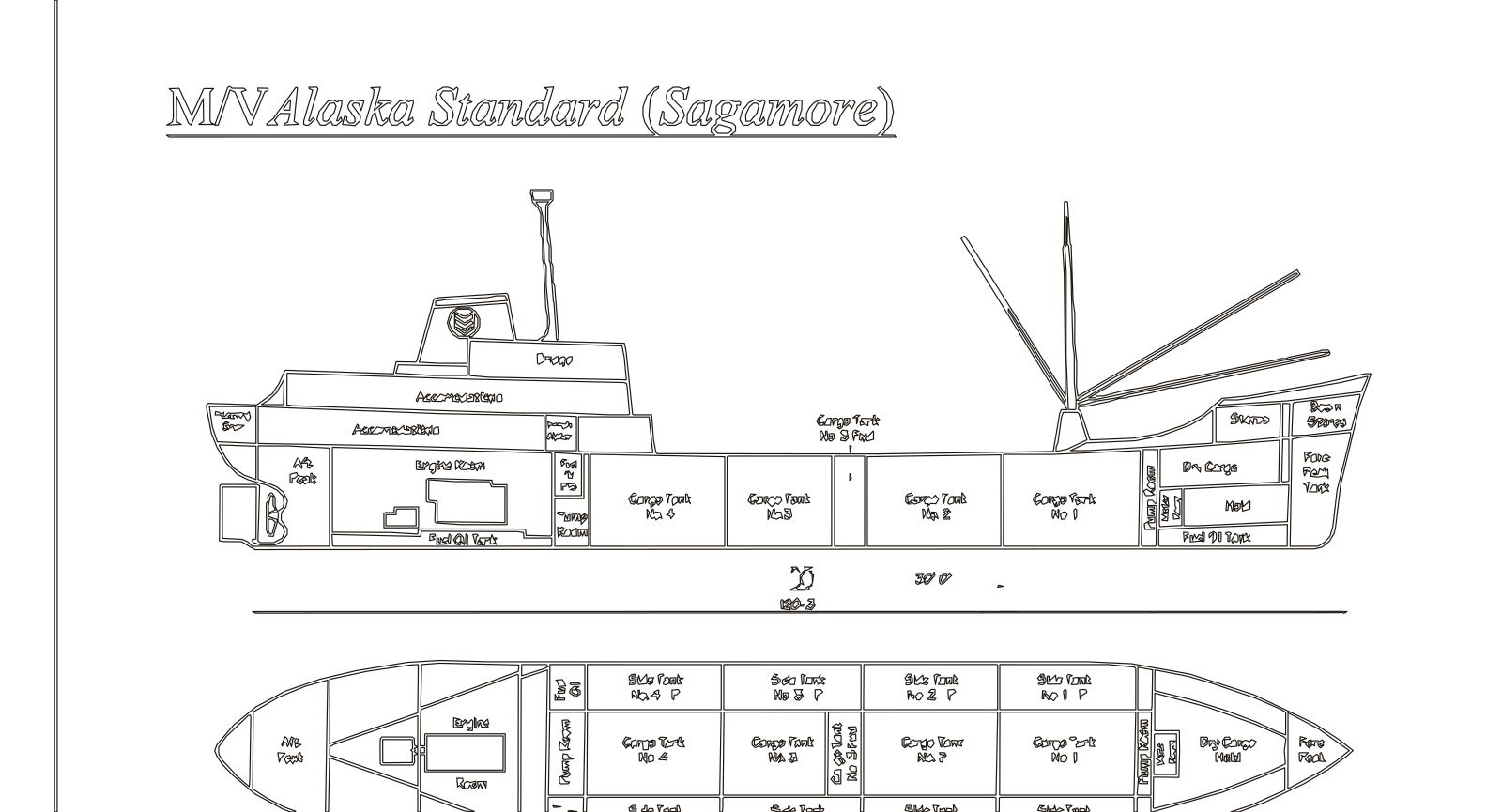
Drawing · wrong mode
The same drawing in Outline mode
451 closed loops: every line turns into a thin shape with two edges. For line drawings, Centerline is the right pick.
Outline · 451 paths · 135.5 × 73.2 mm · 43 ms
Logo · GIF
Geometric mark saved as a GIF
GIFs are traced from their first frame. The mark gives 2 closed outlines, its counter kept as a hole.
Outline · 2 paths · 100.0 × 103.3 mm · 6 ms
Artwork · WebP
Tree of life on parchment
Brown on cream is still dark on light: 54 closed outlines, 50 of them holes, ready to cut.
Outline · 54 paths · 100.0 × 100.0 mm · 29 ms
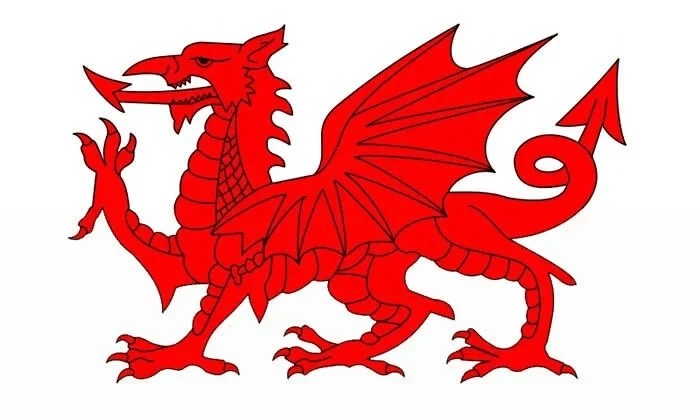
Color graphic · PNG
Red dragon on white
Color does not matter, only contrast. The red reads as dark and traces to 3 closed outlines.
Outline · 3 paths · 100.0 × 64.5 mm · 7 ms
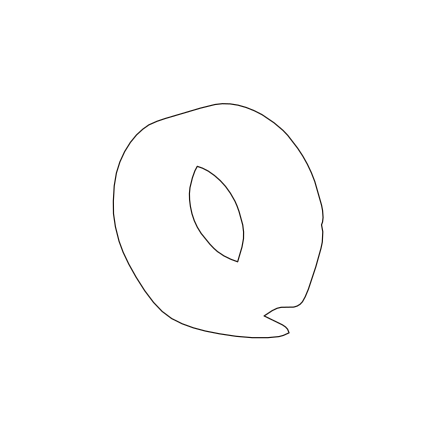
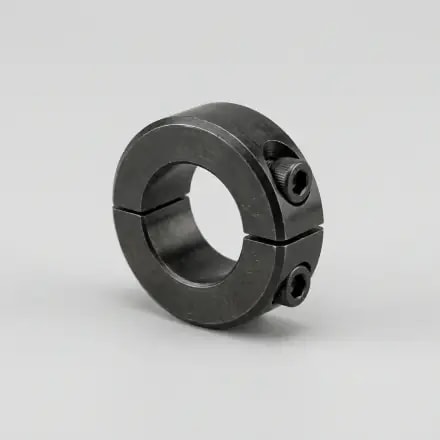
Photo · JPG
Shaft collar on a grey backdrop
The photo preset blurs and despeckles first, so the dark collar comes out as one outline around its bore.
Outline · 2 paths · 150.0 × 167.4 mm · 9 ms
Picture types
Choose the image to DXF mode by picture type
There are two image to DXF tracing modes. The picture type you pick sets the mode and the clean-up; here is why, shown on our own traces.
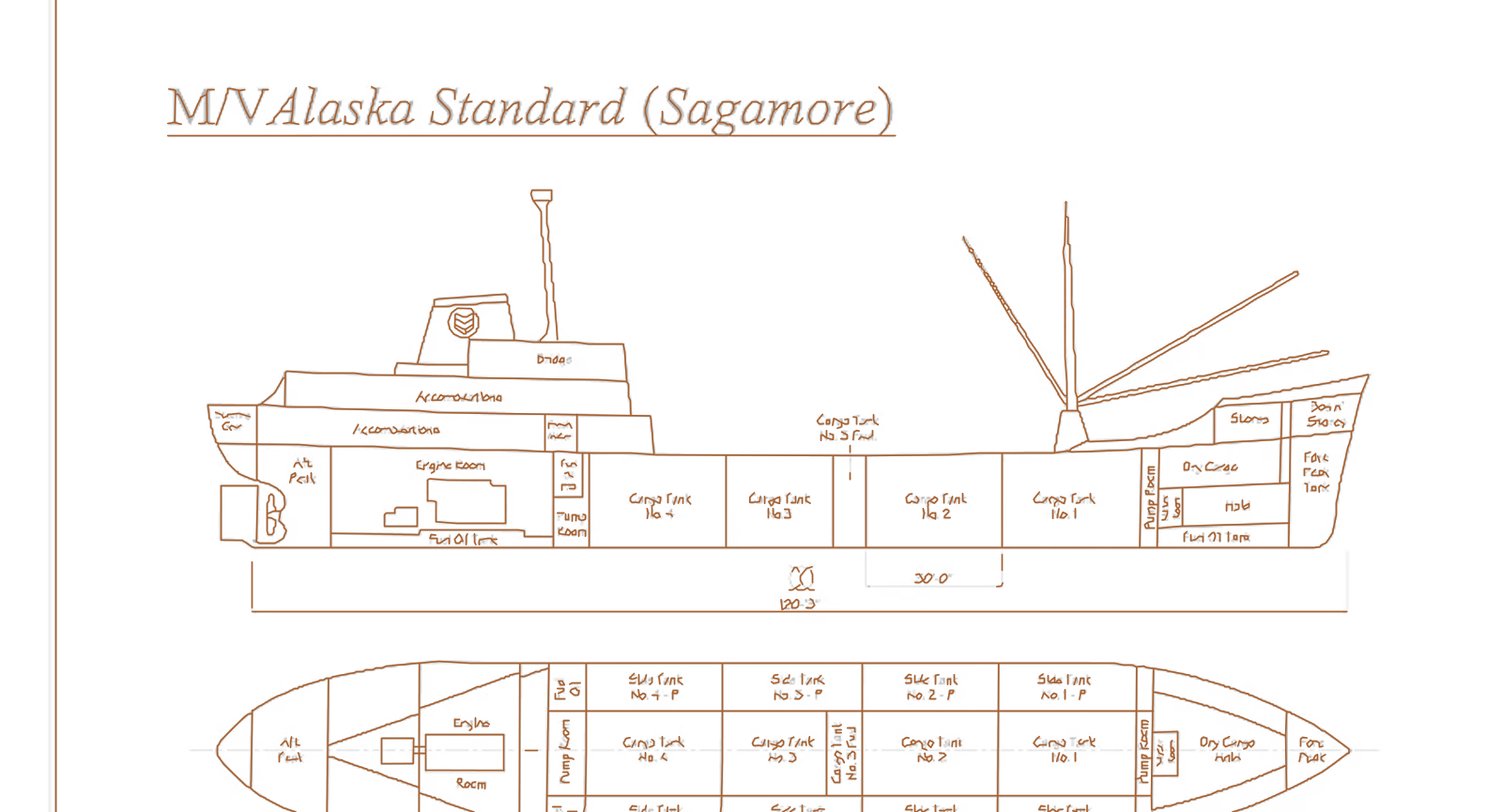
Ship drawing: 498 centerlines over the faded PNG
How to
How to convert an image to DXF in 3 steps
Any img to DXF job works the same way: nothing to install, no account to open.
STEP 1
Drop any image
Drag a PNG, JPG, WebP, BMP or GIF file up to 25 MB onto the upload box, paste it with Ctrl+V, or open an example. It never leaves this tab.
STEP 2
Pick the picture type
Drawing starts in Centerline mode; Logo, Artwork and Photo in Outline. Flip between Compare, Vector and Overlay, and switch Mode if lines look doubled.
STEP 3
Set the size and download
Type the finished width or the scan DPI under Size & export, choose mm or in, and press Download DXF. Download SVG gives the same paths.
One color per pass
The tracer splits dark from light. For a multicolor picture, save one version per color and trace each.
Bigger is smoother
Start an image to DXF trace from the largest file you have; anything over 4,000 px on the long edge is scaled down first.
Light art on dark
The border decides which side is paper. If white shapes on black come out wrong, turn on Invert.
Animated GIF
Only the first frame is traced. Export the frame you want as a still image first.
Specs
Image to DXF converter formats and limits
What goes in, what comes out, and what this image to DXF converter does not try to do.
- Input formats
- PNG, JPG, WebP, BMP or GIF
- Format check
- Read from the file header, not the extension
- File size
- Up to 25 MB
- Image size
- Opens up to 50 megapixels; traced at up to 4,000 px on the long edge
- Modes
- Centerline (open polylines) or Outline (closed polylines with holes)
- Output
- DXF and SVG, plus a PNG preview
- DXF version
- AutoCAD R12 ASCII with POLYLINE entities
- Units
- Millimetres or inches, written to the DXF header
- Where it runs
- In your browser tab; nothing is uploaded
It does
- Read PNG, JPG, WebP, BMP and the first frame of a GIF
- Trace line art as centerlines and filled art as closed outlines
- Treat transparent pixels as white paper
- Scale the result to a width or a scan DPI
- Export the same paths as an SVG
It does not
- Open vector files such as AI, EPS or PDF; for SVG use SVG to DXF
- Write DWG; save the DXF as DWG in your CAD program
- Split colors onto separate layers
- Fit arcs or splines; curves are fine polylines
- Recognize text or redraw details; there is no AI step
Next steps
What to do with an image to DXF file
DXF opens in nearly every CAD and CAM program. For phone photos and scans of drawings, see JPG to DXF; for an object photographed on a table, photo to DXF; for an AI drawing from a picture, the image to CAD converter.
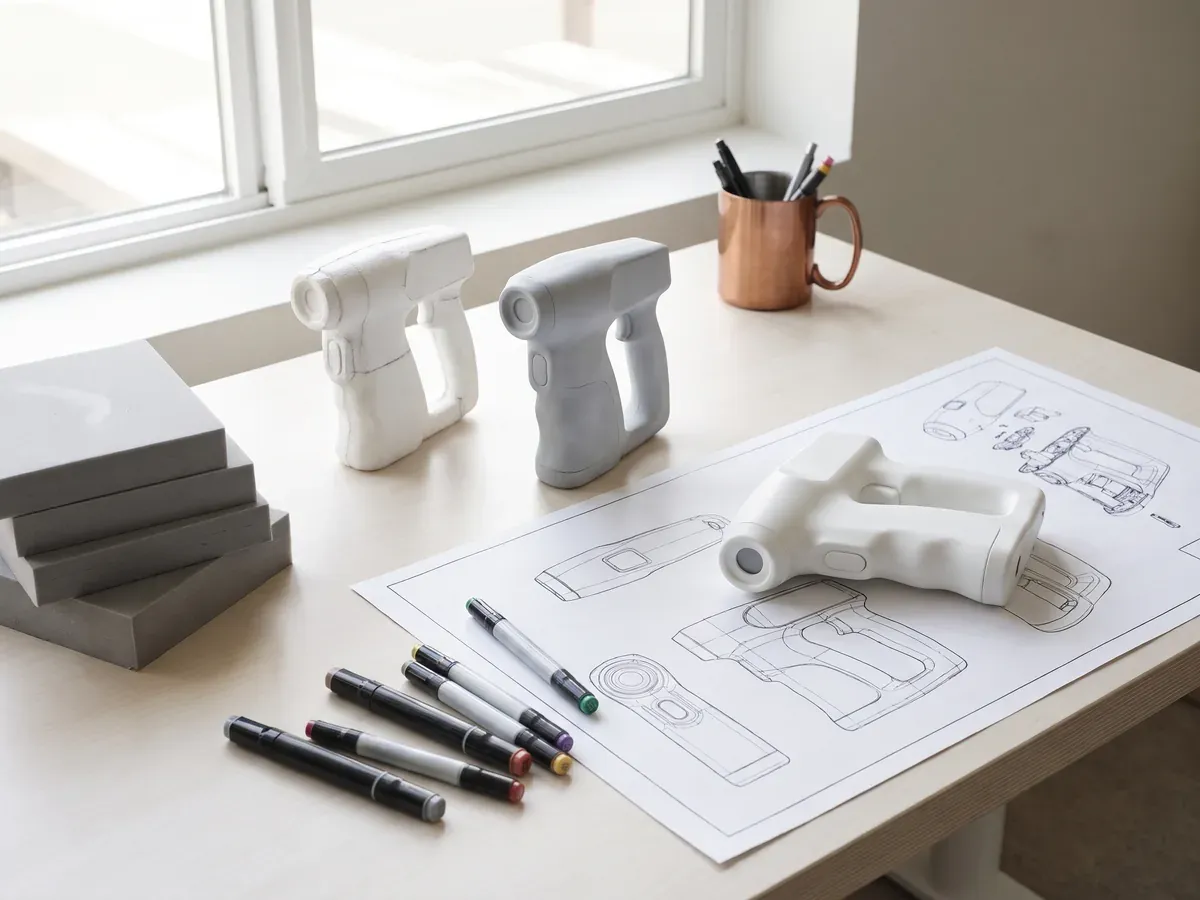
Model over a concept
Bring a sketch or render into CAD as an image DXF underlay and model the real part over it.
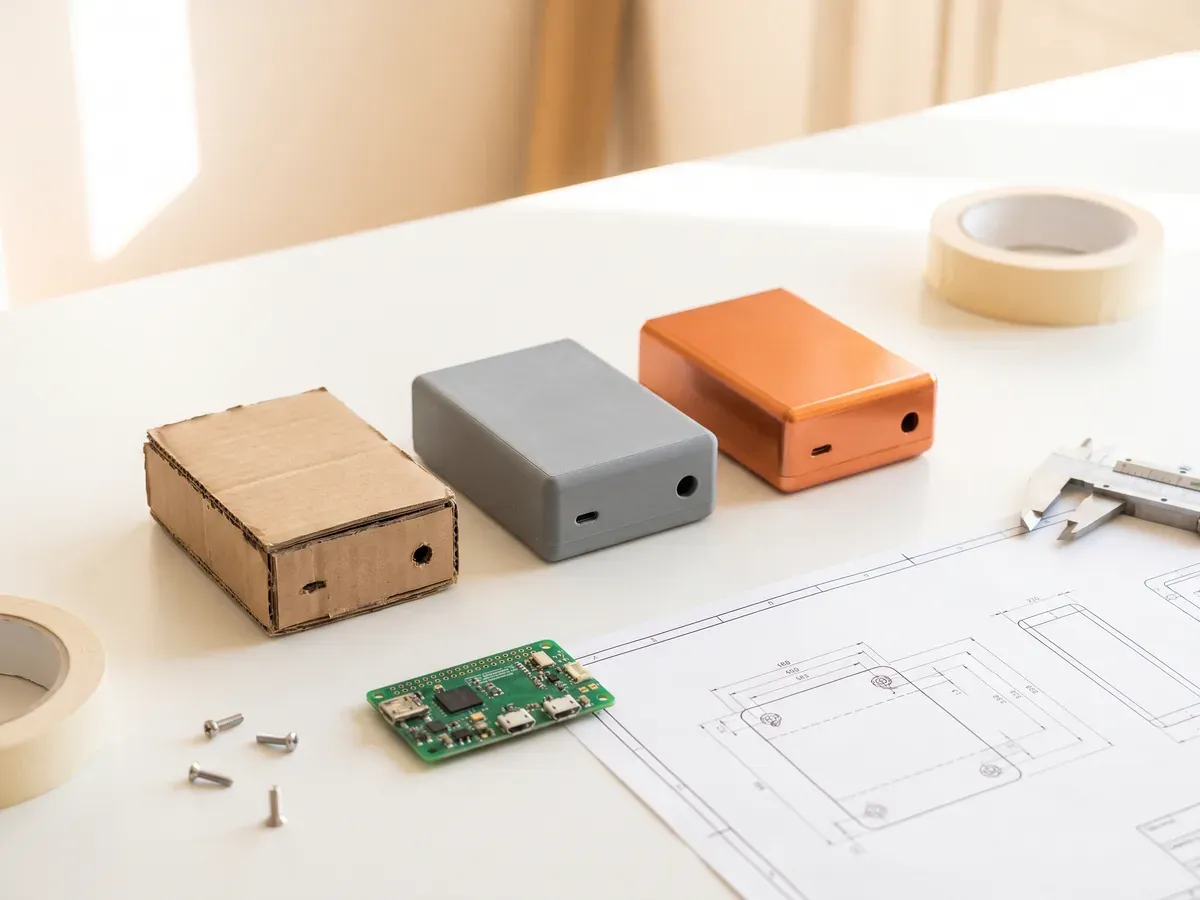
Panels and enclosures
Trace a logo or vent pattern and cut it into a front panel or a lid.
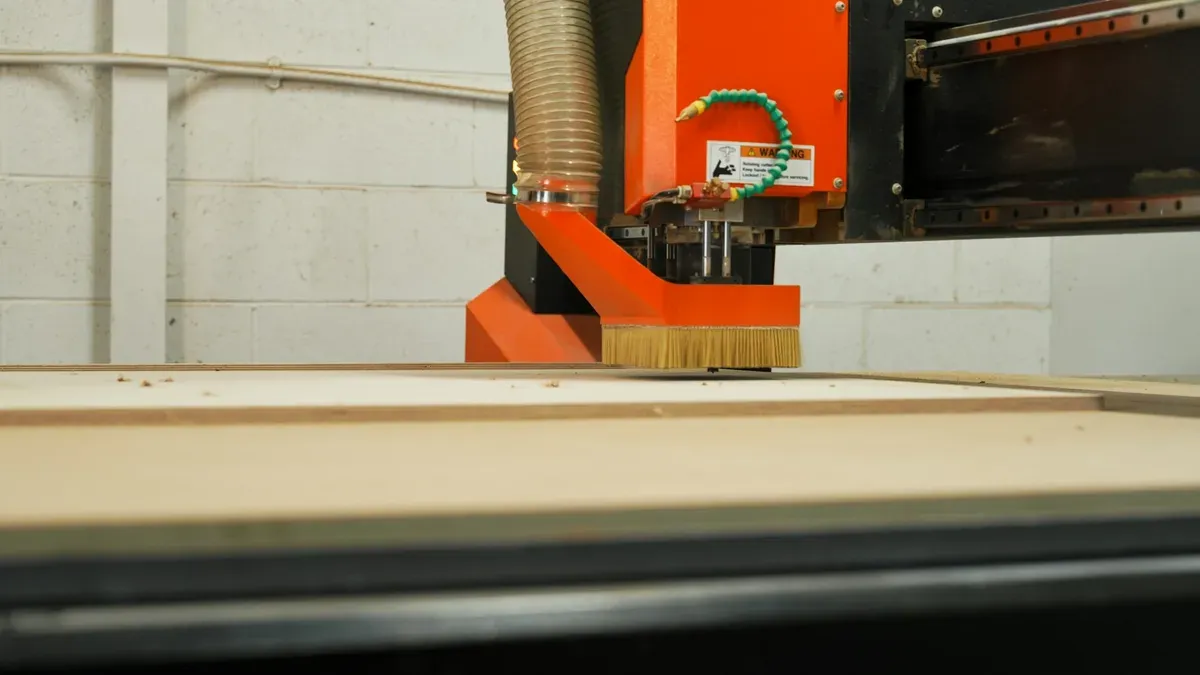
CNC routing
Closed outlines become profile and pocket toolpaths in Fusion, VCarve or your CAM tool.
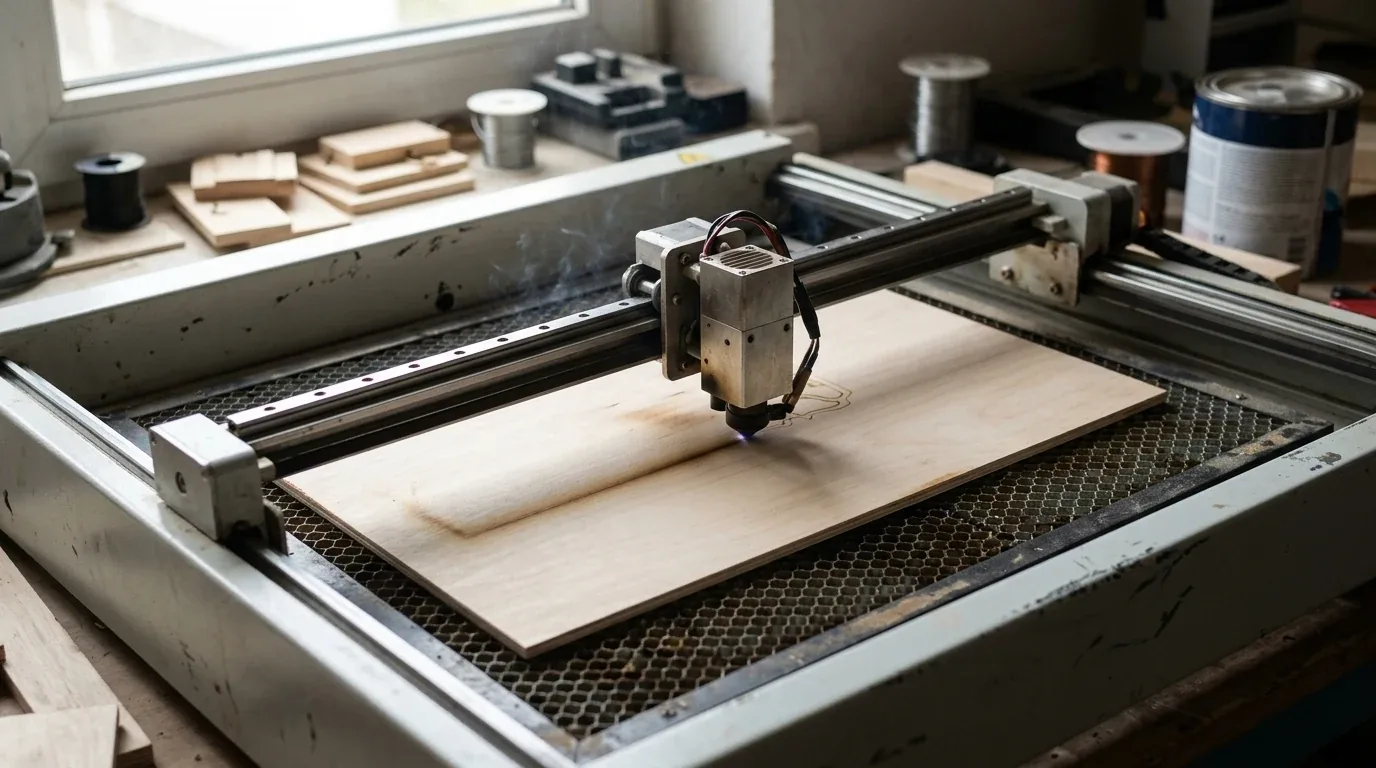
Laser and vinyl
Logos and artwork go straight to LightBurn or a vinyl cutter as closed shapes.
Image to DXF FAQ
Formats, modes, size and CAD.
How do I convert an image to DXF?
Drop the image, pick Drawing, Logo, Artwork or Photo, and check the Overlay view. Move Threshold if lines are missing, set the width, then press Download DXF.
Which formats does the image to DXF converter accept?
PNG, JPG, WebP, BMP or GIF, up to 25 MB. The format is read from the file itself, so a renamed file still opens, and a GIF is traced from its first frame.
Is there a free picture to DXF converter with no upload?
Yes, this one. It runs in your browser with no account and no watermark, and the picture never leaves your device.
Centerline or Outline: which image to DXF mode should I use?
Centerline for line drawings, plans and sketches you want to edit. Outline for filled logos, silhouettes and photos you want to cut. If the DXF shows doubled lines, switch to Centerline.
Can I convert an image to DXF for AutoCAD?
Yes. The file is an AutoCAD R12 DXF that AutoCAD opens directly. Text arrives as shapes and curves as fine polylines, so redraw what you need to edit as true geometry.
Can I convert AI to DXF here?
Not directly. An Adobe Illustrator .ai file is vector artwork and this tool reads raster images. Export a PNG from Illustrator and trace that, or export DXF from Illustrator itself.
How do I convert a picture to DXF at the right size?
Under Size & export, type the real width of the traced shapes, or the DPI of a scan, and pick mm or in. The unit is written into the DXF header.
Does a photo or pic to DXF trace work?
Yes, when the subject stands out from a plain background. Pick Photo: it blurs and despeckles first, then traces the outline. Busy backgrounds turn into noise.
Why is part of my picture missing after image to DXF?
Its tone is too close to the background. Raise Threshold to catch lighter shapes, try Invert, or boost the contrast in a photo editor first.
Can a multicolor image DXF have one layer per color?
Not in one pass: everything goes on the one layer named under DXF layer. Save one image per color, trace each and give it its own layer name.
Is an image DXF a real vector drawing?
Yes, it is vector geometry: polylines you can scale, edit and cut. It is not a parametric model, and curves are fine segments rather than arcs.
Does image to DXF handle transparent PNGs?
Yes. Transparent pixels count as white paper. For logos and transparent PNGs in depth, see PNG to DXF.
Convert an image to DXF now
Pick the picture type, set the width and trace your image to DXF in this tab. Nothing to install.
Convert an image