Free CAD Tools Online: Every Converter, Viewer and Generator
50 free CAD tools that run in your browser: trace images to DXF, convert DWG, STEP and STL files, open drawings, make gears and boxes, and look up drill and thread sizes. No account and nothing uploaded. Search below, or press / anywhere to jump to the search box.
- 50 free tools live
- Files stay on your device
- No install, no account
- AI drawings with credits
Directory
Every free CAD tool, grouped by job
92 pages in seven groups, and every tool opens straight away.
92 of 92 tools · 92 live
Image to CAD15
Trace a logo, photo, scan, PDF page or hand sketch into DXF or SVG lines at a size you set. Outline mode for filled shapes, centerline for line drawings.
 PNG to DXFTrace a PNG logo, icon or line drawing into a DXF for laser and CNC.
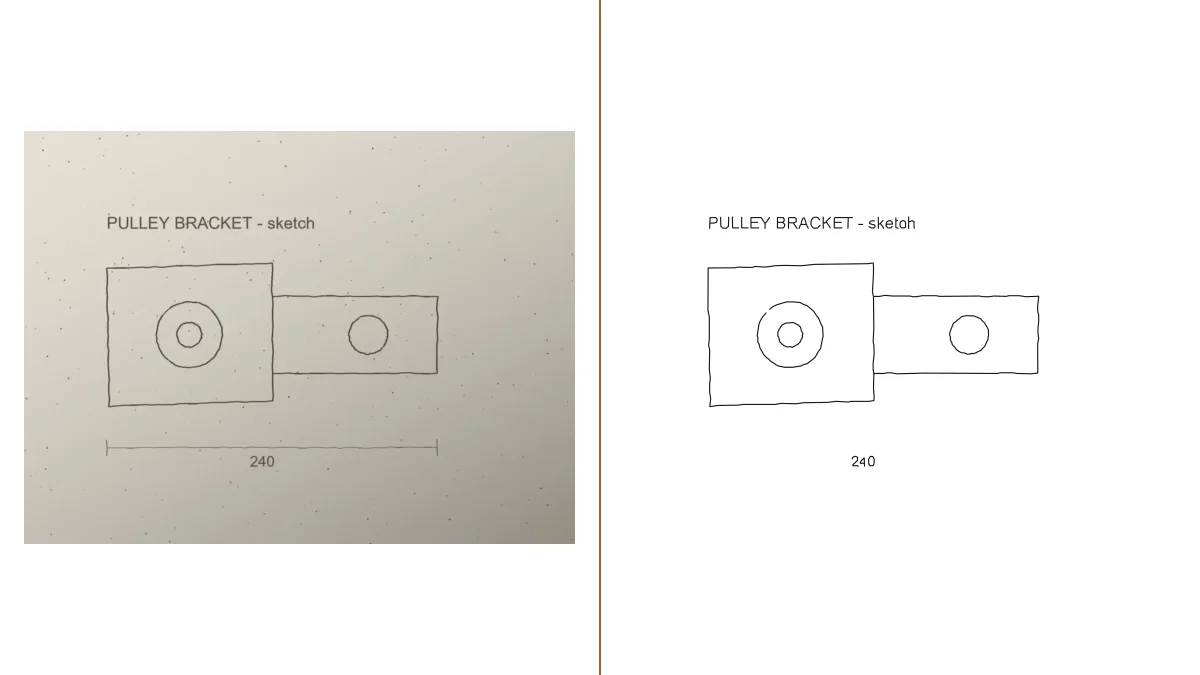 JPG to DXFTurn phone photos and JPG scans into clean DXF lines.
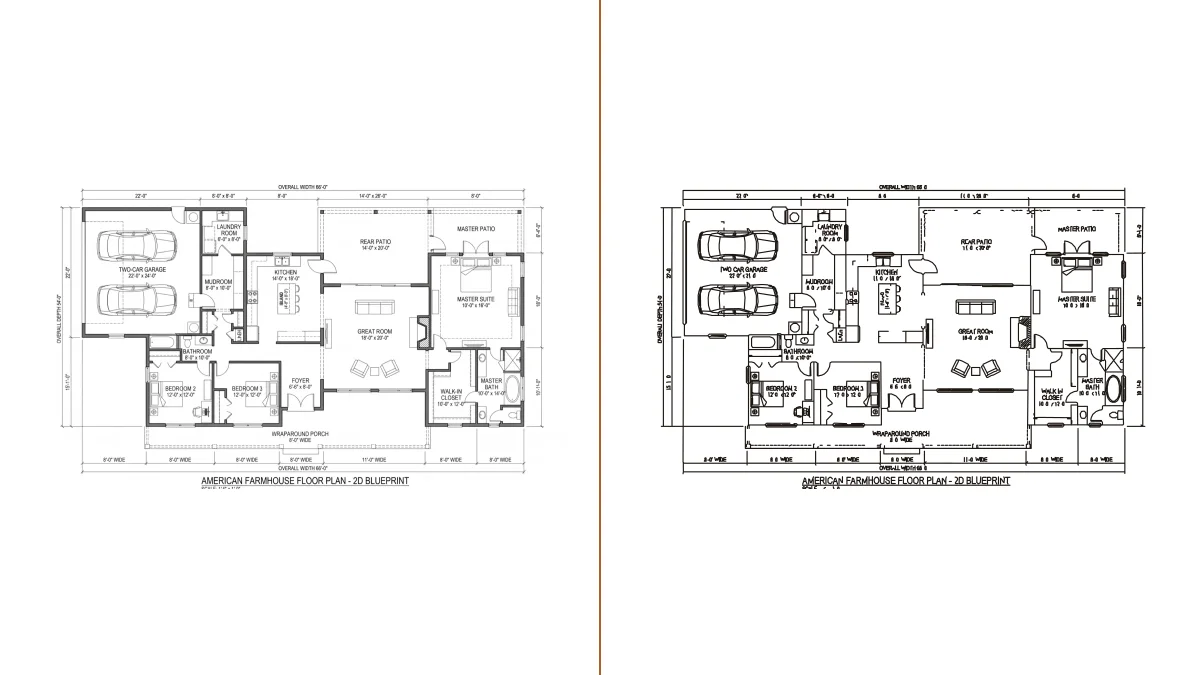 Image to DXFConvert any raster image into a scaled DXF drawing.
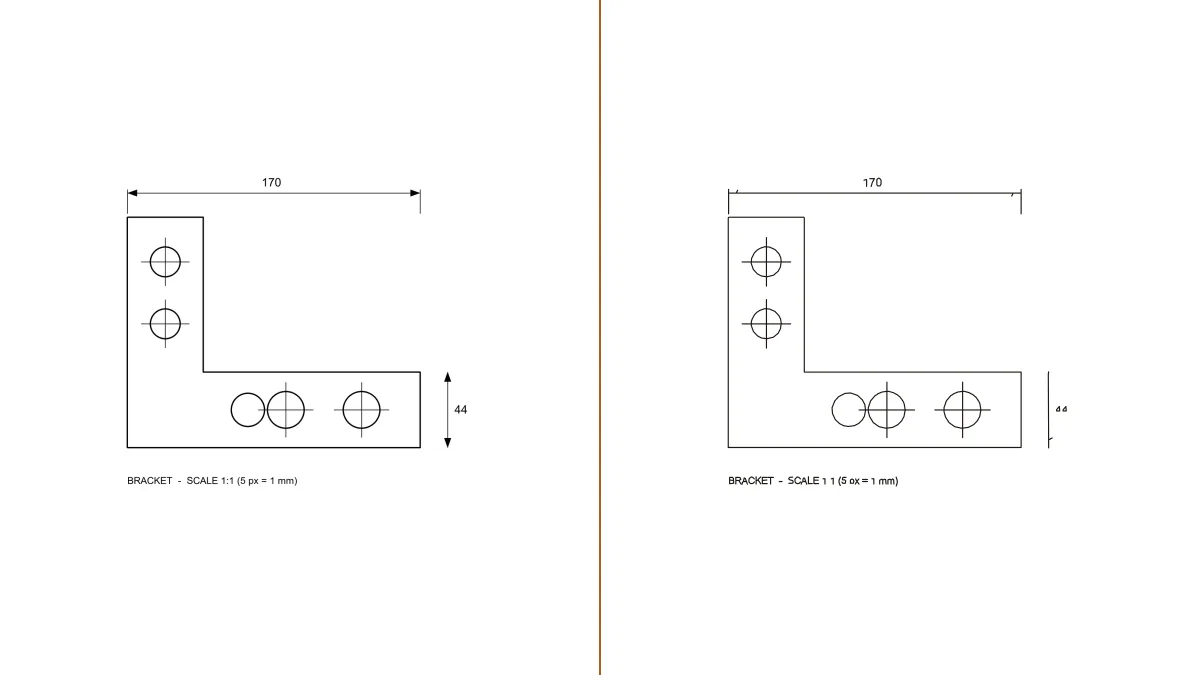 Photo to DXFTrace the outline of a part or template from a photo.
 PNG to DWGLine art and logos as an AutoCAD DWG file.
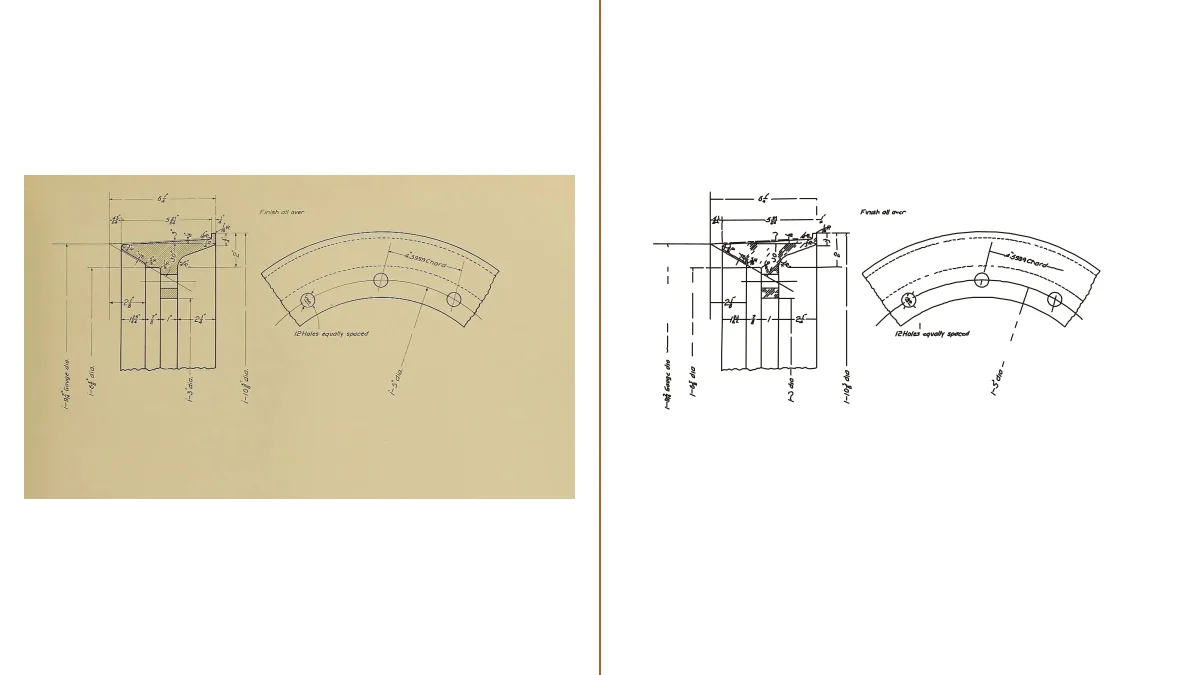 JPG to DWGOld drawings photographed or scanned, back into DWG.
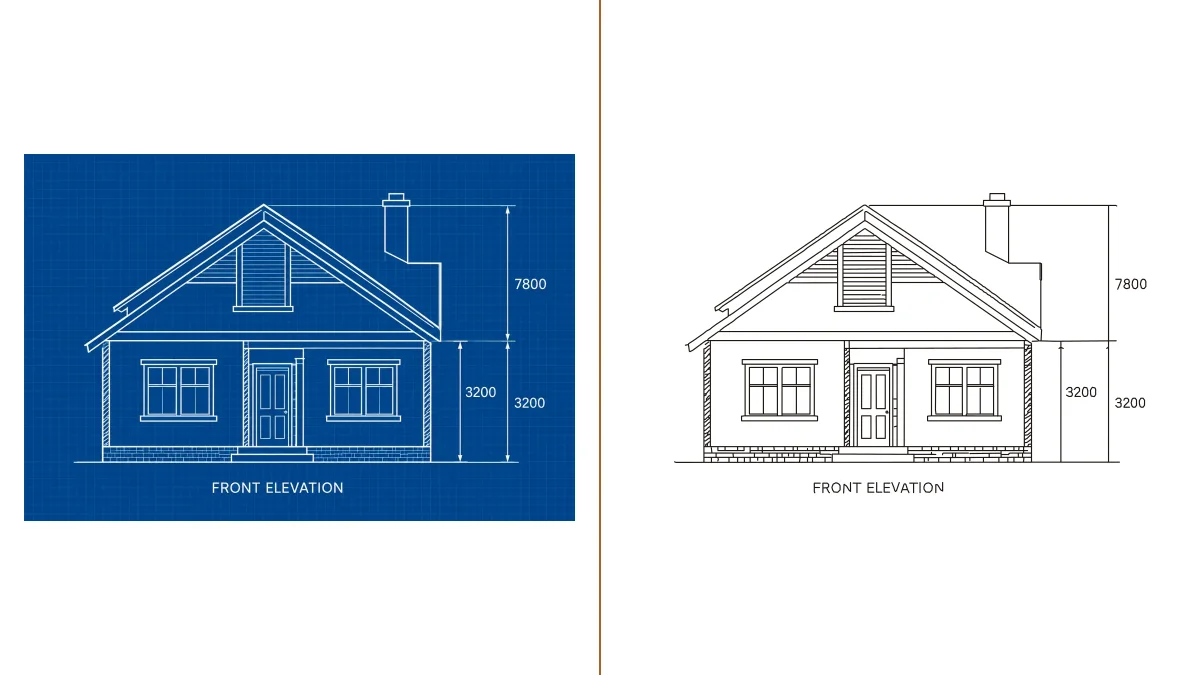 Image to DWGAny picture traced into a DWG you can open in AutoCAD.
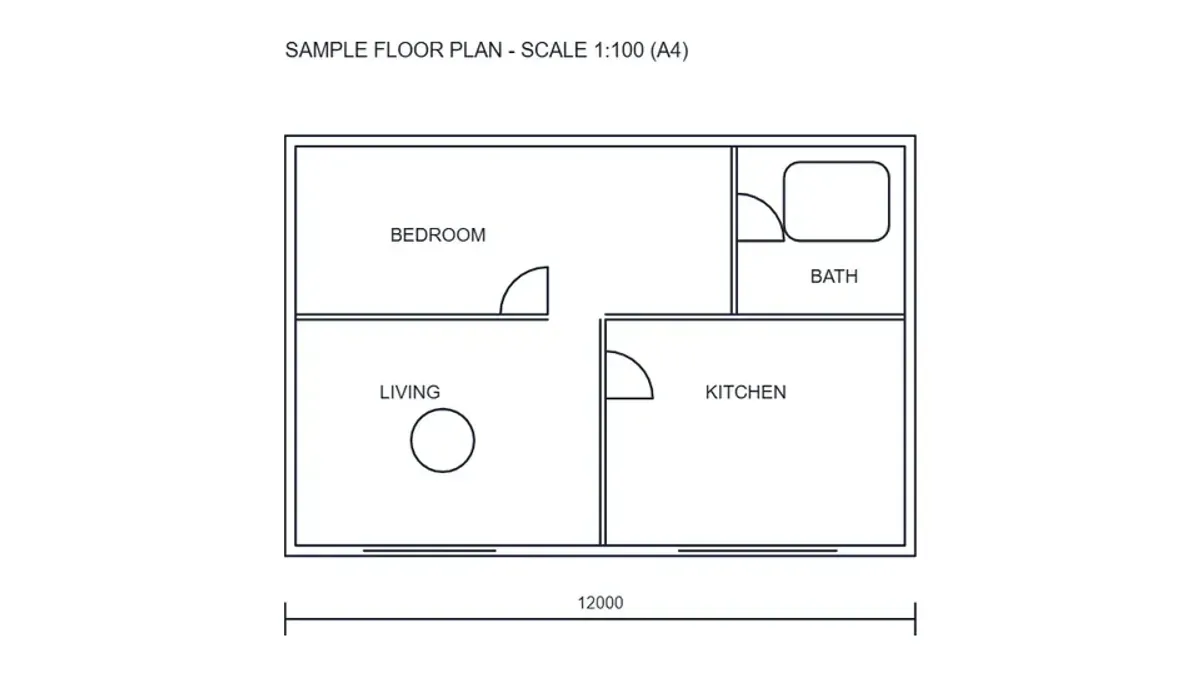 PDF to DWGVector and scanned PDF drawings converted to DWG.
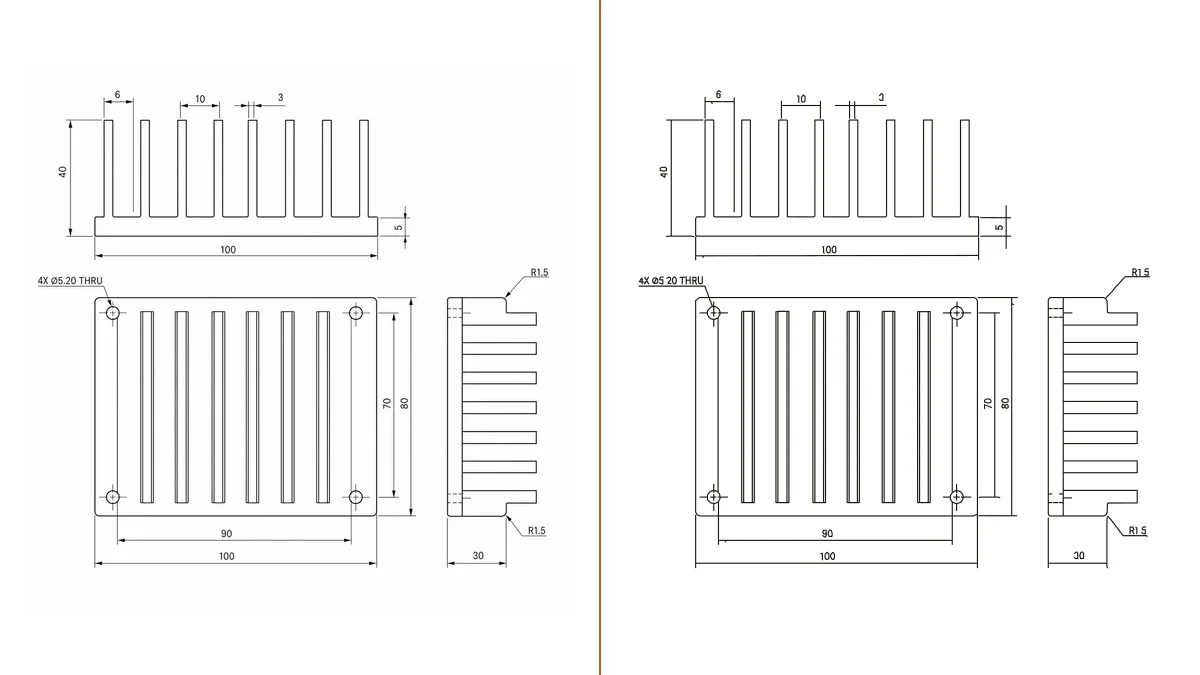 PDF to DXFTrace a PDF drawing page into DXF lines at true scale.
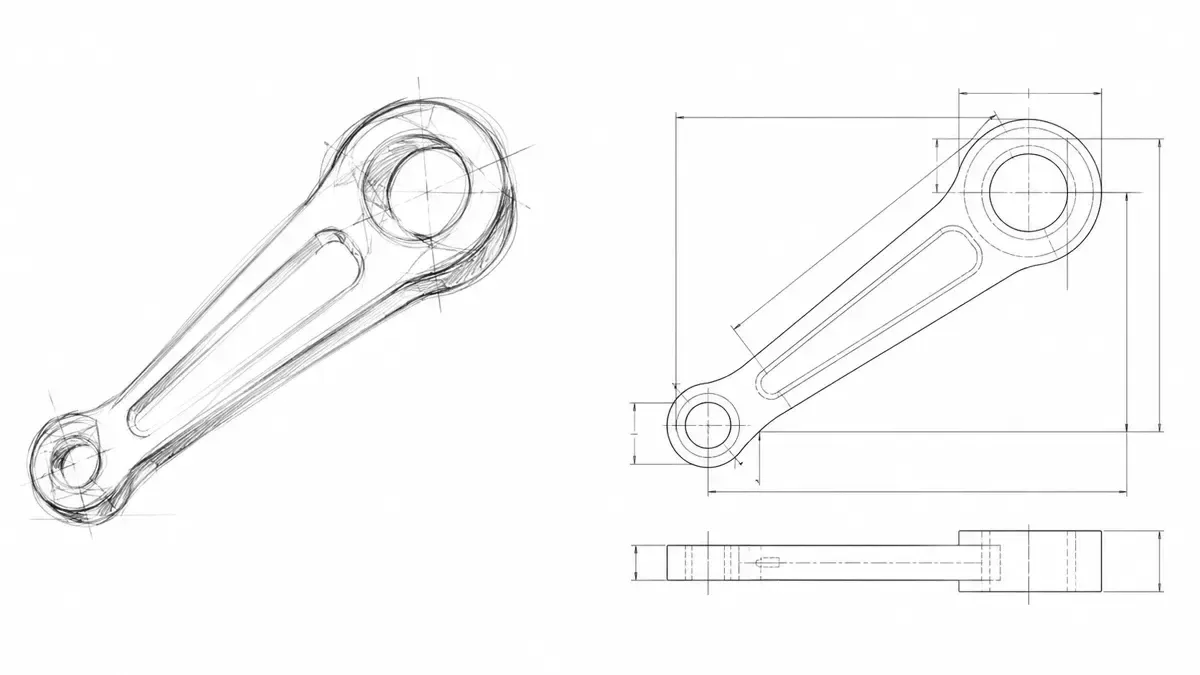 Sketch to CADHand sketches on paper turned into single-stroke CAD lines.
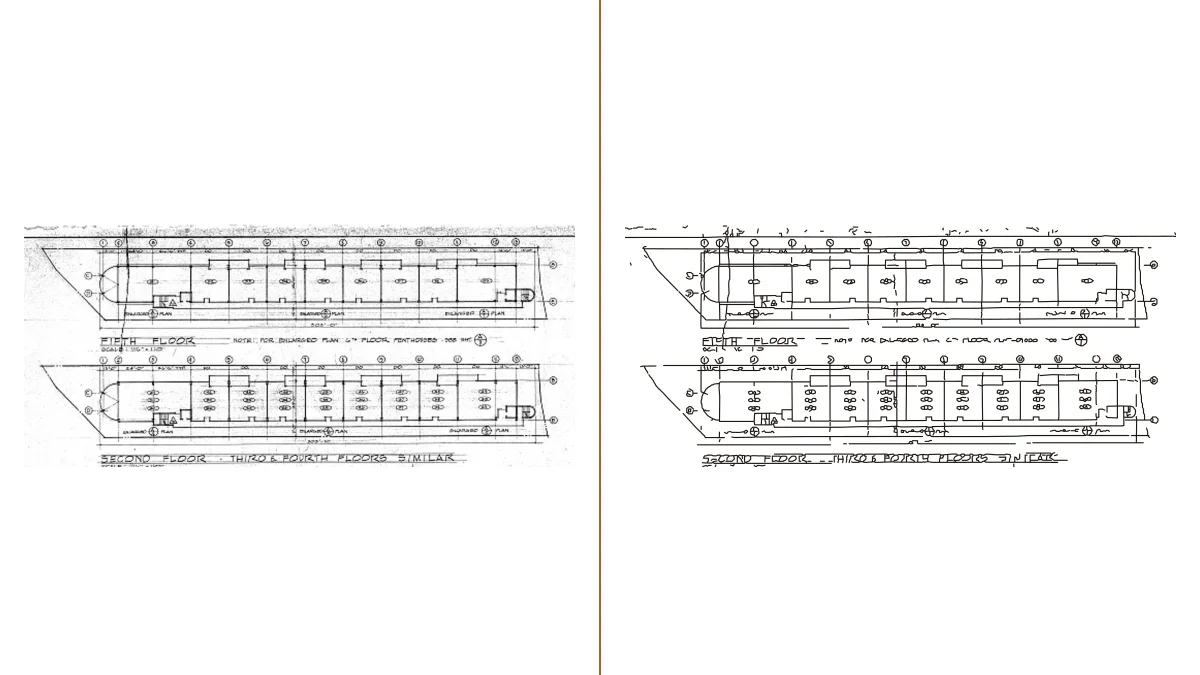 Floor plan to CADScanned floor plans traced to DXF lines at true scale.
 Logo to vectorSharp vector outlines from a blurry logo image.
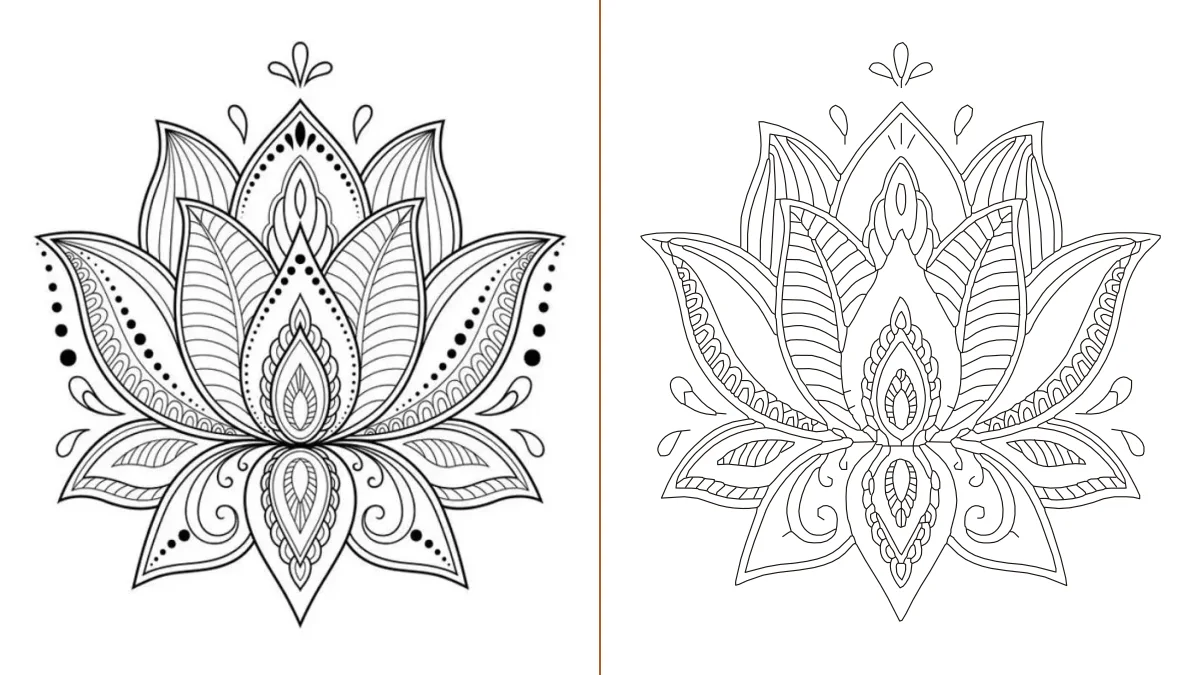 Raster to vectorBitmap to vector paths for CAD, cutting and print.
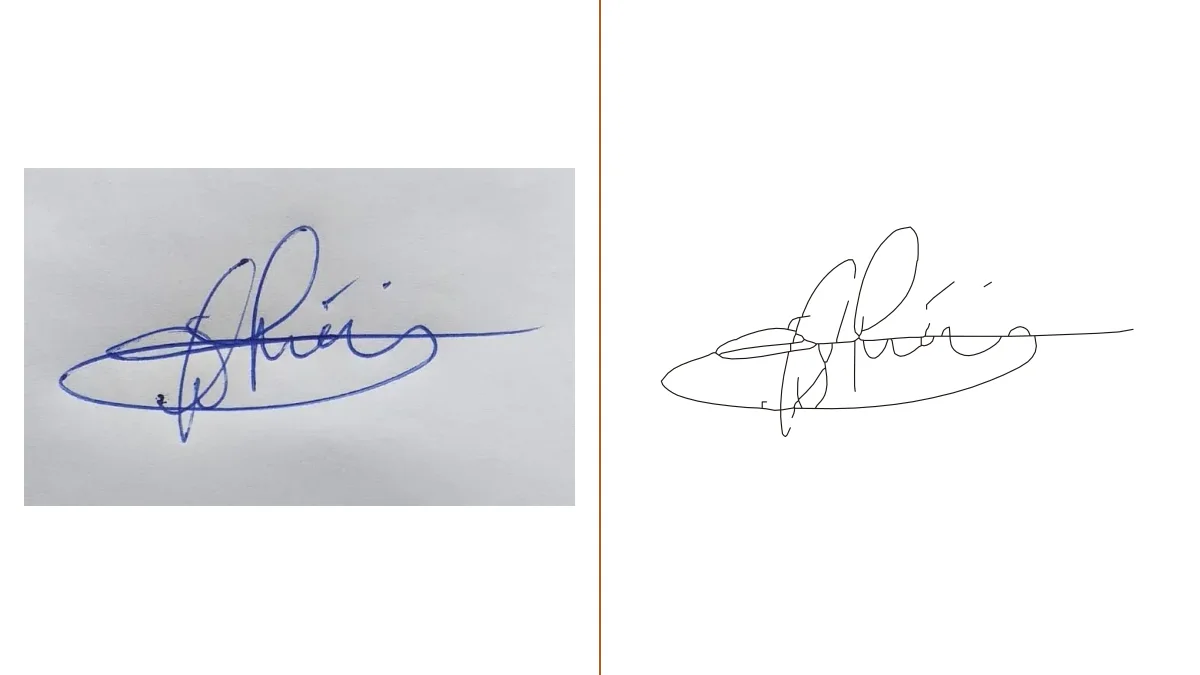 Signature to vectorA clean vector signature for engraving and documents.
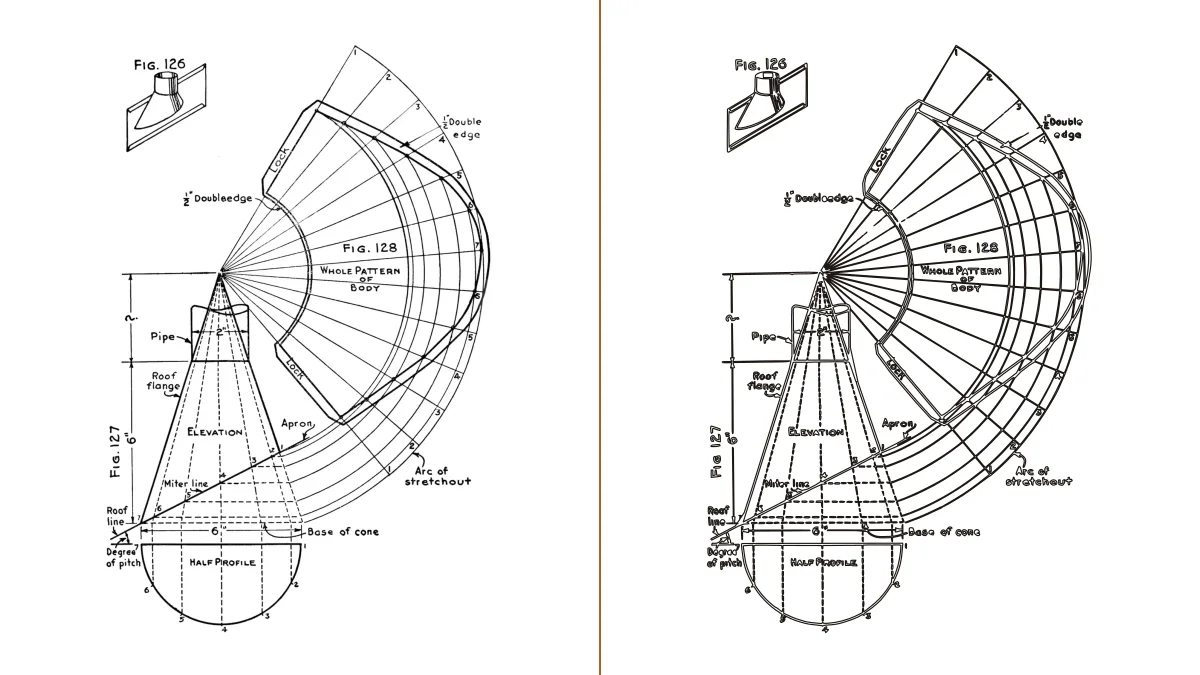 Photo to line artTurn a photo into a clean line drawing.
AI drawing16
Describe a part or upload a sketch and an AI draws a CAD-style sheet in the style of the page. These use credits; the PNG traces to DXF for free.
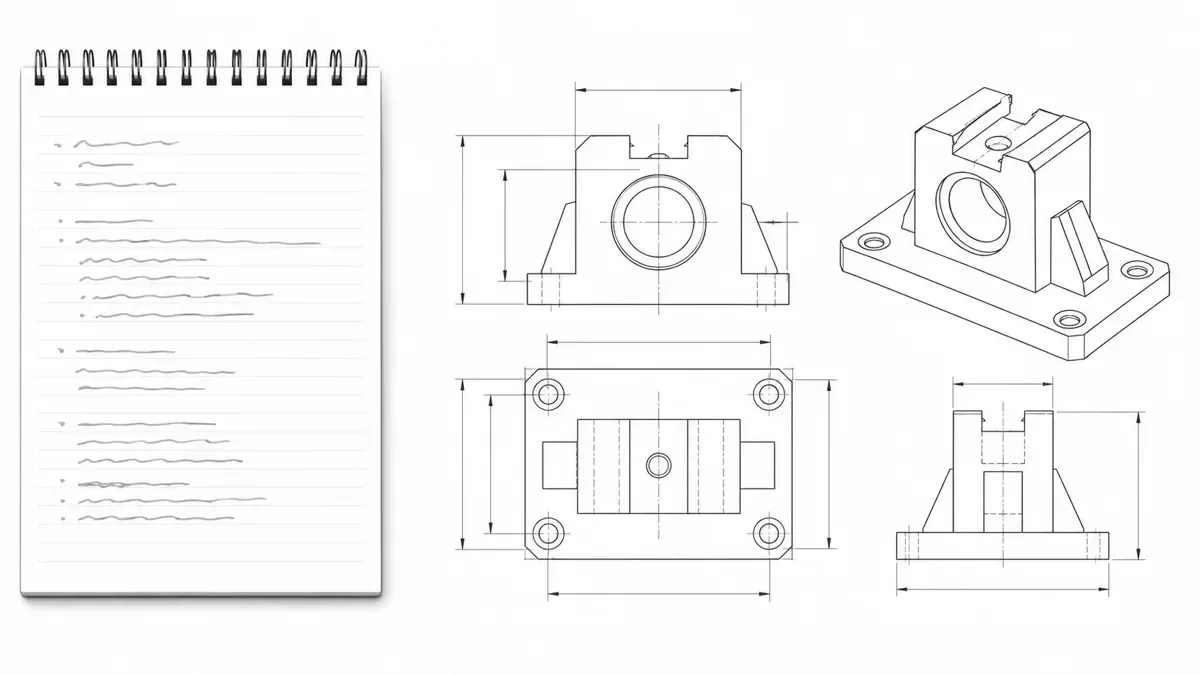 Text to CADDescribe a part in a sentence and get a CAD-style drawing.
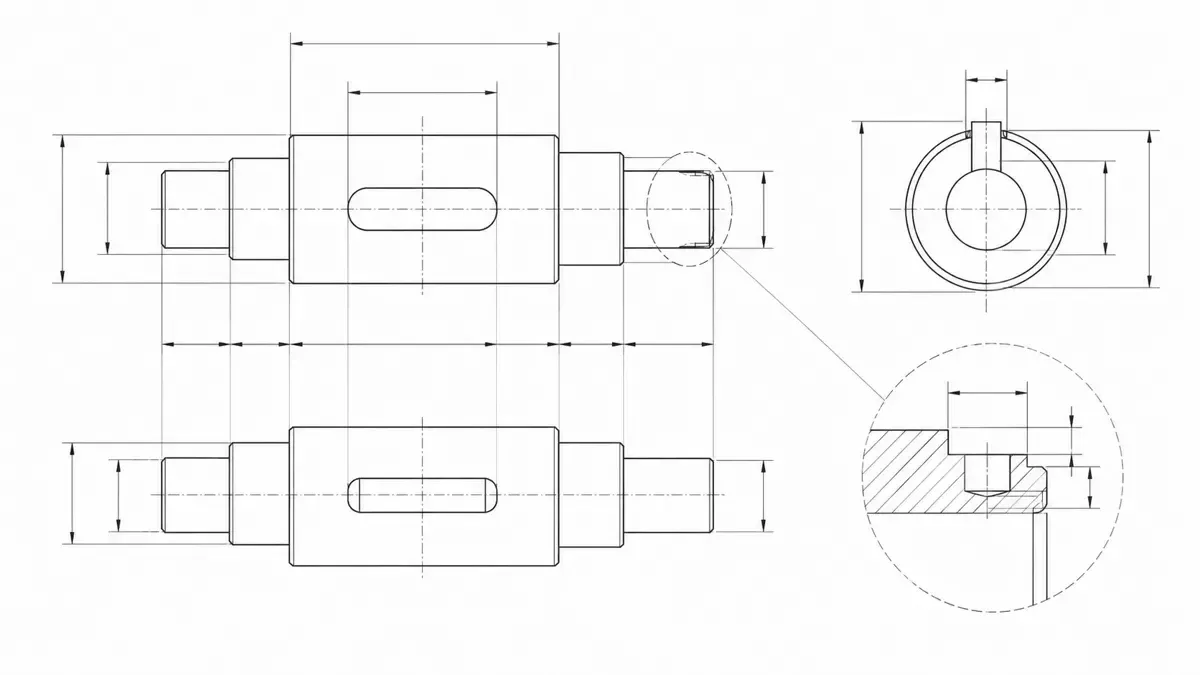 Technical drawingOrthographic views with dimensions from a prompt.
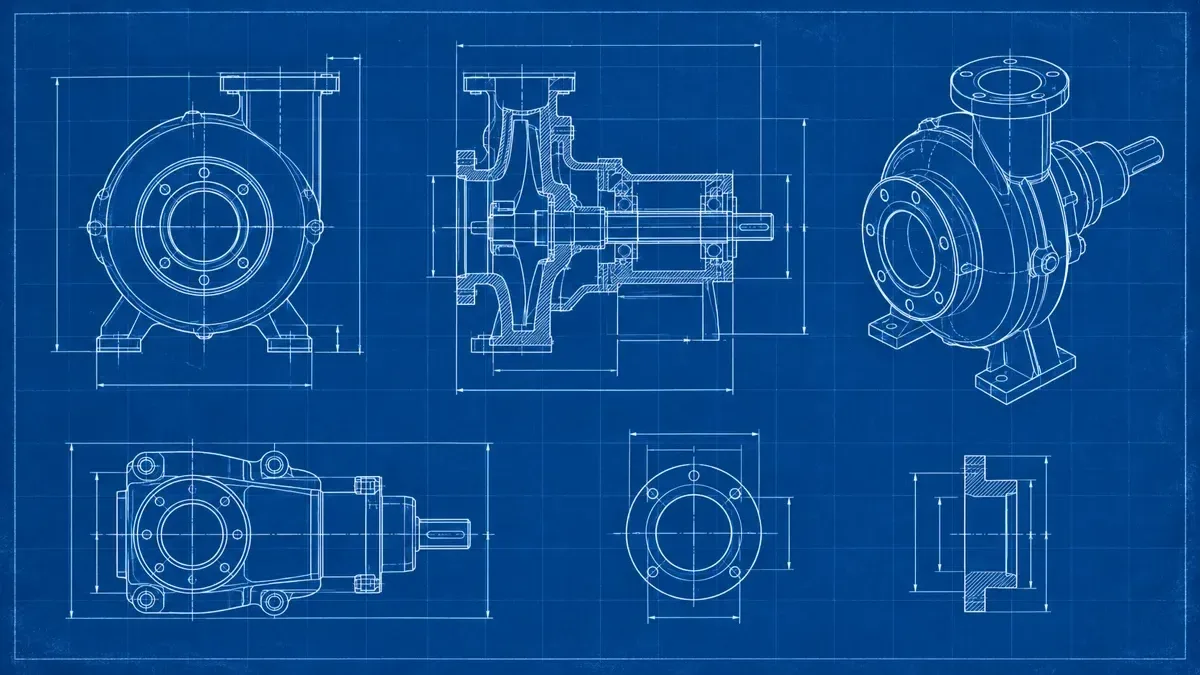 Blueprint generatorWhite-on-blue blueprint sheets from text or a sketch.
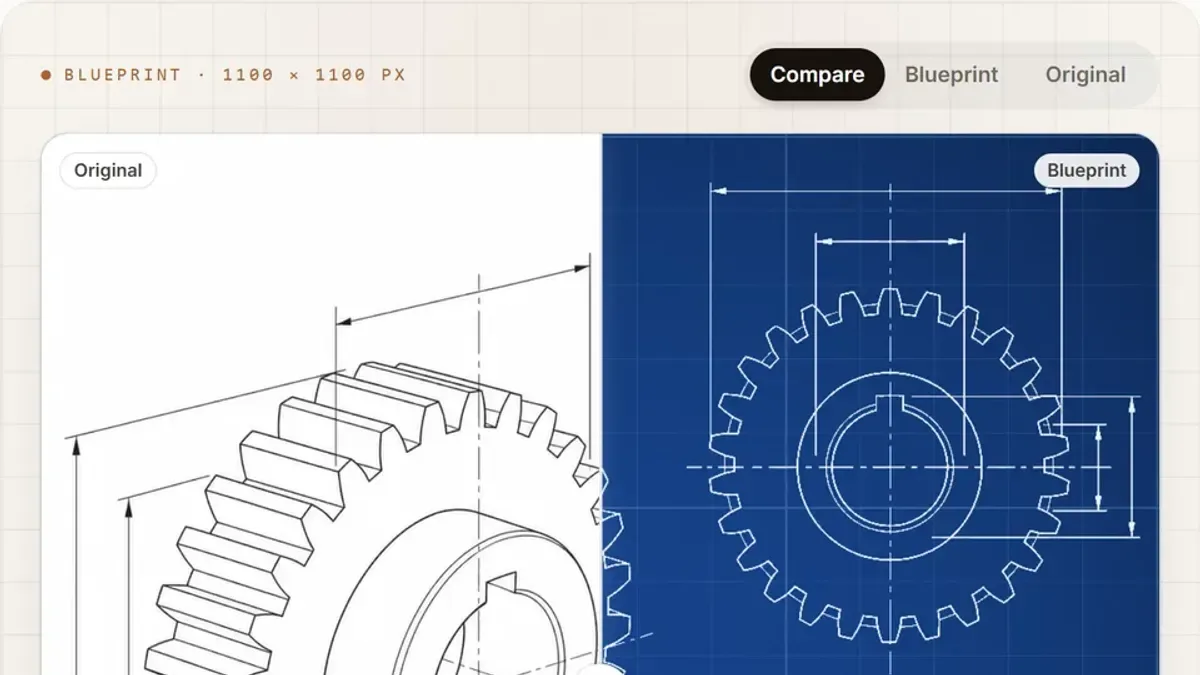 Image to blueprintRestyle a photo or render as a blueprint drawing.
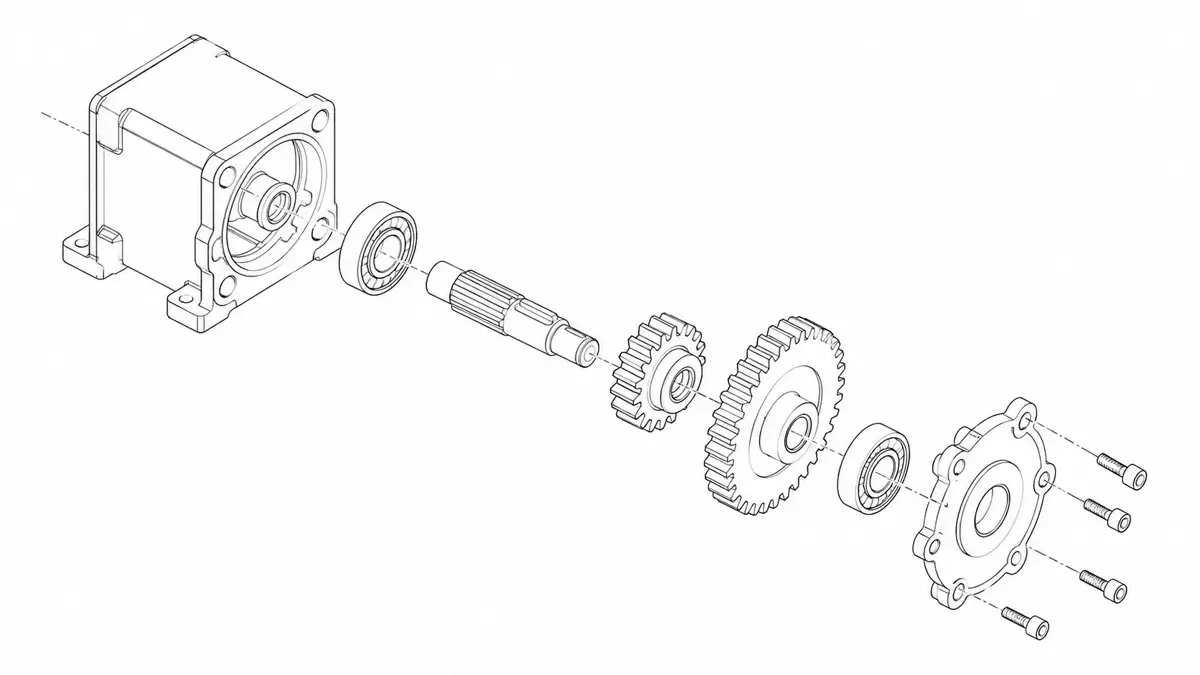 Isometric drawingIsometric views of parts and assemblies.
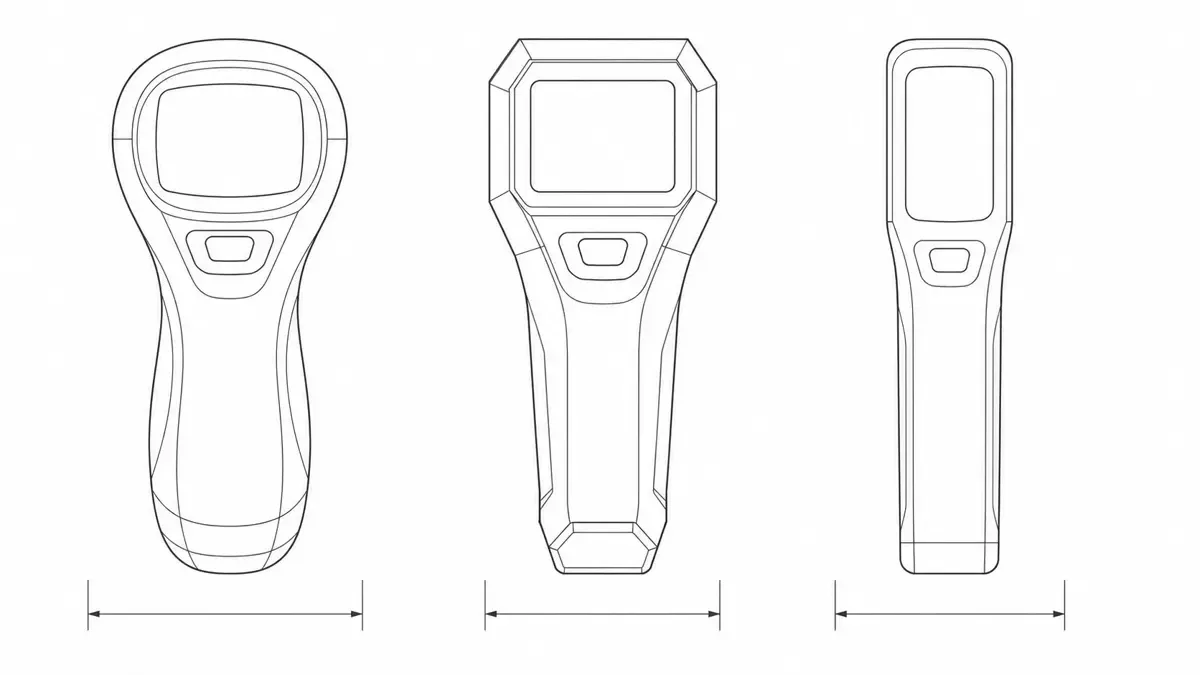
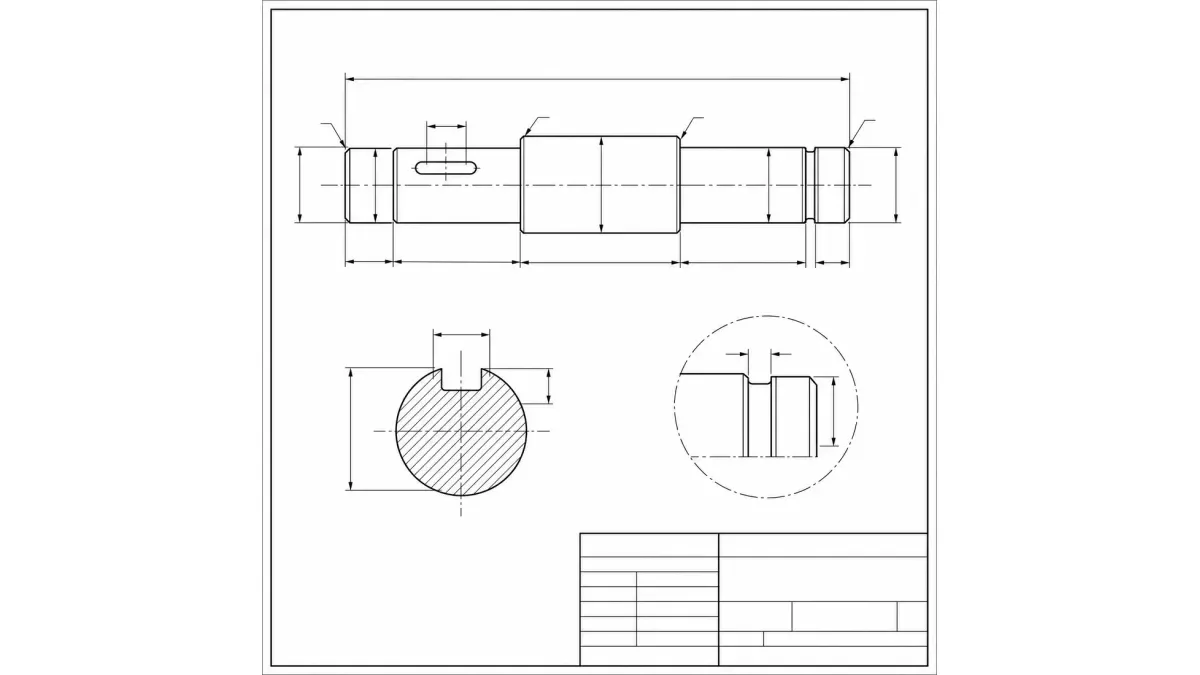 Orthographic drawingFront, top and side views laid out on one sheet.
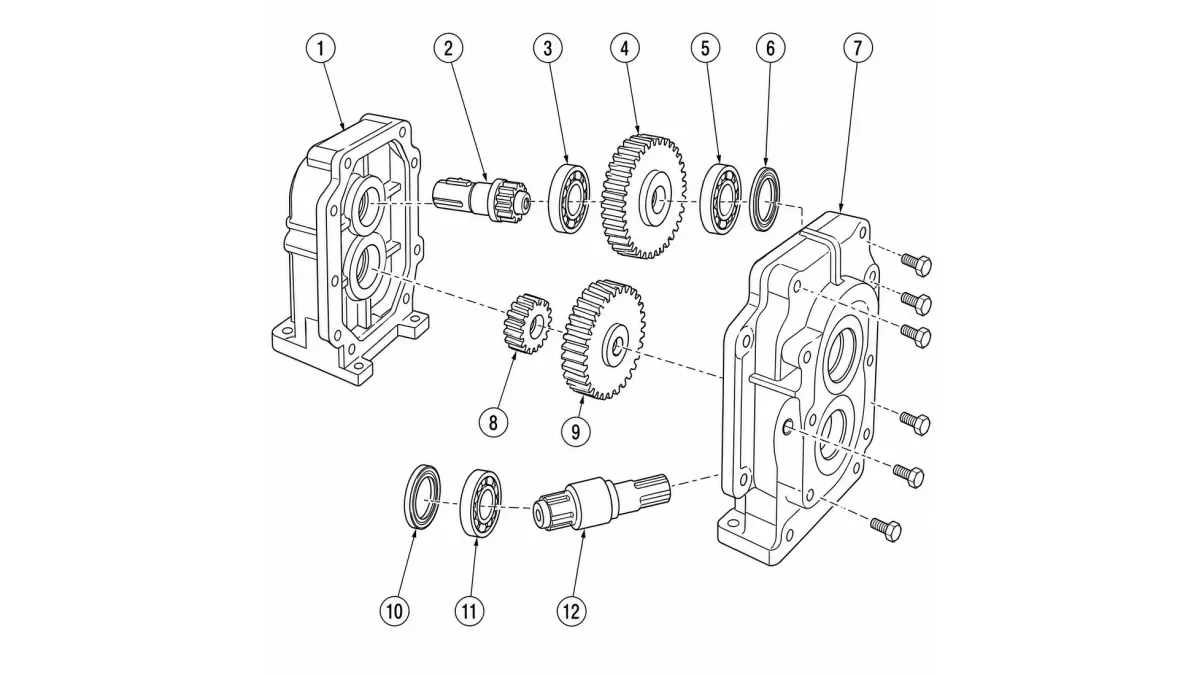 Exploded viewAssemblies pulled apart with every part in place.
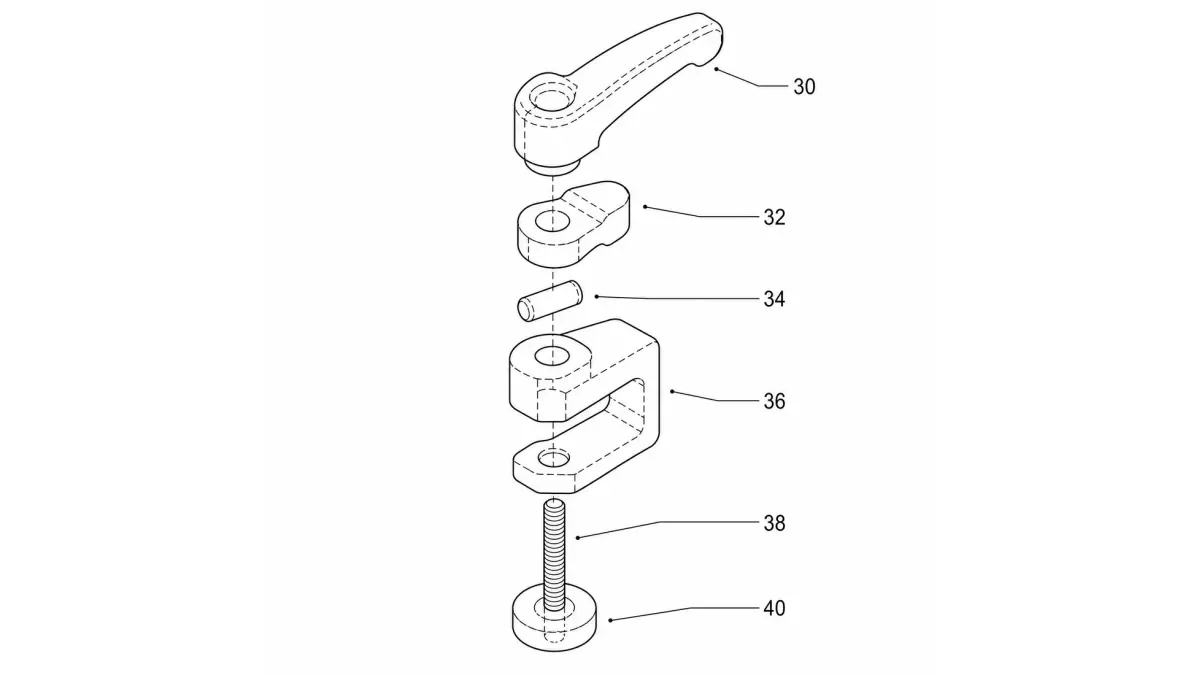 Patent drawingBlack-and-white line figures in patent style.
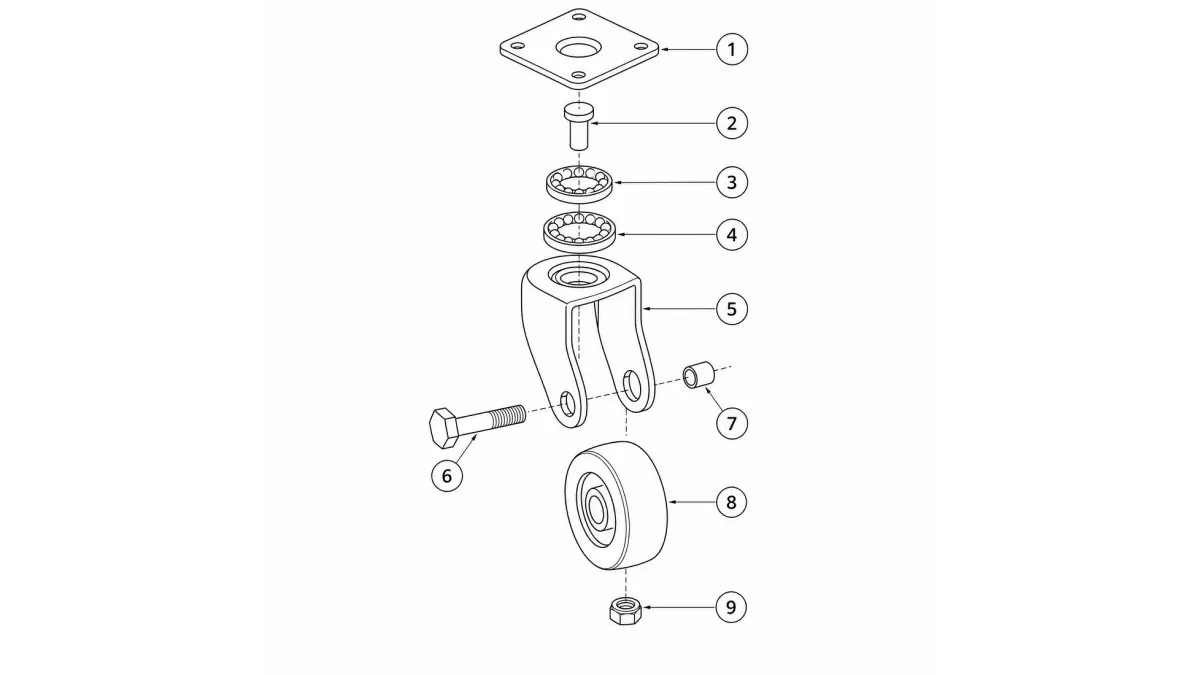 Assembly drawingAssembly sheets with balloons and part lists.
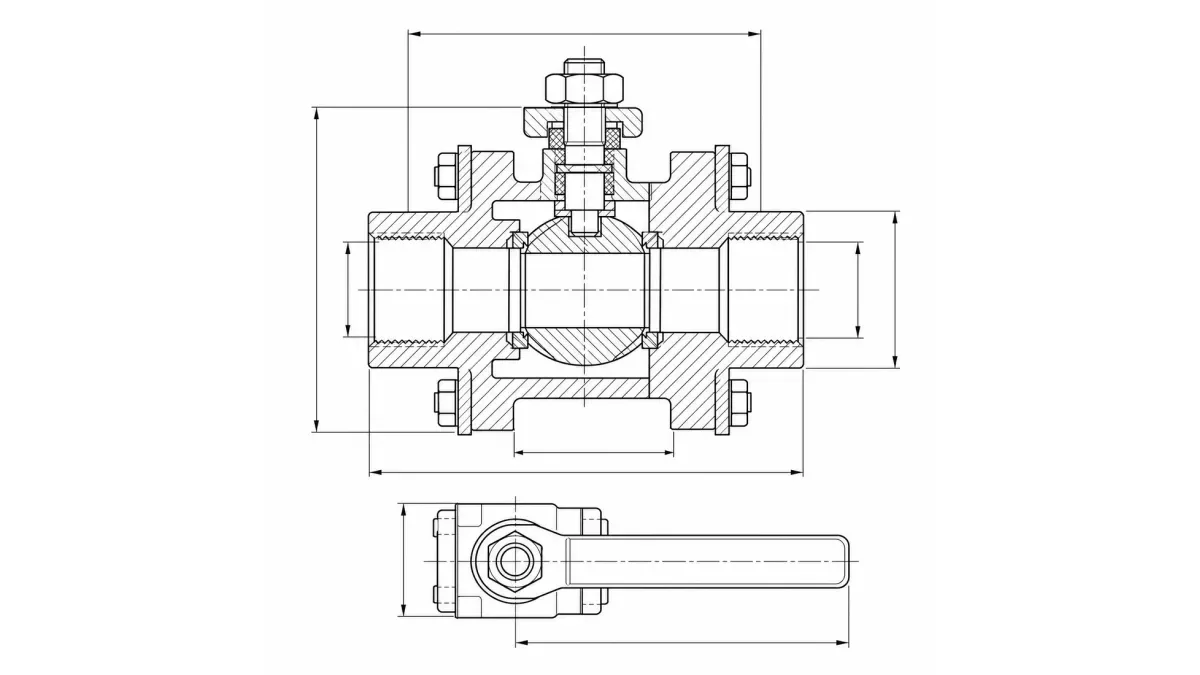 Section viewCross sections that show the inside of a part.
- Car blueprintFour-view car blueprints from a prompt.
- Piping isometricPipe ISOs with fittings, valves and flow arrows.
- Plumbing isometricDWV and supply risers as isometric sketches.
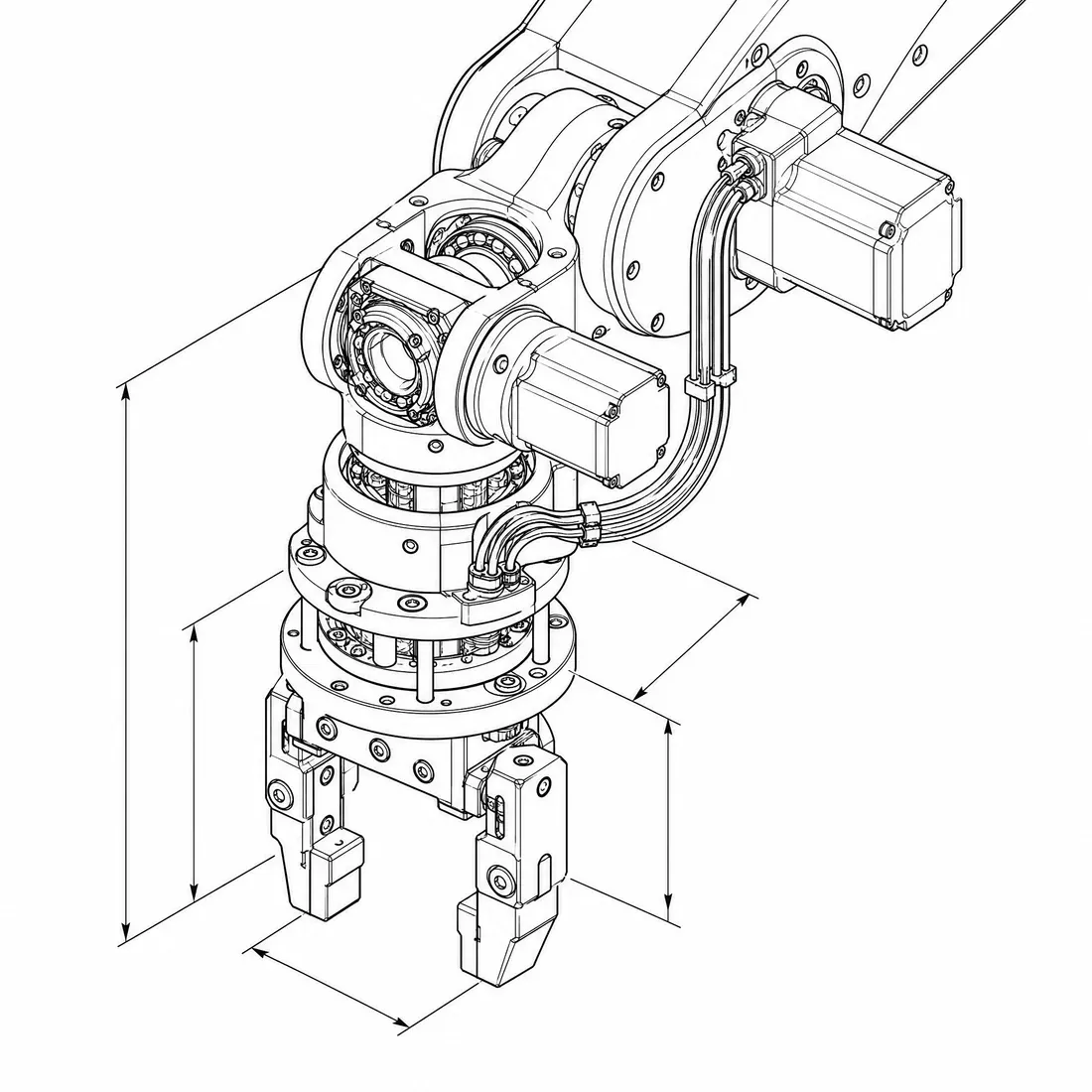 Line drawingClean product line art from text or a photo.
- Technical illustrationManual-style line illustrations of parts.
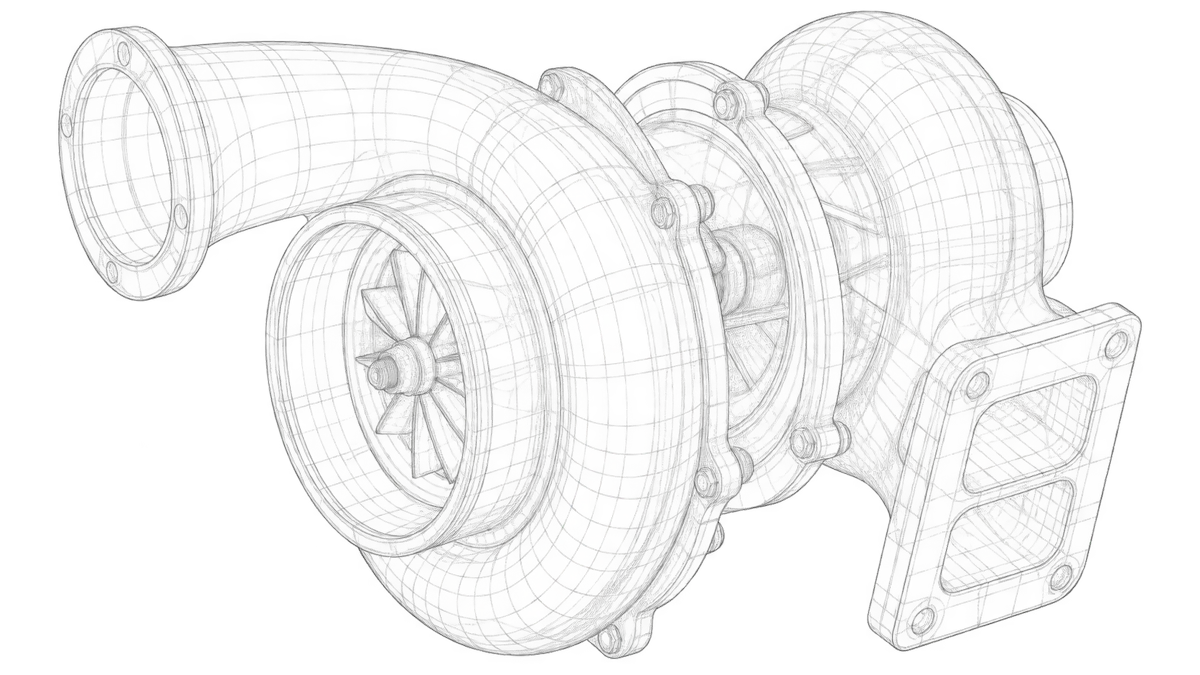
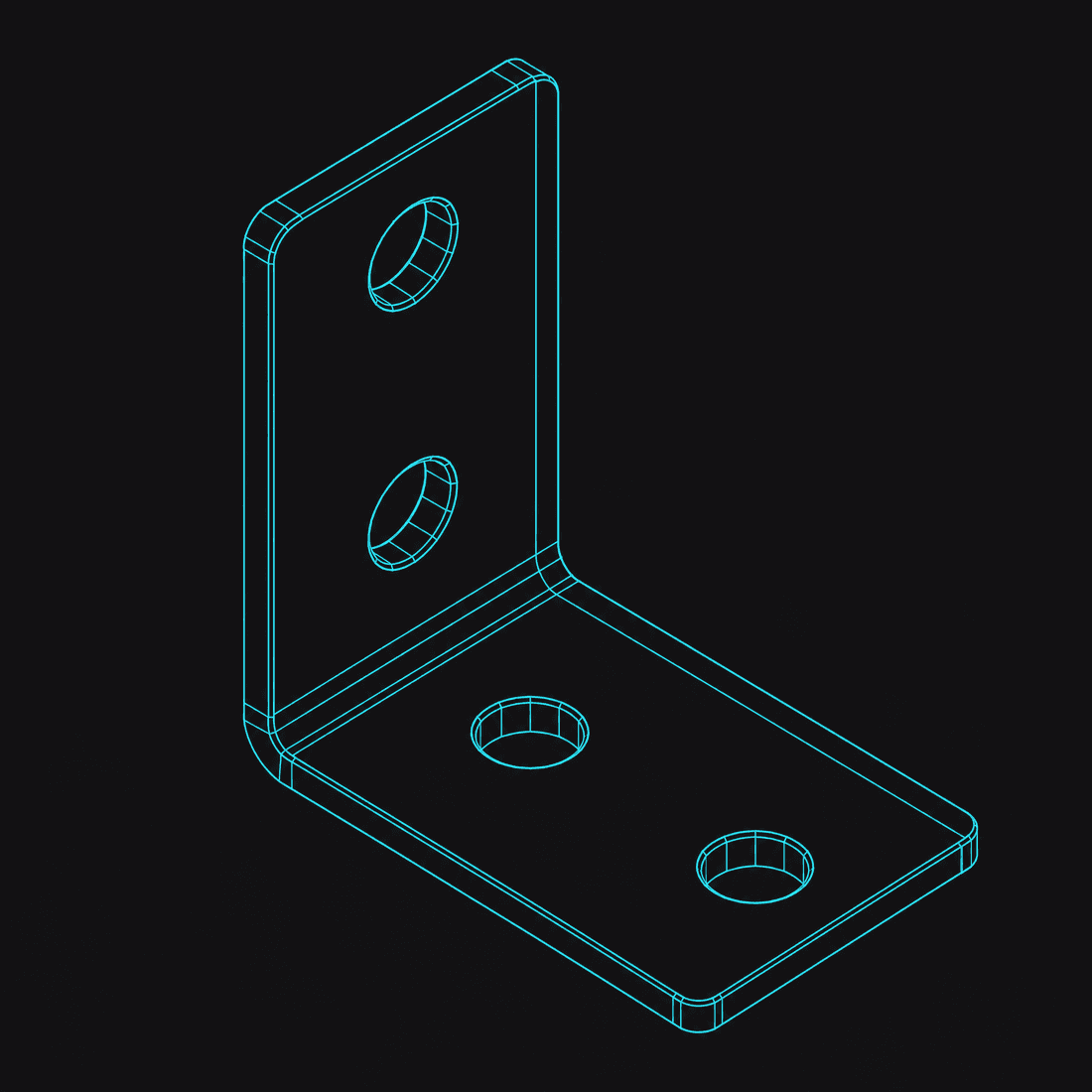 WireframeWireframe views that show every edge.
Part templates12
- GearSpur, helical and bevel gear drawings.
- WrenchOpen-end, box and adjustable wrench drawings.
- BracketL, U and gusset bracket drawings.
- FlangeWeld-neck, slip-on and blind flange drawings.
- HingeButt, piano and living hinge drawings.
- HeatsinkFinned and pin heatsink drawings.
- CasterSwivel and rigid caster drawings.
- TurbineImpeller and turbine blade drawings.
- Drone frameQuad and hex drone frame drawings.
- Phone standDesk and foldable phone stand drawings.
- EnclosureElectronics enclosure drawings.
- FixtureJig and fixture drawings.
Industries4
CAD converters11
Change one CAD format into another in the browser: DWG and DXF, DXF to a to-scale PDF, SVG to DXF, STEP and STL, OBJ and 3MF.
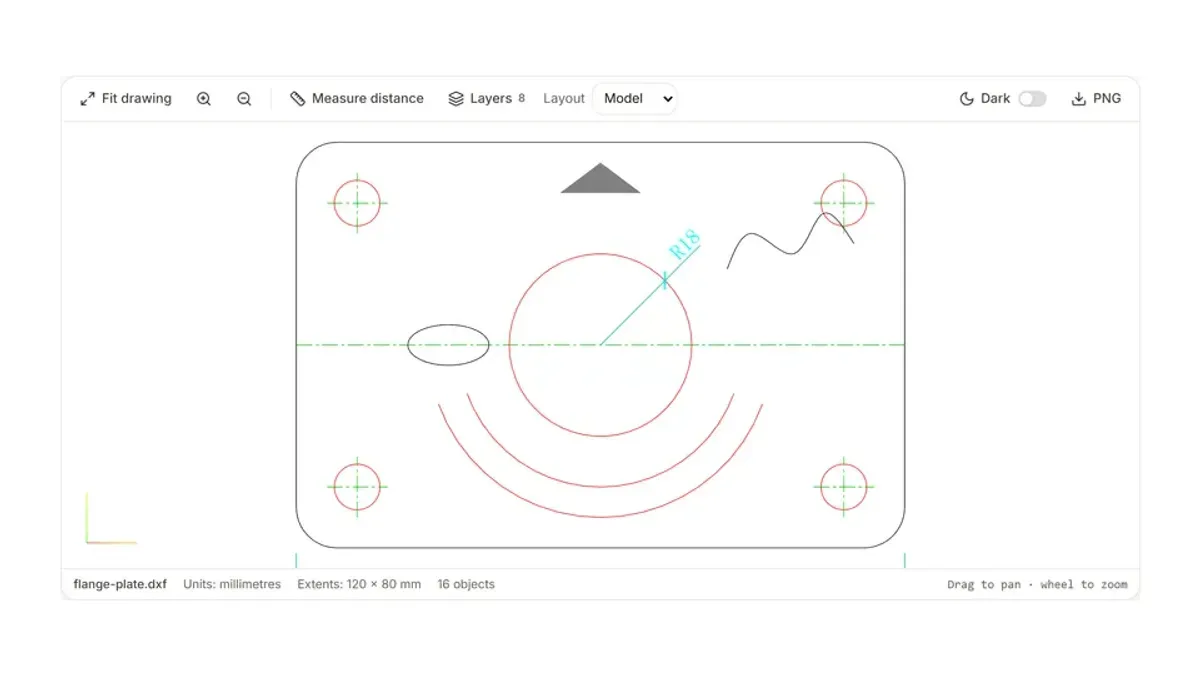 DWG to DXFDWG files ready for laser, CNC and free CAD.
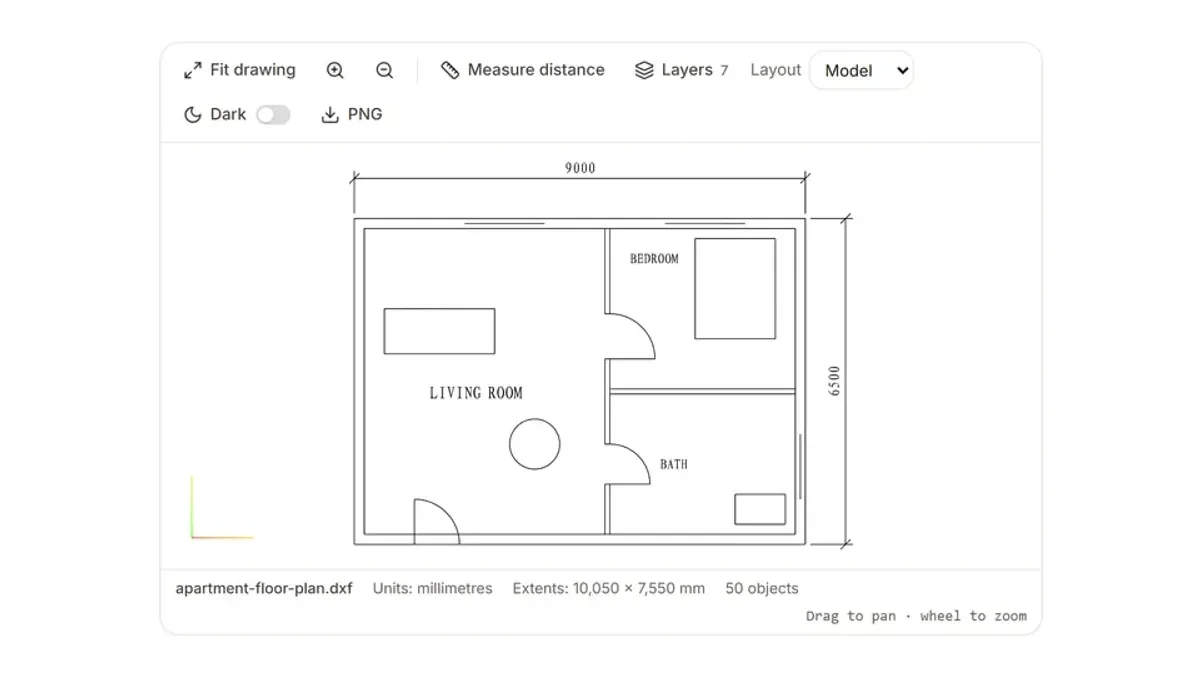 DXF to DWGSave a DXF as an AutoCAD DWG.
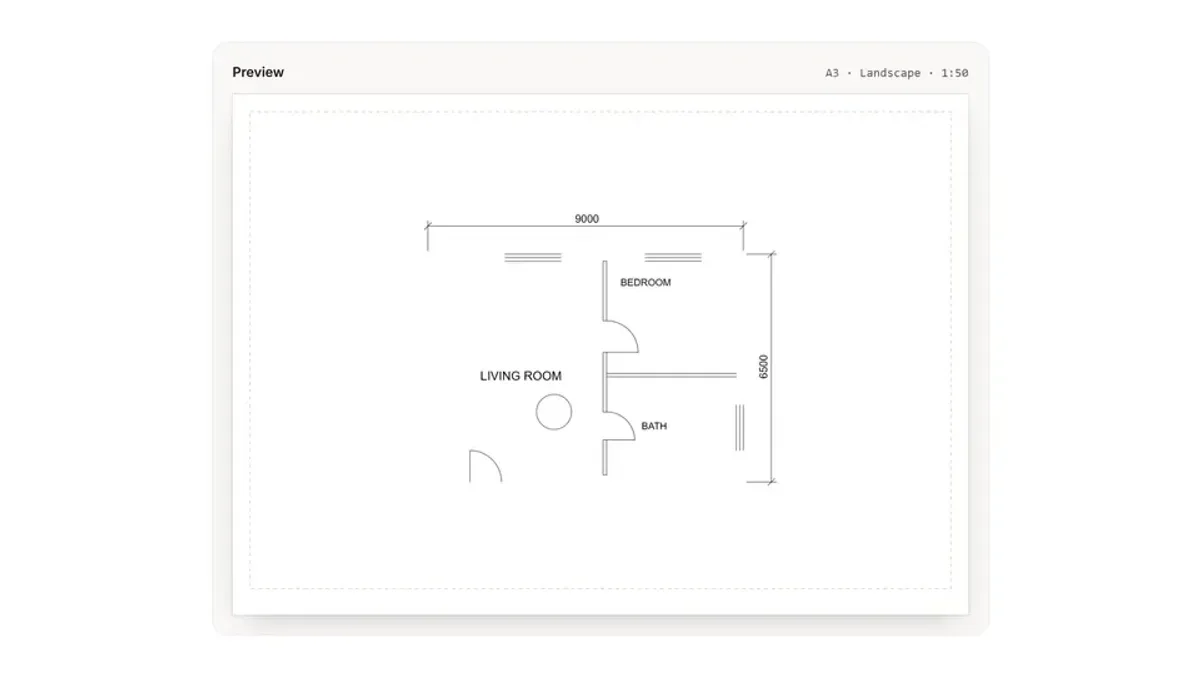 DWG to PDFPrint a DWG to scale on standard sheets.
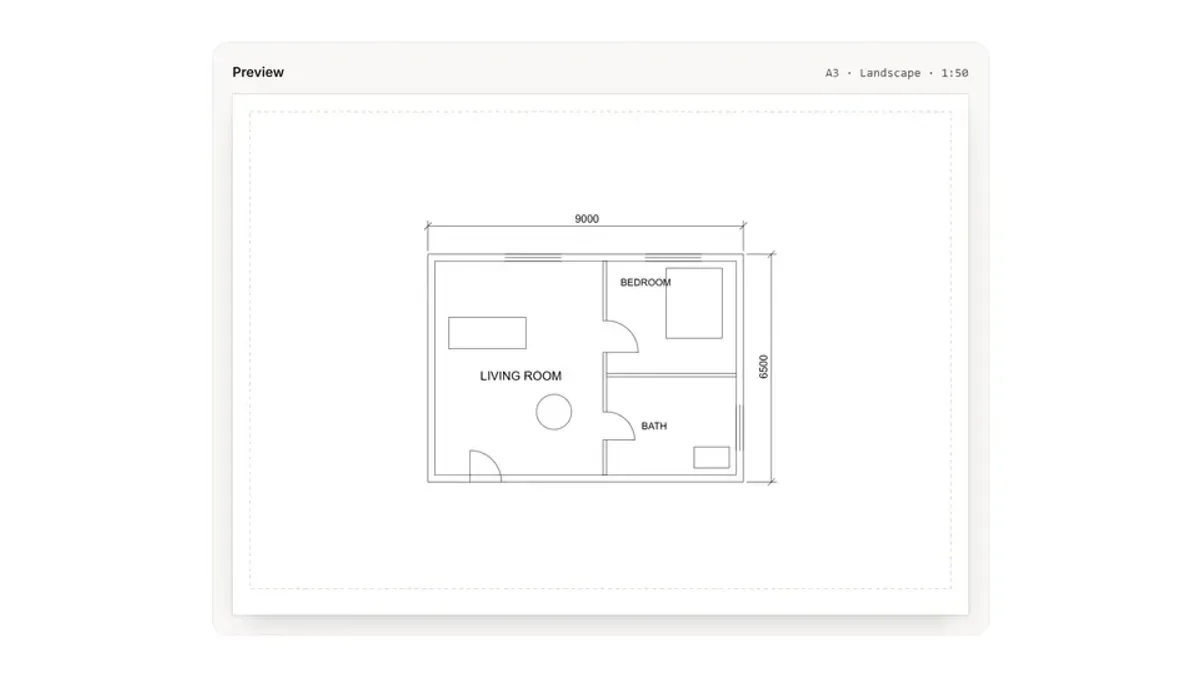 DXF to PDFA to-scale vector PDF from any DXF.
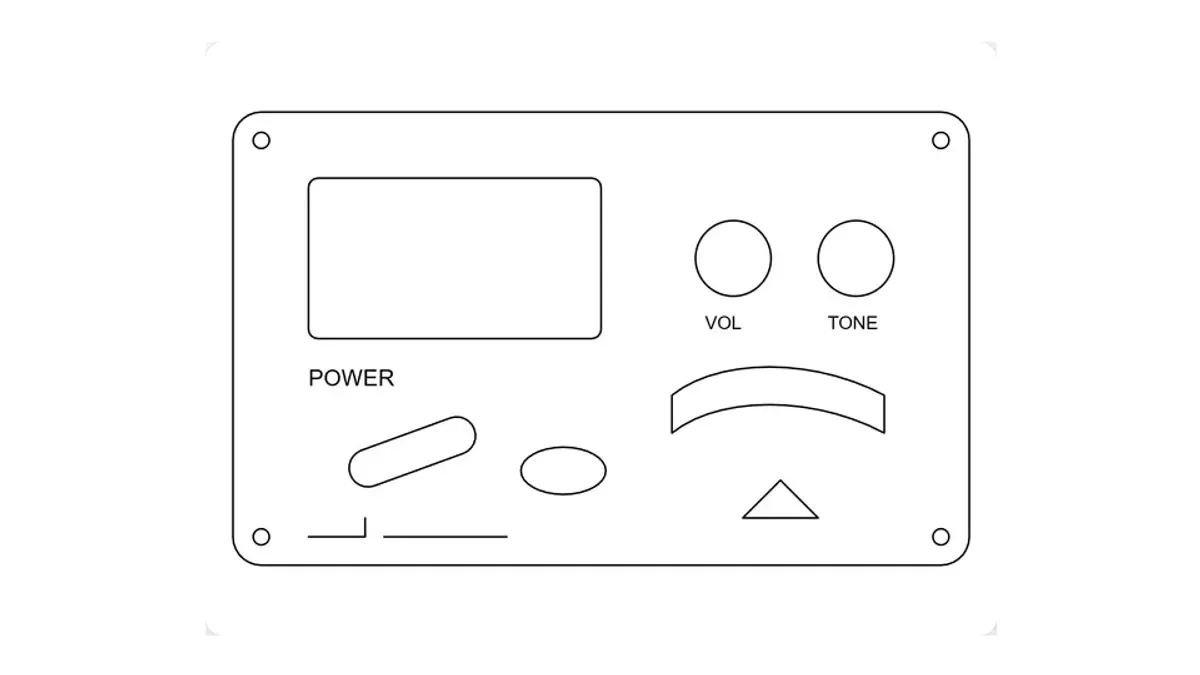 SVG to DXFTrue-scale DXF geometry from an SVG.
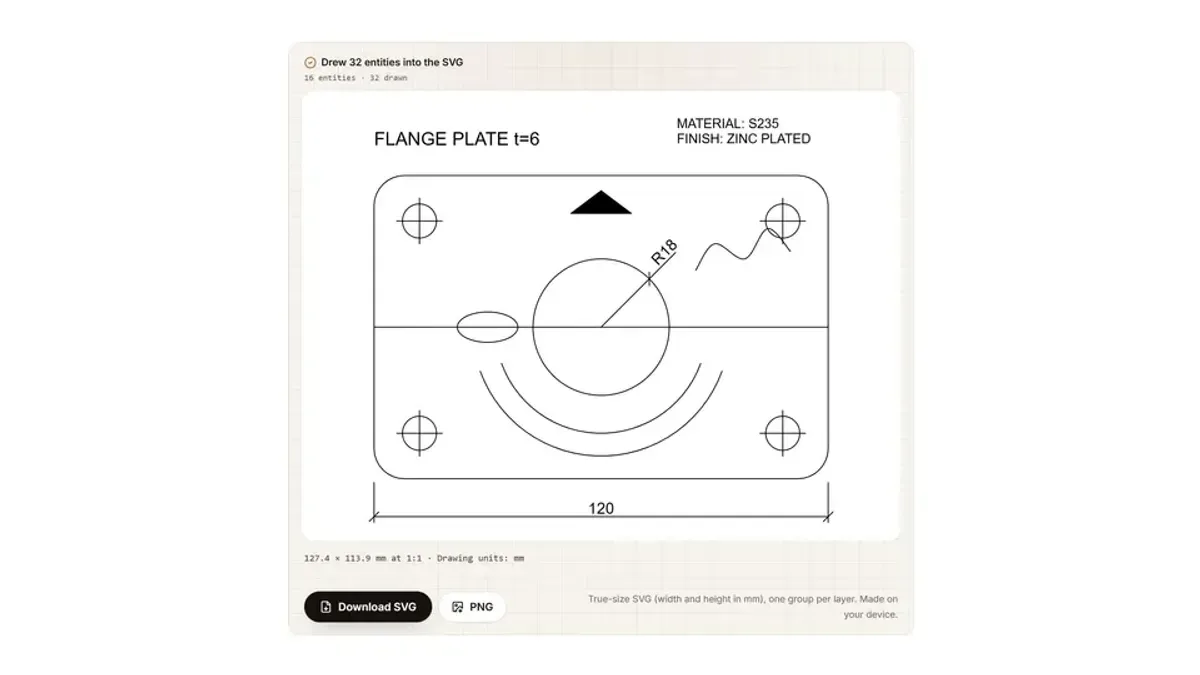 DXF to SVGA true-size SVG with the layers you pick.
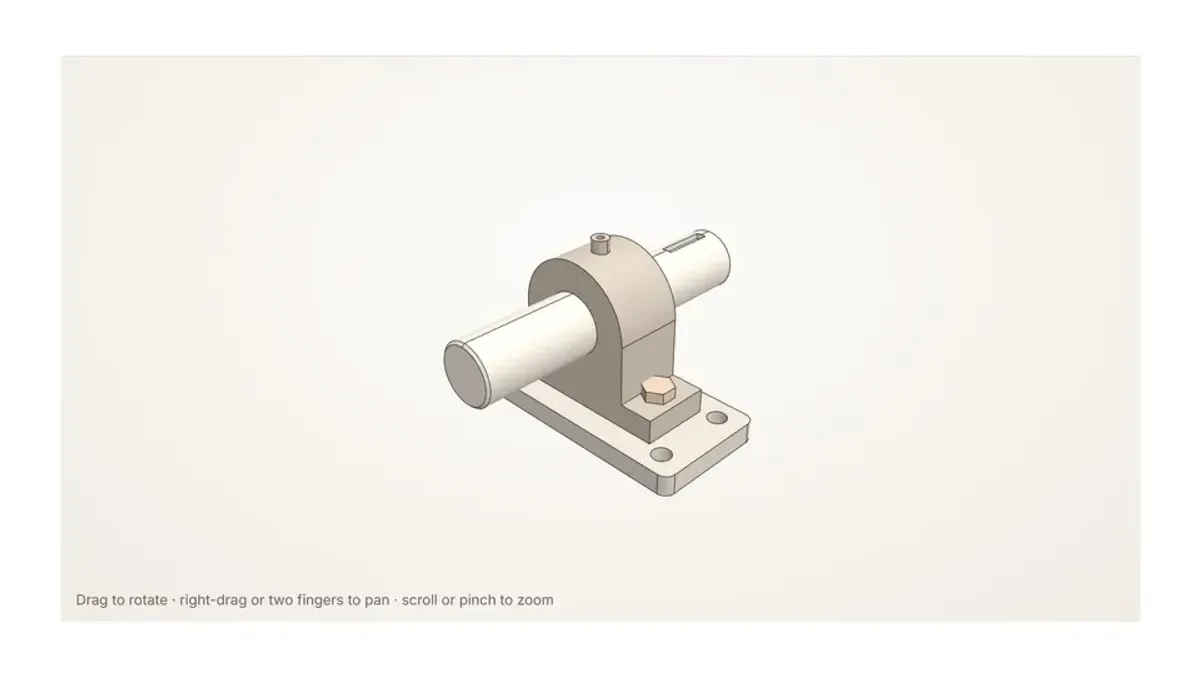 STEP to STLMesh a STEP model for 3D printing.
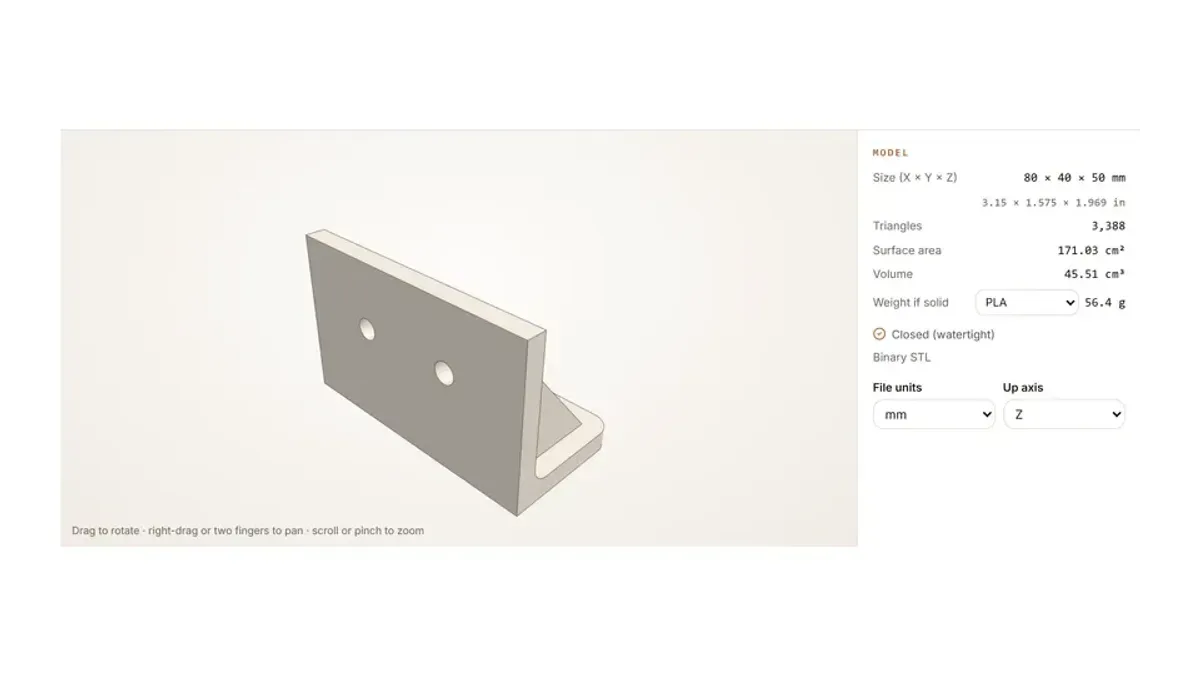 STL to STEPBring a mesh into CAD as a solid.
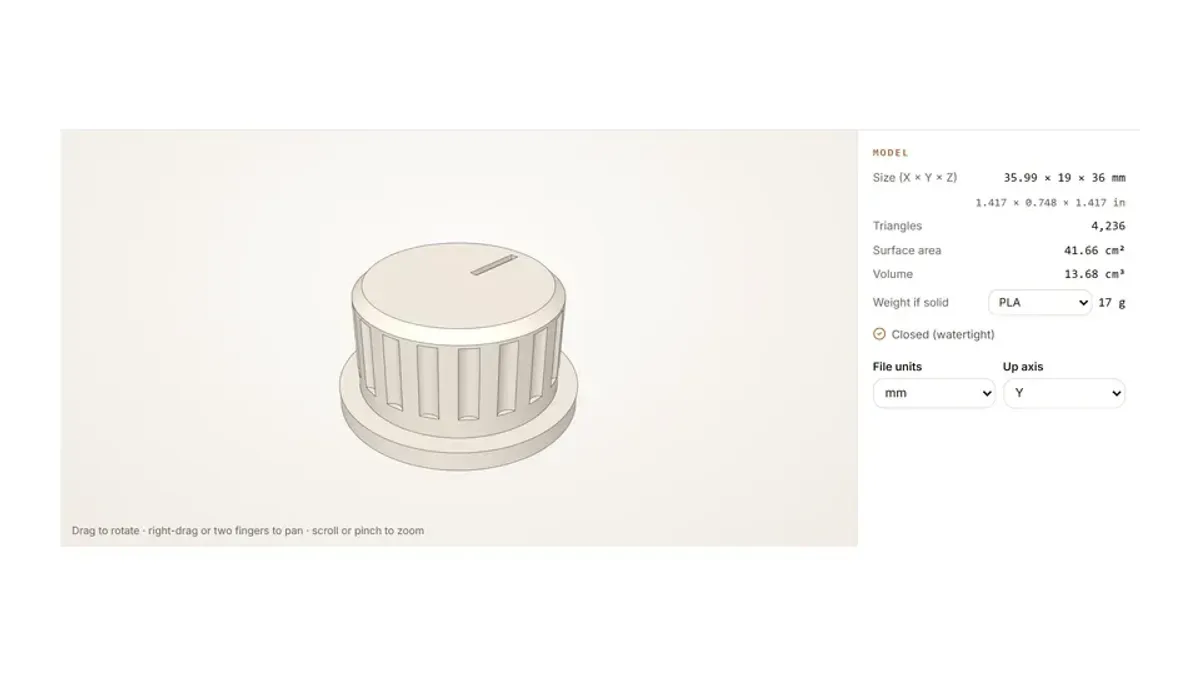 STL to 3MFPackage STL files as a 3MF print file with true units.
- OBJ to STLOBJ meshes ready for the slicer.
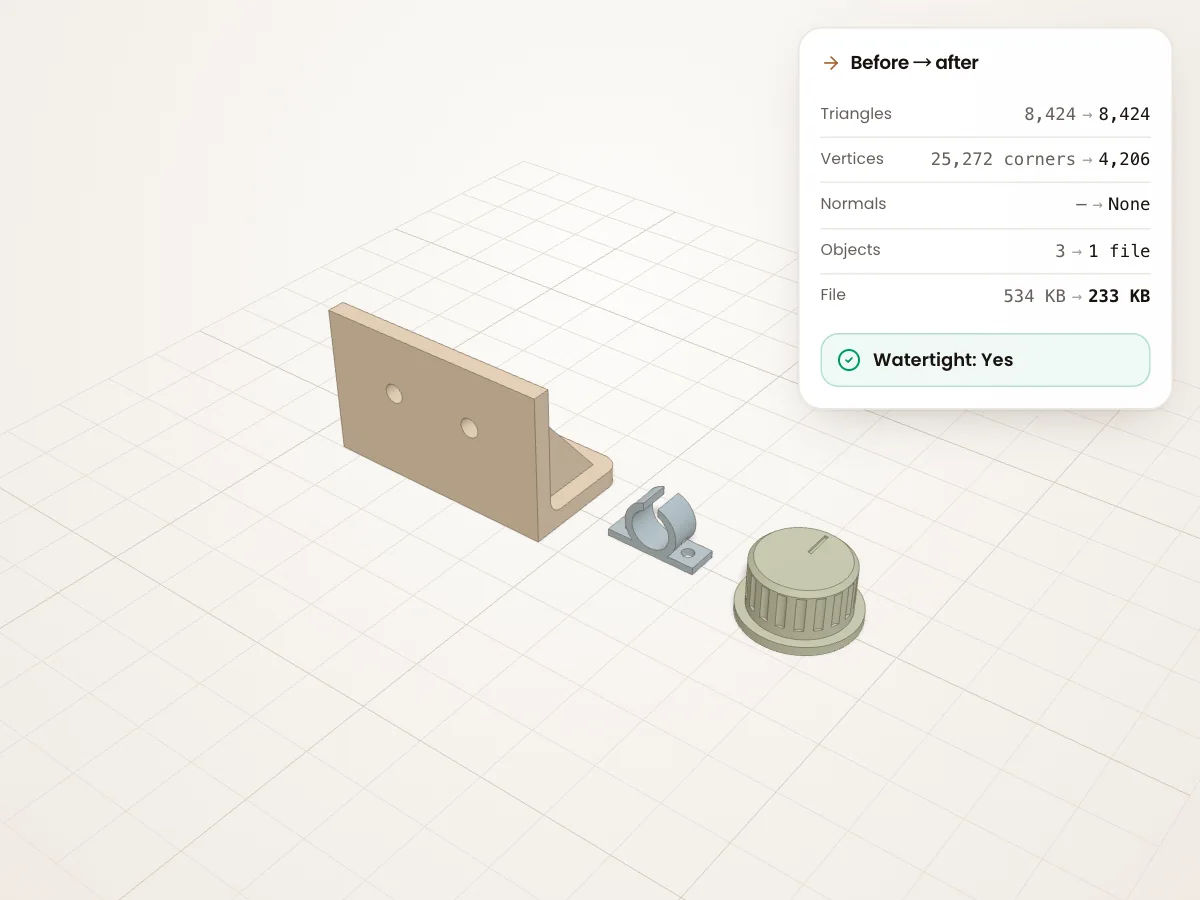 STL to OBJSTL meshes as OBJ for modeling and rendering.
Viewers5
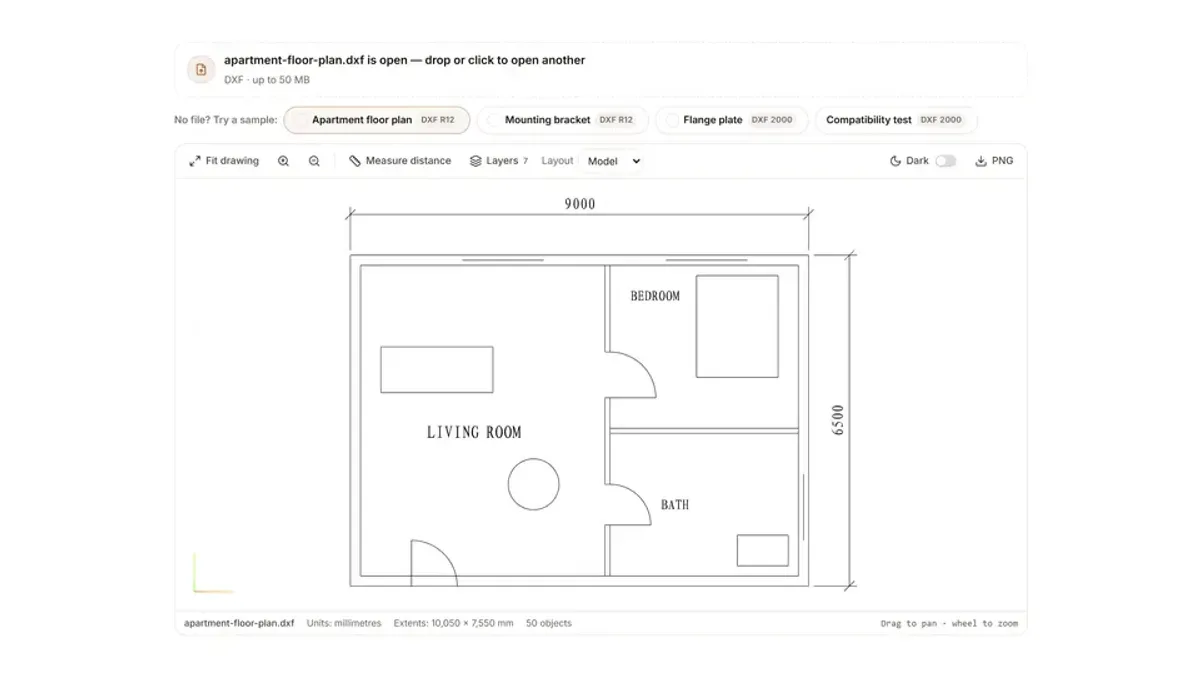
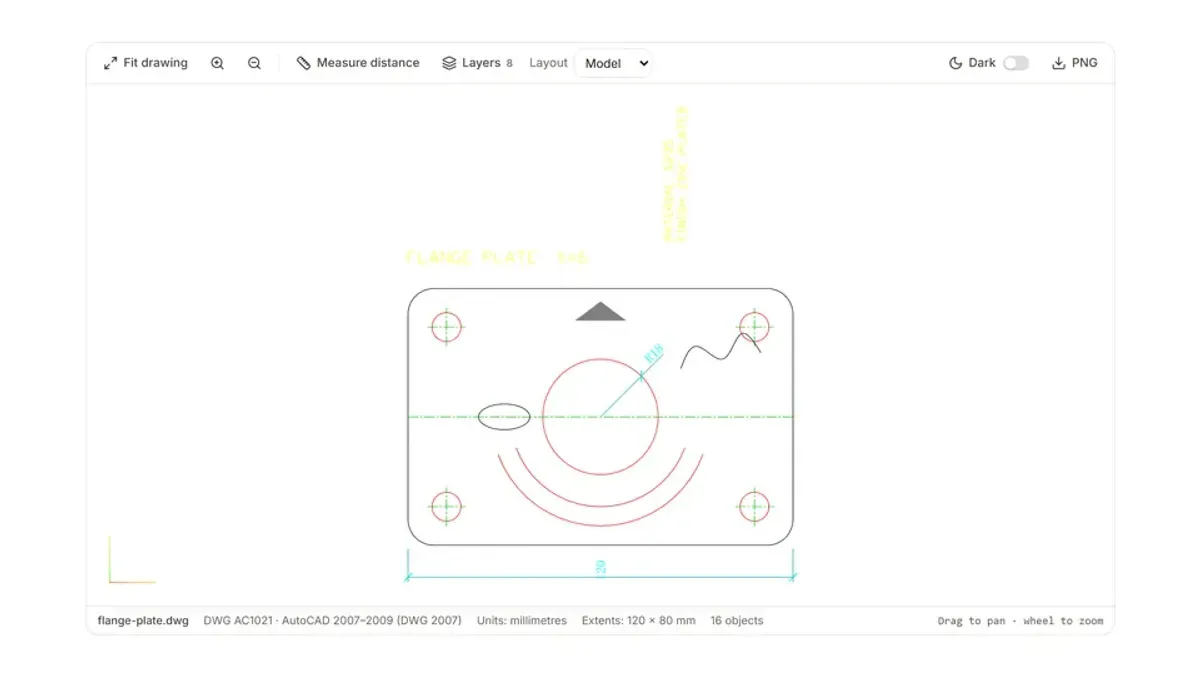
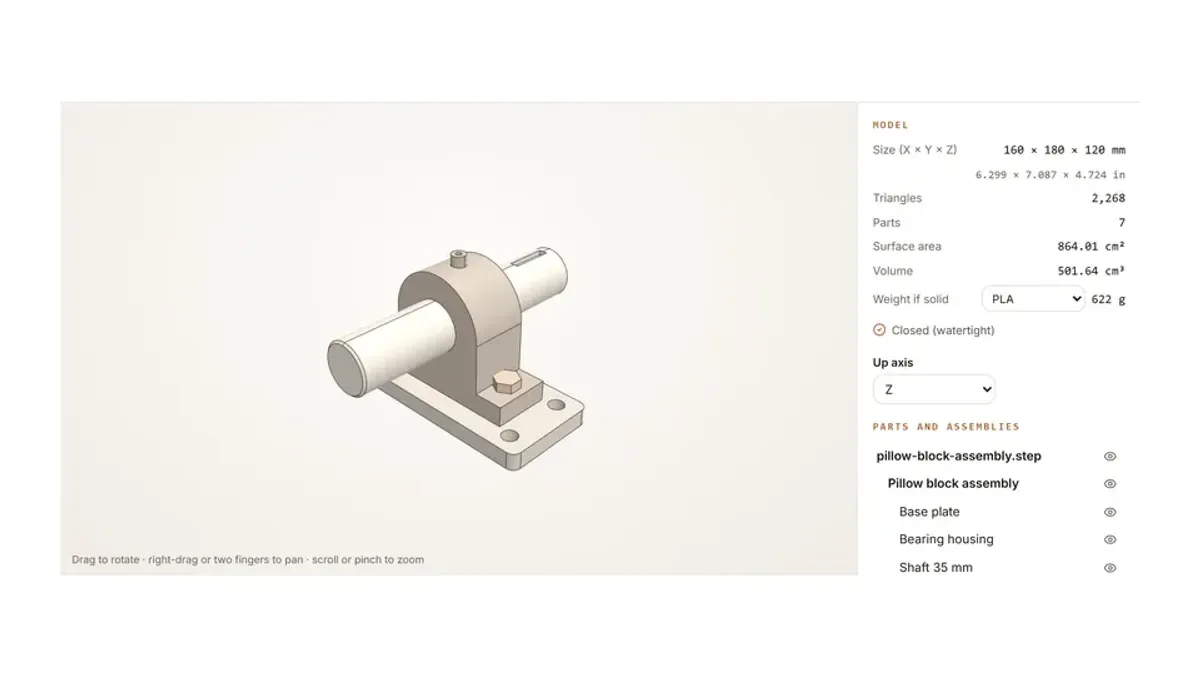
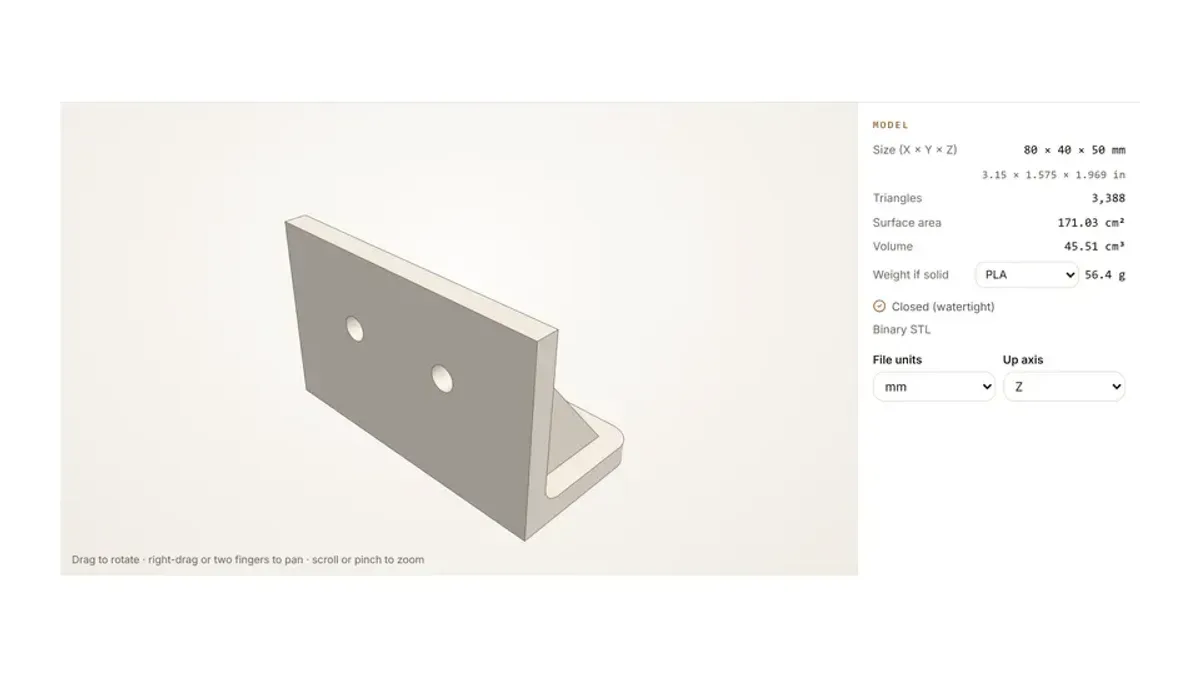
Open DXF, DWG, STEP and STL files without installing CAD software. Turn layers on and off, measure, check sizes and print.
3D models5
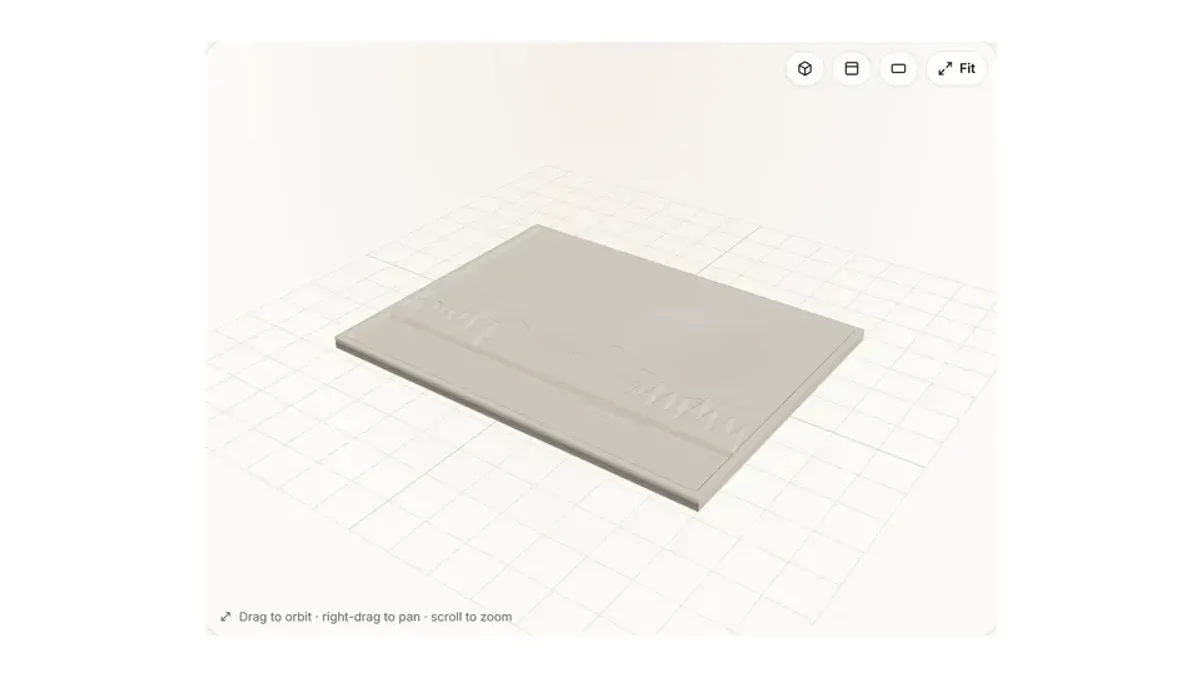
Make printable meshes from pictures and text, and check a model before slicing. The lithophane maker turns a photo into a print that glows.
Laser and CNC5
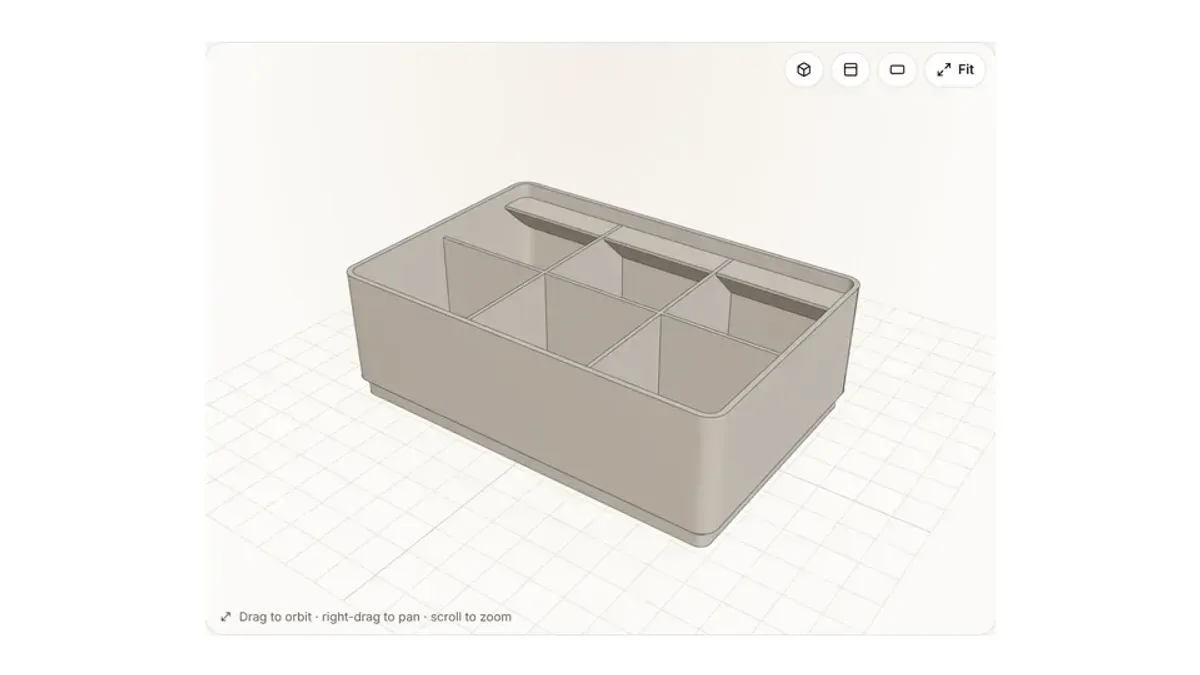
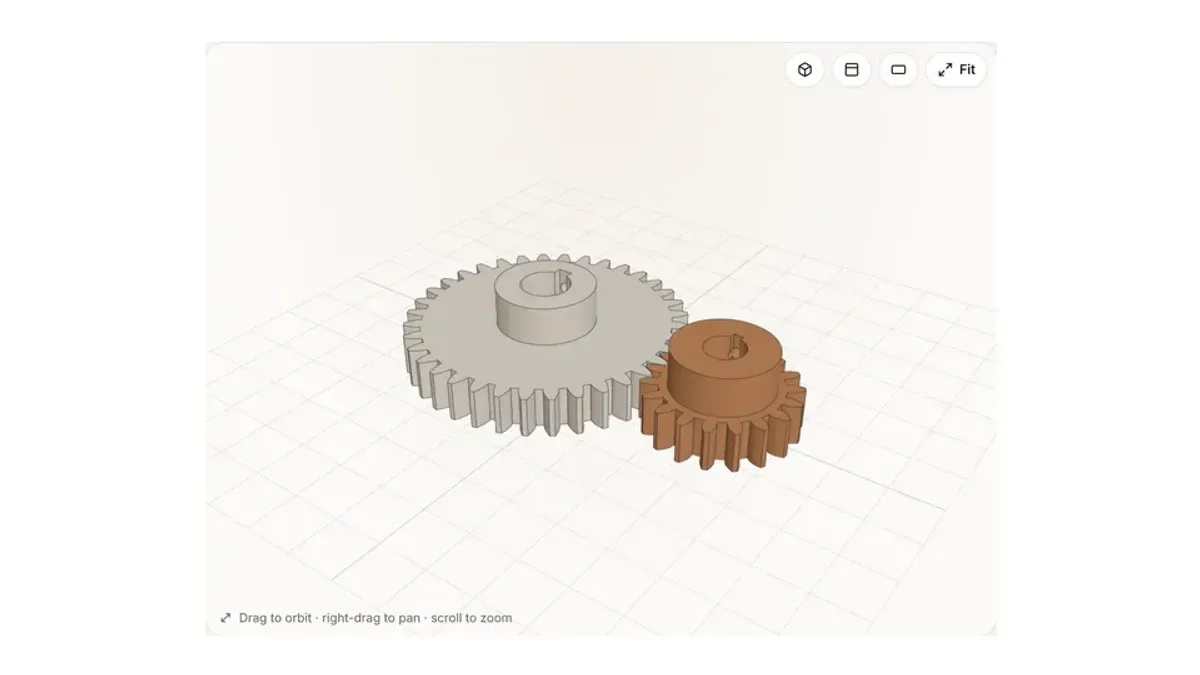
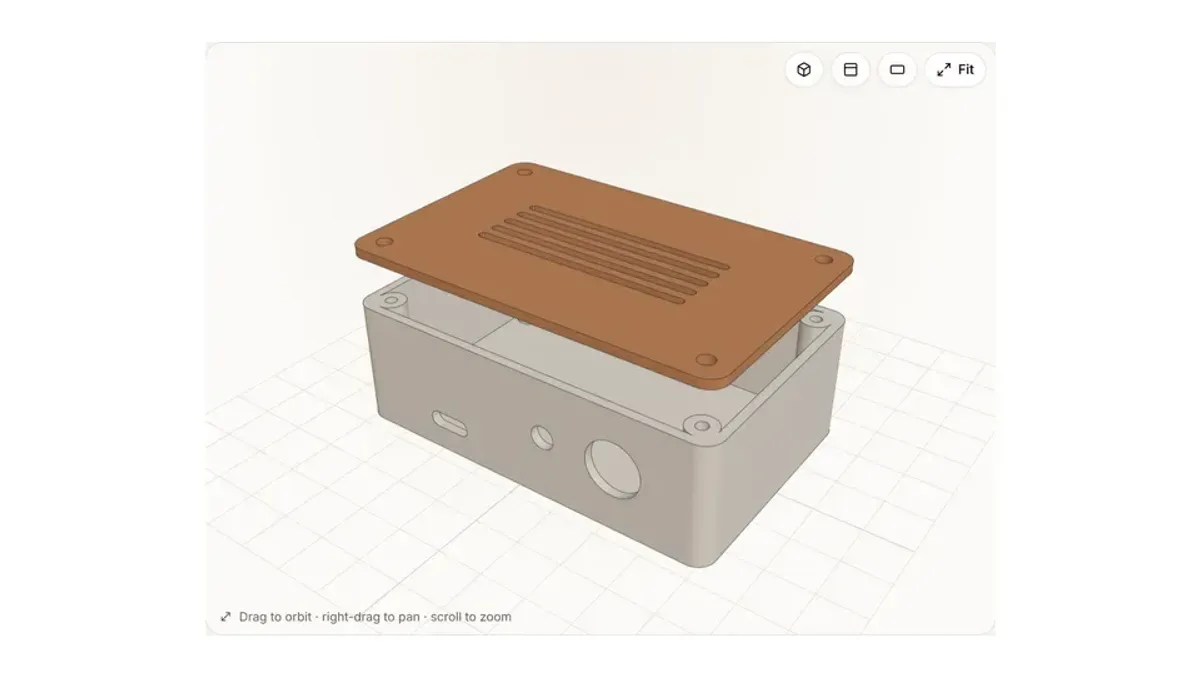
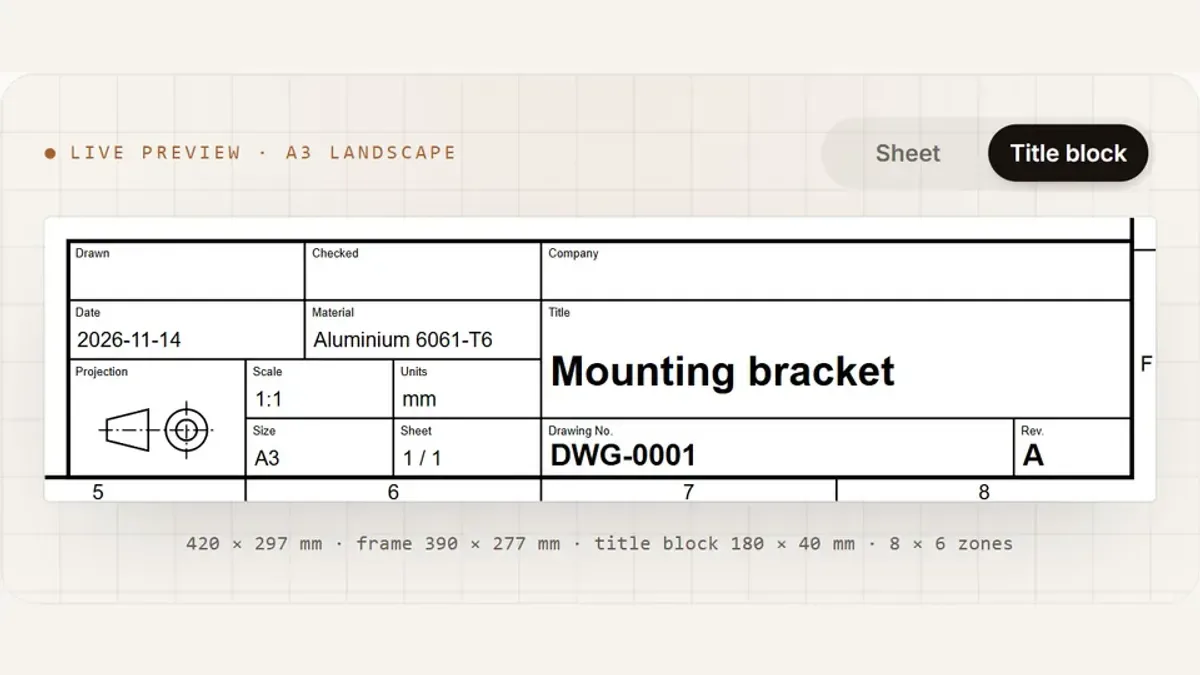
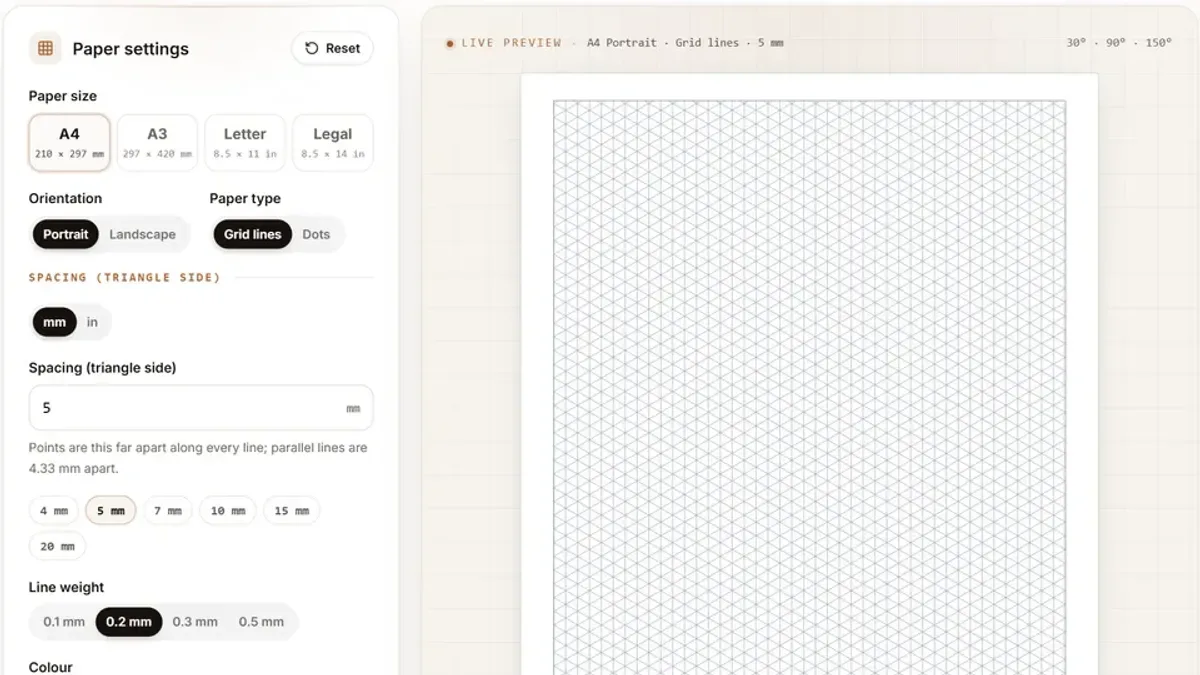
Generators for finger-joint boxes, Gridfinity bins, spur gears, project enclosures, drawing sheets and isometric paper, with DXF, SVG, STL or PDF out.
Calculators and charts11
Shop math and drawing references: bolt circles, gear pairs, bend allowance, steel weight, drill and tap sizes, thread pitch, GD&T and surface finish.
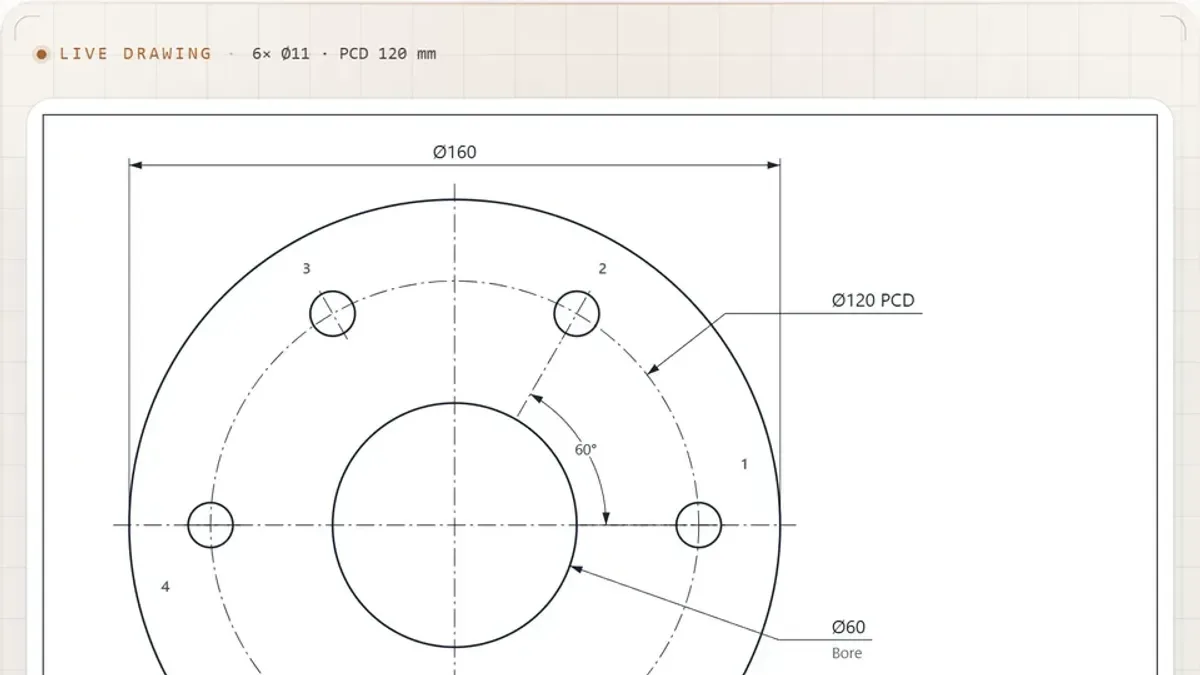 Bolt circleHole positions on a bolt circle.
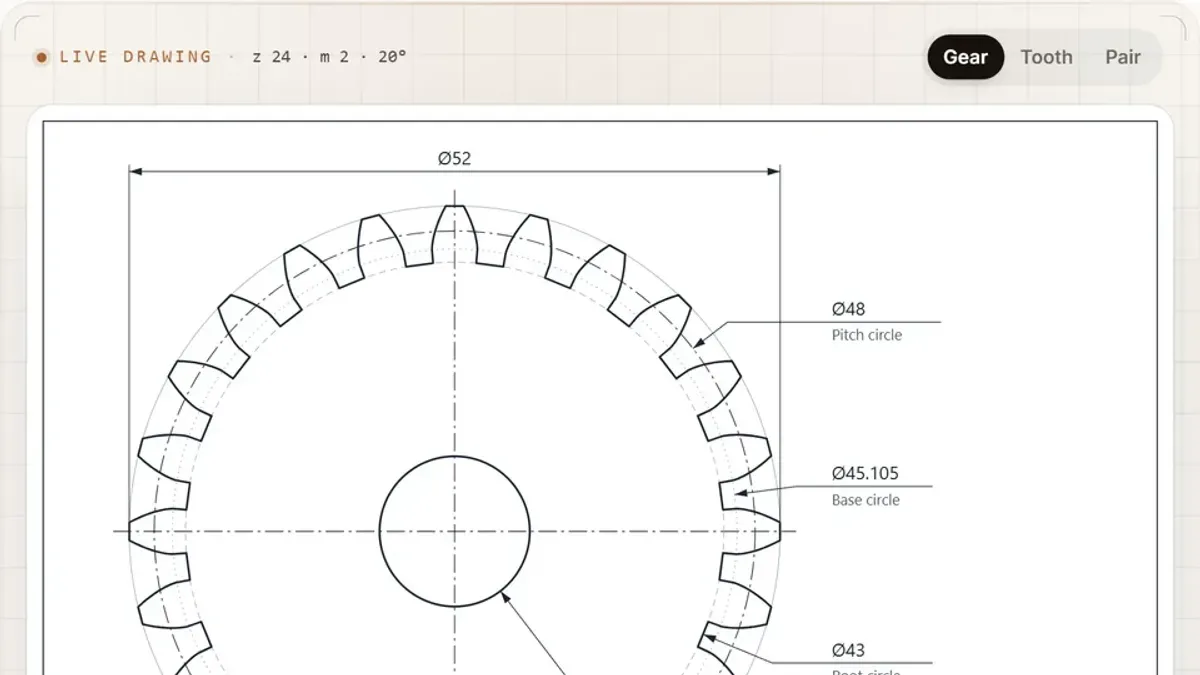 Gear calculatorCheck a gear pair before you model it.
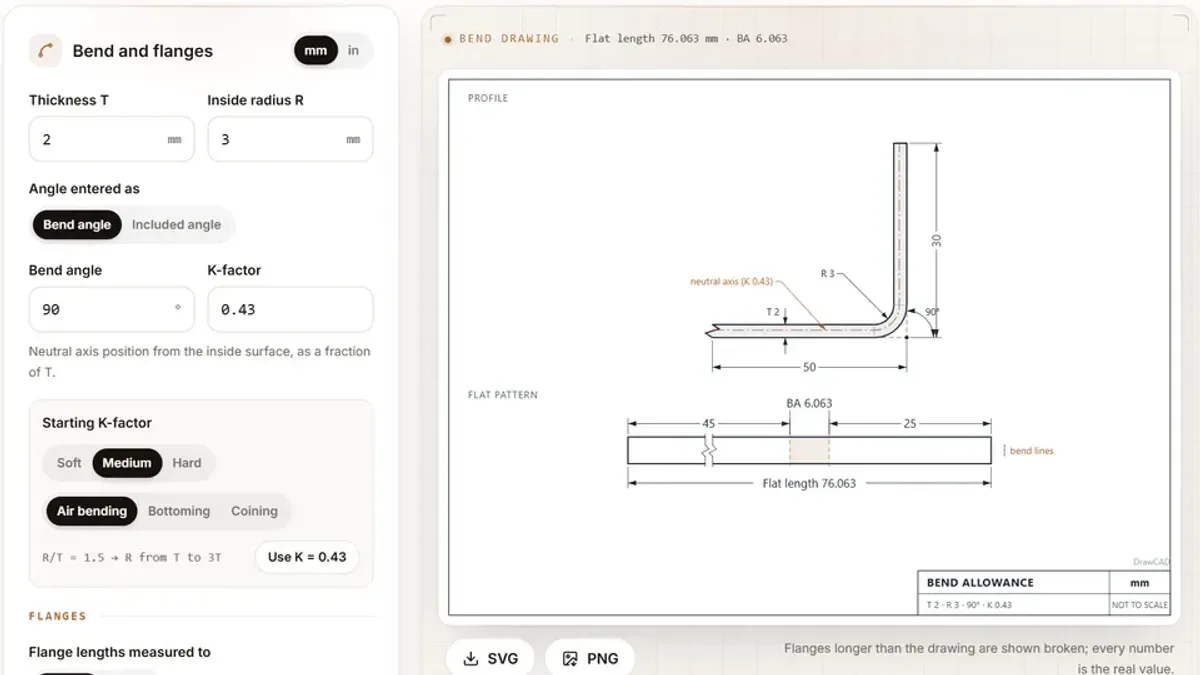 Bend allowanceSize a sheet metal blank.
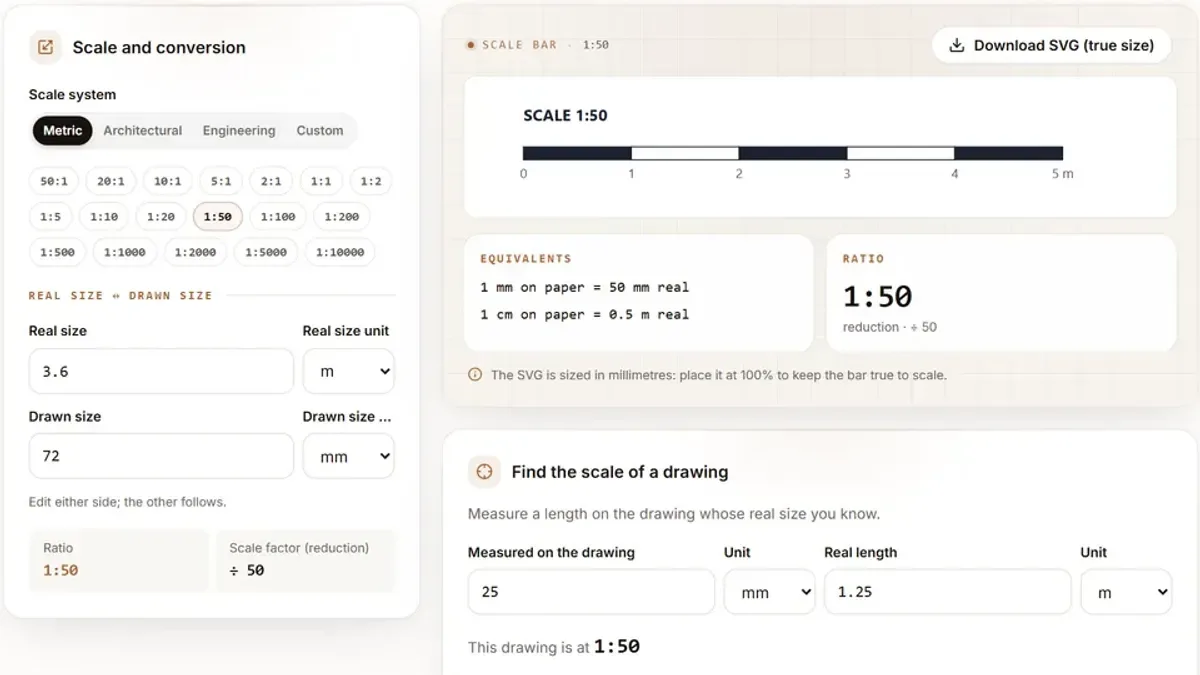 Drawing scaleDrawn lengths without a scale ruler.
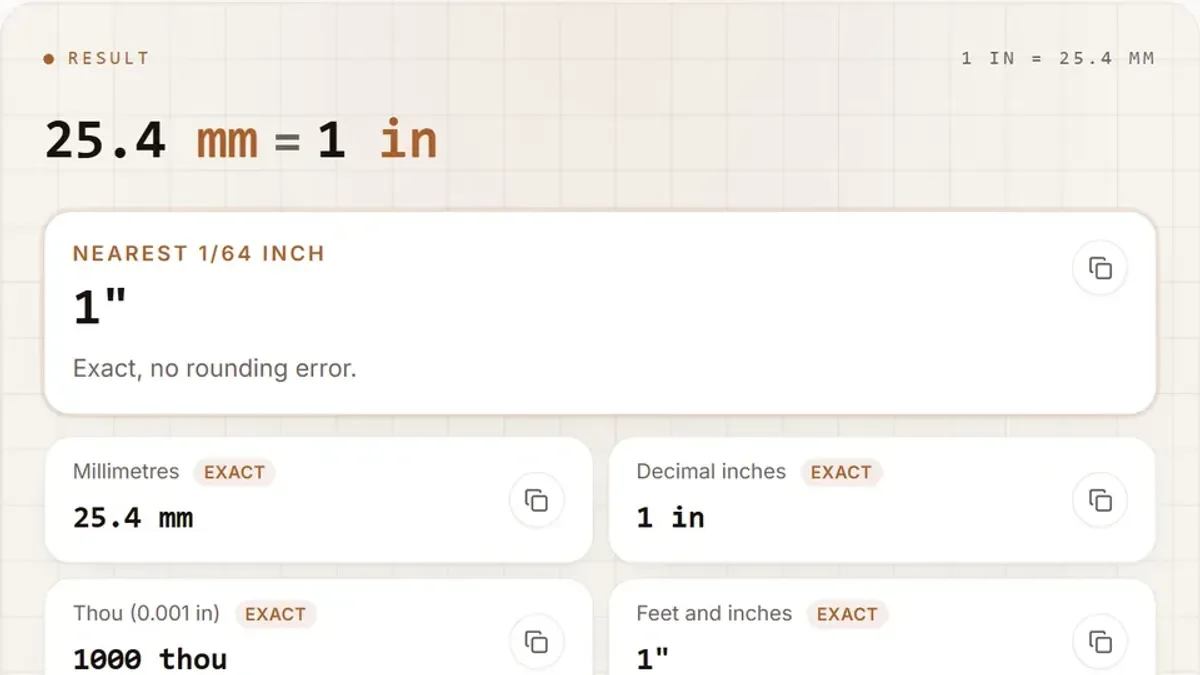 mm to inchesExact decimals and fractions.
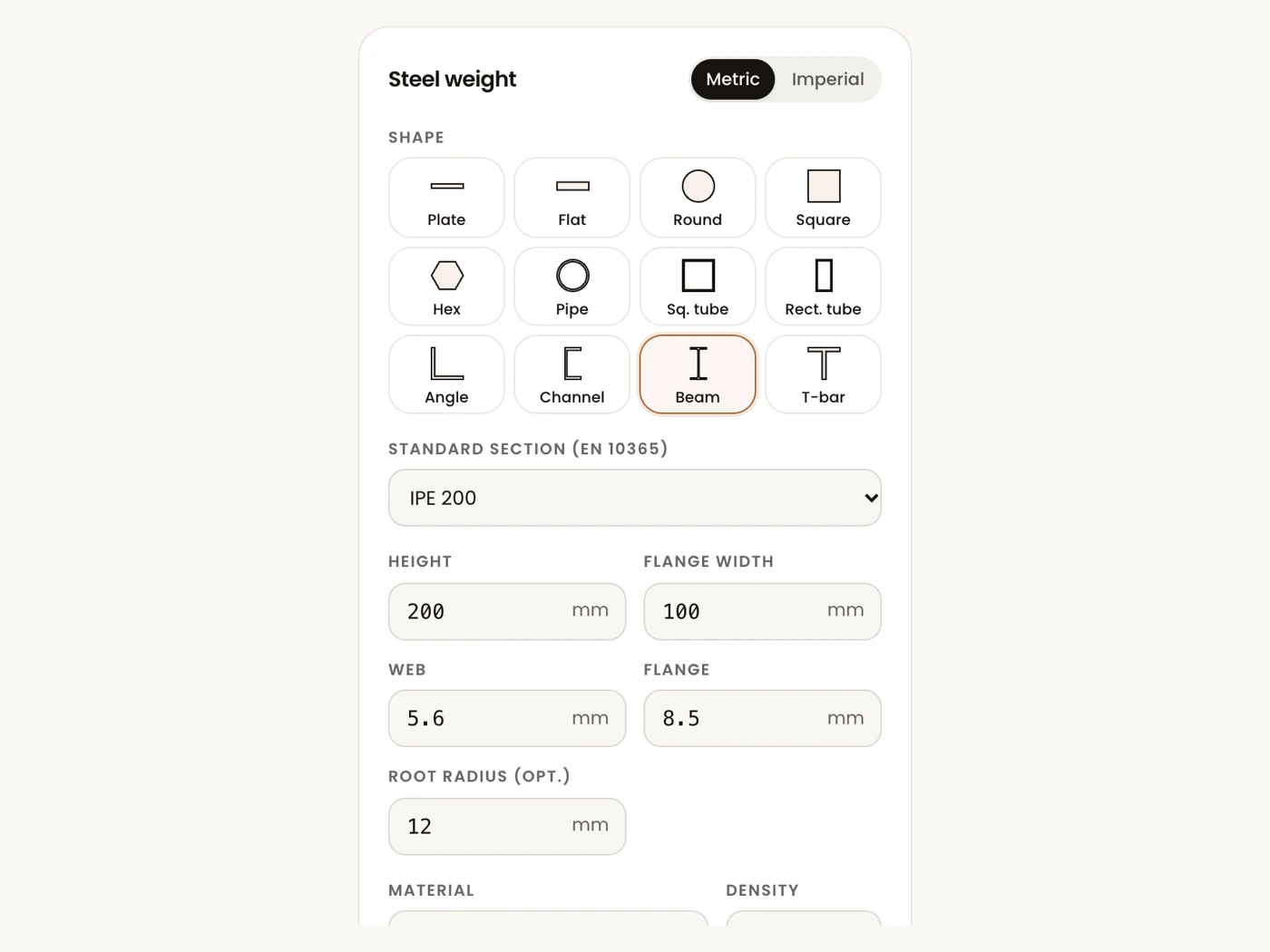 Steel weightWeight of plate, bar, tube and beam.
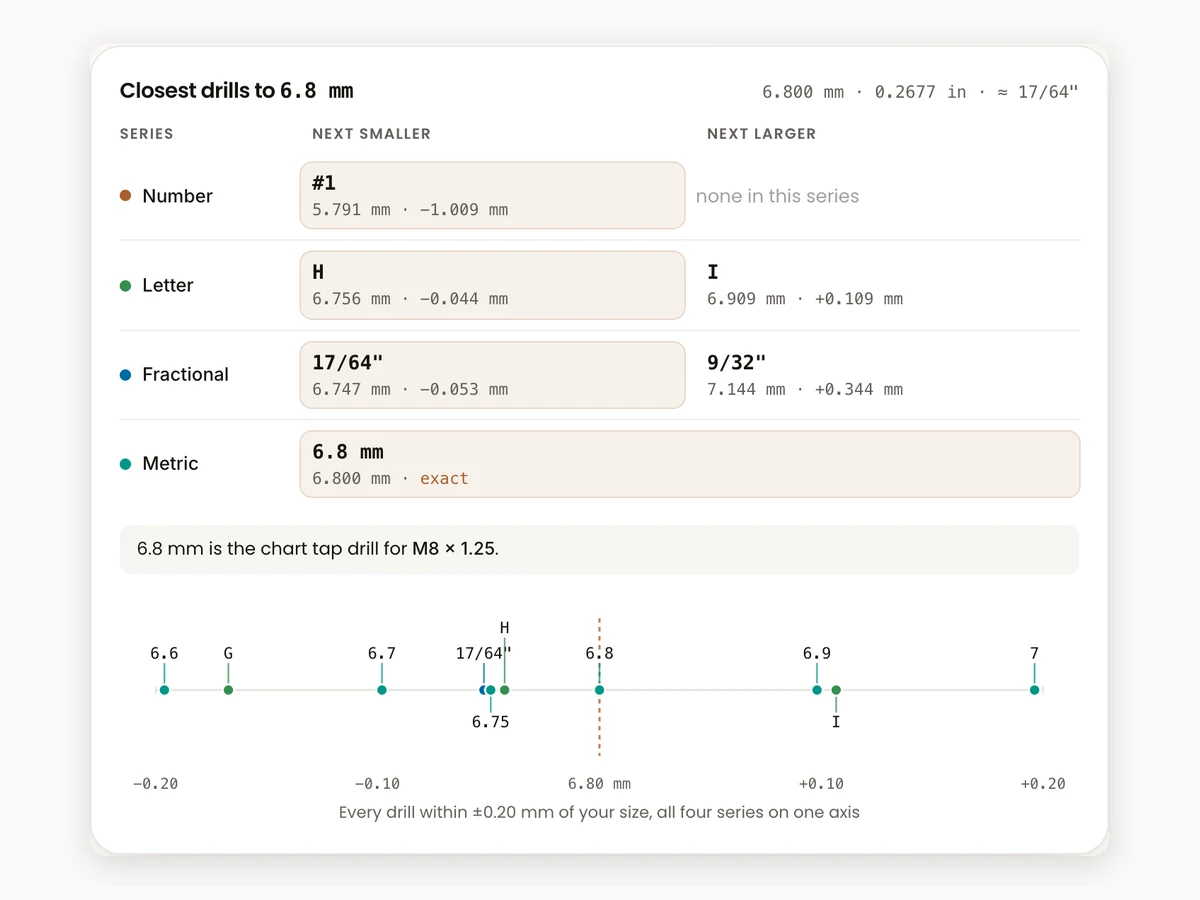 Drill size chartNumber, letter, fraction and metric drills in one table.
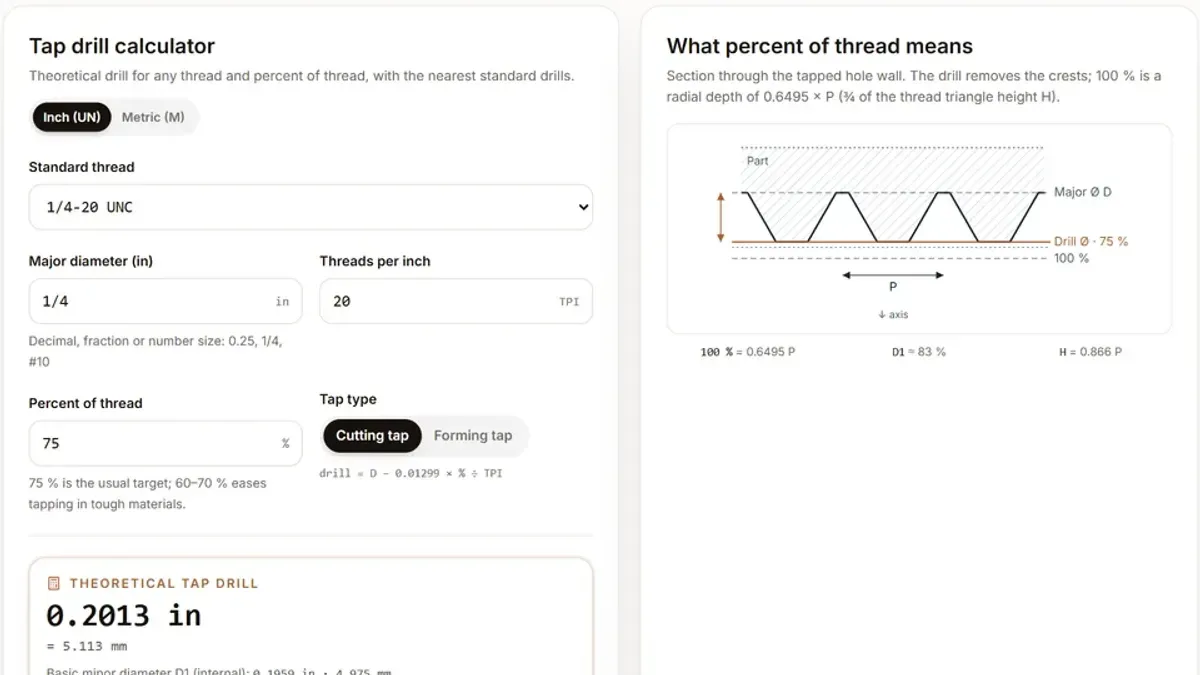 Tap drill chartDrill sizes for metric and inch taps.
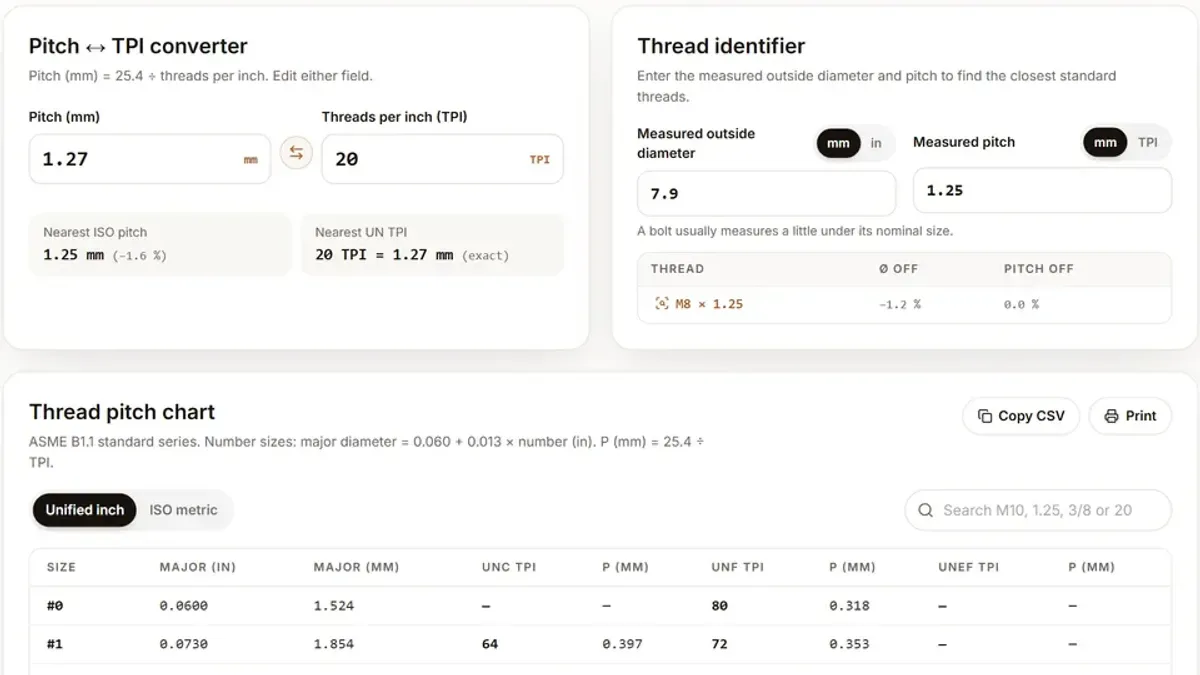 Thread pitch chartPitch and TPI side by side.
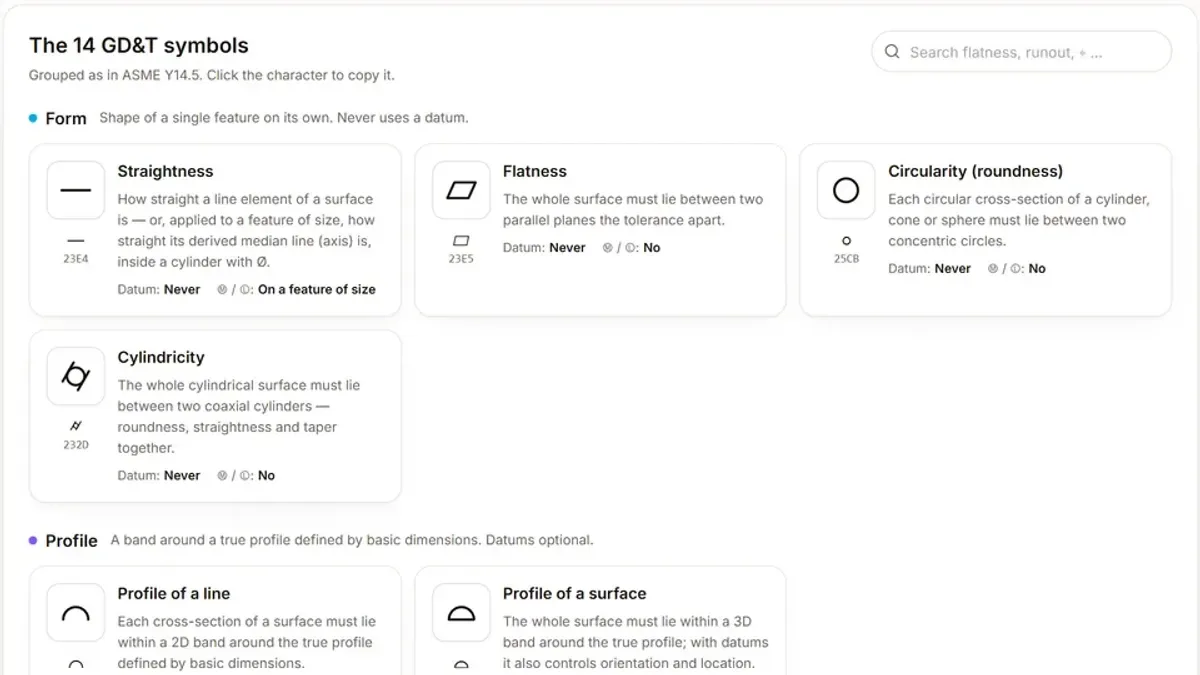 GD&T symbolsWhat each symbol controls.
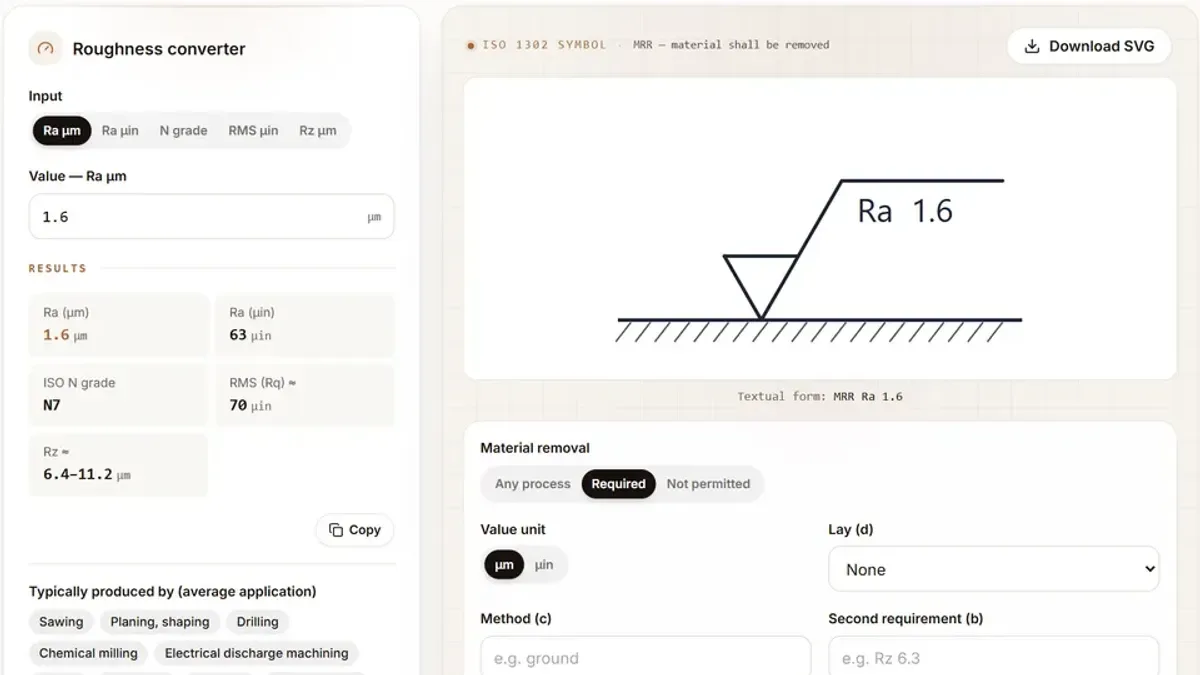 Surface finish chartRa values matched to processes.
AI models8
- GPT Image 2OpenAI GPT Image 2 for CAD-style drawings.
- Nano BananaGoogle Nano Banana for CAD-style drawings.
- Nano Banana ProGoogle Nano Banana Pro for detailed sheets.
- Flux 2Black Forest Labs Flux 2 for CAD-style drawings.
- SeedreamByteDance Seedream for CAD-style drawings.
- WanAlibaba Wan image model for CAD-style drawings.
- Z-ImageFast Z-Image drawings for quick ideas.
- GPT Image 1.5OpenAI GPT Image 1.5 for CAD-style drawings.
Quick picks
Popular free CAD tools by task
Looking for CAD tools online, free and without a sign-up, but not sure which page you need? Start from what you have in hand.
- PNG to DXFA logo or icon for the laserTrace a PNG into closed DXF outlines at the width you cut.Open PNG to DXF
- Photo to DXFA photo of a part or templatePull the outline from a photo and scale it to a measured length.Open Photo to DXF
- PDF to DXFA PDF drawing to editTurn a PDF page into DXF lines at true scale.Open PDF to DXF
- DWG viewerA DWG with no AutoCADOpen it, check layers and measure, then save a DXF.Open DWG viewer
- DXF to PDFA DXF to print to scaleMake a vector PDF at 1:1, 1:50 or any scale on A4 to A0.Open DXF to PDF
- STEP to STLA STEP model for the printerMesh it to STL with the fineness you choose.Open STEP to STL
- Bolt circleA bolt pattern to lay outGet every hole position on a bolt circle as a table and a DXF.Open Bolt circle
- Text to CADOnly an idea for a partDescribe it and get a CAD-style drawing from the AI (uses credits).Open Text to CAD
How it works
How our online CAD tools treat your files
The free tools are web pages that do the work on your computer.
Processed on your device
Files are read and converted by code running in your browser tab. They are not uploaded, so a drawing under NDA stays with you.
Nothing to install
Each tool loads its engine, such as the DWG reader or the STEP kernel, the first time you use it. Large engines load only on the pages that need them.
Free, no account
Converting, viewing, generating and downloading cost nothing and need no sign-up. There is no watermark on the files.
AI pages are the exception
AI drawings run on a model in the cloud, so the prompt or image is sent there and each drawing uses credits. Failed runs are refunded.
FAQ
Free CAD tools questions
Are these CAD tools really free?
Yes. Every converter, viewer, generator and calculator here is free to use and to download from, with no watermark and no account. Only the AI drawing pages use credits.
Do the online CAD tools upload my files?
No. The free tools read and convert your file inside your browser tab and never send it to a server. You can check in the network panel of your browser: no file leaves while a tool works.
Which file formats do the free CAD tools handle?
Images (PNG, JPG, WebP and more), PDF and SVG in; DXF, DWG, SVG, PDF, STEP, STL, OBJ and 3MF in and out, depending on the tool. Each tool page lists its exact formats and limits.
Can I open a DWG file without AutoCAD?
Yes. The DWG viewer opens DWG drawings in the browser with layers and measuring, and DWG to DXF saves a DXF that free CAD programs, laser and CNC software can read.
Which free CAD tools help with laser cutting and CNC?
Trace artwork with PNG to DXF or SVG to DXF, make parts with the box generator and gear generator, and check the result in the DXF viewer before you send it to the machine.
Which free CAD tools help with 3D printing?
Mesh a model with STEP to STL, check it in the STL viewer, package it with STL to 3MF, and make printable parts with the enclosure generator, the Gridfinity bins of the box generator or the lithophane maker.
Do I need to install anything?
No. A recent Chrome, Edge, Firefox or Safari is enough. Heavy engines, such as the DWG reader or the STEP kernel, download once when you open the tool that needs them.
Do the tools work on a phone?
Most do. Viewers, calculators and charts work well on a phone; tracing and converting large files is faster on a laptop or desktop because the work happens on your device.
Are the drawings from the AI pages free too?
No. AI drawings run on a paid model, so each one uses credits, shown on the button before you start. A failed run is refunded automatically, and tracing the result to DXF is free.
Are the outputs exact enough to cut or print?
Check each one first. Traced lines follow the pixels of your image, so sizes are only as exact as the scale you set; converters and viewers keep the units stored in the file, and calculators show the formula they use.
How do I find a tool quickly?
Press / to jump to the search box and type a format or a job, such as "png dxf", "stl" or "gear". Pick a group to narrow the list, or start from your file type with the chips under the search.
Can I suggest a tool?
Yes. Sign in and open a ticket from the contact page with the file type you have and the result you need. Requests decide what we build next.
Pick a free CAD tool and start
Search the list, open a tool and drop in your file. It runs in your browser and stays free.
Search the tools