Best AI Model for Technical Drawings (Nov 2026)
Which AI model is best for technical drawings? What matters for CAD-style output, what our generator runs today, and a five-minute test that beats any ranking.
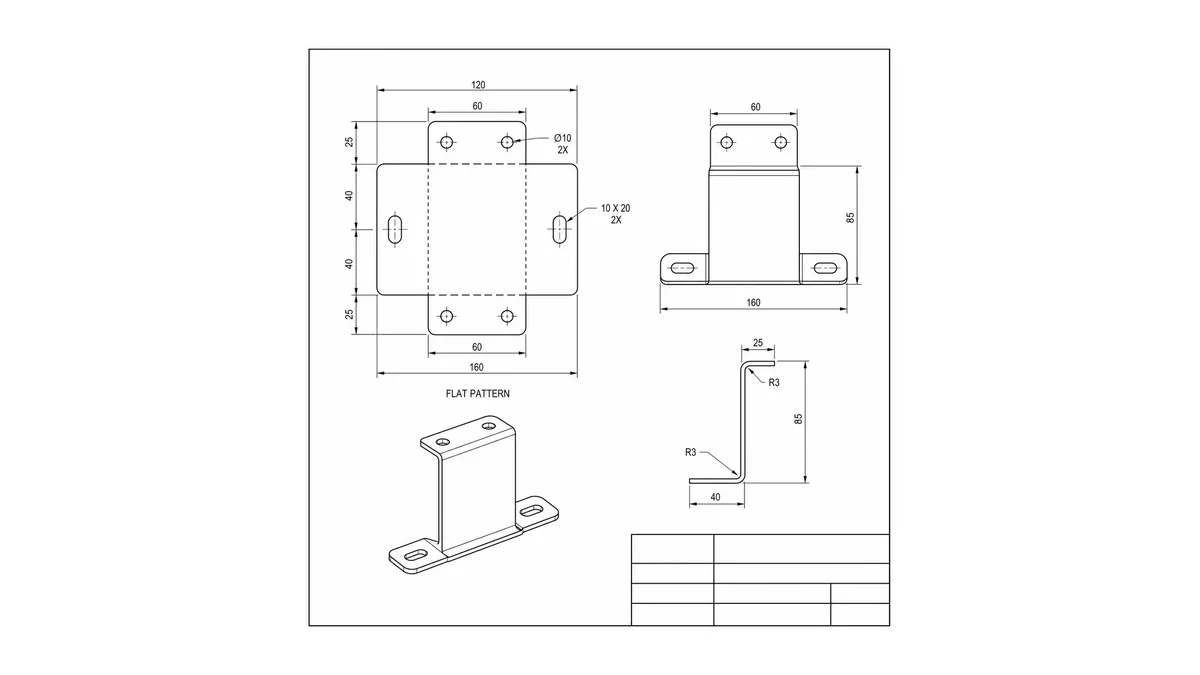
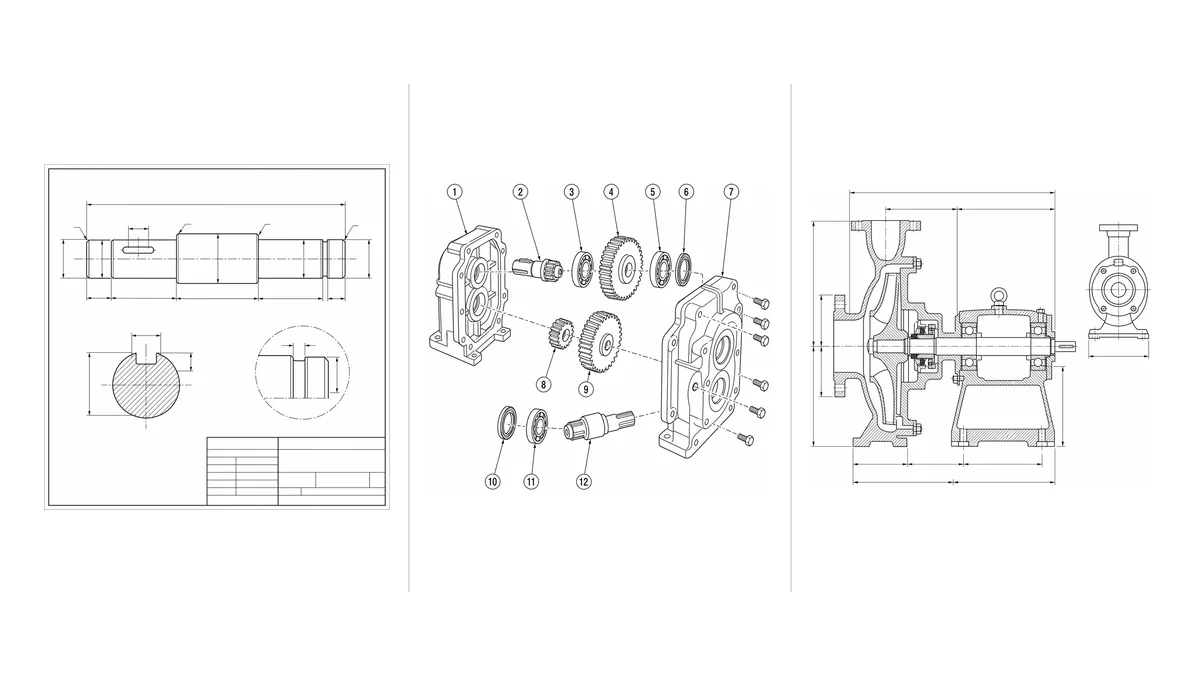
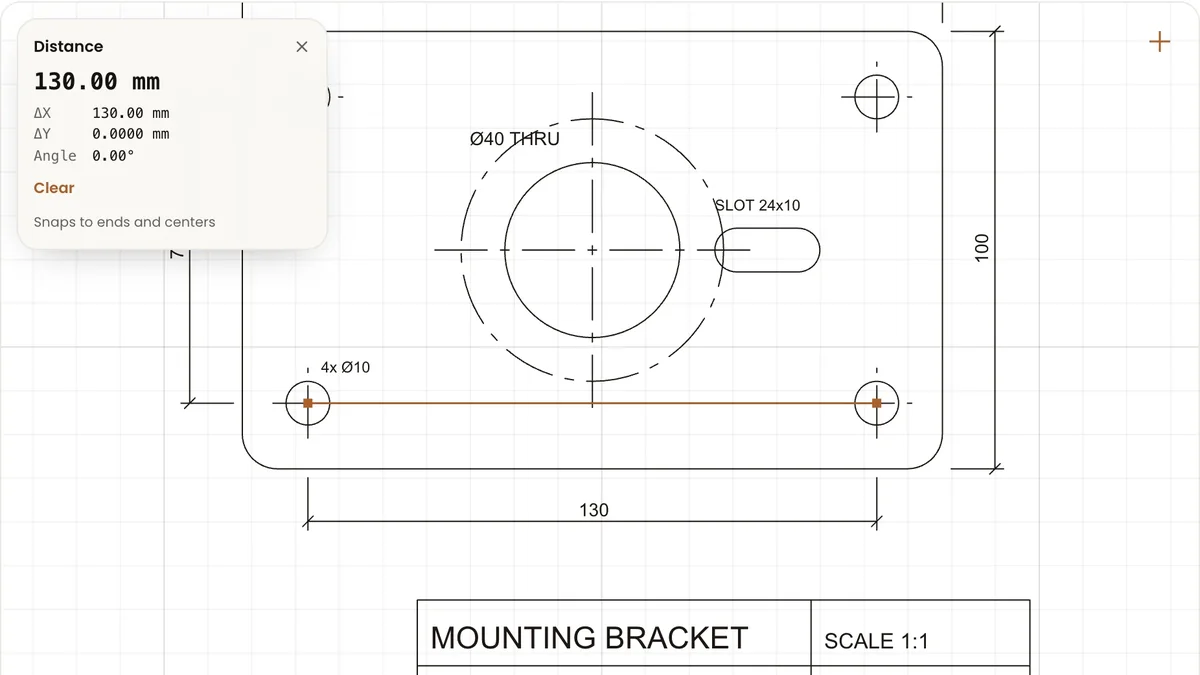
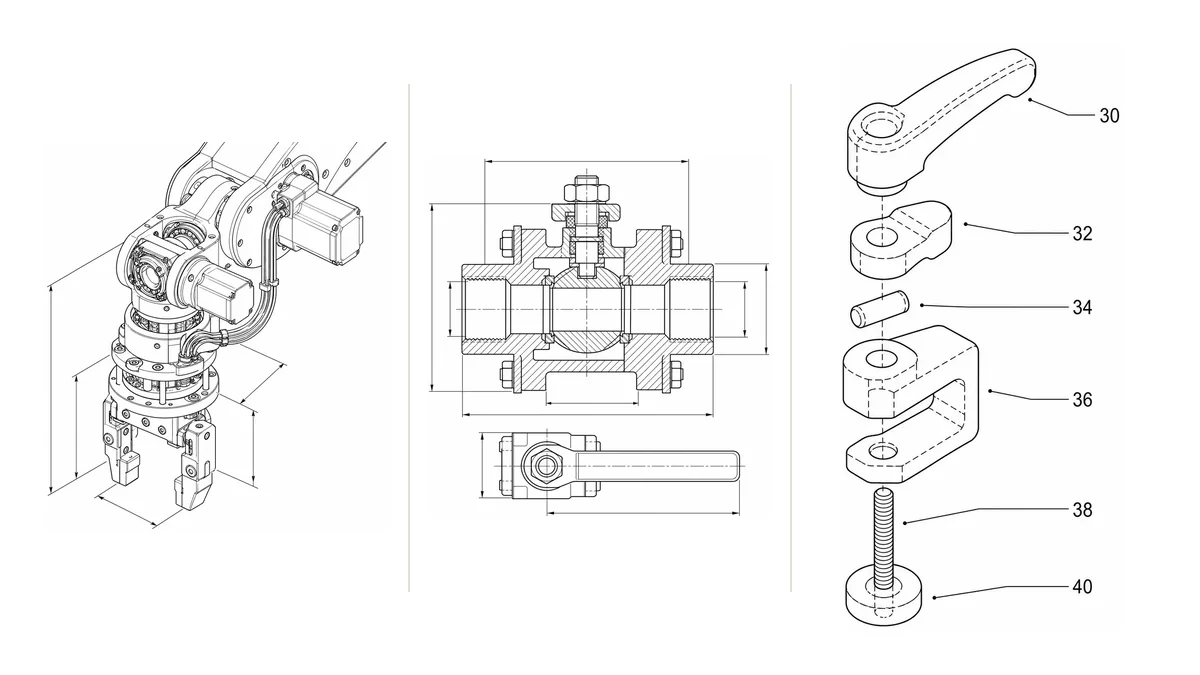 AI-generated examples
People ask which AI model is "best" for technical drawings as if there were one answer. There is not, and any page that ranks models with a precise score is guessing unless it shows its test. What we can do is explain what matters for CAD-style output, say plainly what our own generator runs, and give you a short test to settle it for your parts.
First, what "AI for CAD" can mean
Three very different tools hide behind the phrase, and the best AI for CAD depends on which one you need.
- Image models that draw CAD-style pictures. GPT Image, Google's Nano Banana models and similar image generators. They produce a drawing as an image. This is what our AI CAD generator uses, and what this article compares.
- Tools that generate real geometry. A separate class of tools writes parametric CAD code (OpenSCAD or CadQuery scripts, for example) or builds 3D models directly. Their output is editable, but the range of parts they handle well is narrower.
- Assistants inside CAD programs. Features that suggest constraints, automate drawings or answer questions about a model. They help an engineer work faster; they do not draw for you.
If you need a picture of a part fast, you want category 1. If you need a model you can machine from, you want CAD, possibly helped by 2 or 3.
What matters for technical drawings
General image benchmarks reward photorealism and artistic quality. Technical drawings need different strengths.
- Instruction following. "Four Ø8 holes on a 60 mm square" should give four holes on a square, not five holes or a circle of six. This is the biggest difference you will see between models and between runs.
- Text and number rendering. Dimension values, view labels and title block fields must be readable. Models that render text well make far more usable sheets.
- Line discipline. Even line weights, straight edges, dashed hidden lines that stay dashed, no shading creeping in.
- View consistency. Front, top and side views that agree with each other. No current image model guarantees this, because none of them builds a 3D model first.
- Reference handling. For sketch to CAD, how faithfully the model keeps the outline and proportions of your image.
- Practical limits. Resolution, aspect ratios, speed and price per image.
What our generator runs today
| Model | Status on our site | Inputs | Output |
|---|---|---|---|
| GPT Image 2 (OpenAI) | Default on the main generator; live on its model page | Text up to 1,000 characters, or one PNG/JPEG/WebP reference image with a short note | PNG at 1K or 2K (4K on its model page, not for 1:1); 4:3, 3:2, 16:9, 1:1 or 3:4 |
| Nano Banana Pro (Google) | Live on its model page and in the model picker | Text, or one reference image with a short note | PNG at 1K, 2K or 4K; the same five aspect ratios |
| Eight more on Kie.ai: GPT Image 2.6 Sunburst and Flare, Nano Banana, Nano Banana 2, Flux 2 Pro, Seedream 5.0 Pro, Wan 2.7 Image, Z-Image | Live in the model picker | Text or one reference image (Z-Image: text only) | Top size and credit cost of each are shown in the picker |
Two facts worth knowing, with sources:
- OpenAI describes GPT Image 2 on its model page as a "state-of-the-art image generation model" that takes text and image inputs; the API snapshot is gpt-image-2-2026-04-21. Its deprecations page now lists an API shutdown date of 10 February 2027, with GPT-Image-2.6 models as the recommended replacement. We reach the model through Kie, and if our model changes, this post and the generator will say so.
- Google's image generation docs call Nano Banana Pro (Gemini 3 Pro Image) "the premium choice for complex visual tasks", built to "render high-fidelity text". Kie's API lists it with 1K, 2K and 4K output and up to eight reference images. We compare the two in more detail in Nano Banana Pro vs GPT Image 2.
The style setting shapes the sheet
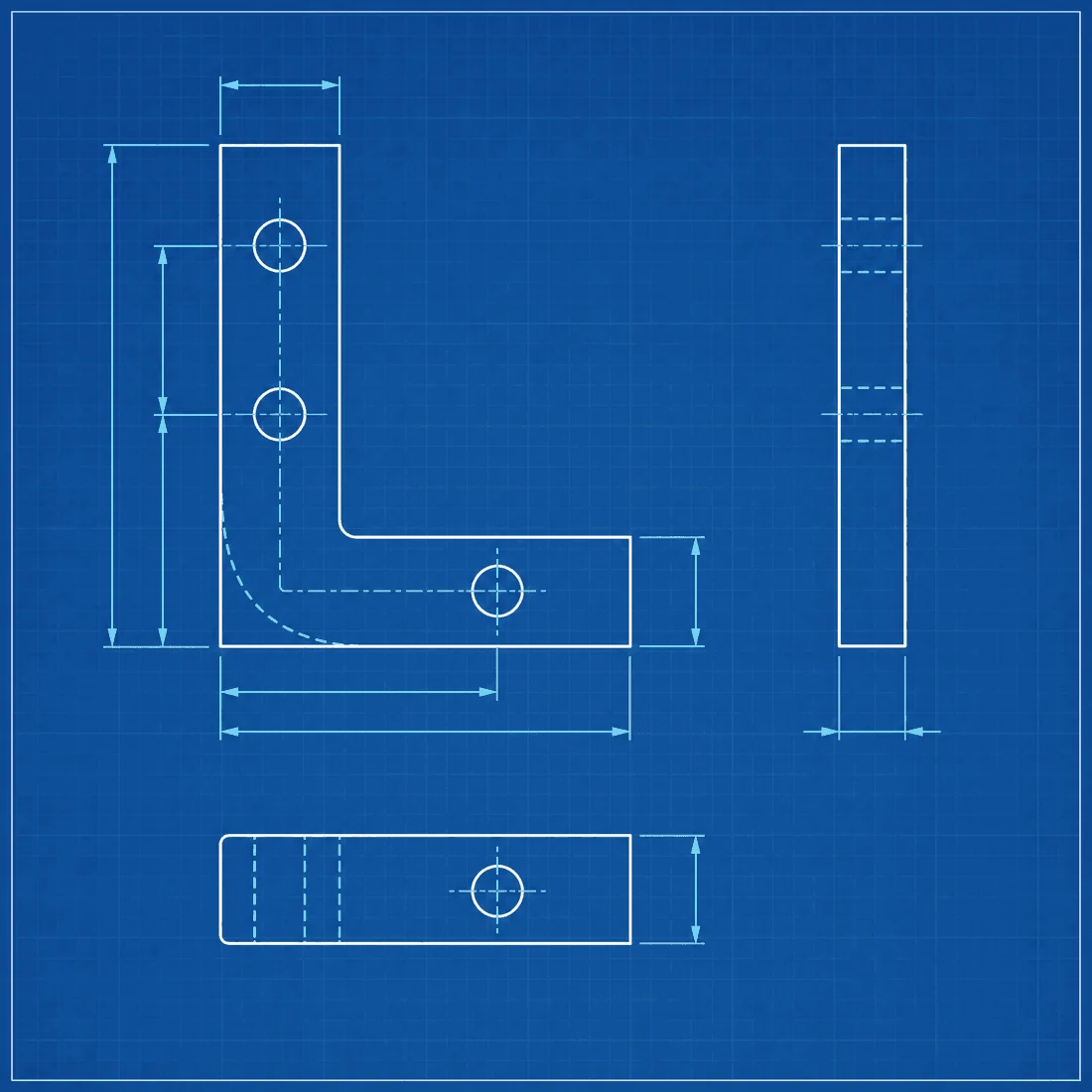
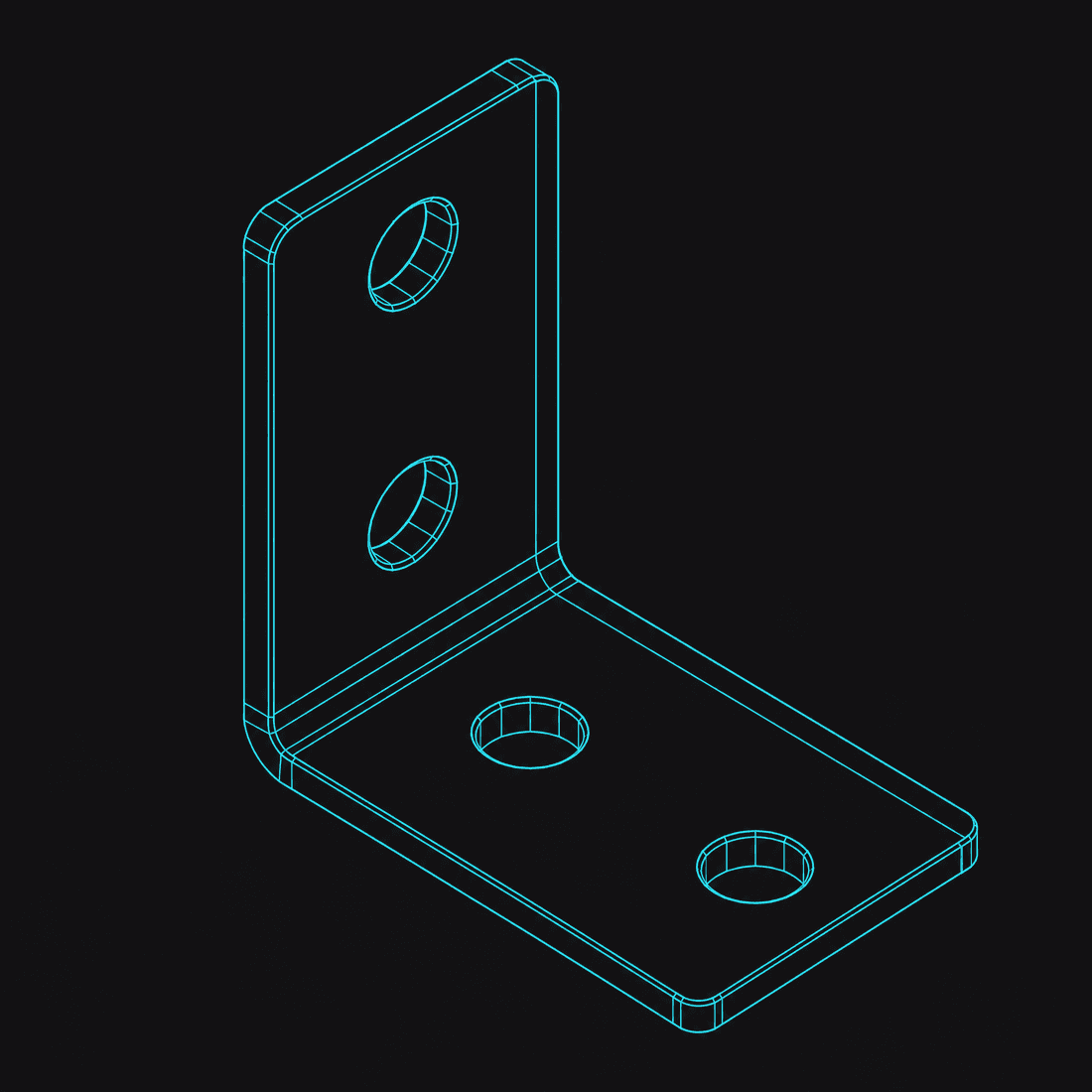
Whichever model draws it, the drawing style you pick decides what kind of sheet you get. Our generator wraps every prompt in detailed drafting rules for the chosen style (layout, projection, line types, dimension level, title block), so the model is told exactly what kind of sheet to draw.
 AI-generated example
 AI-generated example
If results are poor, check the prompt and the style before blaming the model. Our guide to writing text-to-CAD prompts fixes most problems.
A five-minute test that beats any ranking
Rankings are averages over parts you do not make. A small test on your own part tells you more.
- Pick one real part you know well, with a few countable features.
- Write one specific prompt: process, overall size, every feature with count, size and position.
- Fix everything else: same style, same detail level, same resolution, same aspect ratio.
- Run it three times per model. One image is luck; three show a tendency.
- Score each sheet on hole and feature counts, view agreement, legibility of numbers, and line quality. A simple pass/fail per item is enough.
- Repeat with a second, different part before deciding.
Whatever wins, the output is still a picture. Use it for concepts, quotes, manuals and teaching, and keep the manufacturing drawing in CAD.
Getting CAD lines out of any model
Because every model outputs an image, the path to CAD is the same for all of them. On our generator, Convert to DXF traces the drawing into DXF polylines in your browser. For other images, PNG to DXF and image to DXF do the same, and the DXF viewer lets you measure the result. Traced lines follow the picture, so scale them to a known dimension and redraw anything that must be exact.
How we keep this page honest
We do not publish benchmark scores we have not measured, and we date every statement about models because this field changes month to month. When we add a model, we will add it to the table above with its real limits. Until then, the best AI for CAD drawings is the one that passes your own five-minute test.
Frequently asked questions
What is the best AI for CAD drawings right now?
There is no single winner, and we do not publish a ranking. For CAD-style images the deciding factors are how well a model keeps counts and positions, how legible its numbers and labels are, and how clean its lines stay. Run the same prompt on the models you can use and compare those three things.
Which AI model does your generator use?
As of November 2026, the main generator runs GPT Image 2 from OpenAI, through the Kie.ai API, at 1K or 2K resolution. Our model pages, such as Nano Banana Pro, have a model picker with ten models on Kie and sizes up to 4K where the model offers it.
Can any AI image model output a DWG, DXF or STEP file?
No. Image models output pictures (PNG or JPG). To get CAD lines you trace the image, for example with Convert to DXF on our generator, or you redraw the part in CAD. Tools that produce real 3D geometry are a different category.
Is GPT Image 2 being retired?
OpenAI's deprecations page, checked on 27 November 2026, lists gpt-image-2 with a notice date of 10 November 2026 and an API shutdown date of 10 February 2027, recommending its GPT-Image-2.6 models instead. We use the model through Kie and will update this page if our model changes.
Do more expensive models draw more accurate dimensions?
Not reliably. Newer and larger models tend to follow instructions and render text better, but none of them computes geometry. Every dimension on an AI drawing still has to be checked.